


LinkedIn is the undisputed king of B2B networking — with over 1 billion members globally, it’s the platform where deals are made, partnerships are formed, and careers are built. But here’s the problem every salesperson, marketer, and growth hacker eventually runs into: manual outreach on LinkedIn simply doesn’t scale.
Sending connection requests one by one, following up individually, personalizing every message — it takes hours of repetitive work that pulls you away from what actually matters: closing deals and building relationships. That’s precisely where LinkedIn automation tools enter the picture.
These tools handle the repetitive, time-consuming parts of LinkedIn prospecting and outreach on your behalf — from sending personalized connection requests to running multi-step follow-up sequences — freeing you to focus on conversations that matter most.
In this guide, we’ve tested, ranked, and reviewed the 10 best LinkedIn automation tools available in 2026. Whether you’re a solo founder trying to fill your pipeline, an SDR hitting aggressive targets, or an agency managing outreach for multiple clients, there is a tool on this list that will match your exact needs.
We’ve organized this list based on features, safety, ease of use, pricing, and real-world effectiveness. Let’s dive in.
How Do LinkedIn Automation Tools Work?
Before jumping into the top picks, it’s worth understanding what LinkedIn automation tools actually do under the hood — because not all tools work the same way, and that difference matters a lot for your account safety.
At their core, these tools replicate human behavior on LinkedIn: visiting profiles, sending connection requests, writing and delivering messages, endorsing skills, and following up on conversations. But there are two very different architectures through which they accomplish this:
1. Browser-Based (Chrome Extension) Tools
These tools operate directly inside your browser. They simulate user actions — clicks, scrolls, keypresses — within your LinkedIn session. Because they run locally on your machine, they share your IP address and browser fingerprint, which makes them appear more human-like to LinkedIn’s detection systems. The tradeoff is that they only work when your computer is on and your browser is open.
Examples: Dux-Soup, LinkedHelper (desktop version), Octopus CRM
2. Cloud-Based Tools
Cloud tools run on dedicated servers, meaning they operate 24/7 even when your laptop is closed. They log into your LinkedIn account from a separate IP address (usually a dedicated residential or data center proxy). This makes them more powerful but also requires careful configuration to avoid LinkedIn flagging the login from an unrecognized location.
Examples: Expandi, Dripify, Zopto, Salesflow
The best cloud tools today assign you a dedicated IP per account, mimic natural human behavior patterns, and enforce safe daily limits automatically — making them remarkably safe when used responsibly.
| Feature | Browser-Based | Cloud-Based |
| Works 24/7 | No (needs browser open) | Yes |
| IP Address | Your own IP | Dedicated proxy IP |
| Safety Level | Moderate | Higher (with good tool) |
| Setup Difficulty | Easy | Moderate |
| Best For | Beginners / low volume | Teams / high volume |
| Cost | Usually cheaper | Usually higher |
LinkedIn’s Stance on Automation
LinkedIn’s Terms of Service prohibit the use of unauthorized third-party tools that scrape data or automate actions on the platform. In practice, this means that using automation tools carries some level of risk — ranging from a warning notification to a temporary restriction or, in rare cases, account suspension.
However, thousands of professionals use LinkedIn automation tools every single day without issues. The key is choosing tools that are designed with safety in mind and using them responsibly. Here are the golden rules:
- Never exceed LinkedIn’s recommended daily limits (50–100 connection requests per day max)
- Always use tools that add randomized delays between actions to mimic human behavior
- Avoid scraping in bulk without proper proxies
- Keep your messaging personalized and relevant — spam-like patterns trigger LinkedIn’s algorithms
- If using a cloud tool, ensure it assigns a dedicated IP to your account
- Never run automation 24/7 without rest periods — LinkedIn expects human-like activity windows
The tools we’ve listed below are all used widely in the industry and have strong safety records when used within responsible limits.
Top 10 LinkedIn Automation Tools at a Glance
| Rank | Tool | Type | Best For | Starting Price |
| #1 | Dealsflow | Cloud | B2B outreach + CRM integration | $49/mo |
| #2 | Expandi | Cloud | Safe smart sequences | $99/mo |
| #3 | Dripify | Cloud | Beginners + teams | $59/mo |
| #4 | Waalaxy | Cloud + Extension | Multichannel (LinkedIn + email) | Free / $40+ |
| #5 | Skylead | Cloud | Email + LinkedIn combo | $100/mo |
| #6 | Salesflow | Cloud | B2B outreach + CRM integration | $99/mo |
| #7 | LinkedHelper | Desktop | Power users, affordable | $15/mo |
| #8 | Dux-Soup | Browser ext. | Beginners / simple automation | $14.99/mo |
| #9 | MeetAlfred | Cloud | Multichannel sequences | $59/mo |
| #10 | Octopus CRM | Cloud + Ext. | Small teams + CRM features | $9.99/mo |
List of the 10 Best LinkedIn Automation Tools of 2026
LinkedIn automation tools have become essential for professionals who rely on LinkedIn for lead generation, networking, recruitment, and outreach campaigns. These tools help automate repetitive actions such as sending connection requests, scheduling follow-up messages, visiting profiles, and managing prospect conversations.
With dozens of automation platforms available in 2026, choosing the right tool can be challenging. The best tools focus on account safety, campaign automation, CRM integrations, and analytics so that professionals can scale outreach without violating LinkedIn limits.
Below is a curated list of the 10 best LinkedIn automation tools in 2026, widely used by sales teams, recruiters, founders, and marketing professionals.
#1.Dealsflow
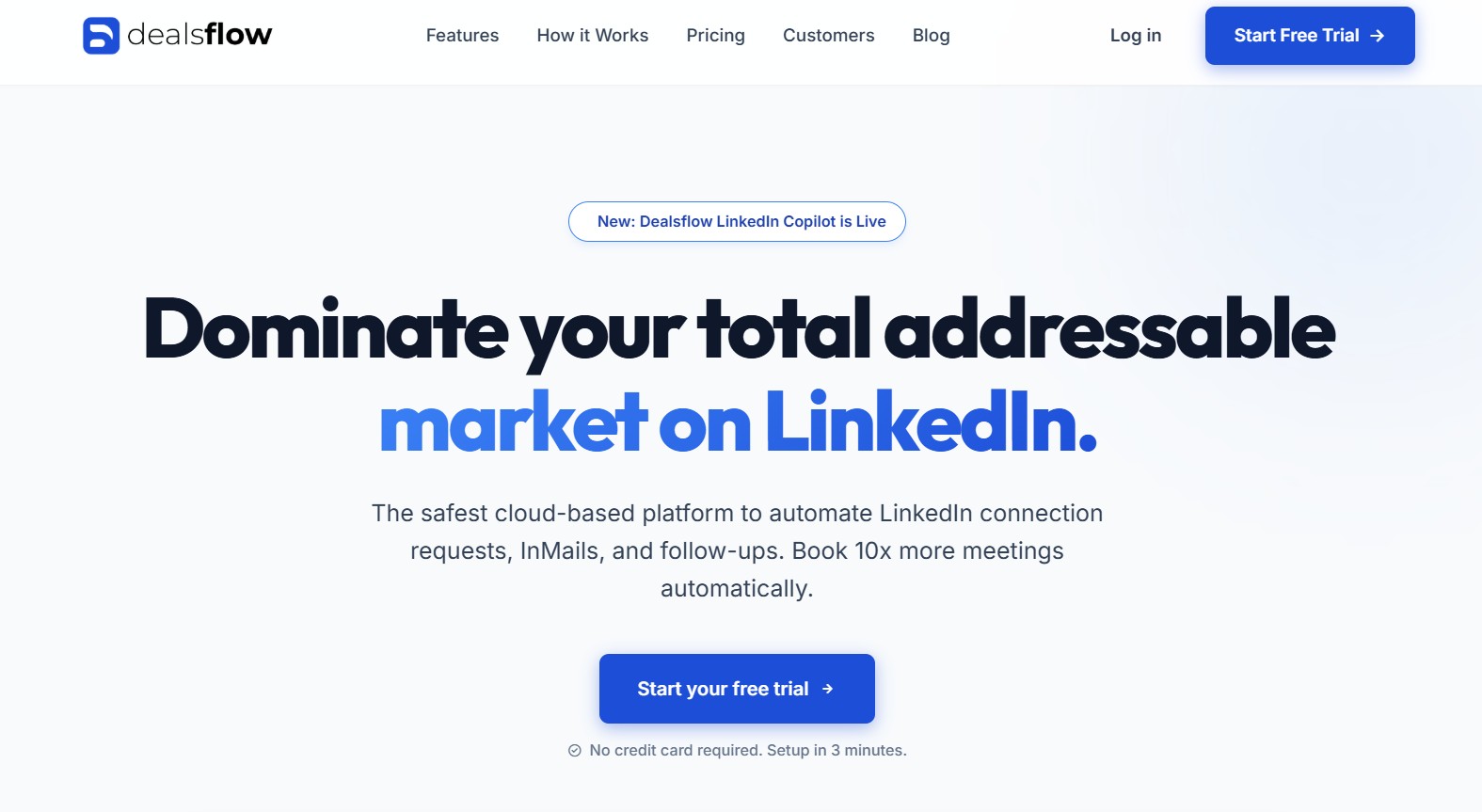
Dealsflow has quickly emerged as one of the most capable LinkedIn outreach platforms for professionals who want to combine automation with structured lead management. While many automation tools focus only on sending connection requests and messages, Dealsflow takes a broader approach by integrating LinkedIn outreach with pipeline tracking and deal management.
The platform is designed for professionals who treat LinkedIn as a serious lead generation and business development channel rather than just a networking platform. Sales teams, consultants, and founders particularly benefit from Dealsflow because it allows them to manage prospect conversations and potential deals in a more organized way.
Dealsflow operates as a cloud-based platform, meaning automation campaigns run continuously without requiring users to keep their computers active. Once a campaign is configured, the system manages outreach tasks automatically while users focus on responding to conversations and closing opportunities.
Another notable advantage of Dealsflow is its emphasis on structured outreach workflows. Instead of simply automating messages, the platform allows users to design outreach campaigns that mirror real sales processes. This ensures that prospects move through a clear communication journey rather than receiving disconnected messages.
What Makes Dealsflow Stand Out
Dealsflow stands out because it combines LinkedIn automation with deal tracking capabilities, something that many automation tools overlook.
Most outreach platforms stop at sending messages and tracking replies. Dealsflow goes further by allowing users to organize prospects into different stages of a pipeline, similar to a CRM system. This helps professionals track where each prospect stands in the conversation process.
For example, a typical Dealsflow pipeline might include stages such as:
- New prospect identified
- Connection request sent
- Conversation started
- Opportunity created
- Deal closed
By visualizing the outreach process in a pipeline format, sales professionals can manage prospects more effectively and avoid losing track of important conversations.
Another strong feature of Dealsflow is its campaign builder, which allows users to create structured outreach sequences. These sequences can include connection requests, follow-up messages, and engagement actions such as profile visits.
The platform also focuses heavily on automation safety and activity control. Actions are performed gradually with delays between activities, helping outreach campaigns appear more natural.
Key Features of Dealsflow
- Cloud-based automation platform that runs outreach campaigns continuously
- Multi-step LinkedIn outreach sequences with automated follow-ups
- Visual deal pipeline for tracking prospects through different stages
- Smart inbox for managing LinkedIn conversations in one dashboard
- Lead tagging and segmentation for better prospect organization
- CSV lead import for uploading custom prospect lists
- Compatibility with LinkedIn Sales Navigator searches
- Campaign analytics including connection acceptance rates and replies
- Team collaboration features for agencies and sales teams
- Activity control settings such as delays and daily limits
Dealsflow Overview
| Category | Details |
|---|---|
| Type | Cloud-based |
| Best For | Sales professionals, consultants, founders |
| Safety Features | Activity delays, daily limits, automation pacing |
| CRM Integration | Export options and integrations via automation platforms |
| Starting Price | From $49/month |
| Free Trial | Yes — limited free trial available |
Dealsflow offers competitive pricing for professionals who want both automation and deal management features in one platform. While it may not have as many native CRM integrations as some enterprise-level tools, its built-in pipeline system makes it highly useful for individuals and small sales teams managing LinkedIn outreach.
The platform is particularly valuable for professionals who want a structured approach to LinkedIn lead generation, where every connection and conversation can be tracked as a potential opportunity.
#2. Salesflow
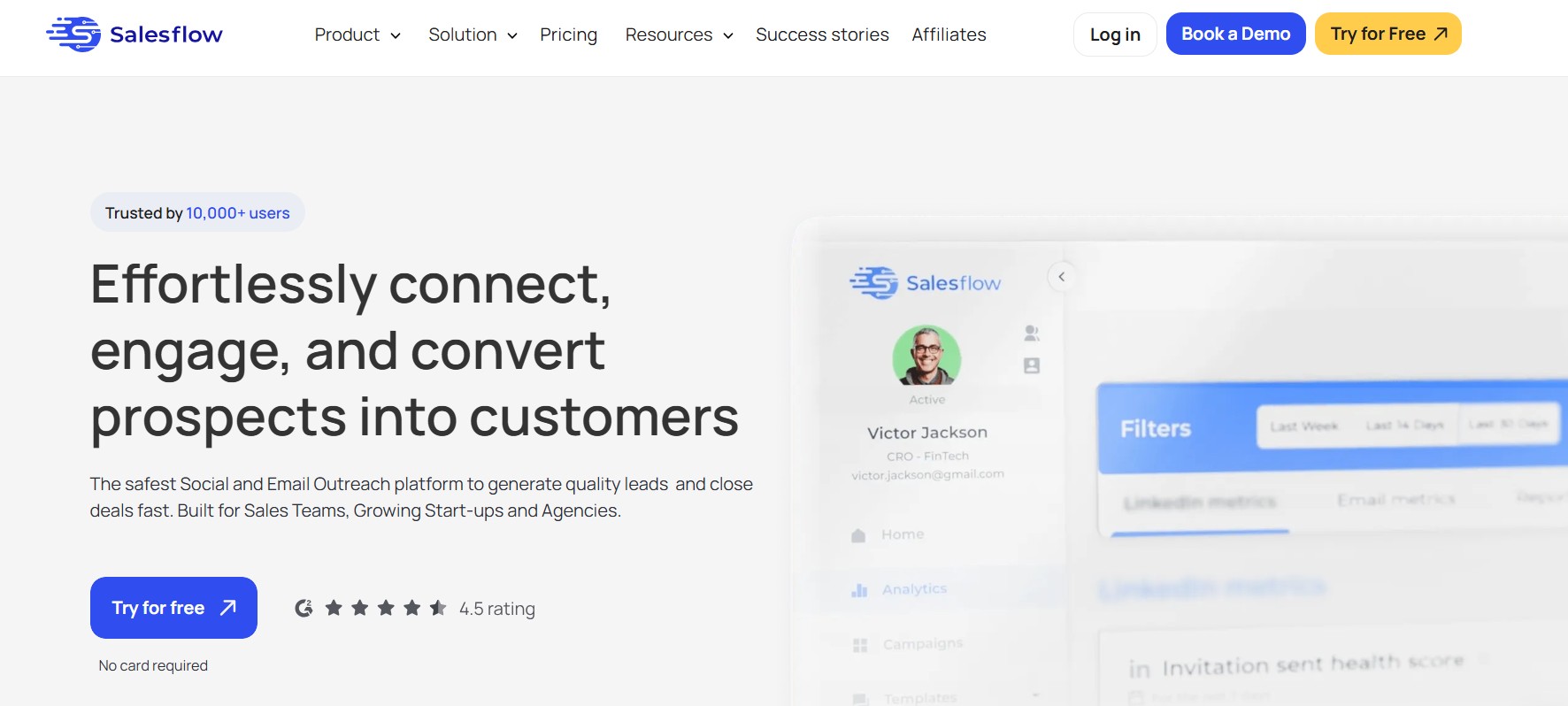
Salesflow earns the top spot on our list for good reason. What began as GrowthLead has evolved into one of the most feature-rich, enterprise-ready LinkedIn outreach platforms available in 2026. It strikes an impressive balance between automation power, CRM integration depth, and account safety — making it the go-to choice for sales teams that are serious about pipeline generation.
Salesflow operates entirely in the cloud, meaning your campaigns run 24/7 without needing your computer to be on. Each account gets its own dedicated residential IP address, which significantly reduces the risk of LinkedIn detecting unusual login behavior. The platform is used by thousands of sales professionals, SDRs, and revenue teams globally — and its track record speaks for itself.
What Makes Salesflow Stand Out: The platform’s sequence builder is genuinely one of the most intuitive in the market. You can build multi-step outreach flows that combine connection requests, personalized follow-up messages, profile visits, and endorsements into a single cohesive campaign — all with conditional logic. If someone accepts your connection but doesn’t reply, the sequence can automatically trigger a different follow-up path. This kind of branching logic is typically reserved for enterprise tools, but Salesflow makes it accessible.
Salesflow also shines in its CRM integration ecosystem. It connects natively with HubSpot, Salesforce, Pipedrive, and Zapier — meaning leads and activity data flow automatically into your existing sales stack without any manual export-import headache. For teams already running complex sales processes, this is a game-changer.
Key Features of Salesflow:
- Cloud-based with dedicated IP per LinkedIn account
- Multi-step drip sequences with conditional branching logic
- Smart inbox management — manage all LinkedIn conversations in one place
- Native integrations: HubSpot, Salesforce, Pipedrive, Zapier
- Team management dashboard for agencies and sales managers
- Advanced analytics: reply rates, acceptance rates, campaign ROI
- Blacklist feature to prevent messaging existing customers or competitors
- LinkedIn Sales Navigator and Recruiter compatibility
- CSV import for uploading custom lead lists
- A/B testing for messages and sequences
| Category | Details |
| Type | Cloud-based |
| Best For | B2B sales teams, SDRs, agencies |
| Safety Features | Dedicated IP, human-like delays, daily limits |
| CRM Integration | HubSpot, Salesforce, Pipedrive, Zapier |
| Starting Price | From $99/month per seat |
| Free Trial | Yes — 7-day free trial available |
Salesflow’s pricing is competitive for what it offers at the team level. Individual users may find it slightly higher than bare-bones alternatives, but the platform’s depth of features, reliability, and CRM connectivity make it well worth the investment for anyone running LinkedIn outreach at scale.
Verdict: If you want the most complete LinkedIn automation platform in 2026 — one that handles outreach sequences, CRM sync, and multi-user management with enterprise-grade reliability — Salesflow is the clear #1 choice.
#3. Expandi
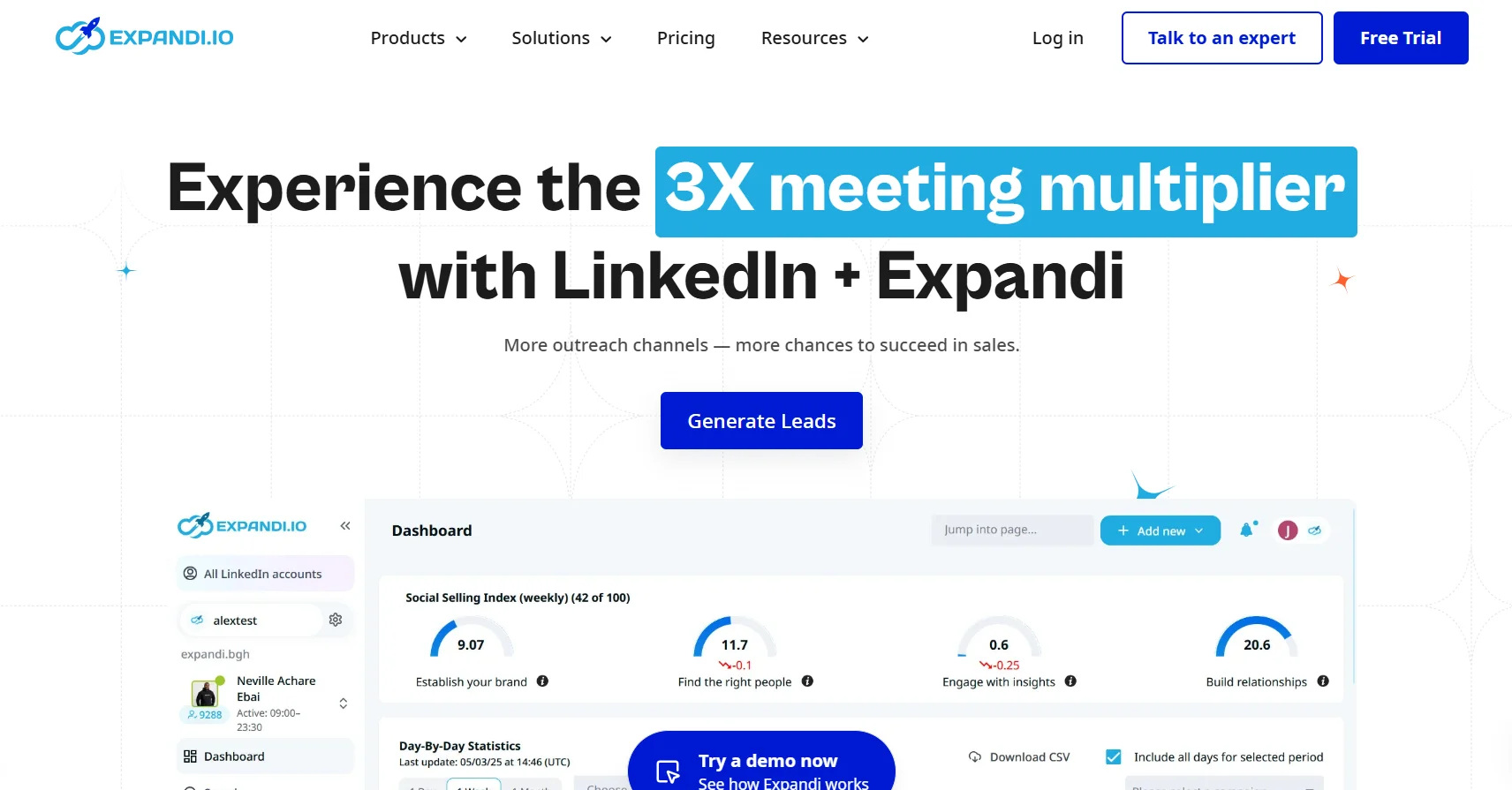
Expandi has built a reputation as one of the safest LinkedIn automation tools on the market, and it consistently delivers on that promise. Founded with a safety-first philosophy, Expandi was among the first platforms to introduce dedicated IP addresses per user, randomized action delays, and working-hours scheduling — features that are now industry standard but which Expandi pioneered.
The platform is cloud-based and designed specifically for LinkedIn outreach. Its Smart Sequences feature allows you to set up sophisticated multi-step campaigns that combine connection requests, messages, InMails, profile visits, and post engagements into automated workflows. The conditional logic is powerful: you can build sequences that respond dynamically based on whether a prospect accepted your request, visited your profile, or replied to your message.
Expandi is particularly popular among growth hackers and B2B marketers who want maximum control over their outreach strategy. The platform provides granular control over daily limits, working hours, message delays, and campaign targeting — giving experienced users the ability to fine-tune every variable.
- Cloud-based with dedicated residential IP per account
- Smart Sequences with dynamic conditional logic
- Omni-channel: LinkedIn + email outreach in one sequence
- Personalized images and GIFs in messages (unique feature)
- Webhooks and Zapier integration for CRM connectivity
- Advanced campaign analytics and A/B testing
- Team management for agencies
| Category | Details |
| Type | Cloud-based |
| Best For | Growth hackers, B2B marketers, agencies |
| Safety Features | Dedicated IP, random delays, time-zone scheduling |
| Starting Price | From $99/month |
| Free Trial | 7-day free trial |
Expandi’s image personalization feature deserves a special mention — it allows you to automatically insert a prospect’s name, company logo, or LinkedIn profile picture into custom images sent in outreach messages. This level of personalization dramatically improves reply rates and helps your messages stand out in a crowded inbox.
Verdict: Expandi is the gold standard for safety-conscious, feature-rich LinkedIn outreach. Highly recommended for anyone who takes LinkedIn automation seriously.
#4. Dripify
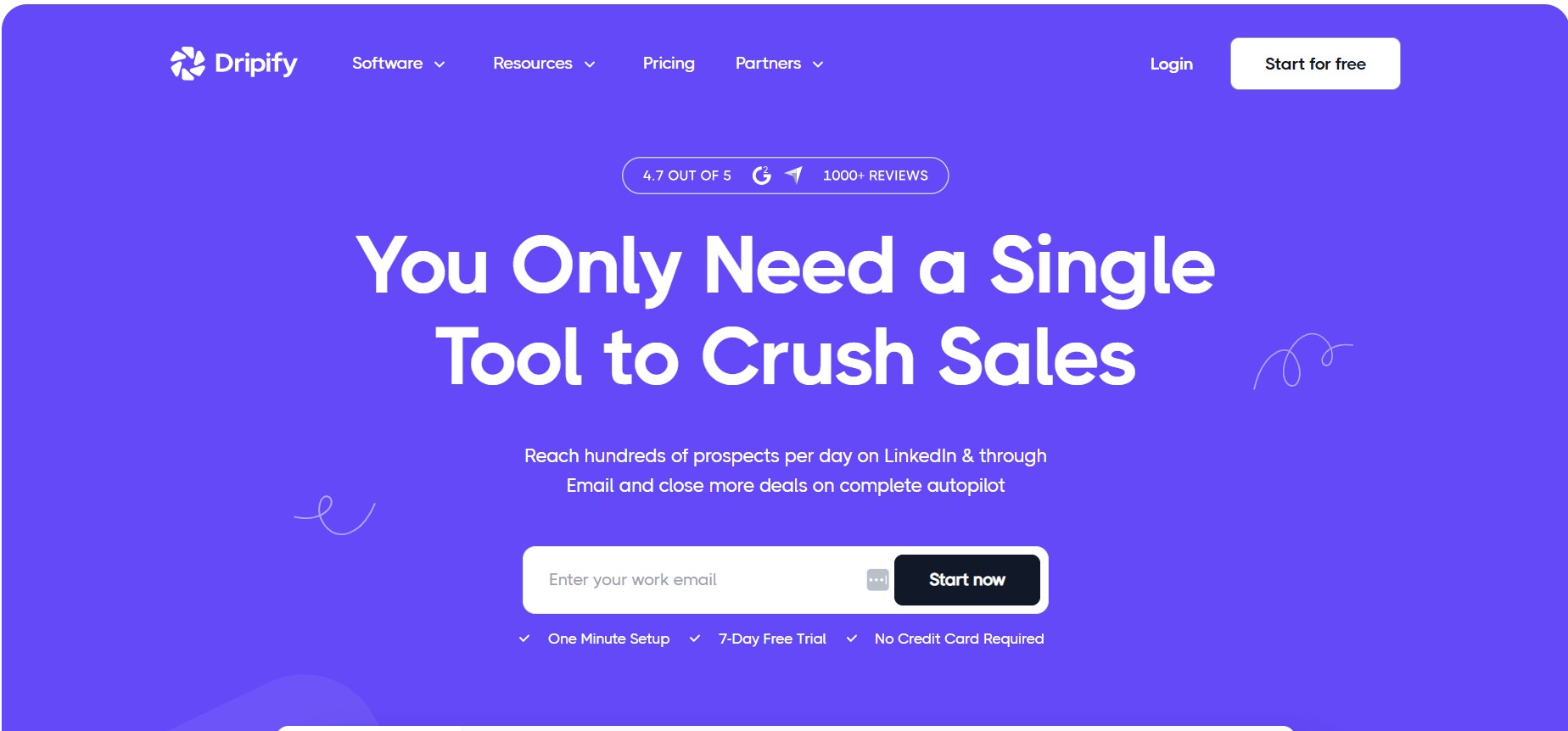
Dripify is one of the most beginner-friendly linkedin automation tools available today, yet it doesn’t sacrifice features for simplicity. It’s a cloud-based platform that makes building LinkedIn drip campaigns intuitive even for users who have never run automation before — while still offering enough depth to satisfy more experienced marketers.
The platform uses a visual drag-and-drop campaign builder that lets you map out your outreach sequence step by step. You can set different actions (connection request, message, InMail, profile visit, skill endorsement, post like) and define the delay between each step. The visual interface makes it easy to understand exactly what your prospect will experience at each stage of the funnel.
Dripify’s team functionality is also impressive for its price point. Managers can set up multiple team members, monitor individual campaign performance, and compare results across the team from a centralized dashboard. This makes it an excellent choice for SDR teams that need oversight without micromanagement.
- Visual drag-and-drop sequence builder
- Cloud-based, works 24/7 with dedicated proxy
- Personal inbox for managing LinkedIn conversations
- Team dashboard with performance comparison
- CSV export of leads and campaign data
- Zapier + webhooks for CRM integration
- Advanced analytics with funnel visualization
| Category | Details |
| Type | Cloud-based |
| Best For | Beginners, SDR teams, small businesses |
| Ease of Use | Very High — beginner-friendly UI |
| Starting Price | From $59/month |
| Free Trial | 7-day free trial |
Verdict: Dripify is the perfect entry point into LinkedIn automation. It’s clean, powerful enough for real results, and affordable. If you’re just getting started, this is the tool to begin with.
#5. Waalaxy
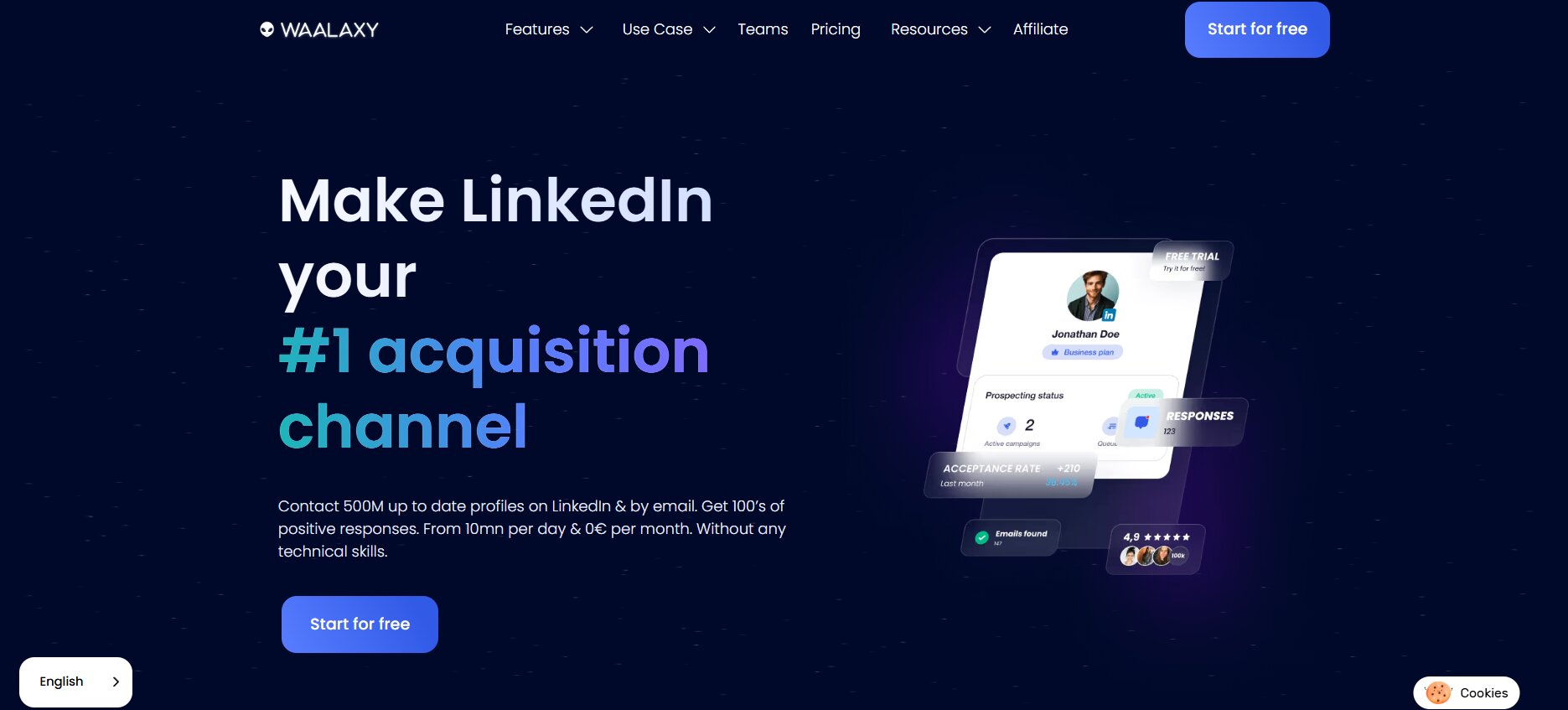
Waalaxy (formerly ProspectIn) is a French-made tool that has become enormously popular in the European B2B market and is gaining significant traction globally. Its biggest differentiator is its truly seamless multichannel approach: it combines LinkedIn automation with cold email outreach in a single, unified workflow — something that most pure LinkedIn tools don’t offer natively.
The tool is available both as a Chrome extension and as a cloud platform, giving users flexibility in how they run their campaigns. Waalaxy is well known for being exceptionally easy to use — the interface is clean, the onboarding is smooth, and the free plan allows new users to explore the platform meaningfully before committing to a paid tier.
One of Waalaxy’s standout features is its template library. The platform offers hundreds of pre-built outreach sequences for different use cases — recruiting, SaaS sales, agency prospecting, event follow-ups — which dramatically reduces the time needed to get a campaign live. This is especially valuable for teams who want to get results quickly without spending hours crafting sequences from scratch.
- Multichannel sequences: LinkedIn + email in one workflow
- Chrome extension + cloud hybrid architecture
- Generous free plan available
- Large library of pre-built campaign templates
- Email finder tool built in (finds verified emails from LinkedIn profiles)
- CRM integrations via Zapier
- GDPR-compliant (important for European users)
| Category | Details |
| Type | Chrome Extension + Cloud |
| Best For | Multichannel outreach, European market, beginners |
| Free Plan | Yes — limited but functional |
| Starting Price | From ~$40/month (paid plans) |
| GDPR Compliant | Yes |
Verdict: If multichannel outreach is your priority and you want LinkedIn + email working together in one platform, Waalaxy is the most polished option available. The free tier also makes it risk-free to try.
#6. Skylead
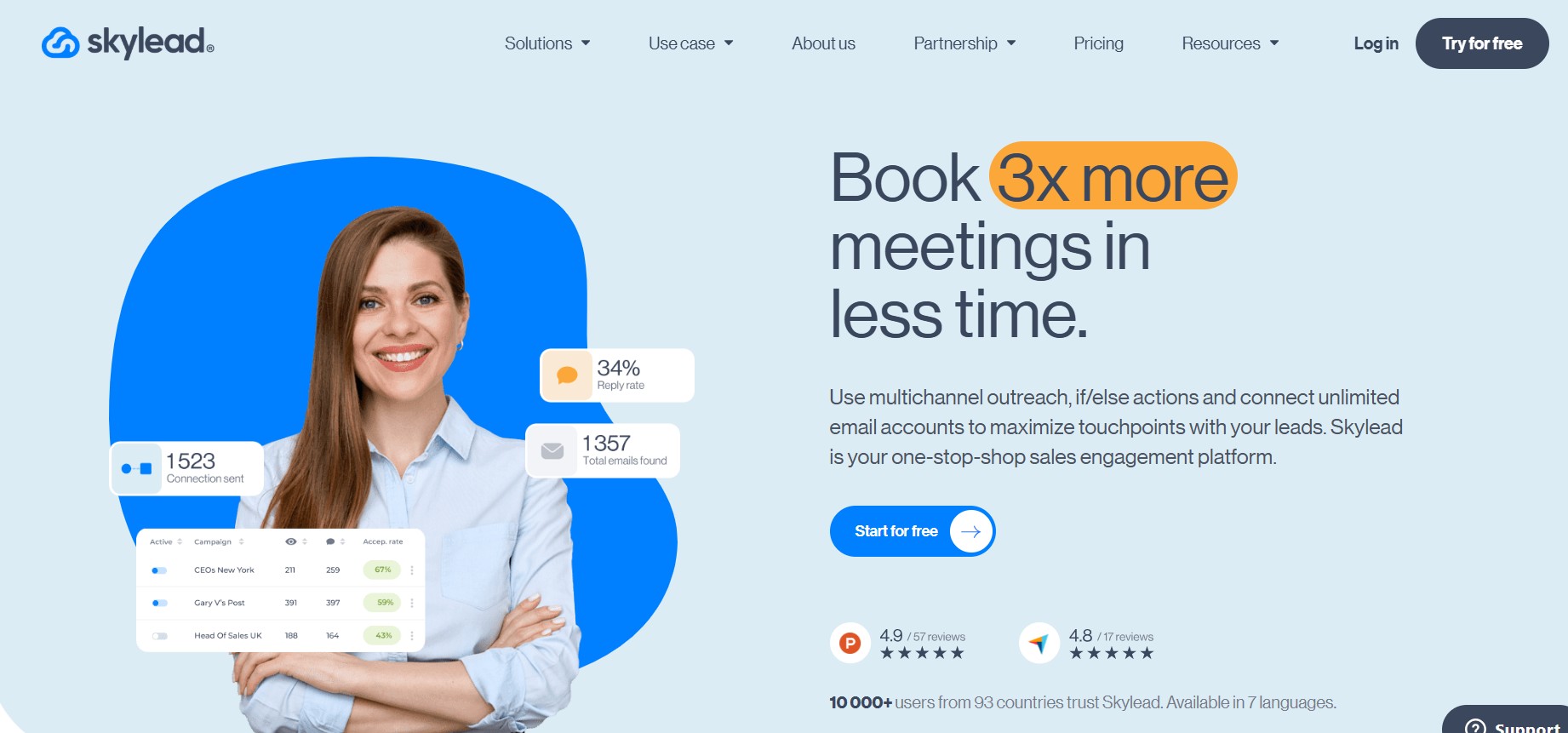
Skylead is a cloud-based sales engagement platform that takes the multichannel concept further than almost any competitor. It uniquely integrates LinkedIn automation, cold email outreach, and email discovery into a single smart sequence engine — allowing sales teams to reach prospects through whatever channel they’re most likely to respond on.
What truly sets Skylead apart is its Smart Algorithm, which adapts the sequence path in real time based on prospect behavior. If a LinkedIn connection request is pending for too long, Skylead can automatically switch to an email touchpoint instead. If a prospect opens your email but doesn’t reply, the algorithm can re-engage them on LinkedIn. This adaptive approach dramatically improves overall campaign effectiveness compared to static linear sequences.
Skylead also includes a built-in email discovery and verification tool, which means you don’t need a separate data enrichment service to find professional email addresses for your LinkedIn prospects. This reduces both cost and workflow complexity significantly.
- Smart Algorithm that adapts sequence based on prospect behavior
- Integrated email discovery + verification
- LinkedIn automation + cold email in one platform
- Unlimited email accounts at no extra charge (unique advantage)
- Cloud-based with dedicated proxy per user
- Image and GIF personalization for messages
- CRM integration via API and Zapier
| Category | Details |
| Type | Cloud-based |
| Best For | Sales teams wanting LinkedIn + email in one tool |
| Unique Feature | Adaptive Smart Algorithm sequences |
| Starting Price | From $100/month |
| Free Trial | 7-day free trial |
Verdict: Skylead is the most intelligent multi-channel platform on this list. If you want a tool that thinks and adapts rather than just executing a fixed script, Skylead is worth every penny.
#7. LinkedHelper
LinkedHelper is the desktop application counterpart to the pure cloud tools on this list, and it occupies a unique niche: it offers an incredibly rich feature set at a price point that is dramatically lower than cloud competitors. For solo professionals or small teams who want maximum control and don’t mind running their campaigns from a dedicated computer, LinkedHelper is an exceptional value proposition.
The tool works as a standalone desktop application (not a browser extension) that opens LinkedIn in its own controlled browser window. This approach gives LinkedHelper more stability and control than a Chrome extension, while maintaining the local IP advantage of browser-based tools. It supports over 30 different automation actions — more than almost any other tool on this list.
LinkedHelper’s CRM capabilities deserve special attention. The tool includes a built-in mini-CRM that lets you tag, segment, and track every prospect without needing an external integration. You can create custom tags, leave notes, track the stage of each relationship, and filter your contacts by dozens of different criteria. For solo users who don’t want to pay for a separate CRM, this is genuinely useful.
- Desktop app — works with your own IP address
- 30+ automation actions available
- Built-in mini-CRM with tagging and segmentation
- Auto-import from LinkedIn searches and Sales Navigator
- Message personalization with custom variables
- Integrations: HubSpot, Pipedrive, Zapier, and more via webhook
- Smart campaign logic with conditions and delays
| Category | Details |
| Type | Desktop Application |
| Best For | Power users, solo professionals, budget-conscious teams |
| Built-in CRM | Yes — tagging, notes, pipeline stages |
| Starting Price | From $15/month |
| Free Trial | 14-day free trial |
Verdict: LinkedHelper is the best option if you want a feature-packed tool without breaking the bank. Its $15/month entry price makes it the most affordable serious option on this list. The tradeoff is that it requires your machine to be running.
#8. Dux-Soup
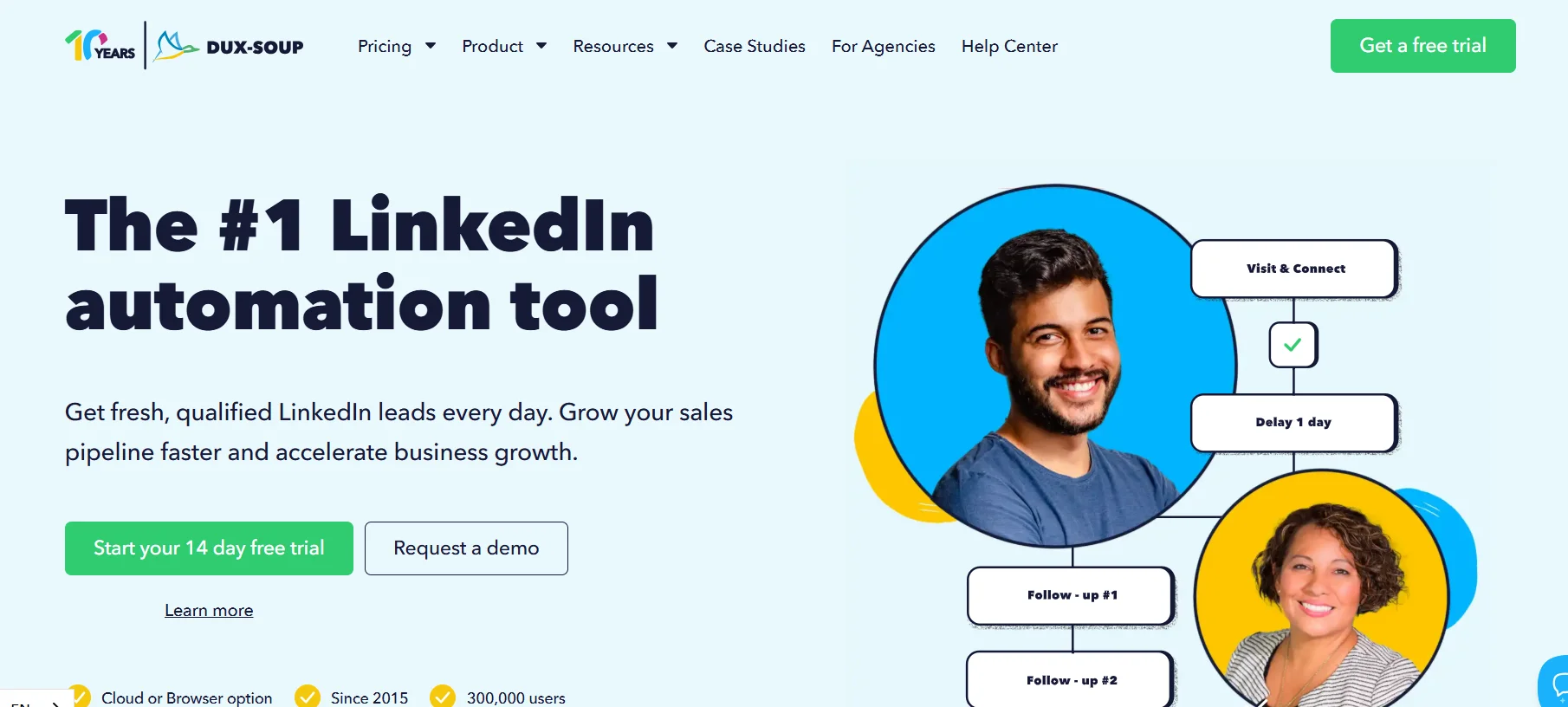
Dux-Soup is one of the original LinkedIn automation tools — it has been around since 2016 — and remains one of the most widely used browser extensions for LinkedIn. Its longevity is a testament to its reliability and simplicity. If you’re looking for a lightweight, low-cost way to start automating basic LinkedIn actions without a steep learning curve, Dux-Soup is worth considering.
The tool works as a Chrome extension and automates profile visits, connection requests, follow-up messages, and skill endorsements. Its most distinctive feature is the ‘drip campaigns’ function, which allows you to set up simple sequential follow-up messages that trigger automatically based on time delays after initial contact.
Dux-Soup connects with popular CRMs including HubSpot and Pipedrive through native integrations, and supports more advanced setups through Zapier. For users who already have a solid CRM workflow, Dux-Soup can slot in nicely as the LinkedIn outreach layer.
- Chrome browser extension — easy to install and use
- Automated profile visits, connection requests, messages, endorsements
- Simple drip follow-up campaign functionality
- HubSpot and Pipedrive native integrations
- Turbo plan adds team management and cloud functionality
- Good documentation and active user community
| Category | Details |
| Type | Chrome Browser Extension |
| Best For | Beginners, simple automation needs |
| Limitation | Requires browser to be open |
| Starting Price | From $14.99/month |
| Free Trial | 14-day free trial |
Verdict: Dux-Soup is best for users who are just starting out with LinkedIn automation and want a simple, proven, low-cost tool. It’s not the most powerful option on this list, but it’s reliable and gets the job done for basic outreach workflows.
#9. MeetAlfred
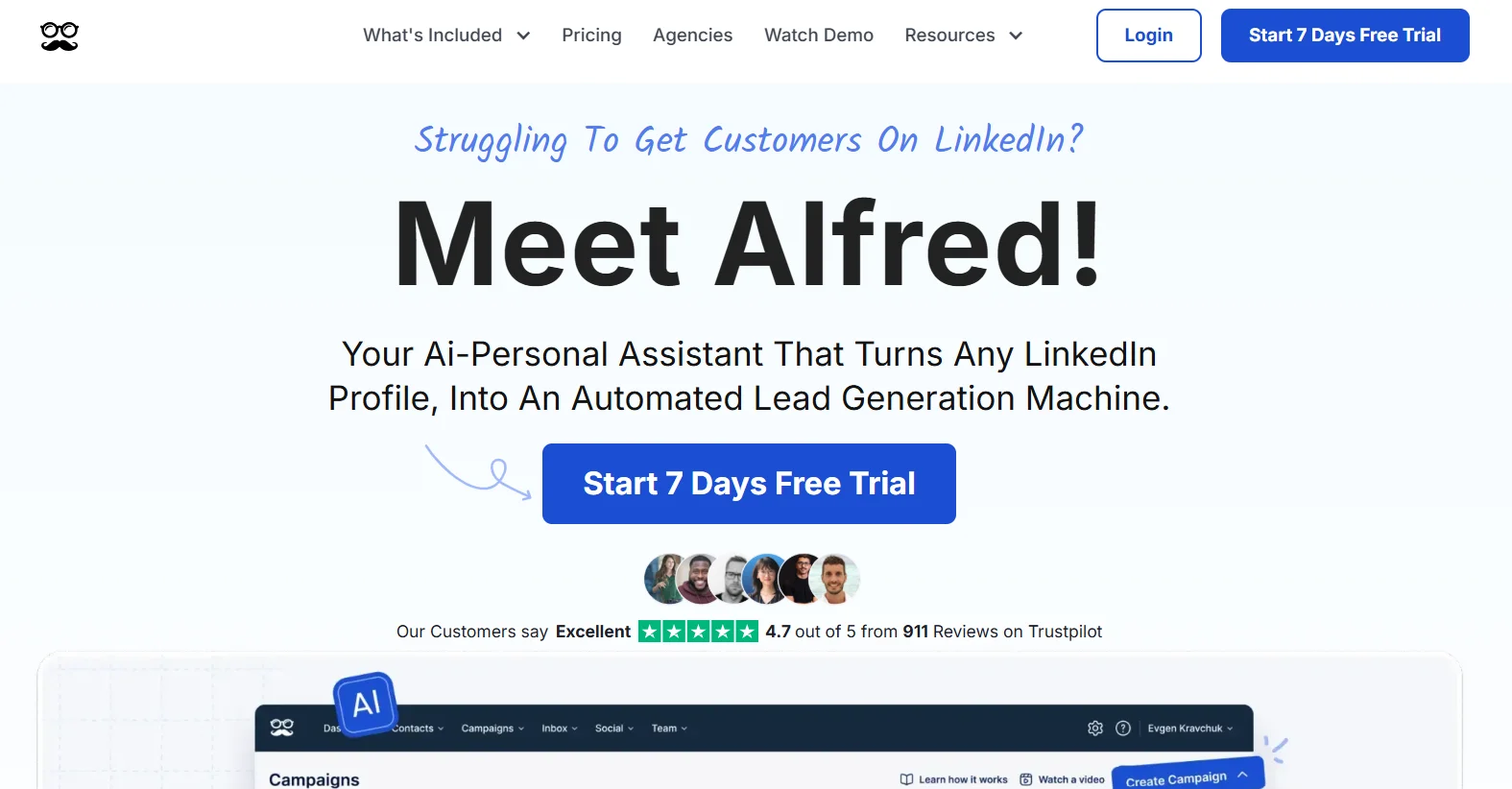
MeetAlfred (formerly Leonard) is a cloud-based LinkedIn automation tool that positions itself squarely in the multichannel outreach space. It allows users to build sequences that combine LinkedIn actions with email outreach and Twitter engagement — giving sales reps a 360-degree approach to prospect touchpoints.
The platform has a clean, modern interface and is well-suited for teams. The campaign management system lets you build complex outreach sequences visually, with support for multiple touchpoints across different channels. MeetAlfred also includes a built-in content scheduler for LinkedIn posts — a unique feature that blends outreach automation with content strategy in a single platform.
MeetAlfred’s team features are solid: managers can create templates, assign campaigns to team members, and monitor performance from a centralized dashboard. The platform also offers a built-in CRM to track lead status and notes without needing to switch tools.
- Cloud-based, 24/7 operation
- Multichannel sequences: LinkedIn + Email + Twitter
- Built-in LinkedIn content scheduler
- Built-in CRM for lead tracking
- Team management and campaign templates
- Campaign analytics with detailed reporting
- HubSpot, Salesforce, Pipedrive integrations via Zapier
| Category | Details |
| Type | Cloud-based |
| Best For | Teams wanting multichannel sequences + content scheduling |
| Channels Supported | LinkedIn, Email, Twitter |
| Starting Price | From $59/month |
| Free Trial | 14-day free trial |
Verdict: MeetAlfred is a solid all-rounder for teams who want multichannel outreach plus LinkedIn content management in one place. The combination of sequence automation and content scheduling is genuinely unique.
#10. Octopus CRM
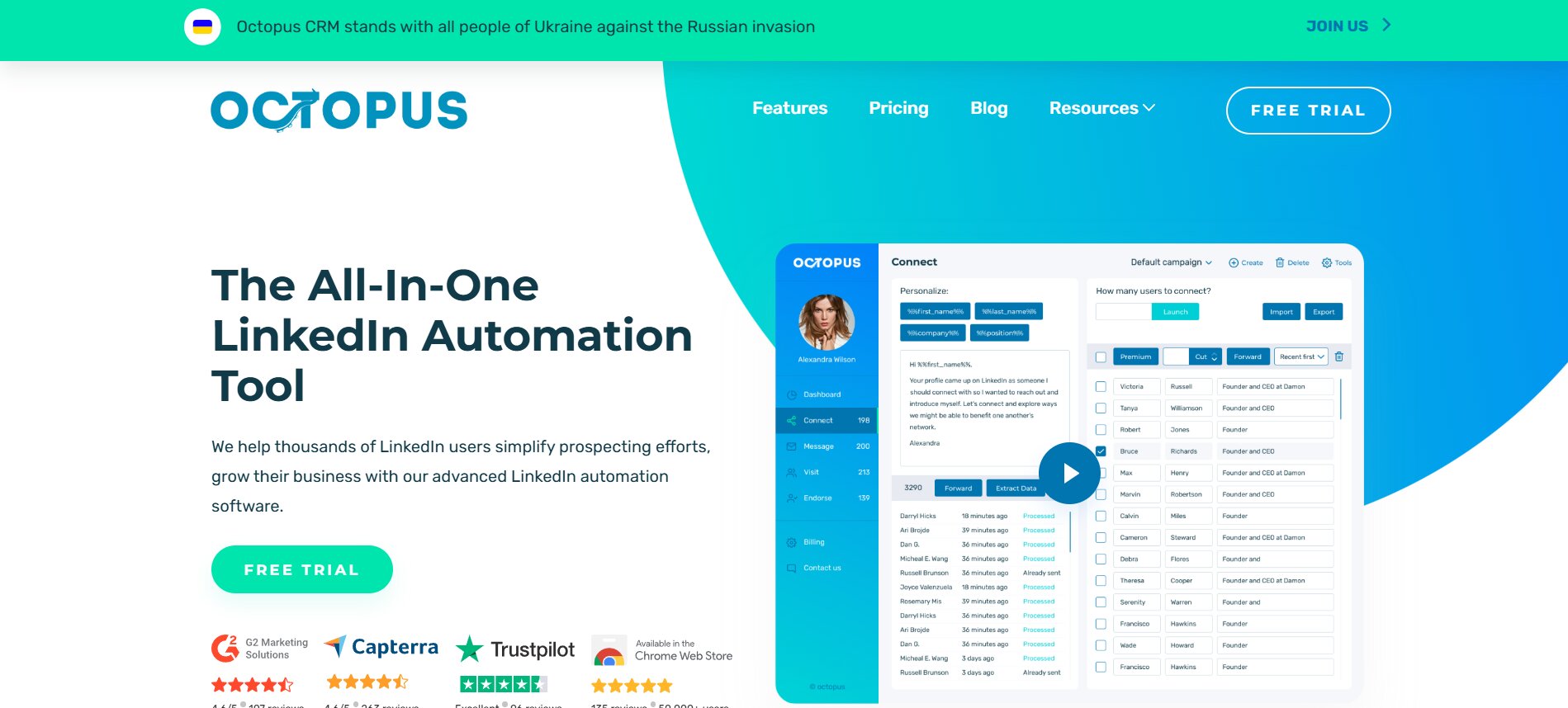
Octopus CRM rounds out our top 10 as the best option for small teams and individuals who want a simple but complete LinkedIn automation and CRM solution in one affordable package. The tool is part Chrome extension, part cloud dashboard — giving you a hybrid approach that balances the familiarity of browser-based operation with some cloud functionality.
As the name suggests, Octopus CRM puts CRM functionality front and center. The platform lets you build a custom sales funnel inside the tool, move prospects through stages manually or automatically, track every interaction, and measure performance at each funnel stage. This removes the need for a separate CRM for users who primarily prospect through LinkedIn.
Octopus CRM supports the full range of standard LinkedIn automation actions: bulk connection requests, auto-messaging, profile visits, endorsements, and sequential follow-ups. It also offers a LinkedIn profile performance analytics dashboard that shows you how your activity level, profile views, and search appearances change over time — a useful feedback loop for personal branding efforts alongside outreach.
- Chrome extension + cloud hybrid
- Built-in sales funnel and CRM functionality
- Bulk LinkedIn actions: connections, messages, endorsements, follows
- Sequential follow-up message automation
- LinkedIn profile analytics dashboard
- Zapier integration for data export to external CRMs
- Simple, intuitive interface
| Category | Details |
| Type | Chrome Extension + Cloud Dashboard |
| Best For | Individuals, small teams, budget-conscious users |
| Built-in CRM | Yes — sales funnel + lead tracking |
| Starting Price | From $9.99/month |
| Free Trial | 7-day free trial |
Verdict: Octopus CRM offers remarkable value at its price point. At under $10/month, it’s the most affordable entry on this list and still delivers a genuinely useful automation + CRM combination for smaller-scale operations.
How to Choose the Right LinkedIn Automation Tool for Your Needs
With 10 strong options on this list, the right choice comes down to your specific situation. Here’s a quick decision framework to help you pick the best fit:
| Your Situation | Recommended Tool |
| You’re a beginner just starting out | Dripify or Octopus CRM |
| You need the most complete platform for a team | Salesflow |
| You want maximum outreach safety | Expandi |
| You need LinkedIn + email in one workflow | Skylead or Waalaxy |
| You manage multiple accounts for clients | Zopto or Salesflow |
| You’re on a tight budget | LinkedHelper or Octopus CRM |
| You want multichannel + content scheduling | MeetAlfred |
| You just need simple lightweight automation | Dux-Soup |
Key Questions to Ask Before Choosing a Tool
- Is this a solo use case or will a team be using it?
- Do I need CRM integration, or is a built-in CRM sufficient?
- How important is account safety relative to feature richness?
- Do I need email outreach alongside LinkedIn, or LinkedIn-only?
- What is my monthly budget per seat?
- Do I need 24/7 cloud operation or is browser-based acceptable?
LinkedIn Automation Safety Best Practices in 2026
Using linkedin automation tools responsibly is not just about following the rules — it’s about protecting your account, your reputation, and the quality of relationships you’re building. Here are the non-negotiable best practices every user should follow:
1. Respect Daily Action Limits
LinkedIn monitors activity levels closely. In 2026, the safe daily limits are approximately: 20–50 connection requests per day for newer accounts, up to 100 for established accounts with strong SSI scores. Always stay within these limits, and choose tools that enforce them automatically.
2. Warm Up New Accounts Gradually
If you’re starting automation on a new or recently inactive LinkedIn account, don’t blast at full volume from day one. Gradually increase your activity over 2–4 weeks to establish a behavioral baseline that looks organic to LinkedIn’s detection systems.
3. Personalize Your Messages
Generic, templated messages are not just less effective — they’re more likely to get reported as spam. Always use personalization variables (name, company, recent post, mutual connection) and write messages that provide genuine value to the recipient.
4. Use a Dedicated IP Address
If using a cloud tool, ensure it assigns a dedicated IP per account rather than sharing IPs across multiple users. Shared IPs dramatically increase the risk of pattern detection by LinkedIn.
5. Set Working Hours
Configure your automation to run only during realistic working hours (e.g., 8am–7pm in your target timezone). Activity happening at 3am raises obvious red flags.
6. Monitor Your LinkedIn SSI Score
LinkedIn’s Social Selling Index (SSI) is a measure of your profile strength and activity quality. A healthy SSI (70+) gives you more behavioral latitude and signals to LinkedIn that you’re a genuine, active professional user.
Conclusion
LinkedIn automation tools have become an essential part of the modern B2B sales and marketing stack. When chosen carefully and used responsibly, they allow professionals and teams to dramatically increase the volume and consistency of their outreach — without sacrificing personalization or quality.
Here’s a quick recap of our top picks:
- Salesflow — Best overall for B2B teams. Most complete platform with deep CRM integration and advanced sequence logic.
- Expandi — Best for safety-first outreach with smart sequences and image personalization.
- Dripify — Best beginner-friendly platform with visual campaign builder and team features.
- Waalaxy — Best for multichannel outreach with a free plan and GDPR compliance.
- Skylead — Best for adaptive, intelligent LinkedIn + email sequences.
- Zopto — Best for agencies and teams managing multiple LinkedIn accounts.
- LinkedHelper — Best for power users who want maximum features at minimum cost.
- Dux-Soup — Best lightweight Chrome extension for simple, low-cost automation.
- MeetAlfred — Best for multichannel sequences combined with LinkedIn content scheduling.
- Octopus CRM — Best budget option with a built-in CRM for small teams and solopreneurs.
The right tool for you will depend on your team size, budget, technical comfort level, and outreach goals. Whatever you choose, the most important thing is to use these tools thoughtfully — with genuine value in every message and respect for the humans on the other end of each connection request.
Start with a free trial, test your messaging, analyze your results, and iterate. The professionals who get the most out of LinkedIn automation aren’t the ones using the most sophisticated tools — they’re the ones who combine smart automation with genuinely helpful, relevant outreach.
Frequently Asked Questions
Are LinkedIn automation tools safe to use?
Yes, when used responsibly. Tools that operate within LinkedIn’s recommended daily limits, use dedicated IP addresses, add human-like delays between actions, and respect working hours are used successfully by thousands of professionals every day. The key is choosing a reputable tool and following best practices around daily limits and message quality.
Can LinkedIn ban your account for using automation tools?
LinkedIn can restrict or ban accounts that show suspicious automated behavior — such as extremely high connection request volumes, identical messages sent to thousands of users in a short time, or logins from unusual IP addresses. This risk is significantly reduced when using a safety-focused cloud tool with dedicated IPs and configuring realistic daily limits.
What is the best free LinkedIn automation tool?
Waalaxy offers the most functional free plan, allowing a meaningful number of automated actions per month before requiring an upgrade. LinkedHelper also offers a generous 14-day free trial. Most other tools offer 7-day trials that are sufficient to evaluate whether the platform fits your needs.
What’s the difference between cloud-based and browser-based LinkedIn automation tools?
Browser-based tools (like Dux-Soup) run inside your Chrome browser and only work when your computer is on. Cloud-based tools (like Salesflow, Expandi, Dripify) run on remote servers 24/7 and are generally considered safer and more powerful for serious outreach. Cloud tools assign a dedicated IP per account, which reduces the risk of unusual login detection.
How many connection requests can I safely send per day?
The general safe guideline in 2026 is 20–50 connection requests per day for newer or less-established accounts, and up to 80–100 per day for accounts with a high LinkedIn Social Selling Index (SSI) score and strong activity history. Always configure your automation tool to stay within these limits and build up volume gradually on newer accounts.
Do I need a LinkedIn Premium or Sales Navigator subscription to use these tools?
Most tools work with a standard free LinkedIn account, but having LinkedIn Premium or Sales Navigator significantly expands your capabilities — particularly around advanced search filters, InMail messaging, and lead list building. For serious B2B prospecting, Sales Navigator is generally considered a worthwhile investment that pairs powerfully with any of the tools on this list.