


The cold outreach software market in 2026 is more crowded, more capable, and more confusing than it has ever been.
Every platform promises AI-powered personalization. Every tool claims multichannel capability. Every vendor talks about deliverability, CRM integration, and scalable sequences. And somehow, despite all these similar-sounding promises, the difference in actual results between a well-chosen outreach platform and a poorly chosen one is enormous — measured in reply rates, meetings booked, pipeline generated, and LinkedIn accounts that remain in good standing.
What’s changed in the last two years specifically: AI personalization has moved from novelty to expectation. Buyers have become sophisticated enough to recognize and ignore generic automated sequences. LinkedIn’s detection systems have tightened. Email deliverability has become more complex and consequential — a damaged sending domain can take months to recover. And the expectation of coordinated multichannel outreach — reaching the same prospect on email and LinkedIn in a coherent, non-repetitive sequence — has moved from advanced practice to standard practice for high-performing B2B teams.
This guide evaluates twelve of the best cold outreach tools available for B2B sales teams in 2026. Each platform is assessed across the same criteria: features, safety architecture, deliverability, personalization capability, CRM integration, pricing, and honest limitations. The goal is a genuinely useful evaluation that helps you choose the right tool for your team’s specific situation — not a list of impressive-sounding feature claims.
What Is a Cold Outreach Tool
Before comparing specific platforms, establishing a clear working definition matters — because “cold outreach tool” means different things to different people, and that ambiguity is part of what makes these evaluations difficult.
A cold outreach tool is a software platform that enables sales teams to contact prospects at scale through automated or semi-automated sequences — typically across email, LinkedIn, phone, or a combination of channels. The defining characteristic is the intent: 1:1 or near-1:1 personalized prospecting conversations initiated with people who haven’t opted in to receive them.
How cold outreach tools differ from email marketing software
This distinction matters more than most people realize. Email marketing platforms — Mailchimp, Klaviyo, ActiveCampaign in marketing mode — are built for broadcast campaigns to subscriber lists. The intent, compliance requirements, personalization approach, and success metrics are fundamentally different.
| Dimension | Cold Outreach Tool | Email Marketing Software |
|---|---|---|
| Intent | 1:1 prospecting conversation | Broadcast to subscriber list |
| Recipient relationship | No prior opt-in | Prior consent/subscription |
| Tone | Personal, conversational | Brand-voice, promotional |
| Success metric | Replies and meetings | Opens and clicks |
| Compliance | GDPR, CAN-SPAM prospecting rules | GDPR, CAN-SPAM marketing rules |
| Personalization | Individual-level | Segment-level |
How cold outreach tools differ from CRMs
CRMs manage relationships and pipeline data. Cold outreach tools handle the execution of contact — the actual sending, sequencing, and follow-up automation. Many integrate deeply with CRMs; none replace them.
What a modern cold outreach platform includes
- Multi-step sequence builder across email, LinkedIn, and phone
- Personalization at the message level — variable fields and AI-generated variants
- Deliverability infrastructure — warm-up, sender rotation, inbox placement testing
- Analytics covering open rates, reply rates, and meeting booked rates
- CRM integration with bidirectional data sync
Why the wrong tool is genuinely costly
Poor deliverability means emails landing in spam — invisible to prospects, damaging to your sending domain, and weeks or months to recover from. Browser-based LinkedIn automation creates account restriction risk that can eliminate years of relationship-building overnight. Poor analytics means no signal on what’s working. Wrong tool equals wasted rep time, missed meetings, and budget that doesn’t produce pipeline.
The 12 Best Cold Outreach Tools for B2B Sales Teams in 2026
Here’s the complete at-a-glance comparison before diving into detailed reviews:
| Tool | Primary Strength | Channels | Built-in Data | Starting Price | Free Plan |
|---|---|---|---|---|---|
| Dealsflow | All-in-one + CRM | LinkedIn + Email | ✅ | Custom | ✅ |
| La Growth Machine | Multichannel sequencing | LinkedIn + Email + Voice | ❌ | $60/user | ✅ Trial |
| Apollo.io | Database + outreach | Email + LinkedIn + Phone | ✅ 270M+ | Free/$49 | ✅ |
| Mailshake | Email simplicity | Email + Tasks | ❌ | $58/user | ❌ |
| Reply.io | AI-powered sequences | Email + LinkedIn + SMS + WhatsApp | ✅ | $59/user | ✅ |
| Smartlead | Email deliverability | ❌ | $39/mo | ✅ Trial | |
| Lemlist | Visual personalization | Email + LinkedIn | ✅ | $59/user | ✅ Trial |
| Instantly.ai | Volume email sending | ❌ | $37/mo | ✅ | |
| Woodpecker | Cold email reliability | Email + Tasks | ❌ | $49/mo | ✅ Trial |
| QuickMail | Unlimited senders | ❌ | $49/mo | ✅ Trial | |
| Klenty | CRM-native workflows | Email + LinkedIn + Phone | ❌ | $50/user | ✅ Trial |
| Snov.io | Budget all-in-one | Email + LinkedIn | ✅ | $30/mo | ✅ |
List of Best Cold Outreach Tools in 2026 for B2B Sales Teams
1. Dealsflow

When evaluating cold outreach tools that do more than execute sequences — tools that manage the entire prospecting-to-pipeline workflow in one coherent system — Dealsflow stands apart from every other platform on this list.
Dealsflow is a cloud-based B2B sales engagement platform built around a principle that most outreach tools ignore: the data you find, the outreach you run, and the pipeline you track should exist in one integrated system rather than being stitched together across three separate subscriptions that constantly need synchronizing.
What makes Dealsflow fundamentally different
Most cold outreach platforms find contacts, send sequences, and then expect you to export data into a CRM where you’ll manually create deals, log activity, and set follow-up tasks. Dealsflow eliminates that entire manual layer. When a prospect accepts your LinkedIn connection request, their record updates automatically. When they reply to your email, the conversation is logged against their deal. When they book a meeting, the pipeline stage changes. Nothing requires manual intervention between the outreach activity and the pipeline record.
For agencies managing outreach for multiple clients, this architecture is operationally transformative. Each client operates in a completely separate workspace with its own campaigns, analytics, and pipeline data — all manageable from one central platform.
LinkedIn automation safety
Dealsflow’s LinkedIn automation is cloud-based with dedicated IP addresses per account. This means campaigns run 24 hours a day regardless of whether your computer is on, and the safety architecture protects against the detection risk that browser-based tools carry. Human-behavior simulation and intelligent daily action limits reduce the probability of account flags that can destroy months of connection-building.
Full feature breakdown
| Feature | Details |
|---|---|
| Architecture | Cloud-based with dedicated IPs per account |
| LinkedIn automation | Multi-step with behavioral logic — profile view, follow, connect, message, InMail, endorse |
| Email outreach | ✅ Combined LinkedIn + email in coordinated sequences |
| Built-in CRM | ✅ Full pipeline management — no external tool required |
| Behavioral sequence logic | ✅ If/then branching based on prospect actions |
| Multi-account management | ✅ Separate workspaces per account/client |
| Team collaboration | ✅ Shared inbox, deal assignment, activity logging |
| Analytics | Campaign-level + pipeline-level combined reporting |
| CRM integration | Built-in CRM + external integration options |
Pricing: Custom pricing based on team size. Free trial available.
Pros
- Built-in CRM eliminates separate pipeline management tool — reduces total stack cost
- Cloud-based LinkedIn automation with dedicated IPs — significantly safer than browser extensions
- Behavioral sequence logic adapts to prospect actions rather than executing identically regardless of engagement
- Team collaboration features including shared inbox and deal assignment
- Single platform for LinkedIn, email, and CRM data — no synchronization overhead
Cons
- Custom pricing model requires a conversation rather than instant self-serve signup
- Feature depth exceeds what solo users doing occasional outreach need
- Full value requires proper team onboarding and workflow configuration
Best for: B2B sales teams and agencies currently running outreach from multiple disconnected tools — separate LinkedIn automation, email platform, and CRM — who want to consolidate into one system where all outreach activity is tied directly to pipeline data.
2. La Growth Machine
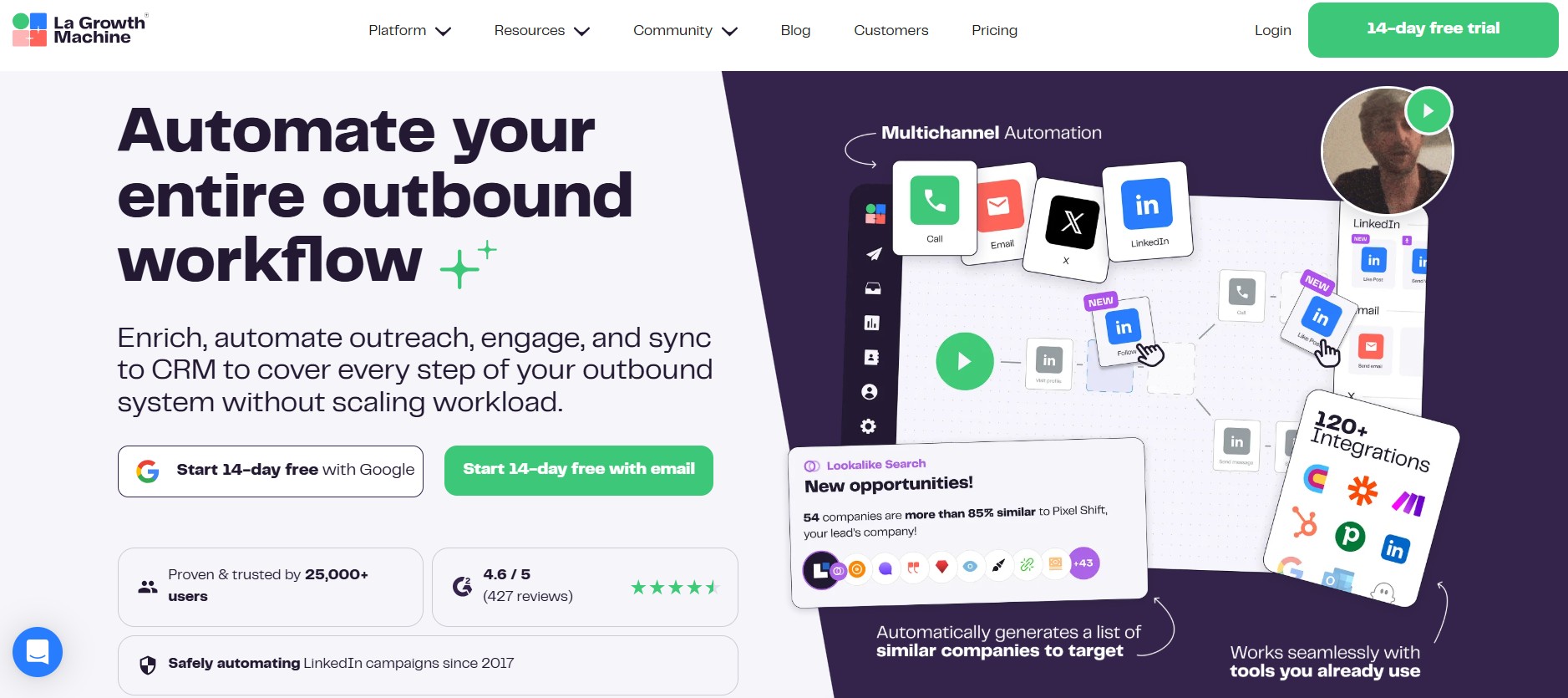
La Growth Machine occupies a distinct position in the cold outreach tools landscape because it treats every outreach channel as genuinely equal. Most tools that claim “multichannel capability” are fundamentally email tools with LinkedIn added as a manual task layer. La Growth Machine was built from the ground up as a multichannel platform where LinkedIn, email, Twitter/X, and voice are first-class citizens in the sequence builder.
The visual sequence builder is one of the most intuitive in the category — a drag-and-drop flowchart interface that makes complex multichannel sequences genuinely comprehensible. You can see the entire campaign logic at a glance, with branching paths for different prospect behaviors clearly visible alongside each other.
Key Features:
| Feature | Details |
|---|---|
| Sequence builder | Visual drag-and-drop with multichannel branching logic |
| LinkedIn automation | Native — not a plugin or extension |
| Email outreach | Full sequence capability |
| Voice integration | Voice message steps in sequences |
| AI personalization | Message writing and variant generation |
| Lead enrichment | Fills missing contact data automatically |
| CRM sync | HubSpot, Salesforce, Pipedrive |
| Analytics | Broken down by channel, sequence step, and persona |
Pricing:
| Plan | Monthly Price | Key Inclusions |
|---|---|---|
| Basic | $60/user | 2 channels, basic sequences |
| Pro | $150/user | All channels, AI features |
| Ultimate | $490/user | Agency features, priority support |
Pros:
- Genuine multichannel — no channel treated as secondary or manual
- Best visual sequence builder in the category for multichannel logic
- Lead enrichment reduces manual data preparation work
- Active product development with frequent meaningful updates
- Strong European market data and GDPR-compliant architecture
Cons:
- Higher price than single-channel tools — costs more than email-only platforms
- LinkedIn integration requires careful setup to stay within safe activity limits
- Learning curve for users new to multichannel sequencing
- Primarily B2B — limited utility for other use cases
Best for: Growth-focused B2B teams for whom LinkedIn and email are equally important channels — particularly teams in European markets where La Growth Machine’s data coverage and compliance architecture are strongest.
3. Apollo.io
Apollo.io’s fundamental positioning differentiator is that it combines a prospecting database with an outreach platform — eliminating the need for a separate data provider. When your contact data and your outreach sequences live in the same system, the workflow from prospect identification to first touchpoint collapses from a multi-tool, multi-export process into a single workflow.
The database contains 270 million+ contacts with advanced filtering across job title, company size, industry, technology stack, intent signals, and geography. The intent data layer — showing which companies are actively researching solutions in your category — is a genuine competitive advantage that most cold outreach tools simply don’t offer.
Key Features:
| Feature | Details |
|---|---|
| Contact database | 270M+ contacts with advanced filtering |
| Email sequencing | Multi-step with A/B testing |
| LinkedIn automation | Chrome extension |
| Intent data | Active buying signal identification |
| Built-in dialer | Phone outreach within sequences |
| AI email writing | Message generation and optimization |
| CRM sync | Salesforce, HubSpot bidirectional |
| Analytics | Full-funnel visibility dashboard |
Apollo.io Pricing:
| Plan | Monthly Price | Annual Price | Key Features |
|---|---|---|---|
| Free | $0 | $0 | 10 exports/month, basic sequences |
| Basic | $59/user | $49/user | Unlimited email, sequences, CRM sync |
| Professional | $99/user | $79/user | A/B testing, advanced sequences |
| Organization | $149/user | $119/user | Advanced analytics, SSO |
Pros:
- Database + outreach eliminates separate data provider subscription
- Competitive pricing — genuinely useful free tier
- Intent data gives teams a prioritization signal most tools don’t provide
- Strong community documentation and support resources
- Built-in dialer means phone is a native channel, not an afterthought
Cons:
- European data quality less reliable than US coverage — verify for your target market
- LinkedIn automation via Chrome extension carries higher account risk than cloud-based alternatives
- Interface complexity can overwhelm new users — significant onboarding investment
- Advanced AI features require higher tiers
Best for: Data-driven sales teams who want prospecting database and outreach sequences in one platform — particularly US-focused teams where Apollo’s database coverage is strongest.
4. Mailshake
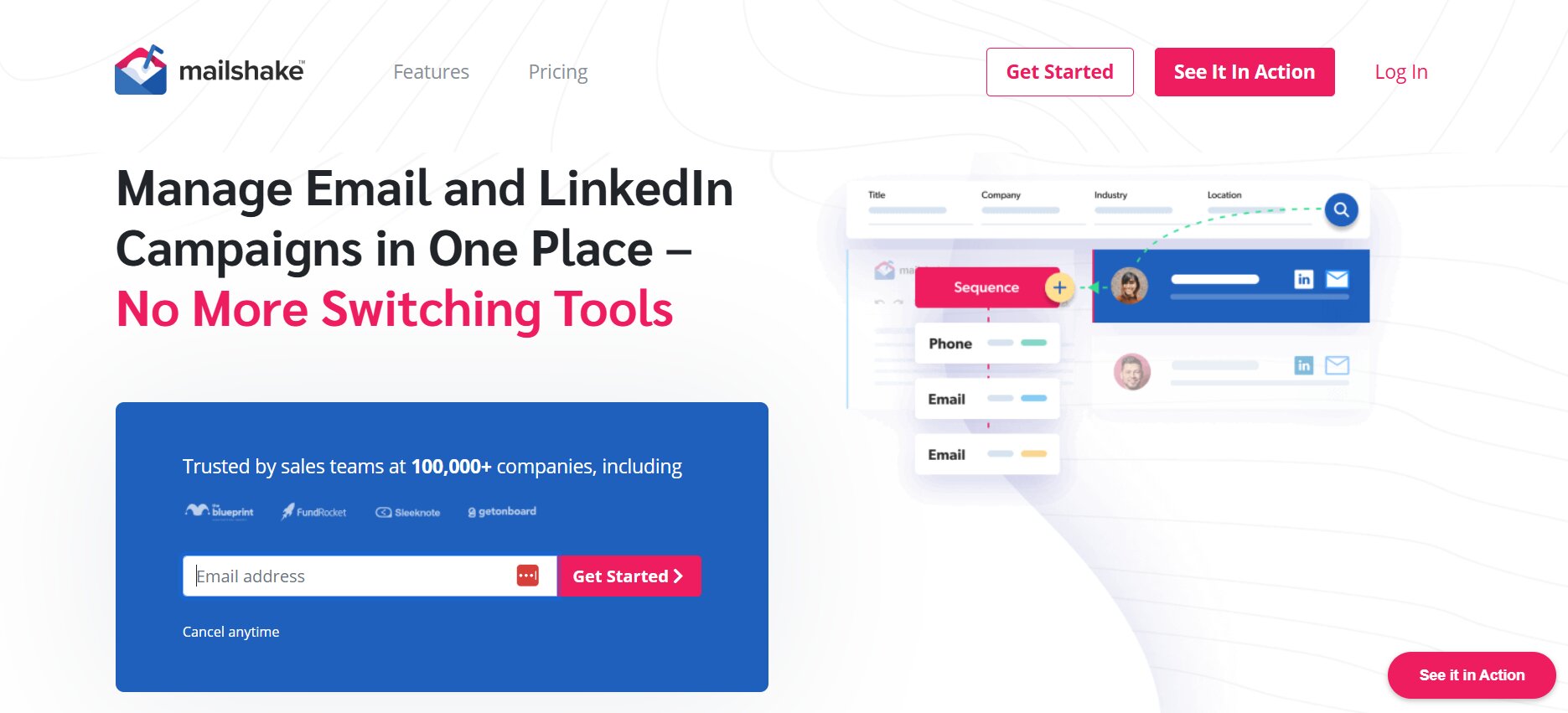
Mailshake’s positioning is deliberate: it’s a focused cold email tool rather than an all-in-one platform. For teams where email is the primary outreach channel and operational simplicity is a genuine priority, “focused” is a feature rather than a limitation.
The onboarding experience is one of the fastest in the category. Non-technical users can go from signup to running their first sequence within a few hours — without reading documentation or watching tutorials. For sales managers onboarding new reps, this accessibility is a meaningful operational advantage.
Key Features:
| Feature | Details |
|---|---|
| Email sequences | Clean, intuitive builder |
| Lead catcher | Automatically identifies and flags positive responses |
| Phone call tasks | Reminder tasks within sequences (not automated) |
| LinkedIn task steps | Manual LinkedIn touchpoints in sequences |
| A/B testing | Subject lines and message variants |
| Deliverability tools | Email warm-up included |
| Integrations | Salesforce, HubSpot, Pipedrive, Zapier |
| Chrome extension | Add leads from LinkedIn directly |
Pricing:
| Plan | Monthly Price | Key Features |
|---|---|---|
| Starter | $58/user | Basic email sequences |
| Email Outreach | $83/user | A/B testing, advanced sequences |
| Sales Engagement | $133/user | Phone dialer, LinkedIn automation |
Pros:
- Fastest onboarding of any tool in this comparison — genuinely accessible to non-technical users
- Lead catcher saves significant manual response monitoring time
- Strong deliverability features for the price point
- A/B testing is well-implemented and actionable
Cons:
- Email-primary — LinkedIn and phone are task-based, not automated
- Less data enrichment than Apollo or La Growth Machine
- Analytics solid but not as deep as enterprise-tier tools
- Not appropriate for teams needing genuine multichannel automation
Best for: Email-first sales teams and individual SDRs who want reliable cold email with fast setup — particularly those for whom LinkedIn automation is not a core requirement.
5. Reply.io
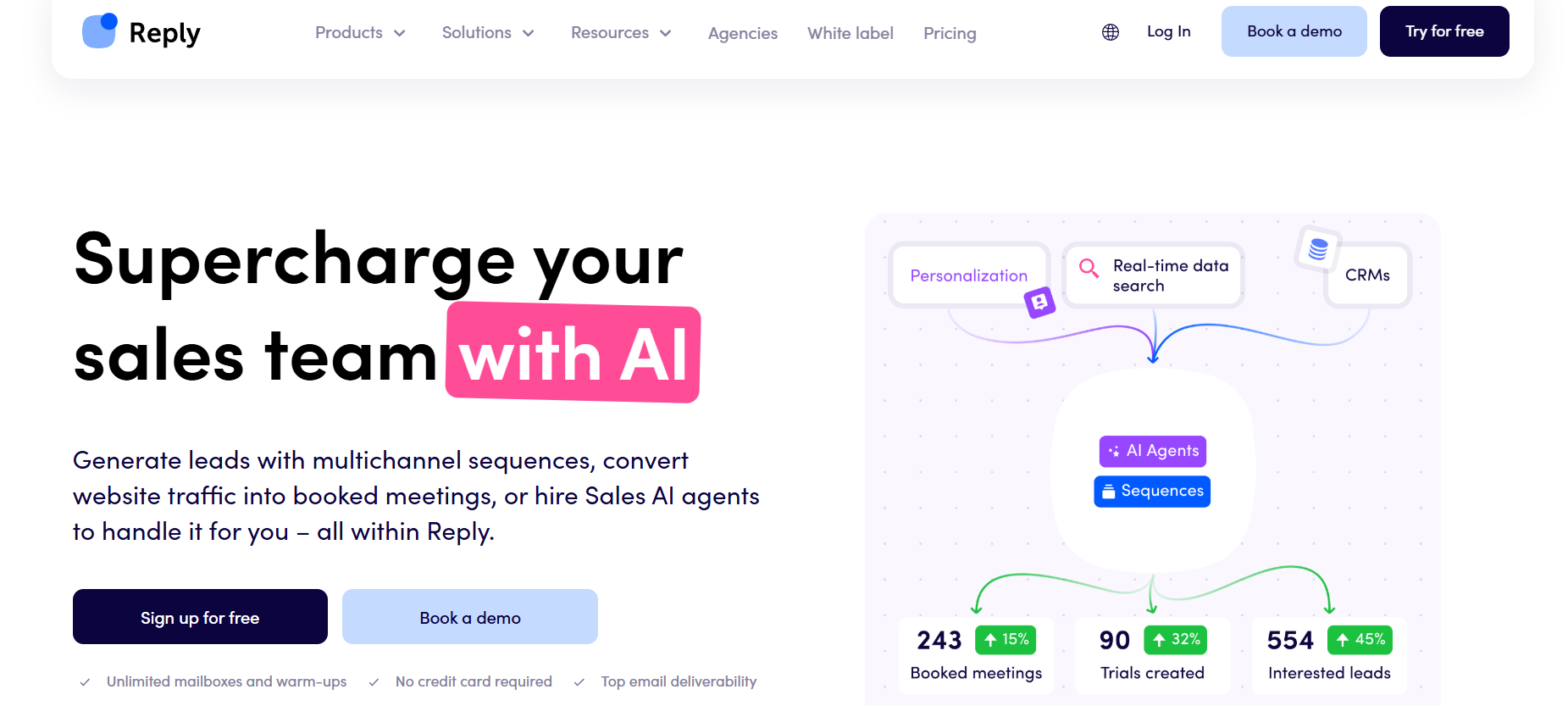
Reply.io was one of the earliest platforms to integrate AI meaningfully into outreach workflows — not just as a writing assistant but as a sequence optimization and response categorization layer. In 2026, those AI capabilities have matured considerably, making Reply a genuinely differentiated platform for teams that want automation to carry a significant portion of the operational workload.
The channel breadth is the widest on this list: email, LinkedIn, WhatsApp, SMS, and calls can all be incorporated into a single unified sequence. The AI agent (Jason AI) can build entire sequences from an ICP description, categorize incoming replies by intent, and recommend sequence adjustments based on performance data.
Key Features:
| Feature | Details |
|---|---|
| AI sequence builder | Builds full sequences from ICP description |
| Channels | Email, LinkedIn, WhatsApp, SMS, calls |
| Reply Data | Built-in prospect database |
| AI reply categorization | Automatically sorts responses by intent |
| Meeting booking | AI-powered scheduling automation |
| White-label | Agency-ready with full white-labeling |
| CRM integrations | Salesforce, HubSpot, Pipedrive |
| Analytics | AI-generated improvement recommendations |
Pricing:
| Plan | Monthly Price | Key Features |
|---|---|---|
| Email Volume | $59/user | Email sequences, basic AI |
| Multichannel | $99/user | All channels, full AI features |
| Agency | Custom | White-label, unlimited clients |
Pros:
- AI features are genuinely integrated — not cosmetic additions
- Widest channel set in this comparison including WhatsApp and SMS
- Reply categorization saves significant manual triage time for high-volume teams
- White-label makes it viable for agencies serving multiple clients
- Built-in prospect database reduces tool sprawl
Cons:
- Feature breadth creates real complexity — steeper learning curve than simpler tools
- AI-generated sequences require human review before deployment at scale
- WhatsApp and SMS have geographic and compliance limitations that vary by market
- Full AI feature access requires higher tiers
Best for: Sales teams and agencies wanting AI to carry significant workflow automation — particularly those running sequences across multiple channels simultaneously who need automated response categorization.
6. Smartlead
Smartlead’s founding thesis is that deliverability is the primary problem to solve in cold email — everything else is secondary. When your emails land in spam folders, open rates collapse, reply rates disappear, and your sending domain accumulates damage that takes months to repair. Smartlead’s architecture is built entirely around preventing that outcome.
The unlimited mailbox model at a flat price is the core operational innovation. Instead of paying per seat or per mailbox — which incentivizes users to limit their sender accounts and concentrate risk — Smartlead allows unlimited mailbox connections. This means distributing send volume across many mailboxes, reducing the risk any single inbox accumulates, and improving deliverability across the entire operation.
Key Features:
| Feature | Details |
|---|---|
| Mailbox connections | Unlimited at all paid tiers |
| Email warm-up | Built-in, automated for all connected mailboxes |
| AI personalization | Scale personalization across all sequences |
| Master inbox | All responses across all mailboxes in one view |
| Deliverability analytics | Spam rate monitoring, inbox placement testing |
| Agency features | White-label, client sub-accounts |
| Integrations | Zapier, native CRM connections |
| Sequence builder | Conditional branching logic |
Pricing:
| Plan | Monthly Price | Key Features |
|---|---|---|
| Basic | $39/mo | 2,000 active leads, unlimited mailboxes |
| Pro | $94/mo | 30,000 active leads, advanced analytics |
| Custom | On request | Enterprise volume, dedicated support |
Pros:
- Unlimited mailboxes at flat pricing — best economics for high-volume email operations
- Built-in warm-up is one of the most robust implementations in the category
- Master inbox makes managing responses across dozens of senders practical
- Strong agency white-label and client management features
Cons:
- Primarily email-focused — limited LinkedIn and other channel capability
- Interface is functional but less polished than some competitors
- Full value requires using multiple mailboxes — single-mailbox users don’t maximize the platform
- Learning curve for users unfamiliar with deliverability concepts and architecture
Best for: High-volume email outreach operations — agencies and sales teams running thousands of sequences per month where inbox placement is the primary operational constraint.
7. Lemlist
Lemlist was built around a founding insight that remains genuinely distinctive in 2026: personalization doesn’t have to stop at variable text fields. Dynamic image personalization — inserting a prospect’s name, company logo, LinkedIn profile photo, or website screenshot directly into a customized image within the email — creates a visual hook that most prospects have genuinely never encountered before.
The platform has evolved from a personalization-first email tool into a fuller multichannel outreach platform with LinkedIn automation, calling steps, and a built-in contact database. But the creative personalization capability remains its sharpest differentiation from every other tool on this list.
Key Features:
| Feature | Details |
|---|---|
| Image personalization | Dynamic images with recipient-specific content |
| Video personalization | Personalized thumbnails with recipient context |
| Channels | Email, LinkedIn, cold calling |
| Contact database | lemlist database for lead sourcing |
| Email warm-up | Built-in via lemwarm |
| AI writing | Personalization-focused message generation |
| Template library | Built from real campaign performance data |
| CRM integrations | HubSpot, Salesforce, Pipedrive |
Pricing:
| Plan | Monthly Price | Annual Price | Key Features |
|---|---|---|---|
| Email Starter | $39/mo | $32/mo | Email sequences, basic personalization |
| Email Pro | $69/mo | $55/mo | Full image personalization, A/B testing |
| Multichannel Expert | $99/mo | $79/mo | LinkedIn + email + calls |
| Outreach Scale | $159/mo | $129/mo | AI features, advanced analytics |
Pros:
- Image and video personalization are genuinely distinctive — among the best visual personalization implementations available
- Built-in lemwarm removes the need for a separate email warm-up tool
- Strong community with shared templates built from real campaign data
- Multichannel capability has improved significantly in recent releases
Cons:
- Creative personalization features require more setup time than text-only approaches
- Database quality is uneven in some geographic markets
- Can feel overwhelming for users wanting simple email sequences
- Full multichannel capability requires higher tiers
Best for: Sales teams and marketers whose outreach volume is competitive enough that visual differentiation is a meaningful advantage — particularly those targeting high-value accounts where a memorable first impression justifies the additional setup investment.
8. Instantly.ai
Instantly.ai is purpose-built for one specific use case: sending cold email at high volume with the infrastructure to actually land in inboxes rather than spam folders. Its unlimited sending account model, automatic inbox rotation, and built-in warm-up create a deliverability architecture that handles scale in a way that most tools simply aren’t designed for.
The platform is not trying to be all things — it’s trying to be the best possible email sending infrastructure for teams where volume and deliverability are the primary variables.
Key Features:
| Feature | Details |
|---|---|
| Sending accounts | Unlimited at all paid tiers |
| Inbox rotation | Automatic distribution across accounts |
| Email warm-up | Built-in for all connected accounts |
| AI sequence writer | Message generation at scale |
| Analytics | Detailed deliverability and campaign reporting |
| A/B testing | Subject lines, body copy variants |
| Spam checker | Pre-send content analysis |
| Integrations | Zapier, webhooks, API |
Pricing:
| Plan | Monthly | Annual | Active Leads |
|---|---|---|---|
| Growth | $37/mo | $30/mo | 1,000 |
| Hypergrowth | $97/mo | $77/mo | 25,000 |
| Light Speed | $358/mo | $286/mo | 500,000 |
Pros:
- Unlimited sending accounts — best economics for multi-sender operations
- Automatic inbox rotation prevents dangerous concentration of send volume
- Built-in warm-up removes the need for separate deliverability tooling
- Strong analytics dashboard for deliverability monitoring
Cons:
- No LinkedIn automation — purely a cold email platform
- No built-in contact database — requires separate data sourcing
- Limited AI personalization depth compared to Lemlist or Reply.io
- Not suitable for teams needing multichannel coordination
Best for: Email-first sales teams and agencies running high-volume cold email campaigns where deliverability is the primary constraint — particularly teams recovering from domain damage who need clean infrastructure to rebuild from.
9. Woodpecker
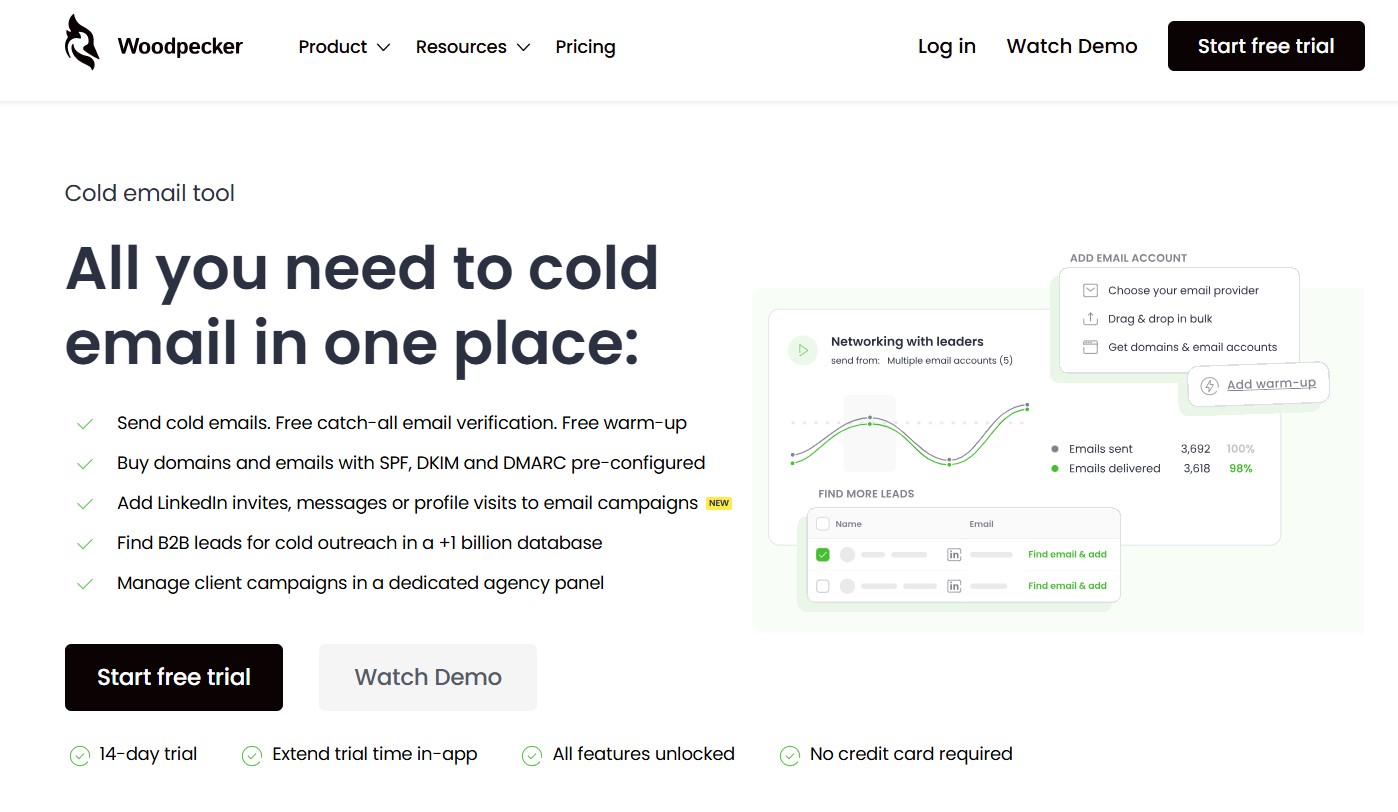
Woodpecker has been a stable, reliable presence in the cold email category for over a decade. Its philosophy — do cold email well rather than trying to be everything — has built a loyal user base of SMBs, agencies, and individual sales reps who value predictability and reliability over feature breadth.
The platform’s stability is a genuine selling point in a category where newer tools frequently push updates that break workflows and require re-learning. With Woodpecker, what worked last month still works this month.
Key Features:
| Feature | Details |
|---|---|
| Email sequences | Simple, clean condition-based builder |
| Conditional branching | If opened, if clicked, if replied |
| Email warm-up | Woodpecker Warm-Up built-in |
| Agency panel | Multiple client account management |
| Deliverability monitoring | Bounce handling and sender reputation tracking |
| LinkedIn tasks | Manual task steps (not automated) |
| Integrations | Salesforce, HubSpot, Zapier, native API |
| Data protection | Duplicate and bounce detection |
Pricing:
| Plan | Monthly Price | Key Features |
|---|---|---|
| Cold Email | $49/mo | 500 contacted prospects |
| Sales Assistant | $49/mo | LinkedIn task steps included |
| Agency | $54/mo | Multiple client management |
Pros:
- One of the most stable and reliable platforms in the category — minimal surprise workflow breaks
- Agency panel is well-developed for managing multiple client accounts
- Simple enough for non-technical users to manage independently
- Built-in warm-up with good deliverability track record
Cons:
- Limited AI features compared to newer competitors
- LinkedIn is manual task-based only — no automation
- Interface design is dated compared to more modern tools
- Per-prospect pricing model can become expensive at high volume
Best for: SMBs, individual sales reps, and agencies that value reliability and simplicity over cutting-edge features — particularly teams that have experienced platform instability elsewhere and prioritize a tool that consistently works.
10. QuickMail
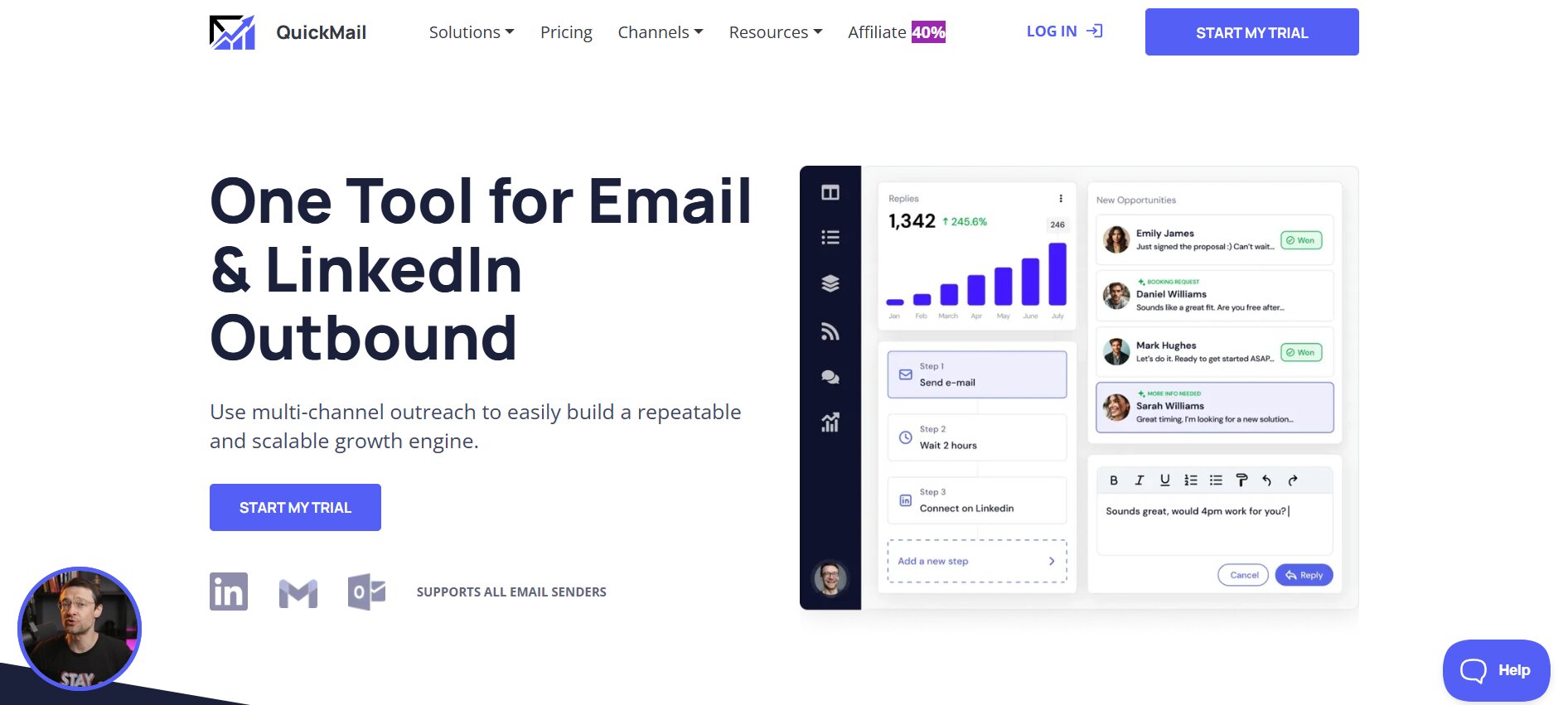
QuickMail’s defining feature is straightforward: unlimited sender accounts at a flat price, with native warm-up and auto-rotation built in. For agencies managing outreach for multiple clients, and for high-volume operations where sender diversification is the primary deliverability strategy, this pricing model is genuinely compelling.
The auto-pause on reply feature — which automatically stops all follow-ups for a prospect when they respond — is a small but operationally important feature that prevents the embarrassing scenario of an automated follow-up landing in the middle of an active conversation.
Key Features:
| Feature | Details |
|---|---|
| Sender accounts | Unlimited at all paid tiers |
| Auto-warm-up | Native — no third-party tool required |
| Sequence branching | Condition-based with if/then logic |
| Auto-pause on reply | Automatically stops sequences when prospect responds |
| Team features | Multiple users, shared inbox, permission controls |
| Agency features | Client sub-accounts, white-label reporting |
| Blacklist monitoring | All connected sender accounts monitored |
| Integrations | HubSpot, Pipedrive, Slack, Zapier |
Pricing:
| Plan | Monthly Price | Active Prospects | Sending Accounts |
|---|---|---|---|
| Basic | $49/mo | 500 | Unlimited |
| Pro | $89/mo | 1,500 | Unlimited |
| Expert | $129/mo | 10,000 | Unlimited |
Pros:
- Unlimited senders at flat pricing — most cost-effective model for multi-sender operations
- Native warm-up included — no additional tool subscription needed
- Auto-pause on reply prevents automated messages interrupting live conversations
- Strong agency and team collaboration features
Cons:
- Primarily email-focused — limited multichannel beyond email
- Interface functional but not the most polished in the category
- Less AI-powered personalization than Lemlist or Reply.io
- Not ideal for teams needing deep LinkedIn integration
Best for: Agencies and high-volume email operations where managing multiple sender accounts efficiently is the primary operational challenge — particularly those who want sender account economics without per-mailbox pricing.
11. Klenty
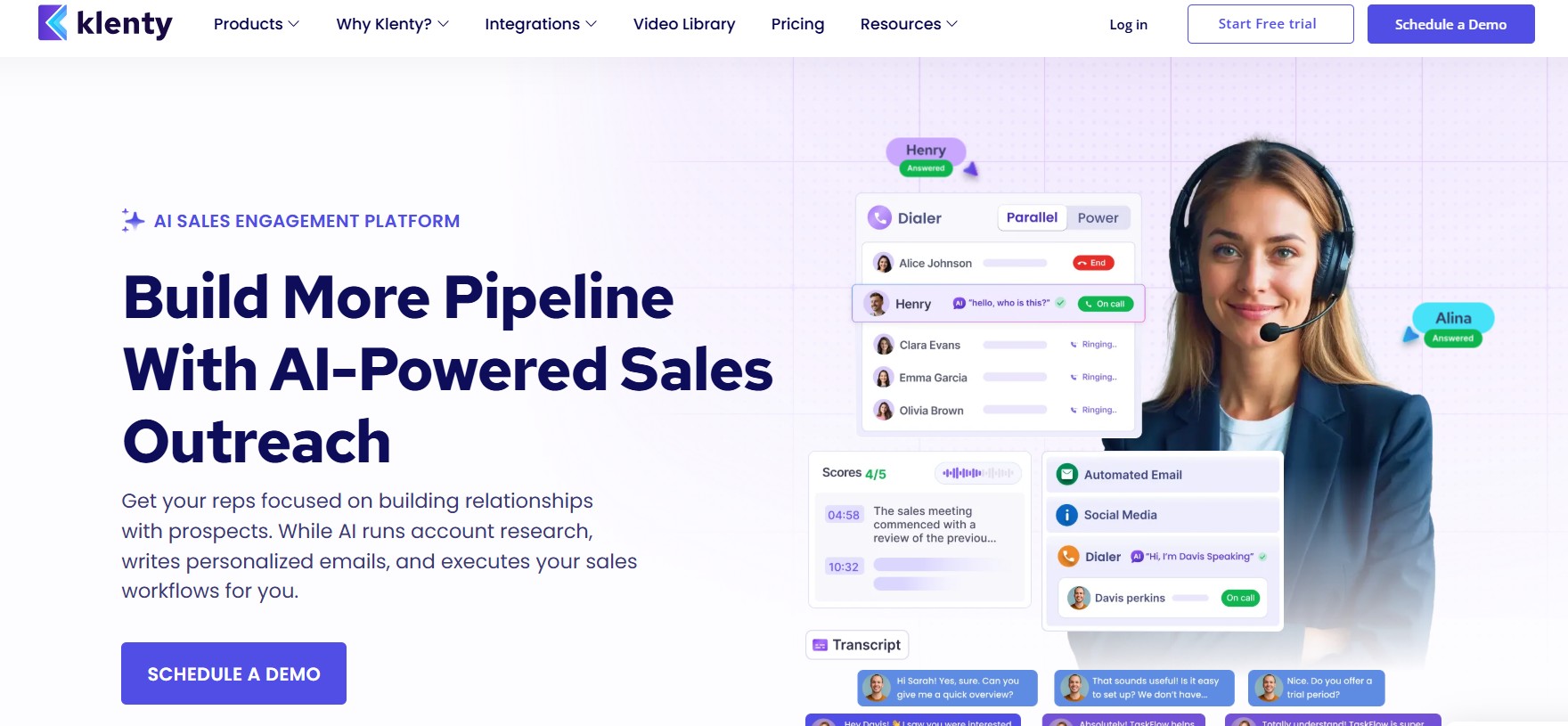
Klenty’s positioning is distinct from every other tool in this comparison: it’s built to work inside your existing sales process rather than alongside it. The deep bidirectional CRM integrations — with Salesforce, HubSpot, Pipedrive, and Zoho — mean that Klenty isn’t a separate outreach tool connected to your CRM via Zapier. It’s an outreach execution layer that operates within your CRM’s data model.
For RevOps teams and sales managers who need outreach tied directly to pipeline stages, deal data, and rep performance metrics, this architecture is the most natural fit available.
Key Features:
| Feature | Details |
|---|---|
| CRM integration | Bidirectional — not one-way sync |
| Channels | Email, LinkedIn, phone, SMS |
| Cadence playbooks | ICP-specific and deal-stage-specific |
| AI personalization | Liquid templates + AI writing |
| Prospect scoring | Engagement-signal-based prioritization |
| Team reporting | Rep-level performance breakdowns |
| Timezone sending | Delivery optimization by prospect location |
| Deduplication | Prevents duplicate outreach to same contact |
Pricing:
| Plan | Monthly Price | Key Features |
|---|---|---|
| Startup | $50/user | Email sequences, basic CRM sync |
| Growth | $70/user | Multichannel, prospect scoring |
| Pro | $100/user | Advanced analytics, AI features |
| Enterprise | Custom | Full integrations, dedicated support |
Pros:
- CRM integration depth is genuinely best-in-class for supported CRMs
- Cadence playbooks accelerate new rep onboarding with pre-built sequences
- Prospect scoring helps prioritize follow-up effort on warm signals
- Good multichannel capability across email, phone, LinkedIn, and SMS
Cons:
- CRM-dependent — teams without a CRM don’t get the platform’s core value
- Some features require technical configuration beyond non-technical users’ comfort
- Pricing less transparent than some competitors
- LinkedIn automation less robust than dedicated LinkedIn tools
Best for: Sales teams and RevOps professionals in organizations with an established CRM workflow — particularly Salesforce and HubSpot shops where outreach data flowing cleanly into CRM records is a non-negotiable requirement.
12. Snov.io
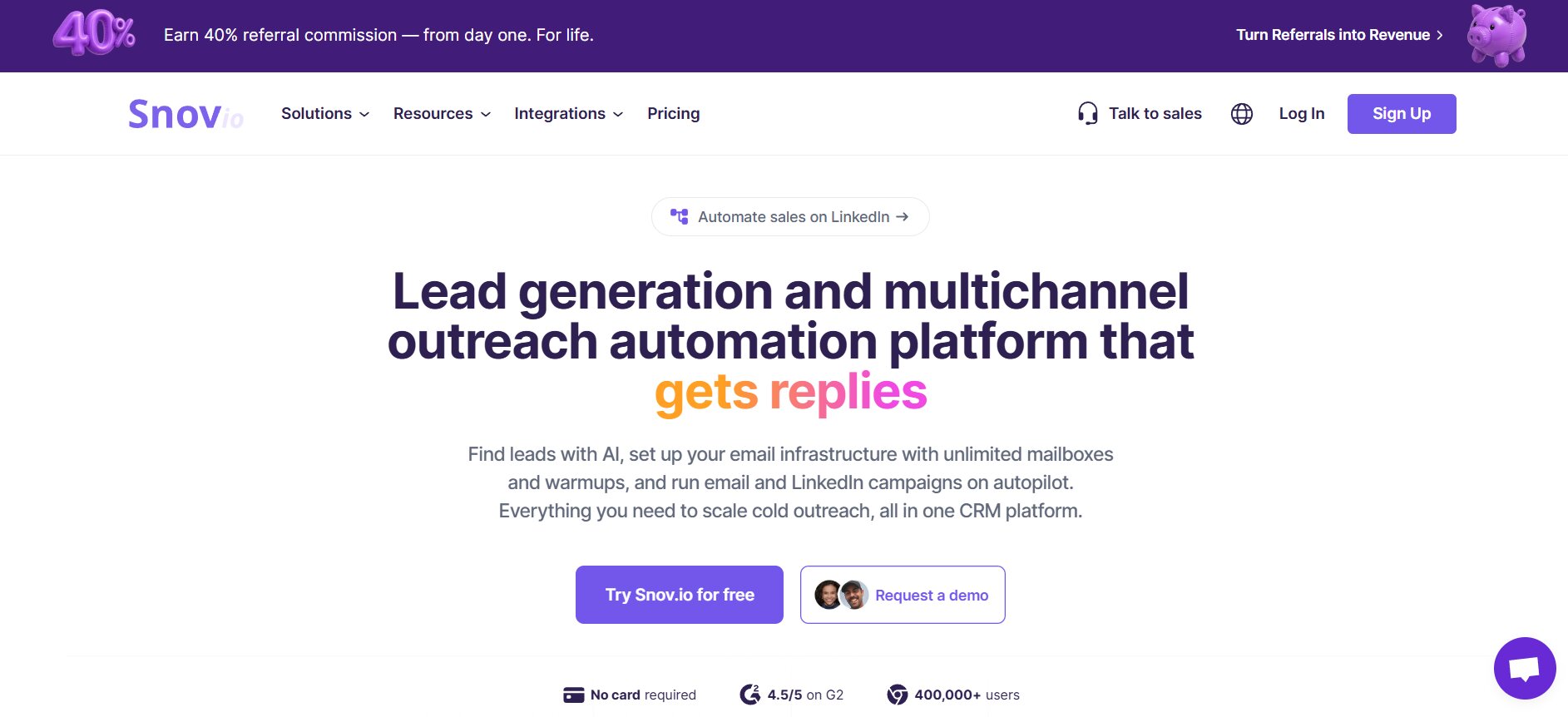
Snov.io occupies the accessible end of the cold outreach tools market — combining an email finder, real-time verification, and outreach sequences in one platform at a price point that makes it viable for early-stage teams, solo founders, and budget-conscious SDRs.
The value comparison with Lusha and similar tools is stark. Snov.io’s Starter plan delivers 1,000 verified email credits plus sequence capability for $30 per month — making it one of the most affordable entry points in the category with genuine functionality rather than a stripped-down demo.
Key Features:
| Feature | Details |
|---|---|
| Email finder | Domain and name-based lookup |
| Email verification | Real-time at point of export |
| Email sequences | Multi-step drip campaigns |
| LinkedIn Chrome extension | Profile data extraction |
| CRM integrations | Native + Zapier for major platforms |
| Email warm-up | Add-on available |
| Technology checker | Identifies prospect’s tech stack |
| Free plan | 50 credits per month |
Pricing:
| Plan | Monthly | Annual | Credits |
|---|---|---|---|
| Free | $0 | $0 | 50/month |
| Starter | $30/mo | $24/mo | 1,000/month |
| Pro | $75/mo | $59/mo | 5,000/month |
| Managed | $279/mo | $222/mo | 50,000/month |
Pros:
- Most affordable entry point with genuine outreach and data functionality combined
- Real free plan — not a time-limited trial
- Real-time email verification reduces bounce rates meaningfully
- Technology checker enables tech-stack-based targeting
Cons:
- AI personalization limited compared to premium tools
- Sequence logic less sophisticated than Apollo or Reply.io
- Database coverage gaps in some industries and geographies
- Email warm-up is an add-on rather than built-in
Best for: Early-stage teams, solo founders, and budget-conscious SDRs who need email finding and outreach sequences in one affordable platform — particularly those testing cold outreach before investing in enterprise tooling.
How to Choose the Right Cold Outreach Tool for Your Business
With twelve platforms evaluated, the right choice depends on matching your specific situation to the tool’s core strength. Here’s the decision framework.
The six questions to answer before evaluating tools:
- What is your primary outreach channel — email-first, LinkedIn-first, or genuinely multichannel?
- What is your team size and structure — solo rep, small team, large org, or agency?
- Do you have an existing CRM, and which one?
- What is your monthly outreach volume?
- Is deliverability your primary constraint, or personalization, or operational efficiency?
- What is your budget per seat per month?
Matching situation to tool:
| Your Situation | Best Choice | Core Reason |
|---|---|---|
| Need all-in-one with built-in CRM | Dealsflow | LinkedIn + email + CRM in one platform |
| Need database + outreach combined | Apollo.io | 270M contacts + full sequence capability |
| True multichannel (all channels equal) | La Growth Machine or Reply.io | Native multichannel sequence builders |
| Email deliverability at high volume | Smartlead or Instantly.ai | Unlimited mailboxes + built-in warm-up |
| LinkedIn-focused team outreach | Dealsflow or HeyReach | Multi-account LinkedIn with team features |
| Creative visual differentiation | Lemlist | Image and video personalization |
| CRM-native workflow | Klenty | Deepest bidirectional CRM integration |
| Simple reliable cold email | Woodpecker or Mailshake | Stability and ease of use |
| Budget entry point | Snov.io | Most affordable data + sequences |
| AI-powered automation | Reply.io | Autonomous AI sequence building |
What to watch out for:
Tools that claim multichannel but treat LinkedIn as a manual task layer are not multichannel tools — they’re email tools with LinkedIn reminders. If LinkedIn is genuinely important to your outreach strategy, verify that the automation is cloud-based and that LinkedIn actions are natively automated rather than manually triggered.
Pricing models that look affordable per seat but scale poorly for larger teams — particularly per-prospect models that look cheap at 500 contacts per month and expensive at 5,000.
Platforms without native warm-up require you to subscribe to a separate tool — add $30–$50 per month to the true cost, and factor in the operational overhead of managing two platforms for one function.
Feature depth that exceeds your team’s actual capacity to use it. A platform with 40 features that your team uses 4 of is not better than a simpler platform whose 4 core features your team uses well.
Conclusion
The right cold outreach tool is not determined by feature lists or vendor brand recognition. It’s determined by three things in order of priority: safety and deliverability architecture, personalization capability, and then pricing.
Safety first — because a LinkedIn account ban or a blacklisted sending domain eliminates your ability to do outreach at all. Tools with cloud-based LinkedIn automation, dedicated IPs, and built-in email warm-up protect your most valuable outreach assets. Tools without these features create risks that can take months to recover from.
Personalization second — because in 2026, generic automated sequences get ignored. The tools that drive results are the ones that enable genuine relevance at scale — whether through AI personalization, visual personalization, behavioral sequence branching, or data enrichment that makes every message feel researched.
Pricing third — because the cost of a poor-fit tool isn’t just the subscription price. It’s the wasted rep time, the missed meetings, the damaged domains, and the pipeline that never materialized.
Any of the twelve tools reviewed in this guide, used consistently with a well-defined ICP and genuinely personalized messaging, will outperform the most sophisticated tool in the world used inconsistently or with generic content. The best cold outreach tool is the one your team will actually use — and that starts with choosing one that matches your channel strategy, your team structure, and your primary operational constraint.
Frequently Asked Questions
What is the difference between a cold outreach tool and email marketing software?
Cold outreach tools are designed for 1:1 personalized prospecting conversations with people who haven’t opted in. Email marketing software is designed for broadcast campaigns to subscriber lists who have given consent. The compliance requirements, personalization approach, success metrics, and tone are fundamentally different. Cold outreach tools optimize for replies and meetings booked. Email marketing platforms optimize for opens and clicks. Using an email marketing tool for cold prospecting — or vice versa — produces poor results and potential compliance exposure.
Can I use free cold outreach tools instead of paid ones?
Several genuinely useful free tiers exist — Apollo.io’s free plan, Snov.io’s free plan, and Instantly.ai’s trial all provide real functionality. What you typically give up on free tiers: deliverability features like warm-up, advanced personalization, meaningful analytics, and daily volume limits that make serious prospecting difficult. For teams doing fewer than 50 contacts per week, a free tier may be sufficient. For teams doing real pipeline-generating outreach volume, the deliverability and personalization limitations of free tools typically cost more in missed opportunities than the monthly subscription would.
How long does it take to see results from cold outreach software?
Expect 4–8 weeks before you have meaningful data on a properly configured campaign. The first two weeks are typically for domain warm-up and initial sequence testing. By week four, you should have enough data to make initial optimization decisions on subject lines, opening messages, and CTAs. By week eight, a well-configured campaign with a clearly defined ICP should be producing consistent meeting bookings. Teams that evaluate tools at week two and conclude “it doesn’t work” are drawing conclusions from insufficient data.
Do I need separate tools for LinkedIn and email outreach?
It depends entirely on your channel strategy. If both channels are equally important and you want them coordinated in one sequence, tools like Dealsflow, La Growth Machine, Reply.io, and Lemlist handle both natively. If LinkedIn is your primary channel with email as supplementary, dedicated LinkedIn tools with stronger safety architecture may outperform general multichannel platforms. If email is your primary channel with LinkedIn as supplementary, an email-focused tool with LinkedIn task steps may be sufficient. The key question: are you running coordinated sequences where LinkedIn and email touchpoints reference each other, or running separate parallel campaigns?
What reply rates should I realistically expect?
Industry benchmarks for well-executed cold outreach: cold email 2–10%, warm email to engaged contacts 10–30%, LinkedIn connection requests 20–40%, LinkedIn InMail 10–15%. These benchmarks vary significantly based on personalization quality, list quality, ICP definition accuracy, sequence length, and channel mix. Chasing industry benchmarks is less useful than establishing your own baseline and optimizing it progressively. A team achieving 3% reply rate on cold email that improves to 6% through iteration has doubled performance — regardless of where the benchmark sits.
Is LinkedIn automation safe to use in 2026?
Cloud-based LinkedIn automation tools with dedicated IP addresses and human-behavior simulation are significantly safer than browser-based extensions. No automation is completely without risk — LinkedIn’s terms technically prohibit all third-party automation. But cloud-based tools operating within recommended daily action limits represent the most responsible approach. The distinction that matters most: cloud-based tools run from dedicated servers with dedicated IPs and operate continuously. Browser extensions run inside your browser session, share your personal IP, and produce behavioral patterns LinkedIn’s detection systems are increasingly able to identify. If you’re running LinkedIn automation, choose cloud-based.