


LinkedIn automation has never been more competitive — or more risky. Tools that helped sales teams and recruiters scale outreach a few years ago are now being scrutinized more carefully by LinkedIn’s increasingly sophisticated detection systems. Account restrictions, temporary bans, and permanent suspensions have become real operational risks for professionals who choose the wrong automation platform.
Meet Alfred has been one of the most recognized names in LinkedIn automation for years. It offers multichannel sequencing, a reasonably clean interface, and a feature set that covers the basics of LinkedIn outreach. But a growing number of users are actively searching for meet alfred alternatives — and for good reason. Complaints around account safety, inconsistent customer support, pricing relative to value, and limitations in warm-up capability have pushed many professionals to explore what else the market offers.
This guide covers ten tools that deserve serious consideration in 2026, evaluated not just on features but on the dimensions that matter most for sustained LinkedIn outreach: account safety architecture, personalization depth, pricing transparency, team scalability, and honest limitations. Whether you’re a solo founder, an SDR, a recruiter, or an agency running campaigns across multiple client accounts, there’s a tool on this list built for your specific situation.
Why It Makes Sense to Look for Meet Alfred Alternatives
Before diving into the alternatives, it’s worth being precise about what’s driving users away from Meet Alfred specifically — and what broader trends in the LinkedIn automation space are shaping the market in 2026.
Meet Alfred’s Strengths
Meet Alfred is not a bad product. It pioneered multichannel sequencing at a time when most LinkedIn automation tools were LinkedIn-only. Its interface is reasonably intuitive for beginners, and its CRM-lite features are useful for solo users who don’t want to manage a separate contact database. For someone doing light, low-volume outreach across LinkedIn and email, it covers the basics.
Where It Falls Short
The problems that push users toward alternatives cluster around a few consistent themes that appear repeatedly in user reviews and community discussions:
Account safety concerns: Meet Alfred’s architecture has historically relied on browser-based activity that LinkedIn’s detection systems have become increasingly effective at identifying. Users have reported account restrictions and warnings at rates that make serious sales professionals nervous about building their outreach operations on the platform.
Limited or absent warm-up features: Warm-up — the process of gradually increasing sending activity to build sender reputation — is now a table-stakes feature for serious outreach tools. Meet Alfred doesn’t include robust warm-up capability natively, which forces users to either manage warm-up manually or pay for a separate tool.
Pricing versus value: As the market has matured and competitors have introduced more capable tools at competitive price points, Meet Alfred’s pricing has started to look less justified relative to what you get. Users on entry-level plans frequently run into feature gates that require upgrading to accomplish fairly basic tasks.
Customer support: This is the most consistent complaint in user reviews. Support response times, quality of resolution, and the experience of getting help with account issues have been cited negatively across multiple review platforms.
LinkedIn’s evolving detection: The broader context here matters. LinkedIn has significantly improved its automation detection since 2023. Tools that don’t implement human-behavior mimicry — randomized delays, activity limits that vary day to day, IP protection — create genuine account risk that simply didn’t exist at the same level a few years ago.
What to Look for in a 2026 Alternative
Given these dynamics, the most important evaluation criteria for any Meet Alfred alternative in 2026 are:
Safety architecture first: Is the tool cloud-based (safer) or browser extension-based (higher risk)? Does it randomize sending timing and activity patterns? Does it implement daily limits that adapt to account age and history?
Warm-up capability: Does the tool include native warm-up, or do you need to pay extra for a separate service?
Personalization depth: Can the tool personalize beyond first name and company? Does it use AI to adapt messaging based on profile data?
Multichannel capability: If you need LinkedIn + email in unified sequences, does the tool support both natively?
Team and agency features: If you’re managing multiple accounts or multiple clients, does the pricing and architecture support that use case without becoming prohibitively expensive?
Transparent, predictable pricing: Can you understand exactly what you’re getting at each tier without surprises?
The 10 Best Meet Alfred Alternatives in 2026
The tools below aren’t ranked in a strict order of overall quality — each wins in a specific scenario. What they share is a legitimate claim to being a better choice than Meet Alfred for a meaningful segment of users. Each review covers what the tool does, who it’s for, what it does well, where it falls short, and what it costs.
1) Dealsflow
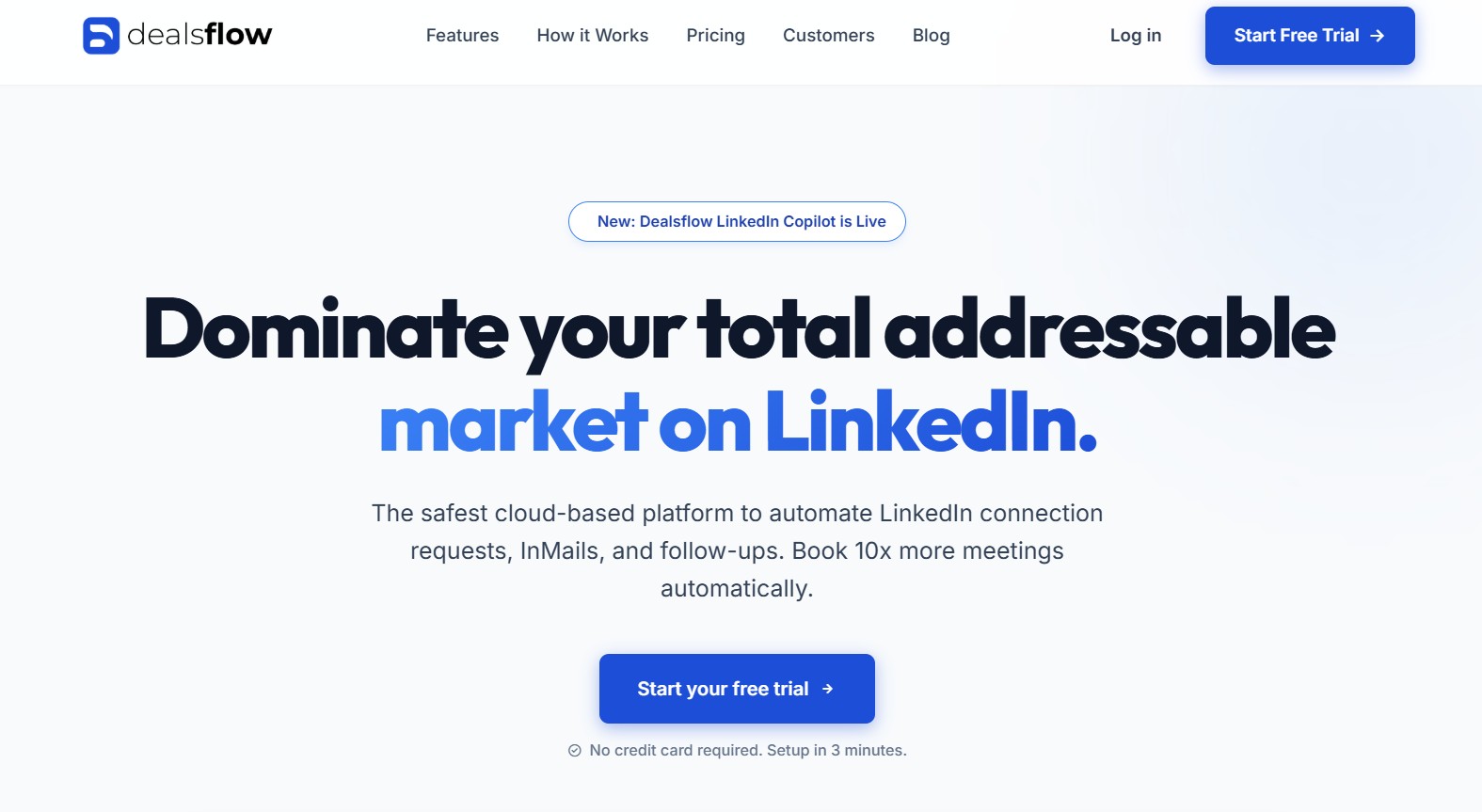
If you’re evaluating meet alfred alternatives with the intention of genuinely upgrading your outreach infrastructure — not just swapping one tool for another — Dealsflow deserves your most careful attention. It approaches LinkedIn outreach differently from most tools on this list, integrating AI at the campaign, message, and pipeline level rather than bolting personalization on top of a basic automation framework.
What Dealsflow Actually Does
Dealsflow is built around the concept that outreach and pipeline management should live in the same system. Most LinkedIn automation tools handle sending; they don’t handle what happens after a prospect responds. Dealsflow closes that gap by combining intelligent outreach sequencing with pipeline visibility, so teams can manage the full arc from first touch to qualified conversation in one place.
The AI layer in Dealsflow goes meaningfully beyond variable insertion. The system analyzes prospect profile data — their role, their industry, their recent activity, their company size and stage — and generates message variations that reflect those specifics. This is a fundamentally different approach from templates with placeholders, and it shows in response rates.
The built-in warm-up functionality means you’re not managing sender reputation through a separate tool or manual process. Dealsflow handles the gradual ramp-up of activity automatically, reducing account restriction risk from the start.
Who Gets the Most Value
Dealsflow is built for professionals who are serious about LinkedIn outreach as a revenue-driving channel, not just a prospecting tool. That includes B2B sales teams running account-based outreach programs, agencies managing multiple client campaigns, and founders who need pipeline visibility alongside outreach capability. If you’re doing low-volume, casual networking, it’s probably more tool than you need. If you’re measuring outreach against pipeline outcomes, it’s one of the most complete solutions available.
Pros
- AI personalization that actually reflects prospect context — not just name and company insertion, but message variations that reflect role, industry, and professional signals
- Built-in warm-up — sender reputation management is handled natively, not as an add-on
- Unified outreach and pipeline management — the full prospect journey lives in one system, reducing tool sprawl
- Cloud-based architecture — safer than browser extension tools because it doesn’t trigger LinkedIn’s browser-based detection patterns
- Multichannel sequencing — LinkedIn and email can be combined in unified workflows without switching platforms
- Strong safety architecture — human-behavior mimicry, randomized delays, and adaptive daily limits are built into the core, not added as optional settings
Cons
- Steeper learning curve than entry-level tools — the depth of the platform means more configuration time upfront
- Higher price point than budget alternatives — users who need only basic automation may find it over-engineered for their use case
- Some advanced features require higher tiers — as with most tools in this category, full access to AI features requires upgrading from entry-level plans
Pricing (Monthly)
| Plan | Price | Key Inclusions |
|---|---|---|
| Starter | $49 | Core LinkedIn outreach, basic sequences |
| Growth | $129 | AI personalization, warm-up, multichannel |
| Agency | $299 | Multi-account management, team features, full pipeline |
Best for: B2B sales teams, agencies, and founders who want outreach and pipeline in one system with serious AI personalization and safety architecture.
2) Salesrobot
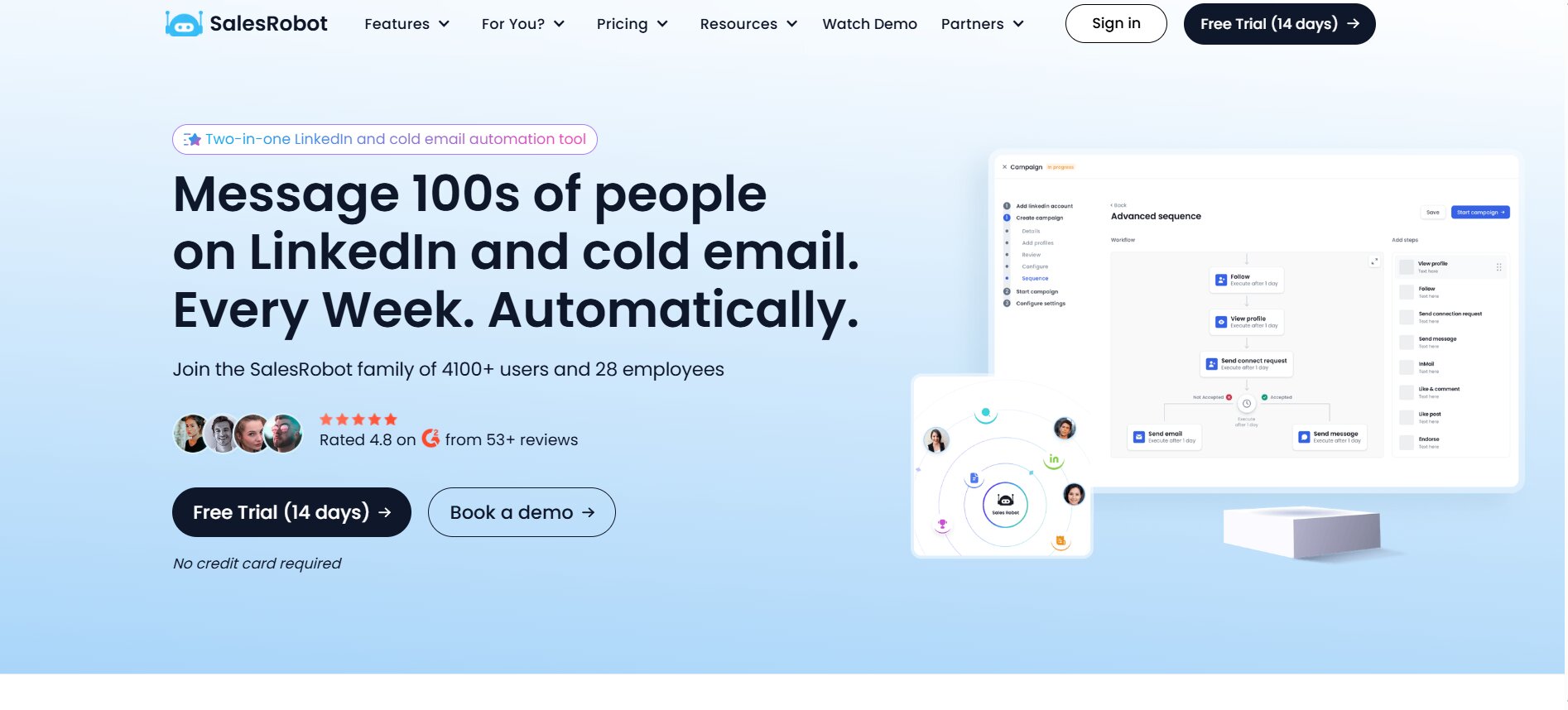
Salesrobot occupies a specific and valuable niche in the LinkedIn automation market: it’s designed not just to send messages but to qualify and book appointments automatically, making it closer to a full SDR workflow tool than a pure outreach platform.
What Salesrobot Actually Does
The distinction that makes Salesrobot worth considering is its AI-driven appointment setting layer. Most automation tools stop at the message — they send your sequence and hand off to you when a prospect responds. Salesrobot’s AI can handle early-stage responses, qualify interest, and move prospects toward a meeting booking without manual intervention at every step.
The targeting functionality integrates deeply with LinkedIn Sales Navigator, allowing you to build highly segmented prospect lists based on specific filters — industry, company size, job function, seniority level, geographic region — and deploy personalized sequences that adapt based on prospect profile data. The safety architecture includes randomized activity timing, adaptive daily limits, and account health monitoring.
Who Gets the Most Value
Sales development representatives and small sales teams who want automation to do more than just send messages — who want it to handle early-stage qualification and booking — get the most from Salesrobot. It’s also a strong option for teams running high-volume outreach against Sales Navigator lists who need message personalization at scale without manual customization on every contact.
Pros
- AI appointment setting reduces manual follow-up workload significantly
- Deep Sales Navigator integration for precise targeting
- Strong personalization engine that uses profile data to adapt messaging
- Human-behavior mimicry built into the sending architecture
- Clear campaign analytics with actionable data on sequence performance
- Good onboarding support relative to other tools in this category
Cons
- Per-LinkedIn-account pricing model can get expensive for teams with multiple senders
- Multichannel (LinkedIn + email) is more limited than some alternatives
- The AI appointment setting features require time to configure correctly and may need tuning before they perform well for your specific audience
- Some users report a learning curve in setting up complex multi-step sequences
Pricing (Monthly, Per LinkedIn Account)
| Plan | Price | Key Inclusions |
|---|---|---|
| Starter | ~$99/month | Core automation, basic personalization |
| Pro | ~$149/month | AI features, appointment setting, Sales Navigator integration |
| Agency | Custom | Multiple accounts, team management, priority support |
Best for: SDRs and sales teams who want AI-driven appointment setting alongside LinkedIn automation, particularly those working from Sales Navigator lists.
3) HeyReach
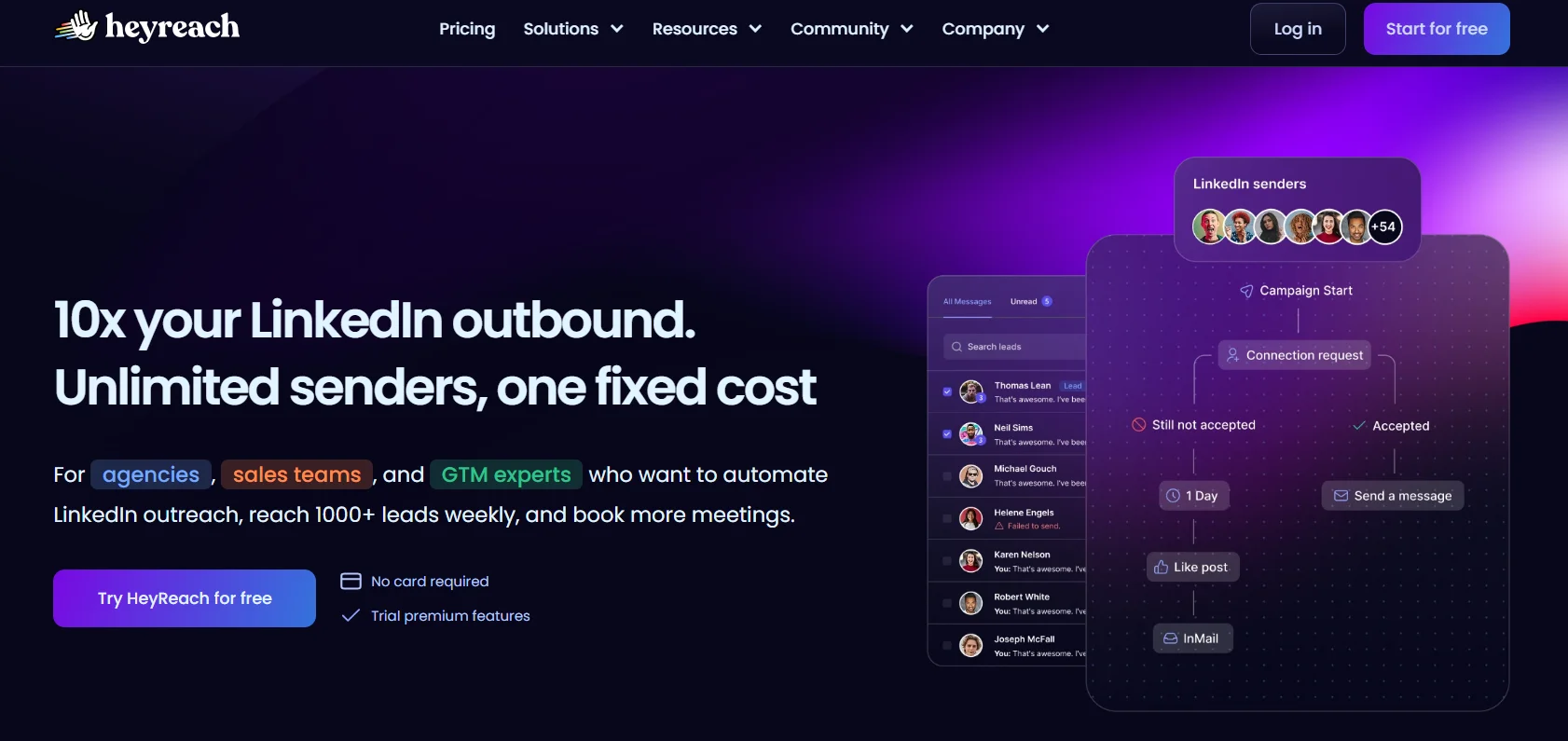
HeyReach solves a problem that most LinkedIn automation tools aren’t even designed to address: what do you do when one LinkedIn account simply can’t generate the volume of outreach your business requires?
What HeyReach Actually Does
LinkedIn’s daily activity limits — connection requests, messages, profile views — cap what any single account can do. HeyReach’s architecture is built around running outreach across multiple LinkedIn sender accounts simultaneously, rotating activity between them to stay within safe limits while dramatically increasing aggregate campaign volume.
This is fundamentally different from tools designed around a single account. HeyReach gives agencies and teams a centralized campaign management interface where outreach runs across all connected LinkedIn accounts, responses land in a unified inbox, and analytics aggregate across the entire sender pool. The operational leverage for agencies managing multiple client accounts, or for companies running large account-based outreach programs, is significant.
Who Gets the Most Value
This tool was built for agencies. If you’re managing LinkedIn outreach campaigns for multiple clients, or if your business requires outreach volume that a single LinkedIn account can’t produce, HeyReach’s multi-sender architecture is the most practical solution available. It’s also strong for growth teams running large-scale ABM (account-based marketing) programs.
Pros
- Unlimited LinkedIn sender accounts — the core differentiator that no single-account tool can match
- Centralized inbox across all connected accounts — managing responses at scale becomes operationally practical
- Clean, intuitive campaign management interface
- Strong CRM and outreach stack integrations (HubSpot, Salesforce, Zapier)
- Good analytics at both the campaign level and the account level
- Actively maintained with frequent product updates
Cons
- LinkedIn-only — no native email channel, which limits multichannel sequencing
- No built-in warm-up — new LinkedIn accounts added to HeyReach need to be warmed up separately before being used in campaigns
- Pricing is higher than single-account tools and can become significant at the agency tier
- Some users report that the onboarding experience for connecting multiple accounts can be technically cumbersome
Pricing (Monthly)
| Plan | Price | Key Inclusions |
|---|---|---|
| Starter | ~$79/month | Up to 3 LinkedIn accounts |
| Agency | ~$299/month | Unlimited LinkedIn accounts, team features |
| Enterprise | Custom | White-label options, dedicated support |
Best for: Agencies managing multiple client LinkedIn accounts and companies running high-volume account-based outreach programs.
4) Expandi
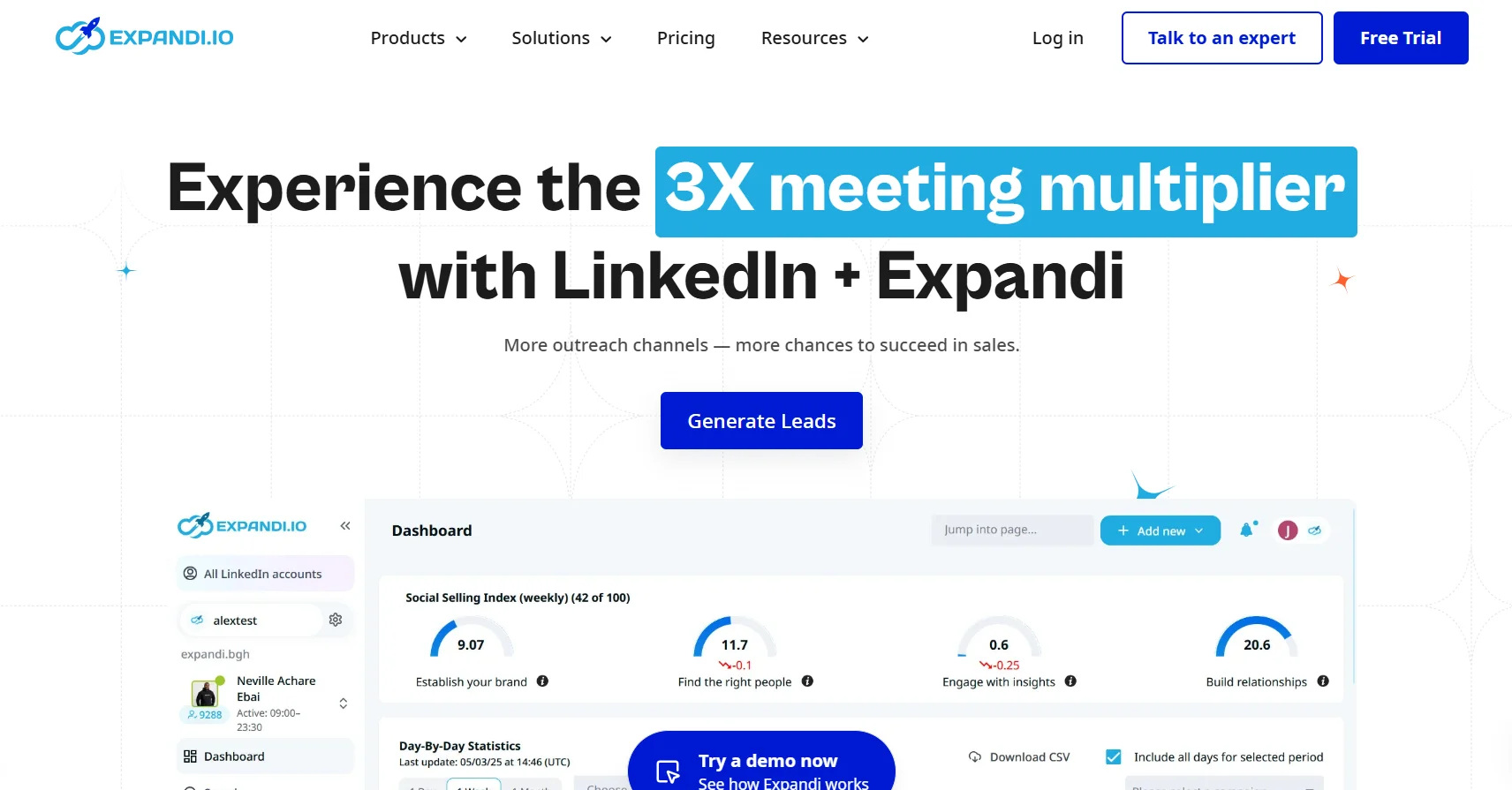
Expandi’s entire brand identity is built around one thing: keeping your LinkedIn account safe while still enabling meaningful automation. In a market where account restrictions are a genuine operational risk, that focus has earned it a loyal following.
What Expandi Actually Does
Expandi is a cloud-based LinkedIn automation tool — meaning it runs on their servers, not as a browser extension on your machine. This distinction matters significantly for account safety. LinkedIn’s detection systems look for patterns of browser-based automated activity; cloud-based tools don’t generate those signals.
Beyond the architectural safety advantage, Expandi implements smart sending limits that adapt based on your account’s age, activity history, and current health. Rather than applying a fixed daily cap to every account, it calibrates limits to what’s appropriate for your specific account — newer accounts get conservative limits that gradually expand; established accounts get more room. The personalization layer includes dynamic image customization (personalized images with the prospect’s name and company logo, for example) and GIF personalization, which are genuinely differentiated features that improve response rates in A/B testing.
Who Gets the Most Value
Users who have previously had LinkedIn accounts restricted or flagged — and who now prioritize safety above all else — are Expandi’s core audience. It’s also strong for professionals running image-personalized campaigns, which remain one of the most effective personalization techniques available in LinkedIn outreach.
Pros
- Cloud-based architecture is fundamentally safer than browser extension tools
- Smart adaptive limits calibrate sending activity to account health
- Dynamic image and GIF personalization are genuinely distinctive features
- Detailed campaign analytics with A/B testing capability
- No LinkedIn connection required to run campaigns (cloud-based means less account fingerprinting)
- Good template library for getting started quickly
Cons
- Pricing is per-seat and can become expensive for larger teams
- No built-in email channel — LinkedIn-only automation
- No native warm-up feature — users need to manage warm-up separately
- Some users find the interface less intuitive than competitors
- The image personalization features, while powerful, require time to set up well
Pricing (Monthly)
| Plan | Price | Key Inclusions |
|---|---|---|
| Business | ~$99/seat/month | Full LinkedIn automation, image personalization, analytics |
| Agency | Custom | Multiple seats, team management, client reporting |
Best for: Users prioritizing account safety, professionals running personalized image campaigns, and anyone who has previously experienced LinkedIn account restrictions.
5) Cleverly
Cleverly is categorically different from every other tool on this list. It’s not software you operate — it’s a managed service where a team of specialists handles your LinkedIn outreach strategy, message writing, targeting, and ongoing optimization. If your problem isn’t “I need a better tool,” but rather “I don’t have the time or expertise to run outreach campaigns effectively,” Cleverly is the answer.
What Cleverly Actually Does
When you engage Cleverly, you’re assigned a dedicated account manager who owns your LinkedIn outreach program. They develop a targeting strategy based on your ideal customer profile, write the message sequences, configure the campaigns, monitor performance, and optimize based on results. You receive a reporting dashboard where you can track activity and results, but the day-to-day execution is handled for you.
The service covers LinkedIn outreach and, at higher tiers, cold email outreach as well. Cleverly has managed thousands of campaigns across a wide range of industries, which means their strategic playbooks and message frameworks are battle-tested in ways that a new user setting up their first automation campaign cannot replicate.
Who Gets the Most Value
Founders and executives who have a clear ideal customer profile but no time to learn and operate outreach software get the most from Cleverly. It’s also a strong option for small teams that want LinkedIn results as a channel without hiring a dedicated SDR to run it. The managed service premium is significant — but compared to the fully-loaded cost of an SDR, it can represent meaningful savings.
Pros
- Zero learning curve — no software to learn, no campaigns to configure
- Dedicated account manager with experience across many industries and use cases
- Message sequences written by professionals with large performance data sets to draw from
- LinkedIn + email combined service available
- Reporting dashboard provides visibility without requiring operational involvement
- Particularly effective for companies with a well-defined ICP who just need execution
Cons
- Significantly more expensive than software tools — the managed service premium is substantial
- Less control and flexibility than running campaigns yourself
- Results depend heavily on the quality of your ICP definition — garbage in, garbage out
- Not suitable for users who want to test and iterate frequently on their own
- Long-term dependency on the service rather than building internal capability
Pricing (Monthly)
| Plan | Price | Key Inclusions |
|---|---|---|
| LinkedIn Starter | ~$397/month | LinkedIn outreach management, dedicated account manager |
| LinkedIn Pro | ~$597/month | Higher volume, more sequences, enhanced reporting |
| LinkedIn + Email | ~$997/month | Combined multichannel managed service |
Best for: Founders, executives, and small teams who want professional LinkedIn outreach results without investing time in learning and operating software.
6) Linked Helper
Linked Helper is one of the oldest tools in the LinkedIn automation market and has maintained a committed user base for a simple reason: it offers more features per dollar than almost any competing tool. For budget-conscious users willing to accept some trade-offs — particularly around the desktop-based architecture — it remains a genuinely useful platform.
What Linked Helper Actually Does
Linked Helper 2 (the current version, a significant rebuild from the original) is a desktop application that runs locally on your computer. It automates a wide range of LinkedIn activities: connection requests with personalized notes, multi-step message sequences, profile visits, skill endorsements, follow-up messages, and group message campaigns. It also includes a built-in CRM for managing contacts and tracking interaction history.
The feature depth at the price point is remarkable. Campaigns that would require premium tiers on cloud-based tools are available at entry-level pricing on Linked Helper. For users who are comfortable with a desktop application and willing to manage their own account safety through manual limit-setting, it delivers substantial value.
Who Gets the Most Value
Budget-conscious professionals — freelancers, individual sales reps, solopreneurs — who need functional LinkedIn automation without a significant monthly commitment get the most from Linked Helper. It’s also a good starting point for professionals who are new to LinkedIn automation and want to learn the fundamentals before committing to a more expensive platform.
Pros
- Extraordinarily low price point for the feature depth offered
- Built-in CRM for contact management and interaction tracking
- Extensive template library covering most common outreach scenarios
- Active community of users with shared templates and campaign strategies
- Linked Helper 2 is a meaningful improvement over the original version
- Large ecosystem of tutorials and third-party guides
Cons
- Desktop-based architecture is a meaningful safety concern — running automation locally generates different LinkedIn behavior patterns than cloud-based tools, and LinkedIn’s detection has improved at identifying desktop automation
- Requires your computer to be running for campaigns to execute — not truly “set and forget”
- No built-in warm-up capability
- Interface is more technically complex than modern cloud-based alternatives
- No multichannel support — LinkedIn only
- Customer support is limited compared to paid cloud-based tools
Pricing (Monthly)
| Plan | Price | Key Inclusions |
|---|---|---|
| Standard | ~$15/month | Full feature access, 1 LinkedIn account |
| Pro | ~$45/month | Additional features, priority support |
Best for: Budget-conscious individual users who are comfortable with desktop software and want maximum feature depth at minimum cost, accepting a higher safety trade-off.
7) Lempod
Lempod deserves a clear framing note before anything else: it is not a LinkedIn outreach tool in the conventional sense. It does not send connection requests or messages. What it does — amplify the reach of your LinkedIn content through coordinated engagement — is genuinely useful for professionals building LinkedIn presence, but it’s a complement to outreach tools, not a replacement for them.
What Lempod Actually Does
Lempod is an engagement pod marketplace. Engagement pods are groups of LinkedIn users who agree to automatically engage with each other’s posts — liking, commenting, and reacting — when new content is published. This coordinated engagement signals to LinkedIn’s algorithm that the content is generating genuine interest, which causes it to be distributed to a broader audience.
Lempod makes the process of finding and joining relevant engagement pods accessible and manageable. You browse available pods by industry, topic, or audience type, join those relevant to your content, and your posts receive automated engagement from pod members. You reciprocate by having your account engage with their content.
Who Gets the Most Value
Thought leaders, content creators, and professionals for whom LinkedIn content is a primary lead generation channel benefit most from Lempod. If your strategy involves publishing content that drives inbound interest and then following up with outreach, Lempod amplifies the content side of that equation. It’s not for users whose LinkedIn strategy is purely outbound.
Pros
- Meaningfully increases content reach without direct outreach
- Engagement pod marketplace makes it easy to find relevant pods
- Particularly effective for content-driven lead generation strategies
- Relatively affordable given the content reach amplification it can produce
- Can significantly increase profile visibility and follower growth over time
Cons
- Not an outreach tool — cannot replace Meet Alfred’s messaging and sequencing functionality
- LinkedIn’s policies around coordinated engagement are a compliance consideration
- Quality of pod engagement varies significantly — not all pods have active, relevant members
- Effectiveness depends heavily on content quality; amplifying weak content produces weak results
- Per-pod pricing model can accumulate quickly if you join multiple pods
Pricing (Monthly)
| Plan | Price | Key Inclusions |
|---|---|---|
| Per Pod | ~$9.99/pod/month | Automated engagement from pod members |
| Business | Custom | Multiple pods, team access |
Best for: Content-focused LinkedIn professionals who want to amplify post reach as part of a broader LinkedIn strategy that includes outreach through other tools.
8) Dripify
Dripify focuses on doing one thing exceptionally well: running clean, reliable LinkedIn drip campaigns with a user experience simple enough that someone new to automation can be up and running within an hour.
What Dripify Actually Does
Dripify is a cloud-based LinkedIn automation tool that specializes in multi-step drip sequences. You define the steps — profile visit, connection request, follow-up message 1, follow-up message 2, InMail — and the timing between them, and Dripify executes the sequence automatically while managing daily limits to stay within safe thresholds.
The tool includes a team inbox for managing responses across multiple users, basic analytics on campaign performance, and integrations with major CRMs and tools via Zapier. The interface is genuinely intuitive — one of the cleaner UX experiences in the LinkedIn automation space.
Who Gets the Most Value
Professionals who want reliable LinkedIn automation without a steep learning curve get strong value from Dripify. It’s particularly well-suited to users who tried more complex tools, found them overwhelming, and want something that just works.
Pros
- Genuinely simple interface — one of the easiest onboarding experiences in the category
- Cloud-based and safe architecture
- Team inbox for collaborative response management
- Solid CRM integrations via native connections and Zapier
- Reliable execution — campaigns run consistently without frequent technical issues
- A/B testing on message sequences
Cons
- Less personalization depth than AI-powered alternatives
- LinkedIn-only — no native email channel
- Analytics are functional but not as detailed as some competitors
- Feature development pace is slower than some alternatives
- No built-in warm-up
Pricing (Monthly)
| Plan | Price | Key Inclusions |
|---|---|---|
| Basic | ~$39/month | Core automation, 1 drip campaign |
| Pro | ~$59/month | Unlimited campaigns, team inbox, integrations |
| Advanced | ~$79/month | A/B testing, advanced analytics |
Best for: Users who want simple, reliable LinkedIn drip campaigns without a complex setup process or steep learning curve.
9) Walaaxy
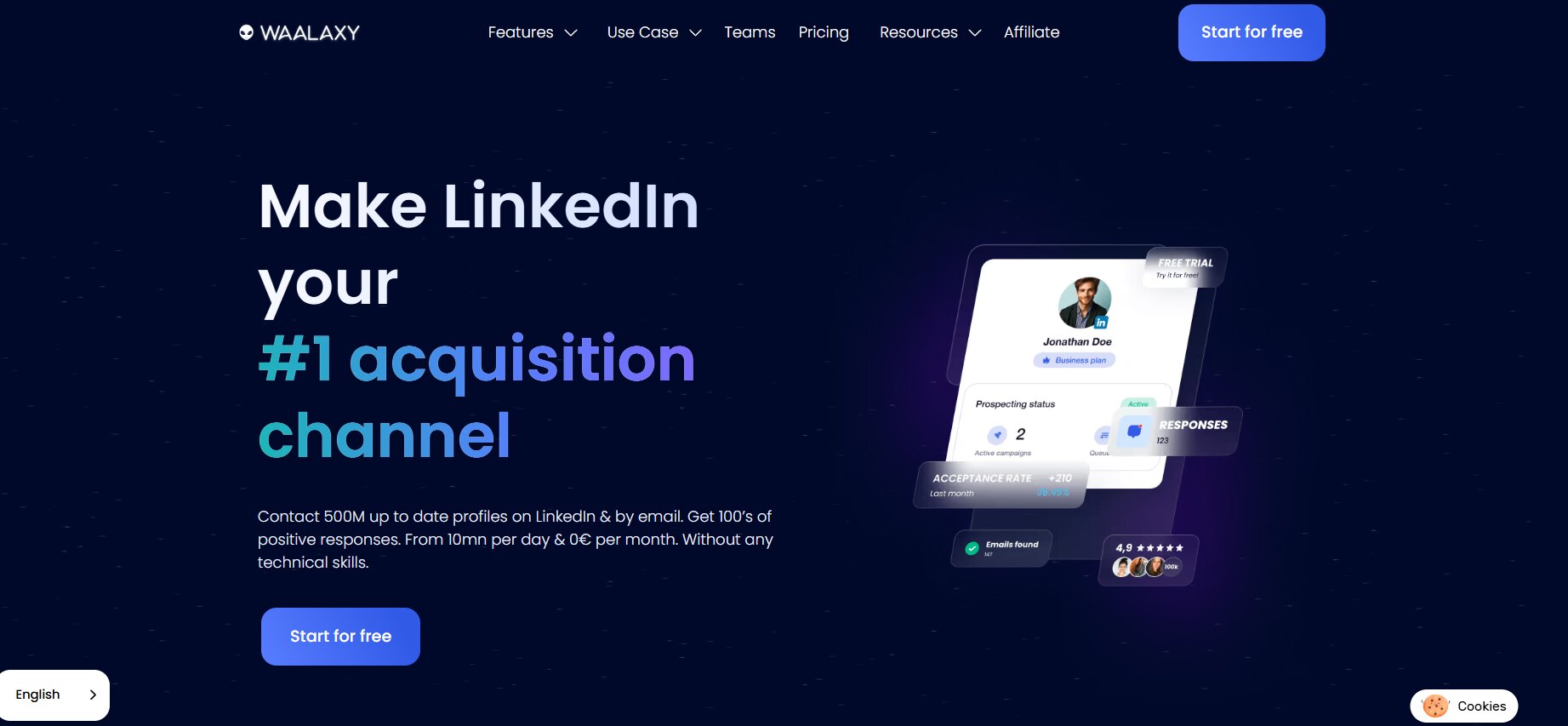
Waalaxy started as a lightweight LinkedIn outreach tool but has grown into something closer to a full sales engagement platform. It now blends LinkedIn automation with email outreach and visual sequence building in a way that makes multichannel campaigns genuinely accessible — even for users who haven’t run them before.
What Waalaxy Actually Does
Waalaxy’s sequence builder lets you create campaigns that flow naturally between platforms. You can connect on LinkedIn, send a follow-up message, then switch to email for the next touchpoint — all inside a single drag-and-drop visual workflow. The tool manages LinkedIn safety through cloud-based execution, automated activity throttling, and behavior patterns designed to stay within LinkedIn’s detection thresholds.
The platform also includes a built-in email finder that surfaces professional email addresses for LinkedIn prospects, allowing you to run the email side of multichannel sequences without a separate data enrichment subscription. For smaller teams and solopreneurs exploring multichannel outreach for the first time, this integrated approach meaningfully reduces the tool stack and associated cost.
Pros
- Visual drag-and-drop sequence builder makes multichannel campaigns approachable
- Native LinkedIn + email in unified workflows — no separate email platform needed
- Built-in email finder reduces dependence on external data enrichment tools
- Cloud-based safety with automated activity throttling
- Competitive pricing for the multichannel feature set offered
- Active product development with regular feature releases
Cons
- Interface can overwhelm new users — the learning curve, while manageable, takes time
- AI personalization is less advanced than tools like Dealsflow
- No built-in warm-up capability
- Email finder accuracy varies by industry and prospect seniority
- Team collaboration features are more limited at entry-level pricing
Pricing
| Plan | Price | Key Inclusions |
|---|---|---|
| Freemium | Free | Limited LinkedIn-only automation, basic sequences |
| Pro | ~$56/mo | Multichannel sequences, email finder, unlimited campaigns |
| Business | ~$80/mo | Team features, advanced analytics, CRM integrations |
10) We-Connect
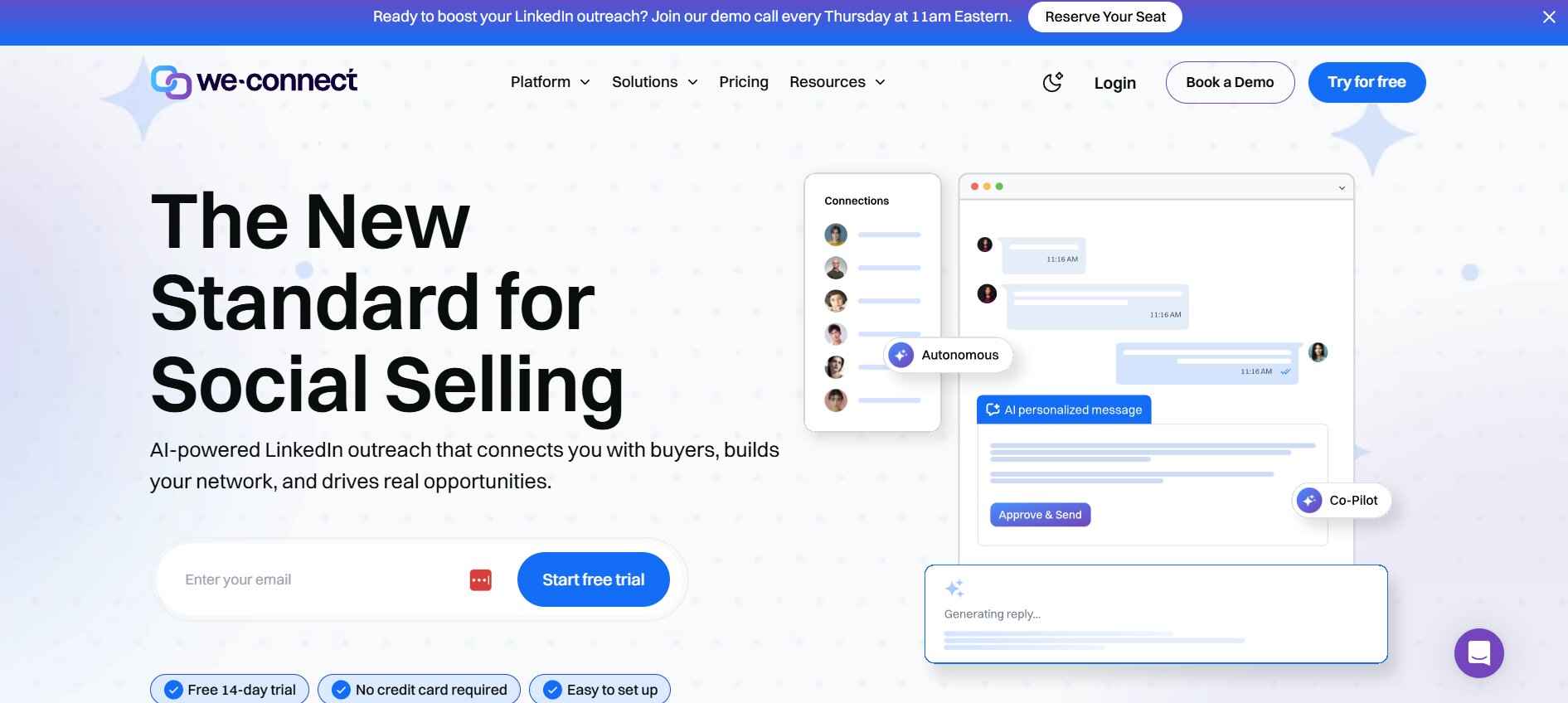
We-Connect rounds out the list as a strong option for users who want cloud-based LinkedIn automation at a price point that doesn’t require significant budget justification — clean, reliable, and straightforward.
What We-Connect Actually Does
We-Connect is a cloud-based LinkedIn automation platform covering the core outreach workflow: connection requests, message sequences, profile visits, endorsements, and follow-up campaigns. It includes a campaign builder that’s clean and intuitive, response management through a unified inbox, and basic analytics on campaign performance.
What distinguishes We-Connect from budget desktop tools like Linked Helper is its cloud architecture — campaigns run on We-Connect’s servers, not your machine, which means safer account activity patterns and the ability to run campaigns 24/7 without keeping your computer on.
Who Gets the Most Value
Individual users and small teams who want cloud-based safety without the premium pricing of enterprise tools get strong value from We-Connect. It’s a particularly clean step-up from desktop tools for users who’ve outgrown Linked Helper but don’t need the advanced features of more expensive platforms.
Pros
- Cloud-based and safe architecture at an accessible price point
- Clean, intuitive campaign builder
- Unified inbox for response management
- Good daily limit management built in
- Solid analytics for the price
- Free trial available
Cons
- Less AI-powered personalization than premium alternatives
- LinkedIn-only — no email channel
- Analytics are basic compared to enterprise tools
- No built-in warm-up
- Limited team collaboration features at entry-level pricing
Pricing (Monthly)
| Plan | Price | Key Inclusions |
|---|---|---|
| Individual | ~$49/month | Full LinkedIn automation, 1 account |
| Business | ~$99/month | Multiple users, team inbox, advanced campaigns |
Best for: Individual users and small teams who want reliable cloud-based LinkedIn automation at an accessible price without the complexity of enterprise platforms.
Head-to-Head Comparison Table
| Tool | Best For | Safety | Multichannel | Warm-Up | Team-Friendly |
|---|---|---|---|---|---|
| Dealsflow | AI outreach + pipeline | Very High | Yes | Built-in | Yes |
| Salesrobot | AI appointment setting | High | Limited | Yes | Yes |
| HeyReach | Multi-account agencies | High | No | No | Yes |
| Expandi | Safety-first users | Very High | Limited | No | Yes |
| Cleverly | Done-for-you service | N/A | Yes | N/A | Yes |
| Linked Helper | Budget individual users | Medium | No | No | Limited |
| Lempod | Content amplification | N/A | N/A | N/A | Yes |
| Dripify | Simple drip campaigns | High | No | No | Yes |
| Zopto | Enterprise outreach | High | Limited | No | Yes |
| We-Connect | Affordable cloud automation | High | No | No | Limited |
How to Choose the Right Meet Alfred Alternative for Your Situation
No single tool on this list is best for everyone. Here’s how to match your situation to the right choice:
You’re a B2B sales team that wants AI personalization and pipeline visibility in one place → Dealsflow is the most complete solution.
You need AI to qualify and book appointments automatically → Salesrobot’s appointment setting layer does things most tools can’t.
You’re an agency managing multiple client LinkedIn accounts → HeyReach’s multi-sender architecture is purpose-built for your use case.
You’ve had a LinkedIn account restricted and safety is your first priority → Expandi’s smart adaptive limits and cloud architecture are the safest available.
You want LinkedIn results but have no time to learn outreach software → Cleverly is a managed service that handles everything.
You’re an individual on a tight budget who is comfortable with desktop software → Linked Helper gives you maximum features at minimum cost, with a safety trade-off to manage.
Your LinkedIn strategy centers on content-driven inbound, not outbound messaging → Add Lempod as a complement to your outreach stack.
You want something simple that just works without a learning curve → Dripify’s clean UX and reliable execution make it the easiest starting point.
You run a large enterprise sales or recruiting team with support requirements → Zopto’s customer success model and enterprise feature set are the right fit.
You want cloud-based safety at an accessible individual price point → We-Connect delivers solid core automation without premium pricing.
Conclusion
The market for meet alfred alternatives has matured significantly in 2026. The tools available today are more capable, more safety-conscious, and — in most cases — more affordable relative to what they deliver than Meet Alfred currently offers. The question isn’t whether better alternatives exist; it’s which alternative is right for your specific use case.
The most important thing to get right is safety architecture. LinkedIn’s detection capabilities are stronger than they’ve ever been, and building an outreach program on a tool with weak safety mechanisms is building on sand. Every tool on this list — with the partial exception of Linked Helper, which requires careful manual management — offers meaningfully better safety architecture than relying on an outdated browser-extension-based approach.
Beyond safety, the right choice depends on your scale, your team structure, your budget, and how much of the operational work you want to handle yourself. Dealsflow sits at the top of this list because it combines AI-powered personalization, built-in warm-up, multichannel capability, and pipeline management in a single system — which is the direction the market is clearly moving. But Salesrobot, HeyReach, Expandi, and Dripify each earn their place for users whose situations call for what they specifically do best.
Evaluate based on your actual situation, not the longest feature list. The best LinkedIn automation tool is the one you’ll use consistently, with a good strategy behind it, without putting your account at risk.
Frequently Asked Questions
Is Meet Alfred safe to use in 2026?
Meet Alfred has faced increasing scrutiny for account safety issues. Its architecture relies on browser-based automation, which LinkedIn’s detection systems have become more effective at identifying. While some users continue to use it without incident, the risk of account warnings and restrictions is meaningfully higher than with cloud-based alternatives like Dealsflow or Expandi. If account safety is a priority — and it should be — there are demonstrably safer options available.
What is the most affordable Meet Alfred alternative?
Linked Helper is the most affordable option at approximately $15/month, offering substantial feature depth for the price. We-Connect and Dripify offer cloud-based safety at around $39–$49/month, which is a reasonable step up for users who want safer architecture without significant budget commitment.
Can LinkedIn detect automation tools?
Yes, and increasingly effectively. LinkedIn monitors for patterns of behavior that don’t match natural human usage — sending messages at regular, mechanical intervals; performing hundreds of actions in a short window; connecting from multiple geographic locations simultaneously. Cloud-based tools that implement randomized timing, adaptive limits, and single-location IP addresses are significantly harder to detect than browser-based tools. This is one of the most important factors in tool selection.
What’s the difference between a LinkedIn automation tool and a managed service like Cleverly?
A LinkedIn automation tool is software you configure and operate yourself. A managed service like Cleverly provides a team that develops your strategy, writes your messages, runs your campaigns, and optimizes based on results. Tools give you control and flexibility at lower cost. Managed services give you expert execution at a significantly higher price point. The right choice depends on whether your constraint is money or time.
Do I need LinkedIn Sales Navigator to use these tools?
Most tools work with a standard LinkedIn account, but several — including Salesrobot and Zopto — integrate deeply with Sales Navigator and unlock significantly more powerful targeting when used with it. If you’re doing serious B2B outreach, Sales Navigator’s advanced search filters are worth the investment regardless of which automation tool you use.
How many connection requests can I safely send per day in 2026?
LinkedIn’s official guidance doesn’t specify a hard limit, but the community consensus among outreach professionals is that 20–30 connection requests per day is a safe range for established accounts. Newer accounts should start more conservatively — 10–15 per day — and gradually increase. Cloud-based tools that implement adaptive limits handle this automatically; desktop tools require manual management.
What is warm-up and why does it matter?
Warm-up refers to the process of gradually increasing your LinkedIn sending activity to build a positive account history before running high-volume campaigns. Starting with full-volume automation on a new or recently restricted account dramatically increases the risk of triggering LinkedIn’s detection systems. Tools like Dealsflow include native warm-up that handles this automatically. Others require you to manage it manually or use a separate warm-up service.
Is it worth switching from Meet Alfred if my campaigns are working?
If your campaigns are generating results and your account hasn’t been restricted, there’s a reasonable argument for the “if it isn’t broken, don’t fix it” position. However, LinkedIn’s detection capabilities are improving continuously, and the risk profile of browser-based tools is increasing over time. Evaluating alternatives now — before an account restriction forces your hand — is the more strategically sound approach.