


When it comes to B2B prospecting, choosing the right tool can make or break your sales pipeline. Two platforms consistently dominate conversations in the sales community: Apollo.io and LinkedIn Sales Navigator. Both promise to streamline your outreach efforts, but they take fundamentally different approaches to solving the prospecting challenge.
The question isn’t necessarily which tool is objectively “better”—it’s which tool is better for your specific use case, budget, and sales strategy. To help you make that decision, we’ll conduct a thorough analysis of apollo.io vs linkedin sales navigator, examining how they stack up across six critical dimensions that directly impact your ability to close deals.
Whether you’re a solo sales professional, part of a startup growth team, or managing a large enterprise sales organization, this comparison will give you the insights you need to make an informed decision. Let’s dive in.
Before we jump into the detailed comparison, let’s establish the criteria we’re using to evaluate both platforms. These six dimensions represent the factors that matter most when choosing a prospecting tool:
1. Data Quality and Accuracy The foundation of any prospecting tool is the data it provides. Inaccurate contact information wastes time and damages your sender reputation. We’ll examine the size of each platform’s database, how frequently it’s updated, and what users report about data accuracy in the field.
2. Prospecting Capabilities Beyond just having data, how well can you actually find the right prospects? This includes search filters, segmentation options, and how intuitive the discovery process is. A tool can have millions of contacts, but if you can’t find your ideal customer profile, it’s not useful.
3. Integration and Ecosystem Most sales teams use multiple tools. How well do these platforms integrate with your existing tech stack? Can they connect with your CRM, email platform, and other tools you rely on daily?
4. User Experience and Interface If a tool is powerful but confusing, you’ll spend more time learning it than using it. We’ll examine how intuitive each platform is and how quickly teams can become productive.
5. Cold Email Capabilities For many teams, cold email is a primary prospecting channel. We’ll look at each tool’s native email features, deliverability, automation capabilities, and how they help you execute at scale.
6. Pricing and Value Cost matters, but so does ROI. We’ll break down the pricing structures and help you understand the value proposition at different price points.
Quick Summary for Those in a Rush
If you’re short on time, here’s the executive summary:
Apollo.io Wins On:
- Ease of use and intuitive interface
- Cold email features and automation
- Data enrichment and lead scoring
- Pricing (especially for startups)
- All-in-one platform approach
LinkedIn Sales Navigator Wins On:
- LinkedIn integration and native features
- Account-based prospecting
- Advanced LinkedIn search filters
- Long-term relationship building
- LinkedIn profile insights
Best For Different Scenarios:
- Apollo.io: Teams executing rapid cold email campaigns at scale, startups with limited budgets, sales development representatives (SDRs) focused on email outreach
- Sales Navigator: Enterprise teams leveraging account-based selling, professionals deeply integrated in LinkedIn workflows, teams prioritizing relationship building over quick conversion
Now, let’s explore these differences in detail.
Apollo.io vs LinkedIn Sales Navigator: Data Quality
The foundation of any prospecting tool is the accuracy and breadth of its data. No matter how sophisticated the platform’s features are, if the contact information is wrong, your campaigns will fail. Let’s examine how these two platforms compare on this critical dimension.
Understanding the Data Landscape
Before we evaluate each tool, it’s important to understand that they approach data differently. Apollo.io functions as a standalone prospecting platform with its own database of contacts. LinkedIn Sales Navigator, meanwhile, primarily leverages LinkedIn’s existing profile data—the same information visible on LinkedIn profiles from approximately 900 million users.
This fundamental difference shapes everything about how each tool works and what data is available.
Apollo.io’s Data Quality and Database
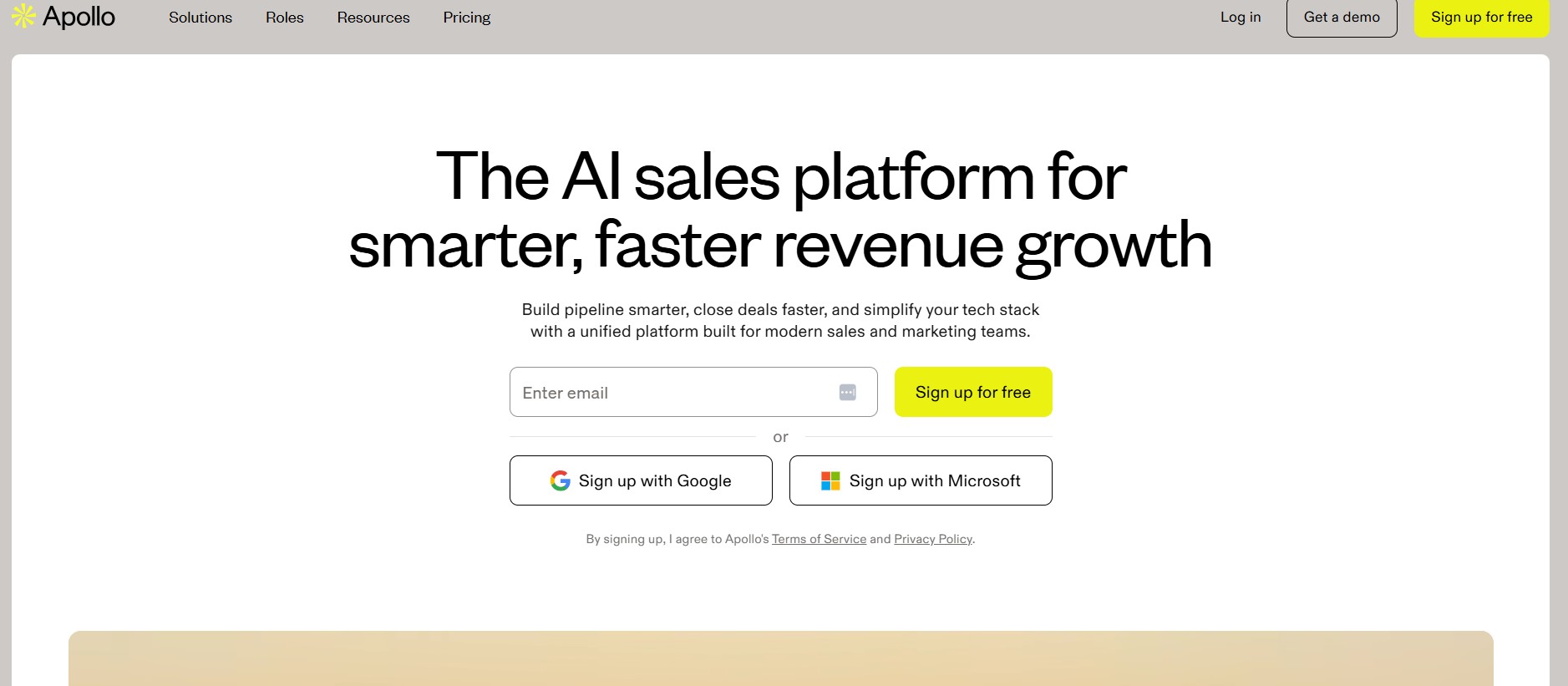
Apollo.io maintains its own proprietary database of B2B contact information. The platform claims to have access to over 275 million business email addresses and 50+ million company profiles. This is a significant dataset, though it’s important to understand where this data comes from.
Data Sources: Apollo.io aggregates data from multiple sources including:
- Public web sources and business registries
- Data partnerships with other data providers
- User-contributed data from Apollo users
- APIs and integrations with company databases
Data Freshness: Apollo claims to update contact information regularly, with new data being added continuously. However, the freshness of any individual record depends on when that person’s information was last verified. Some records in the database may be several months old.
Verification Methods: Apollo uses multiple verification methods to ensure accuracy:
- Email verification through bounce testing
- Phone number validation
- Cross-referencing with multiple data sources
- User feedback and reporting mechanisms
Real-World Data Accuracy: Based on user reports and testing, Apollo’s data quality is generally solid for:
- Valid email addresses (reported bounce rates typically 5-15%, depending on list quality)
- Current job titles and companies (85-90% accuracy for recently updated profiles)
- Contact information for companies with 50+ employees (highest accuracy)
However, data quality decreases for:
- Smaller companies (under 50 employees)
- Recently hired employees
- Executives and decision-makers (harder to find accurate contact information)
- International contacts outside major markets
LinkedIn Sales Navigator’s Data Quality and Approach
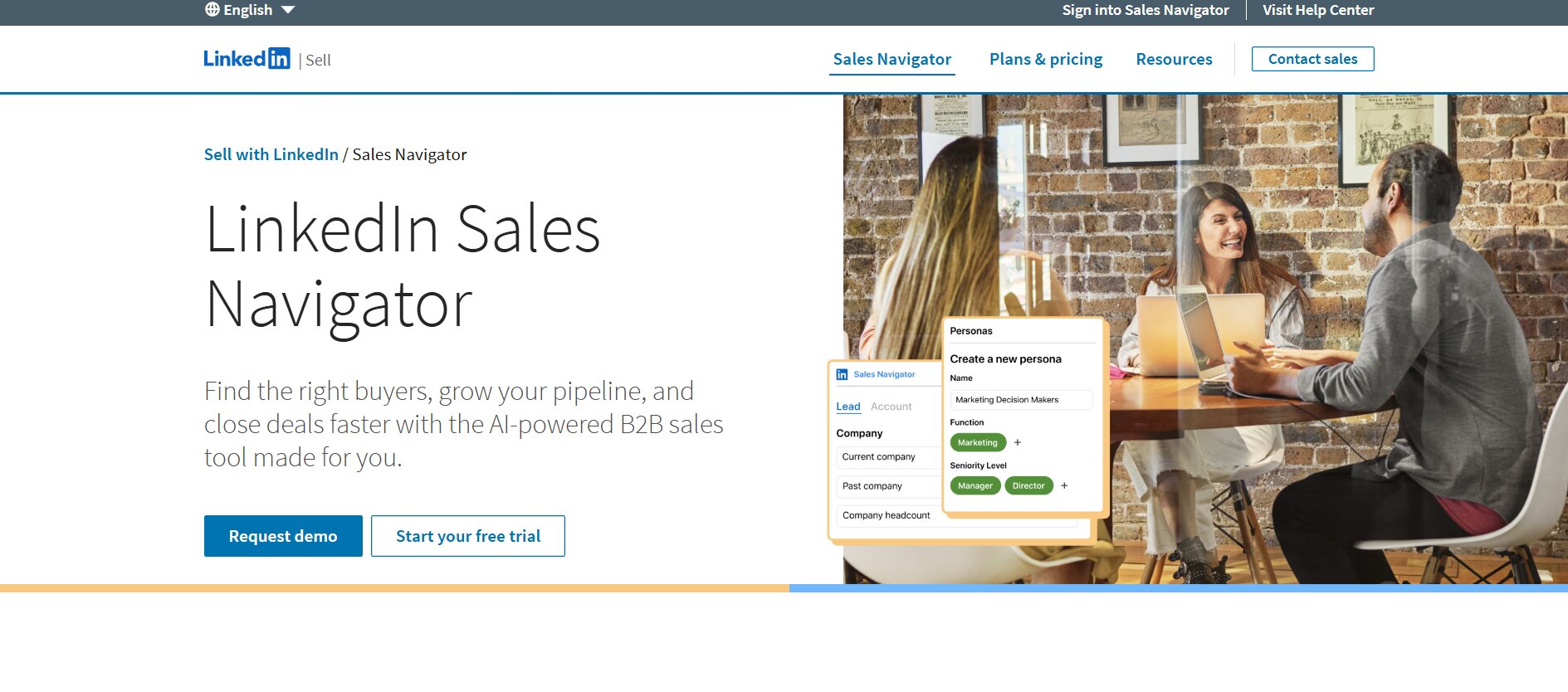 Sales Navigator doesn’t maintain its own database—it uses LinkedIn’s existing data. This means the information you find is exactly what’s on LinkedIn profiles. In terms of comprehensiveness, this gives Sales Navigator access to 900+ million professional profiles.
Data Sources:
- User-maintained LinkedIn profiles (900M+ users)
- LinkedIn’s own verification processes
- User-reported information and updates
Data Freshness: LinkedIn users actively maintain their own profiles, which means data is often more current than third-party databases. When someone changes jobs, they typically update their LinkedIn profile quickly. This often makes LinkedIn data fresher than Apollo’s.
Verification Methods: LinkedIn has various methods to verify profile information:
- Email verification for account creation
- Phone number verification
- LinkedIn’s own authenticity measures
- User-reported misinformation
Real-World Data Accuracy: LinkedIn data is generally very accurate for:
- Current job titles and company information (users actively maintain this)
- Professional background and experience (90%+ accuracy)
- Profile existence and validity (profiles are verified by LinkedIn)
However, LinkedIn data has limitations:
- Contact information is often hidden behind profiles (you may not find direct email unless they’ve made it public)
- Not all professionals maintain accurate information
- Some profiles are outdated or abandoned
- International coverage varies by region
Apollo.io vs LinkedIn Sales Navigator: The Data Quality Verdict
| Aspect | Apollo.io | Sales Navigator |
|---|---|---|
| Database Size | 275M+ contacts | 900M+ profiles |
| Email Availability | High (direct emails) | Lower (hidden behind profiles) |
| Data Freshness | Good (regularly updated) | Excellent (user-maintained) |
| Accuracy for Job Info | 85-90% | 90%+ |
| Small Company Data | Moderate | Good |
| International Coverage | Good | Excellent |
| Direct Contact Access | Yes | Limited |
Winner: It depends on your needs. If you need direct email addresses and quick access to contact information, Apollo.io wins. If you need current information about professionals already on LinkedIn and don’t mind looking up contact details separately, Sales Navigator’s data is actually more accurate.
Apollo.io vs LinkedIn Sales Navigator: Prospecting Capabilities
Having data is one thing; being able to find the right prospects is another. Let’s examine how well each tool enables you to identify and target your ideal customer profile.
Apollo.io’s Prospecting Capabilities
Apollo.io provides a comprehensive search interface for finding prospects. The tool offers numerous filters and search options to help you build targeted lists.
Search Filters Available:
- Job title and seniority level
- Company industry and size
- Company revenue and growth
- Location (by country, state, city)
- Technologies used by companies
- Years of experience
- Education background
- Department
- Hiring signals (whether a company is hiring)
- Sales signals (buying intent indicators)
How the Search Works: You can combine multiple filters to narrow down your prospect list. For example, you might search for “VP of Sales at SaaS companies with 50-500 employees in North America founded in the last 5 years.” Apollo then returns matching contacts from its database.
List Building Features:
- Save lists for future reference and updates
- Export lists for use in email campaigns
- Monitor lists for changes (people changing jobs, new hires, etc.)
- Segment lists based on custom criteria
- Integration with email campaigns for direct outreach
Lead Scoring: Apollo provides lead scoring based on:
- Job title seniority
- Company size and revenue
- Engagement with your emails
- Website visits (if integrated with your website)
- Custom scoring rules you define
Strengths of Apollo’s Prospecting:
- Comprehensive filter options allow precise targeting
- Technology filters (e.g., “companies using Salesforce”) help identify users of specific platforms
- Sales signals and hiring signals help identify companies in buying mode
- The interface is relatively intuitive for building complex searches
- You get direct email addresses, enabling immediate outreach
Limitations of Apollo’s Prospecting:
- Limited visibility into LinkedIn-specific signals
- Can’t search based on LinkedIn recommendations or endorsements
- Search results can sometimes feel overwhelming without clear prioritization
- Hiring signals and intent data vary in accuracy
LinkedIn Sales Navigator’s Prospecting Capabilities
Sales Navigator’s search is fundamentally different—it’s optimized for LinkedIn’s data structure and social signals.
Search Filters Available:
- Job title (including keywords within titles)
- Company name and industry
- Company size and location
- Seniority level
- Years in current role
- Schools attended
- Skills (based on LinkedIn endorsements)
- Profile language
- Interests and activities on LinkedIn
- Updates and recent activity
- LinkedIn recommendations
- Groups and associations
How the Search Works: Sales Navigator’s advanced search is more sophisticated than LinkedIn’s basic search. You can combine multiple filters to create detailed search queries. For example: “VP of Sales at B2B SaaS companies with 50-500 employees, active in the last 30 days, located in the US, with machine learning as a skill.”
Account-Based Prospecting: One of Sales Navigator’s key strengths is account-based prospecting. You can:
- Search for target accounts by company
- See all decision-makers and influencers at a target company
- Map organizational hierarchies
- Identify multiple stakeholders you should engage
- Track how relationships evolve at target accounts
This is particularly valuable for enterprise sales teams using account-based selling (ABS) methodologies.
LinkedIn-Native Signals: Sales Navigator provides insights that only LinkedIn can offer:
- How you’re connected to prospects (mutual connections)
- Shared experiences and background
- Recent activity and engagement
- Recommendations and endorsements
- LinkedIn group memberships
- Recent job changes
- Profile update history
Strengths of Sales Navigator’s Prospecting:
- Advanced LinkedIn search capabilities
- Account-based prospecting features
- Social proof through mutual connections and recommendations
- Better for identifying decision-makers at target companies
- Real-time updates when people change jobs or update profiles
- Insights into people’s engagement and interests
- Perfect for relationship-based selling strategies
Limitations of Sales Navigator’s Prospecting:
- Doesn’t provide direct email addresses (you must find contact info separately)
- Search results limited by LinkedIn’s user base
- Can’t search based on external signals like technology stack
- Requires more manual work to build prospect lists
- Less effective for high-volume, rapid prospecting
Apollo.io vs LinkedIn Sales Navigator: The Prospecting Capability Verdict
| Capability | Apollo.io | Sales Navigator |
|---|---|---|
| Filter Options | Comprehensive | Comprehensive |
| Technology Targeting | Excellent | Limited |
| Email Access | Direct | Must find separately |
| Account Mapping | Basic | Advanced |
| LinkedIn Signals | Limited | Excellent |
| High-Volume Prospecting | Good | Moderate |
| Relationship Intelligence | Limited | Excellent |
| Ease of List Building | Good | Good |
| Decision-Maker Identification | Good | Excellent |
Winner: Apollo.io wins for rapid, volume-based prospecting with direct email access. Sales Navigator wins for account-based selling and relationship intelligence. Your choice depends on your go-to-market motion.
Apollo.io vs LinkedIn Sales Navigator: Integration and Ecosystem
Modern sales teams use multiple tools. How well these platforms integrate with your existing tech stack is crucial. Let’s examine the integration capabilities of both.
Apollo.io’s Integration Ecosystem
Apollo.io provides integrations with numerous tools that sales teams use daily.
CRM Integrations:
- Salesforce (native integration)
- HubSpot (native integration)
- Pipedrive (native integration)
- Copper
- Other CRMs through Zapier
With CRM integrations, you can:
- Push contacts directly into your CRM
- Sync lead scoring and engagement data
- Log email activity automatically
- Track which prospects were sourced through Apollo
Email Platform Integrations:
- Gmail (built-in)
- Outlook (built-in)
- Apple Mail
Apollo has built-in email tracking and sequences, so you don’t necessarily need external email platforms, but integration exists if you prefer your current setup.
Automation and Workflow Tools:
- Zapier (extensive)
- Make (formerly Integromat)
- IFTTT
Through Zapier and Make, you can create complex workflows. For example: “When someone opens an email sent from Apollo, create a task in Asana for my sales manager.”
API Access: Apollo provides API access for developers, allowing custom integrations. However, the API is not as extensively documented as some competitors, which can make custom development more challenging.
Strengths of Apollo’s Integration:
- Good coverage of major CRMs
- Native email integrations
- Zapier connectivity opens unlimited possibilities
- Direct API access for developers
- Relatively straightforward to set up integrations
Limitations of Apollo’s Integration:
- Limited native integrations compared to some competitors
- API documentation could be more comprehensive
- Some integrations require workarounds through Zapier
- No native Slack integration (this is a common request)
LinkedIn Sales Navigator’s Integration Ecosystem
Sales Navigator’s integrations are more limited than Apollo’s, which reflects its narrower focus.
CRM Integrations:
- Salesforce (through LinkedIn’s own integration)
- HubSpot (third-party integration available)
- Limited to these two major platforms for native support
- Other CRMs possible through Zapier but less seamless
Email Platform Integrations:
- Gmail (basic integration available)
- Outlook (limited)
Sales Navigator’s email integration is weaker than Apollo’s because it was designed as a prospecting tool, not an email platform.
Native Features: Sales Navigator doesn’t require many integrations because LinkedIn itself serves as your primary prospecting channel. The tool is designed to work within the LinkedIn ecosystem.
Strengths of Sales Navigator’s Integration:
- Seamless integration with Salesforce (important for enterprise)
- Deep LinkedIn ecosystem integration
- Simple setup without complex workflows
Limitations of Sales Navigator’s Integration:
- Limited native integrations overall
- Weak email platform support
- Requires more manual data transfer
- Less suitable for complex automation workflows
- Zapier dependency for many use cases
Apollo.io vs LinkedIn Sales Navigator: The Integration and Ecosystem Verdict
| Integration Type | Apollo.io | Sales Navigator |
|---|---|---|
| Salesforce Integration | Strong | Strong |
| HubSpot Integration | Strong | Moderate |
| Email Platform Support | Excellent | Weak |
| CRM Variety | Good | Limited |
| Automation Capability | Excellent | Limited |
| API Access | Yes | Limited |
| Zapier Support | Extensive | Available |
| Setup Complexity | Simple | Very Simple |
Winner: Apollo.io wins decisively for integration flexibility. If you use multiple tools or need complex automation workflows, Apollo is superior. Sales Navigator works best if you’re already deep in the Salesforce/LinkedIn ecosystem and keep tools minimal.
Apollo.io vs LinkedIn Sales Navigator: User Experience and Interface
Even the most powerful tool is only as good as its usability. If team members can’t navigate the interface intuitively, adoption will suffer. Let’s compare how these platforms handle user experience.
Apollo.io’s User Interface
Apollo.io presents a modern, web-based interface designed for sales professionals.
Dashboard and Navigation:
- Clean home dashboard showing recent activity, saved lists, and upcoming tasks
- Left-hand navigation menu organizing features logically
- Search interface is prominent and intuitive
- Customizable dashboard widgets
Learning Curve:
- Most users can get productive within 1-2 hours
- Search interface is relatively straightforward
- Common tasks like creating lists and exporting contacts are intuitive
- Some advanced features have a slight learning curve
Mobile Experience:
- Mobile app available for iOS and Android
- App is functional but not feature-complete
- Good for quick prospect lookups while in meetings
- Email tracking works on mobile
Workflow Efficiency:
- Bulk actions available (modify multiple prospects at once)
- Quick export functionality
- Integration with email makes workflows seamless
- Keyboard shortcuts available for power users
- Can toggle between different views (table, card view, etc.)
Strengths of Apollo’s UX:
- Modern, clean interface
- Intuitive navigation structure
- Quick onboarding for new users
- Good balance of features without overwhelming complexity
- Responsive design works well on different screen sizes
- Helpful tooltips and guidance
Limitations of Apollo’s UX:
- Some advanced features feel buried
- Filter combinations can become complex to manage
- List management could be more intuitive
- Mobile app is somewhat limited
- No dark mode (important for some users)
LinkedIn Sales Navigator’s User Interface
Sales Navigator’s interface is built on top of LinkedIn’s existing platform, which shapes the user experience.
Dashboard and Navigation:
- Integrated into LinkedIn.com interface
- Saved searches and leads shown in sidebar
- Uses LinkedIn’s existing design language
- Account settings integrated with main LinkedIn account
Learning Curve:
- Very low learning curve if you’re already a LinkedIn user
- Feels natural within the LinkedIn environment
- Advanced search may take time to master
- Some features require LinkedIn account familiarity
Mobile Experience:
- Mobile app available (LinkedIn app with Sales Navigator features)
- Excellent mobile experience
- Can manage leads and messages on the go
- Less email-focused than desktop
Workflow Efficiency:
- InMail messaging integrated
- Connection requests streamlined
- Activity monitoring in real-time
- List management integrated with profile viewing
- Notes and tasks tied to profiles
Strengths of Sales Navigator’s UX:
- Extremely familiar to LinkedIn users
- Clean, professional interface
- Excellent mobile experience
- Integrated messaging and outreach
- Real-time notifications
- Low barrier to entry
Limitations of Sales Navigator’s UX:
- Limited by LinkedIn’s interface design choices
- Can’t customize dashboard significantly
- Bulk operations less powerful than Apollo’s
- Export functionality more limited
- Search interface could be more intuitive for advanced queries
Apollo.io vs LinkedIn Sales Navigator: The User Experience Verdict
| UX Aspect | Apollo.io | Sales Navigator |
|---|---|---|
| Learning Curve | Low | Very Low |
| Interface Modern | Yes | Yes (LinkedIn’s design) |
| Mobile Experience | Good | Excellent |
| Customization | Moderate | Limited |
| Search Interface | Intuitive | Intuitive |
| Bulk Operations | Excellent | Limited |
| Feature Discoverability | Good | Good |
| Onboarding Speed | Fast | Very Fast |
Winner: It’s a tie with different advantages. Apollo.io offers a more sophisticated, customizable experience. Sales Navigator wins on simplicity and mobile experience. Your preference likely depends on whether you value feature-richness or simplicity.
Apollo.io vs LinkedIn Sales Navigator: Cold Email Capabilities
For many sales teams, cold email is a primary prospecting channel. How well each platform supports email outreach is critical. This is where apollo.io vs linkedin sales navigator shows the most dramatic differences.
Apollo.io’s Cold Email Features
Apollo.io is fundamentally built as an email prospecting platform, which shows in its native capabilities.
Email Template Library:
- Pre-built templates for common scenarios
- Customizable templates
- Ability to save your own templates
- Template categories (initial outreach, follow-up, objection handling, etc.)
- A/B testing between templates
Personalization Capabilities:
- Dynamic variable insertion ({first_name}, {company_name}, etc.)
- Conditional logic (show different content based on company size, industry, etc.)
- Merge tag support for company-specific information
- Advanced personalization with custom fields
Email Campaigns and Sequences:
- Build multi-step email sequences
- Set delays between emails
- Conditional logic (follow up if email opened, skip if unsubscribed, etc.)
- A/B testing for subject lines and body copy
- Automated follow-ups based on recipient behavior
Email Warm-Up:
- Built-in email warm-up tool
- Gradually increases email volume to new addresses
- Prevents deliverability issues from new domain accounts
- Monitors sender reputation
Deliverability and Sender Reputation:
- Built-in SMTP integration with major providers
- Bounce handling and list cleaning
- Suppression list management
- Detailed bounce reporting
- Best practices guidance for high deliverability
Analytics and Tracking:
- Open rate tracking
- Click tracking
- Reply tracking
- Detailed engagement metrics
- Campaign performance dashboards
- Individual email performance
Strengths of Apollo’s Email Capabilities:
- Native platform designed for email
- Sophisticated automation and sequencing
- Good deliverability rates (typically 90%+ for warm accounts)
- Comprehensive analytics
- Simple setup and launch of campaigns
- Built-in email warm-up prevents deliverability problems
- List cleaning and bounce management
- Good balance of automation and personalization
Limitations of Apollo’s Email Capabilities:
- Dependent on Apollo’s SMTP for sending (some prefer their own email provider)
- Unsubscribe compliance responsibility on user (must manage suppressions)
- Landing pages feature is basic
- No advanced email design capabilities
LinkedIn Sales Navigator’s Cold Email Capabilities
Sales Navigator is not primarily an email platform, which is reflected in its email features (or lack thereof).
Email Capabilities:
- No built-in email sending features
- Can use InMail (LinkedIn’s messaging system) for outreach
- InMail requires LinkedIn Sales Navigator premium subscription
- Limited to LinkedIn’s native messaging
Personalization:
- Profile-based personalization (reference their background, roles, etc.)
- Mutual connection references
- Company and industry context
- Limited to what’s visible on LinkedIn
Sequencing:
- Can’t automate sequences within Sales Navigator
- Must use LinkedIn’s native messaging system
- InMail can be used but not at scale like email
- Would need external email tool for campaigns
Email Outreach:
- Not designed for email outreach at all
- InMail (LinkedIn’s message system) is the native outreach method
- InMail limitations:
- Cost per InMail message ($1-5 depending on tier)
- Lower volume than email
- Dependent on recipient opening LinkedIn
- Subject line limited
Analytics:
- InMail open rates and response rates tracked
- Limited to InMail metrics
- No email-specific analytics
Strengths of Sales Navigator’s Email Approach:
- Highly personalized due to LinkedIn context
- Lower risk of sender reputation issues (uses LinkedIn’s infrastructure)
- No concern about email deliverability
- Good for high-touch, low-volume outreach
- Professional context from profiles aids personalization
Limitations of Sales Navigator’s Email Approach:
- Not designed for email at all
- InMail is expensive for high-volume outreach
- Can’t send cold emails directly (must rely on LinkedIn)
- No automation for email sequences
- Limited to LinkedIn’s messaging interface
Apollo.io vs LinkedIn Sales Navigator: The Cold Email Capability Verdict
| Email Feature | Apollo.io | Sales Navigator |
|---|---|---|
| Email Sending | Native | Via InMail only |
| Template Library | Excellent | N/A |
| Personalization | Advanced | LinkedIn-based |
| Sequences/Automation | Excellent | Limited |
| Warm-Up Tool | Built-in | N/A |
| Deliverability | 90%+ | Via LinkedIn |
| Analytics | Comprehensive | Limited |
| Cost per Message | Low | High ($1-5 InMail) |
| Volume Capability | High | Low |
| Email Design Tools | Basic | N/A |
Winner: Apollo.io wins decisively for cold email. If email outreach is central to your strategy, Apollo.io is the clear choice. Sales Navigator is simply not designed for cold email at scale.
Apollo.io vs LinkedIn Sales Navigator: Pricing and Value
Cost considerations are often what ultimately determine tool selection. Let’s break down the pricing of both platforms and understand the value you get at each price point.
Apollo.io Pricing Structure
Apollo.io uses a tiered pricing model based on features and user seats.
Pricing Tiers:
| Tier | Monthly Cost (Billed Annually) | Key Features |
|---|---|---|
| Free | $0 | 50 contacts/month, limited searches, no email campaigns |
| Basic | $49 | 1,000 contacts/month, email campaigns, integrations |
| Professional | $99 | 10,000 contacts/month, advanced automation, multiple team members |
| Organization | Custom | Unlimited contacts, advanced admin controls, dedicated support |
What’s Included at Each Tier:
- All tiers include access to the core database (275M+ contacts)
- Email sending and tracking included at all paid tiers
- Integrations available at all tiers
- The difference is primarily in contact limits and features
Additional Costs to Consider:
- Higher tiers may be needed for larger teams
- No per-user seat licenses (additional users on same account require tier upgrade)
- Custom integrations or implementation may have additional costs
ROI Calculation for Apollo.io:
- Professional tier at $99/month = $1,188/year
- Average cold email ROI: 1 sales qualified lead (SQL) per 100-200 emails
- If you send 5,000 emails/month, that’s 25-50 SQLs/month
- At $1,188/year cost with 300+ SQLs/year, cost per SQL is ~$4-5
- For most B2B sales, this ROI is excellent
Value Assessment:
- Excellent value for startups and SDRs (Basic tier at $49/month is very affordable)
- Good value for teams doing high-volume cold email
- Organization tier pricing is custom (but reportedly in $500+/month range)
LinkedIn Sales Navigator Pricing Structure
Sales Navigator uses a simpler, more straightforward pricing model.
Pricing Tiers:
| Tier | Monthly Cost | Annual Cost | Key Features |
|---|---|---|---|
| Professional | $79 | $840 | Unlimited searches, CRM integrations, 10 InMail credits/month |
| Team | $599/month | ~$7,188 | For up to 3 users, 10 InMail credits per user/month, team analytics |
| Enterprise | Custom | Custom | Custom solutions for large organizations |
What’s Included at Each Tier:
- All tiers include access to LinkedIn’s entire user base (900M+ profiles)
- Advanced search filters included
- Account-based prospecting features included
- InMail messaging included
- Team collaboration features in Team tier and above
Additional Costs to Consider:
- InMail credits are limited (must purchase additional at ~$1-5 per InMail)
- No email sending capability (must use separate platform)
- Team tier starts at 3 users minimum
ROI Calculation for Sales Navigator:
- Professional tier at $79/month = $948/year
- If you send 100 InMails/month (limited by credits), that’s 1,200/year
- At 1 SQL per 100-200 messages, that’s 6-12 SQLs/year from InMail alone
- Cost per SQL from InMail: $79-158
- This is much higher than Apollo.io
However, Sales Navigator’s value isn’t primarily in email—it’s in prospecting and lead research, which users then contact through their preferred channels.
Value Assessment:
- Good value for enterprise teams already using Salesforce
- Excellent value for account-based selling teams
- Best ROI for teams using Sales Navigator for research/prospecting, not primary outreach
- Professional tier ($79/month) is reasonable if you need LinkedIn research
Apollo.io vs LinkedIn Sales Navigator: The Pricing and Value Verdict
| Pricing Aspect | Apollo.io | Sales Navigator |
|---|---|---|
| Startup Friendly | Yes ($49/month) | Less (minimum $79) |
| Enterprise Friendly | Yes (custom pricing) | Yes (custom pricing) |
| Cost per Contact | Low | N/A (contacts included) |
| Email Capability Cost | Included | Separate tool needed |
| Best Value Tier | Professional ($99) | Professional ($79) |
| Scalability Cost | Scales with contacts | Scales with users |
| ROI for Cold Email | Excellent | N/A (not email tool) |
Winner: Apollo.io wins on pricing for cold email focused teams. Sales Navigator wins on pricing for pure prospecting/research if you don’t need email. Your choice depends on whether you need email capabilities.
Which Tool Is Right For You?
After examining these tools across six critical dimensions, the clear answer is: it depends on your specific needs and sales motion. Let’s break down when to choose each tool.
Apollo.io: Quick and Easy Cold Email Campaigns
Apollo.io is your best choice if:
- Cold email is your primary prospecting channel
- You need direct email addresses and want to start campaigns immediately
- You want an all-in-one platform (prospecting + email)
- Budget is a consideration (you can start at $49/month)
- You need automation and email sequences
- You’re a startup or SDR team
- You want comprehensive email analytics
- You need integrations with multiple CRM and automation tools
- You value ease of use and quick implementation
Typical Users Who Excel With Apollo.io:
- B2B SaaS SDR teams
- Startup growth teams
- Freelance sales professionals
- Agencies doing outbound sales
- Companies executing rapid email campaigns
LinkedIn Sales Navigator: Building a Long-Term Lead Gen Engine
Sales Navigator is your best choice if:
- Account-based selling (ABS) is your primary strategy
- You already spend significant time on LinkedIn
- You need relationship intelligence and social signals
- Your sales cycle is long and relationship-based
- You’re an enterprise team using Salesforce
- You want to identify decision-makers at target accounts
- You prefer lower-volume, high-touch outreach
- You need real-time updates when prospects change jobs
- You want to leverage mutual connections in outreach
Typical Users Who Excel With Sales Navigator:
- Enterprise sales teams
- Account executives selling to large companies
- Sales leaders managing complex accounts
- Teams using account-based selling
- Professionals deeply integrated in LinkedIn workflows
The Hybrid Approach: Using Both Tools Together
An interesting option many teams overlook is using both tools together:
- Use Sales Navigator for account research, identifying decision-makers, and understanding organizational structure at target accounts
- Use Apollo.io for direct email addresses and executing cold email campaigns
- Sales Navigator provides intelligence; Apollo provides execution
This hybrid approach combines the relationship intelligence of Sales Navigator with the email execution power of Apollo. The cost is approximately $180/month combined, which is still very affordable for the functionality.