


Here is a scenario that plays out in a lot of B2B sales teams. Someone reads a blog post about how personalized images in cold outreach improve reply rates by 300%. They get excited. They sign up for Hyperise, spend a week building image templates with dynamic name overlays and company logo inserts, integrate it with their email sequencer, and send a campaign with a personalized screenshot of the prospect’s website embedded in each email. Open rates go up. A few people reply saying “cool, how did you do that?” And then nothing. The meetings do not materialize. The pipeline stays flat.
The image personalization worked exactly as advertised. It got attention. What it did not do was turn attention into a booked call, because getting someone to notice your email and getting someone to agree to a conversation are two completely different things, and most personalization tools are solving the first problem while teams are desperate to solve the second.
That is the core of the DealsFlow vs Hyperise debate. Hyperise is a personalization layer. It makes outreach look more tailored by dynamically inserting names, company logos, website screenshots, and other prospect-specific elements into images used in emails and LinkedIn messages. It is genuinely clever technology and it does improve engagement metrics when used well. But it is a feature, not a workflow. You still need the outreach infrastructure, the sequence tool, the reply management, and the human time to convert conversations into meetings.
DealsFlow is the workflow. It is an AI-driven LinkedIn outreach platform built around an agent called Arlo that handles the entire process from identifying the right prospects to booking the meeting. Arlo finds leads, sends personalized connection requests and messages, reads and responds to replies, handles objections, and converts interested prospects into calendar bookings. No image templates. No overlay technology. Just a system that gets qualified people onto calls.
So when someone asks whether to use DealsFlow or Hyperise, the honest answer is that the question itself reveals something about the confusion in this space. Teams often buy tools that make their outreach look more sophisticated when what they actually need is a system that produces meetings. This post clears that up, covers both tools in real depth, and gives a clear answer on which one to use and when.
What DealsFlow Does in the DealsFlow vs Hyperise Comparison
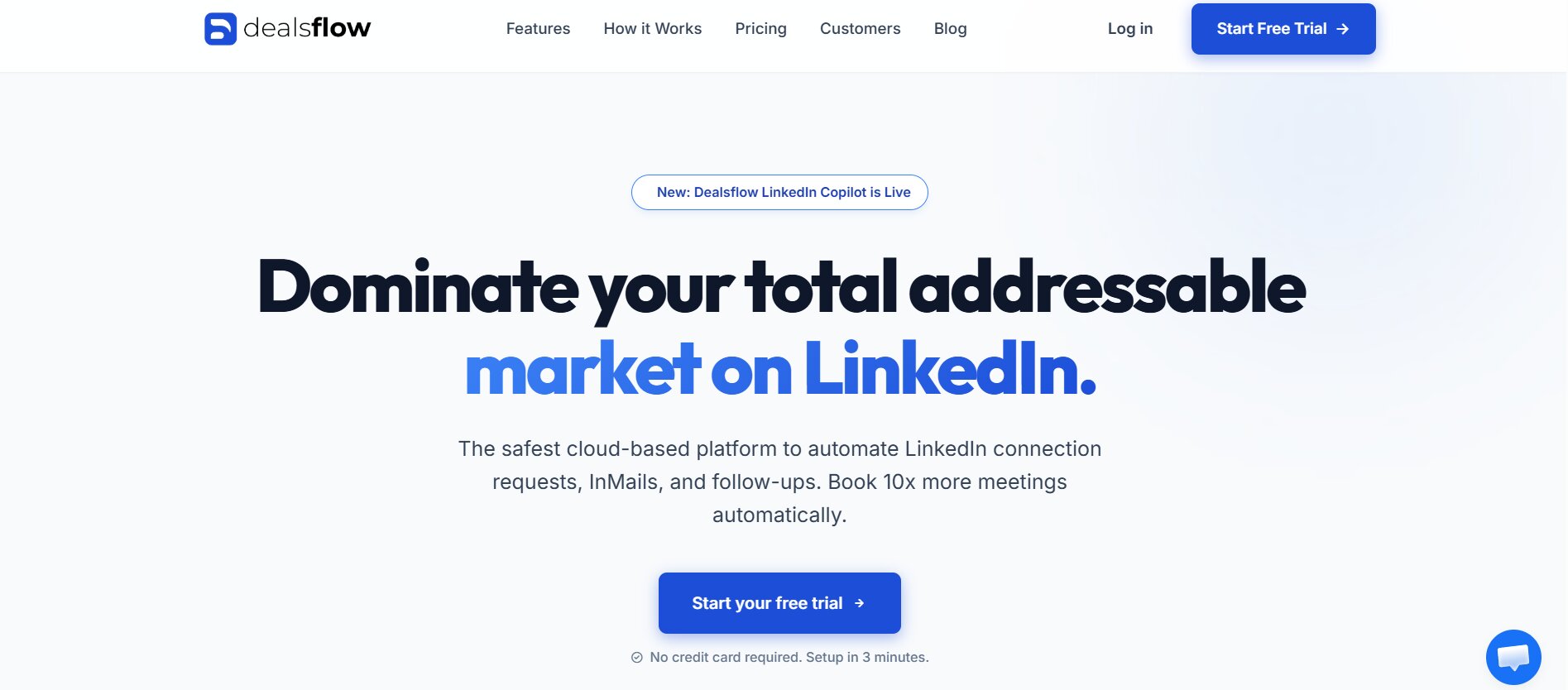
DealsFlow does not do image personalization. There are no coffee mug mockups, no website screenshot overlays, no dynamic image templates. What DealsFlow does is run the entire LinkedIn outreach workflow from end to end using an AI agent called Arlo.
The workflow looks like this. You define your ideal customer profile in DealsFlow: the industries, job titles, company sizes, and any other targeting parameters that define who you want to reach. Arlo uses that definition to identify matching prospects on LinkedIn. Connection requests go out with personalized messaging based on each prospect’s actual profile context. When someone accepts, Arlo sends a contextually relevant intro message. When they reply, Arlo reads it and responds appropriately. When there is interest, Arlo moves toward booking. The whole thing runs autonomously.
How Arlo Personalization Works Without Image Templates
The comparison point worth making directly: Hyperise personalizes the visual element of a message. Arlo personalizes the actual content of the conversation.
When Arlo reaches out to a VP of Marketing at a 50-person SaaS company, the message reflects that person’s specific role, the likely challenges a VP of Marketing at that company size typically faces, and the ICP match reason you configured. It is not a template with a logo inserted. It is a message written for that person’s context.
And when they reply, Arlo reads what they said and responds to the specific thing they said. Not a pre-written follow-up sequence that fires regardless of reply content. Actual contextual response to actual human input.
That is a different kind of personalization than Hyperise delivers, and for the purpose of getting meetings booked, it is more functional. A personalized image gets you the open. An intelligent reply to a prospect’s objection gets you the meeting.
The Full Outreach Loop That DealsFlow Closes
Most personalization tools, Hyperise included, address the top of the outreach funnel. They help you get noticed. DealsFlow addresses the entire funnel from prospecting through to booked meeting.
Look at what actually happens in a typical manual outreach workflow. Week one: build the list. Week one and two: write the sequences. Week two: launch the campaign. Week three: start getting replies. Week three onward: spend 2 to 3 hours per day managing replies, categorizing intent, writing contextual follow-ups, pushing warm leads toward booking, and doing this across however many accounts you are managing. That is the real time cost of outreach. Not the sending. The replying.
Arlo handles the reply layer. That is the piece of the workflow that kills most outreach programs when humans have to do it manually. A prospect replies at 11pm. Arlo responds within minutes. A prospect says “not the right time.” Arlo acknowledges it, sets a re-engagement note, and follows up at the appropriate interval. None of this requires a human in the loop.
Hyperise does not touch any of that. It makes the first impression better. DealsFlow handles everything that comes after.
What Hyperise Actually Does and Where It Fits in a Stack
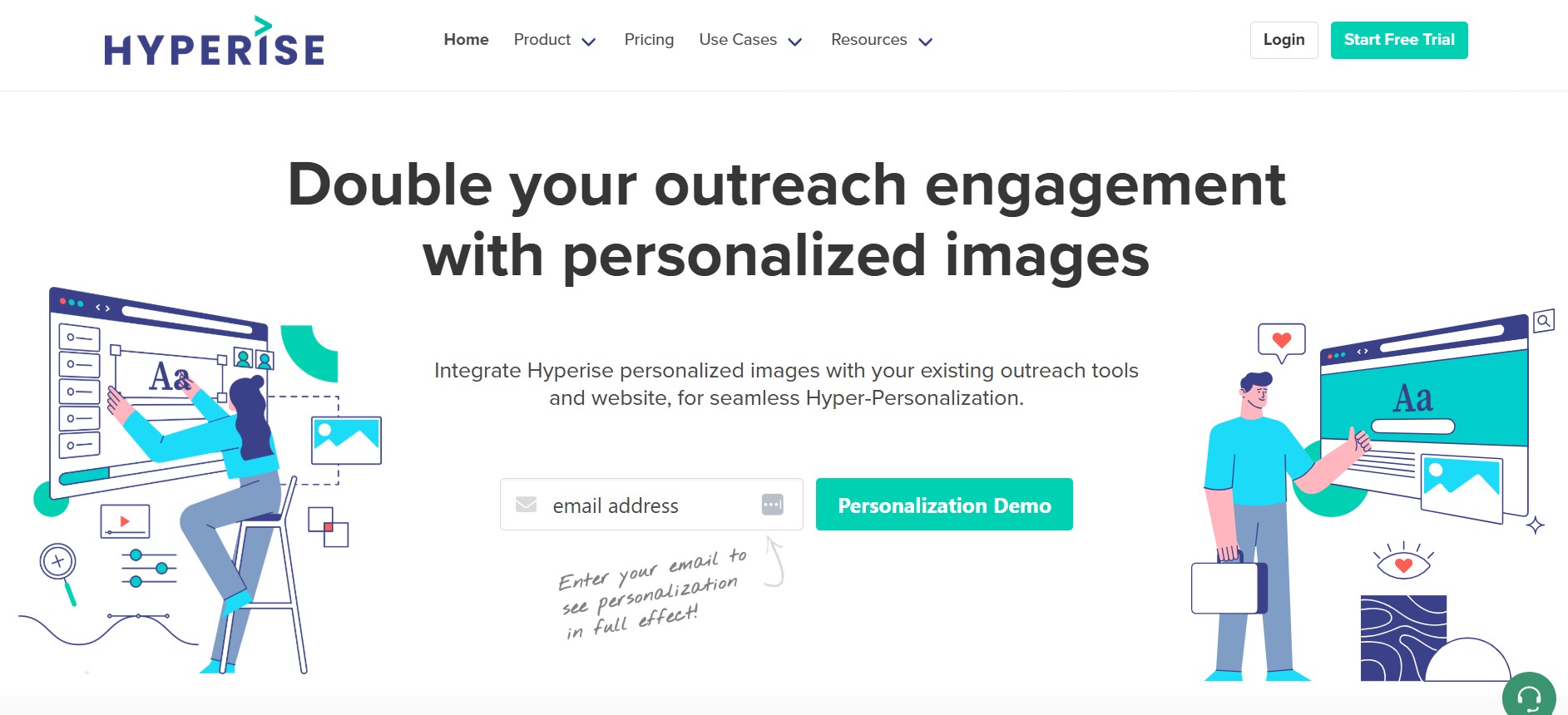
Hyperise is a SaaS tool that creates dynamically personalized images for use in sales and marketing outreach. The core idea is that a generic email with someone’s name in the subject line is no longer enough to stand out. Hyperise takes personalization one layer deeper by embedding prospect-specific visual elements directly into images.
Practically, this means you can create an email that includes a screenshot of the prospect’s actual website with a text overlay that says their company name, or a coffee mug mockup that says “Hey Sarah” in handwriting style text, or a LinkedIn screenshot showing their profile photo alongside your message. These images are generated dynamically at open time using the prospect’s data from your CRM or sequencer.
The integrations are wide. Hyperise connects with most major email sequencers including Lemlist, Outreach, Salesloft, Mailshake, and Woodpecker. It also has a LinkedIn integration through certain automation tools. The image templates are built in a drag-and-drop editor, and the dynamic fields pull from whatever contact data you have.
What Hyperise Gets Right
The technology is genuinely good. Dynamic image personalization at the level Hyperise does it is not trivial to build, and the range of templates and customization options is extensive. For outreach teams that are already running high-volume email campaigns with strong infrastructure, adding Hyperise can meaningfully improve reply rates on the margin.
There is also real psychological logic behind the approach. When someone opens an email and sees a screenshot of their own website or a mockup with their actual name on it, the pattern recognition fires differently than reading “Hi {{firstName}}”. It creates a moment of “wait, this is actually about me” that text-based personalization no longer achieves at the same rate.
For account-based outreach targeting a small list of high-value prospects, Hyperise’s visual personalization can be a meaningful differentiator. When you are reaching out to 50 enterprise accounts and you can show each one a customized image that references something specific to their business, that level of attention signals effort in a way that resonates.
The Stack Problem Hyperise Creates
Here is the real issue with Hyperise. It requires everything else to already be working. You need a contact list. You need a sequencing tool. You need to write the outreach copy. You need to build and maintain the image templates. You need to handle replies manually or through a separate tool. You need someone to book the meetings once there is interest.
Hyperise makes your emails look better. It does not build your list, write your messages, respond to replies, handle objections, or book meetings. So the question is not “is Hyperise a good product” (it is), the question is “what does Hyperise actually contribute to your pipeline on its own” and the answer is: better open rates and occasionally higher reply rates. What happens after the reply is entirely up to you and the rest of your stack.
For teams with 4 SDRs, a Salesforce integration, Outreach.io for sequencing, and a dedicated ops person managing the whole workflow, Hyperise is a legitimate add-on that improves performance at the margins. For a solo founder or a small sales team trying to generate pipeline without heavy infrastructure, Hyperise is an expensive enhancement layer for a workflow that does not exist yet.
So then you end up in this situation where you have beautiful, personalized outreach images and no system to actually convert the conversations those images generate into meetings.
DealsFlow vs Hyperise: Feature and Outcome Comparison
These tools operate in different layers of the outreach stack, so a feature-by-feature table misses the point. More useful is comparing what each one actually produces as an output.
What Hyperise Produces
Better open rates. More visually distinctive emails. Higher click-through rates on emails that include personalized images. Occasionally higher reply rates when the image personalization is well-executed and the copy around it is strong. These are real improvements to email outreach metrics and they matter in the context of a high-functioning outreach operation.
What Hyperise does not produce: lead lists, outreach sequences, managed conversations, handled objections, re-engagement of cold leads, or booked meetings. Those outcomes depend entirely on the rest of your stack and your team.
What DealsFlow Produces
Booked meetings. That is the primary metric. Arlo tracks conversations from first touch to meeting booking, and the platform reports on meetings booked as the central output. Everything else, the lead research, the connection requests, the follow-up sequences, the reply management, is infrastructure in service of that one outcome.
Secondary outputs include a qualified contact list built from Arlo’s lead research, conversation data showing which ICP segments reply at the highest rates, and a running record of all LinkedIn interactions across all accounts on the platform.
Personalization Depth
Hyperise: visual personalization at the image level. Company logos, website screenshots, profile photos, name overlays. Highly visible, attention-catching, technically impressive.
DealsFlow: contextual personalization at the message content level. Messages are generated based on prospect profile data, ICP match criteria, and conversation history. Each interaction reflects the specific person’s context rather than a generic template with dynamic visual elements.
Channel
Hyperise: primarily email, with some LinkedIn support through compatible automation tools.
DealsFlow: LinkedIn-first. This matters because LinkedIn outreach consistently outperforms cold email in reply rates for most B2B verticals. Getting a 15% to 25% reply rate on LinkedIn versus 2% to 4% on cold email is not unusual when targeting is solid.
Setup Complexity
Hyperise: requires building image templates, connecting your contact data source, integrating with your email sequencer, and testing personalization fields. Initial setup is moderate complexity and ongoing maintenance is required as templates age.
DealsFlow: you define your ICP and Arlo runs. The setup is straightforward and the lead research, sequencing, and reply management are all handled by the platform. The operational overhead after launch is minimal.
Pricing: What Each Tool Actually Costs
Hyperise Pricing
Hyperise starts at around $99/month for the Individual plan, which gives you a limited number of image personalizations per month and basic integrations. The Teams plan runs higher, around $199/month or more depending on the tier, with increased personalization volume and additional team features.
The important thing about Hyperise pricing: you are paying for a feature on top of tools you already pay for. If you are using Hyperise with Lemlist ($59/month), a contact database like Apollo ($49/month), and your CRM, the Hyperise subscription is an additional $99 to $199/month on top of a stack that is already at $150 to $300/month. Total outreach stack cost including Hyperise: $250 to $500/month, before any labor costs for the humans managing the process.
DealsFlow Pricing
DealsFlow has three plans with a 14-day free trial, no credit card required.
Starter Pilot at $49/month: 1 LinkedIn account, AI lead research, Arlo outreach engine, unlimited campaigns, standard support.
Scaling Pilot at $129/month: 5 LinkedIn accounts, priority AI processing, multi-account dashboard, advanced analytics, priority support.
Agency Pilot at $299/month: 20 LinkedIn accounts, white-glove setup, team management, custom workflows, dedicated account manager.
The Real Cost Comparison
A solo founder using Hyperise as part of an email outreach stack pays roughly $250 to $500/month for the full setup and still needs to personally manage all replies and booking. DealsFlow at $49/month handles the entire workflow including reply management. The labor cost difference alone makes the comparison one-sided for small teams and individuals.
For agencies, the DealsFlow Agency Pilot at $299/month covers 20 LinkedIn accounts with full Arlo automation. Building a Hyperise-based email outreach stack for 20 client accounts would require 20 seat subscriptions across multiple tools, dedicated staff for reply management, and significantly higher total cost.
Who Should Use Each Tool
Hyperise Makes Sense If…
You already have a mature, high-volume email outreach operation with dedicated SDRs, a sequencer, a contact database, and a process for managing replies. In that context, adding Hyperise to improve visual personalization at the top of the funnel is a legitimate marginal improvement.
Enterprise sales teams targeting a defined set of high-value accounts, where each touchpoint needs to signal significant effort and attention, also get real value from Hyperise. When you are selling a $200k contract and the prospect list is 30 accounts, investing in visual personalization that makes each email feel custom-built is worth the cost and setup time.
Marketers running demand generation campaigns where email click-through rates are a key metric also have a legitimate use case for Hyperise’s dynamic image capabilities beyond just cold outreach.
DealsFlow Makes Sense If…
The goal is meetings booked in the next 30 to 60 days without building a multi-tool stack or hiring an SDR. Solo founders, small sales teams, and agencies that need LinkedIn outreach to produce direct pipeline output should use DealsFlow.
The clearest DealsFlow user is anyone who does not have bandwidth to manage LinkedIn conversations manually. Arlo removes the reply management burden that kills most outreach programs when humans are responsible for it. You define the ICP, launch the campaign, and meetings show up on the calendar.
Agencies running LinkedIn outreach as a service for multiple clients get structural advantages from DealsFlow’s multi-account setup that no combination of Hyperise plus email tools replicates on LinkedIn.
Real Scenarios Where the Choice Becomes Obvious
Scenario 1: Solo B2B Consultant, Needs 5 to 8 Meetings Per Month
No SDR, no email infrastructure, no Salesforce. Buying Hyperise means also buying an email tool, a contact database, and personally managing every reply. That is a stack and a part-time job.
DealsFlow Starter Pilot at $49/month. Arlo handles everything. Meetings appear on the calendar.
Go with: DealsFlow.
Scenario 2: Enterprise SDR Team at a 200-Person SaaS Company
Five SDRs using Outreach.io with Salesforce integration, targeting 100 named accounts. They write every email manually and add personal touches. Adding Hyperise image personalization to their existing workflow improves reply rates on their account-based sequences.
Go with: Hyperise as an add-on, makes sense here.
Scenario 3: Agency Running LinkedIn Outreach for 10 B2B Clients
Ten client accounts, each needing active LinkedIn outreach with reply management. Hyperise does not solve the LinkedIn execution problem. DealsFlow Agency Pilot at $299/month covers up to 20 accounts with Arlo running all conversations.
Go with: DealsFlow.
Scenario 4: Growth Marketer Running Cold Email at Scale, 5,000 Emails/Month
High-volume cold email with a sequencer already in place. Adding Hyperise improves the visual distinction of emails in a crowded inbox. This is exactly the use case Hyperise was built for.
Go with: Hyperise as part of existing stack.
Scenario 5: Early-Stage Startup, Pre-Revenue, Founder Doing All Sales
No infrastructure, no SDR, no budget for a five-tool stack. Need pipeline now. Hyperise without an email system is useless. DealsFlow is the complete system.
Go with: DealsFlow.
Conclusion
These tools are not direct competitors, but when someone is trying to decide where to spend their outreach budget, the comparison matters. Hyperise is a personalization layer that makes existing outreach look better. DealsFlow is an outreach system that produces meetings.
For the majority of B2B founders, small sales teams, and agencies reading this, DealsFlow is the right call. Not because Hyperise is a bad product but because most teams do not have the infrastructure that makes Hyperise worth its cost. Buying personalization enhancement for a workflow that does not exist yet is backwards.
Get meetings booked first. Use DealsFlow, let Arlo build the pipeline, and once you are running at a level where marginal conversion rate improvements on email matter, then consider personalization tools as add-ons to a working system.
The 14-day free trial on DealsFlow has no credit card requirement. Set up a campaign, let Arlo run, and measure the output in meetings booked. That is a cleaner test than any engagement metric a personalization tool will give you.
Frequently Asked Questions
Q1. Can Hyperise and DealsFlow be used together?
They operate in different channels and solve different problems, so combining them is possible but not particularly logical. DealsFlow runs on LinkedIn; Hyperise is primarily built for email outreach. If you are running both LinkedIn outreach through DealsFlow and email outreach through a separate tool, Hyperise could enhance the email side of that multi-channel strategy. Using both for the same channel does not apply.
Q2. Does DealsFlow personalize messages or just send templates?
Arlo generates contextually relevant messages based on each prospect’s profile data and ICP match criteria. The personalization is at the message content level, meaning the substance of what is said reflects the specific person’s role, company, and situation. This is different from template-based personalization with merge tags and different from Hyperise’s visual personalization approach.
Q3. Is Hyperise worth it for small sales teams?
It depends on what is already in place. Hyperise adds real value when grafted onto a high-functioning email outreach operation. For teams of 1 to 3 people without established email infrastructure, Salesforce, and a sequencer, Hyperise adds a personalization layer to a workflow that does not exist yet. The investment is better directed toward building the core outreach system first.
Q4. What LinkedIn personalization does DealsFlow use?
Arlo’s personalization is conversational and contextual. It does not use dynamic image overlays or visual personalization technology. Instead, each message is generated based on the prospect’s actual LinkedIn profile including their current role, company type, seniority level, and ICP match. Reply handling is also personalized based on what the prospect actually said, not pre-written scripts.
Q5. How does Hyperise integrate with LinkedIn outreach tools?
Hyperise integrates with LinkedIn automation tools that support image embedding in messages, though the integration landscape is more limited than its email integrations. The core strength of Hyperise is in email outreach personalization. LinkedIn’s platform puts more restrictions on message format and image embedding than email, which limits how much of Hyperise’s visual personalization can be applied in LinkedIn messaging contexts.
Q6. What outreach channel gets better reply rates, email or LinkedIn?
For most B2B verticals, LinkedIn outreach outperforms cold email on reply rates. Well-targeted LinkedIn campaigns typically see reply rates of 10% to 25%. Cold email campaigns, even with strong personalization like Hyperise, typically see 2% to 6% reply rates. The channel difference is significant enough that for many teams, shifting budget toward LinkedIn outreach (where DealsFlow operates) produces better pipeline results than optimizing email outreach with tools like Hyperise.
Q7. Does DealsFlow require a LinkedIn Sales Navigator subscription?
No, though Sales Navigator improves targeting precision. DealsFlow’s AI lead research works with a standard LinkedIn Premium account. Sales Navigator expands the filtering options available for ICP definition and is recommended for teams targeting very specific niches or job title combinations. The Starter Pilot free trial works without Sales Navigator so you can test the core workflow before adding that cost.
Q8. How long does it take to set up Hyperise properly?
A basic Hyperise setup with one or two image templates and integration with an email sequencer takes 2 to 4 hours. Building a full library of templates for different ICP segments, testing personalization fields, and optimizing based on performance data takes longer, typically several days of focused work. Ongoing maintenance is also required as templates are updated.
Q9. What does DealsFlow track as its primary success metric?
Meetings booked. The platform tracks messages sent, reply rates, and meetings booked. The campaign analytics are oriented around the bottom-line output, how many qualified conversations turned into actual calendar meetings, rather than vanity metrics like open rates or impression counts. This makes ROI calculation straightforward: cost per meeting booked is easy to calculate from the platform’s data.
Q10. Is DealsFlow suitable for agencies managing multiple client accounts?
Yes. The Agency Pilot plan at $299/month covers 20 LinkedIn accounts with a unified multi-account dashboard, custom workflows per client, team management, white-glove setup, and a dedicated account manager. Arlo runs independently for each client account, handling all outreach and reply management. This is one of DealsFlow’s primary use cases and the infrastructure is built specifically for agency operations at that scale.
Q11. Can Hyperise be used without an existing email outreach tool?
No. Hyperise is a personalization layer that requires an email sequencer to function. It does not send emails, manage contacts, or run campaigns on its own. It generates personalized images that are embedded in emails sent by tools like Lemlist, Outreach, Mailshake, or Woodpecker. Without one of those tools in place, Hyperise has nothing to plug into.