


Managing customer relationships is one of the most critical — and most challenging — aspects of running a small business. Whether you are a solo consultant juggling twenty active prospects, a five-person sales team tracking deals across multiple channels, or a growing service business trying to keep every client happy, the right CRM can be the difference between consistent revenue and constant chaos.
But here is the problem: the CRM market in 2026 is overwhelming. There are hundreds of platforms, each claiming to be the simplest, smartest, and most affordable solution for small teams. Some are genuinely excellent. Others are bloated enterprise tools dressed up with a “small business” label. A few are actually built for the way small businesses operate — lean, fast, and relationship-driven.
This guide cuts through the noise. Below, you will find a detailed, honest comparison of the ten best CRM platforms for small businesses in 2026, evaluated by features, pricing, ease of use, and real-world fit. No fluff, no vague promises — just the information you need to make a confident decision.
Why Small Businesses Need a CRM in 2026
Before diving into the tools themselves, it is worth understanding why this decision matters so much right now.
Small businesses have always run on relationships. You win clients because you know them, follow up consistently, remember their preferences, and deliver on your word. For years, spreadsheets and sticky notes were good enough. Then business grew a little more complex, leads came from more channels, and suddenly the old systems started breaking down.
Here is what happens without a CRM in 2026:
Leads fall through the cracks. A prospect fills out your contact form on a Tuesday. You mean to follow up but get pulled into a client meeting. By Thursday, you have forgotten. By the following week, they have signed with a competitor. This scenario plays out thousands of times every day in small businesses across every industry.
Follow-ups become inconsistent. Some clients get called back within the hour. Others wait three days. There is no system, just whoever you happen to remember at any given moment. This inconsistency damages trust and costs deals.
You have no visibility into your pipeline. Without a CRM, most small business owners cannot answer basic questions: How many active deals do I have right now? What is my average time to close? Where are deals getting stuck? These are not luxury analytics — they are the operational intelligence you need to make good decisions.
Scaling becomes painful. The moment you hire your first salesperson or bring on a second team member, the lack of a shared system becomes a crisis. Who owns which lead? What has already been said? What was promised?
In 2026, the urgency has increased further. Customers expect faster responses, more personalized communication, and seamless experiences. AI-assisted features are now standard in most modern CRMs, helping small teams punch above their weight. And with remote and hybrid work still prevalent, having a centralized, cloud-based system is not optional — it is essential.
Key Benefits of Using the Best CRM for Small Business
When you invest in the right CRM, the impact touches nearly every part of how you operate. Here are the most meaningful benefits small businesses experience:
Centralized contact and deal management means every interaction — every email, call note, meeting, proposal, and follow-up — lives in one place. Anyone on your team can see the full history of a relationship at a glance. No more asking “wait, did anyone talk to this person last week?”
Faster, more consistent follow-ups are enabled by reminders, task automation, and pipeline stages that tell you exactly who needs attention and when. Instead of relying on memory, your CRM becomes the system that drives your outreach rhythm.
Clear pipeline visibility gives you a real-time picture of every deal in progress. You can see where opportunities are, which ones are stalling, and where you need to focus your energy. This turns gut-feel sales management into something you can actually act on.
Time saved on administrative tasks is one of the most underappreciated benefits. Modern CRMs automate data entry, log communications automatically, send follow-up reminders, and generate reports without you lifting a finger. For small teams where every hour counts, this is enormous.
Better customer experience comes from having context before every conversation. When you can see that a client mentioned a budget concern three weeks ago, or that they have been waiting on a proposal for five days, you show up to every interaction prepared and attentive.
Scalability means your CRM grows with you. Start with a free or entry-level plan when you are small, then expand features and seats as your team grows — without rebuilding your entire system from scratch.
What to Look for in the Best CRM for Small Business in 2026
Not all CRMs are created equal, and what works brilliantly for a 500-person sales organization may be completely wrong for a five-person service business. Here are the key criteria to evaluate before you choose:
Ease of Use
This is the single most important factor for small businesses. A CRM that requires weeks of training, a dedicated admin, or constant IT support will never be adopted consistently. Look for clean interfaces, intuitive navigation, and a short learning curve. If your team finds it easier to use a spreadsheet, the CRM has already failed.
The best small business CRMs in 2026 are designed around the workflow of non-technical users. They use simple language, visual pipelines, and sensible defaults so you can get up and running within hours, not weeks.
Mobile Accessibility
Small business owners are not chained to a desk. You take calls in the car, meet clients at their offices, and check messages between appointments. A CRM that only works well on desktop is a CRM you will stop using.
In 2026, mobile-first design is no longer a bonus feature — it is a baseline requirement. Look for native iOS and Android apps that give you full access to contacts, deals, notes, and tasks from your phone, with an interface that actually works on a small screen rather than just being a compressed version of the desktop view.
Pricing Transparency
The CRM market is notorious for burying costs. A tool might advertise a low monthly price per user, but then charge separately for email integration, reporting, automation, and API access. By the time you have the features you actually need, you are paying three times the advertised rate.
Evaluate the total cost of ownership. Look at what is included at each pricing tier, what is locked behind higher plans, and whether the features you need on day one are available without paying for enterprise add-ons.
Pipeline and Lead Management
The core function of any CRM is helping you track and move deals forward. Look for a visual pipeline that lets you drag deals through stages, set probabilities, and identify where opportunities are stalling. The best systems let you customize pipeline stages to match your actual sales process rather than forcing you into a generic template.
Integrations and Automation
Your CRM should work with the tools you already use — email, calendar, messaging apps, accounting software, and any industry-specific tools your business relies on. Native integrations are better than workarounds, and built-in automation (like automatically creating a follow-up task when a deal moves to a new stage) saves significant time.
In 2026, AI-powered automation is increasingly important. Features like lead scoring, conversation summaries, next-action suggestions, and predictive deal insights are helping small teams work smarter without hiring more people.
Customer Support Quality
When something goes wrong or you need help setting up a workflow, the quality of support matters. Small businesses cannot afford to lose days waiting for a ticket response. Look for live chat support, comprehensive help documentation, video tutorials, and responsive onboarding assistance.
Top 10 CRM Platforms for Small Businesses in 2026
Here is an in-depth look at the ten platforms that consistently earn high marks for small business use, starting with the one that leads the pack this year.
1. Dealsflow

Best for: Small businesses and sales teams that want a clean, conversation-driven CRM without the learning curve of enterprise tools.
Dealsflow has emerged as one of the most talked-about CRM platforms for small businesses in 2026. It is built around the idea that small business sales are fundamentally relational — they happen through conversations, not just pipeline stages — and its entire design philosophy reflects that.
The platform centers on contact-level activity tracking, meaning every interaction with a lead or client is logged in a clear timeline. Notes, calls, messages, and deal updates all appear chronologically so you always know exactly where a relationship stands. The pipeline view is clean and visual, letting you drag deals through custom stages that you define based on your actual process.
What makes Dealsflow stand out for small businesses specifically is its emphasis on speed and simplicity. There is no lengthy onboarding process, no need to hire a consultant to configure it, and no wall of settings to navigate before you can start using it. Most users are active and tracking deals within their first session.
The mobile experience is particularly strong. The app is genuinely designed for on-the-go use, not just a shrunken version of the web interface. You can log a call note, move a deal forward, and set a follow-up reminder from your phone in under a minute.
Dealsflow also incorporates smart follow-up reminders that surface contacts you have not engaged with recently, preventing the common small business problem of good leads going cold simply because life got busy.
Key Features:
- Visual drag-and-drop sales pipeline with custom stages
- Contact timeline showing full interaction history
- Smart follow-up reminders and overdue alerts
- Mobile app with full functionality
- Team collaboration and deal sharing
- Activity reporting and deal analytics
Pricing: Dealsflow offers a free plan with core features suitable for solo users and very small teams. Paid plans start at competitive rates with per-user pricing and no feature gating on core functionality.
Pros: Extremely easy to get started; excellent mobile experience; designed specifically for small business workflows; clean and uncluttered interface.
Cons: Fewer third-party integrations than larger platforms; reporting is strong but less customizable than enterprise tools.
2. HubSpot CRM
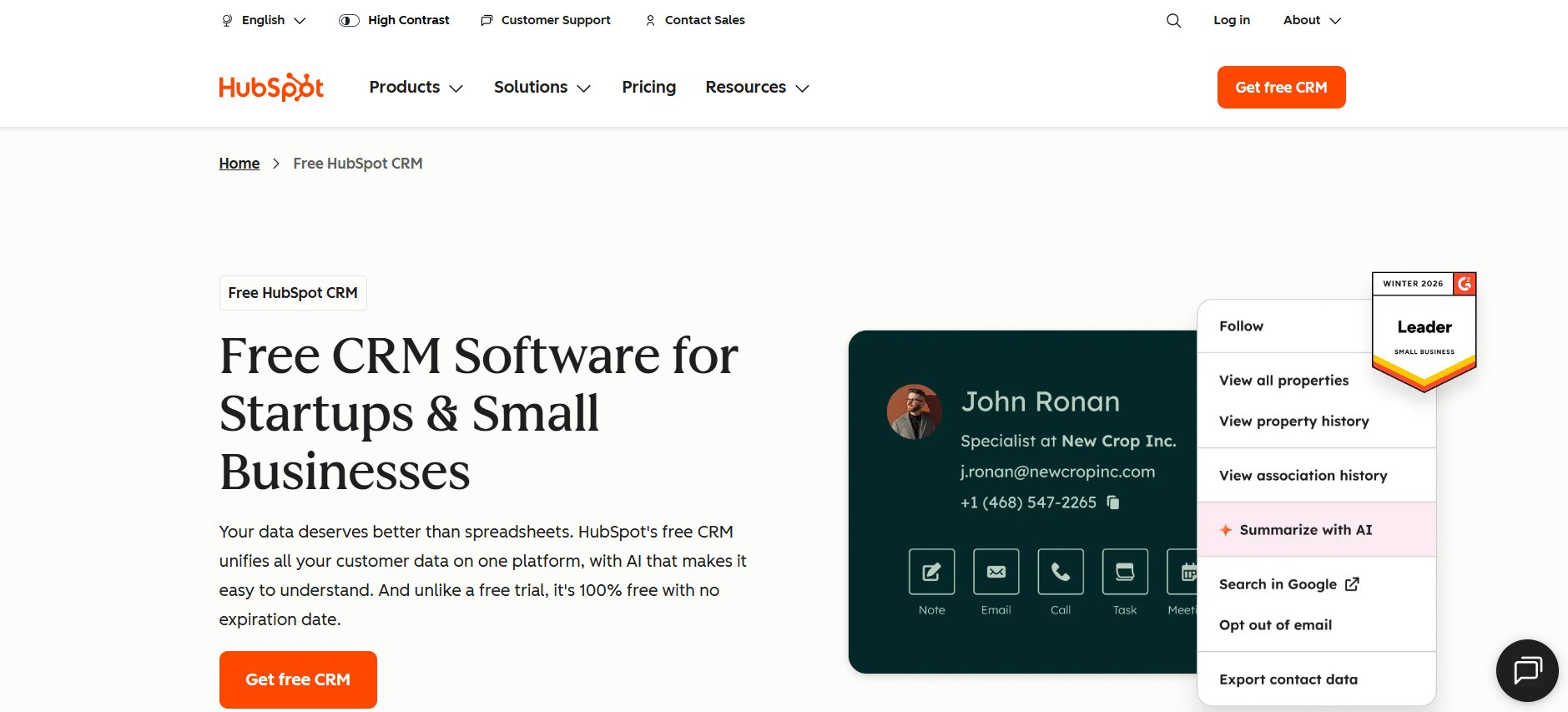
Best for: Small businesses that want a free starting point with the option to scale into a full marketing and sales platform.
HubSpot CRM is one of the most widely used tools in the small business space, largely because its free tier is genuinely useful — not a crippled demo. The free version includes contact management, deal tracking, email logging, and basic reporting, which is enough for many small teams to operate effectively.
Where HubSpot gets complicated is pricing. As your needs grow and you start adding features — email sequences, automation workflows, advanced reporting, sales playbooks — costs escalate quickly through its Hub pricing structure. A small business that starts free can find itself paying several hundred dollars per month once they need the features that make the platform truly powerful.
That said, HubSpot’s breadth is unmatched. It connects CRM, marketing, customer service, and operations into a single platform, which is valuable if you want everything in one place and are willing to pay for it as you scale.
Key Features:
- Free CRM with unlimited users and contacts
- Email tracking and templates
- Deal pipeline management
- Integration with Gmail, Outlook, and hundreds of apps
- Marketing Hub add-on for email campaigns and landing pages
- Robust reporting dashboard
Pricing: Free plan available. Paid plans start at around $20/month per user for Starter, scaling significantly for Professional and Enterprise tiers.
Pros: Generous free plan; massive ecosystem of integrations; all-in-one platform potential; excellent educational resources.
Cons: Costs rise steeply as you add features; can feel overwhelming for very small teams; some core features require paid upgrades.
3. Zoho CRM
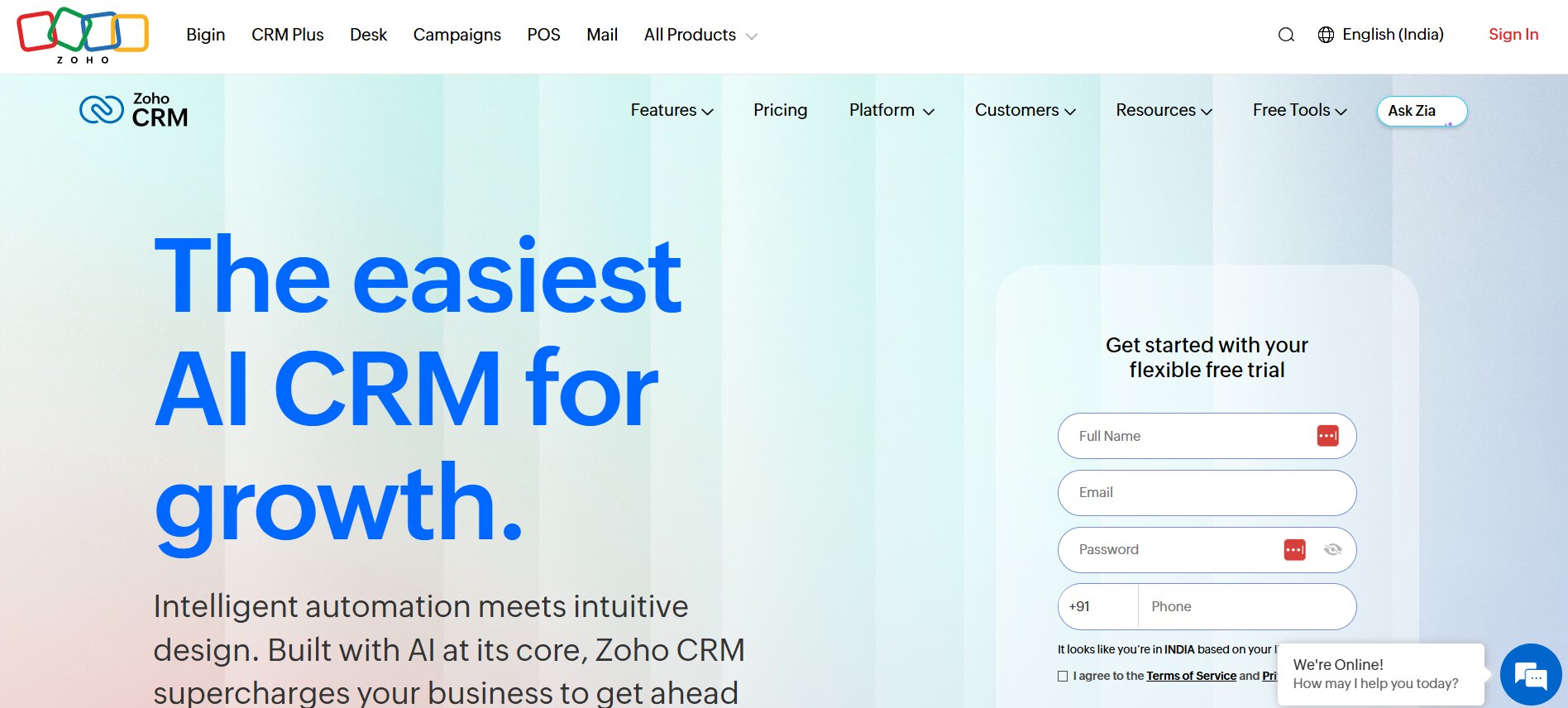
Best for: Budget-conscious small businesses that need depth of features without a high price tag.
Zoho CRM has long been one of the best value propositions in the CRM market, and in 2026 it remains a strong choice for small businesses that need robust functionality at a reasonable price. Zoho’s ecosystem is vast — it connects with dozens of other Zoho products covering accounting, HR, helpdesk, and more — making it particularly attractive for businesses that want a tightly integrated suite.
Bigin, Zoho’s pipeline-focused CRM designed specifically for small businesses, is worth highlighting separately. It strips away the complexity of the full Zoho CRM and delivers a focused, easy-to-use pipeline tool at a very low price point. For businesses that just need contact management and deal tracking without the broader feature set, Bigin is an excellent entry point.
The main challenge with Zoho is the interface. While it has improved significantly over the years, it can still feel dense compared to newer, more design-forward tools. The sheer number of features and settings can be overwhelming for users who just want something simple.
Key Features:
- Full contact, account, and deal management
- Workflow automation and AI assistant (Zia)
- Email integration and campaign management
- Customizable modules and fields
- Deep integration with Zoho suite (Books, Desk, Campaigns, etc.)
- Mobile app for iOS and Android
Pricing: Free plan for up to 3 users. Standard plan at approximately $14/user/month. Bigin starts at around $7/user/month.
Pros: Exceptional value for money; powerful automation; deep feature set; strong Zoho ecosystem integration.
Cons: Interface can feel cluttered; steeper learning curve than some competitors; support quality can be inconsistent.
4. Pipedrive
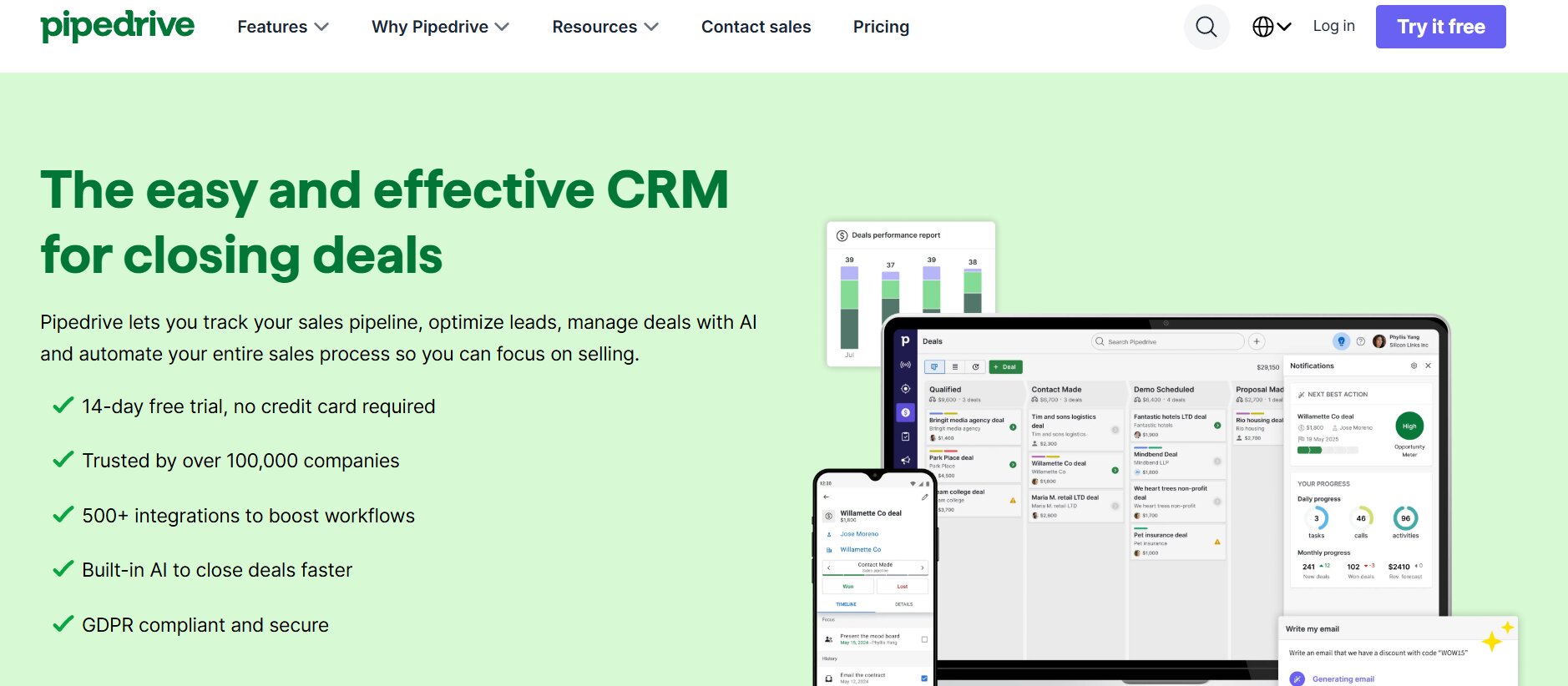
Best for: Sales-focused small teams that think visually and want a pipeline-first experience.
Pipedrive is built around one central idea: sales is about moving deals through a pipeline, and your CRM should reflect that. The visual pipeline is Pipedrive’s signature feature — clean, intuitive, and immediately useful. You can see all your active deals at a glance, drag them between stages, and understand exactly where your sales process stands.
This pipeline-centric design makes Pipedrive particularly popular with sales teams that do a high volume of deals and need to track activity meticulously. It is less of an all-in-one business platform and more of a dedicated sales execution tool, which is exactly what many small businesses need.
Pipedrive has added AI features in recent years, including an AI sales assistant that surfaces insights about deals and suggests next actions. The tool is not free, but its pricing is clear and predictable, which many small business owners appreciate after getting surprised by hidden costs elsewhere.
Key Features:
- Visual drag-and-drop pipeline (multiple pipelines supported)
- Activity-based selling with task and meeting management
- Email integration with open and click tracking
- AI sales assistant with deal insights
- Revenue forecasting and reporting
- Extensive integration marketplace
Pricing: Essential plan starts at around $14/user/month. Advanced and Professional tiers add automation and deeper reporting.
Pros: Exceptional pipeline UX; activity-focused design keeps sales teams on track; clean and fast interface; predictable pricing.
Cons: No free plan; less suited for non-sales use cases; can require add-ons for features included natively in some competitors.
5. Freshsales
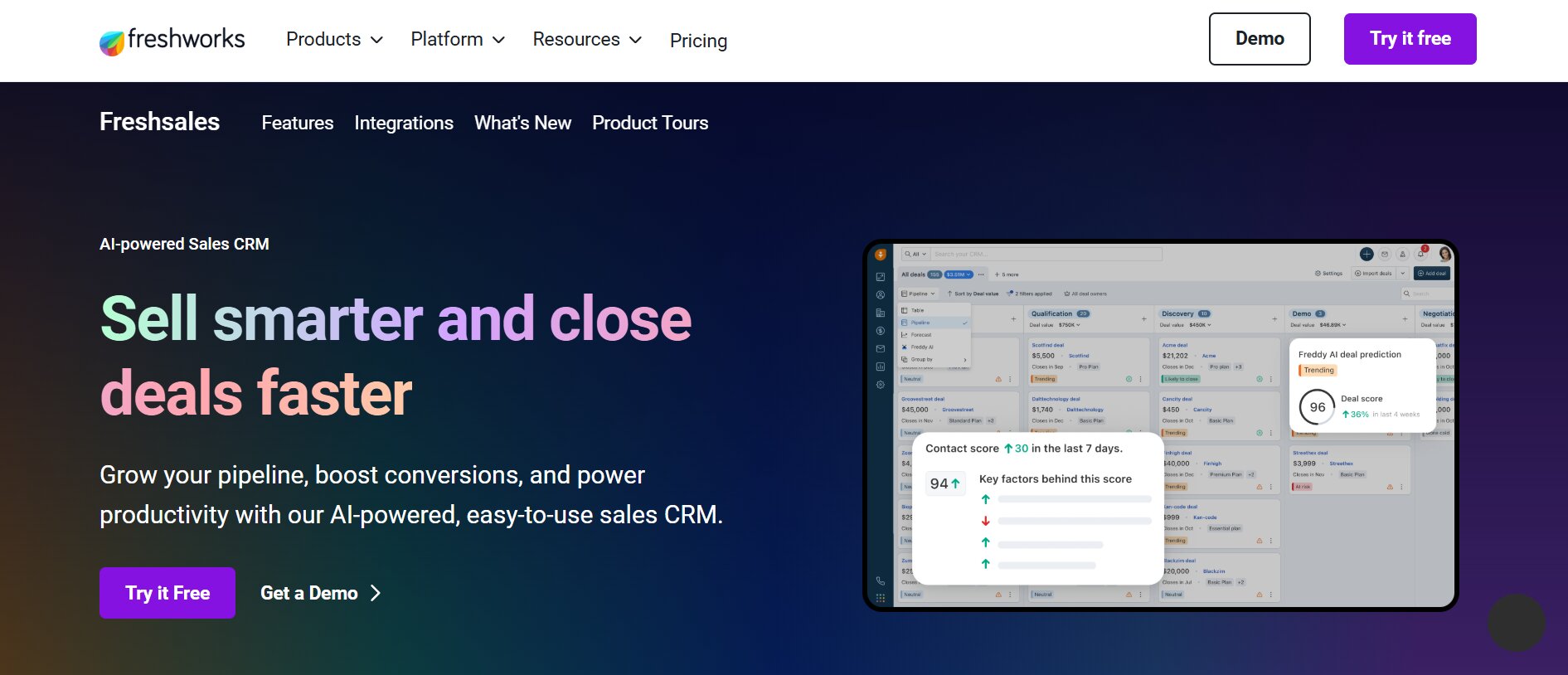
Best for: Small businesses that want built-in AI-powered lead scoring and a modern interface.
Freshsales, part of the Freshworks ecosystem, is a well-rounded CRM that punches above its price point in terms of AI features. Its built-in AI tool, Freddy AI, provides lead scoring, deal insights, and sales forecasting without requiring a separate add-on or a data science background to interpret.
The platform covers the full customer lifecycle — from first contact through deal close and into post-sale support — and integrates smoothly with Freshdesk (customer support) and other Freshworks products. For small businesses that want a unified view of the customer across sales and service, this integration is genuinely valuable.
Freshsales also has a solid free plan that includes contact management, built-in phone and email, and basic deal tracking — enough to get a small team operational without spending anything.
Key Features:
- Freddy AI for lead scoring and deal predictions
- Built-in phone and email with activity tracking
- Visual deal pipeline with multiple views
- Web visitor tracking and engagement scoring
- Integration with Freshdesk and other Freshworks tools
- Workflow automation with event-based triggers
Pricing: Free plan available for unlimited users. Growth plan starts at approximately $15/user/month.
Pros: Strong AI features at accessible price points; built-in phone functionality; clean modern interface; good free tier.
Cons: AI features require higher-tier plans; some advanced features limited to expensive plans; Freshworks ecosystem lock-in.
6. Salesforce Starter
Best for: Small businesses that expect significant growth and want to start on a platform that scales to enterprise.
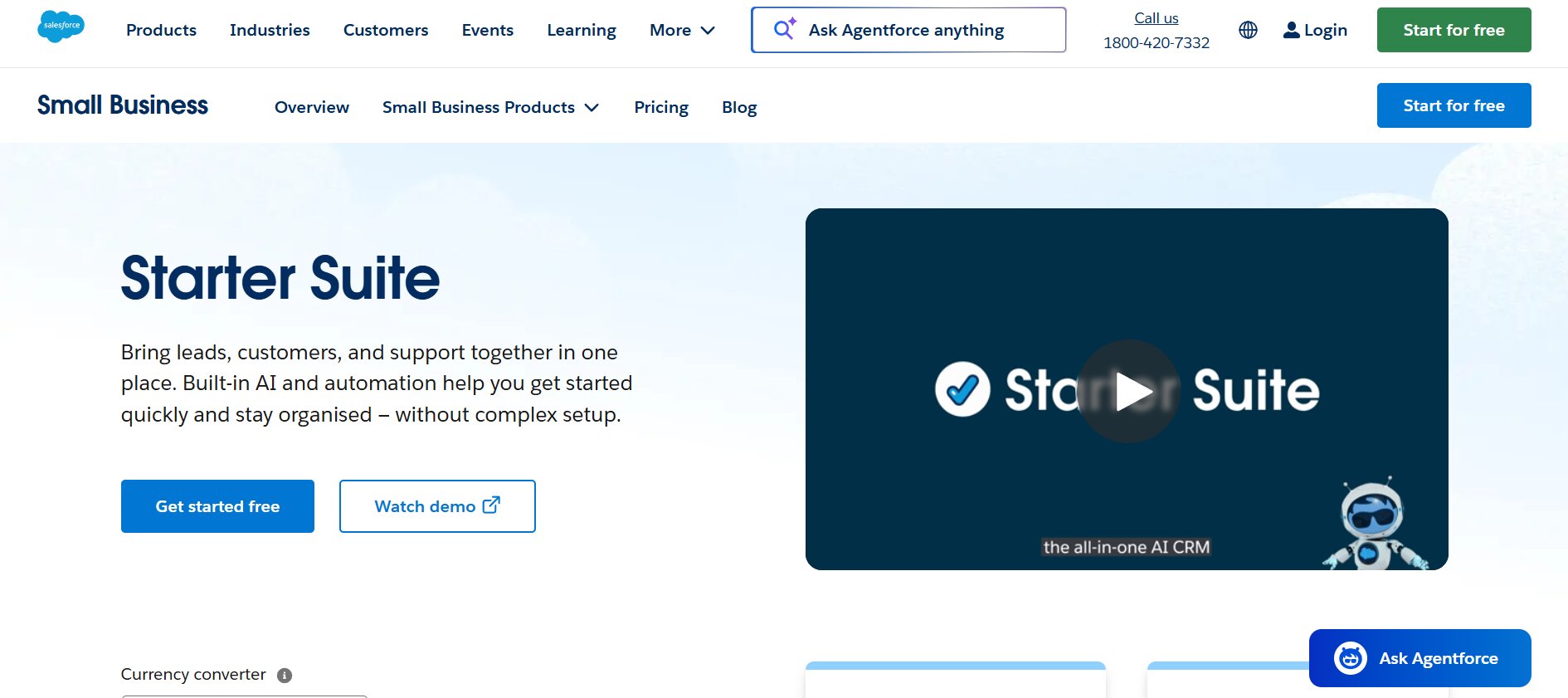
Salesforce is the name everyone knows, and for good reason — it is the most powerful CRM platform in the world. But it has historically been inaccessible to small businesses due to complexity and cost. Salesforce Starter (formerly Essentials) changes that, offering a simplified version of the platform at a more accessible price.
The trade-off is that even Starter requires more setup and configuration than most small business tools. You are getting the foundation of an enterprise-grade platform, which means power and flexibility but also complexity. If you plan to grow into a mid-size or large company and want to avoid migrating CRMs later, starting on Salesforce now makes sense. If you just need something to manage leads and follow-ups, it is probably overkill.
Key Features:
- Contact, account, and opportunity management
- Email integration and activity tracking
- AppExchange with thousands of integrations
- Mobile app (Salesforce Mobile)
- Basic workflow automation
- Reports and dashboards
Pricing: Starter plan at approximately $25/user/month. Pro Suite at $100/user/month.
Pros: Unmatched ecosystem and integration options; scales to any business size; strong reporting foundation; brand recognition helpful for investor/partner credibility.
Cons: Steep learning curve; higher price than alternatives; setup typically requires time or external help; overkill for very small teams.
7. Monday CRM
Best for: Small businesses that already use Monday.com for project management and want CRM in the same workspace.
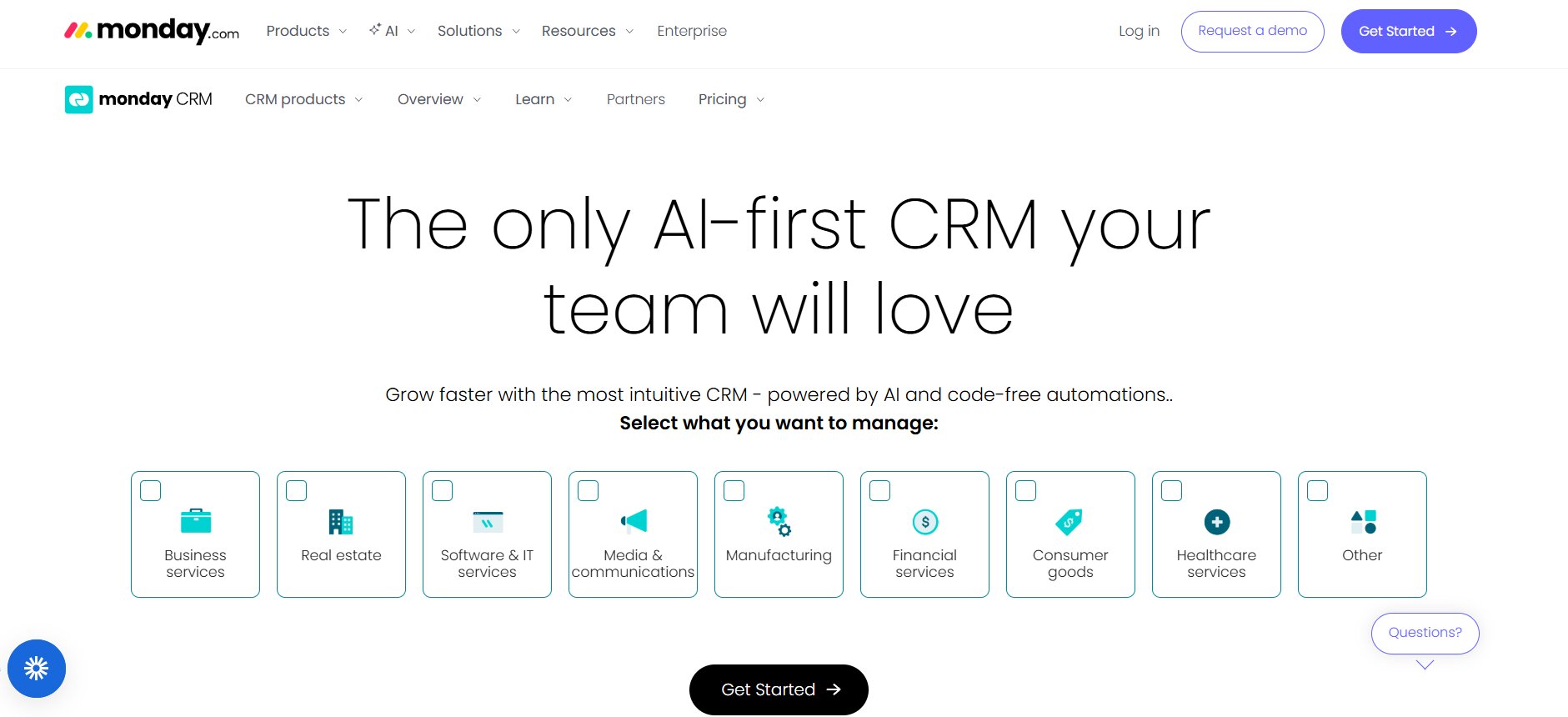
Monday CRM is built on the Monday.com work operating system, which means it inherits the platform’s signature flexibility and visual design. If your team already uses Monday for project tracking, adding CRM functionality in the same environment eliminates context-switching and keeps everything in one place.
The platform is highly customizable — you can build pipelines, boards, and workflows that match almost any sales process — but that flexibility comes with a caveat. Monday CRM requires more setup than purpose-built CRMs. You are essentially building your CRM inside a flexible work tool, which gives you control but demands investment upfront.
Key Features:
- Fully customizable pipeline boards
- Contact and deal management
- Email sync and tracking
- Automation builder with visual workflow editor
- Integration with Monday.com project boards
- Team collaboration features
Pricing: Basic plan starts at approximately $12/seat/month (minimum 3 seats). Standard and Pro plans add more features.
Pros: Highly flexible and customizable; excellent for teams already using Monday; strong visual design; good collaboration tools.
Cons: Requires significant setup; minimum seat requirements increase cost for solo/small teams; not purpose-built for sales workflows.
8. Keap (formerly Infusionsoft)
Best for: Service businesses and solopreneurs who need CRM combined with email marketing and automation.
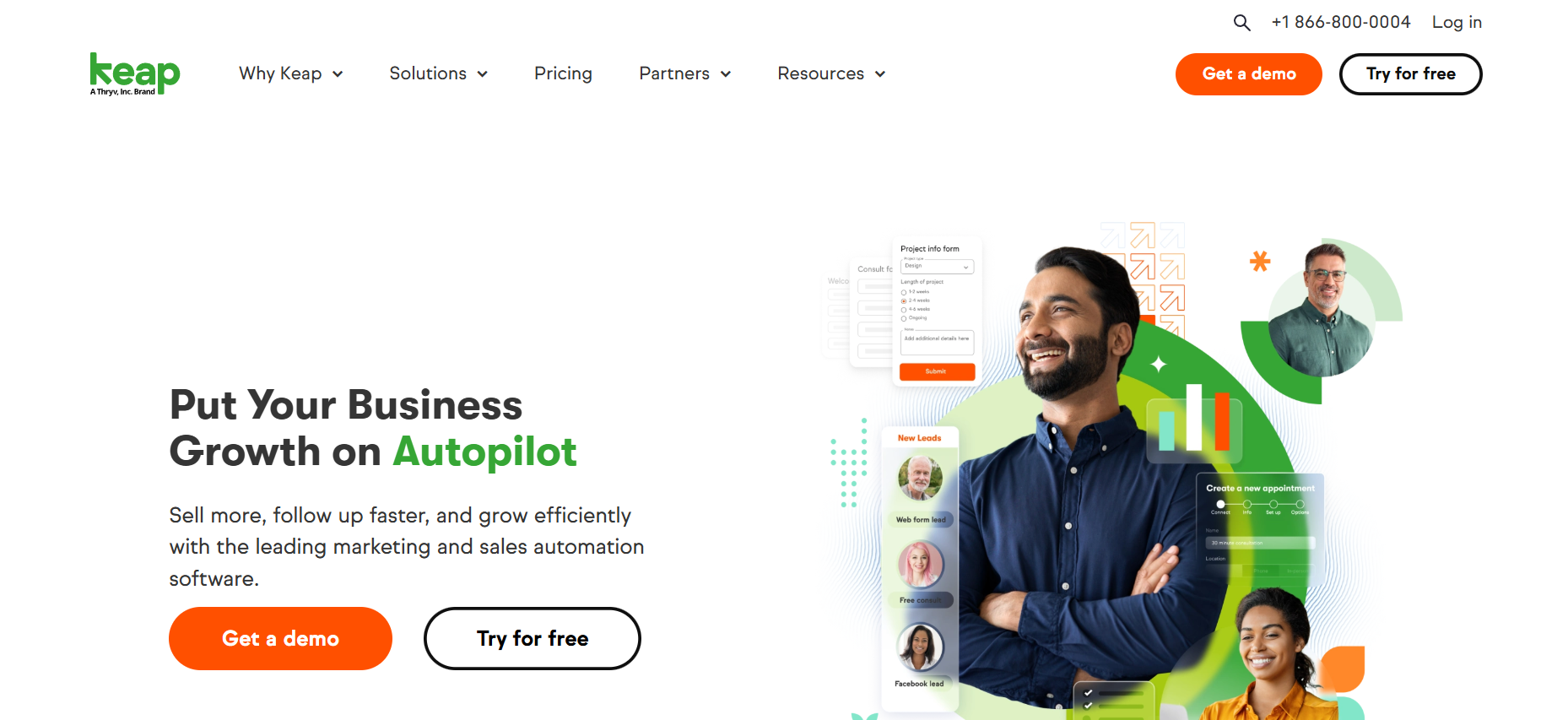
Keap has been around for a long time under the Infusionsoft name and has evolved significantly into a more accessible tool for small businesses. Its core strength is combining CRM with powerful email marketing automation, making it attractive for businesses where nurturing leads over time is central to the sales process — coaching, consulting, real estate, financial services, and similar fields.
The automation builder in Keap is genuinely powerful. You can create multi-step sequences that respond to lead behavior, send targeted follow-ups, assign tasks to team members, and update deal stages — all automatically. This kind of marketing automation would cost significantly more if purchased as separate tools.
Key Features:
- CRM with contact and pipeline management
- Email marketing with visual automation builder
- Landing page and form builder
- Appointment scheduling integration
- Automated follow-up sequences
- Payment processing and invoicing
Pricing: Pro plan starts at approximately $159/month for 2 users. Higher tiers for more contacts and users.
Pros: Powerful automation for small teams; combines CRM and email marketing; strong for service businesses; reduces need for multiple tools.
Cons: Higher price point than pure CRM tools; learning curve on automation builder; can be excessive for straightforward sales pipelines.
9. Streak CRM
Best for: Small businesses and freelancers who live in Gmail and want CRM without leaving their inbox.
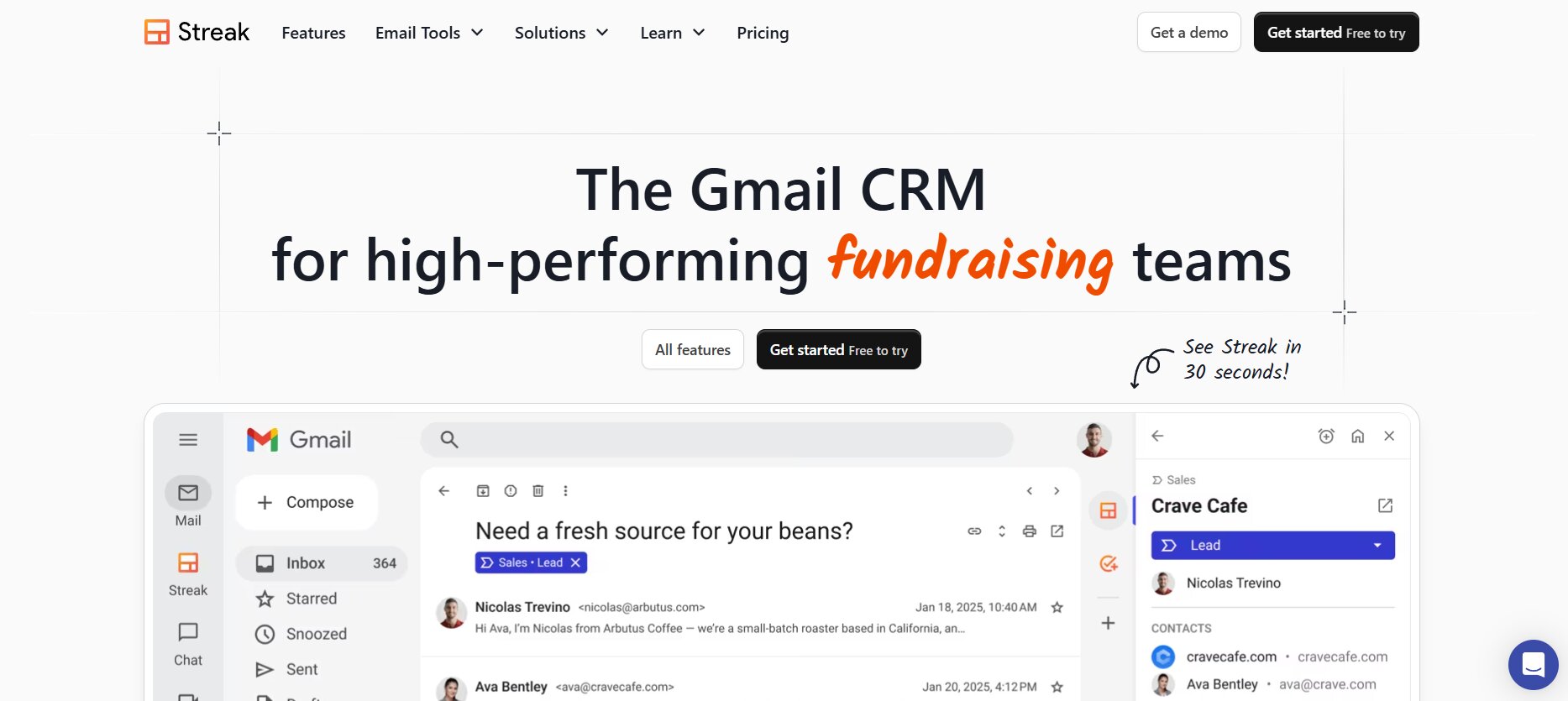
Streak is unique in the CRM space because it lives entirely inside Gmail. Rather than asking you to switch between your email and a separate CRM application, Streak builds pipelines, contact records, and deal tracking directly into the Gmail interface. If email is your primary communication tool, this eliminates most of the friction that prevents CRM adoption.
For solo users and very small teams, Streak’s free plan is remarkably capable. You can manage a pipeline, track emails, set reminders, and share contact information — all from within Gmail. The paid plans add team features, more pipelines, and deeper analytics.
Key Features:
- CRM embedded directly in Gmail
- Pipeline tracking and deal management
- Email tracking (open and click notifications)
- Mail merge for personalized outreach
- Shared pipelines for team use
- Google Workspace integration (Sheets, Drive, Calendar)
Pricing: Free plan for solo users. Pro plan at approximately $15/user/month. Business plan at $49/user/month.
Pros: Zero friction for Gmail users; genuinely useful free plan; no separate app to learn; great for email-heavy workflows.
Cons: Limited to Google Workspace; not suitable for teams not using Gmail; less powerful pipeline management than dedicated tools.
10. Notion CRM (with templates)
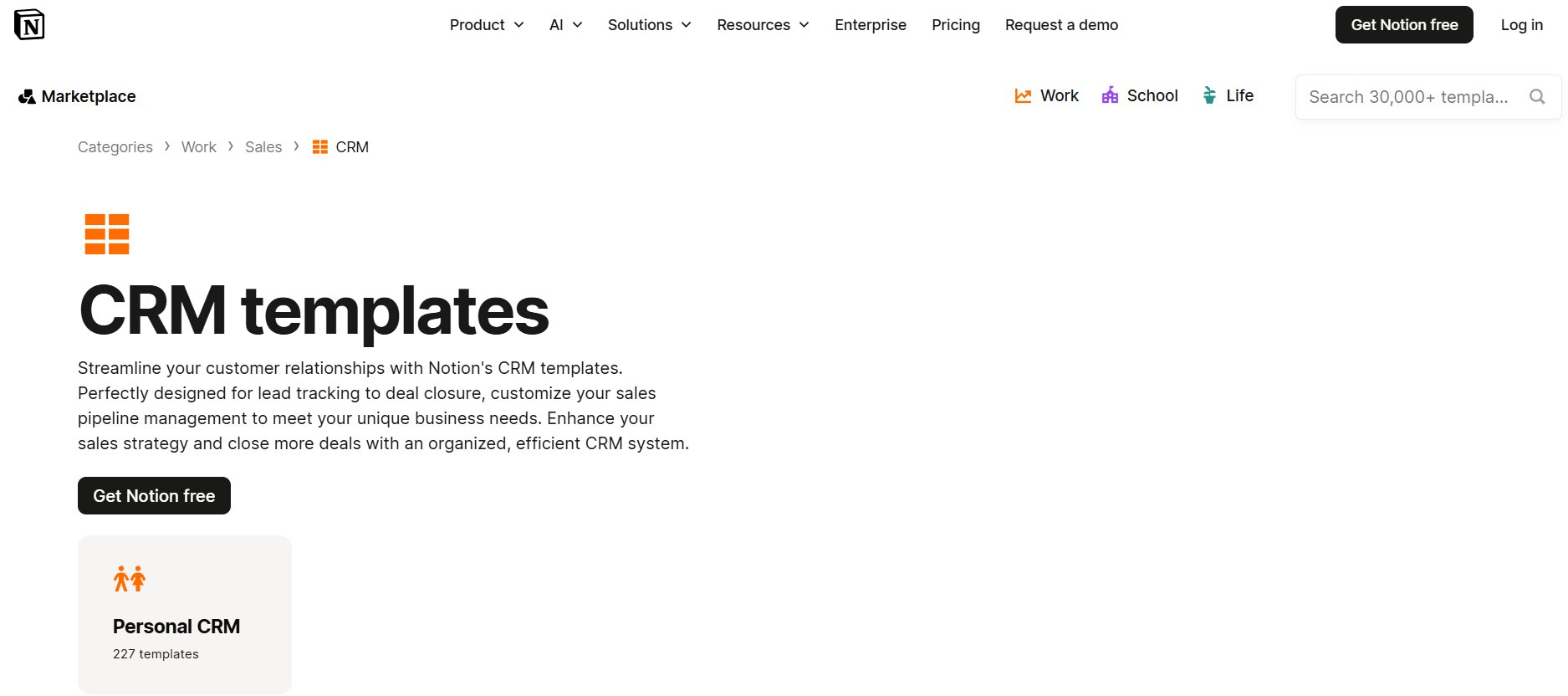
Best for: Solopreneurs and tiny teams who already use Notion and want a lightweight, free CRM setup.
Technically, Notion is not a CRM — it is a flexible workspace tool. But in 2026, a growing number of freelancers, solopreneurs, and very small businesses are using Notion CRM templates as a low-cost, highly customizable alternative to traditional CRM software. With the right template, you can build a functional contact database, deal pipeline, and client tracker entirely within Notion.
The appeal is obvious: if you already pay for Notion, there is no additional cost. You have complete control over how your CRM looks and functions. And Notion’s database and relation features are surprisingly capable for tracking contacts and deals at a small scale.
The limitations become apparent as you grow. Notion lacks automation, built-in email tracking, reminders based on deal activity, and the kind of reporting that a true CRM delivers. It is a great starting point for someone testing the waters, but most businesses quickly outgrow it.
Key Features:
- Customizable database for contacts and deals
- Relational databases linking contacts to deals, companies, tasks
- Kanban view for pipeline visualization
- Template library with pre-built CRM setups
- Collaboration and commenting
- Integration with Zapier for basic automation
Pricing: Free plan available. Plus plan at $10/month per user.
Pros: Zero cost if already using Notion; infinitely customizable; no learning curve if familiar with Notion; great for solopreneurs.
Cons: No built-in CRM automation; no email tracking; requires manual data entry; not scalable for growing teams.
How to Choose the Best CRM for Small Business Based on Your Situation
Different small businesses have fundamentally different needs. Here is a practical breakdown based on your specific situation:
Solo Founders and Tiny Teams
If you are running a one- or two-person operation, the last thing you need is a complex platform that requires configuration, onboarding, and ongoing administration. You need something you can start using today, that keeps you organized without becoming a second job.
Top picks: Dealsflow (for speed and simplicity), Streak (if you live in Gmail), or Notion CRM (if you already use Notion and want zero extra cost). The free tiers of HubSpot and Freshsales are also worth considering if you want room to grow without switching tools.
Sales-Focused Small Teams
If your business revolves around outbound sales — calling prospects, sending proposals, following up relentlessly — you need a CRM where pipeline management is front and center. Every feature should support the core activity of moving deals forward.
Top picks: Pipedrive for its best-in-class pipeline UX and activity-focused design. Dealsflow for teams that want the same pipeline clarity with a stronger mobile experience. Freshsales if AI-powered lead scoring would help prioritize your outreach.
Consultants, Advisors, and Brokers
In consulting and advisory roles, relationships are everything. You need a CRM that captures the nuance of long-term client relationships — not just deal stages, but conversation history, personal context, and careful follow-up timing. You are also likely working from your phone frequently.
Top picks: Dealsflow for its conversation-centric design and excellent mobile app. Keap if your sales process involves a long nurture sequence with email automation. HubSpot if you also want marketing capabilities built in.
Growing SMBs That Want Flexibility
If you are past the very early stage and adding team members, your CRM needs to scale with you. You want robust reporting, team management features, integrations with your growing tech stack, and the ability to customize workflows as your process evolves.
Top picks: HubSpot for its all-in-one potential and extensive integration ecosystem. Zoho CRM for maximum depth at a reasonable price. Salesforce Starter if you are planning significant growth and want to avoid a platform migration later. Monday CRM if your team already works in Monday.com.
Pricing Breakdown — What You Actually Pay
One of the most common frustrations small business owners share about CRM tools is discovering the real cost only after signing up. Here is what to watch for:
Per-user pricing adds up fast. A tool advertised at $15/user/month costs $75/month for a team of five. That is $900 per year before any add-ons. Always calculate the total team cost, not the per-user rate.
Feature gating is the biggest trap. Many CRM platforms offer a low entry-tier price but lock the features you actually need — automation, reporting, email sequences, API access — behind significantly higher plans. Before choosing a plan, map out exactly which features you need on day one and which tier includes them.
Annual vs. monthly billing. Most CRMs offer a discount of 15–25% for annual commitments. That is meaningful money, but it also means you are locked in for a year. Only commit annually once you have tested the tool and are confident it fits your workflow.
Add-ons and integrations. Some platforms charge separately for features like email marketing, phone calling, or advanced analytics that are positioned as core features. Read the pricing page carefully and check what requires an add-on versus what is bundled.
Onboarding and setup costs. For more complex platforms like Salesforce or Keap, you may need to budget for onboarding assistance, migration support, or custom configuration. This is rarely mentioned upfront but can add hundreds or thousands of dollars to the true cost of adoption.
Conclusion
After evaluating ten platforms across dozens of criteria, one thing is clear: the best CRM for small business in 2026 is the one that your team will actually use consistently. The most powerful tool in the world delivers zero value if it sits unused because it is too complex, too slow, or too disconnected from your daily workflow.
For most small businesses — particularly those in their first few years, managing a handful of active deals, and working with a small team or solo — the priority should be simplicity, mobile access, and clear pipeline visibility. Dealsflow checks all three boxes and earns its position at the top of this list for small business use.
For businesses that need broader marketing capabilities and are willing to invest time in a more complex platform, HubSpot remains the most comprehensive all-in-one option. For pure sales execution, Pipedrive’s pipeline UX is still best in class. For maximum value at minimum cost, Zoho CRM and Bigin are hard to beat.
If you are just starting out and want zero risk, begin with one of the free tiers — HubSpot, Freshsales, Dealsflow, or Streak — and use it seriously for 60 days before committing to a paid plan. You will quickly learn what features matter most to your specific workflow, and you will be in a much better position to choose the right paid tier when the time comes.
The bottom line: stop managing your business relationships in spreadsheets and email threads. In 2026, every small business has access to powerful, affordable CRM tools that can meaningfully improve how you manage leads, close deals, and grow revenue. Pick one, commit to using it, and build the habit of keeping it updated. That consistency, more than any specific feature set, is what separates businesses that grow from businesses that stagnate.
Frequently Asked Questions
What is the best free CRM for small business?
Several CRMs offer genuinely useful free plans, not just limited demos. HubSpot’s free tier is the most feature-rich, including unlimited contacts and users with email tracking, deal management, and basic reporting. Freshsales also offers a solid free plan. Dealsflow offers a free plan suitable for solo users and very small teams. Streak is free for individual Gmail users. The right choice depends on your team size and workflow — for most small businesses just getting started, any of these free tiers will provide significant value over no system at all.
Is a CRM suitable for small businesses with no tech team?
Absolutely. The best small business CRMs in 2026 are specifically designed for non-technical users. Tools like Dealsflow, Pipedrive, and Freshsales require no developer support, no IT configuration, and no specialized training. Most users can set up their pipeline, import contacts, and start tracking deals within a single session. The key is choosing a tool that prioritizes simplicity — avoid enterprise platforms like full Salesforce unless you have technical resources available.
Can I use a CRM entirely from my phone?
Yes, and in 2026, mobile access is a baseline expectation for any serious CRM. Most platforms on this list have native iOS and Android apps. However, mobile quality varies significantly. Dealsflow and Pipedrive are particularly well-regarded for their mobile experiences. Streak’s app is more limited. Notion’s mobile app works well for basic tasks but lacks the real-time functionality of purpose-built CRM apps. If mobile is your primary mode of working, test the app specifically before committing to any platform.
How do I migrate from spreadsheets to a CRM?
Most CRM platforms support CSV import, which means you can export your existing spreadsheet data and import it directly. The process typically involves mapping your column headers to CRM fields, reviewing the imported data for accuracy, and then beginning to use the CRM for new activity going forward. The bigger challenge is behavioral — training yourself and your team to log activity in the CRM consistently instead of defaulting to old habits. Starting simple and adding complexity gradually is the most effective approach.
How many CRM users do I need to pay for?
Only pay for the users who actively need CRM access. For many small businesses, that is the owner and any team members directly involved in sales or client management. Administrative staff, bookkeepers, and fulfillment team members often do not need CRM access. Most platforms charge per active user, so keeping your seat count lean is an easy way to manage costs.
What is the difference between a CRM and a project management tool?
A CRM (Customer Relationship Management tool) is designed to manage the relationship between your business and your prospects and customers — tracking leads, deals, communication history, and the sales pipeline. A project management tool like Asana or Monday.com is designed to manage tasks, workflows, and deliverables within your team. Some tools blur the line (Monday CRM, for example), but they serve different primary purposes. If you are trying to win more clients and keep track of your sales process, you need a CRM. If you are trying to manage the work you do for those clients once you have won them, you need project management.
Does CRM software replace email?
No. CRM software works alongside your email, not instead of it. Most CRMs integrate with Gmail and Outlook so that emails are automatically logged against contact records. This gives you the combined benefit of email as your communication tool and the CRM as your organizational layer. You keep sending and receiving email normally — the CRM just captures and organizes all of that activity so nothing gets lost.
How long does it take to set up a CRM?
For simple tools like Dealsflow, Streak, or Pipedrive, you can be up and running in a few hours. You will need to import your contacts, define your pipeline stages, and set up any integrations with your email and calendar. For more complex platforms like Zoho CRM or Salesforce, setup can take days or weeks, especially if you want custom fields, automation workflows, and third-party integrations configured properly. Start with the minimum viable setup and add complexity as you learn what your workflow actually requires.
Which CRM is best for service businesses?
Service businesses — consulting, coaching, legal, real estate, financial advisory — have different CRM needs than product sales teams. They need strong relationship tracking, long follow-up cycles, and often proposal or contract management. Keap is particularly strong for service businesses that rely on automated email sequences. Dealsflow works well for those who want simplicity and mobile access. HubSpot is a good option for service businesses that also need marketing capabilities. Zoho CRM offers depth at a value price for service businesses with more complex workflows.