


LinkedHelper has been around long enough that most LinkedIn automation users have at least tried it. And yeah, it works. But if you’ve spent any real time with it, you know the friction. The UI feels stuck in 2019. The workflow builder is clunky once your campaigns get complex. And the pricing model makes less and less sense as your team scales. More importantly, LinkedIn has gotten way better at detecting automation patterns, and tools that haven’t kept up with those detection shifts are quietly getting accounts flagged.
So people are looking. Not because LinkedHelper is broken, but because the gap between what it offers and what the best tools offer has widened. A lot. The LinkedIn automation space in 2026 looks nothing like it did three years ago. You’ve got tools built with AI personalization at the core, tools that connect natively to your CRM, tools running entirely in the cloud so your laptop doesn’t have to stay open, and tools that do genuine multi-channel outreach without duct tape. The options are genuinely better now.
This isn’t a generic “top tools” list. Every tool here has real use cases, real limitations, and real reasons why you’d pick it over something else. Dealsflow leads this list because it does the most complete job of what modern LinkedIn outreach actually demands in 2026, but the other nine on this list are worth knowing depending on your setup. If you’re spending more than 2 hours a week manually managing LinkedIn outreach or if your account has gotten a warning, you probably need a better tool than what you’re using. Here’s where to look.
The Top 10 LinkedHelper Alternatives for Serious LinkedIn Outreach
LinkedHelper has long been a popular choice for LinkedIn automation, but many sales teams, recruiters, agencies, and founders are now looking for alternatives that offer better personalization, cloud-based automation, improved safety, CRM integrations, and AI-powered outreach capabilities.
Whether you’re struggling with LinkedHelper’s desktop-based setup, looking for more advanced campaign features, or simply want a platform that can scale your prospecting efforts, there are several strong alternatives available in 2026.
Dealsflow
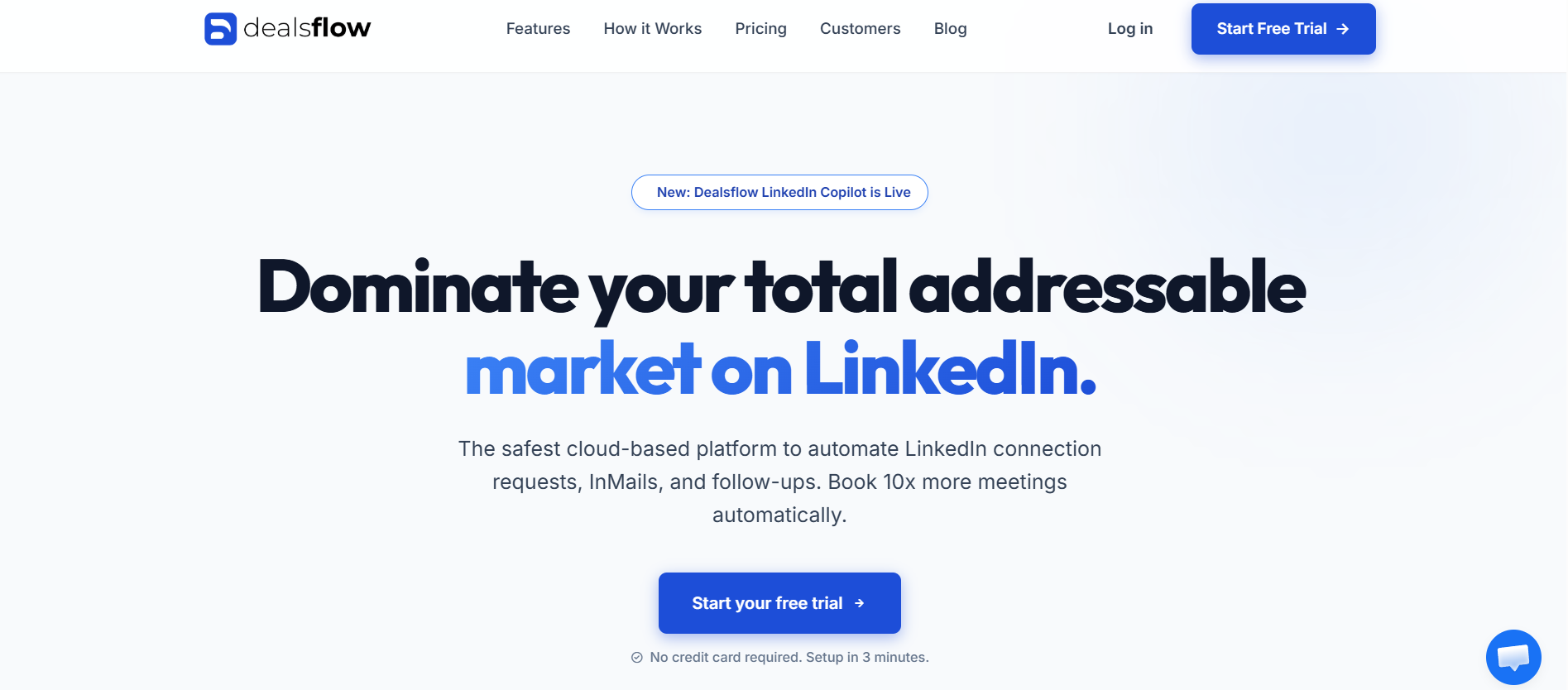
Let’s start here because this is where the real conversation is. Dealsflow isn’t just another LinkedIn automation tool with a cleaner dashboard. It’s built around a fundamentally different idea of what outreach should look like in 2026, and the difference shows the moment you get into an actual campaign.
What Dealsflow Actually Does
Dealsflow runs as a cloud-based outreach platform, which means zero dependency on your browser being open, no Chrome extensions sitting in your LinkedIn session, and no detection risk from running automation locally. That alone puts it ahead of most tools in this list for anyone who’s had accounts restricted.
The core workflow in Dealsflow works like this: you build a sequence that combines LinkedIn connection requests, LinkedIn messages, follow-ups, and email outreach in one unified flow. Not a LinkedIn sequence plus a separate email sequence you manage in two tools. One flow, one dashboard, full visibility into where every lead is in the funnel. For teams doing multi-touch outreach, this changes how you think about the whole process.
What makes Dealsflow genuinely different is the AI layer on personalization. Most tools let you use merge tags, which is fine for adding a first name or company name. Dealsflow’s AI writes personalization at the message level, pulling from the prospect’s LinkedIn profile, recent activity, and company data to construct openers that don’t read like templates. The difference in reply rates between a well-personalized opener and a generic one is consistently 3x to 5x. That’s not a small edge.
Dealsflow’s Campaign Builder
The campaign builder in Dealsflow is genuinely good. You can set branching logic based on whether someone accepted your connection, whether they replied, whether they opened an email, and route them into different follow-up sequences automatically. LinkedHelper does have conditional logic, but it’s limited and the UI makes it painful to build anything beyond basic A/B forks.
Dealsflow also lets you import lead lists from LinkedIn Sales Navigator, Apollo, or CSV, enrich them inside the platform, and segment them before launching campaigns. You’re not bouncing between tools to do basic list prep. The lead management layer feels closer to a lightweight CRM than a typical automation tool, which matters a lot when you’re tracking dozens of active campaigns at once.
Dealsflow’s Safety Features
Account safety is where Dealsflow has clearly done serious work. The platform uses smart sending limits that adjust based on your account’s age, activity history, and connection rate patterns. It doesn’t just let you set a fixed daily limit and leave it there. It actively dials back if your acceptance rate drops, which is exactly the signal LinkedIn’s systems watch for. The tool also randomizes send times across a human-like window rather than blasting at fixed intervals, which is the basic thing a lot of cheaper tools skip and then wonder why accounts get flagged.
Dealsflow also supports dedicated IP addresses and LinkedIn account rotation for agency workflows, which means you can run outreach for multiple clients without cross-contaminating account histories. That’s a real operational feature for anyone managing LinkedIn at scale.
Who Should Use Dealsflow
Dealsflow fits teams doing 500 to 5,000 outreach touches per month across multiple reps. It fits agencies managing LinkedIn outreach for clients who need proper account isolation. And it fits individual SDRs who are serious about outreach quality, not just volume. If your main use case is sending 20 connection requests a week manually, this might be more than you need. But for anyone treating LinkedIn as a real pipeline channel, Dealsflow is the one to evaluate first.
| Feature | Dealsflow | LinkedHelper |
|---|---|---|
| Cloud-based | Yes | No (Chrome extension) |
| AI personalization | Yes | No |
| Multi-channel (LinkedIn + Email) | Yes | Limited |
| CRM integration | Native | Via Zapier |
| Branching sequences | Advanced | Basic |
| Team/agency features | Yes | Limited |
| Account safety controls | Smart adaptive | Manual limits |
| Lead enrichment | Built-in | No |
Expandi
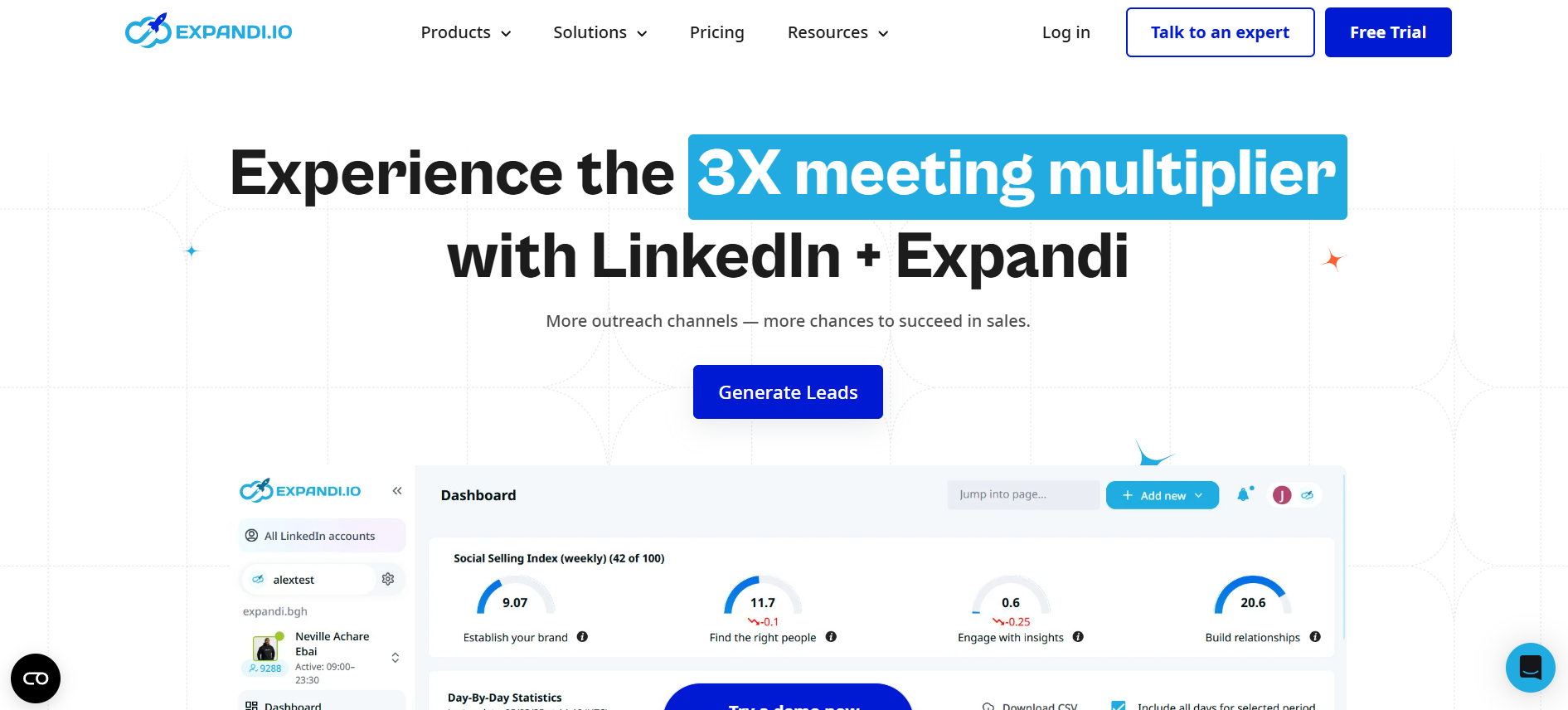
Expandi has been one of the more reliable cloud-based options for a few years now, and it’s held up. It runs out of the browser but uses a dedicated cloud environment, so your local machine isn’t the bottleneck. The personalization features include image personalization (which sounds gimmicky but genuinely lifts response rates in cold outreach), and the sequence builder covers LinkedIn + email in one flow.
Where Expandi lags behind Dealsflow is depth. The AI writing features are more basic, the lead management is less developed, and the agency features aren’t as clean if you’re managing 10+ clients. But for a solo founder or a small sales team doing structured LinkedIn outreach, Expandi at $99/month per seat is a reasonable choice.
Phantombuster
Phantombuster is different from everything else on this list. It’s not really an outreach platform, it’s an automation infrastructure tool. You pick from pre-built “Phantoms” (automation scripts) that do specific things: scrape LinkedIn profiles, send connection requests, export LinkedIn group members, pull Sales Navigator search results. You chain these together to build workflows.
If you’re technical and want maximum flexibility, Phantombuster gives you things no packaged tool can. You can build outreach sequences that hit LinkedIn, then trigger email via a webhook, then update your CRM, all without writing custom code. But if you’re not comfortable building that yourself, Phantombuster has a steep learning curve. It’s a tool for operators, not a plug-and-play solution.
Dux-Soup
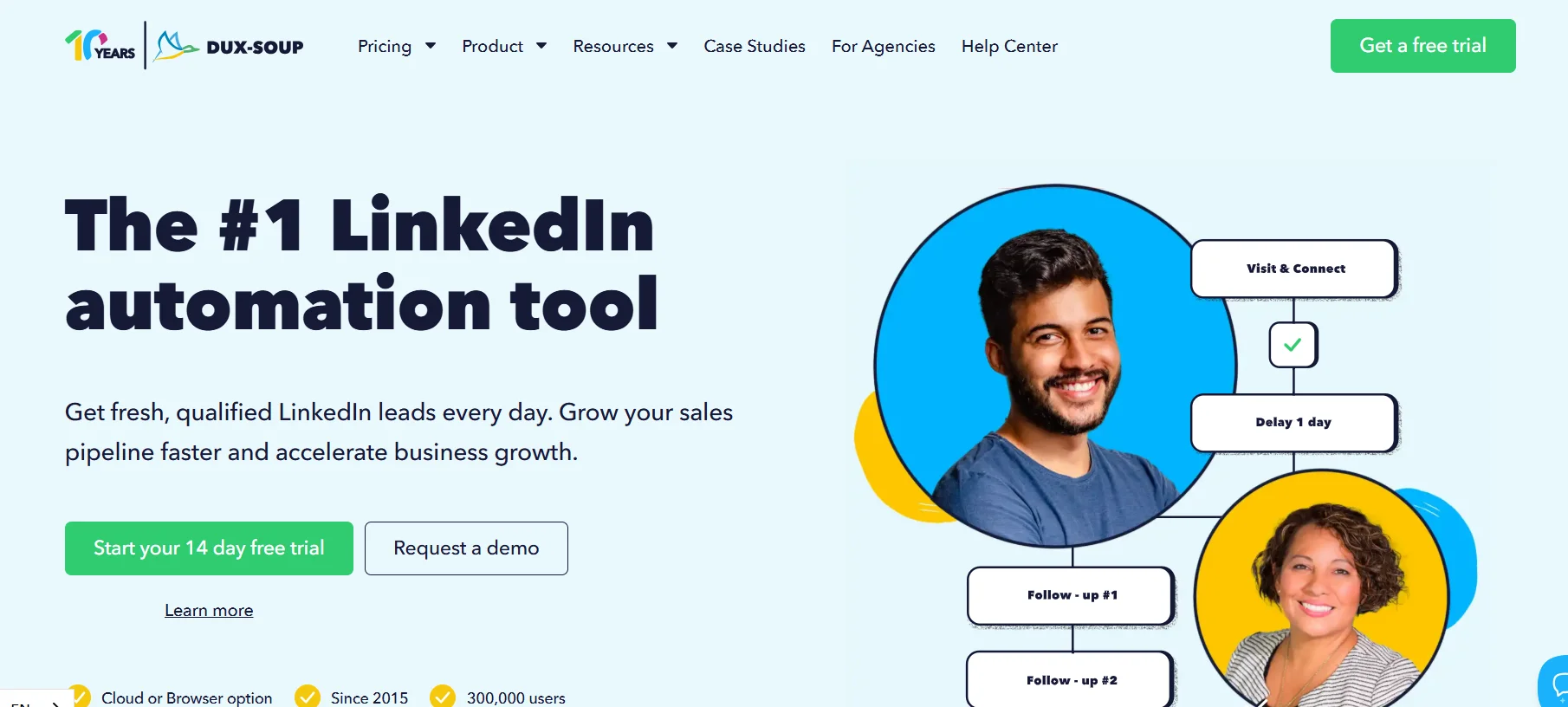
Dux-Soup is the closest thing to LinkedHelper in terms of how it works: it’s a Chrome extension that automates actions inside your LinkedIn browser session. Same basic concept, but Dux-Soup’s interface is cleaner and the cloud version (Turbo Dux) moves the heavy lifting off your local machine.
The pricing is one of Dux-Soup’s stronger points. The Starter plan is free (with limits), and even the Turbo plan at $55/month covers most use cases for solo users. The downside is the same as any extension-based tool: LinkedIn’s detection systems are specifically good at spotting browser extension patterns. If you’re doing high volume, the risk profile is higher than cloud-native alternatives.
Waalaxy
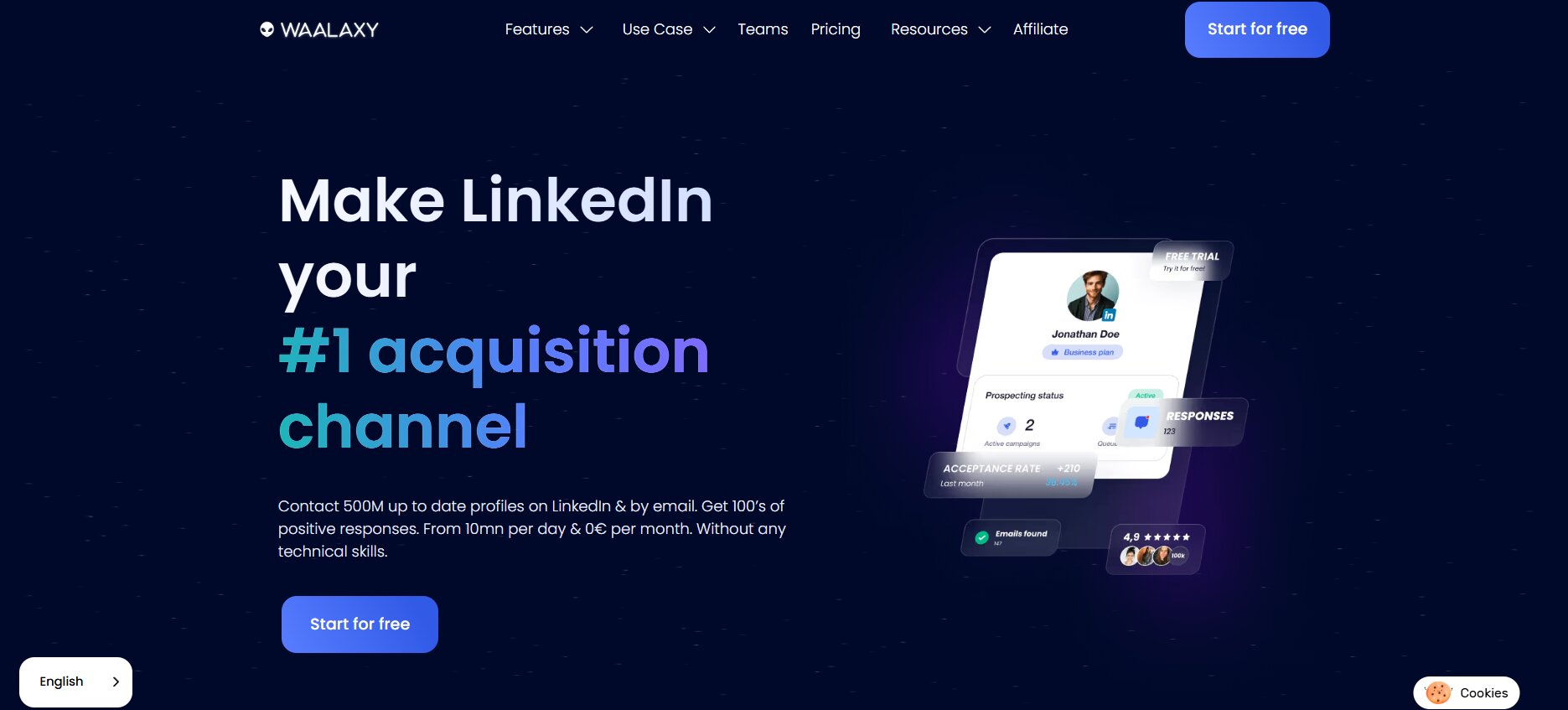
Waalaxy pitches itself hard at the “LinkedIn + email” angle, and it does that part well. The sequence builder is genuinely one of the better ones in this category, with clear visual logic for multi-step flows. The platform imports directly from LinkedIn search results, which removes a lot of manual list prep work.
Where Waalaxy gets complicated is scaling. At lower volumes it’s solid, but the pricing tiers limit sequence steps and campaign numbers in ways that feel artificial once you’re doing serious outreach. The AI email writing feature is there but it’s not on the same level as Dealsflow’s personalization. Waalaxy is a solid pick for teams doing 200 to 400 outreach touches per month who want a clean UI and minimal setup.
Salesflow
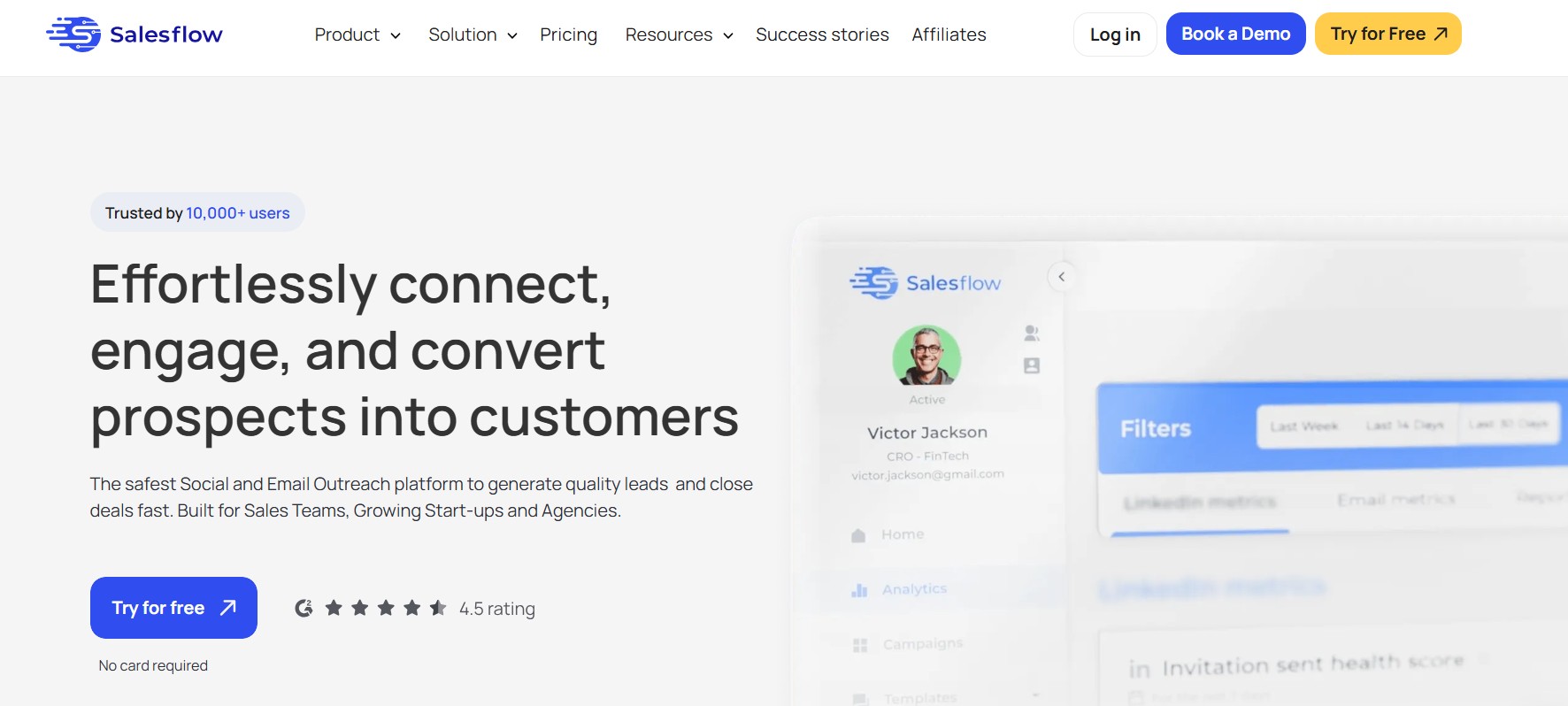
Salesflow is a cloud-based platform aimed at mid-market and agency use cases. It offers solid campaign management, LinkedIn + InMail sequences, and a reporting dashboard that agencies actually find useful when showing client results. The multi-account management is better than LinkedHelper’s and the interface hasn’t been neglected (which you can’t say about all tools in this category).
The limitation is that Salesflow is built more around LinkedIn’s own features, InMail credits, connection requests, than it is around deep personalization or AI. If your outreach strategy is volume-based rather than personalization-led, it works fine. If you want message-level AI personalization, look at Dealsflow or Expandi first.
MeetAlfred
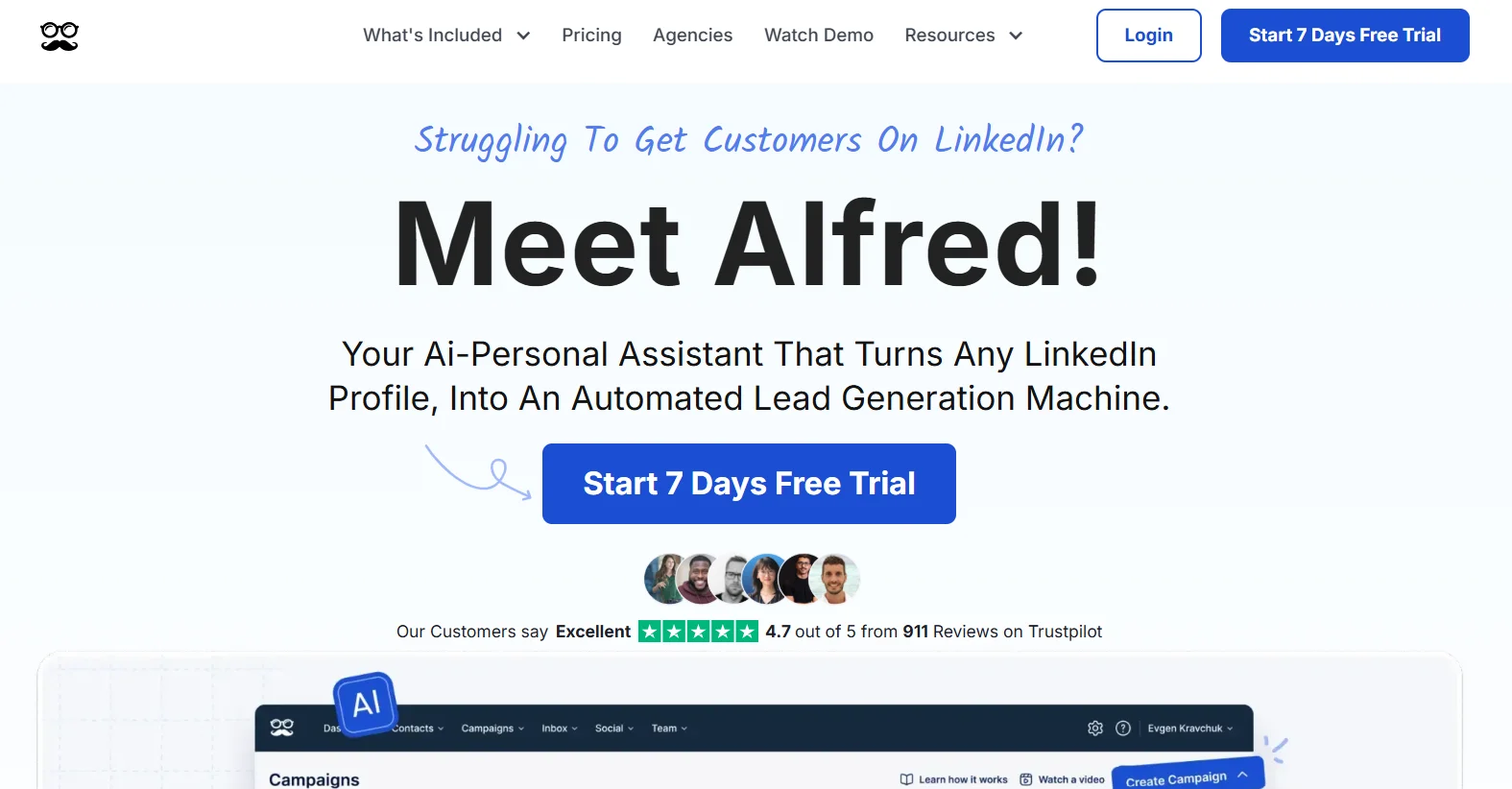
MeetAlfred (previously Alfred) does multi-channel outreach and runs in the cloud, which gives it a good safety baseline. The platform supports LinkedIn, email, and Twitter outreach in one sequence, which is genuinely useful if your prospects are active on more than one channel. The CRM features inside MeetAlfred are decent for a standalone tool, with lead tagging, notes, and basic pipeline tracking.
The problem with MeetAlfred is that it does several things adequately but nothing exceptionally. The AI personalization is shallow. The analytics dashboard misses context that matters for optimizing campaigns. For the price, it’s in a competitive range with tools that do more. Worth evaluating, but not the first tool I’d reach for.
Closely
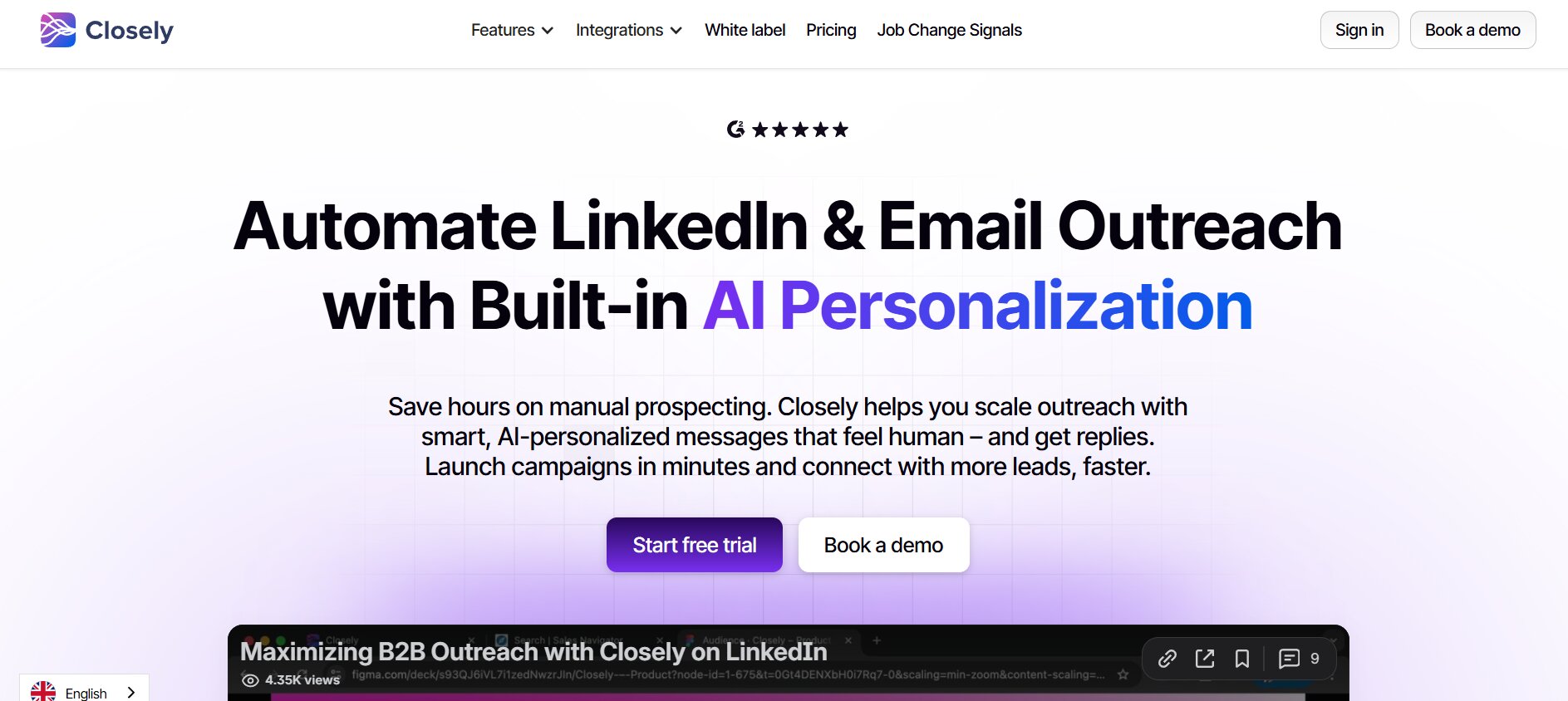
Closely is a newer platform that’s been building quickly. Cloud-based, supports LinkedIn and email sequences, and has a solid UI that makes campaign setup faster than most tools. The lead database inside Closely (which includes contact enrichment with phone numbers and emails) is a feature most tools charge extra for or don’t offer at all.
The thing to watch with Closely is account safety. The platform is newer and the documentation on how it handles sending behavior, rate limits, and human-mimicry features is thinner than established tools. That doesn’t mean it’s unsafe, but if account safety is your primary concern, I’d run a controlled test before scaling campaigns there.
LaGrowthMachine
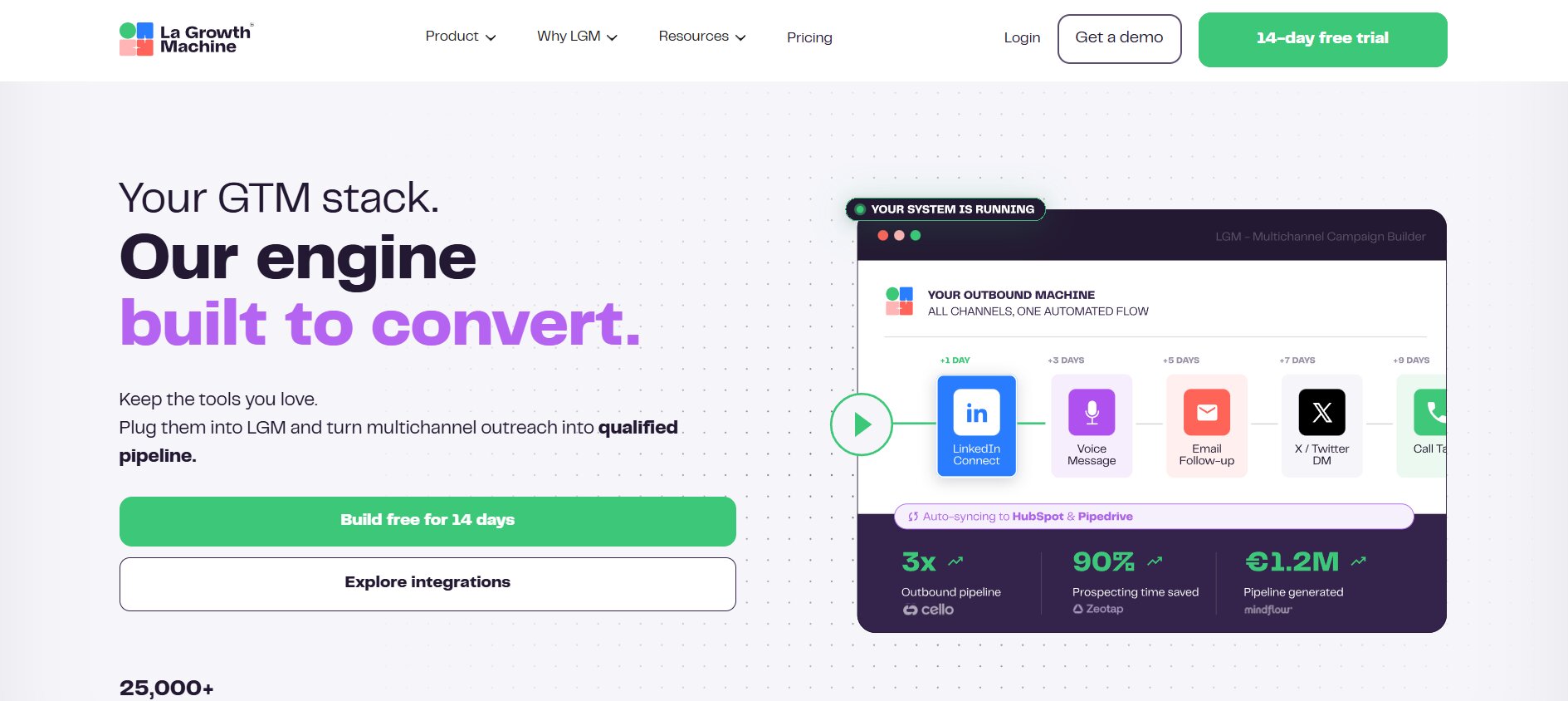
LaGrowthMachine (LGM) is serious outreach infrastructure. It supports LinkedIn, email, Twitter, and can trigger actions based on cross-channel behavior. The workflow builder is one of the most flexible in this entire list, and LGM’s enrichment integrations (it connects to Apollo, Dropcontact, Hunter, and others natively) mean your lead data quality doesn’t drop when you switch from manual to automated outreach.
The price reflects the depth: plans start around $70/month and go up from there. For a solo user doing basic connection campaigns, LGM is overkill. For a sales team that wants to build sophisticated multi-channel sequences with CRM sync, it’s worth the premium. LGM sits in the same tier as Dealsflow in terms of capability, with a different emphasis: LGM is better at cross-channel breadth, Dealsflow is better at AI personalization depth.
Skylead
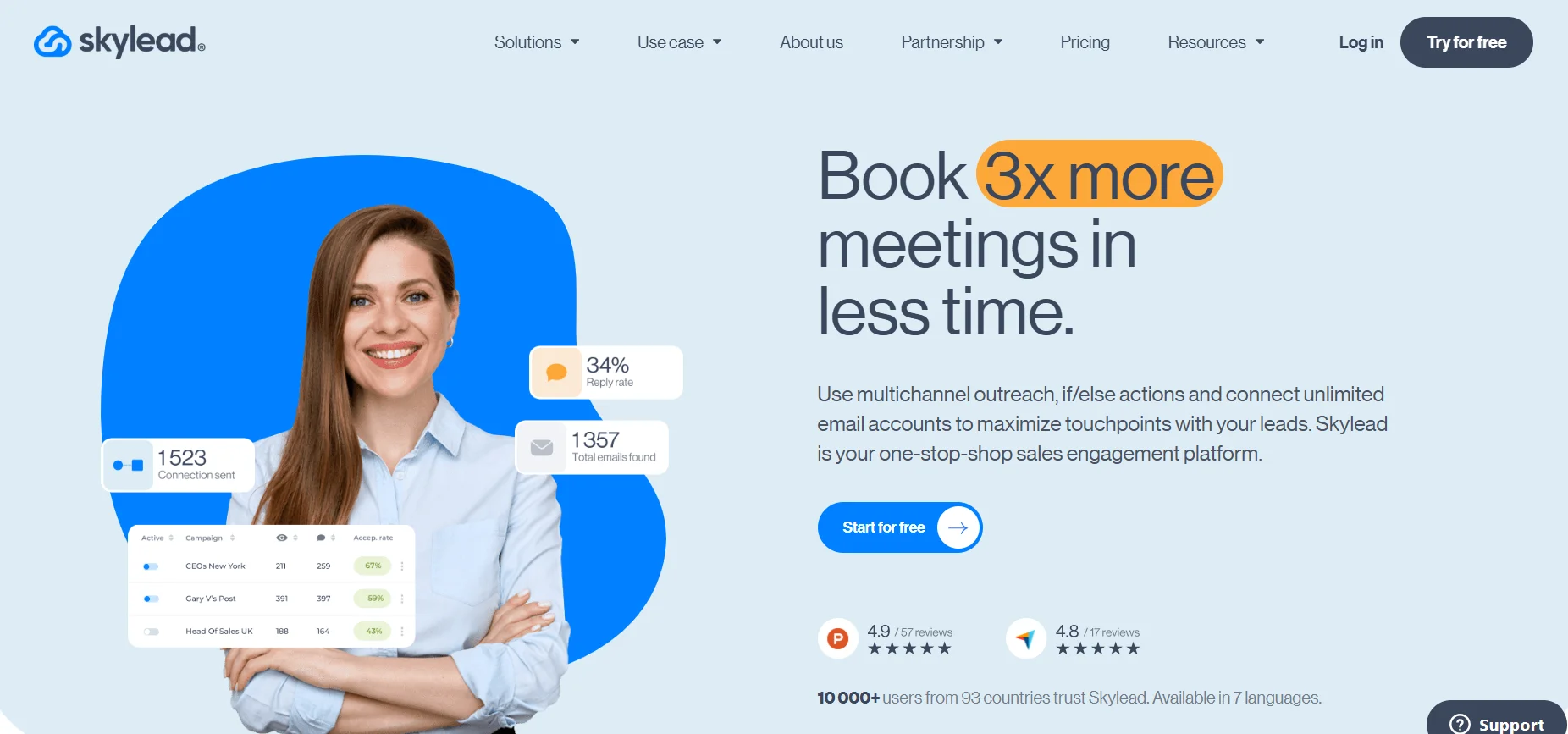
Skylead is a cloud-based tool that’s popular in the agency space because it handles LinkedIn + email sequences well and has reliable multi-account management. The smart sequences in Skylead are conditional based on prospect behavior, which means you can build flows that adjust automatically rather than following a fixed path regardless of what the prospect does.
The email automation in Skylead uses your own email domain (via SMTP or Gmail/Outlook integration), which is better for deliverability than tools that send through shared infrastructure. The analytics aren’t as deep as LGM or Dealsflow, but for an agency running 20 to 50 client campaigns simultaneously, Skylead’s combination of reliability, multi-account support, and conditional sequences makes it a strong operational choice.
How to Pick the Right LinkedHelper Alternative for Your Use Case
There’s no single right answer here. The tool you need depends on three things: your outreach volume, your technical tolerance, and whether account safety is your primary concern or your secondary one.
Matching Tool to Volume
If you’re sending fewer than 200 connection requests per month and following up manually on replies, you don’t need a complex platform. Dux-Soup’s free plan or Waalaxy’s entry tier handles that without overcomplicating things.
At 200 to 1,000 touches per month for a single user, tools like Expandi, Waalaxy, or Salesflow are well-matched. The campaign builders handle that range well and the pricing makes sense.
Above 1,000 touches per month, or if you’re managing multiple people’s LinkedIn accounts, you need something with proper team features, account isolation, and adaptive safety controls. That’s where Dealsflow, LGM, Skylead, or Closely become the right category of tool.
Cloud vs. Extension: Why It Actually Matters
LinkedHelper runs as a Chrome extension, which means it operates inside your browser session and your machine needs to be on. The detection risk with extension-based tools has gone up in 2025 and 2026 as LinkedIn has gotten better at fingerprinting automation patterns.
Cloud-based tools run from dedicated servers, use their own IP pools, and can mimic human behavior patterns more precisely because they’re not constrained by what a browser extension can do. Every tool on this list that runs in the cloud has a meaningful safety advantage over extension-based approaches at the same volume.
The trade-off is control. Extensions give you more direct manipulation of the LinkedIn interface, which matters for some advanced use cases. But for standard outreach campaigns, cloud is the safer operating environment.
When AI Personalization Actually Moves the Needle
Here’s the honest answer: AI personalization only matters if your message volume is high enough that manual personalization isn’t viable. If you’re sending 50 messages a week, you should probably write them yourself. The AI can’t beat genuinely researched, manually written openers when you have time to do it.
At 500 messages a week, that math changes fast. If you need 500 personalized openers, AI personalization isn’t a nice-to-have, it’s the only way to maintain quality without hiring a team of writers. That’s the threshold where Dealsflow’s AI layer stops being a feature and starts being a reason to use the platform.
What Most People Get Wrong When Switching from LinkedHelper
The most common mistake when switching tools is bringing the same campaign settings. LinkedHelper’s defaults around daily limits, request volumes, and follow-up timing were calibrated for LinkedHelper’s specific behavior pattern. A new tool with different behavior fingerprints needs its own calibration.
Start slower than you think you need to on any new LinkedIn automation tool. Spend the first week at 20 to 30% of your intended volume while the platform warms up your account activity profile. Then scale. Jumping to full volume on day one is how accounts that were perfectly safe for years suddenly get restricted.
The second mistake is not updating your message copy. If you’re switching tools because your old campaigns weren’t converting, the tool isn’t what needs changing, your messages are. A better platform running bad messages doesn’t fix the underlying problem. Most tools offer A/B testing on message copy; use it seriously in the first two to three weeks after switching.
The third thing: check your CRM sync setup before you launch anything. If your LinkedIn outreach data isn’t flowing into your CRM correctly, you’ll have a mess to untangle later. Every tool on this list integrates with HubSpot, Salesforce, or Pipedrive in some way, but the quality of those integrations varies. Test a small batch of leads through the full flow (LinkedIn action triggered, CRM record created, activity logged) before scaling anything.
LinkedHelper Alternatives Compared: Quick Reference Table
| Tool | Type | AI Personalization | Multi-Channel | Best For | Starting Price |
|---|---|---|---|---|---|
| Dealsflow | Cloud | Yes (advanced) | LinkedIn + Email | Teams, agencies, SDRs | From $79/mo |
| Expandi | Cloud | Yes (basic) | LinkedIn + Email | Solo users, small teams | $99/mo |
| Phantombuster | Cloud (scripts) | No | Customizable | Technical users | $56/mo |
| Dux-Soup | Extension + Cloud | No | LinkedIn only | Beginners, budget users | Free / $55/mo |
| Waalaxy | Cloud | Basic | LinkedIn + Email | SMB, simple sequences | From $56/mo |
| Salesflow | Cloud | No | LinkedIn + InMail | Agencies, mid-market | From $99/mo |
| MeetAlfred | Cloud | Basic | LinkedIn + Email + Twitter | Multi-channel teams | From $59/mo |
| Closely | Cloud | Basic | LinkedIn + Email | Growing teams | From $49/mo |
| LaGrowthMachine | Cloud | Yes | LinkedIn + Email + Twitter | Advanced multi-channel | From $70/mo |
| Skylead | Cloud | No | LinkedIn + Email | Agencies, high volume | From $100/mo |
Conclusion
LinkedHelper alternatives have genuinely outpaced the original in 2026. The category has moved from basic task automation to AI-assisted personalization, multi-channel sequencing, and cloud-native safety that mimics human behavior at the signal level, not just the timing level. That’s a real shift.
If you’re evaluating options, start with Dealsflow. It covers the most ground for the widest range of use cases, and the AI personalization layer is the most developed in this list. For technical users who want maximum flexibility, Phantombuster is worth learning. For agencies managing high-volume multi-client campaigns, Skylead is operationally reliable.
The right LinkedHelper alternative isn’t the one with the most features. It’s the one that matches your volume, protects your account, and makes your message quality better, not just faster. Pick one, run a controlled test for three weeks, and let the reply rate tell you what to do next.
Frequently Asked Questions
What is the best free LinkedHelper alternative?
Dux-Soup’s free plan is the most functional free option in the LinkedIn automation space. It allows automated profile visits and limited connection requests without payment. Phantombuster also has a free tier, but it’s limited to very low monthly execution time. For serious outreach, free tools hit ceilings quickly; the paid tiers of Expandi or Dealsflow give far more room to build campaigns worth running.
Is LinkedHelper safe to use in 2026?
LinkedHelper carries more risk in 2026 than it did a few years ago because it runs as a Chrome extension inside an active LinkedIn browser session. LinkedIn’s detection systems have gotten better at identifying extension-based automation patterns. It’s not guaranteed to get your account flagged, but cloud-based alternatives that operate from dedicated servers with adaptive sending behavior have a meaningfully lower risk profile at the same volume.
How many LinkedIn connection requests can I send per day safely?
Most LinkedIn automation practitioners stay under 20 to 25 connection requests per day for accounts under 6 months old, and under 40 to 50 for established accounts. These aren’t hard limits LinkedIn publishes, but they’re the ranges where account restriction rates stay low. Tools like Dealsflow and Expandi have adaptive limits that adjust based on your account’s specific history rather than applying one-size rules.
Can LinkedIn automation tools get my account banned?
Yes. Accounts get restricted when LinkedIn detects unusual behavior patterns: sending requests at inhuman speeds, high rejection rates on connection requests, activity spikes inconsistent with previous history, or browser fingerprints matching known automation tools. The risk is manageable with the right tool and settings, but it’s never zero. The lower your acceptance rate on connection requests, the higher your risk regardless of tool choice.
What is the difference between cloud-based and browser extension LinkedIn automation?
Browser extensions run automation inside your local Chrome browser session. Cloud-based tools run from remote servers and interact with LinkedIn through their own infrastructure. Cloud tools are generally safer at higher volumes because they use dedicated IPs, randomize behavior more precisely, and don’t leave browser extension fingerprints in your LinkedIn session. Extension tools give more direct control over LinkedIn interface actions and often have lower price points.
Do LinkedHelper alternatives work with LinkedIn Sales Navigator?
Most of the tools on this list integrate with Sales Navigator. Dealsflow, Expandi, Waalaxy, and LaGrowthMachine all import lead lists directly from Sales Navigator searches. Phantombuster has specific Phantoms designed to scrape and export Sales Navigator results. Not all tools support InMail automation through Sales Navigator accounts though, so if InMail is part of your outreach strategy, check that specific feature before committing.
Can I use LinkedIn automation tools for recruiting?
Yes, and a lot of recruiters do. The same tools that SDRs use for sales outreach work for talent sourcing: automated connection requests to target profiles, personalized outreach messages, follow-up sequences. Tools like Dealsflow and LaGrowthMachine are used by recruiting agencies for exactly this. The messaging still needs to be good: automated doesn’t mean impersonal, and the people who do recruiting outreach well on LinkedIn treat message quality as seriously as sales teams do.
What’s the best LinkedHelper alternative for agencies managing multiple client accounts?
Dealsflow and Skylead are the strongest options for agencies. Both support multi-account management with proper account isolation, which is how you avoid cross-contaminating client account activity. Salesflow also has decent agency features. The key thing to look for in any agency tool is whether it lets you assign separate LinkedIn accounts to separate workspaces with independent settings, reporting, and usage limits. Without proper isolation, one client’s risky campaign affects your other accounts.
How do I measure if a LinkedHelper alternative is actually working better?
Track three numbers: connection acceptance rate, reply rate on first messages, and meetings booked per 100 connections sent. If your acceptance rate is below 25%, your targeting or connection message needs work. If your reply rate on follow-ups is below 8 to 10%, your message copy is the problem, not the tool. Most platforms show these metrics in their dashboards. Compare them week over week for the first month after switching, not day over day, because daily variance is noisy.
Does switching LinkedIn automation tools affect my account standing?
The act of switching tools doesn’t directly affect your LinkedIn account. What can affect it is the change in behavior patterns if you suddenly go from low volume to high volume, or from extension-based timing to cloud-based timing. LinkedIn’s systems notice behavior shifts. Warm up any new tool slowly over the first week, keep your volumes consistent with recent history, and monitor your connection acceptance rate as an early warning signal. If it drops more than 10 percentage points in a week, pull back and audit your targeting.
Is it worth paying more for AI personalization in LinkedIn outreach?
At low volumes, no. If you’re sending 50 messages a week, write them yourself. At high volumes, yes, by a wide margin. The math is simple: personalized messages get 3x to 5x higher reply rates than generic templates. At 500 messages per week, if AI personalization moves your reply rate from 4% to 14%, that’s 50 additional replies per week. The incremental cost of a platform like Dealsflow with AI personalization versus a basic tool without it is almost always paid back in pipeline generated within the first 30 days.