


LinkedIn lead generation in 2026 is a different game than it was two years ago. LinkedIn’s Guardian AI is smarter, connection limits are capped at 100–200 per week, and getting your account restricted is easier than ever. The tools that used to be fine? Some of them are getting users flagged. The margin for error is slim.
Closely has built a solid reputation in this space. It’s cloud-based, it does multichannel outreach, it has AI personalization, and the base plan starts at $49/month. For a lot of users, it genuinely works. But it’s not the right fit for everyone, and the reasons people leave are pretty consistent: the pricing scales up faster than expected (plans run from $49 to $166/month on a credit-based AI system that caps personalization), the setup for advanced features has a real learning curve, and some users run into bugs more often than they’d like.
So if you’re looking for something better suited to your specific situation — whether that’s a tighter budget, agency-scale multi-account management, deeper email outreach, or just a cleaner setup — there are solid options out there. This post covers ten of them. Each one is best at something specific. No tool here is padding.
DealsFlow leads the list for a reason. That gets explained in full below.
What to Look for in a Closely Alternative
Before getting into the tools, here’s the framework this comparison uses. These are the things that actually matter when picking a LinkedIn automation tool in 2026.
- Infrastructure safety: Dedicated IP per account is the gold standard. Shared cloud IPs are middle tier. Browser extensions carry the highest detection risk, especially since LinkedIn’s April 2025 crackdown on cookie-based authentication and Chrome extension overlays.
- Multichannel depth: LinkedIn-only vs. LinkedIn + email vs. true multichannel (Twitter/X, voice messages, etc.). More channels doesn’t always mean better — it depends on your sales motion.
- Pricing transparency: The headline price and the real bill are often very different. Per-seat fees, proxy add-ons, and credit systems inflate costs fast.
- AI personalization quality: There’s a difference between tools that slot a first name into a template and tools that actually read a prospect’s profile and recent posts to write a specific opener. That difference shows up in reply rates.
- Team and agency suitability: Multi-account management, sender rotation, white-labeling, and unified inboxes matter a lot once you’re managing more than five LinkedIn profiles.
The 10 Best Closely Alternatives
1. DealsFlow — Best Overall Closely Alternative

DealsFlow is an AI-native LinkedIn outreach platform built around a single premise: the AI should run the full conversation, not just send the first message. That’s what separates it from most tools on this list, including Closely.
The core of DealsFlow is Arlo, its AI outreach engine. Most LinkedIn automation tools stop working the moment someone replies. Arlo doesn’t. It reads the reply, decides on the best response, handles objections, and books the meeting — all in the user’s voice. It’s genuinely different from standard automated sequences, which just blast templates and hand the conversation back to you the second something interesting happens.
On the safety side, DealsFlow uses distributed cloud execution and randomized human-like timing, with hard daily limits aligned to LinkedIn’s current safety thresholds. No browser extensions involved. The infrastructure is cloud-based, which puts it in the low-risk tier for account safety.
Key features:
- Arlo AI Outreach Engine: Reads prospect bios, recent posts, and company news to craft unique message hooks. Continues the conversation after replies, handles objections, and books meetings directly.
- AI Lead Research: Finds qualified prospects from LinkedIn search URLs, post commenters, or CSV imports.
- Multi-Account Dashboard: Manage up to 20 LinkedIn accounts (on Agency Pilot) from one place, with per-account stats and one-click switching.
- Prospect CRM: Every lead gets an AI warmth score — Hot, Warm, Neutral, Cold — so nothing falls through the cracks.
- Unlimited Campaigns: Available across all plans.
- Advanced Analytics: Full-funnel view from connection request to booked call. Export everything.
Pricing (monthly): Starter Pilot at $59/month (1 LinkedIn account), Scaling Pilot at $149/month (5 LinkedIn accounts), Agency Pilot at $349/month (20 LinkedIn accounts). Annual billing saves 20%: $49/$129/$299 respectively. 14-day free trial on all plans, no credit card required.
Best for: Solo founders booking their first meetings, small sales teams ready to scale, and lead gen agencies running outreach for multiple clients. The agency plan at $349/month covers 20 LinkedIn accounts, which undercuts most agency-tier competitors significantly.
One honest limitation: DealsFlow is focused on LinkedIn outreach. If your strategy needs native email sequences or Twitter/X automation built into the same workflow, you’d need to combine it with a separate tool for those channels.
2. Expandi — Best for Account Safety at Volume
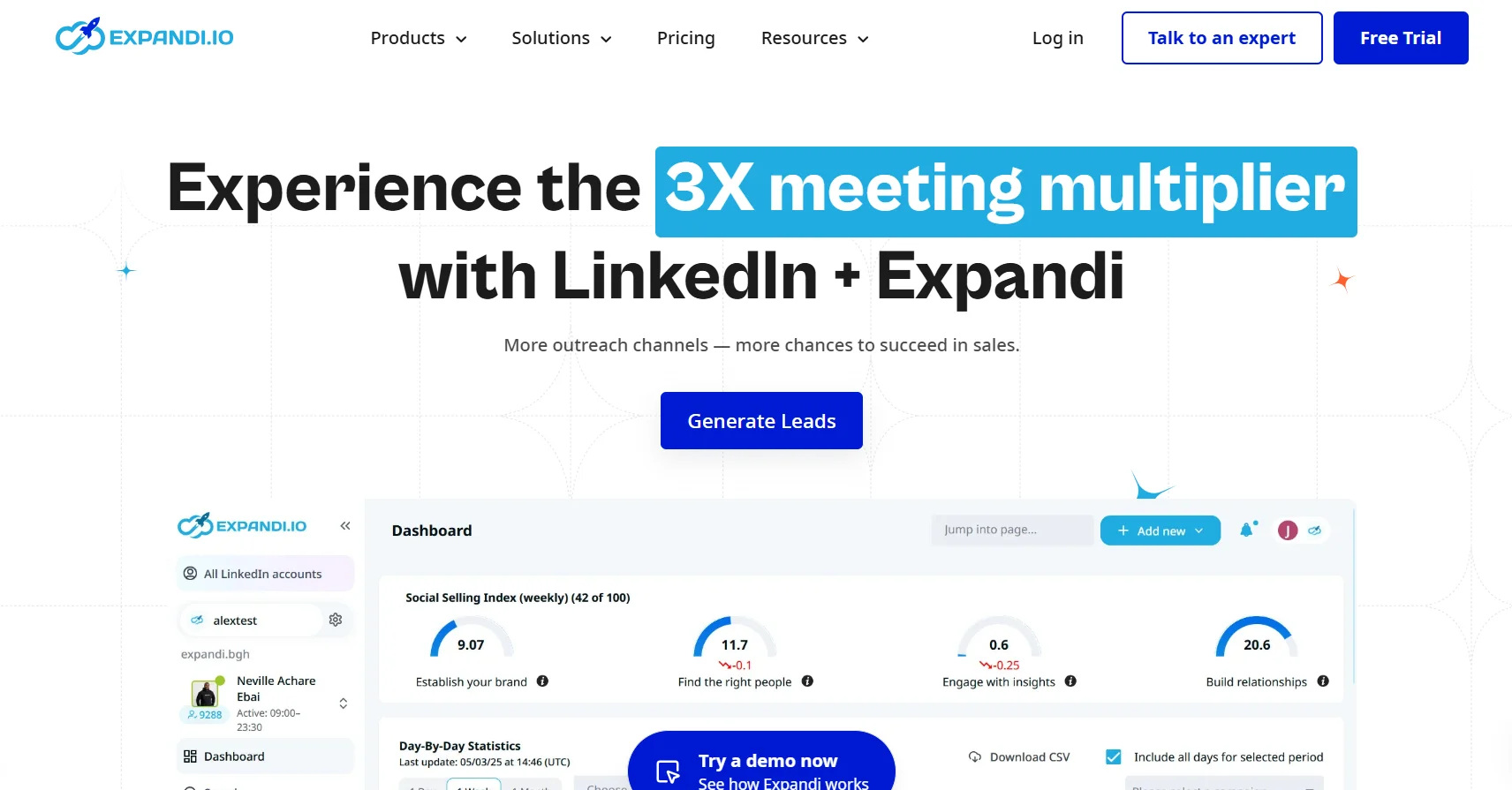
Expandi has been around long enough to have a real track record, which matters in a space full of tools that are here today and banned-account-heavy tomorrow. It’s cloud-based with dedicated IP addresses per account, which is the same infrastructure standard that puts DealsFlow in the safe tier.
The key differentiator for Expandi is its warm-up protocol. It’s built for established accounts running outreach at volume and prioritizes account safety above almost everything else. If keeping your LinkedIn account alive is your absolute top concern and you’re comfortable paying more for that peace of mind, Expandi is worth considering.
Key features:
- Dedicated IP addresses per account
- Smart sequences with LinkedIn + email steps
- A/B testing for messages
- Hyperise integration for dynamic image personalization in messages
- Established safety protocols with conservative default sending limits
Pricing: $99/month per seat.
Best for: Users who’ve had accounts restricted before and need a tool with a proven safety track record, even if it costs more.
Honest limitation: The interface feels dated compared to newer tools. At $99/month per seat, you’re paying a premium for safety and track record, but the feature set hasn’t kept pace. There’s also no AI conversation handling — when someone replies, you’re on your own.
3. HeyReach — Best for Agencies Managing Multiple LinkedIn Accounts
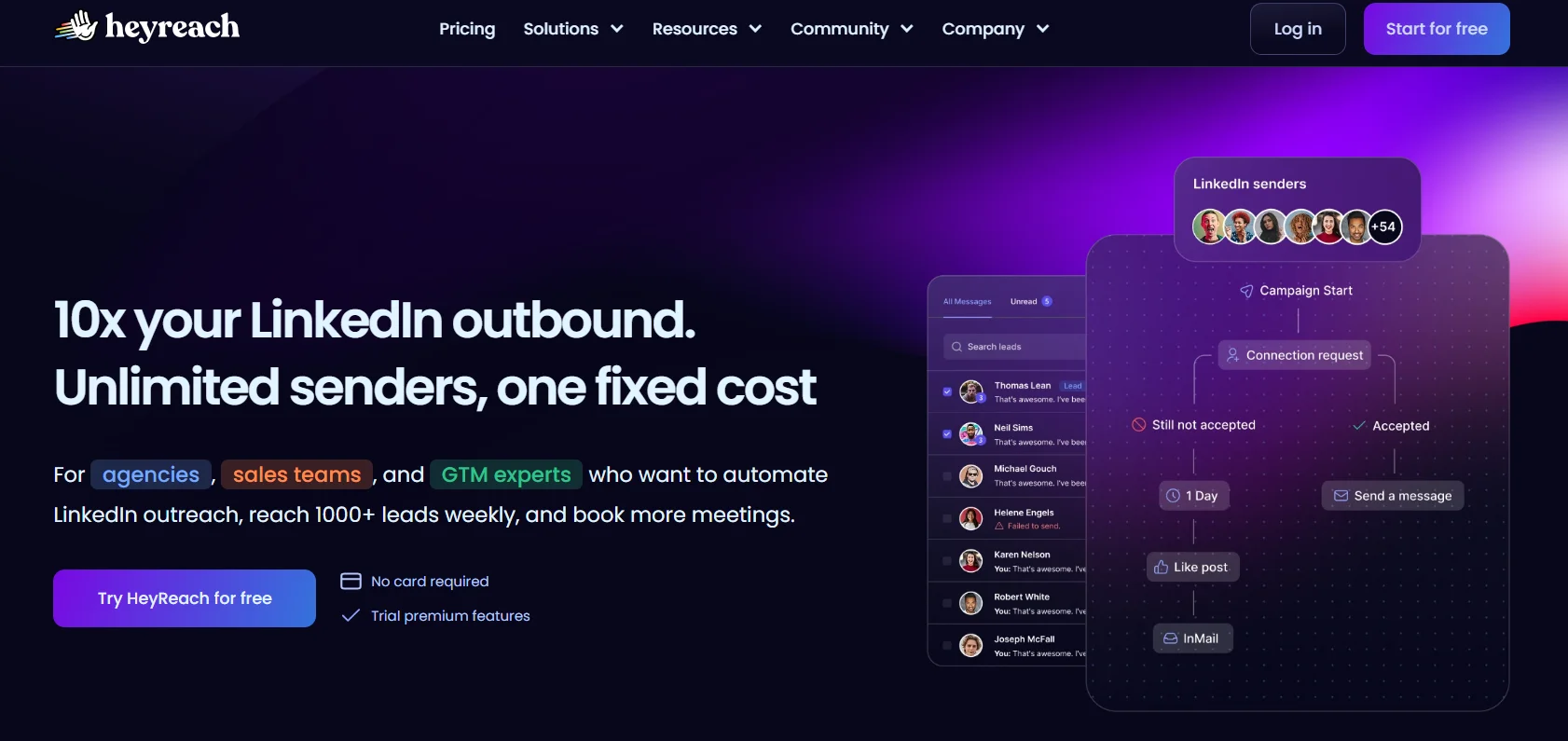
HeyReach is purpose-built for one specific use case: managing lots of LinkedIn accounts at once. If you’re running an agency with 10+ client profiles or an SDR team where multiple reps are doing outreach in parallel, the architecture here is designed for exactly that.
The key feature is sender rotation. Instead of pushing one account to its daily limit, HeyReach distributes outreach across multiple LinkedIn profiles simultaneously. That’s structurally safer than relying on a single account, and it scales campaign volume without triggering detection.
Key features:
- Multi-account sender rotation for distributed outreach
- Unified inbox across all managed accounts
- Per-sender pricing model (becomes more cost-effective at scale vs. per-seat models)
- White-label capabilities for agencies
- Clay API and webhook integrations for teams already using Clay in their workflows
- Centralized campaign management across all accounts
Pricing: Starts at $79/month, scales by number of senders. For agencies managing 10+ accounts, the per-sender model typically beats per-seat alternatives on total cost.
Best for: Lead generation agencies and sales teams needing to onboard multiple clients or VAs without paying per-user fees. If you manage more than five LinkedIn profiles, HeyReach is the most operationally clean option on this list.
Honest limitation: LinkedIn-only. HeyReach doesn’t include email sequences in its core product. If email outreach matters to your workflow, you’ll need to connect a separate tool.
4. Waalaxy — Best Free Entry Point for Solo Users
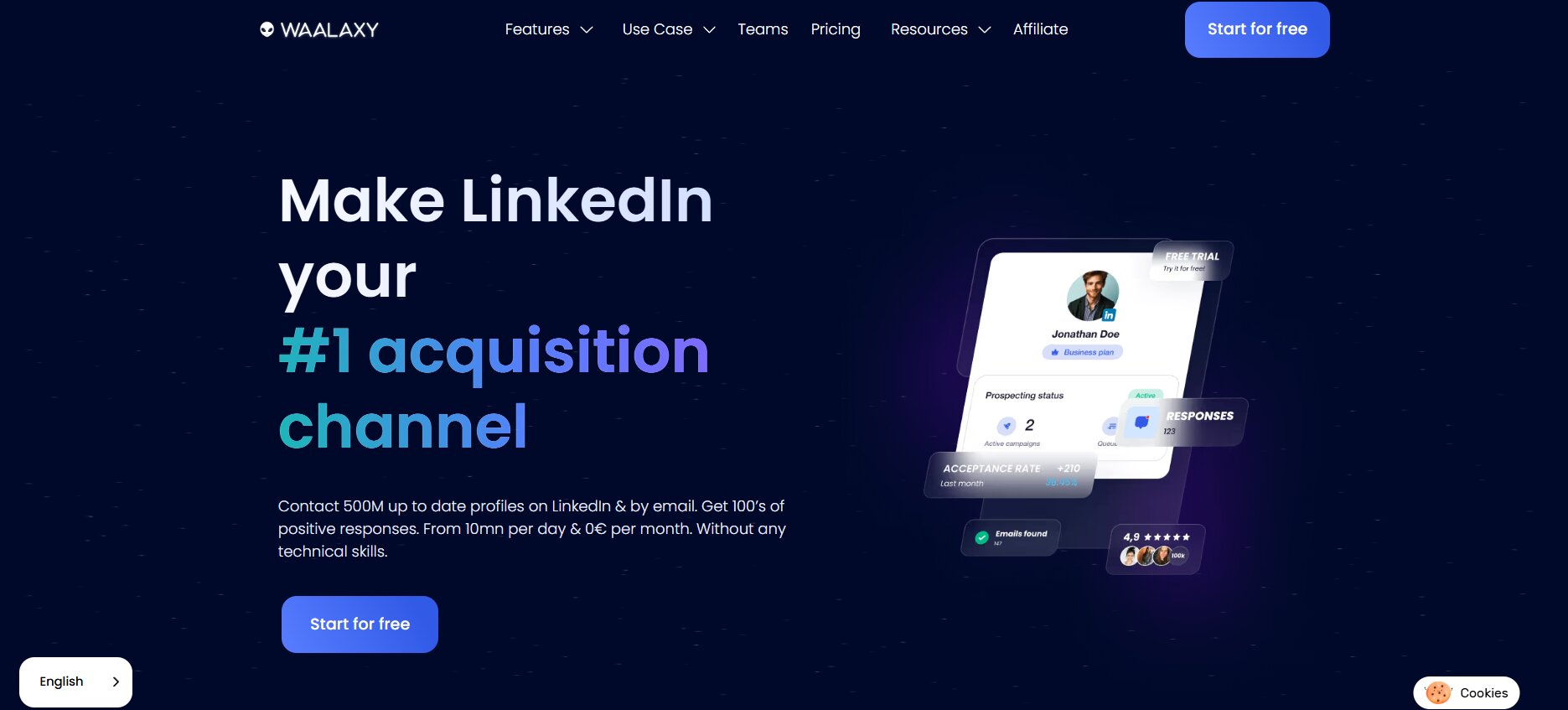
Waalaxy is probably the most accessible tool on this list. It’s a Chrome extension, which does come with higher detection risk than cloud-based tools — but the free tier is genuinely free, and getting started takes minutes. For anyone testing LinkedIn automation for the first time without wanting to commit budget, it’s the obvious starting point.
The free plan includes 80 LinkedIn connection invitations per month and basic drip sequences. In 2025–2026, Waalaxy added an AI Prospect Finder feature that helps surface ideal clients without needing advanced technical setup.
Key features:
- Free tier with 80 connection invitations per month and 25 email finder credits
- Pre-built campaign sequence library — launch a campaign in minutes without technical knowledge
- LinkedIn + email in one tool
- AI Prospect Finder for surfacing target leads
- Multi-language support
- Simple onboarding (three steps to launch a campaign)
Pricing: Free tier available. Paid plans from approximately €50/month, with the Business tier around €80/month. Prices have changed frequently, so worth checking current pricing directly.
Best for: Freelancers, solo founders, and anyone who wants to validate whether LinkedIn automation works for their use case before spending money. Zero financial risk to start.
Honest limitation: It’s a Chrome extension, which puts it in the higher-risk safety tier. Users also report frustration with frequent price changes. And compared to cloud-based tools with dedicated IPs, the account protection at volume is weaker.
5. Dripify — Best Budget Cloud-Based Option
Dripify is essentially the cloud-based version of what Waalaxy does. Similar scope — LinkedIn connection requests, follow-up message sequences, profile visits — but running in the cloud rather than through a browser extension. That’s a meaningful safety upgrade.
The drag-and-drop sequence builder is genuinely easy to use. CSV import for lead lists is included. It’s straightforward, affordable, and doesn’t require much technical setup. For an individual SDR who wants cloud-based LinkedIn automation without paying $99/month, $39/month is a reasonable ask.
Key features:
- Drag-and-drop drip sequence builder
- Cloud-based (no Chrome extension required)
- CSV import for lead lists
- Basic analytics dashboard
- Team plan available
- CRM integrations (HubSpot, Pipedrive, Zapier)
Pricing: Basic $39/month, Pro $59/month, Advanced $79/month — all per user.
Best for: Individual SDRs who want cloud-based LinkedIn automation at an accessible price point without needing advanced features.
Honest limitation: LinkedIn-only. There are no email sequences, and the AI features are minimal. If you need personalization depth or multichannel outreach, Dripify will feel thin pretty quickly.
6. La Growth Machine — Best for True Multichannel Outreach
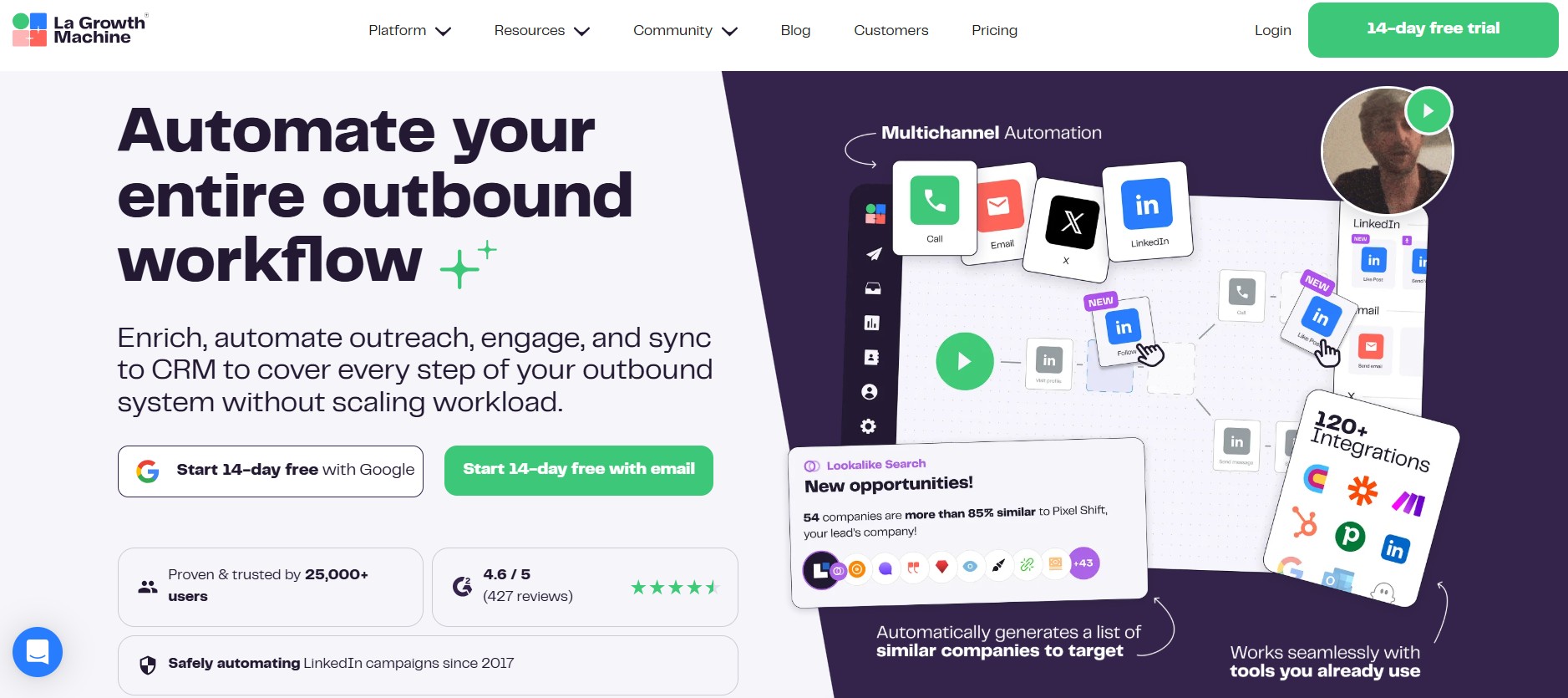
La Growth Machine (LGM) is a French multichannel platform that runs LinkedIn, email, and Twitter/X natively from a single workflow. It’s the only tool on this list doing all three channels at full depth — not LinkedIn with email bolted on, not Twitter as an afterthought.
It also has waterfall enrichment built in, which finds a prospect’s email address by trying multiple enrichment sources sequentially until one works. Voice Messages AI is an add-on that lets you send AI-generated voice notes on LinkedIn. These aren’t features you see everywhere.
Key features:
- LinkedIn + email + Twitter/X automation in a single orchestrated sequence
- Waterfall email enrichment (tries multiple sources automatically)
- Voice Messages AI for LinkedIn
- Social Warming feature for account health
- Native CRM integrations
- Visual drag-and-drop sequence builder
- EU GDPR-native (French entity)
Pricing: Starts at approximately $50/month on the Basic plan (capped at 3 campaigns). Unlimited campaigns require the higher tier at around $165/month.
Best for: Sales teams where email and social channels both contribute to the pipeline, or EU-based buyers who need a GDPR-native tool with a proper legal entity in France.
Honest limitation: The Basic plan is restrictive — 3 campaigns is tight for any active sales team. Getting to full functionality costs significantly more. There’s also a real learning curve compared to simpler tools.
7. Lemlist — Best for Email-First Teams Adding LinkedIn as a Secondary Channel
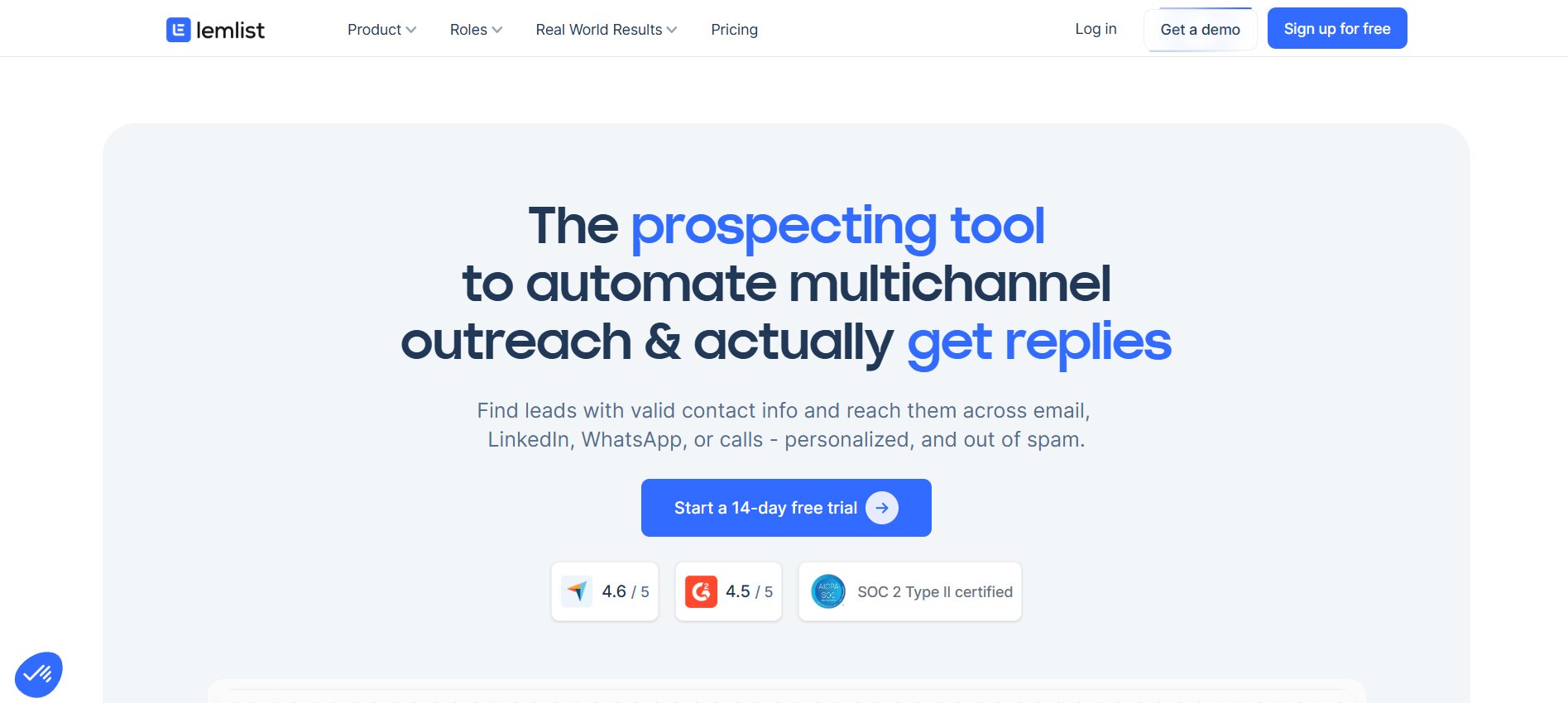
Lemlist started as a cold email tool and has grown into a proper multichannel platform — 600M+ lead database, Lemwarm email warm-up, dynamic image and video personalization, and LinkedIn automation steps. The key thing to understand about Lemlist is the order of priority: email is the primary channel, LinkedIn is a supplementary touchpoint.
That distinction matters. If your sales motion is built around cold email and you want LinkedIn as a follow-up layer, Lemlist is probably the strongest option on this list for that specific setup. The email deliverability infrastructure (Lemwarm) is genuinely differentiated — it automatically warms up email accounts to maintain inbox placement, which is something a lot of tools skip.
Key features:
- Lemwarm email warm-up for improved deliverability
- Dynamic image and video personalization in sequences
- 600M+ lead database (search and enrich from inside the tool)
- AI Magic Personalization for message copy
- LinkedIn automation steps (available on Expert plan)
- Multi-channel sequences combining email and LinkedIn touchpoints
Pricing: Email Outreach plan from approximately $39–50/month per user. Multichannel Expert plan from approximately $69–99/month per user. Sales Engagement plan from approximately $99–169/month per user.
Best for: Teams where cold email drives most pipeline and LinkedIn is a secondary channel for warm-up or follow-up. Also strong for teams that want to reduce their tech stack by combining prospecting, enrichment, and outreach in one tool.
Honest limitation: LinkedIn automation is only available on the highest paid tier. No Twitter/X automation. No voice messages. The per-user pricing stacks up quickly for larger teams.
8. Skylead — Best for Conditional Sequences and Salesforce Users
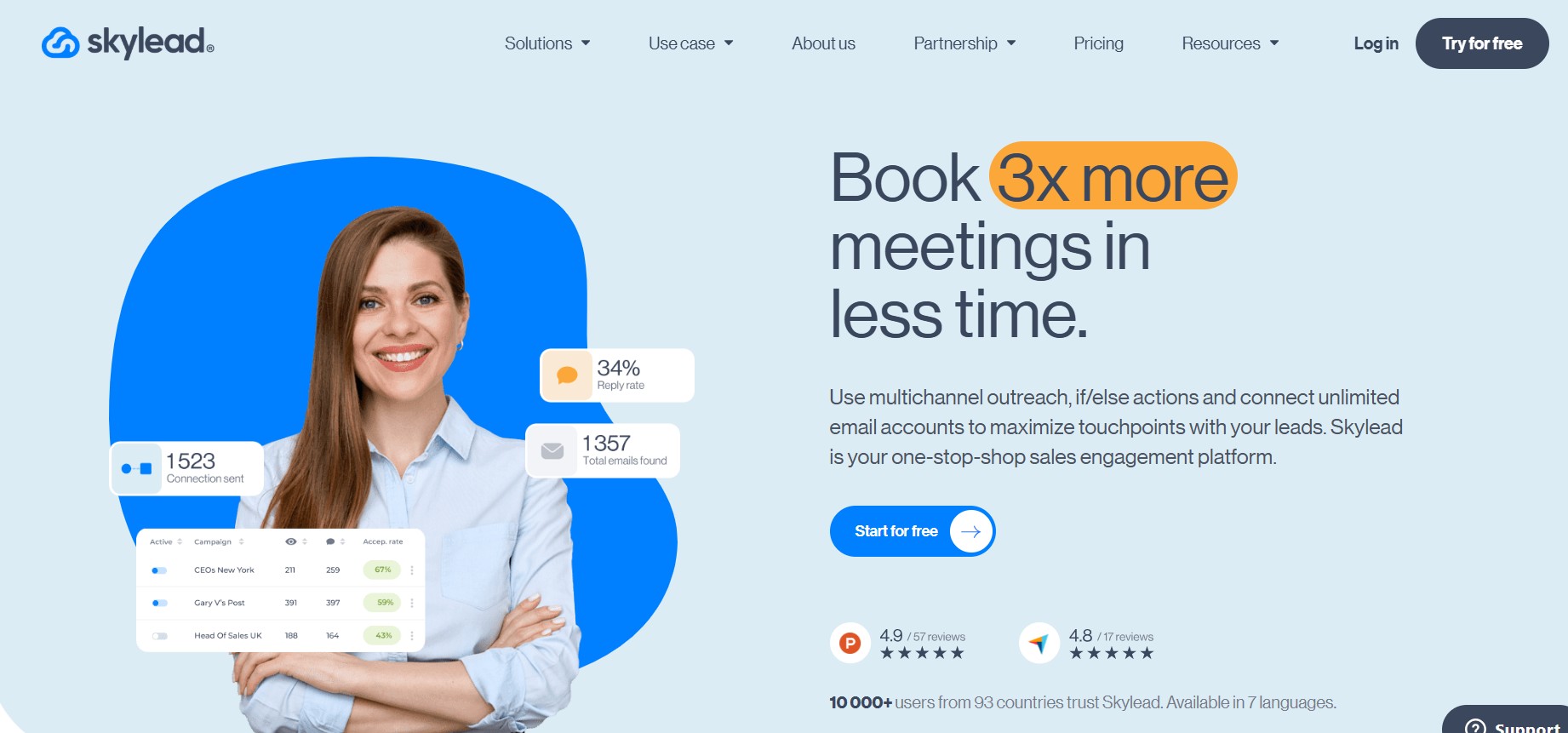
Skylead is a multichannel outreach tool with the most sophisticated sequence logic on this list. The Smart Sequence builder uses if/else conditional branching — sequences that adapt based on what the prospect actually did. Did they accept the connection request? Did they open the email? Did they reply? Each outcome triggers a different next step. That’s genuinely more advanced than the linear drip sequences most tools offer.
The Salesforce integration is deep, which makes Skylead particularly relevant for sales ops teams running HubSpot or Salesforce as their system of record. Native image and video personalization in LinkedIn messages is also built in, without needing a third-party tool like Hyperise.
Key features:
- Smart Sequence builder with if/else conditional logic across LinkedIn and email
- LinkedIn + email outreach combined
- Native image and video personalization in messages
- Email discovery built into the platform
- Deep Salesforce integration
- Cloud-based (no extension)
Pricing: Approximately $100/month flat rate.
Best for: Sales ops teams running complex multi-touch cadences where sequence behavior needs to adapt to prospect actions, or teams using Salesforce as their primary CRM.
Honest limitation: No Twitter/X automation. Skylead has a smaller user base than established tools like Expandi or Lemlist, which means the ecosystem of guides, integrations, and community support is thinner.
9. PhantomBuster — Best for Data Scraping and List-Building
PhantomBuster is not a sequencing tool. That needs to be said clearly upfront. It doesn’t handle email sequences, conditional logic, reply detection, or message warm-up. If you need a tool to run outreach from start to finish, PhantomBuster is not it.
What PhantomBuster does exceptionally well is extraction. It’s built around individual automation scripts called “Phantoms” — over 100 of them — that can pull LinkedIn profiles, scrape Sales Navigator search results, extract post commenters, and enrich contact data. For teams building targeted lead lists at scale and feeding them into a dedicated outreach tool, there’s nothing more flexible on this list.
Key features:
- 100+ individual automation scripts (Phantoms) for LinkedIn and web scraping
- LinkedIn search and Sales Navigator data extraction
- Post commenter and group member extraction
- Dropcontact integration for email enrichment
- Team workspace included in plans
- Flexible API for custom workflow connections (works well with Clay, CRMs, etc.)
Pricing: Starter plan from approximately $56/month (annual billing), based on execution time.
Best for: Growth operators, RevOps teams, and technical users who want to build custom prospecting pipelines. Extract with PhantomBuster, sequence with something else.
Honest limitation: It is not a replacement for a sequencing platform. No email outreach, no conditional logic, no reply handling. Also complex to configure for users without a technical background.
10. MeetAlfred — Best for Teams Doing Outreach Across Multiple Social Platforms
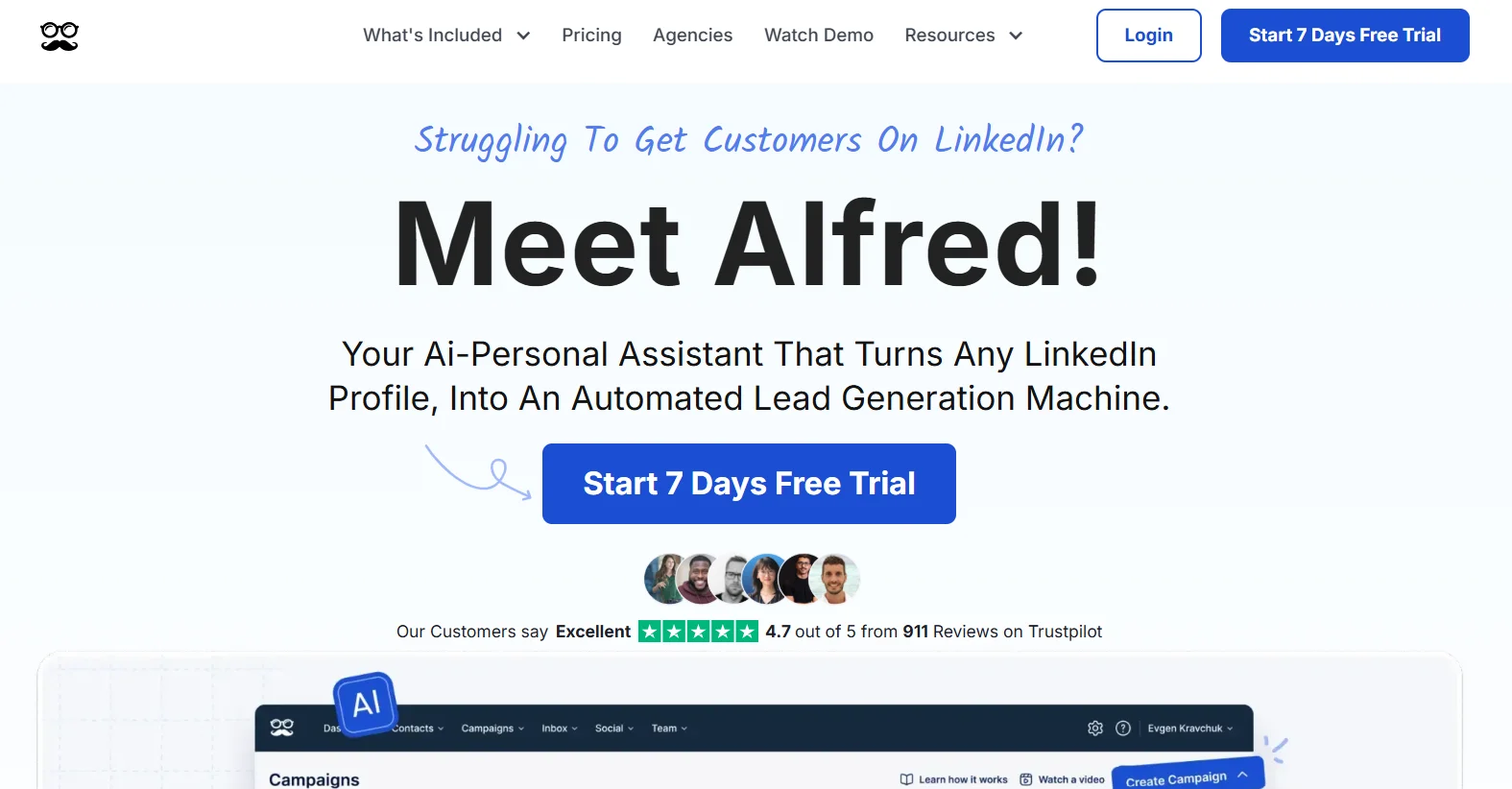
MeetAlfred covers ground that most LinkedIn automation tools don’t touch: LinkedIn, Twitter/X, Facebook, and email — all from one platform. If your sales and marketing team is running parallel outreach across social channels, not just LinkedIn, MeetAlfred is the only option on this list built for that scope.
The 3,000+ tool integrations give it broad compatibility with existing sales stacks. On higher plans, social media post scheduling is also available for Facebook, Twitter/X, and Instagram, which makes it more of a sales and social automation hybrid than a pure lead generation tool.
Key features:
- LinkedIn + email + Twitter/X + Facebook automation
- 3,000+ third-party tool integrations
- LinkedIn group member message automation (up to 50 messages)
- Social media post scheduling (Pro and Teams plans — Facebook, Twitter/X, Instagram)
- Multi-channel campaign sequences
Pricing: Multi-channel automation and InMail campaigns are gated to higher-tier plans. Check current pricing directly as it has changed.
Best for: Sales and marketing teams running outreach across social platforms beyond LinkedIn, or teams that want social scheduling and automation in a single tool.
Honest limitation: The entry-level plan is fairly basic — advanced campaign features require upgrading. AI personalization is thinner compared to DealsFlow or Lemlist. And for teams whose outreach is LinkedIn-first, paying for multi-platform capability they won’t use isn’t worth it.
Quick Comparison: Closely Alternatives at a Glance
| Tool | Starting Price | LinkedIn Accounts (Base) | Infrastructure | Email Outreach | AI Personalization | Free Trial/Plan | Best For |
|---|---|---|---|---|---|---|---|
| DealsFlow | $59/mo ($49 annual) | 1 | Cloud (dedicated IPs) | No (LinkedIn-focused) | Yes — full conversation AI | 14-day free trial | Best all-rounder |
| Expandi | $99/mo | 1 | Cloud (dedicated IPs) | LinkedIn + email | Basic | Trial available | Safety-first users |
| HeyReach | $79/mo | Per sender | Cloud | No | Limited | Trial available | Agencies, multi-account |
| Waalaxy | Free / ~€50/mo | 1 | Chrome extension | Yes (basic) | Yes (Prospect Finder) | Free tier | Solo users, beginners |
| Dripify | $39/mo | 1 | Cloud | No | No | Trial available | Budget cloud option |
| La Growth Machine | ~$50/mo | 1 | Cloud | Yes + Twitter/X | Yes | Trial available | True multichannel |
| Lemlist | ~$39/mo | 1 | Cloud | Yes (email-first) | Yes (Magic AI) | Trial available | Email-first teams |
| Skylead | ~$100/mo | 1 | Cloud | Yes | Yes (image/video) | Trial available | Complex sequences, Salesforce |
| PhantomBuster | ~$56/mo (annual) | N/A (scraping tool) | Cloud | No | No | Trial available | List-building, data extraction |
| MeetAlfred | Check site | 1 | Cloud | Yes + Twitter/X + Facebook | Limited | Trial available | Multi-platform social |
How to Choose the Right Closely Alternative
No single tool wins every category. The right pick depends on what’s actually slowing down your outreach right now.
- Account safety is the top priority: Go with DealsFlow or Expandi. Both use dedicated IP addresses per account — the strongest infrastructure-level protection against LinkedIn detection.
- You run an agency or manage 5+ LinkedIn accounts: HeyReach. It’s purpose-built for this. Sender rotation, unified inbox, white-labeling — nothing else comes close for multi-account ops.
- Budget is tight or you’re just starting out: Waalaxy’s free plan or Dripify at $39/month. Both are viable starting points with minimal financial risk.
- You need LinkedIn + email + more channels: La Growth Machine if you need Twitter/X too. Lemlist if email deliverability is the priority and Twitter/X doesn’t matter.
- Your sequences need to branch based on prospect behavior: Skylead. The if/else conditional logic is meaningfully more sophisticated than linear drip tools.
- You want to build lead lists, not run sequences: PhantomBuster. Extract data, then feed it into a dedicated outreach tool.
- Your team works across social platforms beyond LinkedIn: MeetAlfred.
- You want the best all-rounder at a fair price: DealsFlow. AI that runs the full conversation, dedicated IP infrastructure, a built-in CRM, multi-account management, and a 14-day free trial with no credit card.
Conclusion
Closely works for a lot of people. But “works” and “best fit” aren’t the same thing. If the credit-gated AI system, the learning curve, or the pricing trajectory has you looking around — that’s a reasonable call.
The market in 2026 is genuinely competitive. Dedicated IP infrastructure that used to cost a premium is now available at $49/month. AI that actually handles replies — not just sends them — exists and works. Multi-account management for agencies has its own purpose-built tools with flat-rate pricing.
DealsFlow is the clearest all-round alternative: cloud-based safety with dedicated IPs, Arlo AI that runs the full conversation from first message to booked meeting, transparent pricing from $59/month, and a 14-day free trial that needs no credit card. Start there, see the difference.
FAQs
Q1: What is the best free alternative to Closely?
Waalaxy is the most accessible free option. Its free tier includes 80 LinkedIn connection invitations per month and basic drip sequences — enough to test whether LinkedIn automation fits your workflow before spending anything. It’s a Chrome extension though, which puts it in a higher account-risk tier than cloud-based tools.
Q2: Is DealsFlow safer than Closely for LinkedIn accounts?
Both use cloud-based infrastructure, but DealsFlow’s dedicated IP-per-account architecture and randomized human-like timing are specifically built to stay within LinkedIn’s safety thresholds. DealsFlow also enforces hard daily limits aligned with LinkedIn’s current caps (100–200 connections per week), which means your account stays healthy as you scale.
Q3: Which Closely alternative is best for agencies?
HeyReach if you need to manage 10+ LinkedIn profiles — it’s purpose-built for agencies with sender rotation, a unified inbox, and white-labeling. DealsFlow’s Agency Pilot plan ($349/month for 20 LinkedIn accounts) is the better option if you also want AI handling the full conversation per account, not just automated sequences.
Q4: Can any of these tools replace Closely for LinkedIn + email combined outreach?
Yeah, a few. La Growth Machine does LinkedIn + email + Twitter/X natively. Lemlist is the strongest email-first option with LinkedIn as a supplementary layer. Skylead handles LinkedIn + email with conditional sequence logic. DealsFlow is LinkedIn-focused but handles the full conversation with AI, which often outperforms a basic multichannel sequence in terms of actual replies.
Q5: What’s the cheapest cloud-based Closely alternative?
Dripify at $39/month per user is the most affordable cloud-based option. It’s LinkedIn-only with a drag-and-drop sequence builder. No AI, no email — but it’s solid for basic outreach without the safety risk of a browser extension.
Q6: Do any of these tools work without LinkedIn Sales Navigator?
Most of them do. DealsFlow, Dripify, Waalaxy, and Expandi all work with a standard LinkedIn account. Sales Navigator helps with search granularity and targeting precision, but it’s not a hard requirement. If you’re doing high-volume outreach, it’s worth having — but you won’t be blocked without it.
Q7: What actually happens when someone replies to an automated LinkedIn message?
With most tools — nothing automated. The reply lands in your inbox and you handle it manually. DealsFlow is the exception: Arlo AI reads the reply, decides the best response, handles objections, and books the meeting. That’s the real gap between standard automation tools and what DealsFlow does.
Q8: Is it safe to use LinkedIn automation tools in 2026?
It depends on the tool and how you use it. After LinkedIn’s April 2025 crackdown on cookie-based authentication and Chrome extension overlays, the risk landscape split into clear tiers. Cloud-based tools with dedicated IPs (DealsFlow, Expandi) and smart daily limits carry the lowest detection risk. Browser extensions (Waalaxy, older Dux-Soup) carry the highest. Staying within LinkedIn’s weekly connection limits of 100–200 and using a tool that mimics human-like timing makes a significant difference.