


Most people buying a LinkedIn outreach tool are asking the wrong question. They compare features, check the pricing page, watch a YouTube demo, and then pick based on whatever looks slicker. Six weeks later they’re staring at a campaign that sent 800 connection requests and got 11 replies, none of which became meetings.
The real question is not “which tool has more features.” The real question is: what actually gets people to show up on a call with you? That is where DealsFlow vs LinkedHelper becomes a genuinely interesting comparison, because these two tools are built on completely different philosophies about what LinkedIn outreach should be.
LinkedHelper is a desktop automation tool. It is good at sending stuff, moving people through sequences, and doing it at volume. DealsFlow is an AI-first outreach platform where the goal is not just to send messages but to hold actual conversations that convert. The difference sounds subtle until you watch both tools run the same campaign. Then it becomes obvious fast.
This article breaks down both tools honestly, covers pricing, who each one is actually built for, and gives you a clear answer on which one to use depending on your situation. If you are a solo founder trying to book your first 10 discovery calls or an agency managing outreach for 15 clients at once, the answer is different and this post gets into both.
What DealsFlow Actually Does (And Why It Is Built Differently)
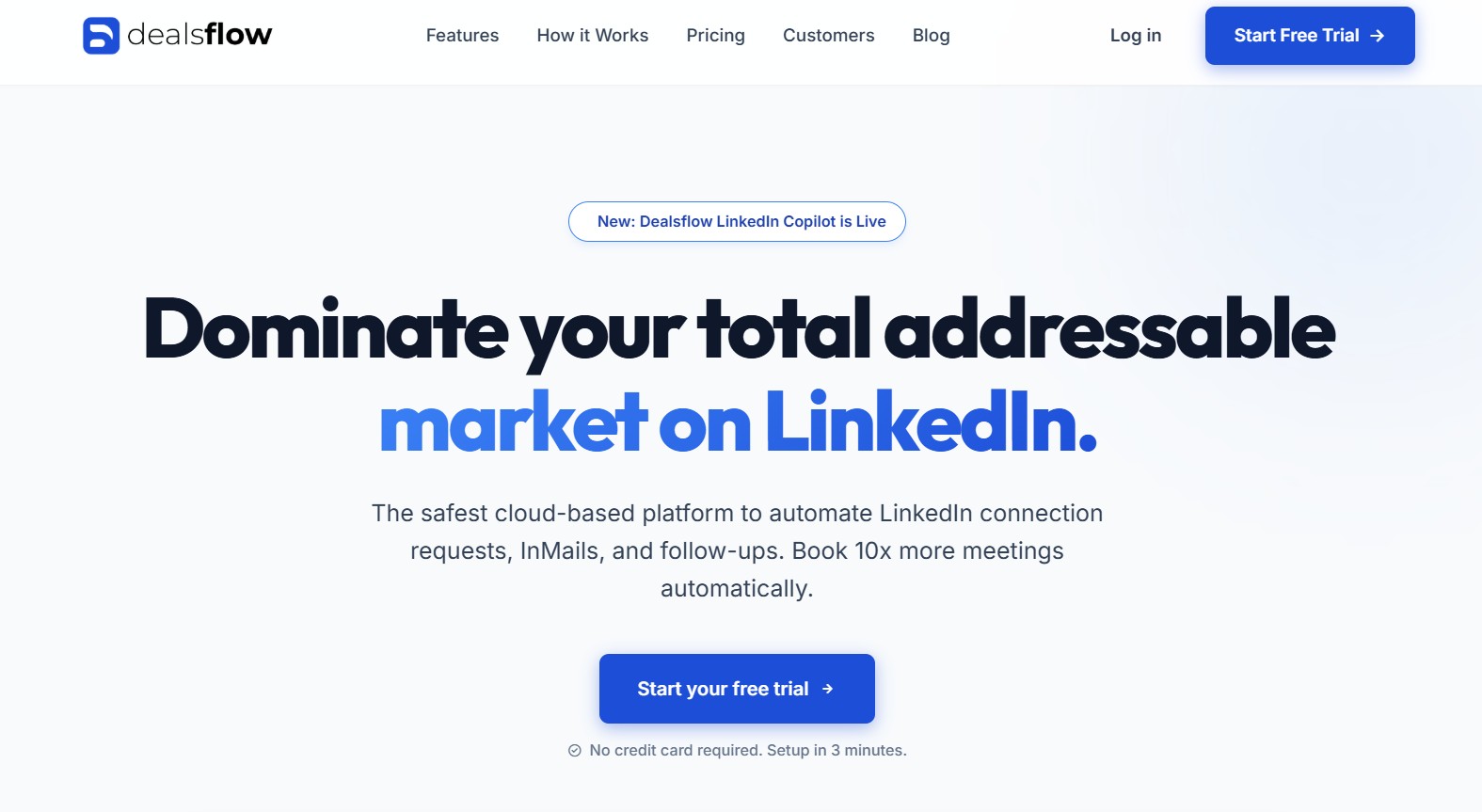
DealsFlow describes itself as an AI that books LinkedIn meetings while you run the business. That is not marketing fluff. It is actually how the product works. The AI agent inside DealsFlow is called Arlo, and Arlo does three things: finds qualified prospects, sends outreach, and holds conversations with those prospects until they agree to a call.
The key word there is “holds conversations.” Not sends messages. Actually converses. Arlo reads replies, understands context, handles objections, re-engages cold leads, and books the meeting. You are not in the loop for any of that unless you want to be.
The Arlo AI Outreach Engine
Arlo is what separates DealsFlow from every other LinkedIn outreach tool on the market right now. When a prospect replies “maybe next quarter,” Arlo does not drop them. It sets a follow-up, re-engages at the right time, and picks the conversation back up naturally. When someone says “what is this about,” Arlo explains and pivots to booking. When someone is clearly not interested, Arlo stops. It does not keep hammering people who have said no.
This matters because reply handling is where most outreach campaigns die. The message goes out, someone replies, nobody follows up quickly enough or with the right message, the lead goes cold. Arlo closes that gap. It is working 24 hours a day, responds in minutes, and does not forget to follow up.
AI Lead Research Built In
DealsFlow also handles lead research natively. You define your ideal customer profile, and the platform finds matching prospects on LinkedIn. You are not scraping manually, building CSV files, or uploading lists from five different sources. The research feeds directly into the outreach engine.
This is a workflow difference that adds up fast. With LinkedHelper, you typically spend time outside the tool building your list, then import it, then set up the sequence, then monitor the replies manually. With DealsFlow, the workflow is: define who you want to reach, set the campaign parameters, let Arlo run. The back-and-forth between research, sequencing, and reply management is gone.
Multi-Account and Agency Features
DealsFlow is built to run multiple LinkedIn accounts from one dashboard. The Scaling Pilot plan handles 5 accounts; the Agency Pilot handles 20. Each account gets its own campaign, its own Arlo AI engine, and its own analytics. You can see performance across all clients from one place without logging in and out of different LinkedIn profiles.
For agencies doing LinkedIn outreach for clients, this is a real workflow advantage. LinkedHelper can technically be run across multiple machines but it is clunky. There is no shared dashboard, no centralized reporting, no consistent management layer. Each client is effectively a separate manual operation.
What LinkedHelper Actually Does (And Where It Stops)
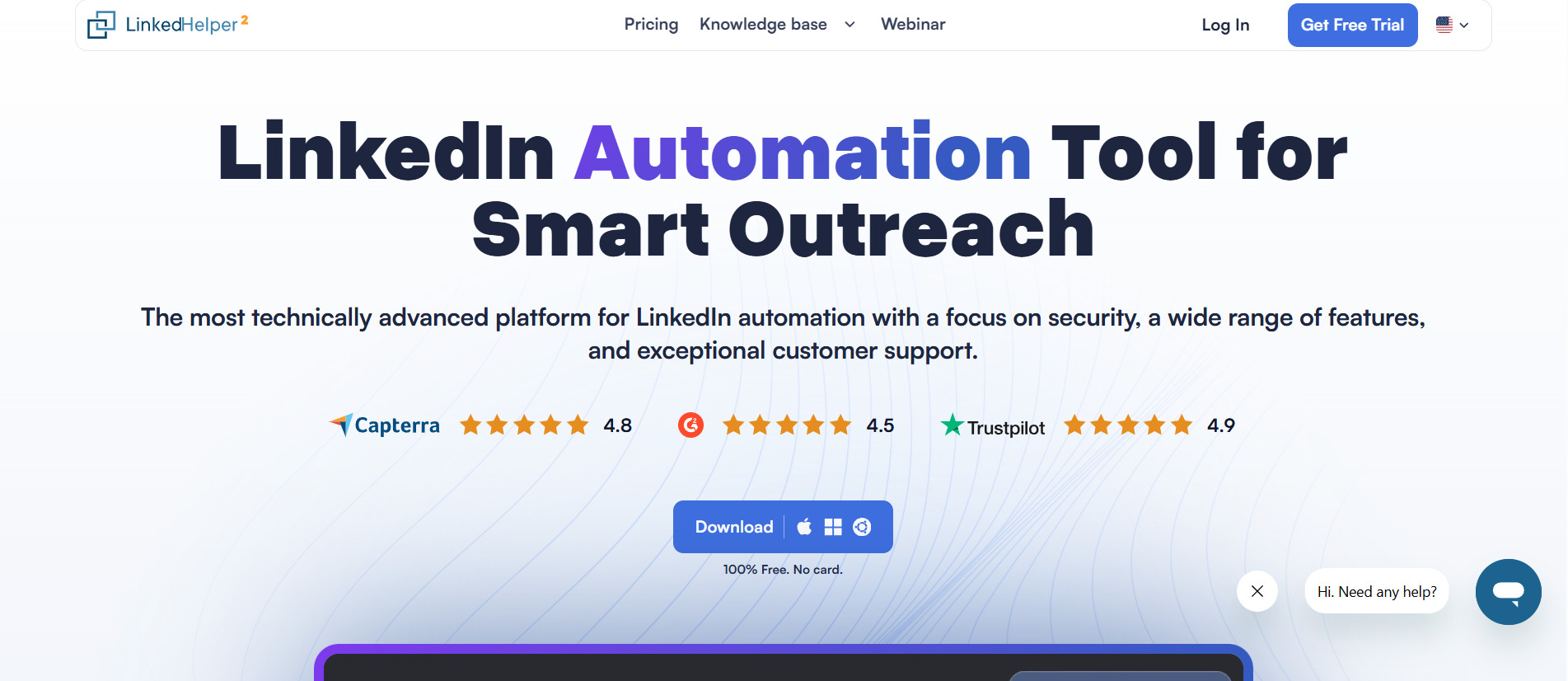
LinkedHelper has been around since the early days of LinkedIn automation. It is a Windows and Mac desktop app that connects to your LinkedIn account and automates actions: sending connection requests, following up with messages, endorsing skills, visiting profiles, withdrawing old invites, moving people through multi-step sequences. For its time, it was genuinely useful.
The way it works is you set up a sequence, define the delays, write your messages, and let the software run in the background while your browser stays open. It does not run in the cloud, which means your computer has to be on for campaigns to run. That detail trips people up more than they expect.
What LinkedHelper Is Good At
LinkedHelper is solid for volume automation. You can build fairly complex drip sequences with conditional logic, add tags to prospects, export data to a CSV, and integrate with CRMs through Zapier. The sequence builder lets you chain connection requests, intro messages, follow-up messages, and profile visits into a timed workflow.
For scraping LinkedIn search results and building lists inside the tool, it works. You can import from Sales Navigator searches, LinkedIn groups, event attendees, and a few other sources. The filtering options are decent, not great.
The tool also gives you a dashboard where you can see campaign stats: requests sent, acceptance rate, reply rate. The numbers are helpful for spotting what’s working.
Where LinkedHelper Falls Short
Here is the problem. LinkedHelper is a pipe. It moves messages from point A to point B on a schedule. When someone replies, LinkedHelper stops. It cannot read the reply, understand the intent, figure out whether the person is interested or annoyed, and respond appropriately. That part is on you.
So you spend $15/month on the tool, set up your sequence, go to sleep, wake up to 40 replies in your LinkedIn inbox, and now you have to spend three hours manually sorting through them, categorizing who is warm, who is not, who needs a different follow-up, and writing 40 different responses. If you have a full-time SDR to do that, fine. If you do not, this is where the “automation” stops feeling automated.
The other issue is the desktop dependency. LinkedHelper does not run in the cloud. If your laptop sleeps or you close the lid, the campaign pauses. This creates weird gaps in your sequences where follow-ups go out on day 1, day 3, then randomly on day 9 because your computer was off during the window.
There is also no AI anywhere in the product. Message personalization is template-based with merge tags like {{firstName}} and {{companyName}}. That is standard from 2019. It works but it does not convert the way a genuinely personalized message does.
DealsFlow vs LinkedHelper: Feature-by-Feature Comparison
Here is how the two tools line up on the things that actually matter for getting meetings booked.
Message Personalization
LinkedHelper uses template variables. You can pull in first name, company name, job title, and a few other fields from your prospect data. That is table-stakes personalization and it stopped working at scale years ago. Prospects know a merge tag when they see one.
DealsFlow with Arlo generates messages based on the prospect’s actual profile context. Not just their name. Their current role, their company type, their likely pain points based on ICP matching. The difference in reply rates between a real personalized opener and a {{firstName}} template is not small. Teams running Arlo typically see 3x to 5x higher reply rates compared to static template sequences.
Reply Handling
LinkedHelper: nothing. Replies land in your inbox. You handle them yourself.
DealsFlow: Arlo reads, responds, handles objections, re-engages, and books. This is the biggest functional gap between the two tools and it is not close.
Cloud vs Desktop
LinkedHelper runs on your desktop. Your computer must be on and the app must be open for campaigns to run.
DealsFlow runs in the cloud. Campaigns run 24/7 regardless of whether your laptop is on.
Safety and LinkedIn Limits
Both tools operate within LinkedIn’s connection and message limits to reduce account risk. LinkedHelper has been around longer and gives more manual control over exact daily limits. DealsFlow manages this automatically at the AI level, respecting LinkedIn’s guidelines without requiring you to configure limit settings yourself.
Reporting
LinkedHelper gives you basic campaign stats: sends, accepts, replies. That is it.
DealsFlow gives you campaign-level analytics including reply rate breakdowns, conversion rates from reply to booked meeting, and performance comparisons across accounts on the Agency plan. The data is actionable, not just activity-tracking.
DealsFlow vs LinkedHelper Pricing: What You Actually Pay Per Meeting
Pricing comparisons are usually pointless when two products produce different outputs. Comparing cost without accounting for output is like comparing a bicycle to a car by monthly payment.
LinkedHelper Pricing
LinkedHelper Standard plan costs around $15/month. The Pro plan is around $45/month. No free tier but there is a 14-day free trial.
At $15/month you get automation sequences, basic CRM features, and campaign stats. At $45/month you get more advanced workflow options and integrations.
What you do not get at any price is AI, reply handling, lead research, or cloud running. Those are manual tasks that live outside the tool.
DealsFlow Pricing
DealsFlow has three plans, billed monthly or annually (20% off annual).
The Starter Pilot is $49/month. It covers 1 LinkedIn account, AI lead research, the Arlo outreach engine, unlimited campaigns, and standard support. This is the plan for solo founders or individuals testing the workflow.
The Scaling Pilot is $129/month. It covers 5 LinkedIn accounts, priority AI processing, a multi-account dashboard, advanced analytics, and priority support. Built for small teams and agencies starting to scale.
The Agency Pilot is $299/month. It covers 20 LinkedIn accounts, white-glove setup, team management, custom workflows, and a dedicated manager. This is full-scale outreach infrastructure for agencies with multiple clients.
The Real Cost Comparison
Run the actual math. LinkedHelper at $45/month gives you automation. You still need to spend 2 to 3 hours per day managing replies if you are running active campaigns. At a modest freelancer rate of $50/hour, that is $3,000 to $4,500/month in labor cost on top of the $45 software fee.
DealsFlow at $49/month handles the reply management automatically. The same output that requires 3 hours of daily manual work with LinkedHelper runs autonomously. One booked meeting from a client engagement typically covers the entire month’s subscription cost. That math is not subtle.
Who Should Use Each Tool
LinkedHelper Is Right For You If…
You want granular control over every message in your sequence and have the time to manage replies yourself. If you are an SDR who enjoys working through LinkedIn conversations manually and just needs the initial outreach automated, LinkedHelper is fine. Also works well if you are running very low volume (under 50 new prospects per week) where reply management is not overwhelming.
LinkedHelper also makes sense if you need to automate LinkedIn actions beyond messaging, like bulk endorsing, profile visiting for warming, or withdrawing old pending invites. DealsFlow is focused on conversation and booking, not LinkedIn activity hacks.
Budget-constrained teams who cannot yet justify $49/month might start here, though honestly the ROI math on DealsFlow is hard to argue against.
DealsFlow Is Right For You If…
You need meetings booked, not just messages sent. This is the most important distinction. If your goal is to get people on a call, DealsFlow is built specifically for that outcome. Arlo does not just send outreach, it closes the conversation loop.
Solo founders with no sales team are the perfect DealsFlow user. There is no one to handle LinkedIn replies all day. Arlo becomes the sales function that the founder does not have bandwidth to do themselves.
Agencies managing multiple clients are also squarely in DealsFlow’s wheelhouse. The multi-account dashboard, the white-glove setup on the Agency plan, and the ability to run 20 client LinkedIn accounts simultaneously from one interface is something LinkedHelper cannot match structurally.
SDR teams under 10 people who have a monthly meeting quota get real leverage from DealsFlow. The AI handles top-of-funnel conversation, the humans handle qualified calls. Clean division of effort.
Real Scenarios: DealsFlow vs LinkedHelper in Practice
Features and pricing only tell part of the story. The real test of any LinkedIn automation tool is how it performs in everyday prospecting and lead generation situations. In this section, we’ll examine how DealsFlow and LinkedHelper compare across real-world use cases such as cold outreach campaigns, lead nurturing, agency client management, recruiter sourcing, appointment setting, and multichannel prospecting. By looking at practical examples and workflow scenarios, readers can better understand which platform delivers the most value for their specific business needs and outreach objectives.
Scenario 1: Solo Founder, No Sales Team
You are running a B2B SaaS startup. No SDR. No time. You need 8 to 10 discovery calls per month to hit your pipeline goal. LinkedHelper sends the messages and leaves you with 50 replies to sort through every week. That is a part-time job you did not sign up for.
DealsFlow, Arlo handles every one of those replies, re-engages the fence-sitters, and puts booked meetings on your calendar. You open your calendar Monday morning and there are calls on it. That is the difference.
Winner: DealsFlow, clearly.
Scenario 2: Agency Running Outreach for 10 Clients
You need separate campaigns, separate LinkedIn accounts, separate reporting, and ideally one place to see how everything is performing. LinkedHelper requires you to manually operate 10 separate instances across different machines or use workarounds.
DealsFlow’s Agency Pilot at $299/month handles 20 accounts from one dashboard. You can see reply rates, meetings booked, and campaign status for every client without switching accounts.
Winner: DealsFlow.
Scenario 3: SDR Team with 50 Meetings/Month Quota
The team has 5 SDRs. They are already doing calls and demos. They need top-of-funnel handled without adding LinkedIn management to each person’s plate.
DealsFlow lets each SDR connect their LinkedIn account, run Arlo on their ICP, and have warm conversations dropped into their inbox ready to convert. LinkedHelper would require each SDR to manage their own sequences and replies, eating time they do not have.
Winner: DealsFlow.
Scenario 4: Budget-First User, Low Volume Outreach
You are just getting started, reaching 30 to 40 people per week, and you genuinely have time to reply to messages yourself. The $15/month LinkedHelper Standard plan works. You do not need AI reply handling at that volume.
Winner: LinkedHelper, on pure cost at very low volume.
Conclusion
For anyone who needs LinkedIn outreach to actually produce meetings, DealsFlow wins this comparison. The reply handling alone is worth the price difference. Add in cloud operation, AI lead research, Arlo’s conversation management, and multi-account support, and you end up with a fundamentally different product category.
LinkedHelper is a good tool for what it was built to do, which is automate LinkedIn actions and sequences. It is not built to book meetings autonomously. If you are okay doing the reply management yourself and want maximum control over every message, LinkedHelper holds up. But if the outcome you care about is booked calls on your calendar with minimal manual work, DealsFlow is the tool.
The keyword in this whole comparison is “outreach.” LinkedHelper automates the send. DealsFlow completes the outreach by handling everything from first touch to booked meeting. That is the actual gap.
Frequently Asked Questions
Q1. Is DealsFlow a replacement for LinkedHelper?
For most use cases, yes. DealsFlow handles everything LinkedHelper does (connection requests, follow-up sequences) plus AI-driven reply management, lead research, and cloud-based operation. The only reason to keep LinkedHelper is if you specifically need granular manual control over LinkedIn activity actions like bulk endorsements or profile visits, which DealsFlow does not focus on.
Q2. Does DealsFlow require LinkedIn Sales Navigator?
DealsFlow connects to your LinkedIn account but does not strictly require Sales Navigator. However, having Sales Navigator significantly expands the prospect pool available to the AI for lead research, and it is generally recommended if you are targeting specific verticals or job titles. Many users on the Starter Pilot plan run it with a standard LinkedIn Premium account.
Q3. How does Arlo AI handle objections in replies?
Arlo reads the full context of a reply and responds based on the intent, not just keywords. If someone says they are not the right person, Arlo asks for a referral to the right contact. If someone says they are busy, Arlo acknowledges it and suggests a future touchpoint. Objection patterns are handled by the AI without you writing specific response scripts for each scenario.
Q4. What are LinkedHelper’s biggest limitations compared to DealsFlow?
Three main ones: it runs on your desktop so campaigns stop when your computer is off, it has zero AI capabilities so all personalization is template-based, and reply handling is entirely manual. For anyone trying to run outreach at scale without a dedicated sales team, these are significant operational gaps.
Q5. Is LinkedHelper safe for LinkedIn accounts?
LinkedHelper includes daily limit controls that help reduce the risk of LinkedIn restrictions. It has been used by a large community for years and has a track record of safe operation when limits are set conservatively. That said, any automation tool carries some level of account risk, and exceeding LinkedIn’s thresholds with any tool can trigger warnings or temporary restrictions.
Q6. Can DealsFlow manage outreach for multiple clients at once?
Yes. The Agency Pilot plan at $299/month supports 20 LinkedIn accounts from a single dashboard, with team management, custom workflows per client, and a dedicated account manager. This is one of the product’s primary use cases and the infrastructure is built specifically for agency operations.
Q7. How quickly can you see results with DealsFlow?
Campaigns can go live within a day of setup. Arlo starts reaching out to prospects immediately. First meetings typically start appearing within the first 1 to 2 weeks depending on your ICP definition and campaign settings. The Starter Pilot free trial lets you test this without a credit card.
Q8. What is the difference between DealsFlow and standard LinkedIn automation tools?
Most LinkedIn automation tools, including LinkedHelper, stop after sending messages. DealsFlow continues the conversation autonomously through Arlo AI until a meeting is booked. That is the functional distinction. Standard tools automate the send. DealsFlow automates the outcome.
Q9. Which LinkedIn outreach tool is better for a small sales team?
For a team of 2 to 10 people with a meeting quota, DealsFlow’s Scaling Pilot at $129/month is the better fit. It handles 5 LinkedIn accounts, gives each rep AI-powered outreach without manual reply management, and provides analytics to track performance across the team. LinkedHelper would require each rep to manage their own sequences and all replies manually.
Q10. Can you use DealsFlow and LinkedHelper together?
Technically you can run both. Some teams use LinkedHelper for warming workflows (profile visits, endorsements) while using DealsFlow for actual conversation-based outreach. That said, running two tools simultaneously on the same LinkedIn account increases activity footprint. If you are going to combine them, be conservative with daily limits on both.
Q11. Does DealsFlow work for industries outside B2B tech?
Yes. Arlo works based on the ICP parameters you define. It has been used for recruiting, financial services, consulting, real estate, and various B2B service businesses. The lead research and message generation adapts to the persona and industry you configure, not just a generic tech outreach template.