


Here is a situation that happens way more than people admit. An agency owner sets up a Salesflow campaign for a client, sends 600 connection requests over two weeks, gets a 28% acceptance rate, and walks away feeling pretty good about the numbers. Then the client asks how many meetings got booked. The answer is two. Two meetings from 600 touches. The tool worked. The outreach did not.
That is the core tension in the DealsFlow vs Salesflow conversation, and it is worth taking seriously if you are an agency managing LinkedIn outreach for multiple clients or a sales team trying to hit a monthly meeting quota without burning your reps out on reply management.
Salesflow has been around since 2018. It is a cloud-based LinkedIn automation platform with a multi-seat team dashboard, campaign analytics, a built-in inbox manager, and integrations with CRMs like HubSpot and Salesforce. For its category, it is one of the more polished tools available. The sequence builder is clean, the interface is decent, and the onboarding is faster than most alternatives.
DealsFlow is a different kind of product. It is not trying to be a better sequence tool. It is built around an AI agent called Arlo that connects to your LinkedIn account, finds qualified prospects, starts conversations, handles replies, manages objections, and books meetings. The whole workflow, from identifying the right person to getting a yes on a call, runs without you in the middle of it.
That difference is not a marketing angle. It changes what you actually do every day, how many meetings you book per month, and whether your clients renew or churn after 90 days. This article gets into both tools at a practical level, covers pricing honestly, and tells you exactly which one wins and when. No hedging.
What DealsFlow Does Differently in the DealsFlow vs Salesflow Comparison
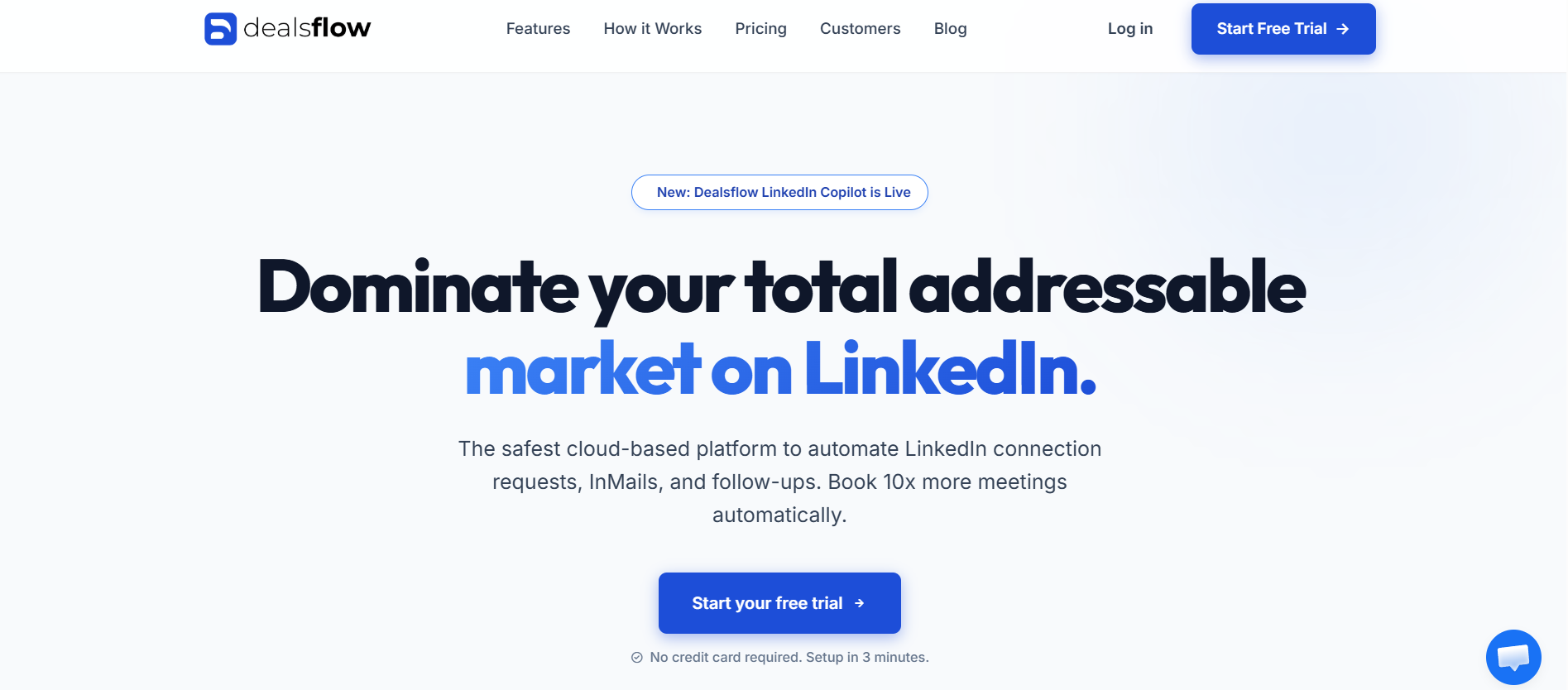
DealsFlow is not trying to out-feature Salesflow on the automation side. The product is built around a different premise: that the bottleneck in LinkedIn outreach is not sending messages, it is handling what comes back. Arlo, the AI agent at the center of DealsFlow, is built to handle exactly that.
When you set up a DealsFlow campaign, you define your ideal customer profile. Industry, company size, job title, geography, whatever parameters fit your target market. Arlo uses that definition to identify matching prospects on LinkedIn, build the outreach list, write contextually relevant connection messages, and start running the campaign. No CSV upload, no Sales Navigator export, no list cleaning. The research feeds directly into execution.
Arlo AI: What It Actually Does in a Live Campaign
Once connections start accepting, Arlo does not just fire off a pre-written follow-up sequence. It reads the profile, considers the ICP context, and writes an opening message that is actually specific to that person’s role and situation. Not just their name. Their current company, their likely responsibilities, the type of problem they probably have that DealsFlow’s client can solve.
When they reply, Arlo reads the reply and responds. If the person says “I’m actually not the right person for this,” Arlo asks who is and tries to get a referral. If they say “send me more info,” Arlo shares relevant context and pivots toward booking a call. If they say “not right now,” Arlo acknowledges that, marks the follow-up timing, and re-engages later at an appropriate interval. None of this requires a human in the loop.
That is the piece Salesflow simply cannot replicate. Salesflow can tell you when someone replied. Arlo handles what happens next.
AI Lead Research vs Manual List Building
One area where DealsFlow saves real time that does not get talked about enough is pre-campaign research. With Salesflow, you typically spend 30 to 90 minutes per client per campaign building your prospect list. You go into Sales Navigator, apply your filters, export the results, clean the list, remove duplicates, upload it into Salesflow, and then start the campaign. That is before you have written a single message.
With DealsFlow, that workflow does not exist. You define the ICP parameters in the platform, and the lead research happens inside the product. For an agency running campaigns for 10 clients, this is not a minor convenience. It is probably 8 to 15 hours per month of saved time that would otherwise go toward list building.
The Cloud Architecture and What It Means Practically
Both Salesflow and DealsFlow are cloud-based, so neither requires a desktop client to be running. Campaigns on both platforms run 24/7. On this specific dimension, they are comparable.
Where they differ is in what the cloud is doing. Salesflow’s cloud runs your sequence on a timer. DealsFlow’s cloud runs Arlo, which is an active AI process monitoring and responding to conversations in real time. The infrastructure is technically similar but the functional output is different.
What Salesflow Does and Where It Actually Breaks Down
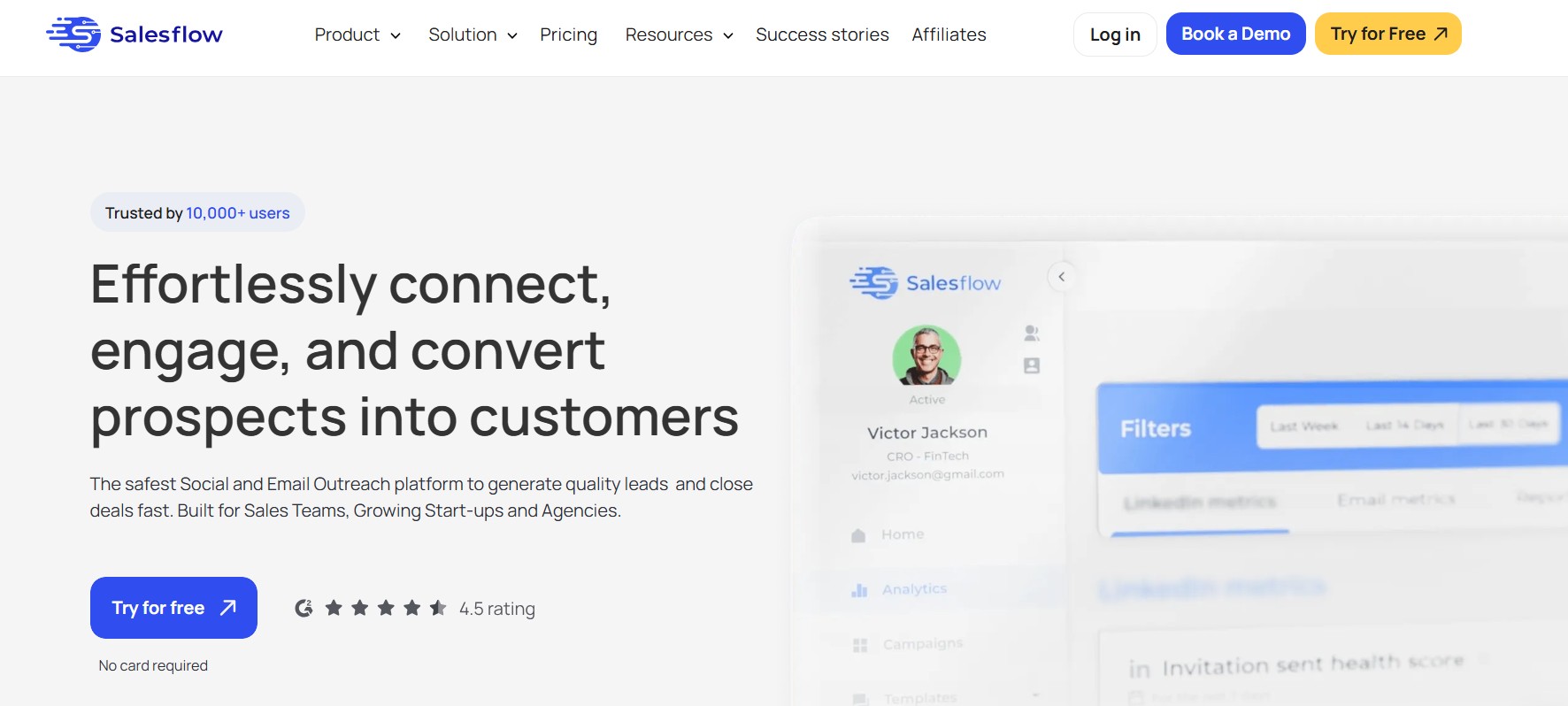
Salesflow positions itself as a cloud-based LinkedIn automation platform for sales teams and agencies. The cloud piece matters: unlike desktop tools like LinkedHelper, Salesflow runs in the background without needing your computer on. Campaigns run continuously, and you log into a web dashboard to manage everything.
The core product is a sequence builder. You define your target audience (usually from a LinkedIn Sales Navigator search), write your connection request message, set up 2 to 4 follow-up messages with time delays, and the platform runs the campaign. You get a dashboard showing sent requests, acceptance rates, reply rates, and some basic funnel analytics.
For agencies, Salesflow has a multi-client management view. You can manage multiple LinkedIn accounts from one interface, switch between client campaigns, and see aggregated reporting. That is genuinely useful and it is one of the reasons agencies land on Salesflow in the first place.
What the Sequence Builder Gets Right
The sequence logic in Salesflow is solid. You can set conditional branches based on whether someone accepted your connection, whether they replied to a specific message, and whether they have been in the sequence for a certain number of days without engaging. This means you are not just blasting the same three messages to everyone. You can create slightly different paths for people who accept quickly versus those who take a week.
The inbox management feature inside Salesflow is also worth mentioning. All your LinkedIn messages for an account are pulled into one place, you can label conversations, add notes, and track where each prospect is in the pipeline. For a team of SDRs sharing one LinkedIn account, this creates some organizational structure that LinkedIn’s native inbox does not have.
Salesflow also has a built-in lead finder that can pull prospects from LinkedIn and Sales Navigator searches, which removes some of the manual list-building work. It is not as deep as a dedicated research tool, but it handles the basics.
Where Salesflow Stops Working
Here is the real problem. Salesflow stops at the reply. Someone gets your sequence, reads your message, types back “Hey, what exactly does your company do?” and the ball is now entirely in your court. Salesflow flags the conversation in the inbox, maybe sends you a notification, and that is it. The AI is done.
So then what happens? In a well-resourced sales team, an SDR picks up the conversation, writes a personalized response, handles the back-and-forth, and eventually tries to book the call. That is the best case. In most agencies and smaller teams, what actually happens is replies sit in the inbox for 6 to 18 hours before anyone gets to them, the prospect has moved on mentally, the conversation goes cold, and a warm lead turns into nothing.
The other issue is personalization at the message level. Salesflow uses merge tags like {{firstName}}, {{companyName}}, and a few custom fields you can define. That is it. Every prospect in a campaign gets the same message structure with different name inserts. If you are reaching out to 500 people in fintech versus 500 people in healthcare, you are essentially writing two versions of the same template and hoping the pain point resonates. Sometimes it does. Often enough it does not.
At around $99/month per seat (Salesflow’s entry pricing), you are paying for automation infrastructure. What you are not getting is intelligence. The tool sends. You close.
Pricing: DealsFlow vs Salesflow for Agencies and Teams
Pricing is where this comparison gets really interesting, especially for agencies.
Salesflow Pricing
Salesflow’s Individual plan runs around $99/month per LinkedIn account. Their Team plan requires a minimum of 2 seats and comes in at a similar per-seat cost with shared team features added. Agency pricing is custom and requires getting on a call with their sales team.
So for an agency managing 10 client LinkedIn accounts on Salesflow, you are realistically looking at $990/month or more, before any agency discounts they might negotiate. Each seat gets the automation features, the inbox, and the analytics. But again: no AI reply handling. You still need humans managing every live conversation across all 10 accounts.
DealsFlow Pricing
DealsFlow has three published plans with no per-seat pricing games.
The Starter Pilot is $49/month. It covers 1 LinkedIn account with AI lead research, the full Arlo outreach engine, unlimited campaigns, and standard support. This is for solo founders or individuals testing the system before scaling.
The Scaling Pilot is $129/month and covers 5 LinkedIn accounts. It adds priority AI processing, a multi-account dashboard, advanced analytics, and priority support. Built for small teams and agencies with a handful of clients.
The Agency Pilot is $299/month and covers 20 LinkedIn accounts. It includes white-glove setup, team management features, custom workflows, and a dedicated account manager. This is the plan for agencies running LinkedIn outreach as a core service.
The Actual Math for Agencies
Run the comparison directly. An agency managing 10 clients on Salesflow at $99/seat pays $990/month just for the software. They also need someone (in-house or outsourced) handling replies across all 10 accounts daily. At even a conservative 1 to 2 hours per account per week, that is 40 to 80 hours per month of labor.
An agency managing 10 clients on DealsFlow uses the Scaling Pilot at $129/month (5 accounts) and one Agency Pilot slot at $299/month (20 accounts). Most 10-client agencies are fully covered on the Agency Pilot alone at $299/month. Arlo handles reply management across all accounts autonomously. The labor cost drops dramatically.
That is not a small difference. It is a business model difference.
Feature Comparison: DealsFlow vs Salesflow Side by Side
Here is where each tool stands on the features that actually determine outreach outcomes.
Personalization Quality
Salesflow: merge tags, static templates, conditional sequence branches. Messages are identical across every prospect with name/company swaps. No dynamic content based on prospect context.
DealsFlow: Arlo writes contextually relevant messages based on the prospect’s profile data and ICP match. Each message is specific to the individual, not just personalized with their name. Reply rates reflect this difference.
Reply Handling
Salesflow: flags the reply in the inbox, notifies you, waits for a human to respond. No AI involvement in conversation management.
DealsFlow: Arlo reads every reply, determines intent, and responds appropriately. Handles objections, re-engagement, referral requests, and booking attempts without human input.
Lead Research
Salesflow: basic lead finder from LinkedIn/Sales Navigator searches. Requires external list building for complex targeting.
DealsFlow: native AI lead research built into the campaign workflow. You define the ICP and the platform builds the list.
Multi-Account Management
Salesflow: team dashboard with account switching, shared inbox features, and aggregated reporting. Works for agencies but each seat costs full price.
DealsFlow: multi-account dashboard included from the Scaling Pilot plan upward. Agency Pilot covers 20 accounts at $299/month flat, not per-seat.
CRM Integration
Salesflow: native integrations with HubSpot, Salesforce, Pipedrive, and several others. Also connects via Zapier for custom workflows.
DealsFlow: integrations available. Worth checking the current integration page for specifics, but the core workflow is designed to feed booked meetings directly into your calendar rather than requiring a CRM for pipeline management at the early stage.
Analytics and Reporting
Salesflow: detailed campaign analytics, reply rate tracking, A/B testing for message variants, and exportable reports.
DealsFlow: campaign analytics including reply rates, meeting booking rates, and cross-account performance. The Agency Pilot adds advanced analytics for multi-client reporting.
Who Each Tool Is Actually Built For
Salesflow Makes Sense If…
You have dedicated SDRs whose job is handling LinkedIn replies. If you have a team of 5 reps and their entire day is outreach conversations, Salesflow’s inbox management and CRM integration becomes genuinely useful infrastructure. The reply handling is manual but the volume of conversation is manageable when someone is actually responsible for it full time.
Salesflow also works well for teams that want complete control over every message in the sequence. If you are selling a complex enterprise product where every touchpoint needs to be carefully crafted and manually reviewed, the template-based approach gives you that control. You know exactly what went out, when, and why.
Agencies doing large-scale outreach with big client retainers and in-house team members dedicated to each client can make Salesflow work. It is expensive at volume but if the client economics support the labor cost, it runs reliably.
DealsFlow Is the Right Call If…
You are an agency that wants LinkedIn outreach to be a service you deliver profitably without hiring a team of conversation managers. The economics of DealsFlow for agencies are genuinely different. $299/month for 20 accounts with AI handling all replies is a fundamentally better margin profile than $990+/month plus labor.
Solo founders and small teams without a dedicated sales function need DealsFlow. There is no one to manage replies at 6am when a prospect in London responded to a campaign. Arlo handles it. The founder wakes up to booked meetings, not an inbox full of replies waiting for attention.
SDR teams with a monthly meeting quota benefit from DealsFlow because it offloads the top-of-funnel conversation work. Reps focus on running the actual calls. Arlo gets them to the calls.
Early-stage startups that need pipeline fast and cannot afford to hire an SDR yet get genuine leverage from the Starter Pilot at $49/month. One booked client meeting covers the cost. Often in the first week.
Real Scenarios: DealsFlow vs Salesflow in Practice
While feature lists and pricing tables provide a useful overview, the real value of a LinkedIn automation platform becomes clear when it’s used in actual sales and prospecting workflows. In this section, we’ll compare DealsFlow and Salesflow through real-world scenarios such as outbound lead generation, personalized LinkedIn outreach, appointment booking, agency campaign management, recruiter prospecting, and scaling multichannel sales efforts. By examining how each platform performs in day-to-day operations, readers can gain a clearer understanding of which tool is better suited to their team’s goals, workflow requirements, and growth strategy.
Scenario 1: B2B Agency with 8 Clients and a 2-Person Ops Team
Two people cannot manage LinkedIn inboxes for 8 clients manually. Salesflow’s sequences run fine but the reply load is overwhelming. Hot leads go cold because nobody got to them fast enough.
DealsFlow Agency Pilot at $299/month handles all 8 accounts. Arlo manages every conversation. The ops team focuses on reporting and client calls, not inbox triage.
Winner: DealsFlow, not close.
Scenario 2: Enterprise Sales Team, 15 AEs, Complex B2B Deals
AEs are selling $80k+ contracts. Every conversation matters. They want to review every message before it goes out and personally manage every reply because relationship nuance is everything at that deal size.
Salesflow’s control over sequence content and CRM integration with Salesforce makes more sense here. The AI reply handling of DealsFlow is less valuable when the human touch is intentional.
Winner: Salesflow, for this specific situation.
Scenario 3: Solo Consultant Trying to Book 6 to 8 Discovery Calls per Month
No team, no SDR, just a calendar that needs filling. Salesflow requires managing all replies manually. At 400 to 500 prospects reached per month, that is a part-time job in reply management alone.
DealsFlow Starter Pilot at $49/month. Arlo runs the whole thing. 6 to 8 meetings booked without the daily inbox grind.
Winner: DealsFlow.
Scenario 4: SDR Team of 6, 40 Meetings/Month Goal, HubSpot CRM
They need volume outreach, HubSpot sync, and a clean pipeline. Salesflow’s HubSpot integration is native and their team inbox works well for 6 reps sharing the workload.
But DealsFlow’s Scaling Pilot at $129/month covers 5 accounts and handles replies autonomously, letting each SDR focus on running calls instead of LinkedIn conversations. The meeting-per-rep output goes up.
Winner: DealsFlow on output, Salesflow on CRM depth. Depends what you optimize for.
Scenario 5: Startup, Pre-Revenue, Founder-Led Sales
The founder is the product, the sales team, and the support function. LinkedIn outreach is one of five things on the daily list. Salesflow is more than needed and still requires manual reply management.
DealsFlow Starter Pilot at $49/month. Set it up once, let Arlo run campaigns, get meetings on the calendar without adding another daily task.
Winner: DealsFlow.
Conclusion
Salesflow is a well-built LinkedIn automation tool. The sequence builder is clean, the team features work, the CRM integrations are real. If your team is large enough and specialized enough to handle reply management as a dedicated function, it does the automation job reliably.
But for agencies trying to deliver LinkedIn outreach profitably, and for anyone without a full-time person managing LinkedIn conversations, DealsFlow wins this comparison. The reason is not a single feature. It is that DealsFlow completes the outreach loop. Salesflow automates the send. DealsFlow automates the outcome.
The pricing difference reinforces this. Agencies paying $990+/month for Salesflow seats plus labor versus $299/month for DealsFlow covering 20 accounts with AI reply handling are not comparing the same thing. One is a tool. The other is a service running on autopilot.
Start with DealsFlow’s free trial on the Starter Pilot. Run a real campaign for two weeks. Compare how many meetings Arlo books against what a Salesflow sequence would produce with the same list. That comparison tends to end the debate quickly.
Frequently Asked Questions
Q1. Is DealsFlow better than Salesflow for agencies?
For most agencies, yes. DealsFlow’s Agency Pilot at $299/month covers 20 LinkedIn accounts with AI-driven reply handling included. Salesflow charges per seat (around $99/account/month) and still requires human involvement for all replies. The cost and labor difference at 10+ client accounts is significant enough to make DealsFlow the more practical choice for agency operations.
Q2. Does Salesflow have AI features?
Salesflow includes some AI-assisted features for message suggestions and sequence optimization, but it does not have an autonomous AI agent that handles live replies. Reply management in Salesflow is manual. DealsFlow’s Arlo AI actively participates in conversations, handles objections, and books meetings without human input.
Q3. What is Arlo AI in DealsFlow?
Arlo is the AI outreach engine built into DealsFlow. It handles three functions: finding qualified prospects based on your ICP, sending personalized connection and follow-up messages, and managing live conversations with prospects including replies, objections, and meeting booking. Arlo operates autonomously within LinkedIn’s messaging limits.
Q4. How does DealsFlow pricing compare to Salesflow for small teams?
For a solo user, DealsFlow’s Starter Pilot at $49/month is less than half the cost of Salesflow’s individual plan at around $99/month, and includes AI reply handling that Salesflow does not have at any price. For a team of 5, DealsFlow’s Scaling Pilot at $129/month covers 5 accounts; Salesflow would cost around $495/month for the same number of seats.
Q5. Can Salesflow handle multiple clients at once?
Yes. Salesflow has agency features that let you manage multiple LinkedIn accounts from one dashboard. The limitation is cost (each account is billed as a separate seat) and the fact that reply management for each client account still requires human effort. DealsFlow’s multi-account dashboard at the Agency Pilot level includes both multi-account management and autonomous reply handling.
Q6. Is DealsFlow safe to use with LinkedIn?
DealsFlow operates within LinkedIn’s usage guidelines by managing daily activity limits automatically. The AI paces outreach to avoid triggering LinkedIn’s spam detection. Like any automation tool, some risk exists, but DealsFlow’s cloud-based approach with built-in limit management is generally considered lower-risk than desktop tools with manual limit settings.
Q7. What happens if a prospect does not reply to DealsFlow messages?
Arlo manages non-reply follow-ups automatically based on your campaign settings. It sends timed follow-up messages to prospects who accepted the connection but did not respond, with appropriate spacing to avoid appearing spammy. Prospects who never engage are eventually removed from active follow-up and can be archived or re-used in future campaigns.
Q8. Does DealsFlow integrate with HubSpot or Salesforce?
DealsFlow offers integrations for connecting meeting data and prospect activity to CRM platforms. For specific integration details and current API connections, checking DealsFlow’s integrations page directly is recommended since this is an area that updates regularly. The primary workflow is designed around getting meetings booked, with CRM sync as a supporting function.
Q9. Which tool is better for a team that already uses Salesflow?
Teams already on Salesflow with a solid reply management workflow and CRM integration in place have less reason to switch if the current process is producing results. The case for switching to DealsFlow is strongest when reply management is a bottleneck, meeting volume is below target, or the per-seat cost is becoming a problem as the team or client list grows.
Q10. Can DealsFlow run outreach in multiple languages?
Arlo can conduct conversations in languages other than English depending on how the campaign and ICP are configured. For agencies targeting non-English-speaking markets, this is worth testing directly with DealsFlow’s support team to confirm the specific languages and quality of AI-generated messages for your target region.
Q11. How long does it take to see results with DealsFlow?
Campaigns go live quickly after setup. The first connection requests typically go out within 24 hours of campaign launch. Given LinkedIn’s daily connection limits, a realistic timeline for the first booked meetings is 7 to 14 days from campaign start. Users on the Starter Pilot running their first campaign typically report first meetings within the first two weeks.