


Expandi gets recommended constantly. You ask in any sales community “what’s a safe LinkedIn automation tool?” and within three replies, someone drops Expandi. Cloud-based. Dedicated IPs. Safe. And honestly, most of those people are right that it’s technically strong. But there’s a difference between “safe” and “worth what you’re paying,” and that gap is getting harder to ignore in 2026.
This review is for people who’ve already seen the landing page. You know Expandi is cloud-based. You’ve heard it handles smart sequences. Now you want to know if the $99/seat/month is actually the right call for your team, or if you’re paying a premium for features that sound impressive in a comparison table but don’t move your pipeline.
Here’s what this covers: the features that actually matter, the real pricing number (not the headline one), how safe it actually is after LinkedIn’s May 2026 enforcement wave, and where it falls short — which it does, clearly, in ways that matter for a lot of teams.
The short version: Expandi is the most technically capable LinkedIn-only automation tool on the market right now. The question is whether “LinkedIn-only” and “most expensive in class” is the right fit for what you’re building.
What Is Expandi?
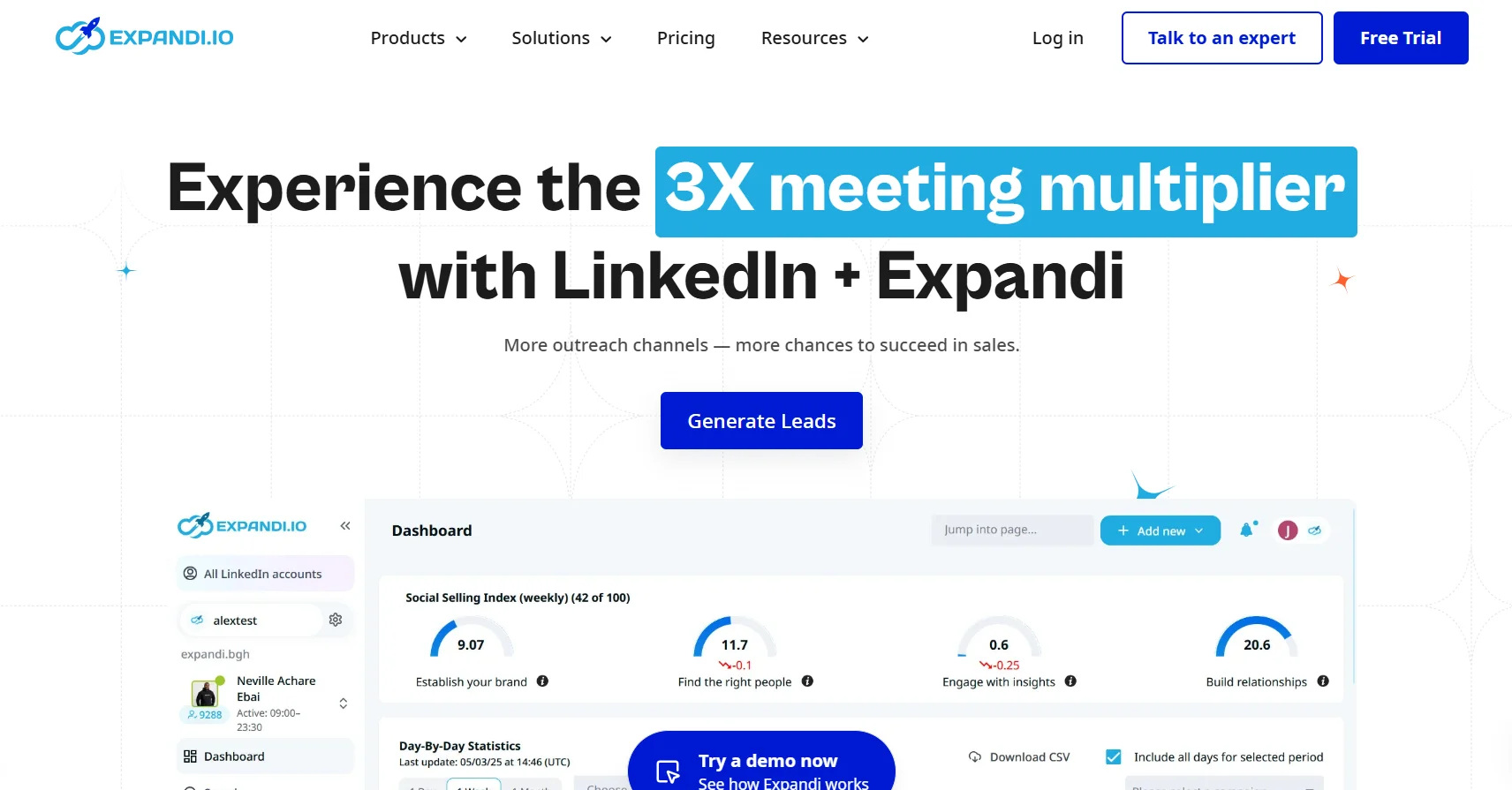
Expandi is a cloud-based LinkedIn automation platform. No Chrome extension. No need to keep your browser open or your laptop running. It runs in the background, executing your outreach sequences while you’re doing other things.
What it actually does:
- Automates LinkedIn connection requests, personalized messages, and follow-up sequences while staying within LinkedIn’s daily action limits
- Runs entirely in the cloud with a dedicated IP address assigned to each user
- Targets mid-market companies and agencies that need team collaboration features, campaign management, and analytics to track outreach at scale
What it is not: a data tool, a scraper, a contact database, or a post-reply system. Expandi is purely an outreach execution layer. You bring the list, it runs the sequence.
Expandi Features: What You’re Actually Getting
Smart Sequences
This is the thing Expandi actually does better than most competitors and it’s worth being specific about why.
Most LinkedIn automation tools work in a straight line. Connect, wait three days, message, wait two days, follow up. That’s it. Expandi’s sequences branch based on what the prospect actually does. If someone accepts your connection request, send message A. If they don’t accept within seven days, send a follow-up connection note. If they reply at any point, the sequence pauses automatically. That conditional logic is genuinely useful for outreach that doesn’t want to look robotic, and at this price point, no competitor matches this depth.
Safety Infrastructure
Expandi’s biggest technical differentiator is the dedicated IP address every user gets. Every other LinkedIn automation tool at a lower price point runs on shared cloud infrastructure. Your LinkedIn actions go through IPs that other customers are also using simultaneously. If someone else on that shared IP is being aggressive with their automation, your account gets caught in the same detection sweep.
Expandi also runs an auto warm-up process. New accounts or accounts new to automation start at very low daily action counts, then gradually increase over one to two weeks until reaching target volume. That gradual ramp is actually how you avoid the sudden activity spikes that trigger most LinkedIn restrictions. It’s not a gimmick; it’s the right approach.
Personalization
Expandi supports dynamic personalization with custom variables, images, and GIFs in messages. The image and GIF personalization comes through an integration with Hyperise. This matters for the pricing conversation, which gets addressed below, because Hyperise is a separate paid subscription, not something bundled into your Expandi seat.
Multi-Channel Outreach
You can combine LinkedIn messages with email follow-ups in the same campaign sequence. Worth naming clearly though: Expandi is a LinkedIn-first platform. Email is an add-on capability that sits alongside the core product. If you’re looking for a tool where email and LinkedIn are genuinely equal channels, this isn’t it.
Team and Agency Features
Expandi has dedicated workspaces that let agencies manage multiple client LinkedIn accounts separately. There’s a white-label option on the Enterprise tier for agencies that want to present the tool under their own brand. Webhook integrations and A/B testing are available across plans, which matters for teams running higher-volume campaigns and needing to optimize.
Analytics
Campaign-level tracking covers connection rate, reply rate, and sequence step performance. What it does not include: built-in lead data or contact enrichment. Expandi has no way to help you build the list you’re automating. You need Apollo, Clay, Sales Navigator, or something similar to source contacts before Expandi can do anything with them.
Expandi Pricing: The Real Number
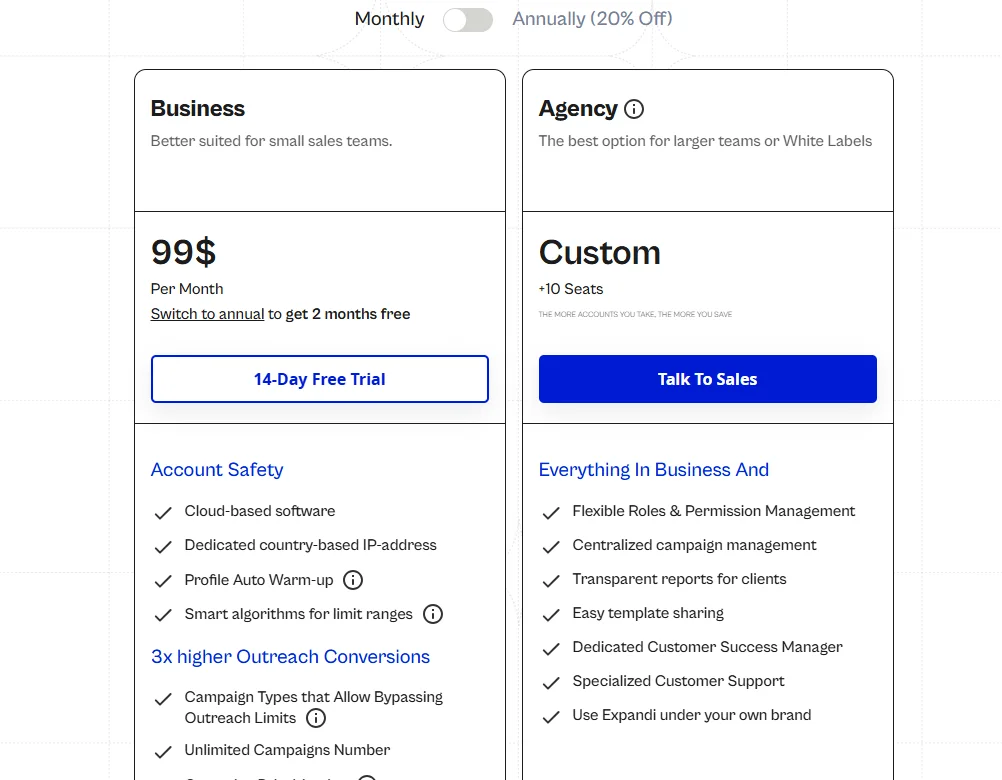
The advertised price is $99/month per seat, or $79/month per seat on the annual plan (equivalent to roughly $950/year). Every LinkedIn account that goes through Expandi needs its own subscription. A three-person SDR team is $297/month minimum before anything else.
Here’s the part that doesn’t show up in the headline number. The visual personalization Expandi markets — the dynamic images and GIFs that make outreach stand out — requires Hyperise, which is a separate $69/month subscription. Add Sendspark for video personalization and you’re at another $49/month. The advertised $79/month becomes $197+ per seat per month if you want the full feature stack Expandi actually markets.
There is no free trial. You commit at $99/month with no ability to test the product first.
| Plan | Cost | Notes |
|---|---|---|
| Monthly | $99/seat | Full feature access |
| Annual | $79/seat/month | ~2 months free |
| Enterprise | Custom | 10+ seats, white-label |
| With Hyperise | ~$168+/seat | Required for image/GIF personalization |
That per-seat model is fine when you have one or two people running LinkedIn outreach. At five people it’s $495/month just for the base plan. For small teams, that’s a real budget conversation.
Who Expandi Is Actually Built For
Not trying to be diplomatic here. Expandi is the right tool for a specific type of team and the wrong tool for a pretty wide range of others.
Good fit:
- Teams running high-volume LinkedIn-only outreach, consistently sending 100+ connection requests per week per rep
- Agencies managing multiple client LinkedIn accounts who need workspace separation and want to eventually white-label the product
- Teams where account safety is truly non-negotiable and budget is not the primary decision criteria
Poor fit:
- Solo operators or small teams where $99/seat is a meaningful line item in the budget
- Teams that need what happens after a prospect replies automated — when someone responds to a campaign, you’re handling that conversation manually in Expandi, period
- Anyone who needs built-in contact data (you need a separate data layer entirely)
- Teams that do most of their outreach over email and want LinkedIn as a secondary channel (the email capability is too bolted-on for that use case)
The Safety Question: Is Expandi Actually Safe?
This section needs some honesty because Expandi’s own marketing leans hard on “safe automation” and the reality is a bit more complicated.
The dedicated IP and auto warm-up do reduce account restriction risk compared to browser extension tools like Waalaxy’s Chrome extension or Linked Helper. That’s real. Shared infrastructure is genuinely riskier, and Expandi’s approach is better.
Here’s the thing though. All outbound automation tools violate LinkedIn’s Terms of Service. That’s not Expandi’s fault specifically, it’s just the reality of the category. LinkedIn does not allow third-party automation tools regardless of how well they mimic human behavior. Dedicated IPs and throttling reduce detection probability, they do not make you compliant.
Based on aggregated G2 and Capterra data, 67% of Expandi users report some form of LinkedIn restriction. That number trended higher through LinkedIn’s May 2026 enforcement wave, with several Expandi customers reporting Level-2 restrictions within the first 30 days of use.
Expandi is the safest option in the automated LinkedIn outreach category. That ceiling is still lower than their marketing implies, and any team evaluating the tool needs to know what they’re getting into.
Expandi vs. The Alternatives
Dealsflow vs. Expandi

This comparison is honest rather than one-sided. Expandi is a strong outreach execution tool. What it does not solve — and what a lot of teams underestimate until they’re drowning in manual follow-up — is what happens after someone says yes.
Dealsflow handles LinkedIn outreach plus the conversation that follows. Arlo AI continues the thread after a prospect replies, qualifies the lead, and books the meeting without a human having to jump in. Expandi’s value is in the sequence builder and safety infrastructure. Dealsflow’s value is in eliminating the manual bottleneck at the reply stage — which, for a small team doing serious volume, is where most of the actual work lives.
On price, Expandi starts at $99/seat/month for outreach execution alone. Dealsflow’s pricing includes the post-reply handling that Expandi simply doesn’t do. So the comparison is not just cost per seat, it’s what the total workflow looks like and how many people you need to run it.
Worth being clear about when Expandi is actually the better call: if you have a dedicated SDR team that handles replies well, enjoys working with complex sequence logic, and needs the deepest safety infrastructure in the category, Expandi’s tooling is genuinely stronger on those specific dimensions. The question is what percentage of your actual pipeline problem is “sending outreach” versus “managing responses at scale.”
For a solo operator or a two-person team trying to generate 20-30 booked calls per month, manually handling every conversation that Expandi generates is a real time cost. For a ten-person sales team with reps assigned to specific accounts, that manual follow-up is part of the job and Expandi’s sequencing depth pays off.
Expandi vs. Dripify
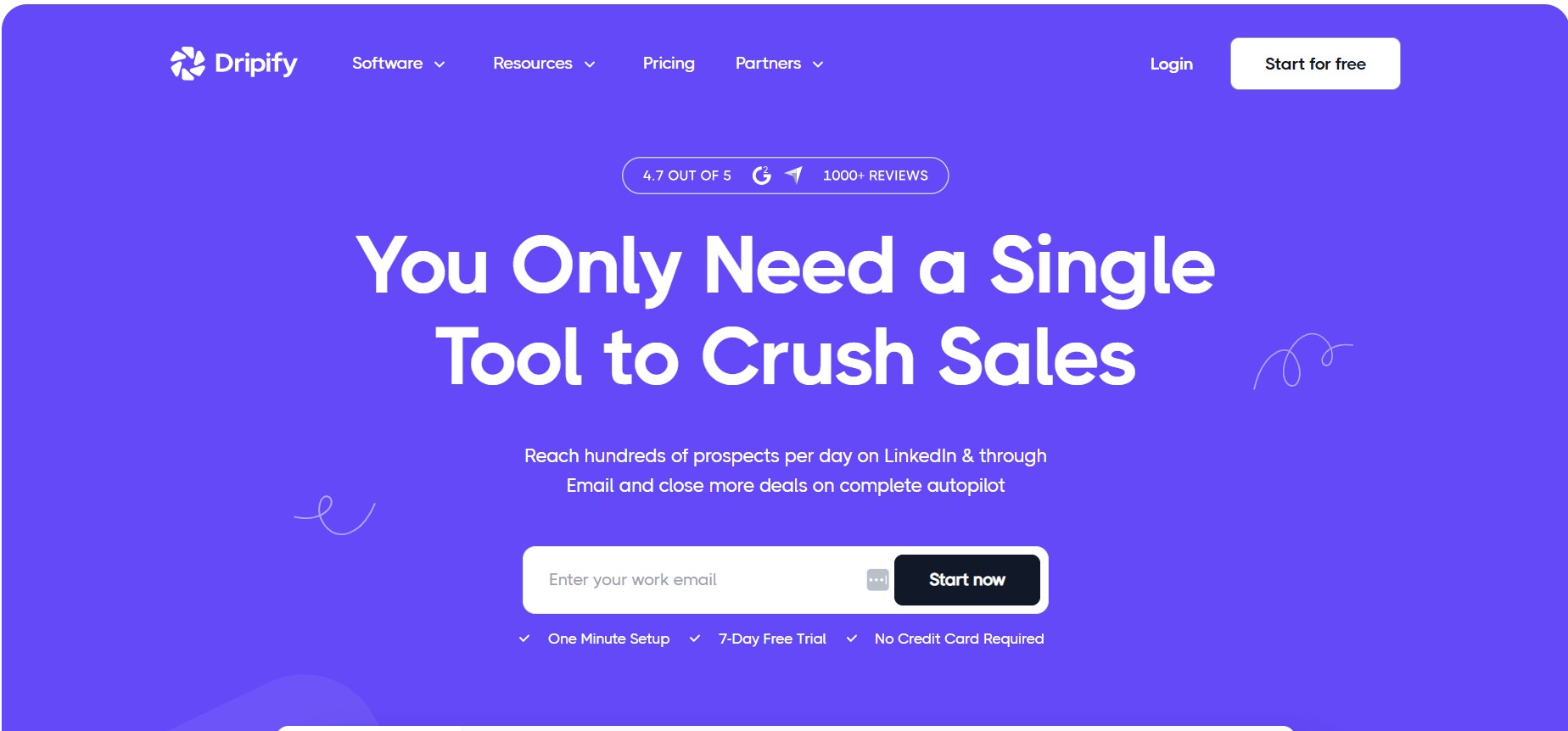
Dripify is the most direct competitor and it’s 40-60% cheaper. Where Expandi wins: dedicated IP (Dripify uses shared IPs), more sophisticated behavior mimicking, better auto warm-up implementation, and webhook integrations for advanced workflows. Where Dripify wins: significantly lower price, and A/B testing is available at the $59/month Pro tier.
Who picks Dripify: teams doing LinkedIn outreach as a supplementary channel alongside cold email, where the absolute best safety infrastructure is less important than keeping per-seat costs reasonable.
Expandi vs. Waalaxy
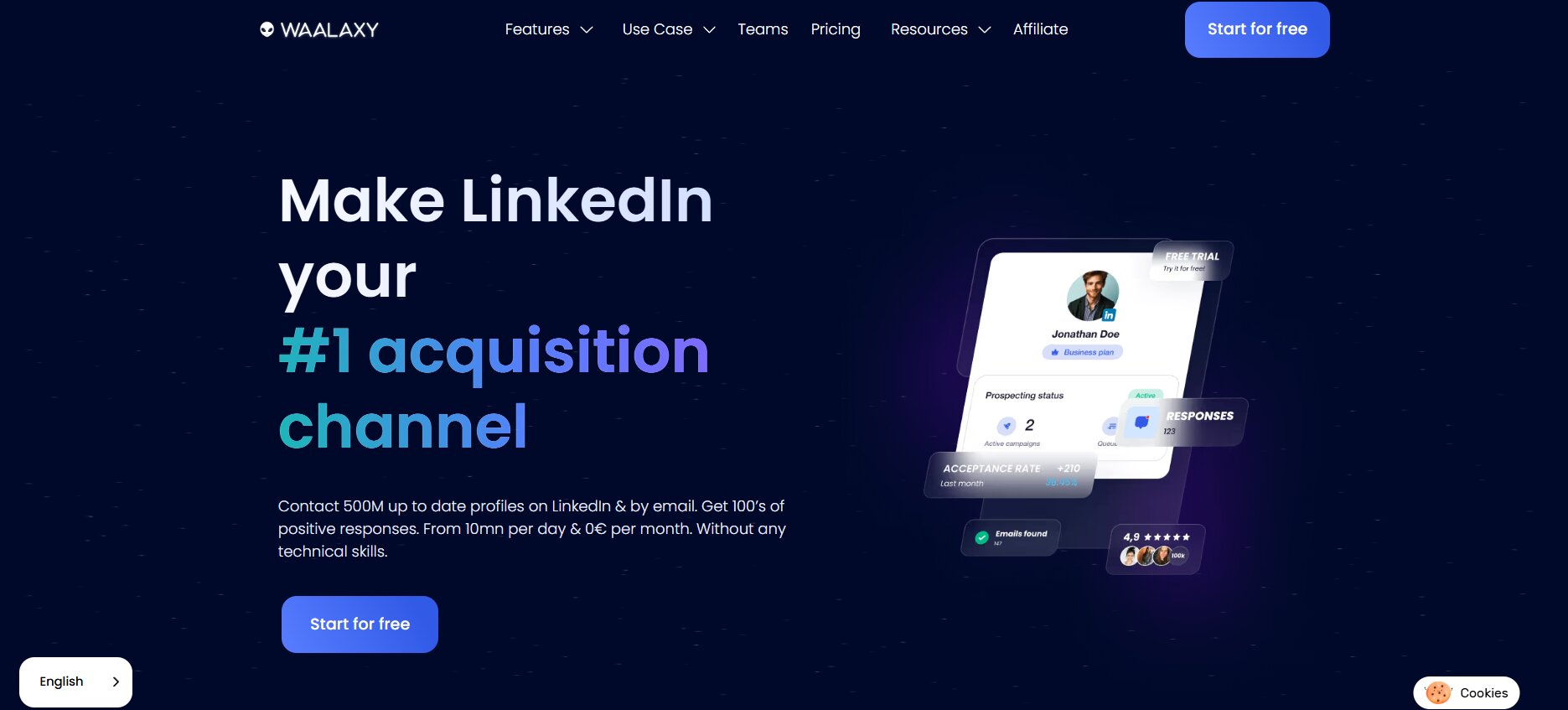
Waalaxy has a free tier, a starting price of $19/month versus Expandi’s $99/month, and the simplest setup in the category. The tradeoff is that Waalaxy runs as a Chrome extension, which carries higher account restriction risk than Expandi’s cloud-based approach. Waalaxy also doesn’t support custom sequence logic — you’re choosing from templates, not building conditional workflows.
Who picks Waalaxy: individuals and early-stage teams who want to test LinkedIn outreach before putting real budget behind it.
Expandi vs. La Growth Machine
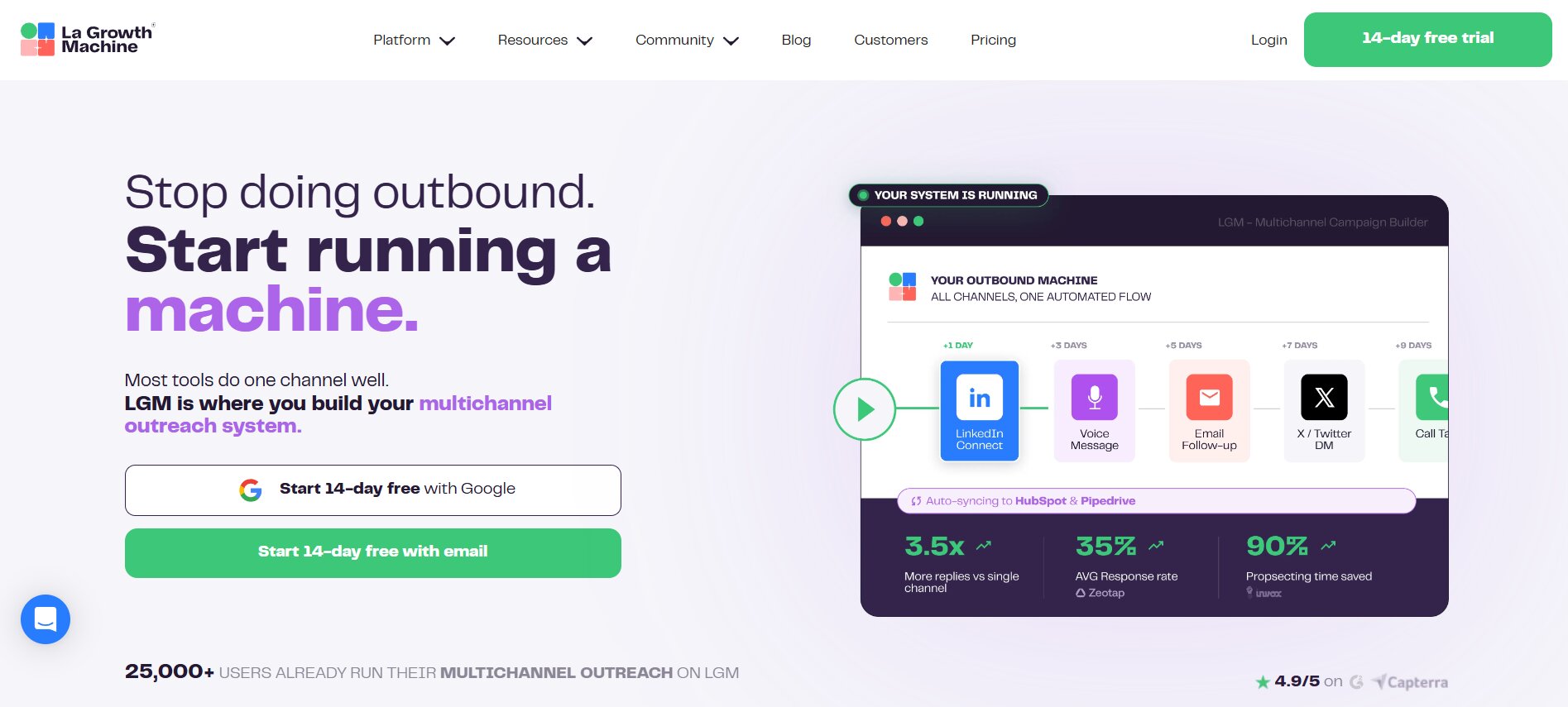
La Growth Machine is genuinely multichannel in a way Expandi is not. LinkedIn, email, voice messages, X/Twitter — they’re all native channels, not add-ons. It’s more expensive than Expandi but reaches prospects across more touchpoints in the same sequence. For teams where LinkedIn-only outreach has plateaued and response rates need a boost from appearing in multiple places, La Growth Machine is the more logical next step.
Who picks La Growth Machine: teams that have already scaled LinkedIn outreach and are looking for higher response rates by adding channels.
The Gap None of Them Close
Look at what actually happens the moment a prospect replies in any of these tools. Expandi stops. Dripify stops. Waalaxy stops. HeyReach stops. The sequence pauses, a notification goes to whoever owns that rep’s inbox, and now a human has to respond manually. When someone replies “Sure, tell me more,” you’re handling that in your regular LinkedIn inbox or your email like it never went through any automation at all.
This is the category’s biggest unaddressed problem in 2026. The automation layer has gotten genuinely good at initial outreach. Nobody has seriously cracked what happens when prospects respond at scale, and for small teams running high volume, that’s where the bottleneck actually lives.
Where Expandi Falls Short in 2026
None of these are deal-breakers for every team. They are, though, real limitations that don’t show up in Expandi’s own marketing:
- No free trial. $99/month with no ability to test the product first is a meaningful ask, especially for smaller teams that haven’t used cloud LinkedIn automation before.
- LinkedIn-only core. Email capability is there but bolted on. If email is a primary channel for your team, this tool is not built around that workflow.
- No post-reply automation. Sequences stop working the moment a conversation starts. Every reply is a manual task.
- Per-seat pricing compounds fast. A five-person team is $495/month base, $840+/month if they want Hyperise for image personalization. That math gets uncomfortable at scale.
- Interface has a learning curve. Setting up sequences takes time and patience. The platform is not beginner-friendly, which means onboarding new reps has real friction.
- No built-in contact data. You need a completely separate data stack before Expandi can do anything useful. Clay, Apollo, Sales Navigator — pick one, budget for it separately.
Conclusion
Yeah, in specific situations.
If you’re running high-volume LinkedIn-only outreach, your team has the budget per seat, and you need the best safety infrastructure in the category, Expandi earns the price. The smart sequence builder is genuinely the best in class. The dedicated IP approach is the right architecture. For agencies managing multiple client accounts, the workspace separation and white-label option make real sense.
But honestly, a lot of teams evaluating Expandi don’t fit that profile. They’re smaller, they need the per-seat cost to be lower, they want email to be a real channel rather than an afterthought, and they’re going to spend as much time doing manual follow-up as they save through automation.
The bigger question for 2026 is this: LinkedIn automation has matured enough that the real differentiator is no longer just whether the tool sends connection requests without getting your account banned. That’s table stakes. The gap that actually matters now is what happens when prospects respond. That’s where most of the pipeline value lives, that’s where most teams are losing time, and that’s what Expandi still doesn’t touch. Worth knowing before signing an annual contract.
Frequently Asked Questions
Is Expandi safe to use in 2026?
It’s the safest option in the LinkedIn automation category, with dedicated IPs per user and an auto warm-up process that gradually increases daily action counts. That said, all LinkedIn automation tools technically violate LinkedIn’s Terms of Service regardless of safety features. About 67% of Expandi users report some form of LinkedIn restriction, based on aggregated G2 and Capterra data.
How much does Expandi cost per month?
$99/seat/month on the monthly plan, or $79/seat/month on the annual plan (billed as $950/year). Each LinkedIn account requires its own subscription. If you add Hyperise for image and GIF personalization, the real monthly cost per seat is $168 or more.
What is the best Expandi alternative?
Depends what you need. Dripify is the closest feature competitor at 40-60% lower price. Waalaxy is the cheapest entry point with a free tier. La Growth Machine is better if you need true multichannel outreach. Dealsflow is the option if post-reply automation is part of the workflow you need to solve.
Does Expandi work for agencies?
Yes. Dedicated workspaces for client account separation and a white-label option on Enterprise plans make Expandi a reasonable choice for agencies managing multiple clients’ LinkedIn outreach.
Can Expandi get your LinkedIn account banned?
Yes, it can. Dedicated IPs and behavior throttling reduce the probability compared to extension-based tools, but they don’t eliminate it. LinkedIn’s May 2026 enforcement wave produced Level-2 restrictions for multiple Expandi customers within the first 30 days.
Does Expandi have a free trial?
Nope. No free trial is available. You commit at $99/month to start.