


Here’s how most people find this article. They searched something like “free LinkedIn outreach tool,” clicked four or five results, and every single one turned out to be a 7-day trial that wants a credit card before showing anything useful. Or worse, a “free forever” plan that caps connection requests at 10 a month, which is genuinely not enough to know if outreach even works for your offer.
So yeah, this is the article for people who are tired of getting baited.
The tools on this list either have a real free tier, or a no-credit-card trial long enough to actually learn something. A couple of them are free forever with limits. One of them gives you 14 days of full access, no card, set up in about 10 minutes. That last one, Dealsflow, also does something none of the free-forever tools can touch: it keeps the conversation going after a prospect replies. More on that in a second.
One thing worth saying upfront: some tools on this list are free because they’re simple. And simple is fine if you’re just starting out. But there’s a ceiling, and most people hit it faster than they expect. This article is honest about where that ceiling is, so you can plan around it instead of getting surprised three weeks into a campaign.
What “Free” Actually Means for LinkedIn Outreach Tools
Before getting into the tools, let’s clear something up, because the word “free” is doing a lot of heavy lifting in this space and most of it is dishonest.
There are basically three kinds of “free” in the LinkedIn outreach tool market:
- Free forever, with real limits. These tools have a permanent free plan, but you’re capped on volume, features, or both. Usually you get one active campaign, maybe 80 connection requests a month, no AI, no integrations. Enough to test the concept. Not enough to run a pipeline.
- Free trial, no credit card. This is actually generous when done right. You get access to the full product for a set period. Dealsflow does this. 14 days, full product, no card. That’s rare.
- Free trial, card required. This is the bait. The tool says “start free” in big letters, then asks for payment info before letting you in. If you cancel before the trial ends, some of them charge you anyway. Expandi and Meet Alfred both fall into this bucket. They’re included here for context, but honestly, they don’t belong on a true no-credit-card list.
There’s also a hidden cost worth flagging. Some tools don’t work at all without a LinkedIn Sales Navigator subscription. Sales Navigator runs $99/month on its own. If a tool lists itself as free but requires Navigator to search for leads or run campaigns, that’s not a free tool. It’s a free interface on top of a paid subscription.
None of the tools here require Sales Navigator to function. Some of them recommend it for higher volume — that’s fair and honest — but it’s not a gate.
Free LinkedIn Outreach Tools
1. Dealsflow — 14-day free trial, No credit card Required

Dealsflow is an AI-native LinkedIn outreach platform. The whole thing is built around Arlo AI, which handles the conversation from the first connection request all the way through to booking a call. Not just the sending — the actual back-and-forth conversation.
Here’s what’s included in the free trial, and this is the full product, not a lite version:
- Arlo AI Outreach Engine. Arlo writes personalized connection messages based on prospect bios, company activity, and recent LinkedIn posts. When someone replies, Arlo reads the message, figures out what’s going on — positive response, objection, question, timing pushback — and responds accordingly. It handles the middle-of-funnel work that everyone else dumps back in your lap.
- Campaign Builder. Unlimited campaigns during the trial. Set your ICP, build a sequence, let it run.
- Prospect CRM with AI warmth scoring. Every lead gets tagged Hot, Warm, Neutral, or Cold based on their behavior. You’re not digging through a flat spreadsheet trying to remember who said what.
- Multi-account dashboard. If you’re running outreach for multiple clients or across multiple seats, everything lives in one place.
- Analytics. Full funnel view: connection requests sent, acceptance rate, reply rate, calls booked. Nothing locked behind a higher tier.
The thing that separates Dealsflow from every other tool on this list is what happens after the reply. Every other tool here — Waalaxy, Dripify, PhantomBuster — sends the message and then hands the conversation back to you. That’s where most outreach dies. Someone replies with “we’re already using something” and it just sits there because manually crafting a thoughtful rebuttal at 9pm isn’t how anyone wants to spend their evening.
Arlo AI handles that reply. It provides a professional response, addresses the objection, and tries to move the conversation toward a call. You can jump in anytime if you want to, but you don’t have to.
Best for: Founders running outreach themselves, SDRs who need volume and quality without adding headcount, and agencies managing multiple client accounts.
Verdict: 14 days of full access with no card is the most generous offer on this list. By day 3, you’ll know if it’s working. After two weeks of watching Arlo handle objections and book calls, it’s pretty hard to go back to doing it manually.
2. LinkedIn Native Messaging + Saved Searches — Free Forever
This one gets overlooked in tool comparison articles because it’s not a tool. It’s just LinkedIn. But honestly, for anyone doing fewer than 20 messages a week, it’s completely valid to start here before paying for anything.
What the free LinkedIn plan actually includes:
- Unlimited messaging to 1st-degree connections. Once someone accepts your connection request, you can message them as many times as you want.
- Basic search filters. Industry, job title, location, company size. Enough to build a rough lead list.
- Saved searches. Limited on the free plan, but they work. LinkedIn will email you new results when people match your filters.
- InMail credits. LinkedIn Premium gives you these, but the free plan doesn’t. So without a paid plan, you can only message people who’ve accepted your connection request first.
What’s missing is everything you’d need to scale. There’s no automation, so every message is typed by hand. No sequences, so if someone doesn’t reply, following up means going back manually and checking. No tracking, so you have no idea what your acceptance rate is, which messages are working, or how many conversations have gone cold.
Best for: Absolute beginners testing an outreach message for the first time. If you haven’t sent 50 LinkedIn messages and gotten real responses yet, start here. Learn what works before you automate it.
Verdict: Completely free, completely manual, completely limited. The ceiling shows up fast — around 20 conversations a week, the manual tracking starts falling apart.
3. Waalaxy — Free Plan Available
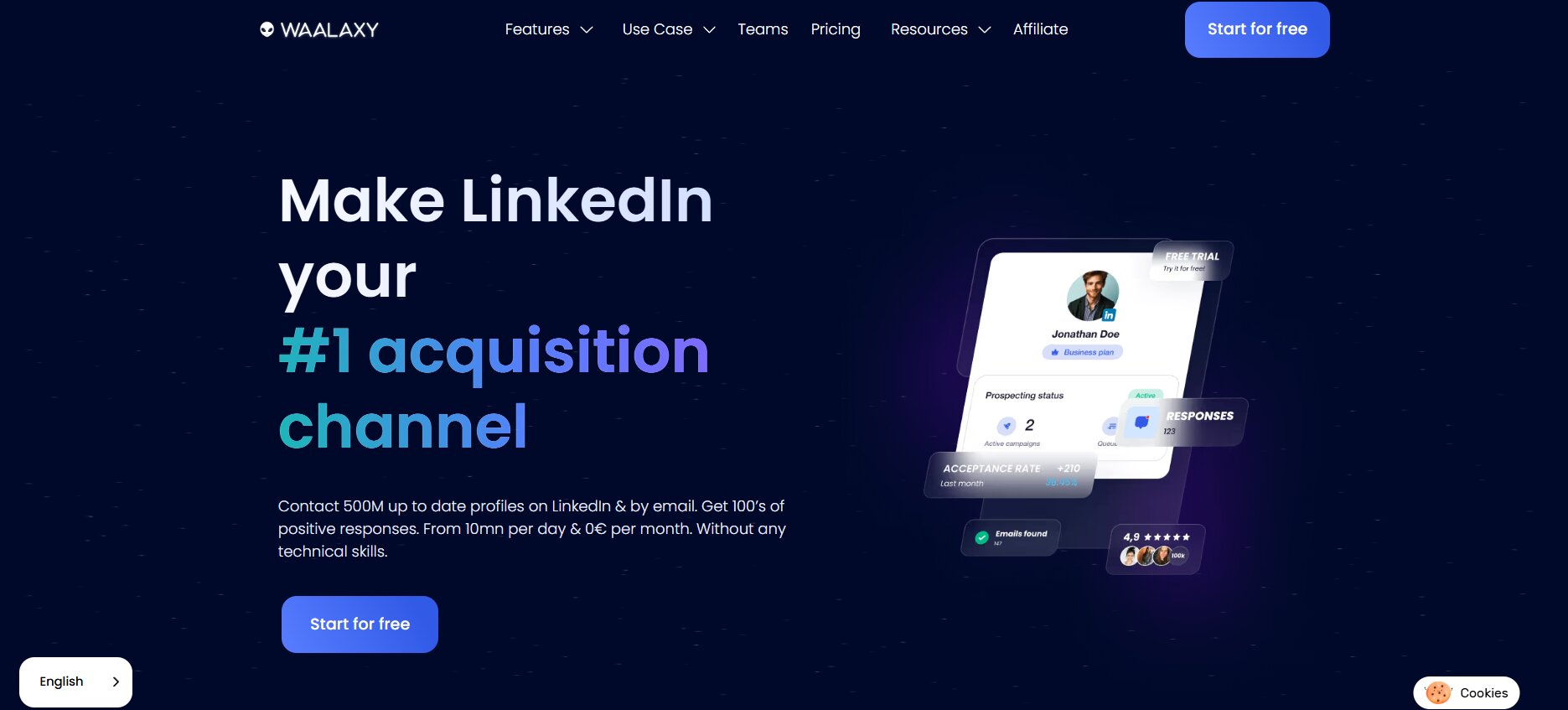
Waalaxy is one of the more popular LinkedIn outreach tools and has a genuinely usable free tier, which is worth calling out because most tools in this space don’t.
What the free plan includes:
- Roughly 80 connection invitations per month. This is the hard cap on the free plan. 80 isn’t nothing. If you’re targeting a narrow niche with a well-crafted message, 80 invitations a month is enough to run a real experiment on your messaging.
- Basic sequence templates. You can set up a simple connection request followed by a first message. Nothing multi-step on the free plan, but the basic drip logic is there.
- Cloud-based execution. Waalaxy runs in the cloud rather than as a browser extension, which is safer for your LinkedIn account.
What’s missing on the free plan is most of what makes Waalaxy worth paying for. No CRM sync. No AI personalization. No email outreach. No A/B testing. No team features. The sequence builder on the free tier is limited to basic flows — nothing conditional, nothing that branches based on reply behavior.
Best for: Freelancers or solo founders prospecting in a single tight niche. If you’re targeting, say, 80 HR directors at mid-sized SaaS companies per month, the free plan is enough to run that.
Verdict: One of the two or three most honest free tiers in this space. The limit is 80 invitations a month and that’s real, but at least the tool actually works at that volume. Just don’t expect to scale a pipeline on it.
4. Dripify — Free Plan Available
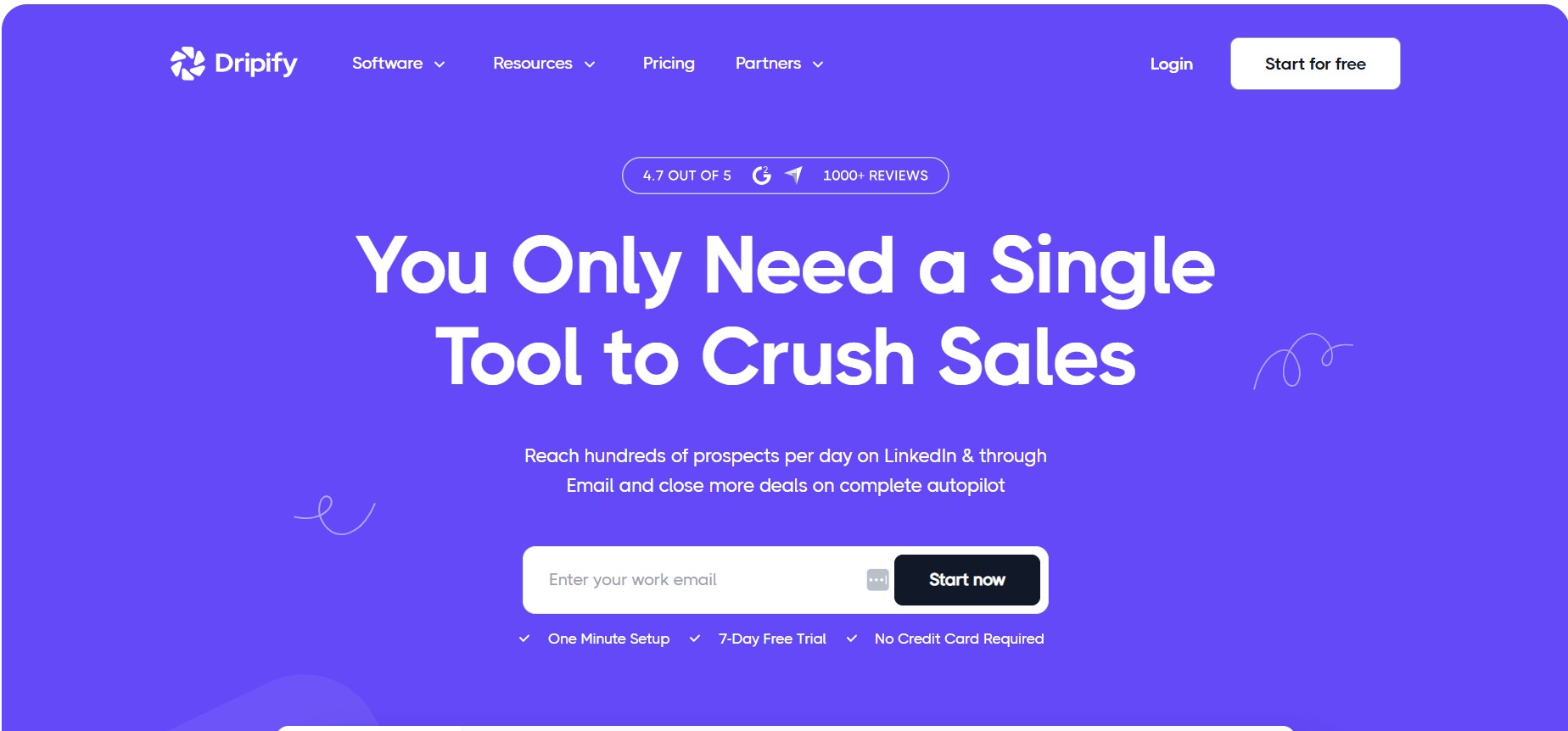
Dripify is a LinkedIn automation tool focused on drip sequences. The free plan is slim, but it’s real.
What the free plan includes:
- 1 active campaign. Just one. So if you’re testing two different angles, nope — you pick one and run it.
- Basic analytics. Acceptance rate and reply rate are visible. No funnel breakdown, no export.
- Limited daily sending. Dripify throttles message volume on the free plan. They don’t publish the exact cap, but it’s low enough that you’re not doing any meaningful scale testing.
What’s missing is essentially everything a team would need. Multi-sender is locked behind the paid tier. A/B testing is paid. CRM integrations are paid. And the one-campaign limit means you can’t test messaging in parallel, which is the whole point of running outreach experiments early on.
Best for: Solo operators who have one specific campaign to run and don’t need reporting beyond basic open stats. Good for testing a message concept before spending money on a tool with higher limits.
Verdict: The single-campaign cap is the main problem. Outreach works when you’re iterating fast. Dripify’s free plan slows that down. Fine for a one-time experiment, less useful for building a real system.
5. PhantomBuster — Free Plan Available
PhantomBuster is a different kind of tool. It’s not a purpose-built outreach sequencer — it’s an automation platform with LinkedIn-specific “phantoms,” which are pre-built scripts for things like scraping profiles, extracting commenters from a post, auto-connecting to a saved search, or sending a message to a list.
What the free plan includes:
- 2 hours of execution time per month. This is how PhantomBuster measures usage — by how long your automations run, not by how many messages you send. 2 hours sounds like a lot until you realize a phantom that scrapes 500 profiles might run for 45 minutes.
- A limited set of phantoms. Some of the more advanced LinkedIn phantoms are paid-tier only.
- No AI personalization. PhantomBuster can send a message, but it’s a template with variable substitution. It’s not reading anyone’s profile and generating something specific.
What’s missing is anything resembling a complete outreach workflow in one tool. PhantomBuster is good for one specific thing: extracting leads from a LinkedIn search, a post’s comment section, or a company’s employee list, and dumping them into a spreadsheet or a CRM. It does that well. But it’s not a sequencing tool and it’s not built for conversation management.
The other thing worth knowing: PhantomBuster can get accounts flagged if the settings aren’t configured carefully. It’s not inherently unsafe, but it’s not idiot-proof either. If you set daily limits too high or run phantoms too frequently, LinkedIn will notice.
Best for: Technical users who want to build lead lists from specific LinkedIn sources — post commenters, event attendees, company follower lists. Also useful as a first step in a workflow that then feeds into a sequencing tool.
Verdict: Powerful in the right hands. Not the right starting point if you want something that just works out of the box. The 2-hour monthly execution limit is also tight if you’re trying to scrape meaningful volume.
6. Expandi — 7-Day Trial, Card Required
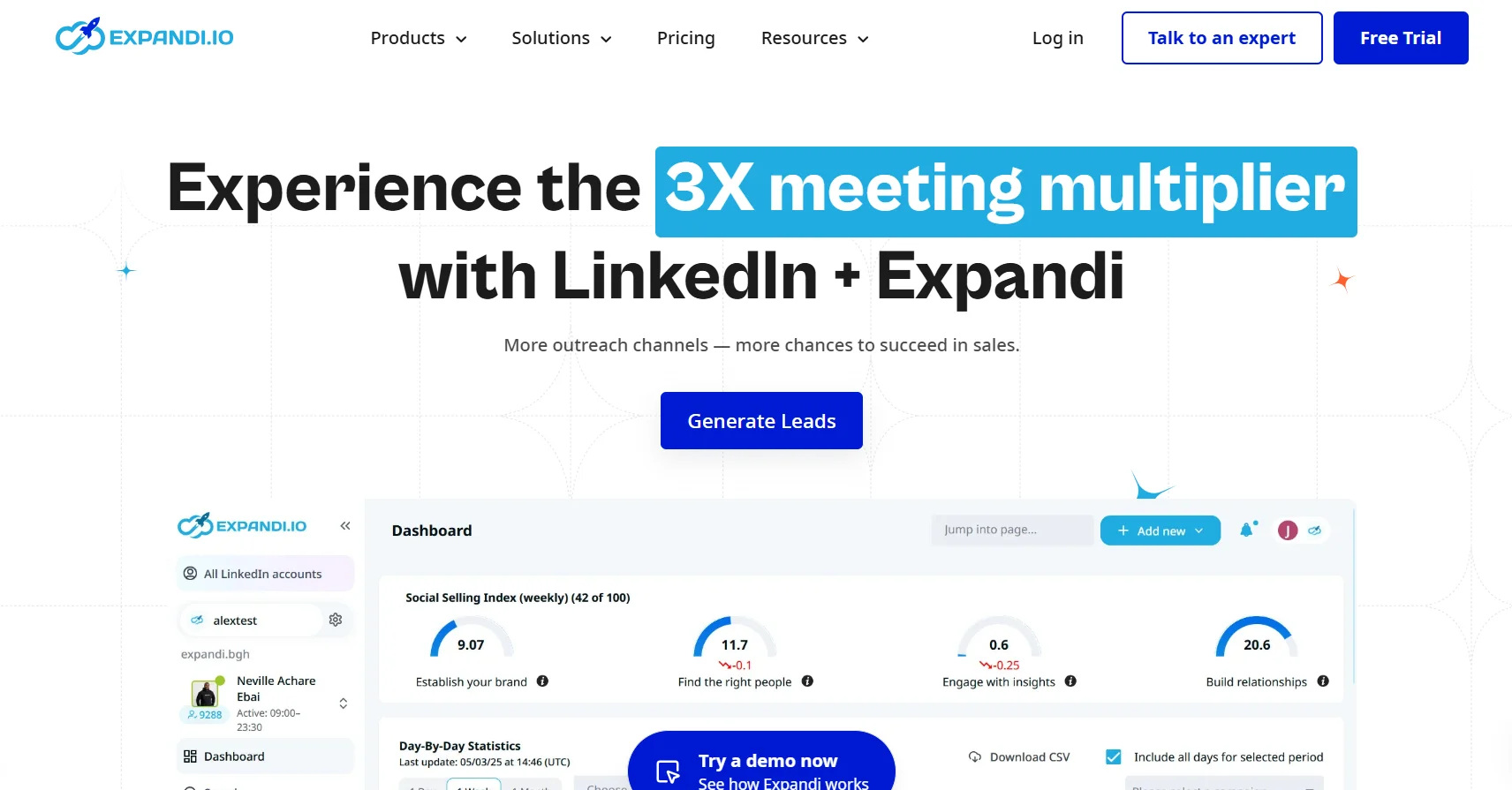
Expandi is a cloud-based LinkedIn automation tool with smart sequencing and solid A/B testing. The platform works well. But it’s not on this list for the right reasons.
The “free” offer is a 7-day trial that requires a credit card upfront. After 7 days, it’s $99/month. That’s the reality. The tool is included here because a lot of people search for it expecting a free plan and find out mid-signup that it doesn’t exist.
If you’re specifically evaluating outreach tools and want to test Expandi, the 7-day window is enough time to set up one campaign and see it run. Just make sure you cancel before day 7 if you’re not buying.
Verdict: Doesn’t belong on a no-credit-card list. If you want a free trial with no card and more time to evaluate, Dealsflow’s 14-day trial is the better move.
7. Meet Alfred — Trial Only, Card Required
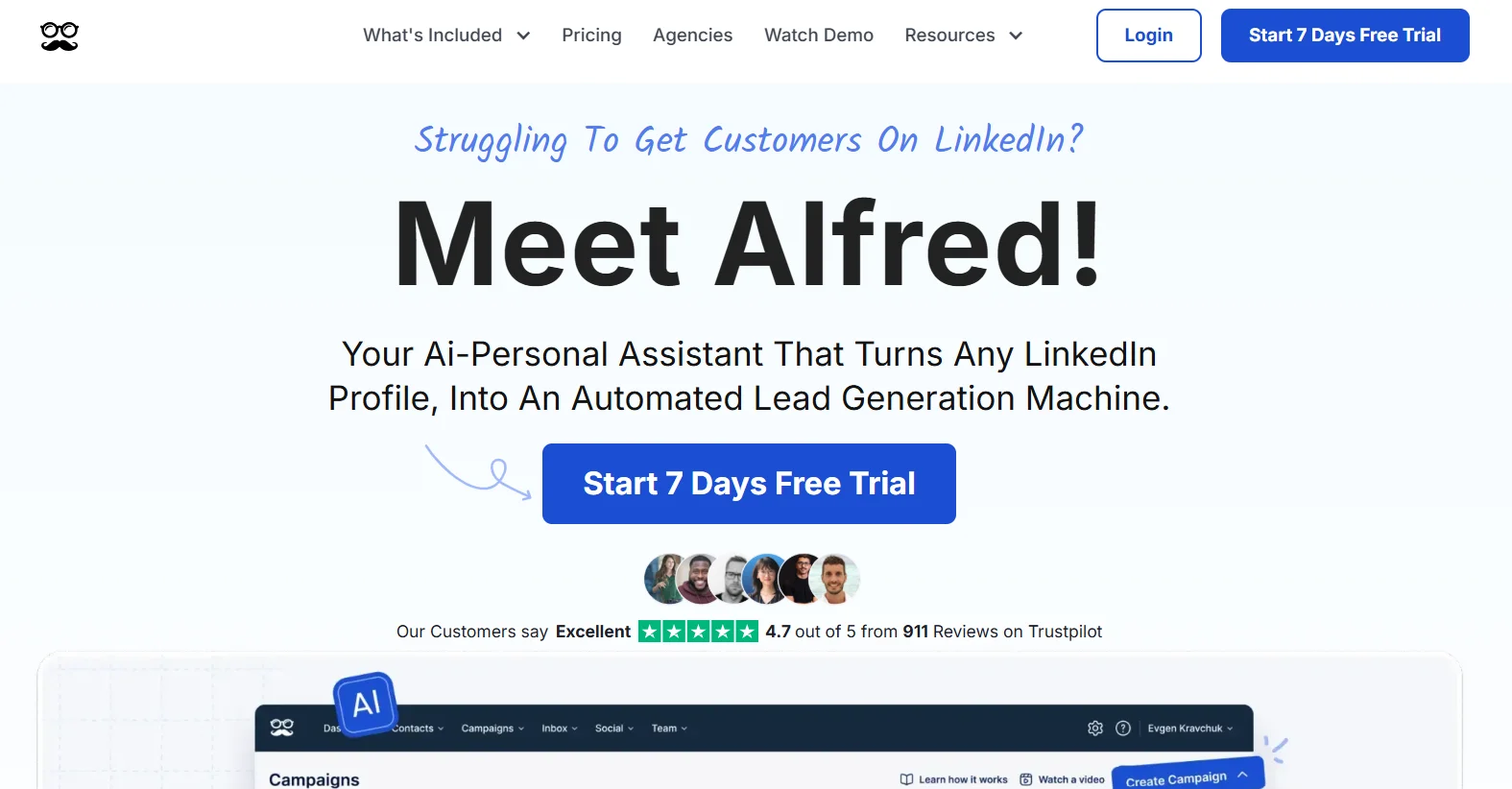
Meet Alfred is a multi-channel outreach tool covering LinkedIn, email, and Twitter/X in one workflow. It’s genuinely useful if you’re running cross-channel outreach at scale. But like Expandi, there’s no real free plan — just a trial that requires payment information before you can access anything.
There’s also been inconsistency in their trial terms over the past year, with some users reporting charges before the trial technically ended. That’s not confirmed across the board, but it’s been reported enough times to mention.
Verdict: Skip this unless you already know you want multi-channel outreach and you’re ready to pay. Not a tool for anyone looking for free access.
Head-to-Head Comparison
Here’s how all seven tools stack up across the factors that actually matter for someone evaluating free options:
| Tool | No Credit Card? | Free Access Length | AI Conversation Handling | Monthly Volume on Free | Best For |
|---|---|---|---|---|---|
| Dealsflow | Yes | 14-day full trial | Yes — Arlo AI handles replies, objections, booking | Full product during trial | End-to-end outreach automation |
| LinkedIn Native | Yes | Forever | No | Unlimited (manual only) | Total beginners |
| Waalaxy | Yes | Forever (free tier) | No | ~80 invitations/month | Freelancers, tight niches |
| Dripify | Yes | Forever (free tier) | No | Low (1 campaign, throttled sends) | Solo one-campaign testing |
| PhantomBuster | Yes | Forever (free tier) | No | Low (~2 hours execution/month) | Technical users, lead scraping |
| Expandi | No | 7 days (card required) | No | — | Doesn’t qualify |
| Meet Alfred | No | Trial (card required) | No | — | Doesn’t qualify |
What Free Tools Can’t Do (And Why That Matters)
This is the part most comparison articles skip. They list the tools, show a table, and stop. But there’s a problem that every free tool on this list has in common, and it’s the reason free outreach tools have a ceiling.
Free tools send messages. They don’t manage conversations.
Look at what actually happens when outreach starts working. You send 80 connection requests. 30 get accepted. 8 people reply. Now what? Those 8 replies are not all “yes, let’s chat.” Some of them say “we’re already using a tool.” Some say “not the right time.” Some say “what does this actually do?” And one of them says “sure, tell me more” — which is the one that can turn into a deal, but only if you respond fast and well.
With Waalaxy, Dripify, or PhantomBuster, all 8 of those replies land in your LinkedIn inbox and wait for you. Manually. That’s the ceiling. The tool got you to the reply. Everything after that is back to being a job.
Dealsflow’s Arlo AI handles those replies. It reads the message and figures out what kind of response to send. Positive signal? It moves toward booking a call. Objection? It responds with a professional rebuttal. Question about the product? It answers. The conversation keeps moving without you having to be there for every message.
That’s not a minor feature difference. That’s the difference between outreach being a system and outreach being a second job.
And the trial is 14 days with no card. So you can actually watch it handle a real conversation before deciding whether to pay for it.
LinkedIn Outreach Limits You Need to Know in 2026
Regardless of which tool you use, LinkedIn has hard limits that every account operates inside. Ignoring these is how accounts get restricted.
- Weekly connection request cap. For most standard LinkedIn accounts, the safe threshold is around 100 connection requests per week. LinkedIn doesn’t publish an official number, but accounts sending significantly more than that start triggering automated reviews. Tools like Dealsflow and Waalaxy build this into their daily limits automatically.
- Message limits. There’s no published cap on messages to existing connections, but volume spikes — like sending 200 messages in a single day after sending none for a week — can look suspicious to LinkedIn’s systems.
- Account warming. New LinkedIn accounts and newly connected outreach tools need a warmup period. Starting at full volume on day one is how accounts get flagged. Dealsflow handles warmup automatically when you connect an account.
- Browser extensions vs cloud-based tools. Browser extension tools run from your computer, which means LinkedIn can detect them more easily — especially if the browser is closed while the extension is supposedly active. Cloud-based tools like Dealsflow, Waalaxy, and Expandi run on external servers and are generally harder for LinkedIn to flag.
- Profile completeness matters. Accounts with incomplete profiles, no profile photo, and no connections get restricted faster. Before running any automation, make sure the LinkedIn account being used has a real, complete profile.
How to Pick Based on Your Situation
The right tool depends on where you actually are, not where you want to be. Here’s how to think through it honestly.
Doing fewer than 20 outreach messages a week?
Don’t pay for anything yet. Use LinkedIn’s native messaging. Learn what reply rates look like. Figure out what messaging actually resonates. Automating a broken message at scale just means getting ignored faster.
Running one focused campaign, tight budget, need something permanent and free?
Waalaxy’s free tier is the most usable option here. 80 invitations a month is enough to run a real test on a specific ICP. Dripify’s free plan works too if you only need one campaign running at a time.
Want to scrape leads from a specific LinkedIn source — post commenters, event attendees, competitor followers?
PhantomBuster’s free tier is worth trying. It’s technical but it does this specific job well. Export the list, then run it through a sequencing tool.
Ready to run real outreach and want to see what it looks like when AI handles the full conversation?
Start Dealsflow’s 14-day trial. No card, full product. Set up a campaign in the first hour and watch how Arlo handles replies over the next two weeks. If it’s booking calls, you’ll know. If it’s not, you’ve lost nothing.
Conclusion
Honestly, most free-forever LinkedIn outreach tools are useful for one thing: testing whether outreach is worth investing in for your business. If you’re completely new to LinkedIn prospecting, start with LinkedIn native or Waalaxy’s free tier. Run 80 connection requests with a solid message. See what happens.
But if you’re already past that point — if you know outreach works for your offer and you’re just losing conversations in the middle because you can’t respond fast enough — the free-forever tools won’t solve that. They’ll just create more volume that ends up ignored.
Dealsflow’s 14-day trial covers the whole workflow: finding prospects, sending the first message, and handling what comes back. And because it’s no credit card required, you’re not betting money on whether it works. You’re just testing it.
Frequently Asked Questions
Is there a truly free LinkedIn outreach tool with no credit card required?
Yes, a few. Waalaxy and Dripify both have permanent free plans that don’t require a card. Waalaxy caps you at around 80 connection requests a month. Dripify limits you to one active campaign. They work, but the volume is low. Dealsflow is a different type of free — 14-day trial, full product, no card — and gives you a lot more to actually test.
What’s the catch with “free forever” LinkedIn tools?
Volume and features. Free-forever plans are almost always capped at a level that’s too low to build a real pipeline. Waalaxy’s 80 invitations a month, Dripify’s single-campaign limit, PhantomBuster’s 2 hours of monthly execution time — these are enough to validate a message, not enough to run consistent outreach. The other catch is that none of the free-forever tools handle replies. Once someone responds, you’re back to doing it manually.
Will LinkedIn ban my account if I use an outreach tool?
Not if the tool is cloud-based and respects LinkedIn’s limits. The tools most likely to get accounts flagged are browser extensions, because LinkedIn can detect when automation is running inside the browser — especially if the browser is closed while the extension is active. Cloud-based tools like Dealsflow and Waalaxy run on external servers and mimic human-like timing, which makes them significantly safer. The other big risk is skipping account warmup. Starting any new account at full volume on day one is how restrictions happen.
Do these tools work without LinkedIn Sales Navigator?
All of them on this list work without Sales Navigator. Some recommend it for better search granularity at higher volumes, which is fair. But none of them require it to function. Sales Navigator is $99/month on its own, so if a tool says it’s free but won’t let you search for leads without Navigator, that’s not actually a free tool.
How many LinkedIn connection requests can you safely send per week?
Around 100 per week is the widely accepted safe threshold for standard accounts. LinkedIn doesn’t publish an official number, but accounts pushing significantly above that start triggering automated reviews. If you’re running a newer account, go lower — 20 to 30 per week — until the account has some history. Tools like Dealsflow handle warmup and daily limits automatically, so you’re not setting this manually.
What happens after a prospect replies to a LinkedIn message?
With most free tools, the reply lands in your LinkedIn inbox and waits for you. You handle it manually. That’s fine at low volume, but it’s where outreach falls apart when you’re running 50 or 100 conversations at once. Dealsflow’s Arlo AI reads the reply and responds based on context — booking a call if the signal is positive, handling objections if there’s pushback, answering questions if someone wants more information. It’s the only tool on this list that handles the post-reply conversation automatically.
Is Dealsflow’s free trial actually free, or does it require a card?
No credit card required. It’s 14 days of full product access — Arlo AI, campaign builder, CRM, multi-account dashboard, analytics — all included. Setup takes about 10 minutes. After the 14 days, the Starter Pilot plan starts at $49/month for one LinkedIn account.
Which free LinkedIn outreach tool is best for a solo founder?
Depends on how much volume you need. If you’re doing fewer than 20 messages a week, LinkedIn’s native messaging is genuinely fine. If you want to run a proper campaign with some automation, Waalaxy’s free tier is the most usable permanent free option. If you want to test what real AI-handled outreach looks like — where the tool manages replies and books calls — Dealsflow’s 14-day trial is the right move. You’re not paying anything to find out.