

LinkedIn has over 1 billion members. And yet, if you scroll through the feed on any given Tuesday morning, maybe 3% of those people are actually posting anything. That’s not a coincidence. Posting on LinkedIn feels weirdly high-stakes. It’s not Twitter, where a bad take disappears in four minutes. It’s not Instagram, where the vibe is “whatever.” LinkedIn is professional. Public. Permanent. And a lot of people just freeze.
But here’s the thing: the people who are posting? They’re eating. A B2B founder posting 4 times a week generates inbound leads without running a single ad. A mid-level marketer becomes a “thought leader” in their niche after 90 days of consistency. A job-seeker with 400 followers lands a senior role because a hiring manager saw their post. This stuff is genuinely happening, in 2026, to regular people who just figured out how the platform works.
What changed is the platform itself. LinkedIn between 2020 and now is a different animal. The algorithm was overhauled in 2023 to reward saves and dwell time over raw likes. Short-form video got its own dedicated tab with separate ranking signals. Carousels and newsletters now distribute differently from text posts. AI-generated content is getting flagged, quietly, in the feed ranking. And the organic reach window, that golden period where a post gets pushed to non-followers, is more unpredictable than ever unless you know what triggers it.
This guide covers everything. Not in a “here are 47 tips” way. In a “here’s what actually works and why” way. By the end, you’ll know how to write your first post, how to understand what the algorithm does and doesn’t reward, and how to build a repeatable system that doesn’t burn you out after week two.
LinkedIn Post Basics — What Every Beginner Needs to Know
The Five Post Formats (And When to Use Each)
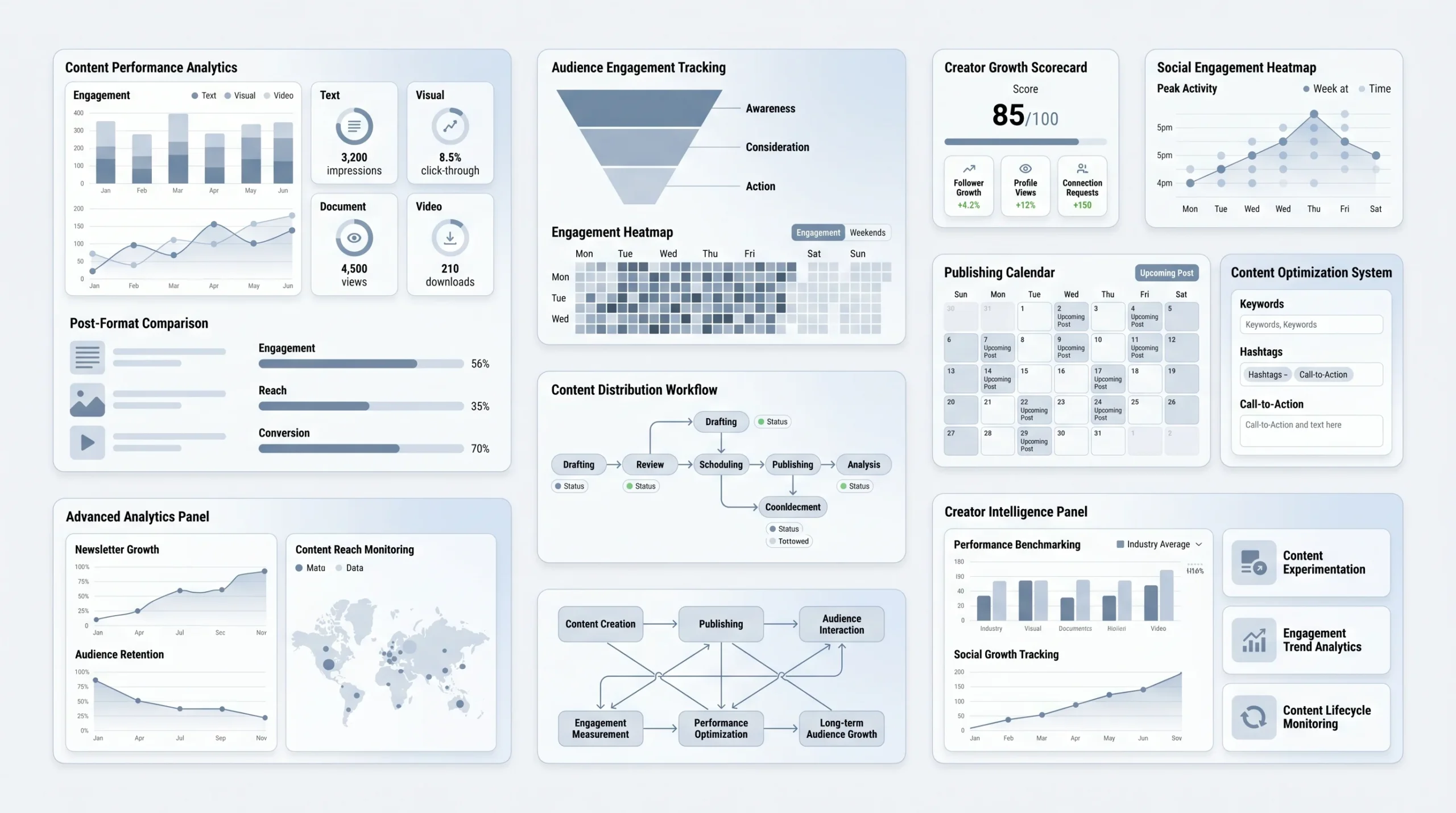
Not all LinkedIn posts are the same. There are five formats on the platform right now, and each one gets distributed differently, attracts a different kind of engagement, and works for different goals. Using the wrong format for your goal is one of the fastest ways to get underwhelming results and blame yourself when the format is actually what’s broken.
- Text post: This is a plain post. No image, no attachment, just words. It sounds boring. It consistently outperforms everything else in raw organic reach. LinkedIn seems to prefer posts that keep people on the platform rather than clicking away, so a well-written text post with a strong hook and conversational body will regularly pull 10x the impressions of a post with an attached link. Best for: personal stories, industry opinions, quick lessons.
- Image post: A single image with a caption. Works well for data screenshots, event photos, quote graphics, or “before/after” comparisons. The image needs to actually add something. A stock photo of a handshake adds nothing. A screenshot of a real result, a graph, a photo from a conference you just spoke at — those add context.
- Carousel (PDF upload): This is the highest-save format on LinkedIn, full stop. Carousels are PDF files uploaded as posts, and LinkedIn turns them into swipeable slides. People save carousels to come back to later. Saves are one of the strongest signals you can send to the algorithm. Best for: step-by-step guides, frameworks, “X things I learned” lists, educational content.
- Video: Short-form video (under 90 seconds) lives in the main feed and in LinkedIn’s Video tab, which launched fully in 2024. Longer video (think 5–15 minutes) works better for deep-dive thought leadership. The key rule with LinkedIn video: 90% of people are watching on mute. Captions aren’t optional.
- Article / Newsletter: Articles are long-form posts that get indexed by Google. That’s the main reason to use them — SEO longevity. Newsletters are articles your subscribers get push notifications for, which makes them a legitimate audience-building tool. These don’t get as much immediate feed reach as a standard post, but they compound over time in a way text posts don’t.
Anatomy of a High-Performing LinkedIn Post
Every post that does well has the same basic structure. The pieces can look different, but the skeleton is always there.
- The hook (first 2–3 lines): This is everything. LinkedIn shows roughly 140 characters before a “see more” cutoff on mobile. If those first two or three lines don’t make someone stop scrolling, the rest of your post doesn’t matter. The hook is not a preamble. It’s not “I’ve been thinking about this a lot lately.” It’s the most compelling thing you have to say, placed first.
- The body: This is where you deliver whatever you promised in the hook — the story, the list, the insight, the data. One idea per section. Short paragraphs. Lots of white space. You’re not writing a Word document.
- The CTA (call to action): Every post needs to end with a direction. Not a hard sell. Something like “What would you add?” or “Save this if you run client calls” does more than “Click here.” More on this in Section 3.
- Hashtags: Three to five, maximum. Niche-specific ones outperform broad ones.
#linkedintipshas millions of posts and your content drowns.#b2bsalesor#productmarketingputs you in a more targeted stream.
Character Limits, Link Rules, and Formatting Quirks
The character limit for a standard post is 3,000. Articles go up to 125,000. For most people, 3,000 is more than enough. Most high-performing posts sit between 800 and 1,500 characters.
The external link rule is something every LinkedIn beginner gets burned by: putting a link directly in your post body tanks your reach. LinkedIn doesn’t want people leaving. The workaround that actually works: put your link in the first comment, then reference it at the end of your post (“Link in comments”). It’s a small friction point for readers, but the difference in reach is significant enough that every regular LinkedIn poster does this.
Formatting is limited. No native bold or italics in standard posts. People use Unicode bold and italic text generators to fake it, which looks fine but should be used sparingly. Line breaks matter more than people think. One empty line between sections. Not two. Two empty lines starts to look like padding. And on mobile, which is where most LinkedIn readers are, dense blocks of text look exhausting and get scrolled past.
How the LinkedIn Algorithm Works in 2026
The Four-Phase Distribution Model
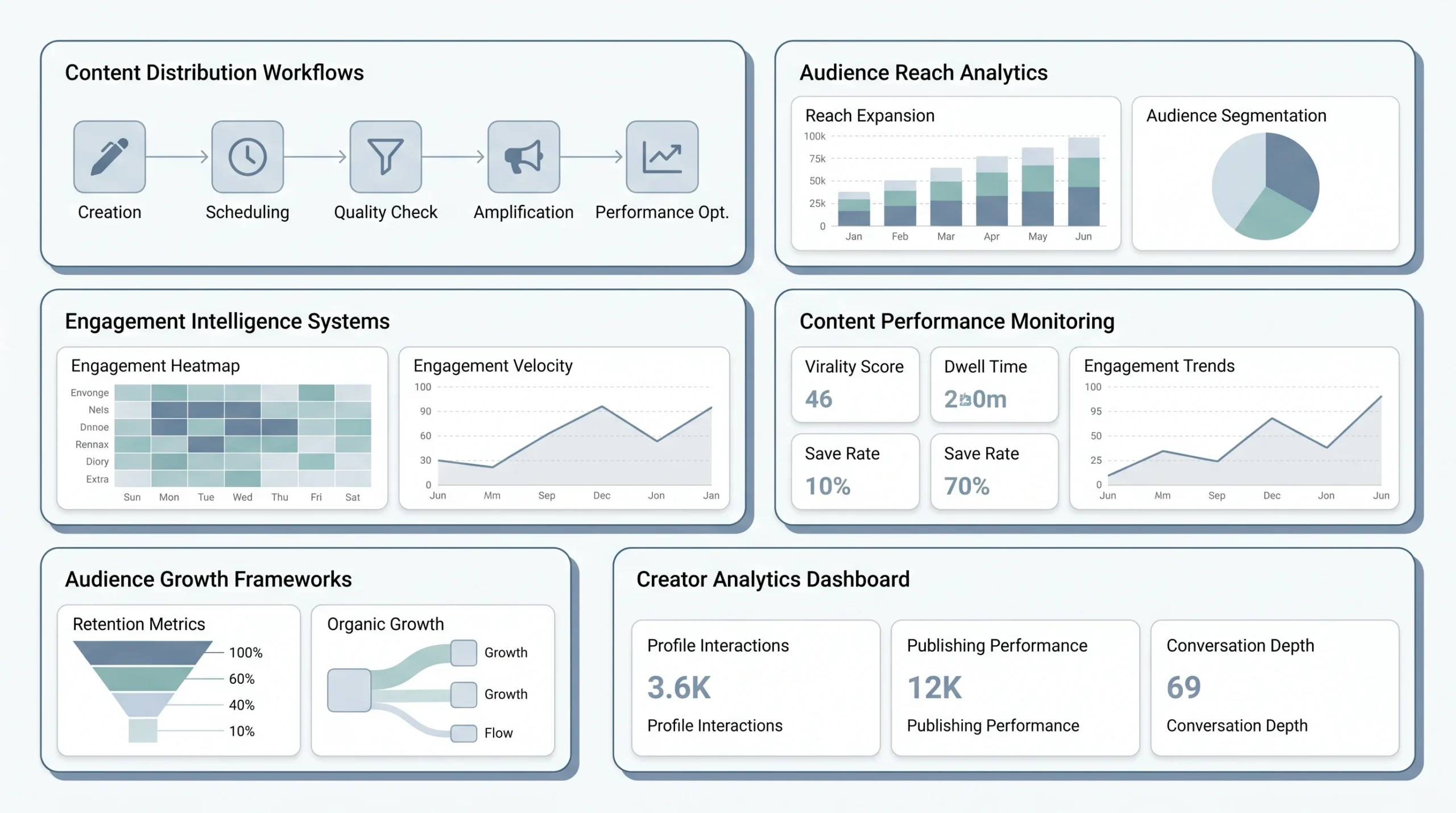
When you hit publish, your post doesn’t go everywhere at once. There’s a staged process, and most people have no idea it exists. Here’s what actually happens.
- Phase 1 — Bot filter (0 to 60 minutes): Automated systems check for spam, policy violations, and low-quality signals. Posts with certain link patterns, excessive hashtags, or flagged keywords can get stuck here and never move forward. This phase is silent. You won’t know if your post got filtered. You’ll just notice weirdly low impressions after a few hours.
- Phase 2 — Small audience test: If your post clears the filter, LinkedIn shows it to a small sample of your network. Around 200 to 500 people, depending on your account’s history. The algorithm is watching engagement rate here, specifically comments, dwell time, and saves in the first 60 to 90 minutes.
- Phase 3 — Expanded push: If the Phase 2 numbers are strong, the post gets pushed further. To second-degree connections, to followers of people who engaged, and in some cases to people who follow hashtags you used. This is where a post “takes off.”
- Phase 4 — Human editorial review: For content that’s going genuinely viral or touching sensitive topics, LinkedIn has a human team that reviews it. This is rare for most posts, but it’s worth knowing it exists, especially if you’re posting on anything remotely controversial.
What Signals the Algorithm Rewards Most (Ranked)
The algorithm is not a mystery. LinkedIn has given enough signals over the years, and enough creators have tested enough variables, that we have a pretty good sense of the hierarchy.
- Comments, especially threads: A comment that gets a reply from the poster, and then another reply, and another — that thread signals real engagement to the algorithm. A post with 40 comments that turned into actual conversations beats a post with 200 likes every time.
- Dwell time: This is the sneaky one. LinkedIn tracks how long people stop on your post, even if they don’t like or comment. “Slow scrollers” — people who pause and actually read — count as positive signal. This is why well-formatted, readable posts with real substance outperform shallow posts that get 80 fire emojis from engagement pods.
- Saves: Bookmarking a post (the flag icon) is a strong signal. Carousels dominate here because people save them to revisit the content.
- Reposts with comment: When someone shares your post and adds their own take, that’s a warm signal. A raw share with no comment is much weaker. The algorithm treats it almost like a repost bot.
- Profile clicks: When someone reads your post and then clicks through to your profile, LinkedIn reads that as “this post made someone want to know more.” It’s a quality signal, not a volume one.
What Tanks Your Reach
- External link in the post body: Already covered, but worth repeating. First comment, always.
- Posting and going offline: This one actually matters a lot. The first 60 to 90 minutes after posting, when you’re in Phase 2, is when you need to be active. If someone leaves a comment and you respond in 40 seconds, that turns one comment into a thread, which pushes the Phase 2 engagement rate higher. Creators who post and immediately close LinkedIn are leaving serious reach on the table.
- Engagement pods that feel mechanical: Pods — groups of creators who agree to comment on each other’s posts — can work early in your LinkedIn journey to get engagement signals going. But when the same 12 people drop generic comments on every single one of your posts, the algorithm learns to discount those signals. The same commenter pattern, same timing, same types of one-liners, it’s pretty transparent.
- Wrong posting time for your audience’s timezone: If your audience is in the US and you post at 11pm EST, the Phase 2 engagement window happens while everyone’s asleep. The post gets low initial signals and never recovers.
How to Write a LinkedIn Post — Step by Step
Start With Intent: What Do You Want the Post to Do?
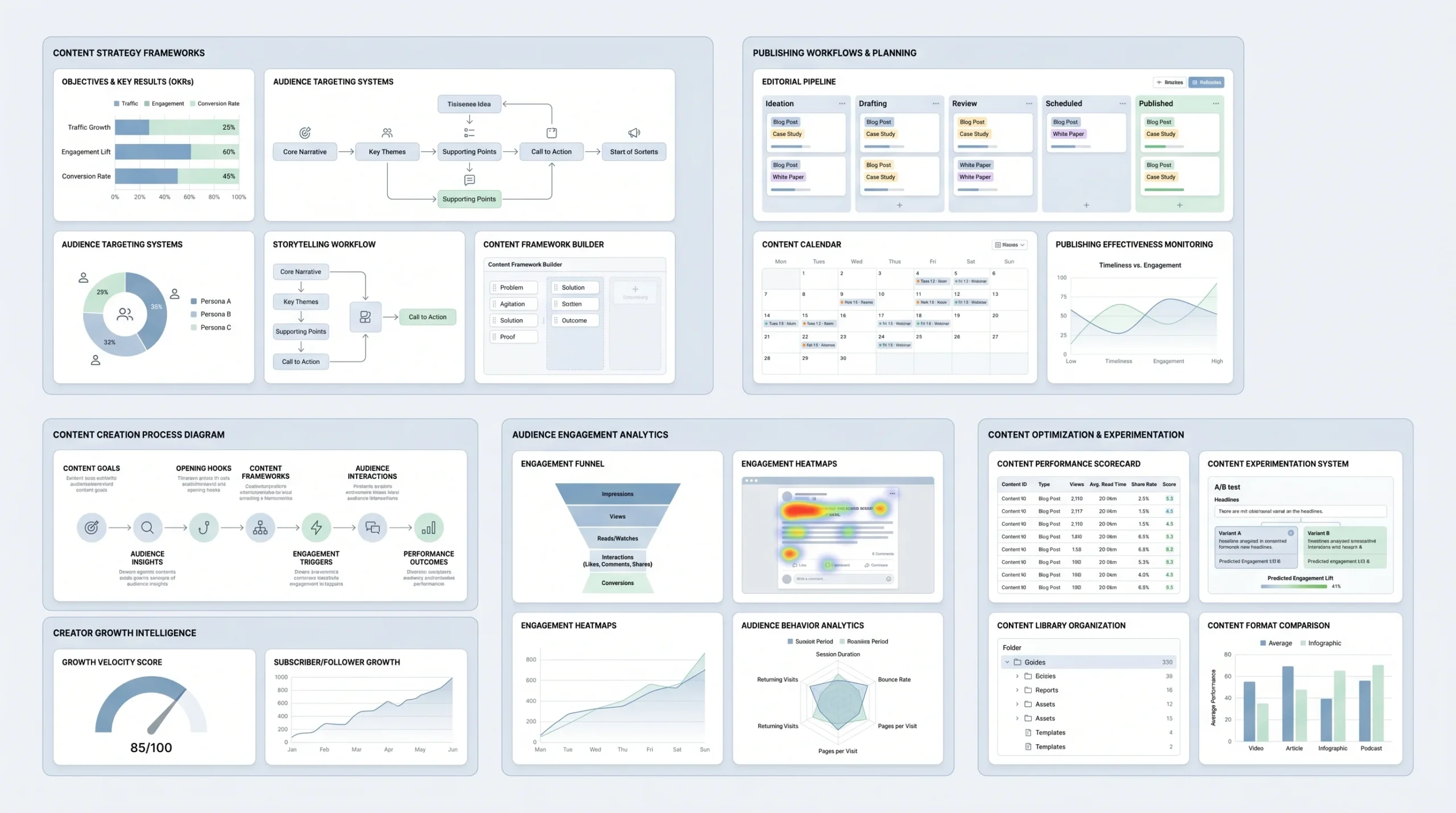
Before typing a single word, nail down what you’re actually trying to achieve. There are four main goals, and they require different approaches.
Brand awareness means you want more people to know who you are and what you think. Engagement means you want conversation — comments, debates, reactions. Lead generation means you want someone to DM you, sign up for something, or book a call. Network growth means you want new followers.
Each goal changes your format, your CTA, and your tone. Beginners should pick one per post. Trying to do all four in one post usually means doing none of them well.
The Hook: 12 Proven Openers With Real Examples
The hook is where most posts die. Here are formats that consistently work, with an example of each.
- Contrarian statement: “Most LinkedIn advice is actively making you worse at LinkedIn.”
- Personal story start: “In 2023, my agency had zero inbound leads. By end of 2024, we had a 3-month waitlist. Here’s the only thing that changed.”
- Numbered list promise: “7 things nobody tells you before your first SaaS fundraise:”
- Question hook: “What does a founder with 600 followers do that a founder with 60,000 doesn’t?”
- Bold claim: “Cold email is dead for B2B. And LinkedIn DMs are about to die too.”
- Hot take: “Posting every day on LinkedIn without a strategy is just noise with extra steps.”
- Confession: “Honestly, the first 40 posts I wrote were embarrassing. Looking back, that was the point.”
- Achievement (non-braggy): “Crossed $500K ARR without a sales team. The whole system fit on one page.”
- Failure: “Lost a $120K deal because of a proposal mistake. Here’s what I missed.”
- Curiosity gap: “There’s a LinkedIn post format that gets 3x the saves of a regular carousel. Almost nobody uses it.”
- Specific observation: “Noticed something after reading 200 job rejection emails from candidates in 2025…”
- Direct address: “If you’re a freelancer who hates selling, this one’s for you.”
Writing the Body: Value Structures That Convert
Once the hook is working, you need a body structure. There are four that consistently deliver.
- The story arc: Situation (what was happening), conflict (what went wrong or what changed), resolution (what happened next), lesson (what it means for the reader). This is the most human structure. People finish stories. They don’t always finish lists.
- The listicle: Numbered insights, each explained in one to three lines. “1. Stop leading with your job title. Nobody cares what your title is. They care what you can help them with.” Simple, scannable, shareable.
- The framework: You name a model, you explain its parts, you show how it works. The best LinkedIn posts create frameworks that people screenshot and share. “The 3C content model” is more memorable than “here are some content tips.”
- The before/after: Show a real transformation. Specific numbers help. “Before: 14% email open rate. After: 41%. The one change was the subject line.” Concrete beats abstract every time.
Ending Strong: CTAs That Don’t Feel Salesy
The weakest CTA on LinkedIn is “Thoughts?” It’s lazy. It gives the reader nothing to react to.
Strong CTAs give context or a direction. “What’s the dumbest piece of career advice you ever got?” is a question that actually invites a story. “Save this post — you’ll need it when you start your next job search” is a soft CTA that works because it’s helpful, not promotional. “If this resonated, I write about hiring every Tuesday” builds your newsletter without begging.
Hard CTAs — “DM me,” “click the link in comments,” “book a call here” — work, but only for audiences who already trust you. On a cold post reaching new people for the first time, hard CTAs convert poorly and feel off.
Formatting for Mobile
More than 80% of LinkedIn traffic happens on mobile. Write like it. Sentences that look fine on a desktop look like a wall of grey on a phone.
Short sentences. One idea per paragraph. Hit enter more than you think you should. Emojis work as visual bullet points if you use them lightly — one or two per post, not a rainbow per line. The “scan test” is simple: squint at your post on your phone. If you can’t pick out the main ideas while squinting, tighten it up.
Deep Dive — Each Post Type With Real Examples
Text-Only Posts: The Underrated Powerhouse
Take a post like this: someone shares a story about how they nearly quit their startup in month three, what stopped them, and the one reframe that changed how they thought about failure. No image. No carousel. Just 900 characters of well-structured, honest writing. These posts regularly hit 50,000 to 200,000+ impressions for accounts with fewer than 5,000 followers, because the algorithm reads the dwell time and commenting as genuine engagement.
The anatomy is always the same: a hook that opens with something specific and real, a middle section that moves fast (no tangents), and an ending that feels earned. The biggest mistake with text posts is writing a preamble before the actual hook. “I’ve been reflecting on this for a while and wanted to share something…” is not a hook. That’s a delay. Cut it.
Carousels: How to Design Slides That Get Saved
Carousels are PDFs uploaded to LinkedIn that render as swipeable slides. They get saved more than any other format. Here’s the structure that works.
- Slide 1 — Cover hook: Treat this exactly like a text post hook. “5 frameworks that changed how I run client meetings” is a cover hook. “Frameworks” is not.
- Slide 2 — The promise: What will they know by the end? One sentence. Sets expectations and makes people swipe.
- Middle slides — Dense value: One idea per slide. Short headline at the top. Two to four lines of explanation. No paragraphs, no crowded design.
- Last slide — CTA and follow prompt: “Follow for more like this” plus whatever soft CTA fits the content. This is not the place to get aggressive.
Design-wise: high contrast, large readable font, consistent layout. Canva has templates that work fine. The content matters far more than the design, as long as the design isn’t actively ugly.
Video Posts: What Length and Style Works in 2026
For the main LinkedIn feed: under 90 seconds, vertical format, captions burned in or added via LinkedIn’s native caption tool. The first three seconds are the hook. If you’re staring blankly at the camera for the first three seconds while you gather your thoughts, you’ve already lost half your viewers.
Talking head videos (just you, speaking to camera) perform well when the person is confident and the content is specific. Screen record walk-throughs work for software demos and process explanations. B-roll with voiceover works for storytelling but requires more production effort.
For LinkedIn’s dedicated Video tab: slightly longer is fine, 3 to 7 minutes. This audience is opting into watching, not just scrolling past. They have more patience.
Polls: When to Use Them (And When They Backfire)
A good LinkedIn poll does two things: it asks a question the poster genuinely doesn’t know the answer to, and it sparks enough disagreement that people explain their vote in the comments. “What’s your biggest challenge in cold outreach?” with four real options works. It generates data and discussion.
A bad LinkedIn poll is a vanity question dressed up as engagement bait. “Which is more important: hard work or smart work?” Nobody learns anything. It gets votes but no real conversation, and the engagement signals are weaker than they look.
LinkedIn Articles and Newsletters
Articles have one huge advantage that posts don’t: Google indexes them. A well-written LinkedIn article on “how to structure a B2B SaaS proposal” can rank on the first page of Google for long-tail keywords, driving traffic to your LinkedIn profile months or years after you published it. That’s compounding value.
Newsletters are separate. You build a subscriber list on LinkedIn, and when you publish a newsletter edition, subscribers get a push notification. It’s one of the best reach mechanisms on the platform right now because it bypasses the algorithm entirely for that initial delivery. Growing your subscriber list matters. The best way to do it: mention your newsletter in posts, add a subscribe button to your profile, and make every edition worth receiving.
When to Post, How Often, and How to Stay Consistent
Best Times to Post in 2026
The data points consistently to the same windows: Tuesday through Thursday, between 7 and 9am in your audience’s primary timezone, and again at 12 to 1pm. These are when professionals are in “scroll mode” — before deep work starts, or during a lunch break.
Monday gets depressed by the “weekend mood” hangover. Friday afternoons are dead. Weekends vary depending on your audience — if you’re writing to entrepreneurs, weekends are fine. If you’re writing to corporate employees, you’re mostly talking to yourself.
That said, consistency beats timing. A great post at 7pm on a Tuesday will outperform a mediocre post at the perfect time.
Ideal Posting Frequency by Goal and Capacity
- Beginner: Two to three posts per week. Enough to build the habit and start seeing patterns without burning out in week three.
- Growth mode: Five posts per week (weekdays). This is where you start to see meaningful follower growth, but the quality floor has to stay high. Posting five times a week means five good posts, not five posts for the sake of five.
- Thought leader: Daily plus a newsletter. This requires a content system. Nobody sustains daily LinkedIn posting by just winging it.
Content Batching: Write a Week of Posts in 90 Minutes
The system goes like this. Pick 90 minutes one day a week, usually Monday or Sunday evening. Start with a brain dump: what happened this week, what you learned, what you’re thinking about, what questions you keep getting asked. Just list. Don’t write posts yet.
From that list, pull out the ideas that have a hook built in. Interesting tension, a surprising result, a strong opinion. Write those as hooks first. The body almost writes itself once the hook is solid.
Then draft the full posts. Don’t edit while writing. Write the whole thing, move to the next one. Come back and edit everything at the end. This separation of drafting from editing is the single biggest time-saver in the process.
Tools that help: Taplio for drafting, scheduling, and LinkedIn-specific analytics. Shield for post performance tracking. Publer or Buffer for straightforward scheduling. LinkedIn’s own native scheduling works fine for basic needs.
The “idea debt vs. idea bank” concept is simple: idea debt is when you sit down to write with nothing in the tank. Idea bank is when you’re constantly collecting observations, reactions, and half-thoughts in a notes app, so you always have raw material. Build the bank. Kill the debt.
Building a Content Calendar That Doesn’t Feel Rigid
The 70/20/10 framework works well here. 70% of your posts are evergreen: lessons, frameworks, observations that are relevant any week. 20% are responsive: industry news, trends, reactions to things happening in your space right now. 10% are personal and vulnerable: a failure, a doubt, a behind-the-scenes moment. That 10% slice consistently punches above its weight in engagement because it’s the rarest thing on LinkedIn — honesty.
You don’t need a color-coded spreadsheet. A simple notes document with a rolling list of drafted posts and a basic weekly rhythm is enough for most people.
Advanced Tactics for Serious LinkedIn Creators
Profile Optimization as a Force Multiplier
Here’s something most people overlook: a good post sends traffic to your profile. If your profile doesn’t convert that traffic into a follow or a connection request, you’re losing a significant chunk of the upside from every post you write.
The headline is the most important part. “Marketing Manager at XYZ Corp” is not a headline. “I help B2B companies turn cold traffic into pipeline | Writing about content, sales, and growth every week” — that’s a headline that explains who you are and what following you gets them.
The About section should read like the first paragraph of a strong post: specific, opinionated, written for the reader. The Featured section should show your best post, your newsletter, or a lead magnet. Your banner image should be relevant, not a sunset.
Commenting Strategy: How Comments Grow Your Reach Faster Than Posts
Nope, this is not a typo. Commenting consistently on other people’s posts in your niche is genuinely one of the fastest ways to grow on LinkedIn. And almost nobody treats it as seriously as they should.
Here’s what works: leave five to ten substantive comments per day on posts by accounts in your niche or adjacent niches. Not “great post!” Not a fire emoji. A real reaction. Extend the idea, push back on something, add a data point, share a related experience. Two to four sentences.
When you leave a smart comment on a post with 40,000 impressions, your comment sits there in front of 40,000 people who are already engaged with that topic. That’s free distribution. If your comment is interesting, people click your name and land on your profile. Some of them follow you. No post required.
The “piggyback reach” tactic: comment early on posts from bigger accounts in your niche. Early comments get more visibility because they’re sorted to the top. Set alerts for accounts you want to engage with, and aim to be in the first 10 comments.
Repurposing Content From Other Platforms to LinkedIn
A Twitter/X thread translates to a LinkedIn listicle almost one-to-one. Take the thread, rewrite the opening as a LinkedIn hook, and format each tweet as a numbered point in the body. Takes 10 minutes. Works well.
A blog post becomes a carousel. Pull the five main points, make each one a slide, add a cover, done. You don’t need to rewrite the whole piece.
A podcast clip or YouTube video becomes a post describing the single most interesting thing said in that episode, framed as a takeaway. You’re not summarizing. You’re sharing the one idea that’s worth stealing.
What doesn’t translate: TikTok-style language and tone. “POV: you just realized…” or “no but actually…” reads as off-brand on LinkedIn, even in 2026. The platform still has a professional register. You can be casual and human without sounding like a different platform.
Using AI Tools Without Getting Penalized
LinkedIn hasn’t publicly said how it handles AI-generated content in the algorithm. But there are enough creator reports, and enough observable patterns, to say: posts that read like AI output consistently underperform posts that sound like a person.
The problem isn’t using AI. The problem is using AI as a writer and publishing the first draft. AI is genuinely useful for generating topic ideas, creating post outlines, and suggesting hooks you hadn’t considered. Use it for that. Write the actual post yourself.
The tell-tale AI signs readers pick up on: overly balanced conclusions (“on one hand… on the other hand…”), perfectly structured paragraphs with no messiness, a complete absence of opinion, and transitions like “in today’s fast-paced world.” These aren’t writing. They’re filler. People recognize it instinctively now, even if they can’t name what’s wrong.
Analytics: The Only 4 Metrics That Matter
- Impressions: How many people saw the post. Useful as a lagging indicator of reach, but don’t optimize purely for impressions. A viral post about something off-brand gets impressions. That’s noise.
- Engagement rate (comments + saves divided by impressions): This is the leading indicator. A post with 1,000 impressions and 50 comments is performing better than a post with 50,000 impressions and 30 comments. Track this weekly.
- Follower growth rate over a 30-day window: Absolute follower count is less interesting than the rate of change. Are you growing faster this month than last? That tells you whether your content is actually compounding.
- Profile views from posts: LinkedIn’s analytics shows where your profile views are coming from. If your posts are driving profile views, that means readers are interested enough to check you out. That’s a quality signal that raw engagement rate misses.
10 Common LinkedIn Posting Mistakes (And How to Fix Them)
These are the patterns that kill good posts and stall good accounts. Most of them are fixable in one edit.
- Burying the hook after a preamble: If your post starts with “I’ve been thinking a lot about this lately,” delete that sentence. Start with the thought.
- External link in the post body: Put it in the first comment. Every time.
- Generic “Thoughts?” CTA: Ask a real question. Something people actually have opinions about.
- Treating LinkedIn like Facebook: Overly personal posts with no professional relevance feel weird here. Not everything needs to connect to work, but there should be a thread.
- Deleting underperforming posts: A post that flopped still contributes to your account’s content history. Deleting posts can affect how the algorithm reads your account. Leave them. Learn from them.
- Ignoring comments for 24 hours after posting: The first 60 to 90 minutes are the engagement window. Be present. Reply fast. Turn comments into threads.
- Over-hashtagging: More than five hashtags starts to look like spam behavior. Three is usually enough.
- Copying viral formats verbatim: “I just accepted an offer at Google after 3 years of rejections” works for the person it happened to. Copying the format without the real story behind it reads as hollow. Add your actual POV.
- Posting inconsistently: Five posts in one week, then silence for three weeks, then two posts, then a month off. This pattern kills algorithmic momentum and confuses the audience you’re building.
- Never analyzing what worked: If you post 50 times and don’t look back at which three posts drove the most engagement and why, you’re just repeating random experiments. Spend 20 minutes every two weeks on this.
Your 30-Day LinkedIn Posting Plan
This is the part where most guides give you a motivational conclusion and wish you luck. That’s not helpful. Here’s an actual week-by-week plan for beginners, based on what works.
Week 1: Foundation
Optimize your profile first. Rewrite the headline, update the About section, and set your Featured section to your best piece of content or a newsletter link if you have one. Then write two text posts. One is a personal story — something real that happened to you that connects to your professional life. One is a list — “5 things I wish I knew before [your experience].” Post them on Tuesday and Thursday.
Week 2: Expand the Format Mix
Add a carousel. Pick a topic you know well and can explain in 8 to 10 slides. Start commenting on five posts per day in your niche. This feels like a lot until it becomes a habit, and then it takes about 20 minutes.
Week 3: Go Deeper
Try a short video post. Under 90 seconds, captions on, something you can explain clearly in one take. Write your first LinkedIn article on a topic you want to own in search. It doesn’t need to be long. 600 to 800 words of genuinely useful content beats a 3,000-word filler piece every time.
Week 4: Review and Systematize
Pull your analytics. Look at which posts drove the most comments, the most profile views, the highest engagement rate. What format? What topic? What kind of hook? Do more of that. Set a posting schedule you can actually maintain. Build a content batching habit. Book 90 minutes in your calendar, same day every week.
Tools Worth Using
For scheduling: Taplio (LinkedIn-specific, also has analytics), Publer, Buffer, or LinkedIn’s native scheduler. For analytics: Shield App is the most detailed LinkedIn analytics tool available outside of LinkedIn itself. For design: Canva works perfectly well for carousels. For hooks and ideation: keep a running notes file and add to it whenever something interesting happens.
Conclusion
Look, LinkedIn in 2026 isn’t complicated. It just requires actually understanding how it works, which most people never bother to do. They post once, get 47 impressions, decide LinkedIn “doesn’t work,” and quit.
The people winning on this platform aren’t more talented writers. They’re just more consistent, more honest, and more attentive to what’s working. They write posts that sound like them, not like a press release. They respond to every comment. They show up Tuesday through Thursday whether they feel like it or not. They treat their LinkedIn presence as a long-term asset, not a vending machine.
Start with one post this week. Write a real story that happened to you, something you actually learned from. Format it properly, put the link in the comments, stick around for the first hour and reply to everyone who comments. See what happens. Then do it again. That’s the whole system.
FAQs
Q1. How often should a beginner post on LinkedIn?
Two to three times a week is the right starting point. It’s enough to build a habit and start seeing what works, without burning out in week two and going silent for a month. Consistency over volume, always.
Q2. Does putting a link in a LinkedIn post hurt reach?
Yeah, it does. LinkedIn doesn’t want people leaving the platform, so posts with external links in the body get suppressed in the feed. The fix is simple: put the link in the first comment, then mention at the end of your post that it’s there.
Q3. What’s the best type of post for a beginner to start with?
A text-only post. No design skills needed, no video setup, no PDF to build. Just a real story or a short list, written the way you’d explain it to someone over coffee. Text posts also get some of the strongest organic reach on the platform, so it’s a good place to start seeing results fast.
Q4. Why do some LinkedIn posts go viral while others with the same effort don’t?
Mostly it comes down to the hook and the timing. If the first two lines don’t stop someone mid-scroll, the rest of the post doesn’t get read. And if you post at the wrong time for your audience’s timezone, the algorithm never gets the early engagement signal it needs to push the post further. Same effort, very different outcomes.
Q5. How long should a LinkedIn post be?
The sweet spot is between 800 and 1,500 characters. Long enough to deliver real value, short enough that someone on mobile doesn’t tap away. The 3,000-character limit exists, but posts that push it without a strong reason tend to lose readers halfway through.
Q6. Do hashtags actually help on LinkedIn?
A little, but not in the way most people use them. Three to five niche-specific hashtags help the algorithm categorize your content and surface it to people following those topics. Stacking 15 broad hashtags like #success and #motivation is closer to spam behavior than discoverability strategy.
Q7. What’s the biggest mistake people make when posting on LinkedIn?
Writing a great post and then going offline. The first 60 to 90 minutes after you publish are when the algorithm is watching engagement signals most closely. If someone comments and you reply in 40 seconds, that turns one comment into a thread, which pushes your engagement rate up and triggers wider distribution. Show up, stay present, reply to everyone early on.
Q8. Can you reuse content from other platforms on LinkedIn?
Yes, but rewrite it for the platform. A Twitter thread becomes a numbered list post. A blog post becomes a carousel. A podcast insight becomes a short text post. What doesn’t work is copying the tone of TikTok or Instagram directly. LinkedIn still has a professional register, even in 2026. Casual is fine. Sounding like you’re on a different app entirely is not.