


LinkedFusion works. That’s not the question. The question is whether it works well enough for what you’re actually trying to do — and for a growing number of sales teams, agencies, and founders, the answer is no.
The pricing steps up faster than the features do. The Professional plan at $65.95/month limits you to 40 invites and 120 messages per day. Want CRM integrations? That’s the Grow plan at $95.95/month. Running multiple accounts? You’re paying per seat and doing the math on whether that makes sense. And at every price tier, the personalization ceiling is the same: first name, company, job title — the same merge-tag logic every other tool in the category uses.
But here’s the thing that actually kills deals, and nobody talks about it enough. LinkedFusion automates the send. The moment a prospect replies — whether it’s “tell me more,” “not right now,” or “who is this?” — the tool steps back and waits for you to handle it. Every other tool on this list does the same thing, with one exception.
In 2026, the dividing line in LinkedIn automation isn’t cloud vs. browser extension. It’s not even safety controls or sequence logic. It’s what happens after someone responds. That’s where outreach either converts or dies.
This list covers 10 tools worth switching to. Each one is matched to a specific use case, evaluated on the same criteria, and compared honestly. No promotional fluff. If a tool has a real weakness, it’s in here.
Why People Are Looking for LinkedFusion Alternatives
The Pricing Doesn’t Scale Cleanly
LinkedFusion’s tiered model looks reasonable at first glance. $65.95/month for the Professional plan, $95.95/month for Grow, $135.95/month for Ultimate. But look at what you’re actually getting for each jump. The Professional plan gives you 40 invite credits and 120 message credits per day. The Grow plan unlocks CRM integrations — something most sales teams need from day one, not as an upgrade. And if you’re running an agency with five or more LinkedIn accounts, you’re either eating per-seat costs across every account or you’re underequipped.
The math gets uncomfortable quickly. Five seats on the Grow plan is $479.75/month. That’s before you’ve paid for Sales Navigator, your CRM, or anything else in your stack.
Personalization Stays at the Variable-Placeholder Level
LinkedFusion’s templates are described on their site as “conversion-driven” and pre-tested. Maybe. But they’re still built around the same variables every tool uses: {first_name}, {company}, {job_title}. That works when your ICP is narrow and your message is tight. At scale, with a broad prospect list, it produces outreach that reads like outreach. Prospects can tell.
There’s no AI layer writing to context. No system reading a prospect’s recent LinkedIn post and working that into the opener. Just variables filled in against a template, sent at scale.
It Stops Working When Prospects Reply
This is the one that actually costs pipeline. LinkedFusion sends the sequence. It handles connection requests, follow-ups, InMails. But the moment a prospect writes back, the tool is done. That reply sits in your inbox waiting for a human to respond. If you’re running 500 active sequences and getting 40 replies a week, that’s a second job on top of the tool you’re paying to save you time.
For small teams or solo SDRs, that’s manageable — annoying, but manageable. For agencies or anyone running LinkedIn as a primary revenue channel, it’s a structural problem.
It’s Built for Small Teams, and Shows It at Agency Scale
Multi-account management isn’t a core design priority in LinkedFusion’s architecture. If you’re running outreach for three clients on separate LinkedIn accounts, you’re logging in and out, managing campaigns in silos, and losing visibility across the board. Tools built for this kind of scale handle it very differently.
What to Look for in a LinkedFusion Alternative
Safety architecture matters more than most people realize until an account gets flagged. The difference between a cloud-based tool with dedicated IPs per account and a Chrome extension sharing IPs across thousands of users is not minor — it’s the difference between stable outreach at volume and waking up to a restricted account. Dedicated IP addresses mean LinkedIn sees your activity coming from a consistent, plausible-looking location. Shared IPs mean your account’s “behavior” is entangled with thousands of others running the same tool.
Reply handling is the feature nobody puts in comparison tables but everyone cares about once they’re running live campaigns. Ask a simple question about any tool you’re evaluating: what actually happens when a prospect responds? If the answer is “you get a notification and handle it manually,” that’s the honest answer most tools give. Some newer platforms handle this differently, and that difference has a real impact on booked meetings per month.
Pricing model fit sounds obvious but catches a lot of people off guard. Per-seat pricing, per-account pricing, and flat-fee multi-sender pricing produce wildly different costs depending on your team structure. A per-seat model that looks affordable for one SDR becomes prohibitive for an agency running 15 accounts. Run the math before you commit.
Personalization depth ranges from variable placeholders at the bottom to actual AI-generated, context-aware messages at the top. Most tools are still in the variable-placeholder tier. A smaller number are building real AI message generation. Knowing which category a tool is in — and whether you need the upgrade — is worth figuring out before you start a trial.
The 10 Best LinkedFusion Alternatives in 2026
These aren’t ranked by overall quality. They’re organized so you can find the right match for your specific situation. A tool that’s perfect for a solo founder is probably wrong for a 20-account agency. Each entry covers what the tool actually does, where it’s good, where it falls short, and who it’s actually built for.
1. DealsFlow — Best for Teams That Want AI to Handle the Full Conversation

Every other tool on this list automates the sending layer. DealsFlow automates the conversation.
DealsFlow is a cloud-based LinkedIn outreach platform built AI-first, not a legacy automation tool with AI features bolted on afterward. The core difference is Arlo — an AI engine that doesn’t just run sequences. Arlo reads prospect bios, recent posts, and company signals to write genuinely personalized openers. But the part that’s actually different from every other tool in this category is what happens after a reply lands.
When a prospect responds, Arlo reads the reply. If the signal is positive, it moves toward booking a call. If there’s an objection — “not right now,” “already using something,” “send me more info” — Arlo handles it with a professional, context-aware rebuttal. No human required. You can step in at any point, but the default is that Arlo keeps the conversation going without you.
That’s not a feature most tools even attempt. The reason is pretty obvious once you think about it: handling replies well requires actually understanding what was said. Template-based follow-up can’t do that. You need something that reads context, not just fires a pre-written response to any reply.
On safety, DealsFlow runs on distributed cloud execution with randomized human-like timing and hard daily limits aligned with LinkedIn’s current thresholds. Zero-ban guarantee. No browser extension, no shared IPs. Your account stays healthy while the volume runs.
Pricing:
- Starter Pilot: $59/month (monthly) / $49/month (annual) — 1 LinkedIn account, AI lead research, Arlo AI outreach engine, unlimited campaigns
- Scaling Pilot: $149/month (monthly) / $129/month (annual) — 5 LinkedIn accounts, priority AI processing, multi-account dashboard, advanced analytics
- Agency Pilot: $349/month (monthly) / $299/month (annual) — 20 LinkedIn accounts, white-glove setup, team management, custom workflows, dedicated manager
14-day free trial, no credit card required.
Where it falls short: If your team runs a pure high-volume model with human SDRs managing every reply and you have no interest in AI conversation handling, simpler tools cost less per account. DealsFlow’s advantage is specifically in the reply-handling layer — if that’s not your bottleneck, the pricing premium may not be the right fit.
Best for: B2B sales teams and founders who want LinkedIn outreach to run end-to-end, from first message to booked meeting, without a human required in the reply loop.
2. HeyReach — Best for Agencies Managing Multiple LinkedIn Accounts
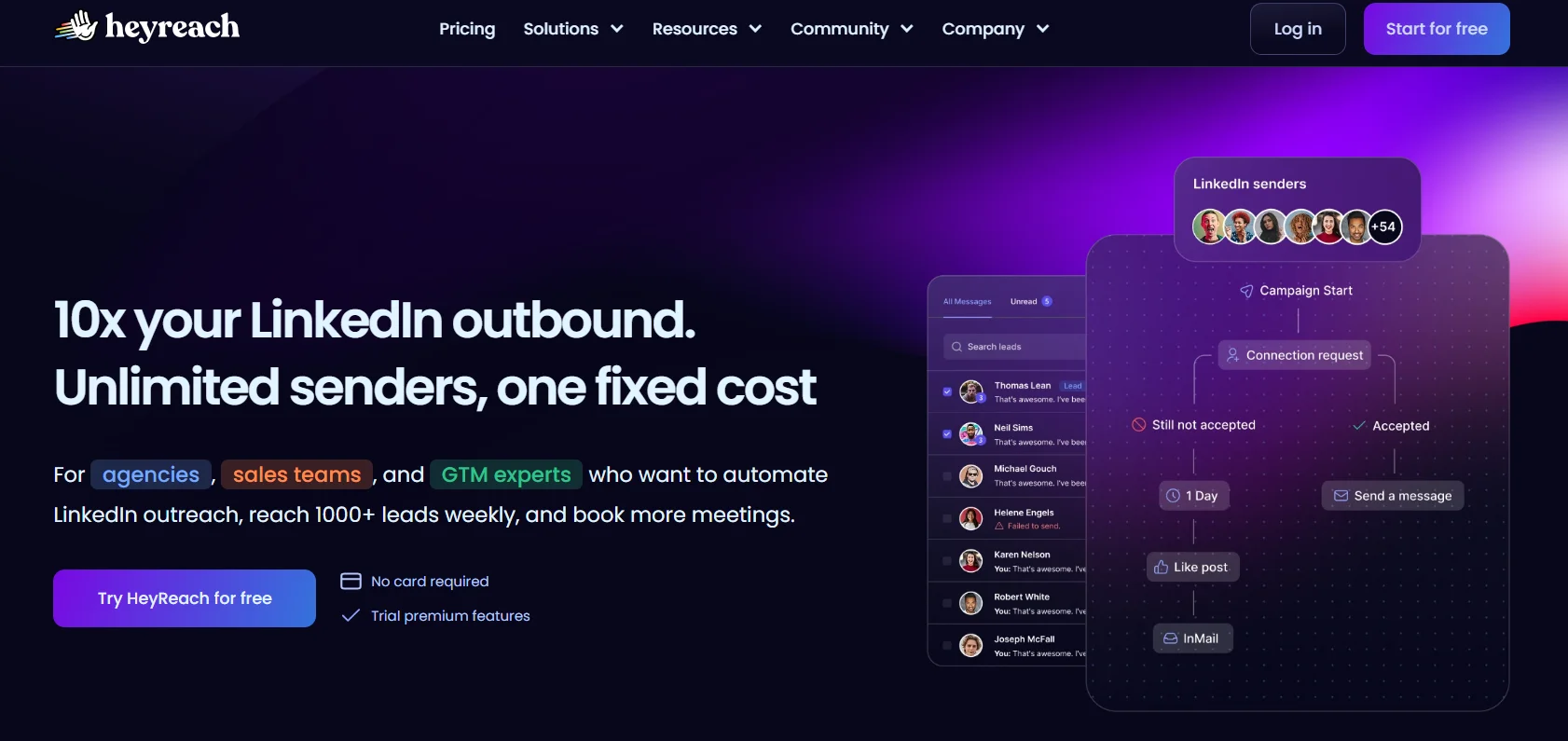
HeyReach is built specifically for the multi-account use case. Not “supports multiple accounts” as a checkbox feature — it’s the actual design target. The core mechanic is sender rotation: multiple LinkedIn profiles rotate within a single campaign, distributing connection requests and messages across accounts. The result is higher total volume with lower per-account activity, which is exactly what agencies need when they’re running outreach for ten clients simultaneously.
What it does well:
- Unified inbox that pulls conversations from all connected LinkedIn accounts into one view — the feature agencies care most about, because logging in and out of eight accounts to manage replies is not a workflow
- Flat-fee multi-sender pricing: $79/month for 3 senders, $199/month for unlimited senders — the per-account economics improve dramatically past three accounts
- Strong team management, white-label client dashboards, and a Campaign API for technical teams that want to trigger and manage campaigns programmatically
- MCP server integration for teams building custom AI tooling on top of HeyReach
Where it falls short: Outreach-only. No built-in email finding — that’s a paid add-on. Every reply lands in the unified inbox for a human to manage. No AI conversation handling. And if your senders need Sales Navigator for advanced search, that’s an extra $99/month per LinkedIn account — which adds up fast at scale. Ten sender accounts means $990/month in Sales Navigator costs before you pay HeyReach a cent.
Pricing: $79/month (3 senders), $199/month (unlimited senders)
Best for: Lead gen agencies managing 5+ client LinkedIn accounts who need multi-account rotation, a consolidated inbox, and don’t need AI to handle replies.
3. Expandi — Best for Cloud-Based LinkedIn-Only Volume With Strong Safety Controls
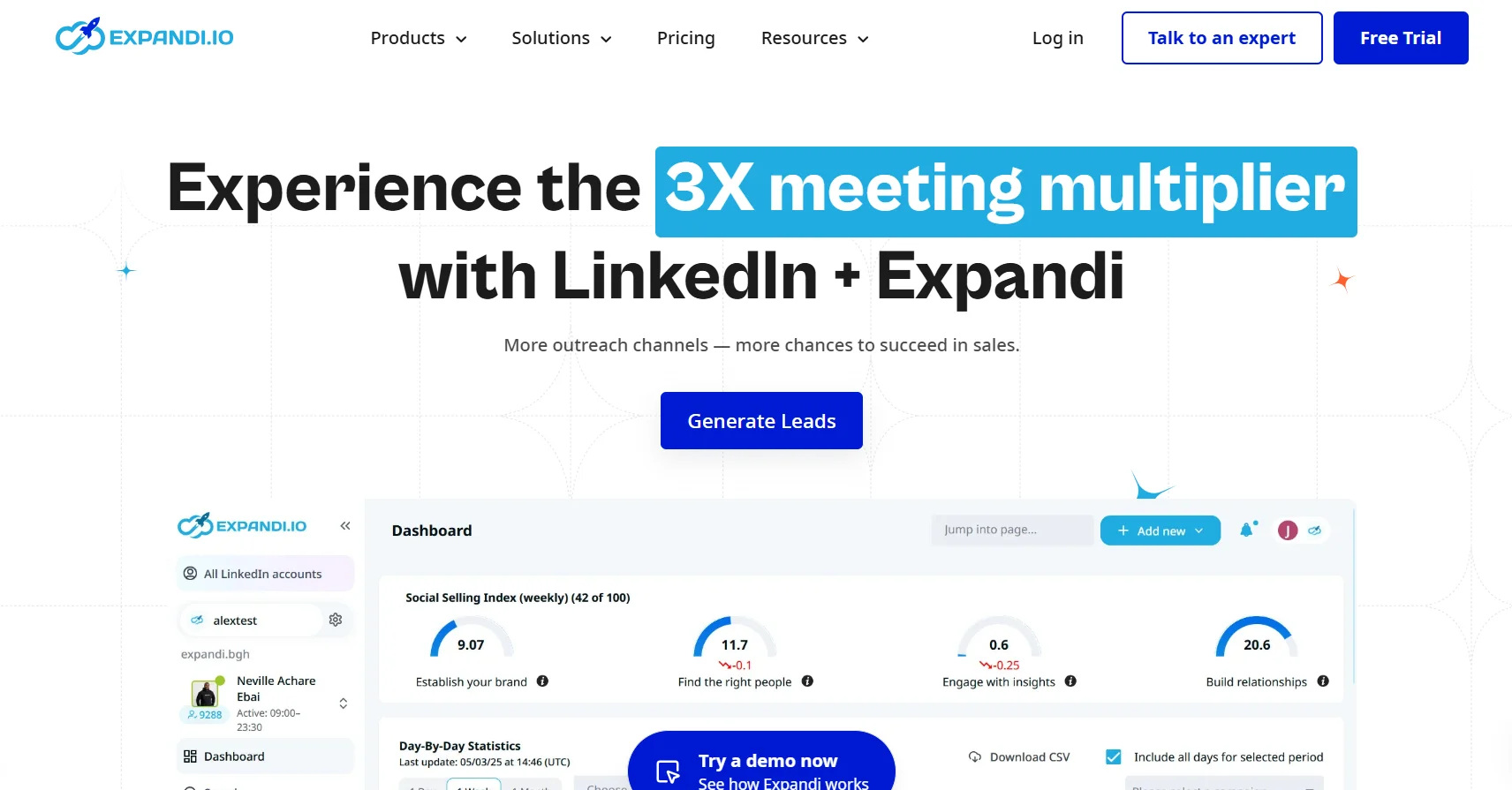
Expandi has been around long enough to have a real track record, and the safety record is the thing it’s built its reputation on. Cloud-based, dedicated IPs, human-like behavior simulation, conservative daily limits baked into the default settings. On G2 and in most agency comparisons, Expandi consistently comes up when people ask “which tool won’t get my account flagged.”
What it does well:
- Deep LinkedIn-specific features: smart sequences, skill endorsements, company follows, LinkedIn Recruiter campaign support
- Image and GIF hyper-personalization via Hyperise integration — though this adds cost and comes with a 5-template, 5,000-impression limit
- Webhook integrations for connecting to Zapier and the broader stack
- Reliable cloud operation with strong account safety — you don’t need your computer on for campaigns to run
Where it falls short: $99/month per seat is at the top of the mid-market range. The Hyperise personalization integration costs extra on top of that and is limited, so if personalized images are part of your strategy, budget accordingly. Like every other tool in this list except DealsFlow, reply handling is fully manual — a prospect responds and it’s your problem. Per-seat pricing gets painful fast for agencies running five or more accounts.
Pricing: $99/month per seat
Best for: Individual power users and small teams that want polished, cloud-based LinkedIn automation with a strong safety record and are comfortable managing replies manually.
4. Dripify — Best for Sales Teams That Want a Clean Visual Campaign Builder
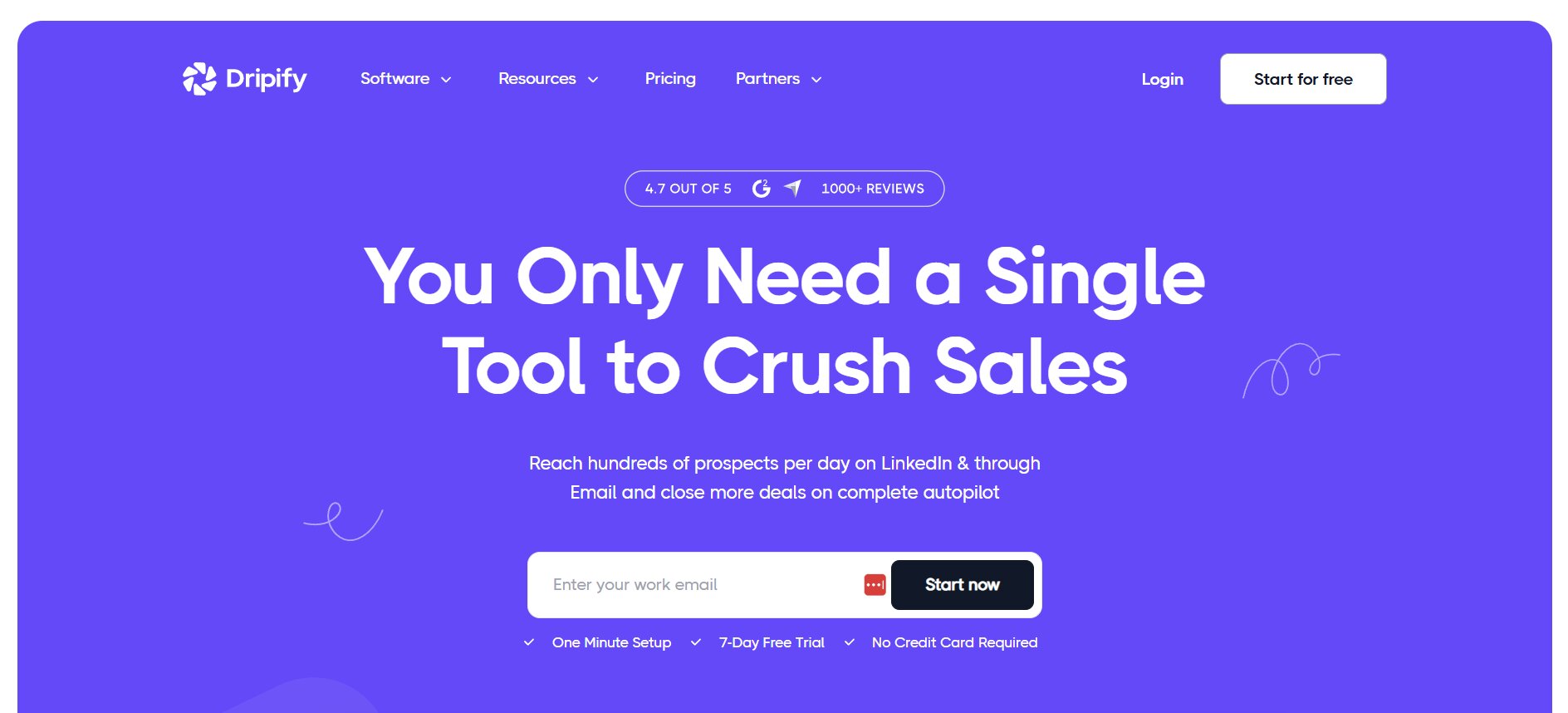
Dripify’s main differentiator is product clarity. The visual drip sequence builder is genuinely well-designed. Setting up a campaign is fast, the interface makes it obvious what’s running and what’s not, and the reporting gives a manager enough visibility to know which reps are performing and which sequences are converting.
What it does well:
- Clean visual campaign builder — drag-and-drop sequence design, fast to set up, easy to read at a glance
- Strong team management dashboard for managers overseeing multiple reps simultaneously
- Solid analytics for tracking connection acceptance rates, reply rates, and campaign performance
- Good CRM integrations at the higher plan tiers
- More accessible entry pricing than Expandi
Where it falls short: No built-in email discovery or verification — if email is part of your outreach motion, you’re adding another tool. No AI reply handling or even AI reply suggestions. Personalization stays at the variable placeholder level. Multiple users on G2 and Capterra report that analytics can feel thin when trying to optimize at scale, with some flagging inconsistencies in the reported numbers.
Pricing: Basic from $39/month, Advanced $59/month, Pro $79/month
Best for: Sales teams that need manager-level visibility across multiple reps and want a campaign builder they can onboard quickly without a steep learning curve.
5. Skylead — Best for Conditional Multichannel Sequence Logic
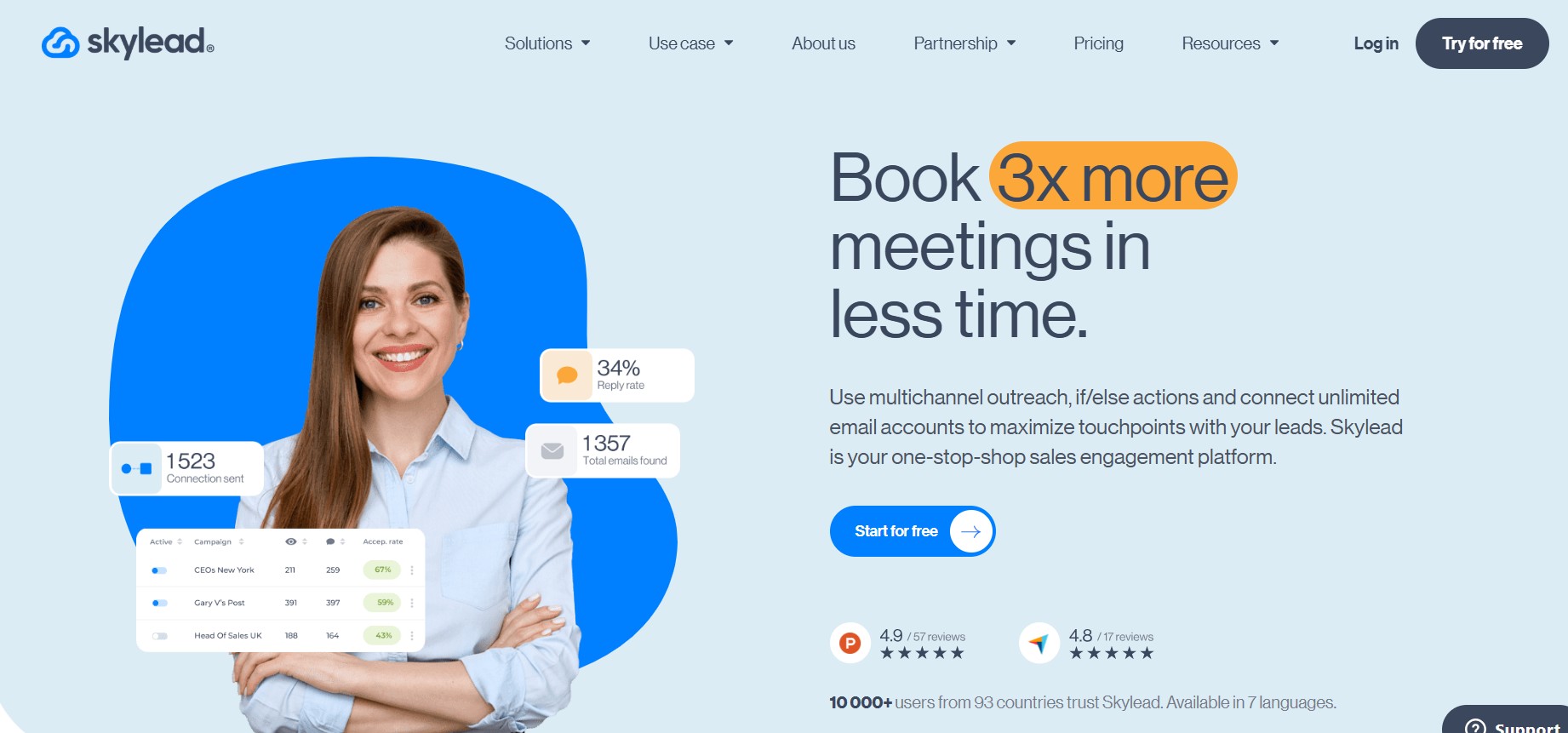
Skylead is the tool for practitioners who’ve outgrown fixed drip sequences and want their campaigns to adapt based on what prospects actually do. The conditional if/then sequence logic is more sophisticated than anything in Dripify, Expandi, or LinkedFusion — a prospect who accepts your connection request gets a different path than one who ignores it, and one who opens your email but doesn’t reply gets routed differently than one who hasn’t opened anything.
What it does well:
- Native LinkedIn and email in one workflow — not bolted together, actually integrated
- Conditional sequence logic that adapts based on prospect behavior, not just time-based drip intervals
- LinkedIn Recruiter campaign support for teams doing volume recruiting
- Smart sequences with branching logic that Skylead pioneered before competitors adopted the approach
Where it falls short: $100/month per seat is at the top of the mid-market range, and the complexity that makes Skylead powerful also means a steeper setup curve than Dripify or Expandi. If you’re new to LinkedIn automation or want something fast to get running, this is probably not where you start. No AI post-reply handling.
Pricing: $100/month per seat
Best for: Experienced outreach operators who want campaigns that respond to prospect behavior and are willing to invest time in the setup to get the conditional logic working properly.
6. MeetAlfred — Best for Multichannel Outreach From a Single Dashboard
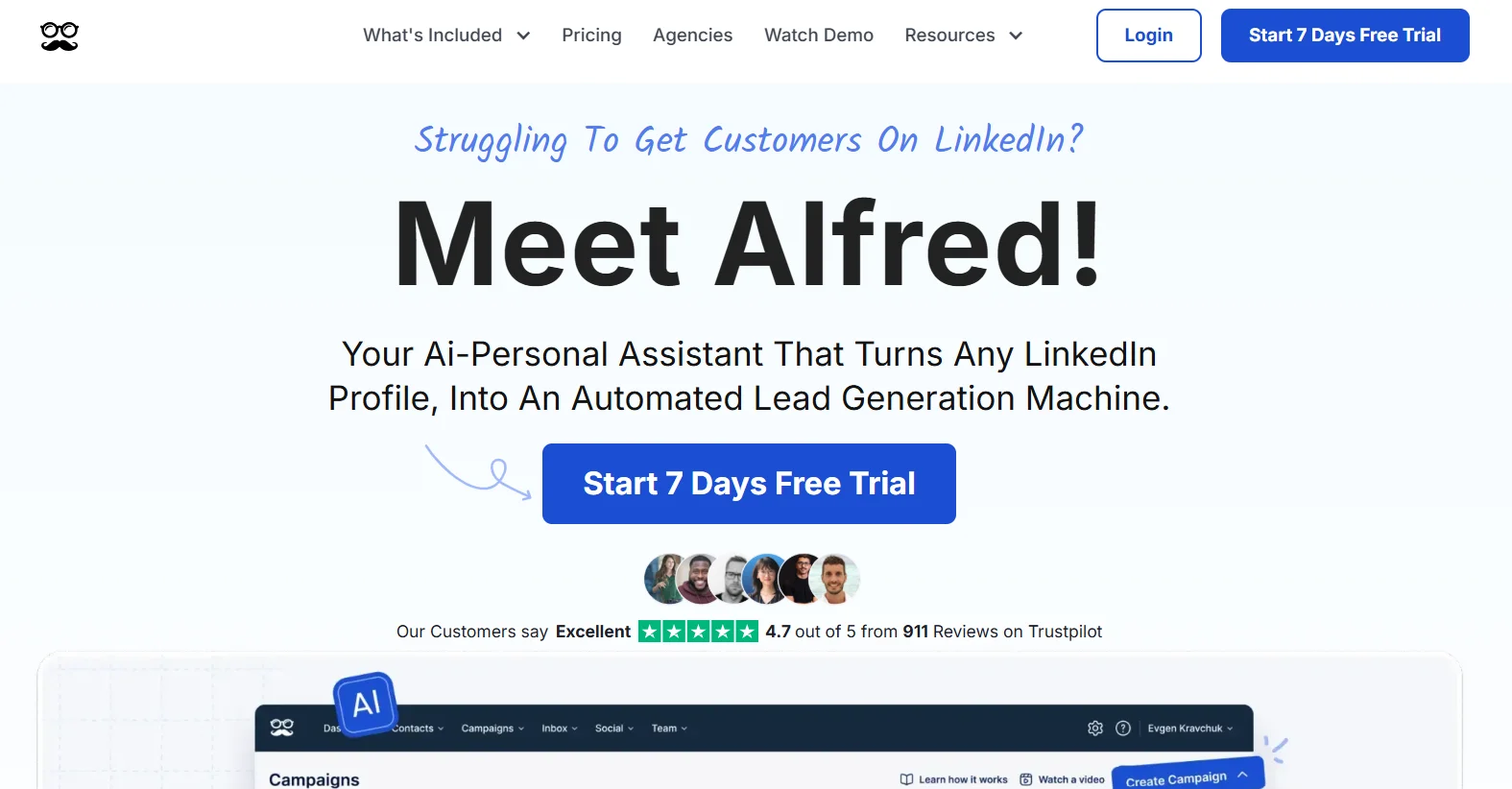
MeetAlfred covers LinkedIn, email, and Twitter/X from one platform, which makes it one of the broader tools in this category in terms of channel coverage. If your outreach motion involves hitting a prospect on multiple platforms and you want to manage that from one place, MeetAlfred is one of the few tools that supports it natively.
What it does well:
- Multichannel reach — LinkedIn, email, Twitter/X — all managed from a single campaign interface
- Built-in CRM functionality that reduces the need for a separate CRM integration for lighter-weight use cases
- Hyperise integration for image and GIF personalization, same as Expandi
- Suitable for teams that want to consolidate their outreach stack into fewer tools
Where it falls short: The personalization ceiling is the same as most tools in this range — variable placeholders, with Hyperise as an add-on that costs extra. No built-in email discovery or verification. Reply handling is manual. The product has chased competitor features reactively over the years rather than building around a clear core use case, and that shows in the UX — the experience isn’t as polished as Dripify or Expandi in the areas where MeetAlfred overlaps with them. No AI conversation handling.
Pricing: Mid-range, multiple tiers — check current pricing on site
Best for: Small teams that want LinkedIn, email, and Twitter outreach from one dashboard and don’t need deep personalization or AI reply handling.
7. Waalaxy — Best Entry-Level Pick for Solo Prospectors and Small Teams
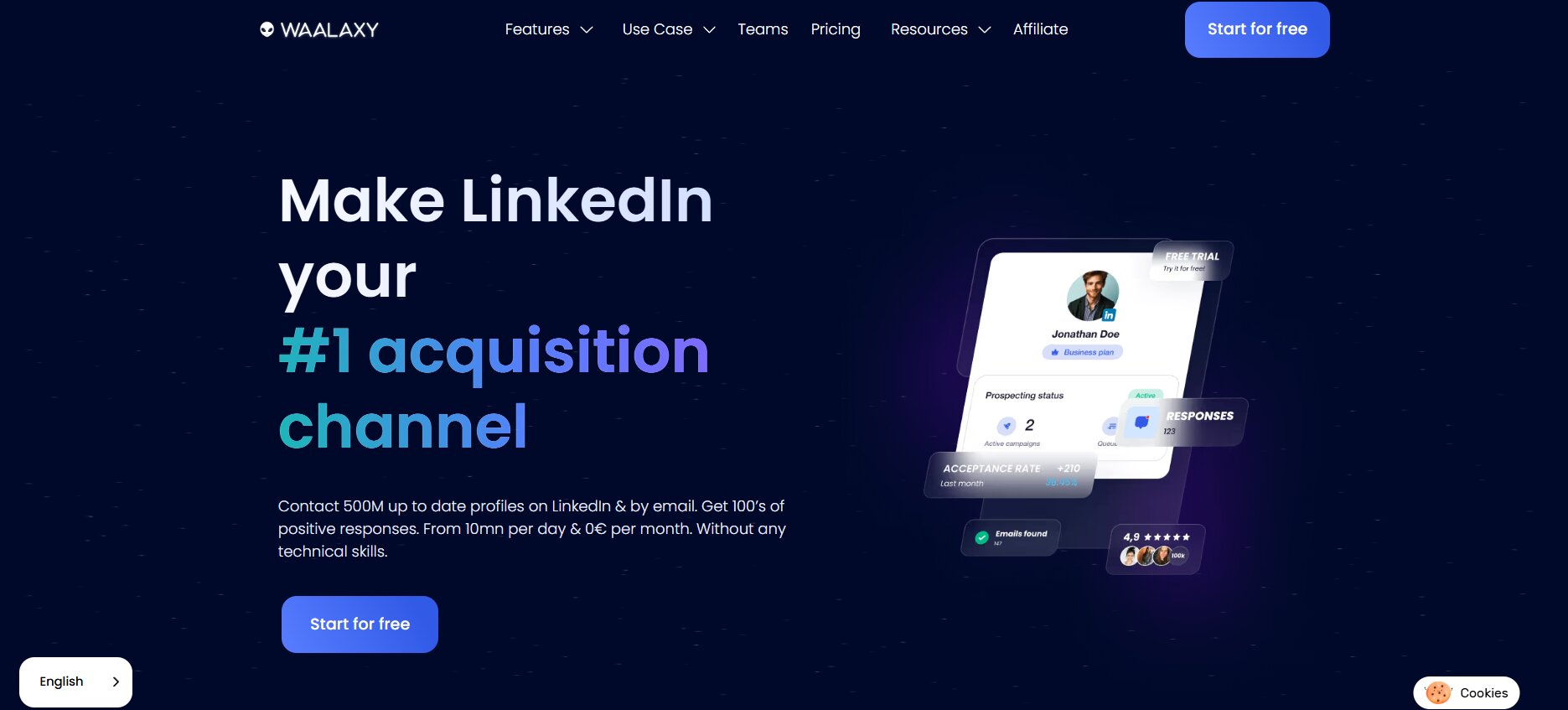
Waalaxy is the entry point for people who want to start with LinkedIn and email automation without a large upfront commitment. There’s a free plan, paid tiers starting around €19/month, and the interface is straightforward enough that you’re not spending a week figuring out how to run your first campaign.
What it does well:
- Free plan available — genuinely functional, not just a demo mode
- Multichannel sequences combining LinkedIn and email in one workflow
- Reply detection that stops sequences when a prospect responds, which prevents the awkward double-message problem
- Low barrier to getting started — useful for founders or solo SDRs who want to test LinkedIn automation before committing to a larger spend
Where it falls short: Waalaxy runs as a Chrome extension, not a cloud-based tool. That’s a meaningful safety distinction for daily heavy outreach — Chrome extensions share IPs across their user base, which raises detection risk compared to dedicated IP cloud tools like Expandi or DealsFlow. Multiple reviewers on G2 and Trustpilot flag billing issues and limited refund policies, which is worth knowing before you put a card down. The Pro plan’s monthly invite limit is restrictive relative to what LinkedIn actually allows, and the unified inbox for reply management costs an extra ~€20/month on top of any plan.
Pricing: Free plan; paid from €19/month (Pro) to €69/month (Business); Enterprise at custom pricing. Annual plans offer around 50% discount.
Best for: Solo prospectors and small teams on a tight budget who want to start with LinkedIn and email automation without a large commitment — and who aren’t running campaigns at the volume where Chrome extension safety risk becomes a real concern.
8. La Growth Machine — Best for Multichannel With the Strongest Safety Posture
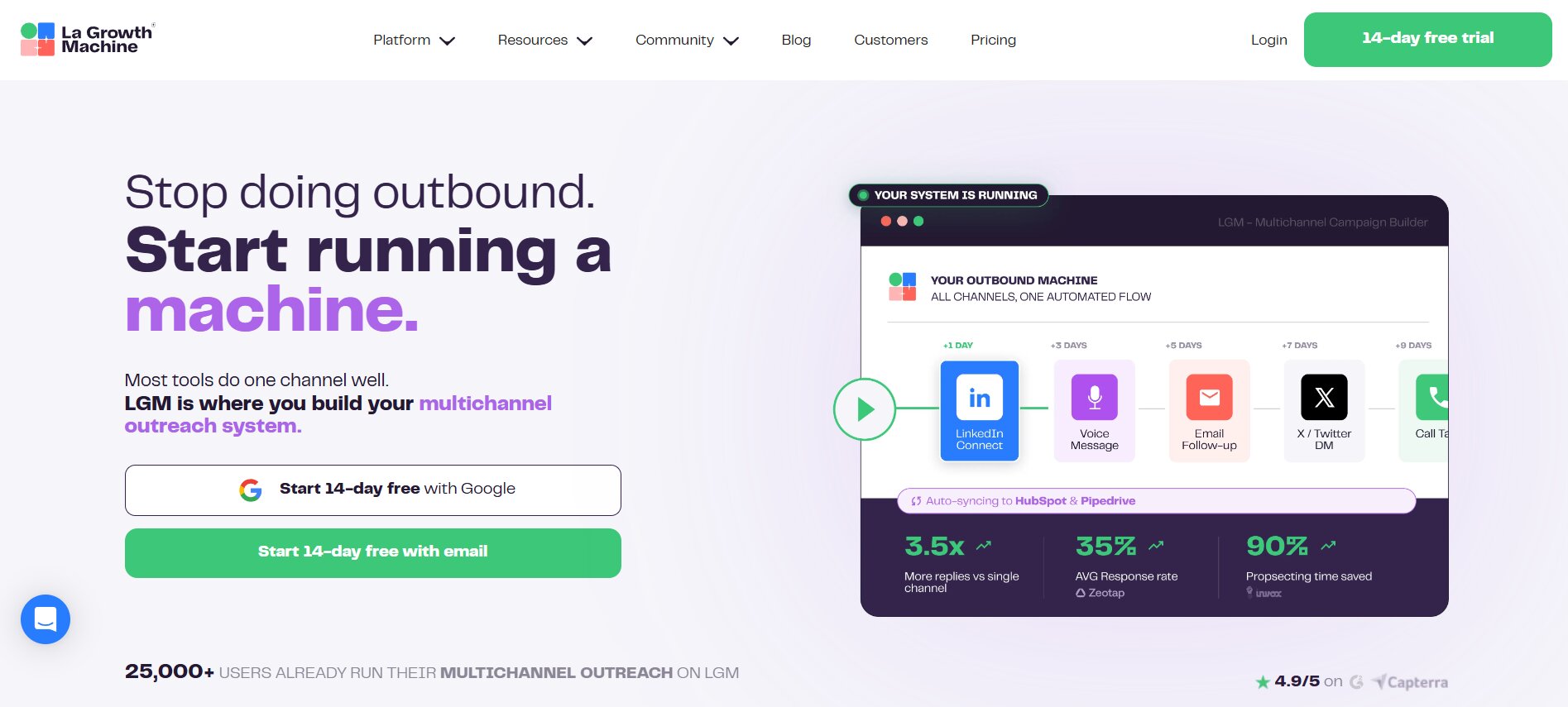
La Growth Machine is a French-built multichannel outreach platform that runs LinkedIn, email, and Twitter/X in conditional workflows. It’s less talked about in English-language content than Expandi or Dripify, but in EU markets it’s consistently cited for its compliance-aware operation and safety posture.
What it does well:
- Among the strongest safety postures for multichannel outreach — built with compliance as a core design consideration, not an afterthought
- Native enrichment credits included, reducing the need for separate lead enrichment tools
- Conditional workflows across channels — similar in logic depth to Skylead but with the multichannel breadth of MeetAlfred
- LinkedIn, email, and Twitter/X in one workflow with real conditional branching between channels
Where it falls short: Pricing sits at the higher end of the mid-to-upper range and isn’t always straightforward to compare because of how features are tiered. The full conditional workflow setup has a steeper learning curve than most tools on this list. Fewer English-language community resources and tutorials than Expandi or Dripify, which matters if you get stuck. No AI post-reply handling.
Pricing: Check current site for latest — typically mid-to-upper range per seat
Best for: Teams that need multichannel outreach across LinkedIn, email, and Twitter with strong compliance-first operation — particularly relevant for EU-based teams or anyone selling into regulated markets.
9. SalesRobot — Best for AI-Personalized Messaging Without Building the Copy Yourself
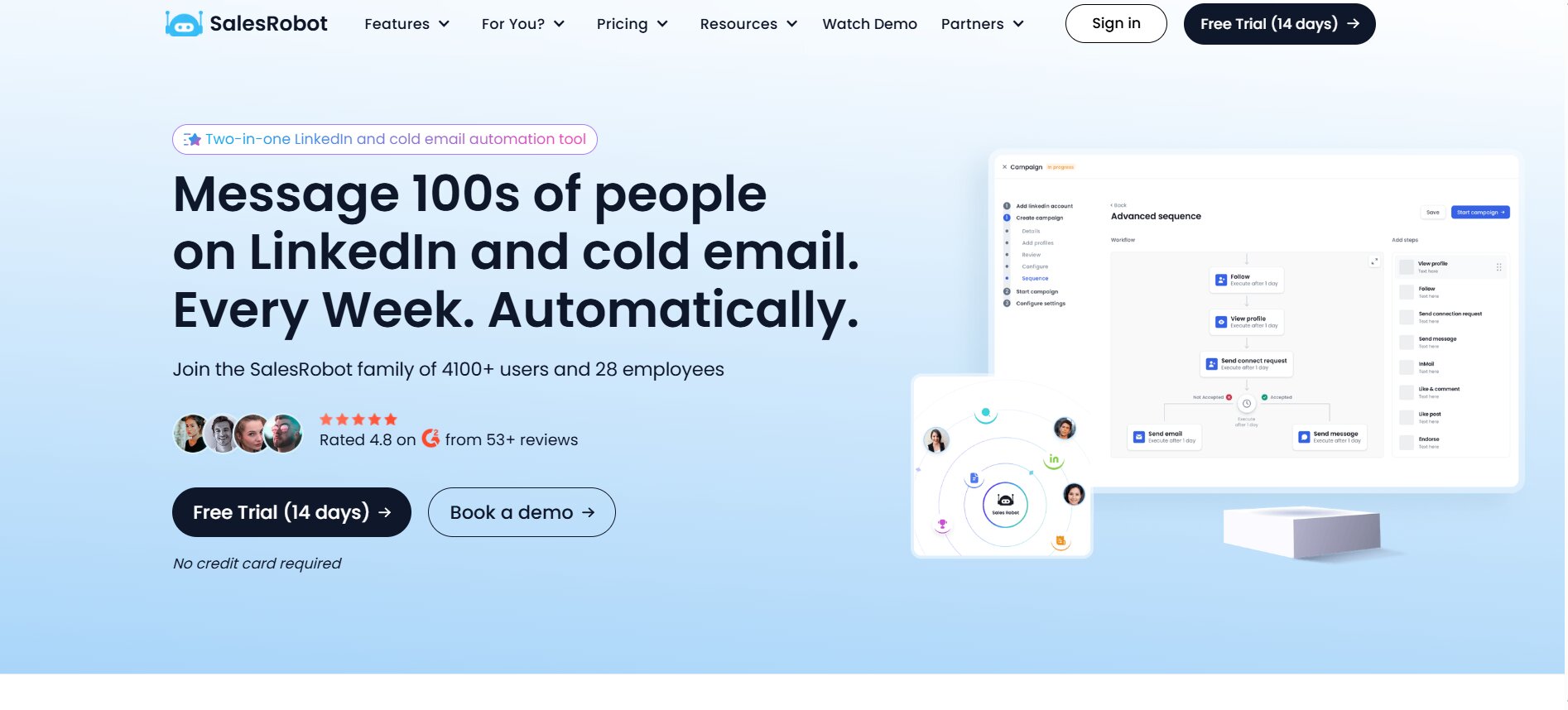
SalesRobot sits between standard variable-placeholder tools and purpose-built AI conversation managers. The AI message generation layer is more developed than most competitors in this price range — it writes messages to context, not just fills in merge tags, which is a real step up for teams that know their personalization is weak but don’t have the copywriting bandwidth to fix it manually.
What it does well:
- AI-written personalized outreach messages out of the box — meaningful differentiation from merge-tag templates
- Cloud-based with solid safety controls, LinkedIn and email from one dashboard
- Auto-reply handling capabilities more developed than Expandi’s as of 2026 — not full AI conversation management, but smarter than pure manual handling
- Clean interface, reasonably fast to set up for new users
Where it falls short: Per-account pricing ($59–$99/month per LinkedIn account) gets expensive fast for agencies running multiple accounts. At ten accounts, you’re looking at $590–$990/month just for SalesRobot before anything else in the stack. The AI reply handling is an improvement over manual, but it’s not in the same category as Arlo — it’s smarter routing and suggestions, not autonomous conversation management. The value-to-cost ratio narrows at lower usage levels for budget-constrained solopreneurs.
Pricing: $59–$99/month per LinkedIn account depending on plan and billing cycle
Best for: Individual SDRs and small teams that want AI-assisted outreach message writing without relying on their own copywriting and are running one to three LinkedIn accounts.
10. LinkedHelper 2 — Best for Budget-Constrained Power Users Comfortable With Manual Setup
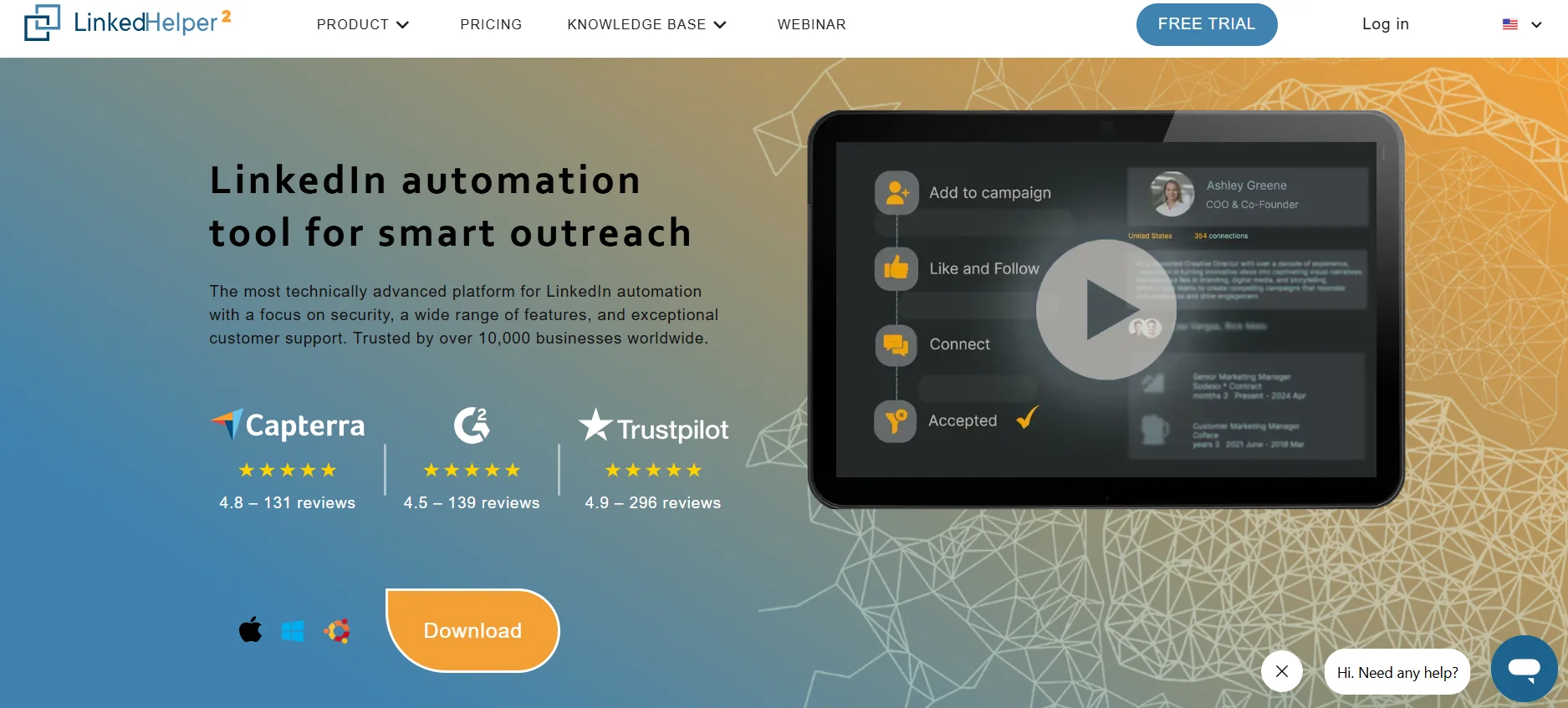
LinkedHelper 2 is the oldest, cheapest, and most manual tool on this list. It’s a desktop application — not cloud-based — with a large feature set and one of the lowest price points in the entire LinkedIn automation space. At around $8.25/month, it’s a different category of product from everything else here.
What it does well:
- Extensive automation features: connection requests, multi-step sequences, profile visits, skill endorsements, LinkedIn Recruiter campaign support
- Built-in CRM-like features for managing leads without a separate tool
- Lower monthly cost than any other serious LinkedIn automation option on the market
- Large user community and documentation built up over several years
Where it falls short: Desktop-based means your computer needs to be on for campaigns to run — cloud tools handle this problem entirely. No dedicated IP addresses, which raises detection risk at higher volumes. Steeper setup curve than every other tool on this list — LinkedHelper rewards practitioners who configure it carefully and understand what they’re doing. No AI layer, no reply handling, no multichannel. Not suitable for teams, agencies, or anyone needing to scale across multiple accounts or senders.
Pricing: From ~$8.25/month
Best for: Budget-constrained solopreneurs running a single LinkedIn account who are comfortable with manual configuration, want deep automation features at the lowest possible cost, and have the time to set it up properly.
LinkedFusion vs. the Alternatives — Quick Comparison
| Tool | Best For | Starting Price | Cloud-Based | AI Reply Handling | Multichannel (Email) |
|---|---|---|---|---|---|
| DealsFlow | AI-managed full conversations | $59/mo (monthly) | Yes | Yes — Arlo AI | Yes |
| HeyReach | Agency multi-account scale | $79/mo | Yes | No | Limited |
| Expandi | Safe, LinkedIn-only volume | $99/mo | Yes | No | Yes (add-on) |
| Dripify | Visual campaign builder | $39/mo | Yes | No | Yes |
| Skylead | Conditional sequence logic | $100/mo | Yes | No | Yes |
| MeetAlfred | Multichannel, single dashboard | Mid-range | Yes | No | Yes |
| Waalaxy | Entry-level solo outreach | Free / €19+/mo | No (Chrome) | No | Yes |
| La Growth Machine | Compliance-first multichannel | Upper-mid range | Yes | No | Yes |
| SalesRobot | AI message writing | $59/mo/account | Yes | Partial | Yes |
| LinkedHelper 2 | Budget desktop automation | ~$8.25/mo | No (Desktop) | No | No |
| LinkedFusion | General LinkedIn outreach | $65.95/mo | Yes | No | Limited |
Which LinkedFusion Alternative Should You Actually Choose?
The right answer depends almost entirely on what your actual bottleneck is.
If your team is done handling replies manually and LinkedIn is a primary revenue channel, DealsFlow is the only tool in this list worth looking at for that specific problem. Arlo is the only system that reads replies, handles objections, and drives conversations toward booked meetings without a human stepping in. Every other tool hands that back to you. If that gap is costing you pipeline — and if you’re running volume outreach, it is — that’s where to focus.
If you run an agency with five or more client LinkedIn accounts, HeyReach is built for exactly that structure. The flat-fee multi-sender model makes the per-account cost dramatically better than per-seat tools at scale, and the unified inbox is the feature that actually makes managing multiple client campaigns workable.
If safety is the primary constraint and you’re doing high-volume LinkedIn-only outreach for a small team, Expandi has the strongest track record. Dedicated IPs, cloud-based, well-documented safety controls. If the main thing you need is reliable volume without account risk, it earns its $99/month.
If your team needs a clean visual builder and a manager dashboard that’s easy to onboard everyone on, Dripify is the most intuitive option at a reasonable price. Fast to set up, clear reporting, good for sales managers who need visibility across reps.
If you want adaptive sequences that branch based on what prospects do rather than just firing on a fixed schedule, Skylead’s conditional logic is the most advanced in this category. Worth the extra setup time if you’ve outgrown straight-line drip sequences.
If budget is the binding constraint and you’re solo, Waalaxy’s free plan gets you started with minimal friction. LinkedHelper 2 is the lowest paid entry point if you’re willing to run a desktop app and configure it yourself.
Conclusion
Most of the tools on this list are good. Some of them are genuinely excellent at what they do. Dripify’s builder is clean. HeyReach’s multi-account architecture is the best in the agency category. Expandi’s safety record is real. These aren’t soft assessments.
But there’s a structural problem in this whole category that most people don’t fully reckon with until they’re running live campaigns. The tools automate the send. They do not automate the conversation. You get a prospect interested enough to reply, and then the tool steps back and waits for you to handle it. At low volume that’s fine. At real scale it’s where the ROI disappears.
Yeah, most teams are used to that gap existing. It’s been a constant across every LinkedIn automation tool for years. But it doesn’t have to be a given anymore. DealsFlow’s Arlo AI is the first tool in this category that actually closes it — reads the reply, handles the objection, books the meeting. The other nine tools on this list are solid options depending on your setup. But if you’re serious about making LinkedIn outreach work end-to-end without building a manual reply operation on top of your automation tool, that’s the gap to solve for.
Start with what your team actually needs. Then ask what happens when someone writes back. The answer to that second question will tell you more than any feature comparison table.
Frequently Asked Questions
Is LinkedFusion worth using in 2026?
For solo SDRs or small teams doing straightforward LinkedIn outreach, LinkedFusion is functional. It’s cloud-based, has dedicated IPs, and the CRM integrations work. But the pricing steps up fast — you need the $95.95/month Grow plan just to unlock CRM sync — and the personalization is still variable-placeholder level. The bigger problem is that it stops completely when a prospect replies. You’re back to manual handling at that point. For simple use cases, it’s fine. For anything more complex, you’ll hit the ceiling quickly.
What is the cheapest alternative to LinkedFusion?
LinkedHelper 2 is the cheapest serious option at around $8.25/month. It’s a desktop app, not cloud-based, so your computer needs to stay on for campaigns to run — but it has a surprisingly large feature set for the price. If you want cloud-based at a low entry point, Waalaxy has a free plan and paid tiers starting around €19/month. Neither handles replies for you, but for a solo user watching their spend, they’re the two lowest-cost starting points.
Which LinkedFusion alternative is best for agencies?
HeyReach. It’s built specifically for agencies managing multiple client LinkedIn accounts, with sender rotation across profiles and a unified inbox that pulls all conversations into one view. The pricing model also makes more sense at scale — $79/month for 3 senders and $199/month for unlimited senders, versus paying per seat across every account. For agencies running 5+ LinkedIn accounts simultaneously, that flat-fee structure saves real money compared to per-seat tools like Expandi or Dripify.
Can any LinkedIn automation tool handle replies automatically?
Yes, but only one does it properly. DealsFlow’s Arlo AI reads prospect replies, determines the right response based on context, handles objections, and drives conversations toward booked meetings without a human stepping in. Every other tool on this list — HeyReach, Expandi, Dripify, Skylead, MeetAlfred, Waalaxy, all of them — stops at the reply stage and returns control to you. Some tools have basic reply detection that pauses a sequence when someone responds, but that’s not the same as actually handling the conversation.
What’s the safest LinkedIn automation tool on this list?
Cloud-based tools with dedicated IP addresses per account are the safest category. That includes DealsFlow, Expandi, HeyReach, Dripify, and Skylead. Among those, Expandi has the strongest long-term safety reputation specifically — it’s been the go-to recommendation for safety-first outreach for several years. Chrome extension tools like Waalaxy use shared IPs across their user base, which raises detection risk at higher volumes. Desktop tools like LinkedHelper 2 carry similar shared-IP risk.
Does LinkedIn ban accounts that use automation tools?
LinkedIn does flag and restrict accounts for automation activity, but the risk varies significantly by tool and usage pattern. Cloud-based tools with dedicated IPs and randomized human-like timing are much less likely to trigger restrictions than browser extensions or desktop apps sharing infrastructure with thousands of other users. Staying within LinkedIn’s daily activity thresholds — typically around 100 connection requests and 200–300 messages per day — also matters regardless of which tool you use. Most of the tools on this list enforce those limits automatically.
Is LinkedFusion good for multichannel outreach (LinkedIn + email)?
It has basic multichannel capability, but it’s not where it’s strong. LinkedFusion is primarily a LinkedIn-first tool. If multichannel is a core part of your outreach motion, tools like Dripify, Skylead, MeetAlfred, or La Growth Machine handle LinkedIn plus email more natively, with Skylead and La Growth Machine offering the most sophisticated conditional logic across channels.
How much does DealsFlow cost compared to LinkedFusion?
LinkedFusion’s Professional plan starts at $65.95/month with daily limits of 40 invites and 120 messages. DealsFlow’s Starter Pilot is $59/month (monthly billing) or $49/month (annual billing) for one LinkedIn account with full Arlo AI access, unlimited campaigns, and AI lead research — no credit card required for the 14-day trial. Scaling Pilot is $149/month (monthly) or $129/month (annual) for 5 accounts. Agency Pilot is $349/month (monthly) or $299/month (annual) for 20 accounts. The meaningful difference isn’t just price — it’s that DealsFlow includes AI reply handling that LinkedFusion doesn’t have at any tier.
Do I need LinkedIn Sales Navigator to use these tools?
Not strictly required for most tools, but it helps. Sales Navigator gives you access to advanced search filters, expanded profile views, and InMail credits — all of which improve campaign targeting. Most tools on this list work with standard LinkedIn accounts. DealsFlow specifically notes it works without Sales Navigator, though they recommend it for high-volume outreach. Where it matters most is cost: if you’re running multiple sender accounts and need Sales Navigator per account, that’s an extra $99/month per seat that adds up fast, especially with per-seat tools like Expandi or HeyReach at scale.
What should I switch to if I’m leaving LinkedFusion right now?
Depends on your actual problem with LinkedFusion. If it’s the reply handling, go to DealsFlow. If it’s agency multi-account management, go to HeyReach. If it’s safety concerns, go to Expandi. If it’s pricing at scale, Dripify’s lower entry tiers are worth looking at. If it’s personalization quality, SalesRobot’s AI message generation is a real step up. There’s no universal best switch — the right tool depends on which specific ceiling you’re hitting.