


Most people trying Octopus CRM hit the same wall at some point. It works fine when you’re sending 20 connection requests a day and following up on two or three conversations. But the moment you want to build a proper outreach system with smart sequencing, reply detection, enriched lead data, and multi-channel touchpoints, you start feeling the ceiling. And that ceiling is lower than the pricing would suggest.
This isn’t a knock on Octopus specifically. It does what it says. But LinkedIn automation has moved fast in the last two years. The tools that serious sales teams, recruiters, and B2B marketers are using in 2026 look nothing like a simple Chrome extension with a dashboard. They handle cloud-based automation so your account isn’t flagged for running a bot on your laptop, they pull in verified email addresses alongside LinkedIn profiles, and the better ones let you build sequences that actually respond to human behavior instead of just blasting everyone with the same four messages.
So if you’re looking for Octopus CRM alternatives that actually upgrade your workflow rather than just swap one dashboard for another, this list covers 10 options worth your time. Each one has real pros and cons, a quick comparison table, and honest notes on who it actually fits. Dealsflow leads the list because it genuinely handles more of the job than any other tool here, and that’s worth explaining in detail.
Why People Look for Octopus CRM Alternatives in the First Place
Look, Octopus CRM built its reputation on simplicity and price. At around $9.99 to $24.99 a month, it undercuts most competitors. You can build a basic funnel, set up connection campaigns, send follow-ups, and view a few profile analytics. For solo freelancers doing light outreach, that’s fine.
But real problems show up pretty quickly:
The tool runs as a Chrome extension. That means your automation only runs when your browser is open. If your laptop sleeps, your sequences pause. More importantly, LinkedIn’s detection systems are increasingly good at spotting browser-based automation patterns. Running thousands of actions from a single Chrome session raises flags in ways that cloud-based tools mostly avoid.
The sequencing is linear. Octopus doesn’t let you branch sequences based on what a prospect actually does. Everyone gets the same path regardless of whether they viewed your profile, accepted your connection, opened your first message, or ignored everything. That’s fine for basic volume plays but useless for nuanced outreach where timing and context matter.
There’s no email channel. LinkedIn alone has become harder to work with. Acceptance rates have dropped from an average of around 40% in 2021 to closer to 20 to 25% now depending on your niche and how warmed up your profile is. If your only channel is LinkedIn connection requests, you’re leaving half your leads untouched.
The CRM side is minimal. You can tag people and add some notes, but there’s no pipeline view, no deal stages, no integration that feels like an actual workflow. You’ll still end up in a spreadsheet or a separate CRM within a week of serious use.
None of this makes Octopus a bad tool. It makes it the wrong tool for anyone who’s grown past the early stages of LinkedIn outreach. So yeah, let’s talk about what actually works.
10 Best Octopus CRM Alternatives for LinkedIn Automation
If you’re looking for alternatives to Octopus CRM, you’re not alone. While Octopus CRM is a popular LinkedIn automation tool, many sales professionals, recruiters, marketers, and lead generation agencies seek platforms that offer more advanced personalization, multichannel outreach, better analytics, enhanced safety features, and team collaboration capabilities.
The good news is that the LinkedIn automation market has evolved significantly, providing numerous powerful alternatives that cater to different outreach needs and budgets. Whether you’re a solo entrepreneur, SDR, recruiter, or enterprise sales team, there’s a solution designed to help you scale your LinkedIn prospecting efforts more effectively.
Here are the 10 best Octopus CRM alternatives worth considering:
#1 Dealsflow
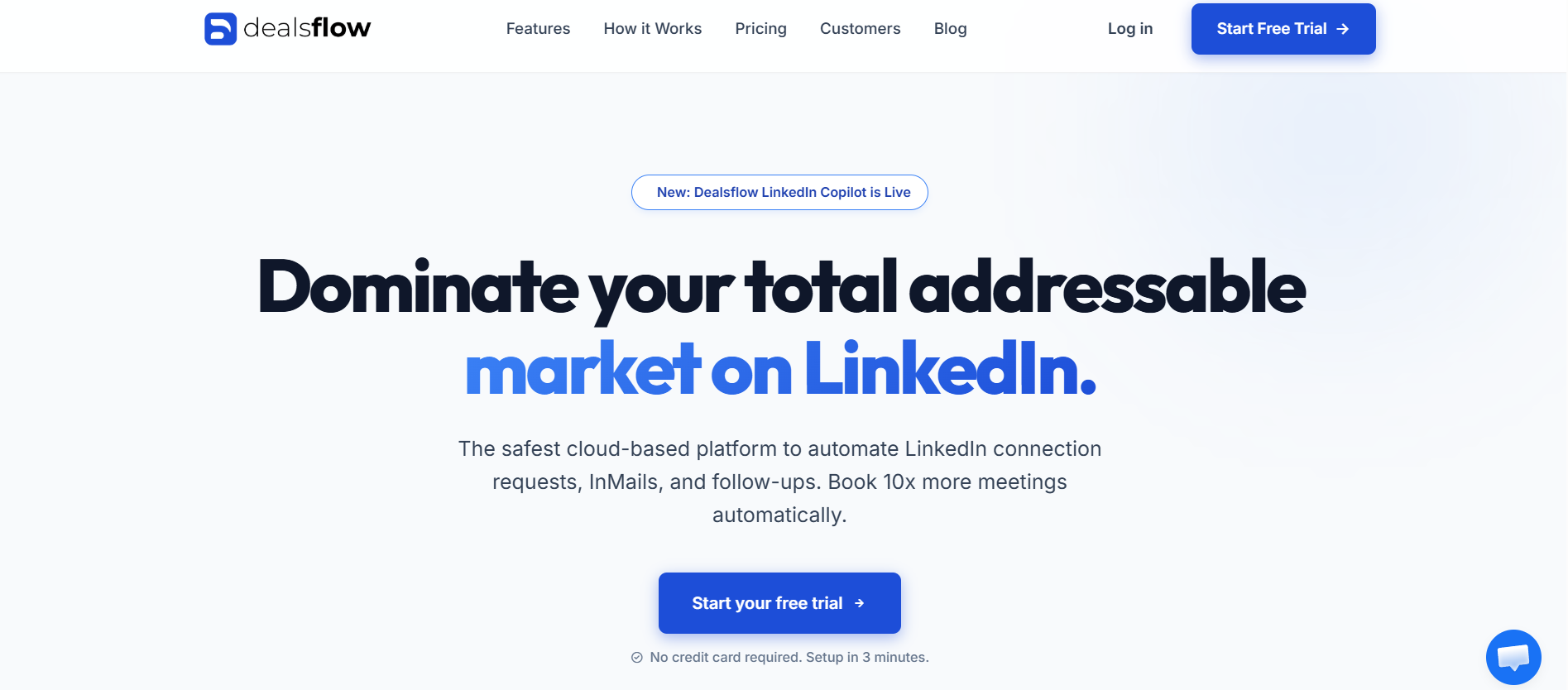
Dealsflow is the one tool on this list that actually tries to handle the full sales workflow rather than just the prospecting part. Most LinkedIn automation tools stop at the point where a lead replies. Dealsflow is built for what happens next.
What Dealsflow Actually Does
The outreach side is cloud-based, which is the first thing to note. Your sequences run whether your browser is open or not, and the activity limits are designed to stay inside LinkedIn’s safe zone. You get connection campaigns, follow-up sequences with smart reply detection (so the sequence pauses automatically when someone responds), profile visit automation, and message personalization using dynamic fields pulled from the prospect’s LinkedIn data.
But the feature that separates Dealsflow from tools like Expandi or Waalaxy is the built-in CRM layer. When a lead responds, they move through a deal pipeline. You can set stages, add notes, assign conversations to team members, set reminders, and track the full conversation history alongside the deal status. This matters because the gap between “got a reply” and “booked a meeting” is where most outreach tools completely abandon you.
Dealsflow for Team Use
If you’re running outreach across multiple LinkedIn accounts, whether that’s a sales team or an agency managing client accounts, Dealsflow handles multi-seat workflows without the clunky workarounds most tools require. You can set per-account daily limits, monitor performance across all seats in one dashboard, and hand off conversations between team members without losing context.
The analytics are also actually useful. Not just “you sent 300 messages,” but reply rates by sequence, acceptance rates by connection message variant, and conversion rates at each pipeline stage. That’s the kind of data that tells you what to fix rather than just confirming you’ve been busy.
Who Dealsflow Fits Best
Sales teams doing account-based outreach, recruiters managing high-volume candidate pipelines, and agencies running LinkedIn campaigns for clients. It’s overkill for someone doing 50 connection requests a week but genuinely the right tool for anyone running outreach seriously.
Pros and Cons
| Pros | Cons |
|---|---|
| Cloud-based, safer for LinkedIn accounts | Steeper learning curve than simpler tools |
| Built-in CRM with deal pipeline | Higher price point than basic tools |
| Smart reply detection pauses sequences automatically | Overkill for solo users with small volumes |
| Multi-seat team management | Requires some setup time to get sequences right |
| Strong analytics across all pipeline stages | Fewer native email integrations than Lemlist |
| Works across multiple LinkedIn accounts |
#2 Expandi
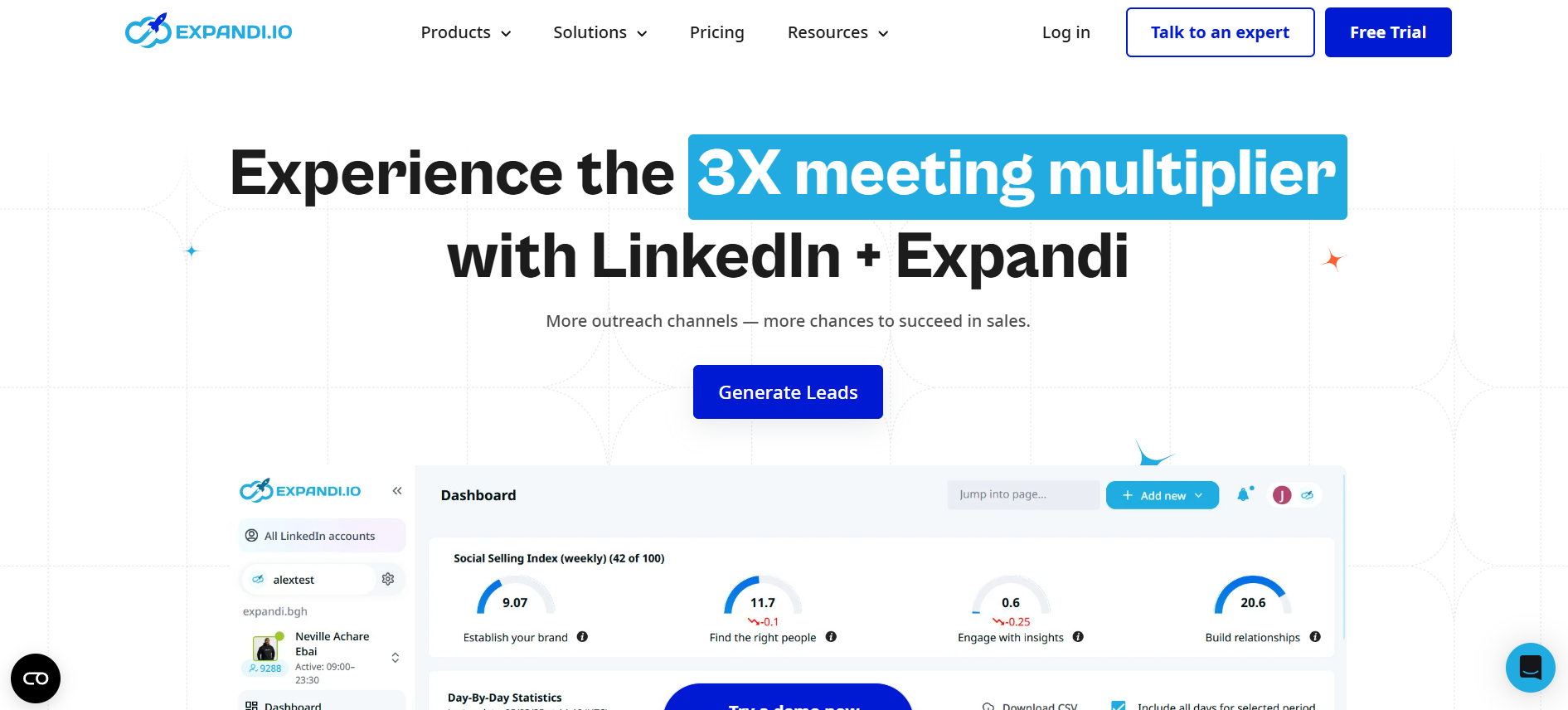
Expandi is probably the most well-known cloud-based LinkedIn automation tool after the Chrome extension era. It’s been around long enough to have a solid track record and a decent user base, and it gets a lot of things right.
Expandi’s Standout Features
The smart sequences are genuinely smart. You can set conditions like “if accepted but didn’t reply in 3 days, send message B” or “if they viewed my profile after connecting, send a different opener.” This is the kind of branching that Octopus simply doesn’t have. The inbox is built into the tool so you can manage conversations without toggling back to LinkedIn.
It also has a feature called “dynamic personalization” that pulls data like the prospect’s company name, job title, recent LinkedIn post, or even the college they attended to insert into messages. Used well, it lifts reply rates meaningfully. Used lazily, it produces embarrassing misfires like “I see you work at [Company Name],” which does happen when your source data is incomplete.
Limitations Worth Knowing
Expandi sits at $99/month per account. That’s fine for one seat but gets expensive fast for teams. The CRM features are thin compared to Dealsflow. You can tag leads and add notes, but there’s no pipeline view or deal progression. You’ll need a separate CRM if you’re managing anything beyond early prospecting. The interface also has a learning curve that trips up new users, and their support response times aren’t always fast.
Pros and Cons
| Pros | Cons |
|---|---|
| Solid cloud-based infrastructure | $99/month per seat gets expensive for teams |
| Strong conditional sequence branching | Thin CRM, no pipeline view |
| Dynamic personalization with multiple data fields | Setup is complex for beginners |
| Dedicated LinkedIn inbox management | Support response can be slow |
| Safe activity limits built in | No native email outreach channel |
#3 Waalaxy
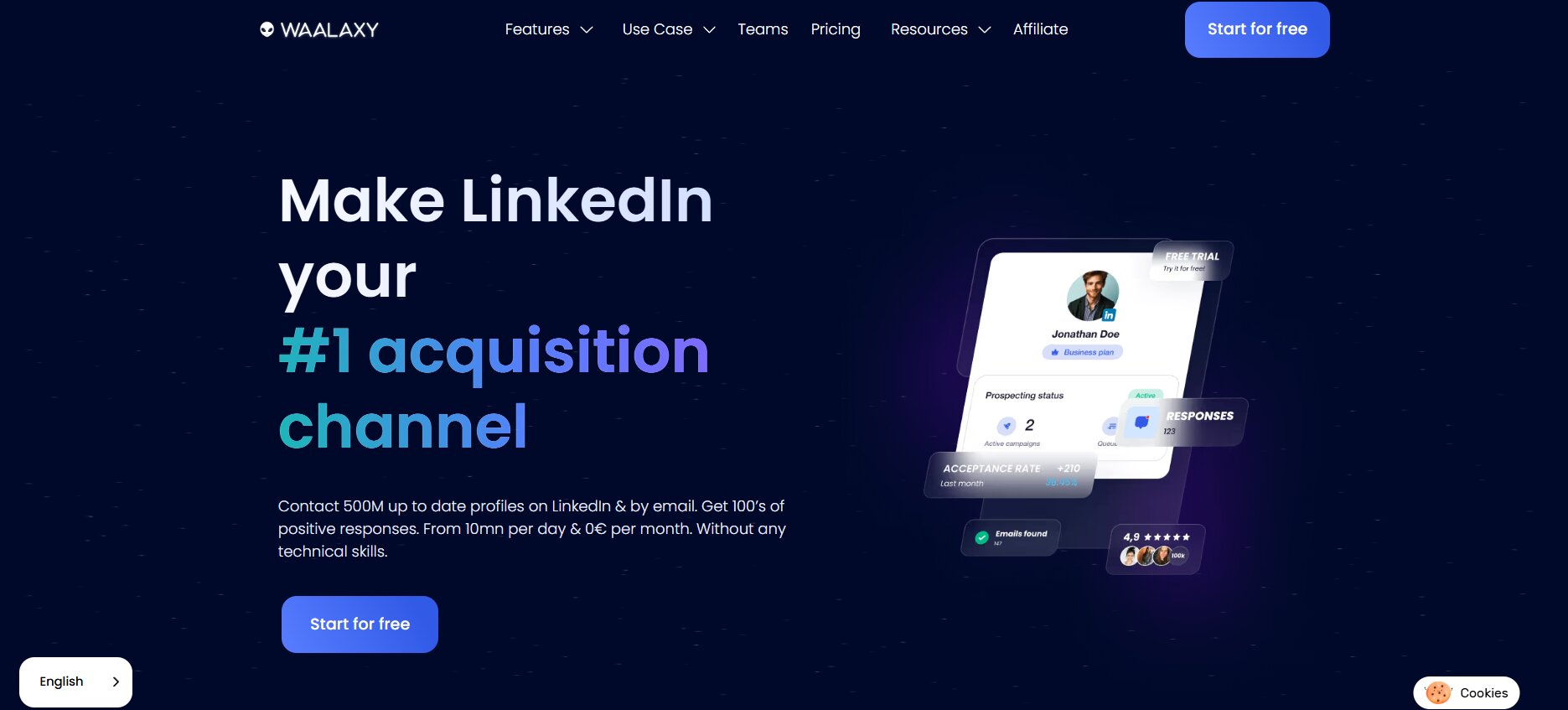
Waalaxy started as ProspectIn and rebranded a few years back. It’s the tool that gets recommended most often in LinkedIn communities for good reason: the free tier is actually usable, and the paid tiers are priced reasonably. If you’re bootstrapping an outreach workflow and don’t need heavy CRM features, Waalaxy is worth a look.
Waalaxy’s Multi-Channel Setup
The main thing Waalaxy does that Octopus doesn’t is multi-channel sequences combining LinkedIn and email. You can build a flow that starts with a LinkedIn visit, sends a connection request, follows up with a LinkedIn message, and then if there’s no reply, drops a cold email to the same contact. The email finder is built in, so you don’t need a separate enrichment tool for every prospect.
The UI is genuinely friendly. Setting up a campaign takes maybe 15 minutes the first time. The templates library gives you starting points without locking you into patterns that sound robotic.
Where Waalaxy Falls Short
The email delivery infrastructure isn’t at the same level as dedicated cold email tools like Instantly or Lemlist. If you’re running serious email sequences, you’ll feel the difference. Sequence logic is also less flexible than Expandi or Dealsflow. It’s more linear than it looks. And the analytics are basic: open rates, reply rates, acceptance rates, but not much beyond that.
Pros and Cons
| Pros | Cons |
|---|---|
| Free tier with real functionality | Email deliverability weaker than dedicated tools |
| LinkedIn + email multi-channel in one tool | Sequence logic is fairly linear |
| Built-in email finder | Analytics are basic |
| Clean, beginner-friendly UI | Limited CRM capabilities |
| Reasonable paid pricing | Not ideal for high-volume teams |
#4 Dripify
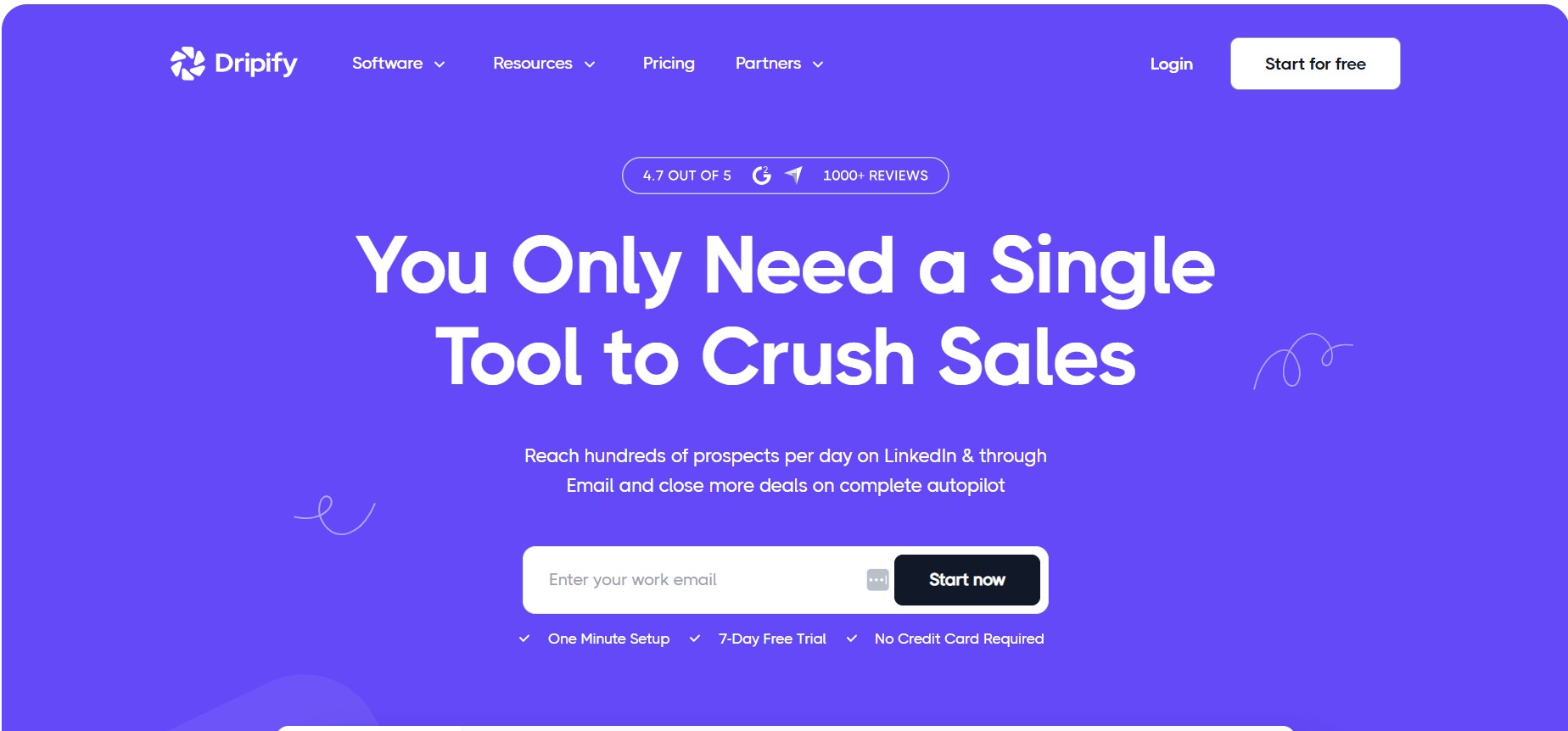
Dripify is a cloud-based LinkedIn automation tool that focuses on drip sequences, which is exactly what the name suggests. It handles connection campaigns, follow-up chains, profile visits, and skill endorsements, and does it all from a cloud dashboard without needing a Chrome extension running.
Dripify Sequence Builder
The drag-and-drop sequence builder is one of the cleaner ones you’ll find in this category. You add steps from a visual interface, set delays, and define the action for each step. It’s not as powerful as Expandi’s conditional branching, but it’s faster to set up and easier to understand. Response detection pauses sequences when someone replies, which is the minimum requirement for any tool worth using in 2026.
Team features exist: you can manage multiple LinkedIn accounts, see per-account analytics, and export lead data to a CSV or push it to a CRM via Zapier. The pricing at around $39/month for basic and $59/month for advanced is more accessible than Expandi for smaller operations.
Where Dripify Misses
No email channel. No built-in email finder. The CRM layer is minimal. So if you want more than pure LinkedIn automation, you’ll be stitching together other tools. Also, the analytics, while cleaner than Octopus, still don’t give you the pipeline-level visibility that matters for sales teams.
Pros and Cons
| Pros | Cons |
|---|---|
| Cloud-based, no Chrome extension needed | No email outreach channel |
| Clean visual sequence builder | Minimal CRM features |
| Reply detection pauses sequences | No built-in email finder |
| Accessible pricing tiers | Basic analytics for sales-focused teams |
| Multi-account team management | Less conditional logic than Expandi |
#5 Lemlist
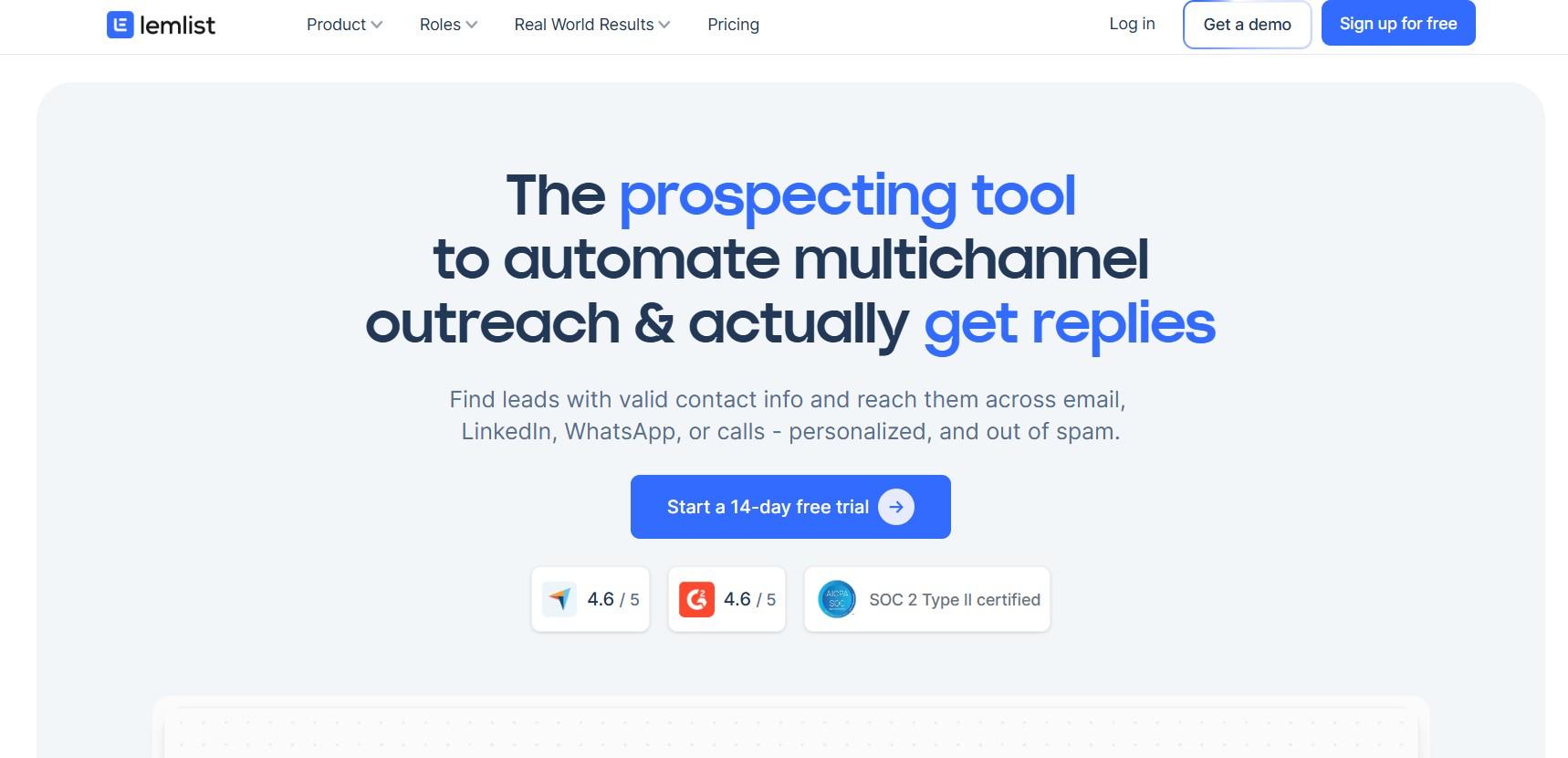
Lemlist built its reputation on cold email, specifically on email personalization with images and dynamic content. Over the last couple of years it’s added a LinkedIn automation layer, which makes it a genuine multi-channel outreach platform. If email is your primary channel and LinkedIn is secondary, Lemlist makes more sense than any pure LinkedIn tool.
Lemlist’s Personalization Engine
The image personalization feature is still the thing that gets people talking. You can insert a prospect’s name, company logo, or website screenshot directly into email images. It’s one of those things that sounds gimmicky until you see a 35% reply rate on a cold campaign and realize the novelty actually moves people. LinkedIn steps can be interspersed in the same sequence: visit profile, connect, message, then fall back to email if no reply.
Email deliverability is where Lemlist genuinely earns its price. The built-in Lemwarm feature handles email warmup automatically. The sending infrastructure is solid. If your email sequences are serious business, this is a meaningful advantage.
Limitations for LinkedIn-First Users
If LinkedIn is your main channel and email is secondary, Lemlist’s LinkedIn automation feels like an add-on rather than a core feature. The LinkedIn automation runs through a Chrome extension, not cloud-based. That’s a step backward from tools like Expandi and Dealsflow for anyone prioritizing LinkedIn account safety.
Pros and Cons
| Pros | Cons |
|---|---|
| Best email personalization in the category | LinkedIn automation still Chrome-extension-based |
| Solid email deliverability and warmup tools | Complex pricing structure |
| Multi-channel sequences (LinkedIn + email) | Expensive for LinkedIn-only users |
| Strong template library | UI takes time to learn |
| Good for SDR teams and agencies | Email-first tool, not LinkedIn-first |
#6 La Growth Machine
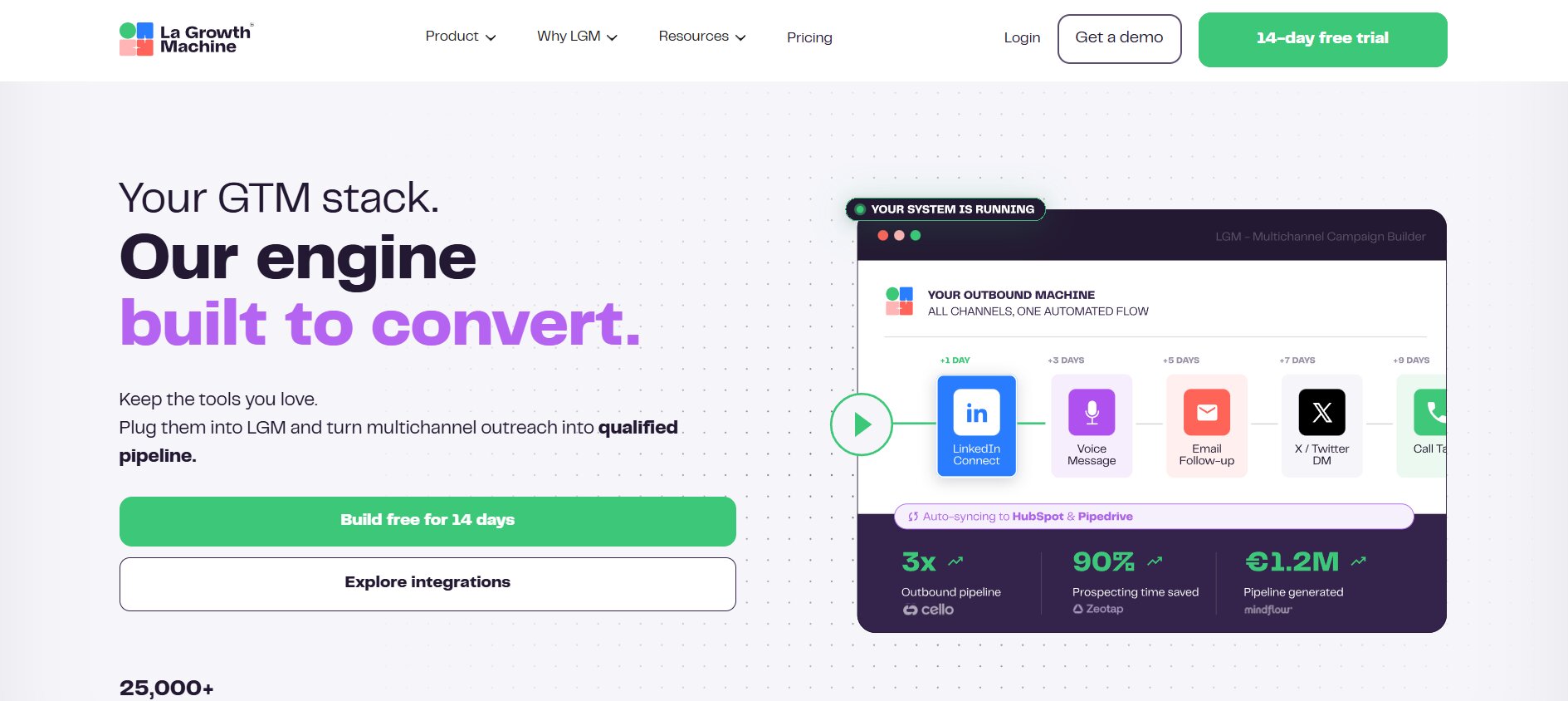
La Growth Machine is a multi-channel outreach tool that takes a slightly different approach: it builds a unified sequence across LinkedIn, email, and Twitter/X, using enriched prospect data to fill in each channel automatically. You import a list of LinkedIn profiles, La Growth Machine enriches them with professional emails and sometimes Twitter handles, and then runs sequences across all three channels.
The Enrichment-First Model
This is genuinely different from how most tools work. Instead of manually finding emails or running a separate enrichment step, La Growth Machine does it during campaign setup. The enrichment quality is decent, not perfect, with around 60 to 70% match rates depending on your audience, but it cuts setup time significantly.
The audience targeting integrates with LinkedIn Sales Navigator, which is key for anyone doing account-based outreach. You can import a saved search directly, which removes the manual import step.
What Holds It Back
La Growth Machine is priced at around $60 to $150/month depending on the plan, and the interface isn’t the most intuitive. The learning curve is real. Also, the LinkedIn automation runs with some browser involvement, which isn’t as clean as fully cloud-based solutions. For pure LinkedIn automation, there are better options. For true multi-channel sequences with enrichment built in, it’s genuinely useful.
Pros and Cons
| Pros | Cons |
|---|---|
| Built-in lead enrichment (email + LinkedIn + Twitter) | Steeper learning curve |
| True multi-channel sequences across three platforms | Some browser involvement for LinkedIn |
| LinkedIn Sales Navigator integration | Expensive at higher plan tiers |
| Reduces manual data collection steps | Interface is complex for beginners |
| Good for account-based outreach | Enrichment match rates aren’t always high |
#7 MeetAlfred
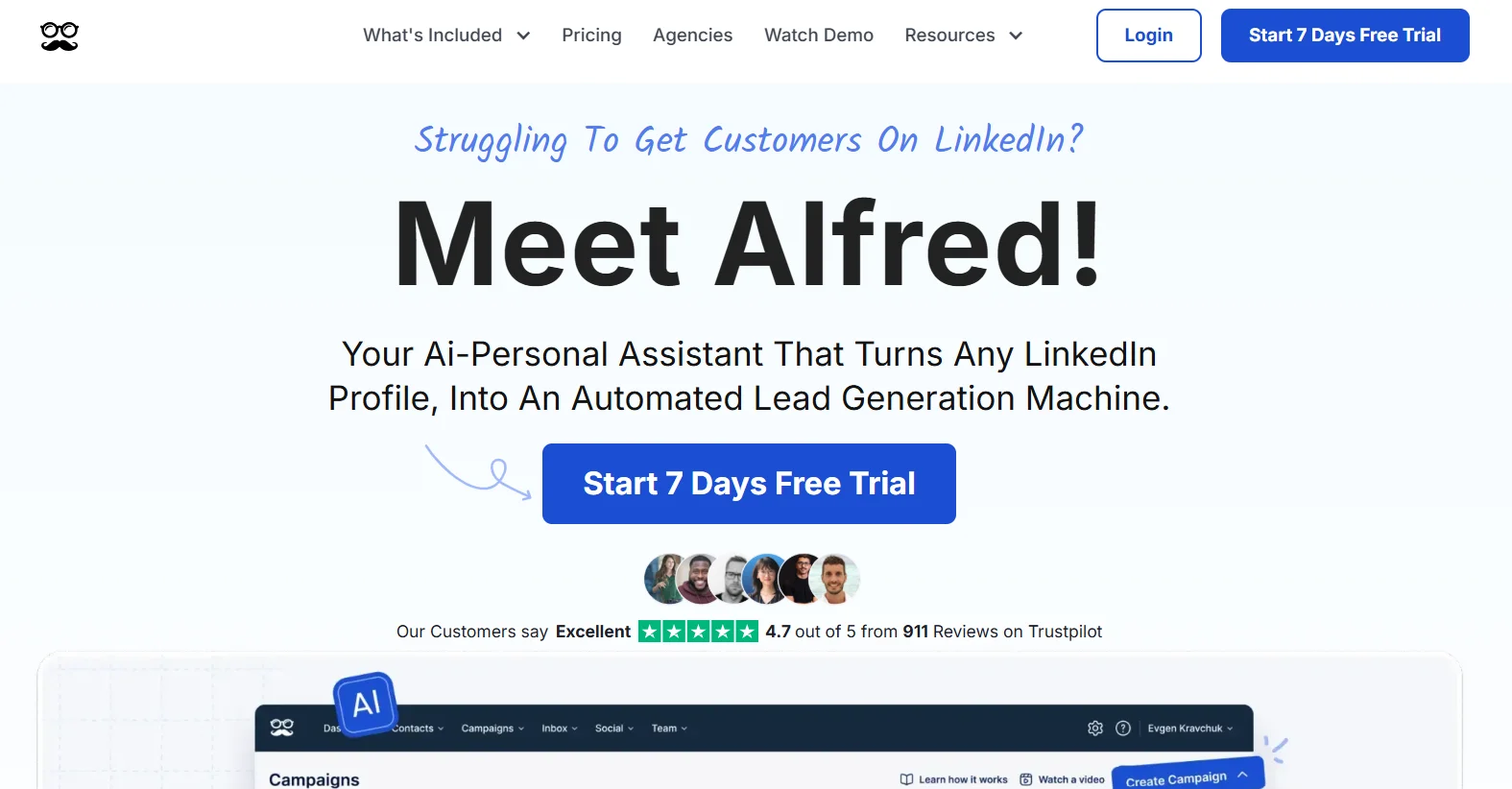
MeetAlfred (formerly Leonard) is one of the older LinkedIn automation tools, and it’s evolved significantly. It now supports multi-channel campaigns covering LinkedIn, email, and Twitter. The team management features are more mature than most tools in this range.
MeetAlfred’s Campaign Builder
The campaign builder handles both cold outreach sequences and content scheduling, which is unusual. If you’re running LinkedIn content as part of your lead generation alongside outreach, having both in one tool has some workflow value. The CRM layer gives you contact management with tags and notes, though it’s not a replacement for a real CRM.
Response rates tracking and A/B testing on message variants are available on the higher-tier plans. The pricing is $59/month for the personal plan and $99/month for business, which includes team seats.
Where It Slips
The interface has some rough edges and the mobile experience is not smooth. Users report occasional sync issues with LinkedIn connections. The email channel is functional but not as polished as Lemlist’s infrastructure. If you need rock-solid email deliverability alongside LinkedIn, you’ll want a dedicated email tool.
Pros and Cons
| Pros | Cons |
|---|---|
| Multi-channel: LinkedIn, email, Twitter | Interface has rough edges |
| Content scheduling alongside outreach | Occasional LinkedIn sync issues |
| Team management features | Email less polished than dedicated tools |
| A/B testing on messages (higher tiers) | Mobile experience is weak |
| Reasonable team pricing | Mature but not the fastest to evolve |
#8 LinkedHelper 2
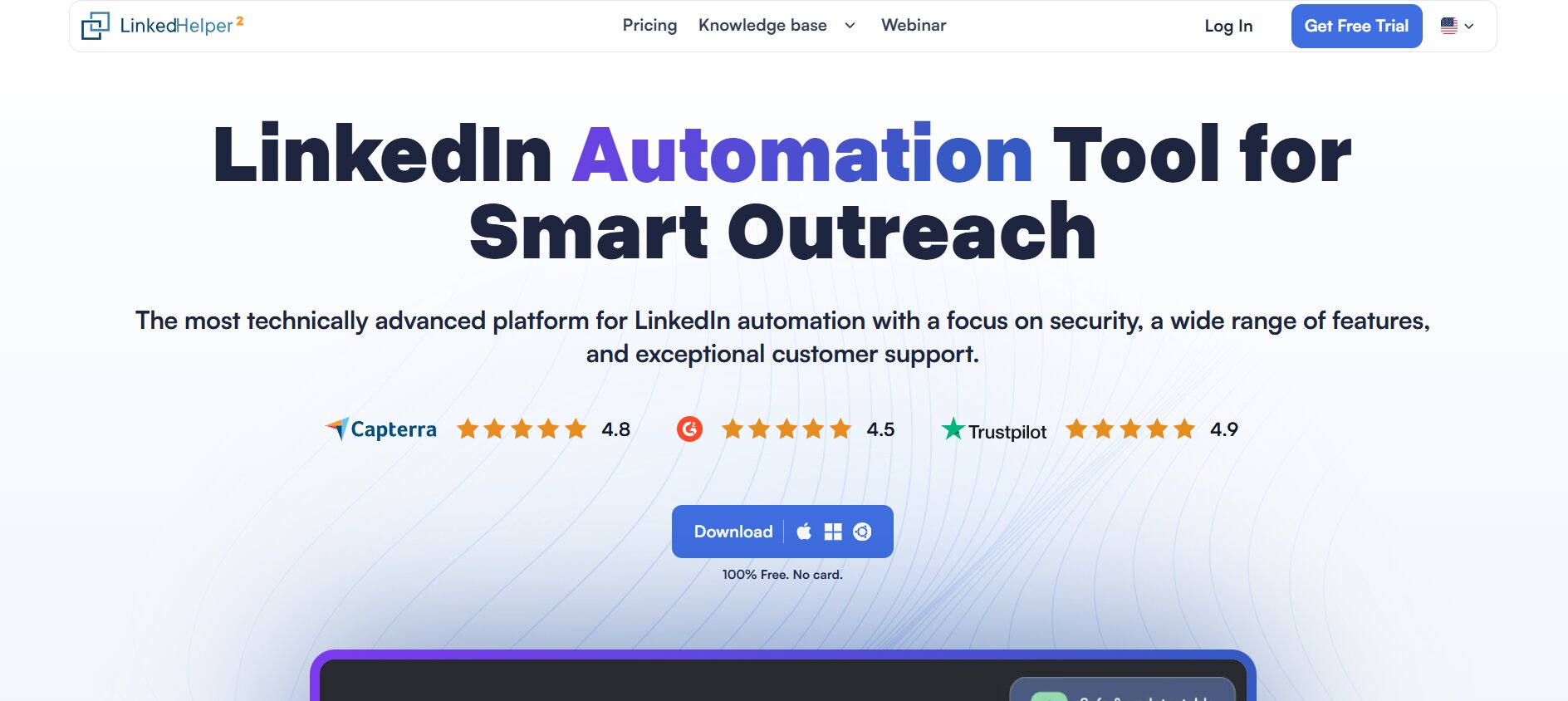
LinkedHelper 2 is a desktop application, not a Chrome extension, and it sits in an interesting middle ground between lightweight tools and heavy platforms. It handles an unusually wide range of LinkedIn actions: connection campaigns, message sequences, profile visits, skill endorsements, group invites, event invites, and even LinkedIn post liking at scale.
Why the Desktop App Approach Is Different
Because it’s a desktop app rather than a Chrome extension, it emulates a real user session at a lower level than most browser-based tools. That doesn’t make it completely safe from LinkedIn detection, but users generally report fewer account issues than with Chrome extensions. It’s also a one-time-style cost at around $8.25/month on an annual plan, making it one of the most affordable options for solo users doing high-volume LinkedIn work.
The automation capabilities are wide. You can build multi-step campaigns that touch nearly every LinkedIn action type, set delays, add conditions, and export data to a CRM. The built-in message templates system is flexible.
The Downsides
It runs on your local machine. That means it only works when your computer is on. No mobile management. The UI looks like software from 2019 and feels like it too. There’s no email channel and no real CRM. The setup is genuinely complex for beginners, with a lot of settings that require careful attention to avoid going over LinkedIn’s limits.
Pros and Cons
| Pros | Cons |
|---|---|
| Very affordable pricing | Runs locally, no cloud-based option |
| Wide range of LinkedIn action types | UI is dated and unintuitive |
| Desktop app emulates real sessions | Complex setup for beginners |
| Good for high-volume solo users | No email channel |
| Active development and updates | No mobile access |
#9 Salesflow
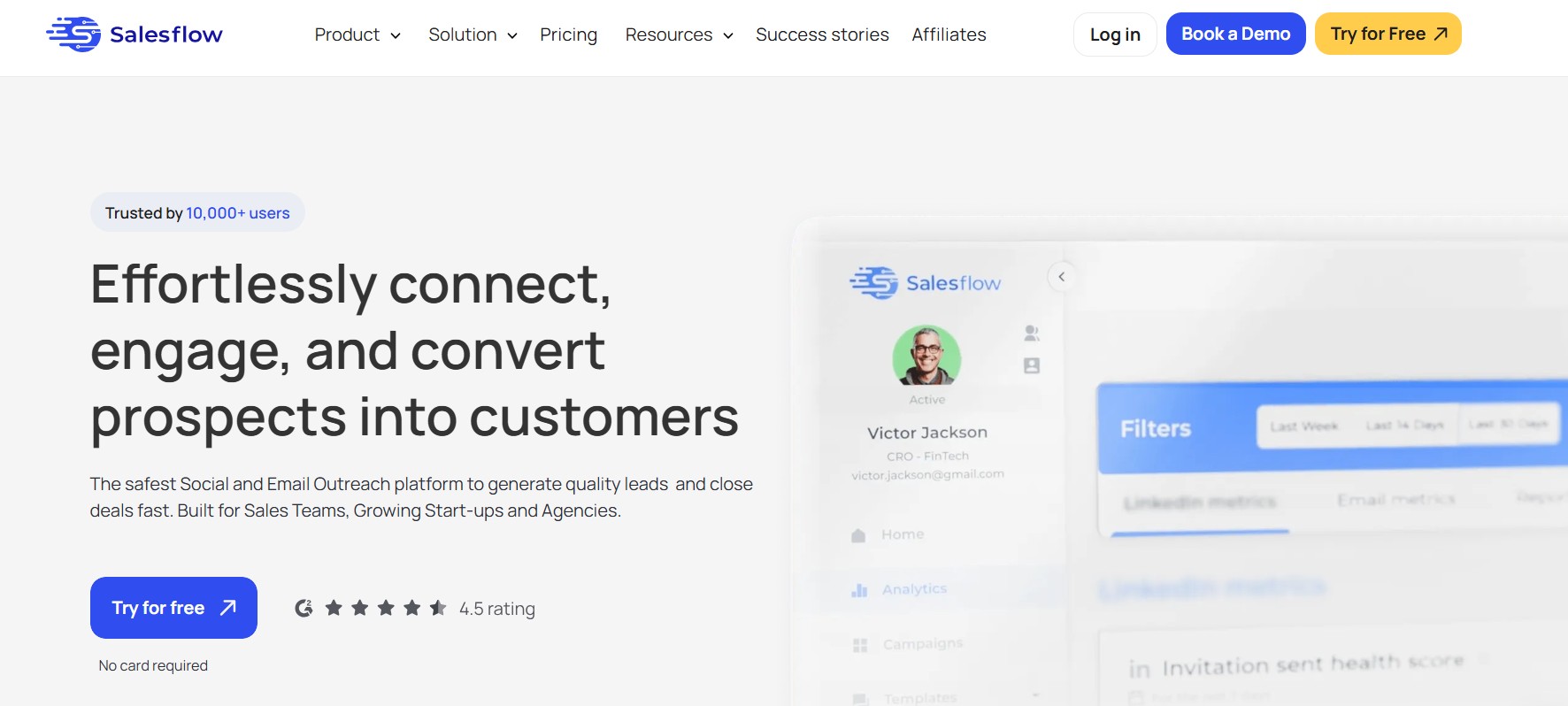
Salesflow is positioned firmly at the B2B sales team market. Cloud-based, focused on LinkedIn automation with team collaboration features, and built around the idea that outreach should connect directly to revenue tracking rather than just message counts.
Team-Focused Features
The managed inbox lets multiple team members handle conversations from the same LinkedIn accounts, which is useful for larger SDR teams. The analytics give pipeline-level data: not just reply rates, but booked meetings, opportunities created, and revenue attributed to specific campaigns. That’s the kind of reporting a VP of Sales actually cares about.
Integration with Salesforce and HubSpot is native rather than Zapier-dependent, which reduces the latency and error rate you get from webhook-based syncs. For teams already deep in a CRM, that’s a real advantage.
Who It’s Not For
Salesflow pricing starts at $99/month per seat and goes up from there. For solo users or small teams, that’s steep. The tool is also very much focused on LinkedIn only, with no email channel. If you want multi-channel sequences, you’re combining this with another tool.
Pros and Cons
| Pros | Cons |
|---|---|
| Cloud-based, enterprise-grade infrastructure | Expensive at $99+/month per seat |
| Revenue-level analytics beyond message counts | LinkedIn only, no email channel |
| Native Salesforce and HubSpot integrations | Overkill for small teams |
| Managed inbox for team collaboration | Less flexible for solo or agency use |
| Pipeline reporting tied to outreach | Higher learning curve for setup |
#10 Phantombuster
Phantombuster is a different kind of tool. It’s not a LinkedIn automation platform in the traditional sense. It’s an automation infrastructure where you run “Phantoms” (pre-built scripts) for hundreds of different tasks across LinkedIn, Twitter, Sales Navigator, Instagram, and more. The LinkedIn-specific Phantoms cover profile scraping, connection requests, message sending, post engagement, and more.
Why Phantombuster Has a Dedicated Fan Base
The flexibility is real. If you need to scrape 5,000 LinkedIn profiles from a specific search, export them to Google Sheets, enrich them with emails via an API call, and then load them into a CRM, Phantombuster can be part of that chain in a way most purpose-built tools can’t. Developers and technically-minded marketers love it for exactly this reason.
The pricing is usage-based, starting around $56/month for 20 hours of execution time. For occasional use, it’s efficient. For daily automation at scale, it adds up.
The Real Limitation
Phantombuster is not a sequencing tool. It runs tasks, not campaigns. There’s no native inbox, no reply detection, no conversation management. You’re building the workflow logic yourself, often in combination with other tools. For non-technical users, it’s genuinely difficult to use well without some scripting knowledge or very careful use of their template library.
Pros and Cons
| Pros | Cons |
|---|---|
| Extremely flexible for technical users | Not a sequencing or campaign tool |
| Works across LinkedIn, Twitter, Instagram, and more | No inbox or reply detection |
| Useful for data scraping and enrichment workflows | Requires technical knowledge to use well |
| Large library of pre-built Phantoms | Complex to set up proper outreach campaigns |
| Can integrate with APIs and Google Sheets | Usage-based pricing adds up at scale |
How to Choose the Right Octopus CRM Alternative for Your Use Case
Picking the right tool comes down to being honest about three things: your volume, your channels, and how much of the sales process you want the tool to own.
Solo Users Doing Under 50 Outreach Actions Per Day
If you’re a solo consultant, freelancer, or founder doing relatively light LinkedIn outreach, the honest answer is you don’t need the most expensive tool. Waalaxy’s free tier covers basic campaigns. LinkedHelper 2 at $8.25/month handles high-volume LinkedIn actions if you’re comfortable with the setup. Dripify at $39/month hits a good balance of cloud safety and usability.
Sales Teams Running Structured Outreach at Scale
This is where Dealsflow earns its place at the top of this list. The combination of cloud-based automation, smart sequencing, built-in CRM, and team collaboration features is what actual B2B sales teams need. You’re not just automating messages: you’re managing a pipeline. Salesflow is the runner-up here for teams that need deep Salesforce or HubSpot integration, but Dealsflow does more of the workflow in one place.
Multi-Channel Outreach Combining LinkedIn and Email
Waalaxy and La Growth Machine both handle LinkedIn plus email in one tool. For email-primary workflows where LinkedIn is a supporting channel, Lemlist is the better choice. MeetAlfred covers all three channels including Twitter if that matters to your audience.
Technical Users Building Custom Automation Workflows
Phantombuster is genuinely the answer here. It’s not for everyone, but for growth hackers and marketers who want precise control over what data gets pulled, how it gets processed, and where it goes next, nothing else comes close.
Quick Comparison Table: Top Octopus CRM Alternatives
| Tool | Cloud-Based | Email Channel | Built-in CRM | Best For | Starting Price |
|---|---|---|---|---|---|
| Dealsflow | Yes | No | Yes (with pipeline) | Sales teams, agencies | Mid-range |
| Expandi | Yes | No | Basic | Advanced LinkedIn automation | $99/seat/month |
| Waalaxy | Yes | Yes | Basic | Small teams, beginners | Free / $30+ |
| Dripify | Yes | No | Minimal | Simple drip campaigns | $39/month |
| Lemlist | Partial (email) | Yes | Basic | Email-first multi-channel | $59/month |
| La Growth Machine | Partial | Yes | No | Enrichment + multi-channel | $60+/month |
| MeetAlfred | Yes | Yes | Basic | Multi-channel + content | $59/month |
| LinkedHelper 2 | No (desktop) | No | No | High-volume solo users | $8.25/month |
| Salesflow | Yes | No | Basic | Enterprise sales teams | $99/seat/month |
| Phantombuster | Yes | No | No | Technical/dev users | $56/month |
Conclusion
The best Octopus CRM alternatives aren’t just “Octopus with more features.” They’re tools built for different stages and scales of outreach. If you’re ready to move past the basic connection-request workflow and into something that actually connects outreach to revenue, Dealsflow is the place to start. It does the most complete job of any tool on this list, from automated sequences through to deal pipeline management, without requiring you to bolt together five separate apps.
Pick a tool that fits your current workflow, not the one that sounds most impressive. Start with the trial, run one real campaign, and see where the gaps are. That’s how you find out faster than any comparison article can tell you.
Frequently Asked Questions
What is the best Octopus CRM alternative for LinkedIn automation?
Dealsflow is the strongest all-around alternative in 2026. It combines cloud-based LinkedIn automation with built-in CRM features, reply detection, and team management, covering more of the sales workflow than most tools that focus only on the outreach side. For teams specifically needing multi-channel outreach, Waalaxy or La Growth Machine are solid options depending on budget.
Is Octopus CRM safe to use for LinkedIn automation?
Octopus CRM runs as a Chrome extension, which means it operates through your browser and can generate usage patterns that LinkedIn’s detection systems flag more easily than cloud-based tools. It’s lower risk if you stay under 50 to 80 actions per day, but cloud-based alternatives like Expandi, Dripify, or Dealsflow are generally safer for sustained high-volume use.
What makes cloud-based LinkedIn automation tools better than Chrome extensions?
Cloud-based tools run on remote servers rather than your local browser, so the activity patterns look more like regular human LinkedIn use. They also work 24/7 without your laptop being open, and they don’t create the same kind of browser-session footprint that LinkedIn’s systems are trained to detect. For anyone doing consistent outreach at scale, the account safety difference is meaningful.
Can I use LinkedIn automation tools without getting banned?
Yes, but with conditions. Staying within LinkedIn’s recommended daily activity limits (roughly 20 to 30 connection requests per day for newer accounts, up to 100 for aged accounts with strong activity history), using realistic delays between actions, and avoiding spammy message templates all reduce risk significantly. Cloud-based tools with built-in safe limits are designed to handle this automatically.
What’s the difference between Octopus CRM and Expandi?
The main differences are infrastructure and sequence logic. Octopus runs as a Chrome extension; Expandi is cloud-based. Expandi supports conditional branching in sequences, meaning the path changes depending on what the prospect does. Octopus sequences are linear. Expandi costs $99/month vs Octopus at $9.99 to $24.99, so the gap in capability needs to justify the price gap for your use case.
Do any Octopus CRM alternatives support both LinkedIn and email outreach?
Several do. Waalaxy combines LinkedIn automation with email sequences in one tool and includes a basic email finder. La Growth Machine covers LinkedIn, email, and Twitter. Lemlist is primarily an email tool with LinkedIn steps added. MeetAlfred covers all three channels. If multi-channel is your priority, these are the tools to evaluate first.
Is there a free Octopus CRM alternative?
Waalaxy has a free tier that covers basic LinkedIn automation including connection campaigns and a limited number of sequences. It’s functional enough for light prospecting. Phantombuster also offers a free plan with limited execution hours. Neither free plan is suitable for serious volume outreach, but both let you test the tool before committing money.
How many LinkedIn connection requests can I send per day safely?
LinkedIn doesn’t publish an official hard limit, but the practical safe zone is 20 to 30 per day for accounts under 6 months old, and 50 to 100 per day for established accounts with strong engagement history. Going above 100 per day consistently puts accounts at risk of restriction. Good automation tools enforce these limits automatically to protect your account.
What should I look for in an Octopus CRM alternative if I manage multiple LinkedIn accounts?
Look for multi-seat support, per-account activity controls, a unified analytics dashboard, and the ability to hand off conversations between team members. Dealsflow and Salesflow both handle multi-account management well. Expandi supports multiple accounts on separate subscriptions. LinkedHelper 2 supports multiple accounts on the desktop app but lacks the team collaboration features.
Does LinkedIn know I’m using automation tools?
LinkedIn detects automation through behavioral signals: unusually fast clicks, perfectly uniform action intervals, actions taken outside normal human hours, and high volumes of repetitive activity from a single session. The best tools mimic human behavior with randomized delays and activity windows, and operate within LinkedIn’s expected usage patterns. No tool is completely undetectable if misused, but tools built with safety-first limits are substantially lower risk than extensions doing 500 profile visits in two hours.