


Here’s the thing about Zopto. It works. Cloud-based, dedicated IPs per account, solid Sales Navigator integration, an AI message writer, agency dashboards — the product is real. But at $197/month per seat, before you’ve even paid for LinkedIn Premium ($99/month), you’re looking at a minimum of $296 per user just to send your first connection request. And there’s no free trial. You commit money before you know if it fits how you actually work.
For enterprise teams and agencies billing clients for lead generation, that math can make sense. For everyone else — solo SDRs, founders, small B2B teams, growing agencies watching their tool spend — it doesn’t. Not when the market has moved this fast. In 2026, you can get cloud-based LinkedIn automation with smarter AI, lower ban risk, and a free trial, for a fraction of what Zopto charges.
That’s what this article is about. Ten tools that cover the same ground — or go further — without the $197/month floor. Each one is genuinely different. Some are cheaper. Some are safer. One of them handles the entire conversation from cold outreach to booked meeting without a human touching the inbox at all. They’re ranked by how much they actually solve the problem, not just by price.
What Zopto Gets Right (And Where It Falls Short)
Fair is fair. Zopto built a real product. Before getting into the alternatives, it’s worth being honest about where Zopto does the job well — and where it doesn’t.
What Zopto gets right:
- Cloud-based infrastructure that runs independently of your laptop or browser. No Chrome tab open, no computer running in the background. That was a genuine differentiator when Zopto launched. In 2026, most serious tools do the same thing.
- Strong Sales Navigator integration with filtering by industry, company size, title, location, and seniority. The targeting layer is genuinely good if you’re already paying for Sales Nav.
- An AI message writer called Zhoo, built on GPT-4, that reads LinkedIn profile data and generates a personalized first message. Better than a generic template. Not as good as a skilled SDR spending three minutes on a profile.
- Agency-grade multi-account dashboards and reporting. If you’re running LinkedIn outreach for multiple clients, Zopto has the infrastructure for it.
- Dedicated IPs per account, which reduces LinkedIn detection risk compared to shared-IP tools or browser extensions.
Where it falls short — the actual reasons people leave:
- The price is hard to justify for small teams. $197–$297/month per seat isn’t abstract. Add LinkedIn Premium or Sales Navigator and you’re past $296 before you’ve done anything. Zopto’s own positioning admits the platform is “best value for teams or agencies that will fully utilize its automation depth.” If you’re not in that bracket, you’re overpaying.
- No free trial. This is genuinely unusual in 2026. Almost every competitor offers at least a 7-day trial. Zopto asks you to commit financially without testing whether the tool fits your workflow.
- The AI stops at send. Zhoo writes the first message. When a prospect replies — and you want them to reply — you’re handling it manually. This isn’t unique to Zopto; almost every tool in this category has the same problem. But it means you’re paying $197+/month for a tool that automates the easy part and leaves the hard part (the actual conversation) to you.
- Sales Navigator is basically required. Zopto works without it, technically. But the targeting is so limited on basic LinkedIn Premium that most users effectively need Sales Navigator ($99/month) to get real value. That’s a cost Zopto doesn’t advertise upfront.
- Billing and cancellation complaints are a consistent pattern. Across G2 and Capterra reviews, users flag issues with billing practices and difficulty cancelling. Not a dealbreaker for everyone, but worth knowing before you enter a subscription.
10 Best Zopto Alternatives for LinkedIn Prospecting in 2026
These aren’t ten versions of the same tool. They solve different problems. The ranking reflects a combination of AI depth, account safety, pricing, and how much of the actual outreach workflow each tool handles — not just what’s cheapest.
1. Dealsflow — Best for AI That Handles the Full Conversation

Every tool on this list automates LinkedIn outreach. Most of them stop the moment a prospect replies. Dealsflow doesn’t. That’s the whole thing.
Dealsflow is a cloud-based LinkedIn outreach platform built around Arlo AI — an AI engine that reads replies, decides the best response, handles objections, and books meetings in your voice, without a human in the loop. Not as a future roadmap item. Right now, working in production.
Here’s what that actually looks like in practice. A prospect replies: “Interesting, but we already have an outreach tool.” Most tools at that point hand the thread to a human. Arlo reads the reply, recognizes it as an objection, and responds: “Fair question! Most tools stop when someone replies. Arlo actually continues the conversation — handles objections, answers questions, and books the call. Would 15 min this Thursday work to see it live?” The conversation keeps moving. The human never has to touch it.
That’s a different operating model, not just a better feature set.
Key features:
- Arlo AI post-reply conversation handling — reads replies, handles objections, books meetings autonomously. The only LinkedIn outreach tool doing this as a core feature, not a gimmick.
- AI warmth scoring — every lead gets scored Hot, Warm, Neutral, or Cold based on engagement signals, so you know where to focus human attention when it’s actually needed.
- Multi-account dashboard — built for agencies and SDR teams managing multiple LinkedIn profiles from one place.
- Flexible lead import — bring in leads from LinkedIn search URLs, post commenters, or CSV. No dependency on Sales Navigator (though it works with it).
- Automated warmup and safety limits — Dealsflow handles this automatically when you connect your LinkedIn profile. No manual configuration required.
- Full-funnel visibility — connection request through booked call, tracked in one view. Full data export. No lock-in.
Pricing: Starts at $59/month (Starter — 1 LinkedIn account). Scaling plan is $149/month (5 accounts). Agency plan is $349/month (20 accounts). Free trial available, no credit card required.
Best for: B2B sales teams and agencies who want AI to run the conversation — not just the send. If the goal is booked meetings with minimal human time in the inbox, Dealsflow is built for exactly that.
The honest caveat: If your outreach volume is genuinely low and you just need basic drip sequences, Dealsflow has more horsepower than you need. It’s built for teams serious about automating outcomes. If you’re sending 20 connection requests a month manually, start with something simpler first.
2. Expandi — Best for Account Safety
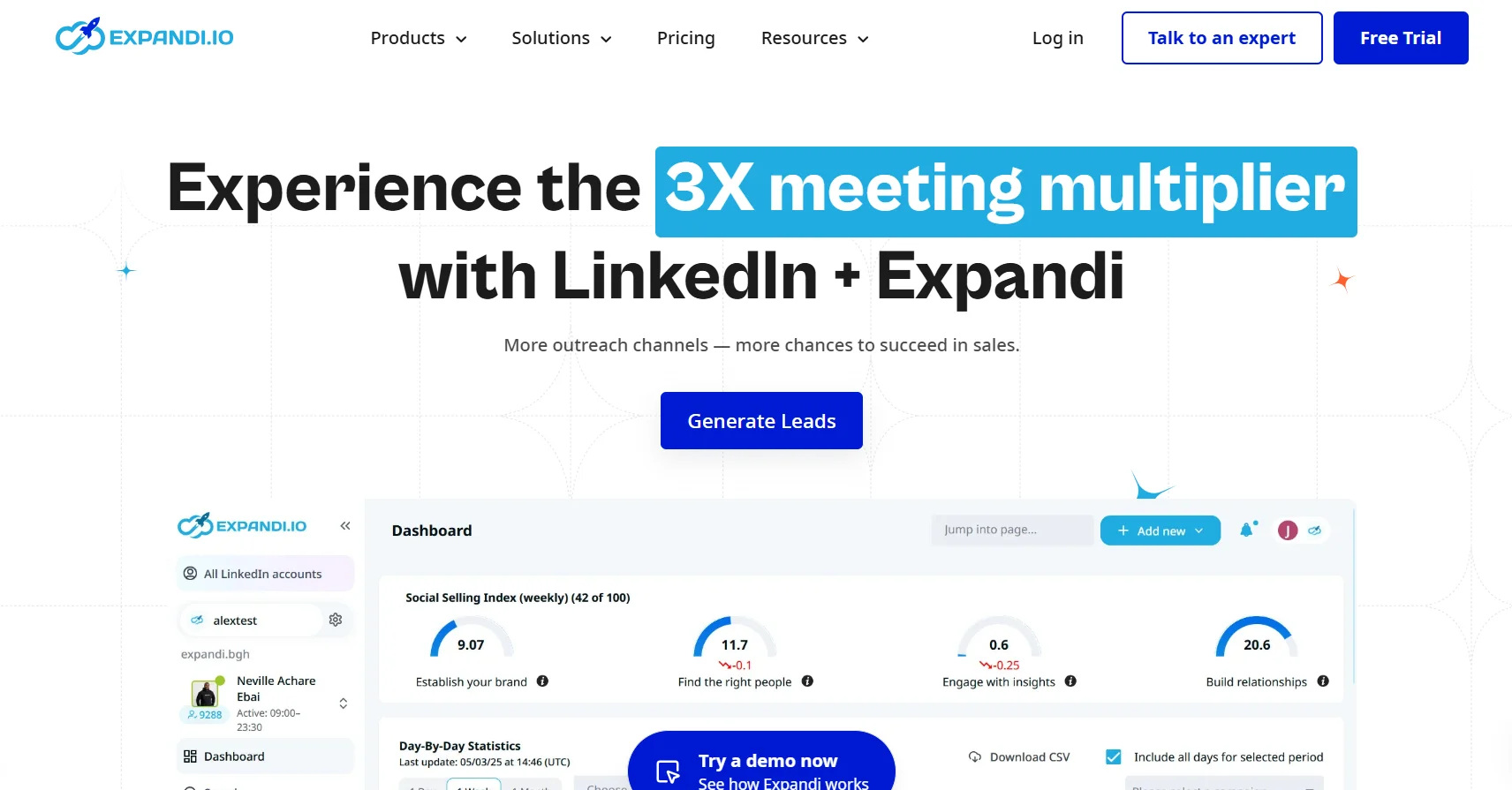
If your LinkedIn profile is your primary professional asset — you’re a founder, a senior AE, a recruiter with a decade of connections — a ban is a disaster. Expandi is the tool built specifically to minimize that risk.
It consistently holds the lowest reported ban rate in the LinkedIn automation category, and the architecture explains why. Each account gets its own dedicated residential IP address. If LinkedIn sends a warning, the platform automatically pauses activity. It mimics natural human behavior patterns more carefully than most.
Key features:
- Dedicated residential IP per account — not shared infrastructure. Each profile looks like it’s operating from a distinct human location.
- Automatic pause on LinkedIn warnings — the tool catches the signal before your account gets restricted.
- Visual drag-and-drop sequence builder with conditional branching — if a prospect accepts but doesn’t reply, send X; no reply after 5 days, send Y. The logic is clean and doesn’t require technical setup.
- Smart inbox — manages replies across campaigns without losing context.
- Image personalization via Hyperise integration — personalized images in connection requests or messages, which lifts acceptance rates.
Pricing: Around $99/month per account.
Best for: High-value LinkedIn profiles where a ban would be genuinely damaging. Founders, senior reps, recruiters, anyone whose network is the asset. Expandi’s safety record at this price point is the reason to pick it over alternatives.
Limitation to flag: Expandi is LinkedIn-only. No native email channel. If you want multichannel sequences, you’ll need a separate email tool alongside it.
3. HeyReach — Best for Agencies Managing Multiple LinkedIn Accounts
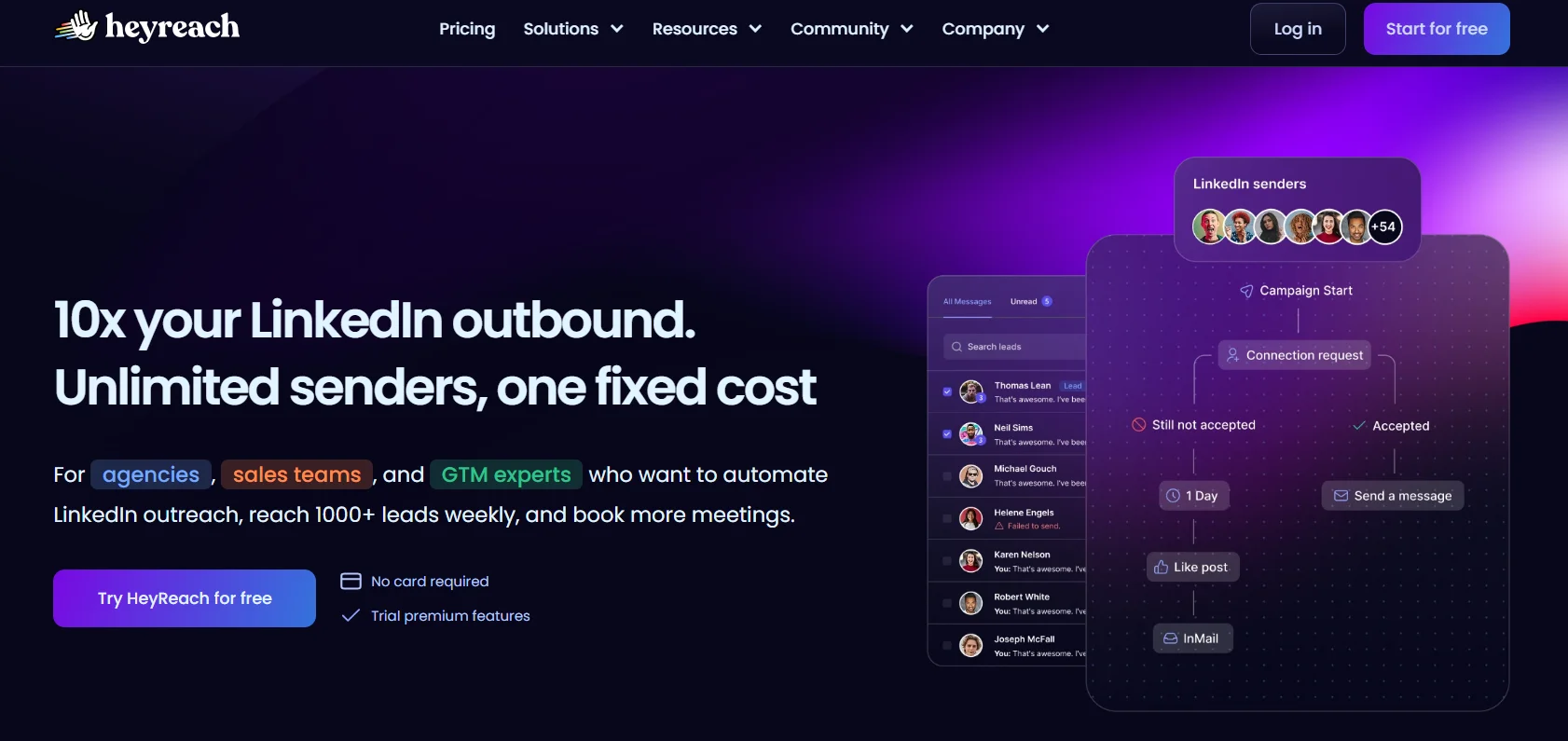
HeyReach does one thing better than almost everyone: running LinkedIn outreach across 10, 20, or 50 sender accounts simultaneously — from a single campaign, at a flat monthly price.
That last part matters a lot. Most tools charge per seat. So if you’re an agency running outreach for 15 clients, per-seat pricing scales linearly and gets expensive fast. HeyReach charges a flat fee. At $799/month, you can rotate up to 50 LinkedIn accounts across a single campaign. That works out to $16/account — a fraction of what Zopto or Expandi charge per seat.
Key features:
- Multi-sender rotation — one campaign, multiple LinkedIn accounts sending simultaneously. The outreach is distributed across senders, which also reduces per-account send volume and risk.
- Flat-fee pricing model — doesn’t scale linearly with the number of accounts. The main cost efficiency advantage for agencies.
- Team inbox and campaign management — all accounts managed from one dashboard.
- Agency white-label options — for agencies presenting outreach reporting to clients.
Pricing: Around $79/month for the base plan (covering a defined number of accounts); scales to $799/month for up to 50 accounts.
Best for: Lead gen agencies running outreach for multiple clients where per-seat pricing would make the unit economics unworkable. The flat-fee model is where HeyReach wins.
Limitation to flag: Like almost every other tool on this list except Dealsflow, conversation handling after the first reply is manual. HeyReach sends at scale. Replies still need a human.
4. Dripify — Best Budget-Friendly Zopto Alternative
Dripify does the core job — cloud-based LinkedIn automation with structured drip sequences — for $39/month. That’s roughly one-fifth of what Zopto charges. And it covers most of what Zopto covers for a solo SDR or small team actually doing the work day-to-day.
The sequence builder supports conditional branching. If a prospect accepts and doesn’t reply, send the follow-up. If they don’t accept within a week, try a different touchpoint. You can layer in email follow-ups alongside LinkedIn actions. It’s clean, it’s fast to set up, and it runs in the cloud without requiring your browser to stay open.
Key features:
- Multi-touch sequences combining LinkedIn + email — connection request, message, follow-up, email, all in one sequence flow.
- Conditional branching logic — behavior-triggered follow-ups rather than fixed-interval blasts.
- Clean UI with fast setup — not the most feature-rich tool here, but it’s the easiest to get running quickly.
- Cloud-based execution — no browser extension, no desktop app. Runs independently.
- Basic analytics — campaign performance tracking at a level appropriate for individual users and small teams.
Pricing: $39/month on the Basic plan; around $59/month on the Pro plan.
Best for: Solo SDRs, founders, or small sales teams who need cloud-based LinkedIn automation without paying enterprise prices. Dripify covers roughly 80% of Zopto’s use case for the average individual user at about one-fifth the cost.
Limitation to flag: The AI features are thin. There’s no deep personalization beyond standard merge tags, and no post-reply automation. It automates the sequence. The conversation is still yours.
5. La Growth Machine — Best for True Multichannel Sequences
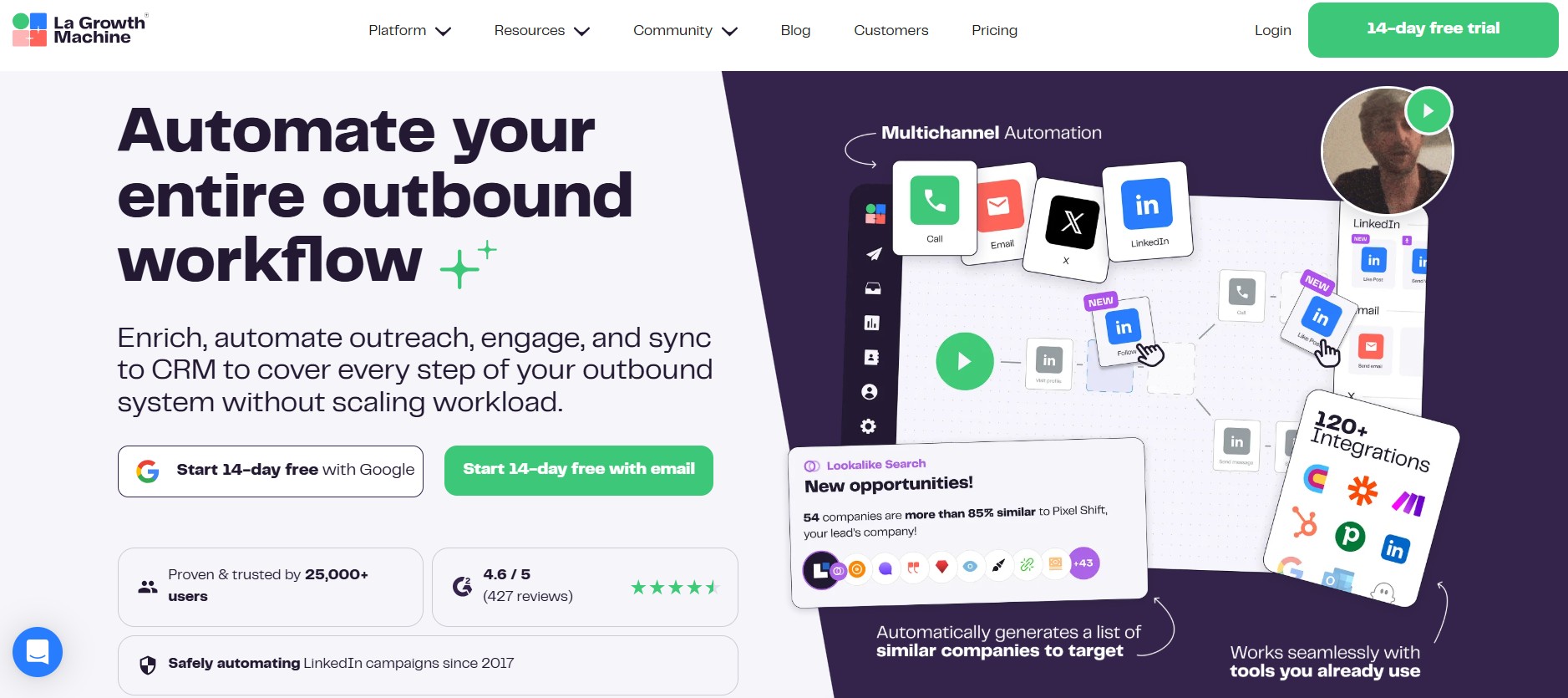
Most tools that claim multichannel support mean LinkedIn plus email. La Growth Machine means LinkedIn plus email plus X (formerly Twitter) — all in a single, coordinated sequence — and does it natively, without needing to connect separate tools.
For teams with ICPs active across multiple channels, that’s genuinely useful. A prospect who doesn’t accept your LinkedIn request might respond to an email. One who ignores both might engage when you interact with their tweet. La Growth Machine sequences all three from one place, with built-in lead enrichment to fill in contact details as you go.
Key features:
- Native LinkedIn + email + Twitter/X sequences — all three channels coordinated from a single campaign builder. One of very few tools doing this without third-party stitching.
- Built-in lead enrichment — finds email addresses and enriches contact profiles without a separate tool.
- CRM integrations — HubSpot, Salesforce, and Pipedrive all connect natively.
- Strong personalization variables — goes beyond basic merge tags into company-level and activity-based personalization.
Pricing: From around €50/month on the Basic plan; higher tiers for more channels, seats, and enrichment volume.
Best for: Teams whose ICPs are active across LinkedIn, email, and Twitter, and who want one tool coordinating all three touchpoints rather than managing three separate platforms with their own logic.
Limitation to flag: More complex to set up than simpler tools. The learning curve is real, especially for users new to multichannel automation. Budget time for onboarding.
6. Waalaxy — Best Free Starting Point
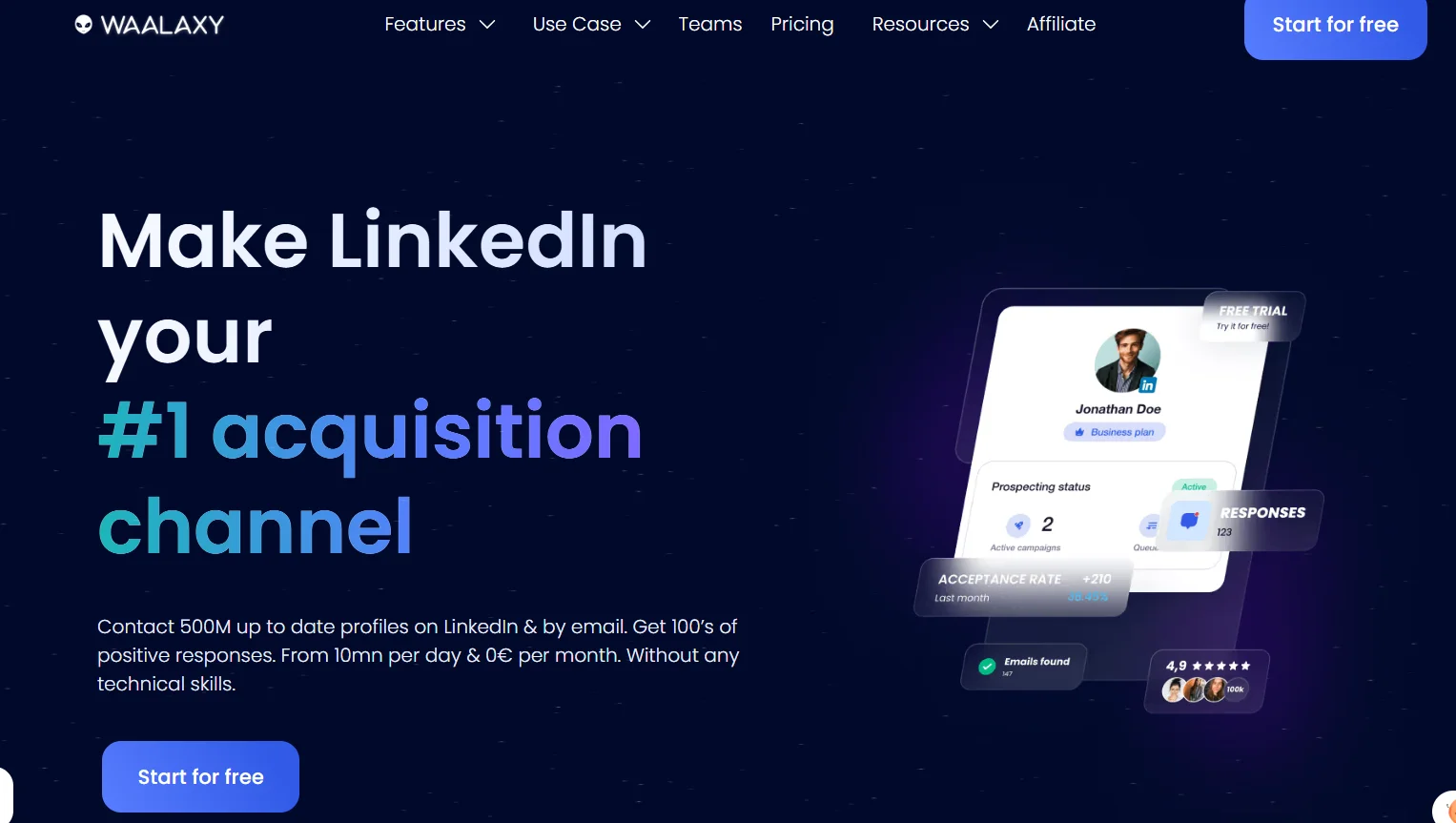
Zopto has no free trial. Waalaxy has a free tier that actually works. That’s the core reason it’s on this list.
Waalaxy is a Chrome extension — not cloud-based — that runs LinkedIn plus email automation with enough functionality on its free plan to genuinely validate whether LinkedIn automation fits your workflow. For solo founders, recruiters, or anyone dipping into this space for the first time, it’s the right starting point before spending money.
Key features:
- Free plan available — real functionality, not a crippled demo. You can run actual campaigns before paying anything.
- LinkedIn + email sequences from one dashboard — basic multichannel support built into the free and paid tiers.
- Simple onboarding — installs as a Chrome extension, setup takes minutes. Lower barrier to entry than any cloud-based tool.
- Built-in rate limits — conservative defaults that prevent new users from accidentally hitting LinkedIn’s safety thresholds.
Pricing: Free tier available. Paid plans from around €19/month.
Best for: Solo founders, recruiters, or anyone who wants to test LinkedIn automation before spending money on it. Also works for very low-volume outreach where cloud infrastructure is genuinely overkill.
Limitation to flag: Chrome extension architecture means your browser needs to be open and running. Higher detection surface than cloud-based tools. Not built for high-volume outreach or managing multiple accounts. If you outgrow Waalaxy, upgrade to a cloud-based tool.
7. Skylead — Best for Advanced Conditional Sequence Logic
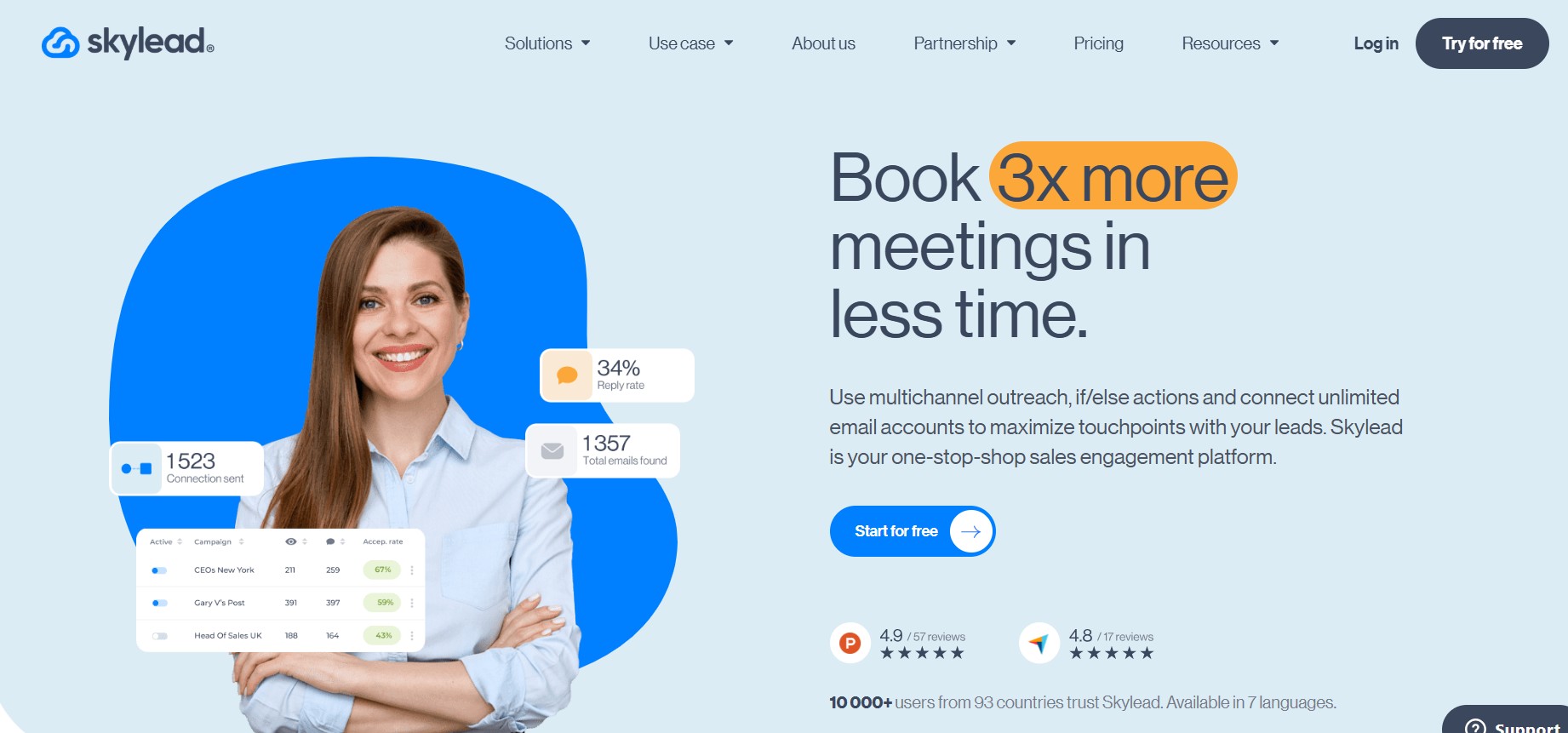
Most LinkedIn outreach tools have sequence builders. Skylead’s is the most sophisticated one in this price range — built specifically for teams where what you say next depends on what the prospect just did.
The branching logic goes deep. If a prospect views your profile before accepting, trigger one path. If they accept but don’t reply within 48 hours, trigger a different message. If they click a link in your email but don’t respond, that’s another branch. Skylead’s sequence builder handles all of that, plus native image and GIF personalization without needing a third-party integration.
Key features:
- Advanced conditional branching — behavior-triggered message paths, not just fixed-interval follow-ups. If/then logic at a level most tools don’t reach.
- Native image and GIF personalization — personalized visuals in messages without needing to connect Hyperise or a similar tool separately.
- LinkedIn + email in one sequence — both channels coordinated in the same campaign flow.
- Smart inbox — centralizes replies across campaigns.
Pricing: Around $100/month per account.
Best for: Teams running complex outreach where one-size-fits-all messaging demonstrably underperforms, and where the behavioral branching can be mapped to real conversion differences.
Limitation to flag: Skylead runs on shared IP infrastructure, not dedicated IPs per account. That puts it at a moderate safety rating compared to Expandi — fine for most teams, but not the right call if your LinkedIn profile is irreplaceable.
8. PhantomBuster — Best for Data Scraping Before Outreach
PhantomBuster is not primarily an outreach tool. It’s a data extraction tool that happens to integrate with outreach platforms. It’s on this list because a lot of teams using Zopto are actually using two tools — one to build their list, one to do the sending — and PhantomBuster is the strongest option for the list-building side.
It scrapes LinkedIn profiles, Sales Navigator searches, company pages, and post commenters, then exports clean structured data to CSV or directly to other tools. The “Phantoms” — over 100 pre-built automation workflows — cover LinkedIn, Twitter, Instagram, and other platforms. You can build a highly enriched, segmented list before a single outreach message goes out.
Key features:
- LinkedIn profile and company data extraction — scrapes at the profile level, the search results level, the post engagement level, and the company page level.
- 100+ pre-built Phantoms — automation workflows covering LinkedIn, Sales Navigator, Twitter/X, and more, without custom coding.
- Export flexibility — CSV export or direct integration with outreach tools.
- Multi-platform — not limited to LinkedIn. Scrapes across platforms for cross-channel prospect research.
Pricing: From around $56/month on the Starter plan.
Best for: Teams who want to build enriched prospect lists from LinkedIn before running them through a dedicated outreach tool. PhantomBuster handles the research layer. Something like Dealsflow or Expandi handles the sending.
Limitation to flag: Using PhantomBuster for high-volume LinkedIn messaging directly carries high ban risk. The tool doesn’t have outreach safety features built in. Use it for data; use a dedicated outreach platform for sending.
9. Salesflow — Best for Structured SDR Workflows
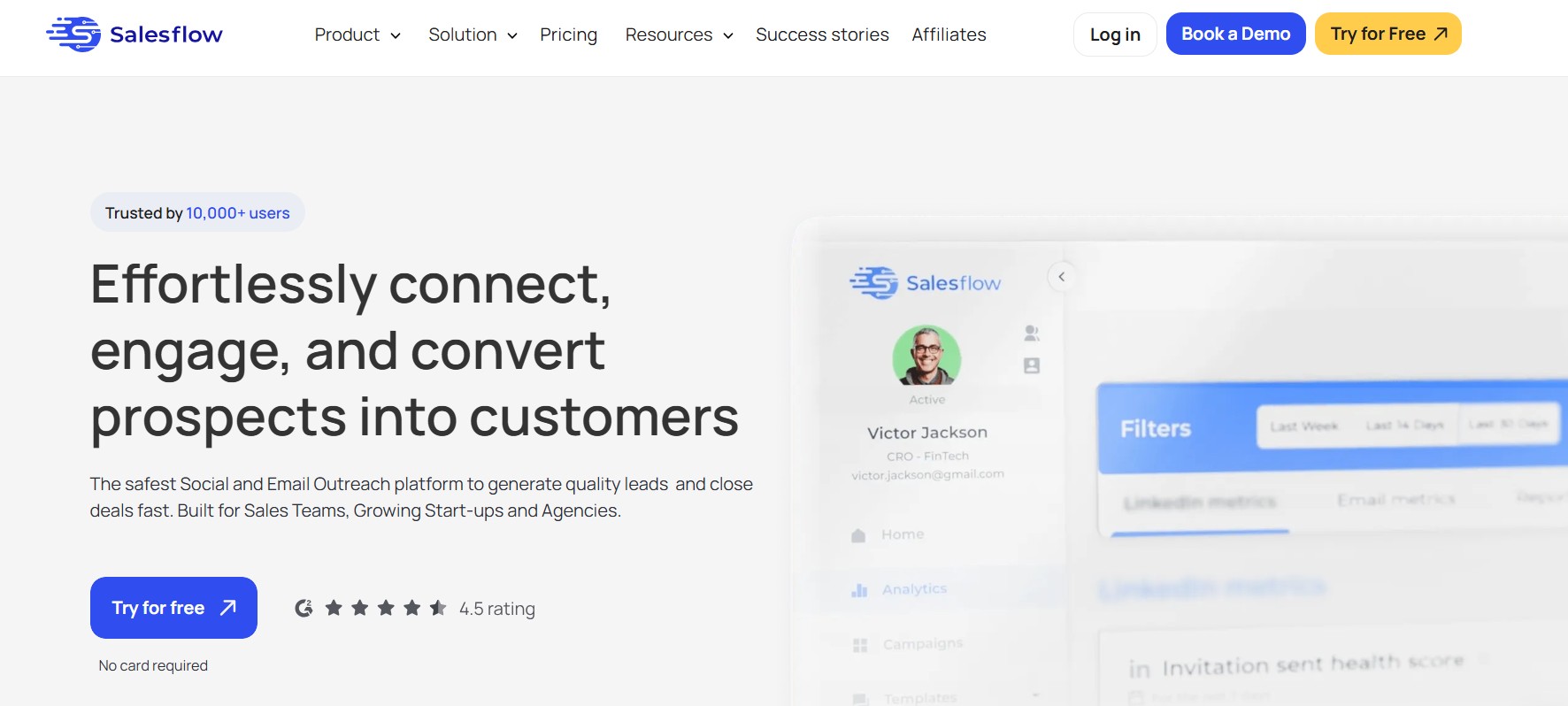
Salesflow is a cloud-based LinkedIn outreach tool with one distinctive feature: it publishes its activity limits explicitly in the platform UI. 400 monthly invites. 2,000 follow-ups. Not guidelines buried in documentation — actual numbers in the dashboard that create guardrails for SDRs who might otherwise push volume too hard.
For sales team leads managing junior reps or SDRs who are new to LinkedIn automation, that structure removes a lot of guesswork and risk. You don’t need to set custom limits or trust your team to stay within safe thresholds. The limits are already there.
Key features:
- Transparent, enforced activity limits — explicit in-platform numbers that remove the guesswork for SDRs and team leads.
- Cloud-based execution — no browser extension or desktop app required.
- Multi-account management — supports small agencies managing outreach for multiple clients.
- Analytics dashboard — campaign performance tracking at a team level, not just individual user.
Pricing: From around $99/month.
Best for: SDR teams or team leads who want guardrails built into the tool, not bolted on. Especially useful for teams where newer reps are running LinkedIn outreach and need structure to avoid account risk.
Limitation to flag: The UI has been flagged in user reviews as clunky compared to cleaner tools like Dripify or Expandi. Integration depth is narrower than Zopto. A functional tool, but not the most polished experience.
10. Linked Helper — Best for Absolute Minimum Budget
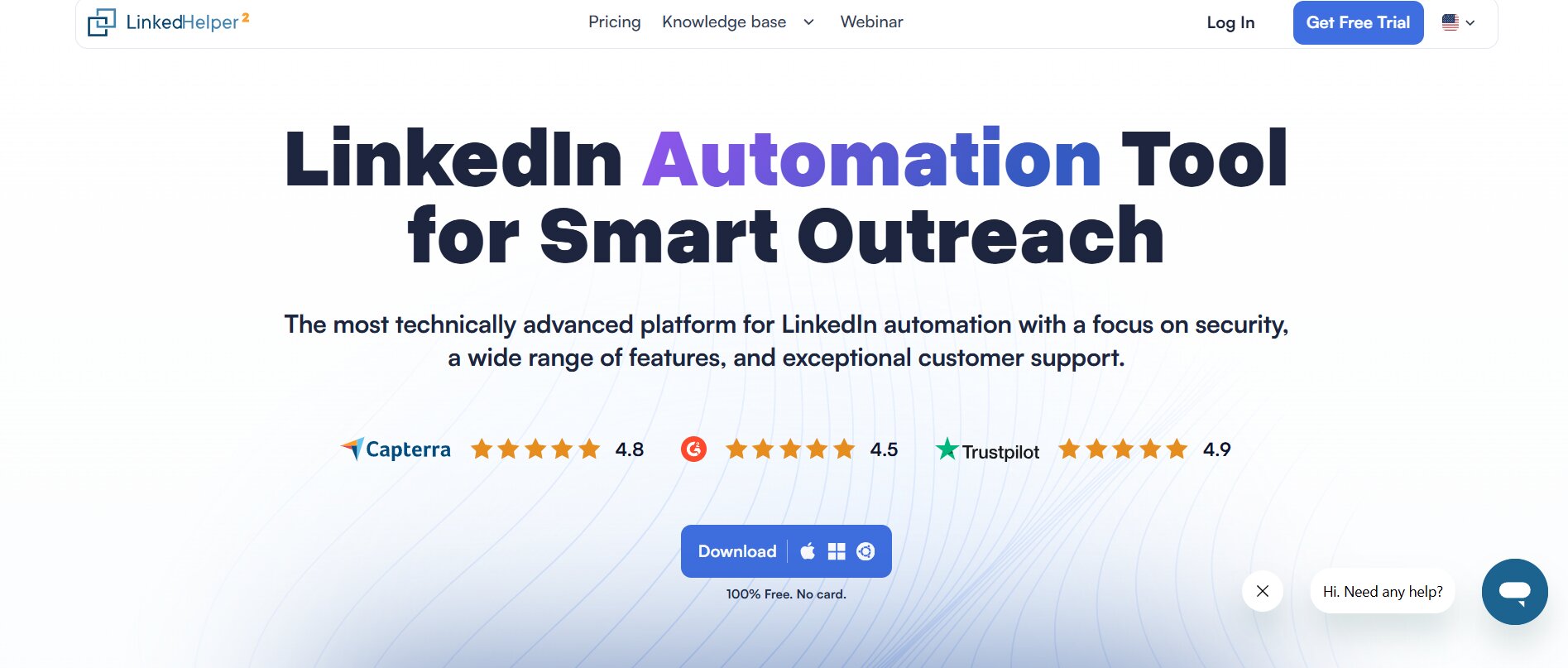
Linked Helper is a desktop application. It runs on your local machine, using your own IP address. That’s a meaningful safety trade-off compared to cloud-based tools — your IP is more visible to LinkedIn’s detection systems, and the ban risk is higher at volume. But at $15/month, it’s genuinely the cheapest legitimate option in the category.
For a solo founder or recruiter running very low-volume outreach on a budget — maybe 20 to 50 connection requests a month — the economics are hard to argue with. The feature set covers the basics: connection requests, automated messages, follow-ups, profile visits, endorsements. There’s a built-in CRM-lite for basic contact management.
Key features:
- Broad automation coverage — connection requests, messages, InMails, endorsements, follows, profile visits. Covers the standard LinkedIn action set.
- Built-in CRM-lite — basic contact management without needing an external CRM for simple use cases.
- Low price — $15/month or a one-time purchase option. Nothing else on this list comes close on cost.
Pricing: Around $15/month, with a one-time purchase option available.
Best for: Solo founders or recruiters on extremely tight budgets who understand the safety trade-off and are running genuinely low-volume outreach.
Limitation to flag: Desktop-based means higher LinkedIn detection risk. Not suitable for high-volume outreach or professional SDR teams. If you’re running more than 50–75 connection requests per month, the risk-to-value ratio shifts against Linked Helper fairly quickly.
Zopto Alternatives at a Glance
Here’s how these tools stack up on the dimensions that actually matter for LinkedIn prospecting in 2026.
| Tool | Starting Price | Cloud-Based | AI Post-Reply | Multi-Account | Free Trial |
|---|---|---|---|---|---|
| Dealsflow | $49/mo | Yes | Yes (Arlo AI) | Yes | Yes — no card required |
| Expandi | ~$99/mo | Yes | No | Per account | 7-day trial |
| HeyReach | ~$79/mo | Yes | No | Yes (flat-fee) | Yes |
| Dripify | $39/mo | Yes | No | Limited | 7-day trial |
| La Growth Machine | ~€50/mo | Yes | No | Yes | 14-day trial |
| Waalaxy | Free / €19/mo | No (extension) | No | No | Free tier |
| Skylead | ~$100/mo | Yes | No | Per account | 7-day trial |
| PhantomBuster | ~$56/mo | Yes | No | Yes | Free trial |
| Salesflow | ~$99/mo | Yes | No | Yes | Yes |
| Linked Helper | ~$15/mo | No (desktop) | No | No | 14-day trial |
| Zopto | $197/mo | Yes | No | Yes | None |
One column tells most of the story: AI Post-Reply. Every tool except Dealsflow sends the initial outreach and then hands the conversation to a human. If you’re evaluating these tools based on how much of the actual sales work they automate, that column matters more than the price column.
Which Zopto Alternative Is Right for You?
The honest answer is it depends on what you’re actually trying to solve. The price is usually the first thing people look at. It shouldn’t be the only thing.
If you’re an agency managing LinkedIn outreach for 10 or more clients, HeyReach’s flat-fee model is built specifically for your situation. Per-seat pricing tools become unworkable at agency scale. HeyReach’s $799/month for up to 50 accounts works out to $16 per account — that math makes sense in a way that $197 per seat doesn’t. That said, if you want AI handling the reply conversations at that same scale, layering in Dealsflow makes the most sense, because HeyReach stops at the send.
If you’re a solo SDR or founder trying to figure out whether LinkedIn automation is worth it at all, start with Waalaxy’s free tier. Test the workflow, see what reply rates look like for your ICP, validate the approach before spending anything. When you’re ready to scale, upgrade to Dripify or Dealsflow depending on how much of the conversation layer you want automated.
If your LinkedIn profile is your primary professional asset and a ban would be genuinely damaging — you’re a recruiter with 15,000 connections, a founder whose network is the business — Expandi’s dedicated residential IPs and automatic pause-on-warning features make it the right call at $99/month. The safety record is the reason to pick Expandi over other tools at that price point.
If you want AI to handle the entire conversation — first message, objection handling, and the meeting booking — Dealsflow is the only option here that actually does that. Not partially. Not with a human reviewing every AI response before it sends. Arlo reads the reply and continues the conversation autonomously. For teams where the bottleneck isn’t sending volume but conversation volume, that distinction is huge. You’re not hiring two SDRs to handle replies. The AI does it.
If your outreach strategy requires LinkedIn, email, and Twitter/X touchpoints coordinated in a single sequence, La Growth Machine is the one built for that. None of the other tools here do all three natively.
And if the real problem is list quality before outreach even starts — you have a solid outreach tool but your prospect data is thin — PhantomBuster solves the research problem. Use it to build enriched lists, then run outreach through whatever platform fits your workflow.
Conclusion
Zopto is a legitimate tool. For enterprise sales teams and agencies fully using its depth, the price can be justified. But for most teams evaluating it in 2026, the $197/month floor before LinkedIn Premium, the no-trial policy, and the AI that stops the moment a prospect replies are real problems — not minor inconveniences.
The ten tools in this list cover every legitimate use case that Zopto covers, and most of them do it for less money, with a free trial so you can actually test before committing. Safety-conscious teams have Expandi. Budget-first teams have Dripify. Agencies at scale have HeyReach. Anyone who wants to test the water without spending anything has Waalaxy.
The one thing most of these tools still don’t solve is the reply problem. They all automate the send. When a prospect writes back, a human takes over. Dealsflow and Arlo AI change that — the conversation continues, objections get handled, meetings get booked, without anyone sitting in an inbox waiting. For B2B teams where that’s the bottleneck, that’s the difference that actually moves pipeline numbers.
FAQs
Is Zopto worth it in 2026?
For large enterprise teams or agencies that fully use its feature depth — AI message writing, Sales Navigator integration, multi-account dashboards, and CRM integrations — Zopto can deliver value at its price point. For small teams, solo SDRs, or anyone who doesn’t need all of that, the $197/month starting price plus the required LinkedIn subscription cost is hard to justify when tools like Dripify ($39/month) or Dealsflow ($49/month) cover most of the same ground and include free trials.
What is the cheapest Zopto alternative?
Linked Helper at around $15/month is the cheapest paid option. Waalaxy has a free tier that genuinely works for low-volume outreach. If the goal is cloud-based safety with a low price, Dripify at $39/month is the most affordable legitimate option in that category.
Does Dealsflow work without LinkedIn Sales Navigator?
Yes. Dealsflow works with standard LinkedIn accounts and doesn’t require a Sales Navigator subscription to run campaigns. You can import leads from LinkedIn search URLs, post commenters, or CSV files directly. Sales Navigator helps with search granularity if you have it, but it’s not a requirement to get started.
Are LinkedIn automation tools safe to use in 2026?
It depends on the tool and how you use it. Cloud-based tools with dedicated IPs per account — like Expandi and Dealsflow — carry lower ban risk than browser extensions or desktop apps running on your local IP. That said, LinkedIn’s detection systems in 2026 track behavior patterns, not just technical signatures. Any tool that sends at aggressive volume is a risk. Staying within daily and weekly send limits and using tools with built-in safety controls significantly reduces the risk of account restrictions.
What’s the difference between cloud-based and browser-based LinkedIn tools?
Cloud-based tools run on remote servers with their own IP addresses, independently of your computer. Your browser doesn’t need to be open. Browser-based tools (Chrome extensions like Waalaxy, or desktop apps like Linked Helper) run on your machine and use your own IP address. Cloud-based tools are generally safer and more reliable for sustained outreach at volume. Browser-based tools are cheaper and simpler to set up but carry higher detection risk and go offline when your computer does.
Can I run LinkedIn outreach on multiple accounts at once?
Yes, most of the tools on this list support multi-account management. HeyReach is designed specifically for running many accounts simultaneously at a flat fee — that’s its core architecture. Dealsflow supports multi-account management from a single dashboard. Expandi charges per account. Dripify has limited multi-account support. If running 10+ LinkedIn accounts is a core requirement, HeyReach or Dealsflow are the right starting points.
Which Zopto alternative has the best AI features?
Dealsflow, by a meaningful margin. Most tools use AI to write or personalize the first outreach message — that’s what Zopto’s Zhoo does, what Expandi’s personalization layers do, and what most others in this category offer. Dealsflow’s Arlo AI goes further: it reads replies, understands the context of the conversation, handles objections, and books meetings without human intervention. That’s a different level of AI involvement in the actual sales process, not just the message writing.