


Most sales teams evaluate B2B prospecting tools the wrong way. They compare feature lists, get dazzled by the size of contact databases, and end up buying two tools that do the same thing while missing the one category that would actually move their pipeline. The result is a bloated tech stack, a confused SDR team, and a CFO asking hard questions about ROI at the next quarterly review.
This guide cuts through that. Every B2B prospecting tool on this list has been evaluated against five hard criteria: data accuracy, automation depth, CRM integration quality, time to measurable ROI, and pricing transparency. The goal is to give you a ranked, opinionated breakdown so you can make a decision and get back to booking meetings.
What Makes a B2B Prospecting Tool Worth Paying For in 2026
A B2B prospecting tool earns its place in your stack when it either saves your team significant research time, improves the quality of the contacts you reach, or directly increases the number of meetings booked. If it does none of those three things within 90 days, it is not the right tool for your motion.
The market is crowded. There are hundreds of tools claiming to be the best sales prospecting software, but the category differences matter more than any individual feature. Contact databases, engagement platforms, intelligence layers, and AI conversation tools are four genuinely distinct categories. Buying two contact databases because one is cheaper does not help. Adding an intelligence layer on top of a solid database does.
The Five Criteria Used to Rank Every Tool in This List
Before getting into the rankings, here is the evaluation framework applied to each tool. These are not arbitrary categories. They are the factors that determine whether a sales team sees ROI in 30 days or 300.
- Data accuracy and verification depth: How current is the data? How is it verified? A database with 500 million stale contacts is worth less than one with 50 million phone-verified records. Bounce rates above 5% on cold email campaigns are a deliverability signal that the underlying data source needs reviewing.
- Automation capability (sequence vs. full conversation): There is a meaningful difference between a tool that schedules messages in a sequence and a tool that handles the actual conversation after a reply lands. The first category automates volume. The second category automates pipeline. Most tools are in the first category.
- CRM and stack integration quality: A tool that requires manual data transfer is not a productivity tool. According to G2’s 2026 analysis of AI sales intelligence, teams using tools with native CRM integrations see 40% faster adoption rates and 2x higher ROI in the first 90 days compared to tools requiring manual data transfer.
- ROI timeline (how fast teams see results): Some tools deliver measurable lift in 30 days. Others require months of setup, data cleaning, and team training before anything moves. The timeline matters, especially for smaller teams with tighter budgets.
- Pricing transparency and scalability: Custom pricing is not inherently bad, but tools that hide pricing behind sales calls make it harder to compare options. The rankings factor in whether pricing scales reasonably with team growth or requires enterprise commitment from day one.
The Category Mistake Most Teams Make When Stacking Prospecting Tools
The most expensive mistake in B2B sales technology is not buying the wrong tool. It is buying two tools from the same category when you needed one from a different one. According to research published by Salesmotion, teams consistently over-invest in contact databases and underinvest in intelligence and AI agent platforms. Having both Apollo and ZoomInfo does not help a sales team. Having a contact database paired with an intent intelligence platform does. Having an outreach sequence tool paired with a conversation automation tool does. The stack architecture matters more than the individual tools within it.
A second mistake is treating LinkedIn and email as interchangeable prospecting channels. They are not, and the ROI profile of each differs enough to change which tools you prioritize. That channel question is addressed in detail later in this guide.
The 10 Best B2B Prospecting Tools in 2026, Ranked
Each tool in this list follows a consistent structure for easy comparison: what it does, who it is best for, its standout features, pricing tier, ROI signal, and one honest limitation. No tool is perfect for every team. The goal is to match the right tool to the right motion.
1. DealsFlow — Best for AI-Driven LinkedIn Outreach That Closes the Loop

DealsFlow is an AI-native LinkedIn outreach automation platform built around a core product called Arlo AI. Arlo connects to LinkedIn accounts, identifies qualified prospects, initiates conversations, handles objections and questions autonomously, and books meetings without requiring a human to manage each exchange. That is the core distinction between DealsFlow and every other tool in this category: most LinkedIn automation platforms stop when someone replies. DealsFlow does not.
The practical implication of that distinction is significant. In a typical LinkedIn outreach sequence on HeyReach, Expandi, or Dripify, a rep sends a connection request, follows up with a message, and then waits. When the prospect replies with a question about pricing, services, or timing, the rep has to step in manually. At scale, across dozens of simultaneous campaigns or client accounts, that manual handoff becomes the bottleneck. Arlo AI eliminates that bottleneck by conducting the post-reply conversation itself.
Best for:
- Lead generation agency owners running outreach across multiple client accounts simultaneously
- SDR teams running high-volume LinkedIn prospecting who cannot afford to have reps manually manage every reply thread
- Founders doing outbound themselves who want meetings booked without being pulled into every conversation
Standout Features:
- Arlo AI Conversation Engine: Handles the full post-connection conversation, including objection management, question answering, and meeting scheduling, without human intervention
- Multi-Account Management: Manages up to 50 LinkedIn accounts from a single dashboard, making it the practical choice for agencies running client campaigns in parallel
- Campaign Builder: Builds automated connection and messaging sequences tailored to specific ICPs (ideal customer profiles) and outreach goals
- Prospect CRM with AI Warmth Scoring: Imports and scores leads on a Hot/Warm/Neutral/Cold scale based on engagement signals, giving reps a prioritized call list rather than a flat database
- Full-Funnel Analytics: Tracks performance from the initial connection request through to a booked call, so you can see exactly where in the conversation flow leads are converting or dropping
- Account Safety and Compliance: Automated warmup protocols, daily activity limits, and LinkedIn compliance guardrails protect the accounts from restrictions
Pricing: Available at dealsflow.co/pricing
ROI Signal: The ROI from DealsFlow is measured in booked calls, not connection request acceptance rates. The tool is designed for teams that treat LinkedIn as a pipeline channel, not a brand awareness channel.
Honest Limitation: DealsFlow is purpose-built for LinkedIn outreach. It is not a contact database, a cold email platform, or a broad-market intelligence tool. Teams that need multi-channel outreach across email and LinkedIn simultaneously will want to pair it with a separate cold email platform like Instantly.
2. Apollo.io — Best All-in-One for Teams on a Budget
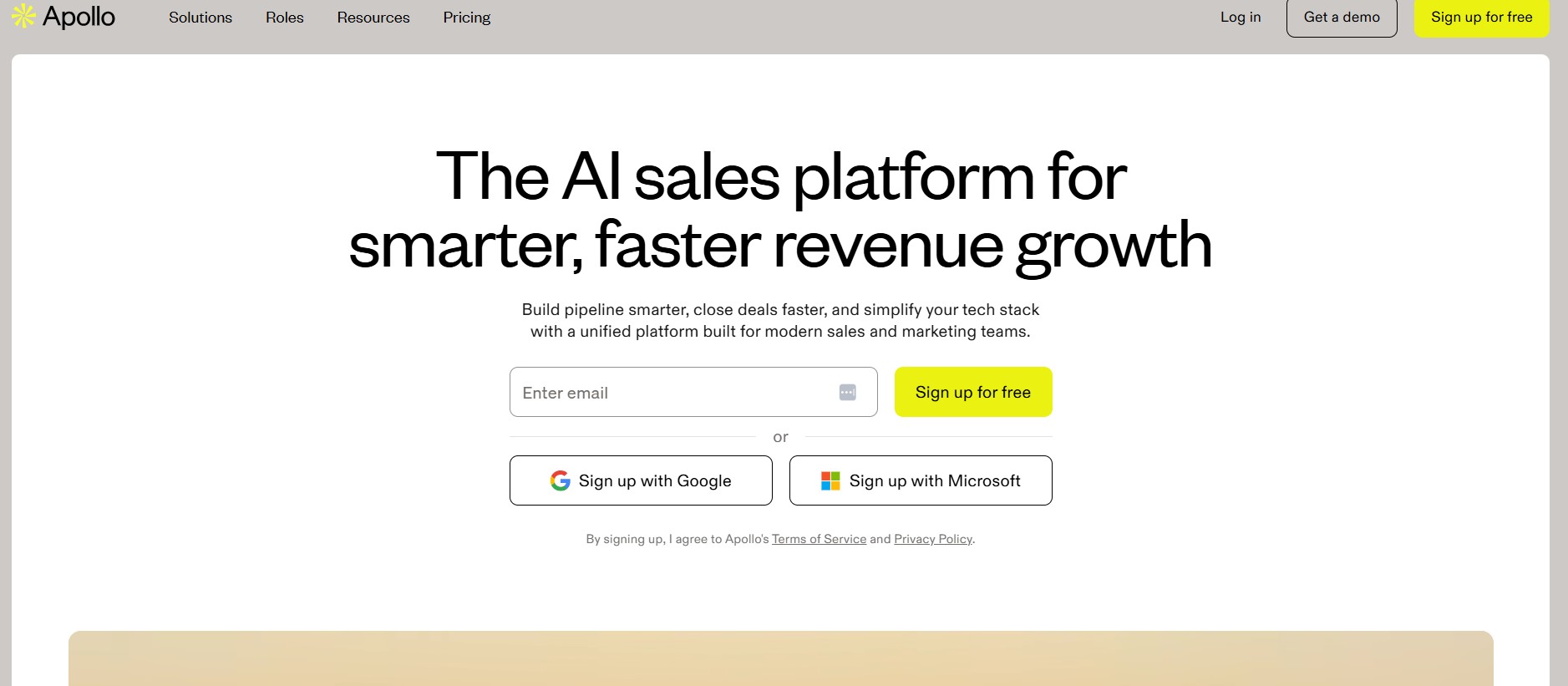
Apollo.io combines a B2B contact database with email sequencing, a built-in dialer, and basic analytics in one platform. For teams that need breadth without paying enterprise-level prices, Apollo delivers more capability per dollar than any other tool in the market. It is the starting point for most outbound teams because it covers the full prospecting workflow: find the contact, enrich the record, build the sequence, send the outreach, and track the result, all without switching platforms.
The database contains over 275 million contacts with filtering options across industry, company size, job title, geography, and technology stack. The free tier offers 10,000 email credits per month, which gives small teams a real working environment to evaluate the platform before committing to a paid plan. That free tier is genuinely useful, not a stripped-down demo.
Best for:
- Small to mid-size SDR teams that need a full prospecting workflow without an enterprise budget
- Founders and solo operators running their own outbound who need one platform that handles contact data and outreach sequencing together
- Teams transitioning from manual prospecting and looking for a structured first tool
Standout Features:
- Database of 275 million+ contacts with multi-filter search across firmographic and technographic data
- Email sequencing with A/B testing, scheduling, and performance tracking built in
- Built-in dialer for calling prospects directly from the platform without switching tools
- CRM integrations with Salesforce and HubSpot for bidirectional sync
- Free plan with 10,000 monthly email credits, making it the most accessible entry point in the category
Pricing: Free tier available. Paid plans start at accessible price points for small teams, scaling by credits and user count.
ROI Signal: Teams typically see measurable improvements in meetings booked within 30 to 60 days of full adoption, according to research from Salesmotion. The combination of contact data and sequencing in one platform eliminates the switching cost between separate data and engagement tools.
Honest Limitation: Apollo’s data accuracy lags behind premium databases like ZoomInfo and Cognism, particularly for direct dials and mobile numbers. For teams where phone prospecting is a primary channel, Apollo works better as a starting point than a long-term sole source of truth.
3. LinkedIn Sales Navigator — Best for Relationship-Based Prospecting
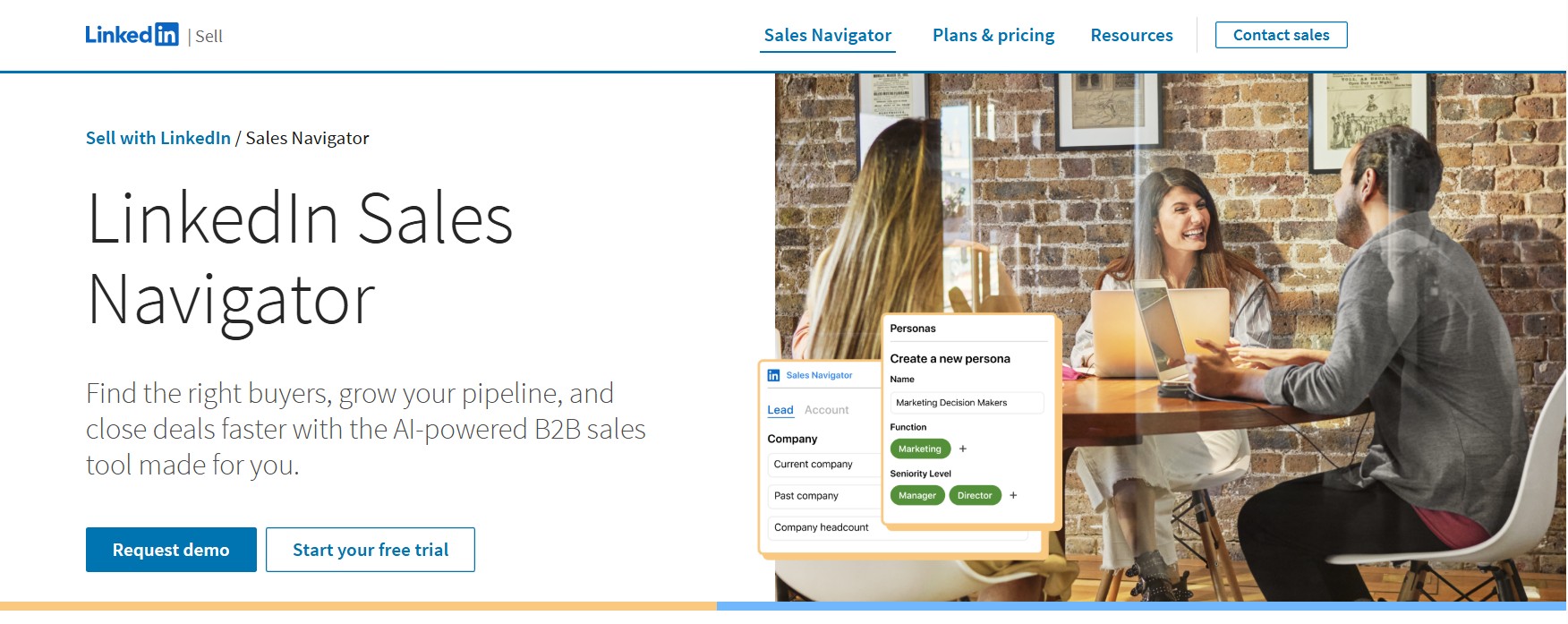
LinkedIn Sales Navigator gives sales teams native access to LinkedIn’s network of over 1.3 billion members, with advanced search filters, real-time engagement signals, and direct messaging through InMail. The platform is built around the premise that the strongest B2B relationships develop through shared connections, company context, and professional activity rather than cold database lookups.
The filters inside Sales Navigator go significantly deeper than LinkedIn’s standard search. Teams can prospect by seniority level, company headcount growth rate, recent executive hires, posted content topics, and dozens of other signals that reflect genuine buying context. The job change alert feature alone is one of the highest-signal triggers in outbound prospecting. When a contact changes roles, they are frequently evaluating new vendors in the first 90 days. Sales Navigator surfaces those changes in real time.
Best for:
- Teams selling into professional services, SaaS, financial services, or consultative industries where relationships and warm introductions carry real weight
- Enterprise AEs who multi-thread into accounts and need to map the full buying committee before reaching out
- SDR teams that rely on intent signals like job changes, hiring patterns, and shared connections to prioritize outreach
Standout Features:
- Advanced people and company search with 40+ filters including seniority, growth signals, and content engagement
- Real-time alerts for job changes, company news, and prospect activity on LinkedIn
- InMail messaging for direct outreach to prospects outside your network. LinkedIn InMail average response rates sit between 18% and 25%, significantly above cold email’s 1-5% average (according to LinkedIn’s own data and Salesloft benchmarks)
- Relationship mapping to identify warm introduction paths through mutual connections or shared company history
- CRM sync with Salesforce and HubSpot for automatic lead and activity logging
Pricing: Starts at $99.99 per user per month for the Core plan. Advanced and Advanced Plus tiers are available at higher price points with additional team and CRM features.
ROI Signal: Users consistently report generating at least 10 qualified leads per month from Sales Navigator when used with a structured outreach approach. For teams that run LinkedIn as their primary prospecting channel, the ROI is measurable within the first billing cycle.
Honest Limitation: Sales Navigator is an identification and research tool, not an outreach automation platform. It finds the right people and surfaces the right signals, but converting those signals into booked meetings still requires either manual outreach or a separate LinkedIn automation tool like DealsFlow to handle the conversation at scale.
4. ZoomInfo — Best for Enterprise-Scale Contact Intelligence
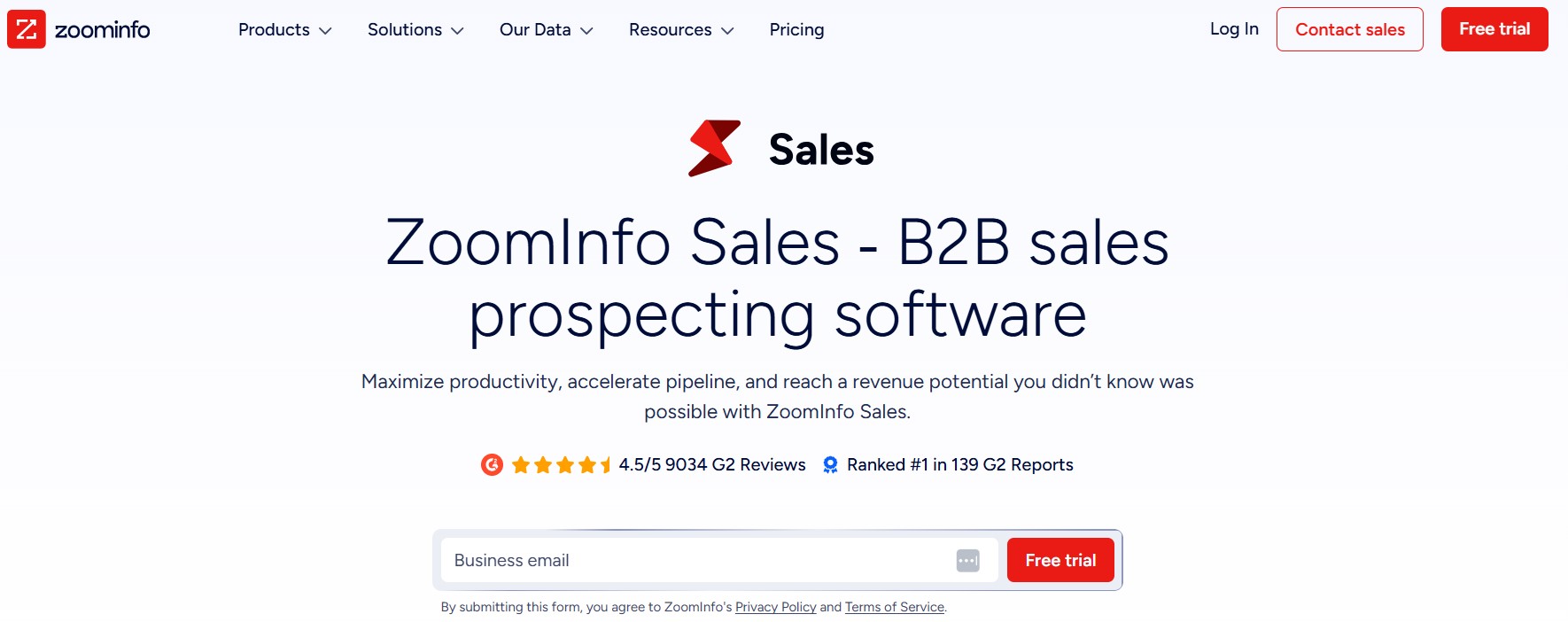
ZoomInfo is the largest B2B contact database available, built for sales organizations that need both breadth and depth across their target market. With over 600 million contacts, 135 million companies, and 300+ data attributes per record, ZoomInfo is the reference-grade data source for enterprise sales teams running account-based selling motions across complex, multi-stakeholder deals.
The platform’s AI assistant, Copilot, automates prospect identification by analyzing a team’s ICP and surfacing the highest-fit accounts and contacts from the database. It recommends engagement strategies, generates personalized messaging suggestions, and triggers automated workflows when a tracked prospect shows buying signals. The GTM Workspace feature integrates ZoomInfo’s intelligence directly into Salesforce, HubSpot, Outreach, and Salesloft so that enriched data flows into existing workflows rather than sitting in a separate tab.
Best for:
- Enterprise sales teams and revenue operations leaders managing large territories across multiple verticals
- ABM (account-based marketing) teams that need firmographic, technographic, and intent data in one source
- RevOps leaders building a single source of truth for company and contact data across a large go-to-market organization
Standout Features:
- 600 million+ contacts and 135 million+ companies with 300+ attributes per record, including direct dials, verified emails, organizational charts, and technology stack data
- Copilot AI that analyzes a team’s ICP and surfaces the best-fit accounts and contacts automatically
- Intent data that identifies companies actively researching relevant topics, surfaced from billions of tracked web interactions
- GTM Workspace for embedding ZoomInfo intelligence directly into Salesforce, HubSpot, Outreach, and Salesloft workflows
- Organizational chart data that maps full buying committees for enterprise accounts before the first conversation
Pricing: Starts at $15,000 per year and scales with the number of users, credits, and feature modules. Custom pricing through a sales conversation.
ROI Signal: ZoomInfo’s data depth justifies the cost for enterprise teams where one incremental deal covers the annual contract value. For smaller teams, the ROI math is harder to run at the $15,000 starting point.
Honest Limitation: The budget requirement makes ZoomInfo inaccessible for most teams under 20 sales reps. There is also a meaningful time-to-value gap. Onboarding, data quality setup, and CRM integration take time, and some teams report slower-than-expected ROI timelines in the first six months.
5. Cognism — Best for GDPR-Compliant Global Outreach
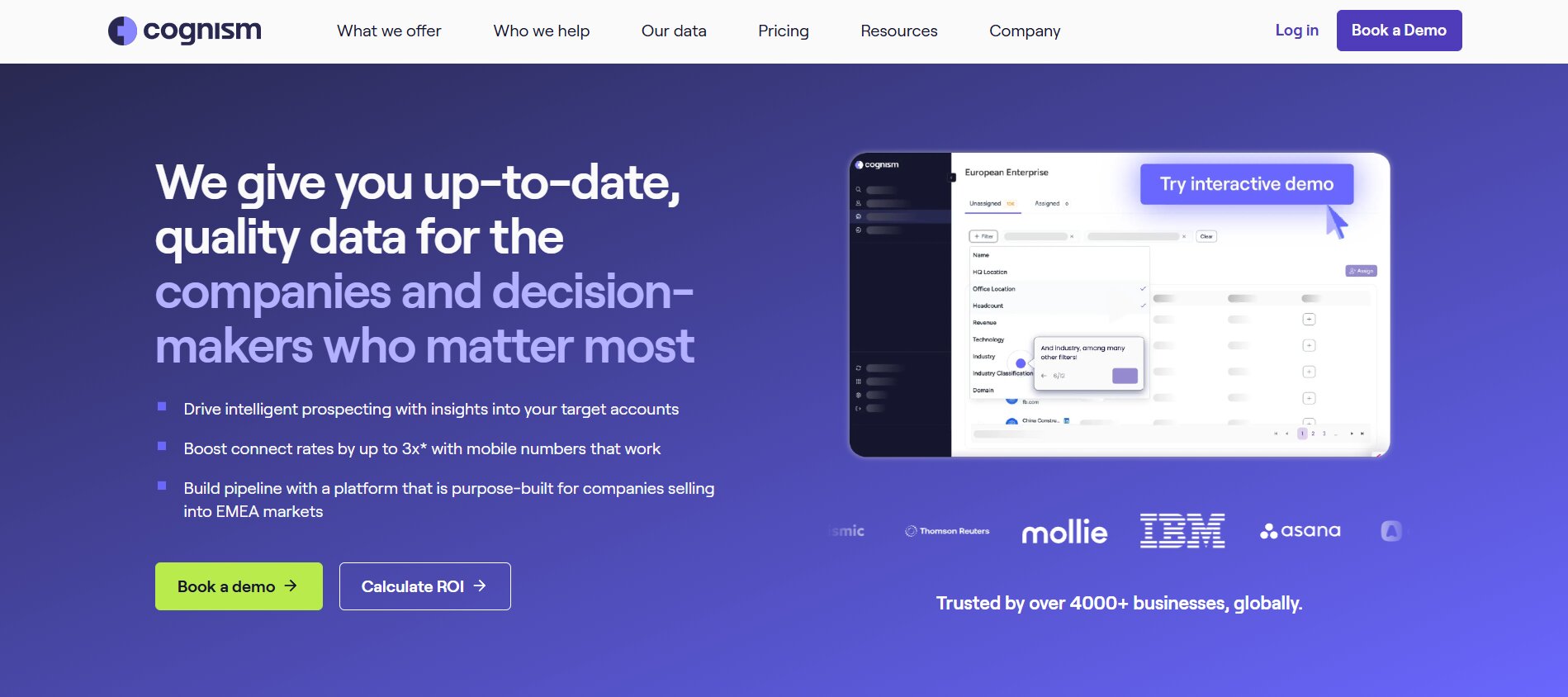
Cognism is a sales intelligence platform that specializes in verified contact data with compliance built into the data collection and processing layer. For teams prospecting into European markets, or any organization that cannot afford GDPR or CCPA exposure on its cold outreach, Cognism is the most credible option in the category. The platform covers the US, EMEA, and APAC markets with contact data that is verified through a combination of algorithmic checks and human validation.
The platform’s standout data layer is called Diamond Data, which refers to phone-verified mobile numbers. Rather than algorithmically predicting a mobile number or scraping it from semi-public sources, Cognism verifies mobile numbers through direct human validation. That verification process is what makes the connect rate on cold calls using Cognism data meaningfully higher than using data from less rigorous sources.
Best for:
- International B2B teams that prospect into European markets and face genuine GDPR compliance exposure
- Sales teams that rely heavily on cold calling and need verified mobile numbers, not predicted ones
- Revenue teams that have been burned by inaccurate data from lower-quality sources and need a clean restart
Standout Features:
- Diamond Data, a layer of phone-verified mobile numbers validated through human confirmation rather than algorithmic prediction
- Full GDPR and CCPA compliance built into the data sourcing process, with documented lawful bases for each contact record
- Intent data powered by Bombora, which identifies companies actively researching relevant topics across thousands of B2B websites
- A browser extension for real-time contact enrichment on LinkedIn and company websites
- CRM integrations with Salesforce, HubSpot, Outreach, and Salesloft for direct data pushes without manual export
Pricing: Custom pricing. Contact Cognism’s sales team for a quote based on team size, geography, and usage volume.
ROI Signal: Teams that rely on cold calling as a primary outreach channel see the clearest ROI signal from Diamond Data. Verified mobile numbers improve connect rates on cold calls, and higher connect rates directly translate to more conversations and more booked meetings. For email-primary teams, Cognism is solid but the premium over Apollo may not be justified.
Honest Limitation: Cognism is priced for teams that take data compliance seriously and have the budget to match. For domestic US-only sales teams with no GDPR exposure and a primary email channel, the cost premium over Apollo or Lusha is hard to justify on ROI grounds alone.
6. Lusha — Best for Quick Contact Lookups Without the Enterprise Price Tag
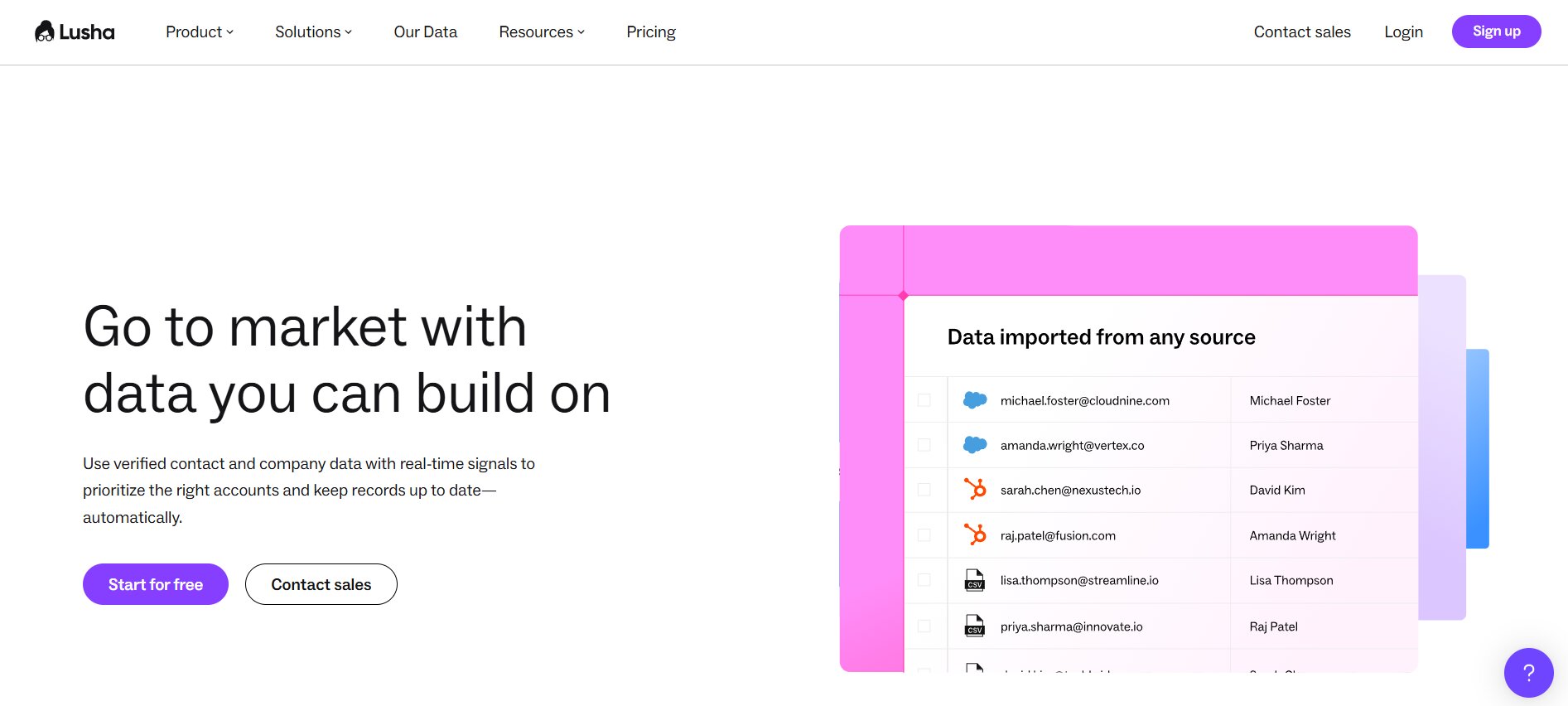
Lusha is a contact enrichment tool with a Chrome extension that sits on top of LinkedIn and company websites, surfacing direct phone numbers, email addresses, and basic firmographic data on demand. The platform is not trying to be an enterprise intelligence solution. It is built for sales reps who need contact details fast, without navigating a complex dashboard or waiting for a data export.
The platform integrates directly with major CRMs and allows reps to push contact data to Salesforce or HubSpot in a single click from the browser extension. Paid plans include unlimited B2B email credits, which removes the per-credit friction that slows down high-volume prospecting workflows. The free tier gives teams five credits per month to evaluate data quality before committing.
Best for:
- Individual sales reps and small teams who need fast contact enrichment on LinkedIn without a full database subscription
- Recruiters and business development professionals who prospect on LinkedIn daily and need contact details pulled quickly
- Teams that already have a sequencing tool and just need an affordable enrichment layer to fill contact gaps
Standout Features:
- Chrome extension that surfaces contact data directly on LinkedIn profiles, company pages, and other business websites without leaving the tab
- Unlimited B2B email credits on paid plans, removing per-credit limits from high-volume prospecting workflows
- Direct push to Salesforce, HubSpot, and other CRMs from the extension, eliminating manual data entry
- Free tier with five monthly credits for teams that want to test data quality before purchasing
- Bulk enrichment for lists and CSV uploads for teams running larger prospecting campaigns
Pricing: Free tier with five credits. Paid plans scale by credit volume and team size at competitive rates below the enterprise-tier tools.
ROI Signal: Lusha’s ROI is immediate and easy to measure. Reps spend less time searching for contact details and more time in active conversations. The time savings compound across a full team over a quarter.
Honest Limitation: Lusha is a data enrichment tool, not an outreach or sequencing platform. It does not run campaigns, manage conversations, or track engagement. Teams that need a full prospecting workflow will need Lusha plus a separate sequencing or automation tool.
7. Hunter.io — Best for Domain-Based Email Discovery
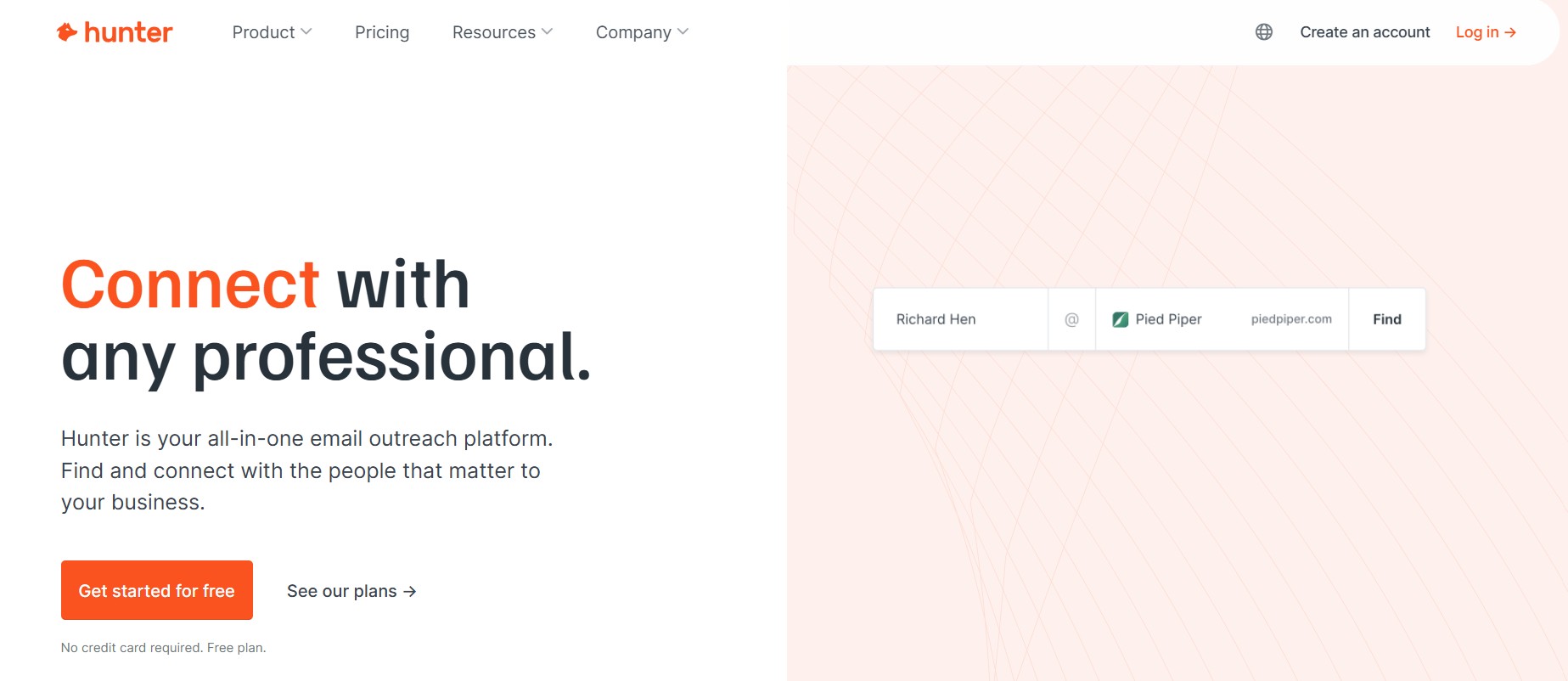
Hunter.io is built around a specific and highly useful use case: finding and verifying the email addresses of people at any company when you have the company domain. If you know the company and the person’s name but need the email address, Hunter finds it through a combination of indexed public sources and its own database of verified email patterns.
The Email Verifier feature checks deliverability before a send, which is one of the most overlooked steps in cold email campaign setup. Sending to unverified addresses drives up bounce rates, which damages domain reputation, which reduces inbox placement on future sends. Hunter solves that upstream problem rather than trying to recover from it after the campaign has already run.
Best for:
- Cold email teams that prospect into specific target companies and need to find contact emails from a domain or list of domains
- Teams running account-based outreach who know their target accounts and decision-makers but need accurate email data
- Organizations with small budgets that need reliable email lookup without a full database subscription
Standout Features:
- Domain search that finds all publicly indexed email addresses associated with a given company domain
- Email pattern detection that infers the likely email format (first.last@company.com, for example) for any employee at a target company
- Email Verifier that checks deliverability on individual addresses or entire lists before a campaign send
- Bulk lookup and enrichment via CSV upload for teams processing large prospect lists
- Free plan that provides basic domain searches and verifications, with paid plans scaling by monthly search volume
Pricing: Free tier available with limited monthly searches. Paid plans start at accessible rates, scaling by volume.
ROI Signal: Hunter’s most direct ROI impact is on cold email deliverability. Reducing bounce rates below the 2% threshold keeps domain reputation clean, which improves inbox placement across all future campaigns. Teams that clean their email lists with Hunter before sending consistently see higher open rates and reply rates than those who send to unverified lists.
Honest Limitation: Hunter is email-only. It does not surface phone numbers, intent signals, firmographic data, or company intelligence. It is a precision tool for one specific problem and works best as a complement to a broader data source rather than as a standalone prospecting platform.
8. 6sense — Best for Intent-Led Account-Based Selling
6sense is an account intelligence platform built around predictive buying signals. The platform uses AI to analyze behavioral data across thousands of tracked websites, content platforms, and review sites to identify which companies are actively researching solutions in a given category before those companies ever engage with a vendor directly. That early identification is the core value proposition: reach the right accounts before your competitors know they are in-market.
The platform layers intent data on top of firmographic filters so that sales and marketing teams are not just targeting the right company profile but the right company at the right moment in its buying cycle. That combination is what makes 6sense relevant for enterprise ABM motions. For teams running high-volume outbound against broad markets, 6sense is likely more capability than the motion requires.
Best for:
- Enterprise ABM teams selling complex, multi-stakeholder deals where timing and relevance are the primary conversion levers
- Marketing and sales alignment programs where both teams need to agree on which accounts to prioritize before spending on outreach
- Revenue operations leaders building a data-driven account prioritization model rather than relying on rep intuition
Standout Features:
- Predictive buying stage identification that places target accounts in a model of awareness, consideration, or decision based on their behavioral signals
- AI-powered dynamic audience segmentation that automatically updates account lists as new intent signals emerge
- Multi-channel orchestration that uses intent data to trigger personalized email, display advertising, and sales outreach in coordinated sequences
- Buyer intent monitoring across thousands of B2B content, review, and research sites to surface in-market accounts early
- Full integration with Salesforce, HubSpot, Marketo, and major sales engagement platforms
Pricing: Custom pricing. According to published research from Salesmotion, 6sense averages approximately $55,000 per year, making it one of the most expensive tools in the prospecting category.
ROI Signal: For enterprise teams where one closed deal generates $100,000 or more in annual contract value, the investment in 6sense intent data can be justified on a single incremental win per quarter. For teams with lower average contract values, the math does not hold.
Honest Limitation: At an average of $55,000 per year, 6sense is priced beyond the practical reach of most teams under 50 reps. The platform is also genuinely complex and requires significant time investment to configure intent topics, integrate signals into workflows, and train sales teams to act on the data rather than ignoring it.
9. LeadIQ — Best for Outbound Teams Tracking Buying Signals
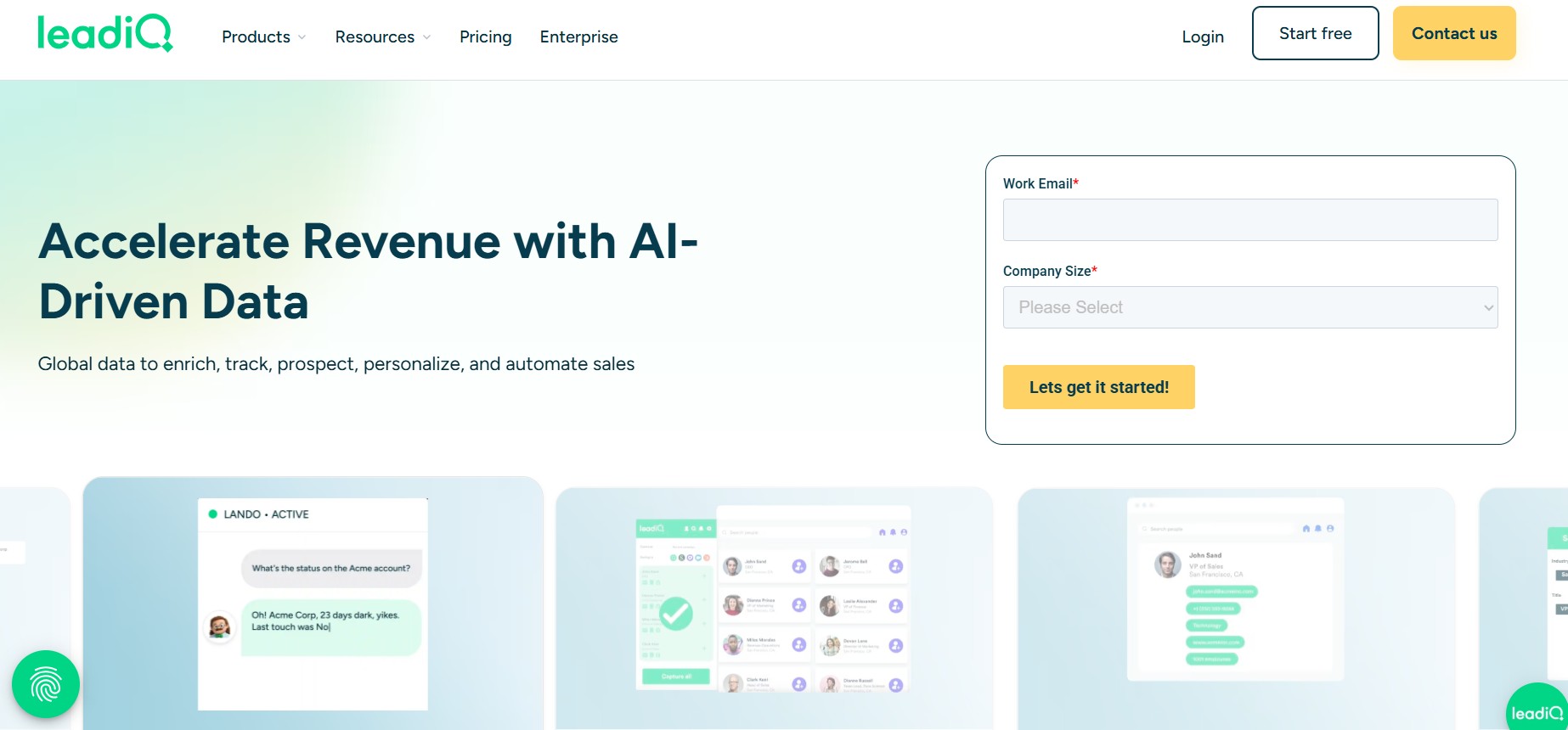
LeadIQ combines contact capture, AI email generation, and job-change tracking in a single platform built specifically for outbound SDR workflows. The tool sits as a Chrome extension on top of LinkedIn, allowing reps to capture contact data, add prospects to sequences, and log activity to the CRM without leaving the LinkedIn tab. The job-change tracking feature monitors a defined list of target contacts and alerts reps when any of them change roles, a trigger that consistently produces some of the highest positive reply rates in outbound sales.
The AI email generation feature inside LeadIQ writes personalized first-line copy using publicly available information about the prospect, their company, and recent company news. That personalization layer matters. According to data from Martal.ca, campaigns with advanced personalization see reply rates up to 18%, compared to an average of 3.43% for generic templates in 2026.
Best for:
- Outbound-heavy SDR teams that treat job change alerts as primary prospecting triggers
- Sales organizations that multi-thread into target accounts and need fast contact capture across multiple LinkedIn profiles in a single prospecting session
- Teams that want AI-assisted personalization on first-touch emails without building a separate enrichment-and-writing workflow
Standout Features:
- LinkedIn Chrome extension that captures contact data, enriches records, and pushes to CRM and sequencing tools in a single workflow
- Job-change tracking that monitors a saved list of contacts and triggers alerts when any of them change companies or roles
- AI-powered email copy generation that produces personalized first-line messaging based on prospect data and company context
- CRM sync with Salesforce and HubSpot, plus integrations with Outreach and Salesloft for direct sequence enrollment
- Free tier with limited monthly credits for small teams evaluating the platform before purchase
Pricing: Free tier available with limited credits. Paid plans are priced per user with scaling credit volumes.
ROI Signal: The highest-ROI use case for LeadIQ is job-change triggered outreach. When a contact moves to a new company, they are frequently evaluating new vendors in the first 90 days of the role. Catching that window with a relevant, personalized message consistently outperforms cold outreach to the same person in a stable role.
Honest Limitation: LeadIQ’s contact database is smaller than ZoomInfo, Apollo, or Cognism. It works well as a signal and capture layer but is better paired with a larger data source for broad market prospecting rather than used as a standalone contact database.
10. Instantly — Best for High-Volume Cold Email at Scale
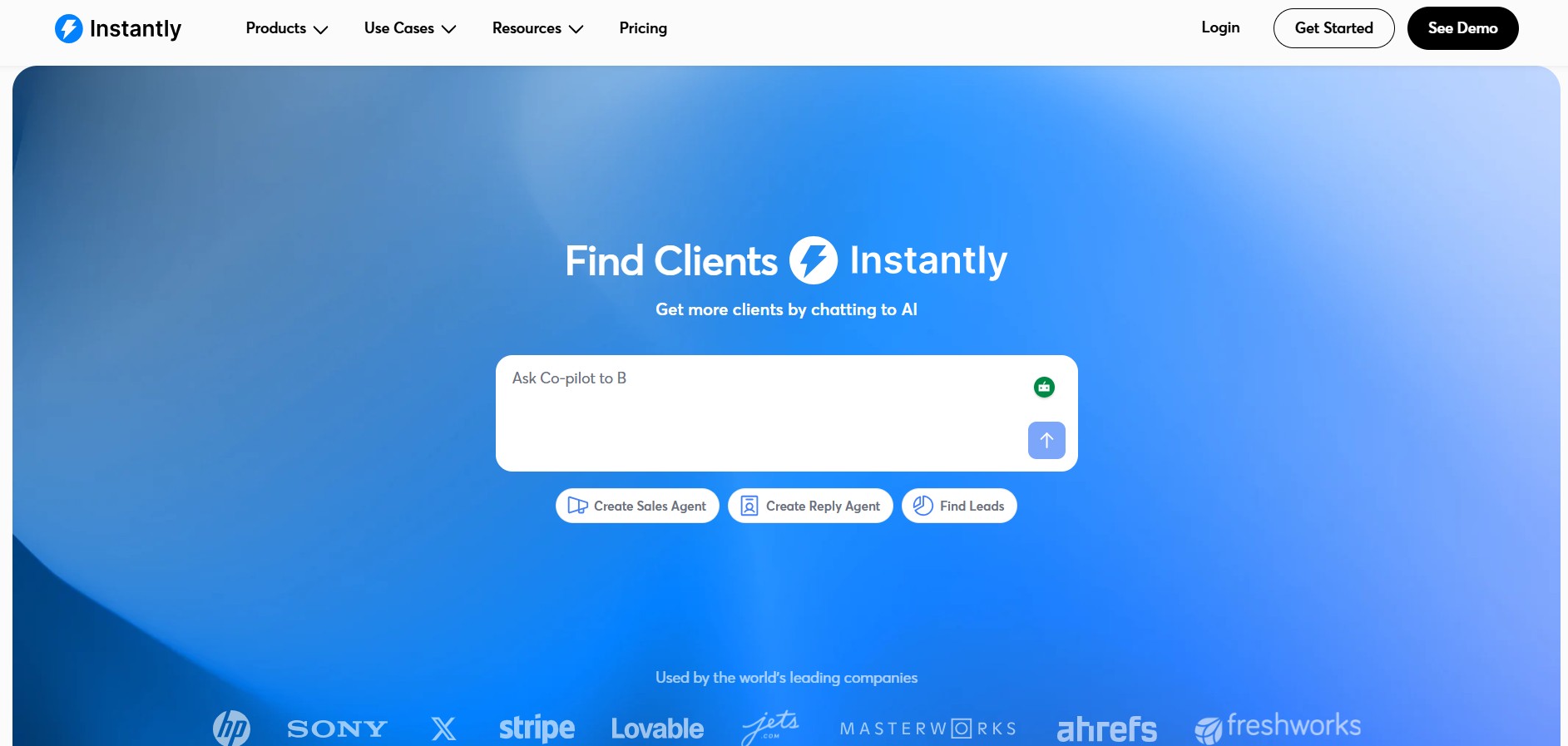
Instantly is an email sequencing and deliverability platform built for teams that send high volumes of cold email campaigns. The platform’s core architecture is built around deliverability, which separates it from general-purpose sequencing tools. Most cold email volume problems are actually deliverability problems: emails landing in spam, domain reputation degrading over time, or sending limits creating bottlenecks. Instantly is designed to solve all three simultaneously.
The unlimited email account feature means teams can distribute sending volume across dozens of accounts and domains, keeping individual account send volumes low enough to avoid spam filters. The automated warmup feature gradually increases sending volume on new accounts by simulating natural email interactions before cold campaigns begin. According to data from Martal.ca, around 17% of cold emails never reach the inbox due to poor domain authentication and technical setup. Instantly’s architecture addresses that problem before campaigns launch.
Best for:
- Lead generation agencies running cold email campaigns for multiple clients who need to separate sending infrastructure by client account
- Outbound teams targeting large addressable markets where volume is the primary lever for pipeline generation
- SDR teams running cold email as the primary outreach channel who have already built a reliable contact data source and need to maximize inbox placement on sends
Standout Features:
- Unlimited email account connections, allowing teams to distribute send volume across as many domains and accounts as needed
- Automated email warmup that gradually increases sending activity on new accounts before cold campaigns begin
- Campaign analytics covering open rates, reply rates, and bounce rates across all active campaigns in a single dashboard
- A/B testing on subject lines, message copy, and send timing to optimize campaign performance over time
- Unibox, a unified reply inbox that aggregates responses from all connected email accounts into a single view for faster reply management
Pricing: Paid plans start at accessible rates for the volume they support, with scaling tiers based on number of active leads and email accounts.
ROI Signal: Instantly’s most direct ROI impact is on inbox placement. Teams that migrate from general-purpose email tools to Instantly consistently report improvements in open rates and reply rates as deliverability improves. According to Martal.ca, improving deliverability can increase lead volume by 50% and reduce marketing costs by 33% when measured across a full campaign cycle.
Honest Limitation: Instantly is an email-only platform. It does not offer LinkedIn outreach, phone dialing, contact database access, or intent data. Teams running multi-channel prospecting across email and LinkedIn need Instantly paired with a separate LinkedIn outreach tool like DealsFlow.
B2B Prospecting Tools Compared: Feature and ROI Breakdown
Evaluating tools in isolation misses the most important question in prospecting tool selection: which tool combination delivers the best results for your specific motion? The table below gives a side-by-side view of the ten tools across the criteria that matter most for a purchasing decision.
| Tool | Best For | Primary Channels | Pricing Tier | Time to ROI | Data Source |
|---|---|---|---|---|---|
| DealsFlow | LinkedIn outreach automation, agencies | Accessible to mid-market | 30-60 days | LinkedIn-native | |
| Apollo.io | All-in-one outbound on a budget | Email, phone | Free to mid-market | 30-60 days | Proprietary DB (275M+) |
| LinkedIn Sales Navigator | Relationship-based prospecting | $99.99/user/month | 30-60 days | LinkedIn network | |
| ZoomInfo | Enterprise contact intelligence | Email, phone, multi-channel | $15,000+/year | 60-180 days | Proprietary DB (600M+) |
| Cognism | GDPR-compliant global outreach | Email, phone | Custom (premium) | 30-60 days | Verified DB + human validation |
| Lusha | Fast contact enrichment | Email, phone | Free to mid-market | Immediate | Proprietary DB + LinkedIn |
| Hunter.io | Domain-based email discovery | Free to low-cost | Immediate | Web-indexed email data | |
| 6sense | Intent-led ABM | Multi-channel | ~$55,000/year | 90-180 days | Intent signal aggregation |
| LeadIQ | Signal-triggered outbound, SDR teams | LinkedIn, email | Free to mid-market | 30-60 days | Proprietary DB + LinkedIn |
| Instantly | High-volume cold email | Accessible | 14-30 days | No database (bring your own) |
Which Tool Fits Which Team Size
Team size and sales motion are the two filters that should drive tool selection before any feature comparison. A tool that is ideal for an enterprise ABM team is usually wrong for a five-person SDR team running high-volume outbound, and vice versa.
Solo founder or one-person outbound operation:
The priority is speed-to-conversation with minimal setup overhead. DealsFlow handles full LinkedIn conversations autonomously, which means a single founder can run outreach at a scale that would otherwise require a dedicated SDR. Hunter.io fills email data gaps quickly. Lusha handles contact enrichment on the fly. These three tools together cover the full outbound workflow without requiring a dedicated RevOps function to maintain.
SDR team of 5 to 20 reps:
Apollo.io provides the contact database and sequencing in one platform, which simplifies the stack and reduces integration overhead. LeadIQ layers on top for job-change signal tracking. DealsFlow handles the LinkedIn conversation layer if LinkedIn is part of the outreach motion. This combination gives an SDR team a full multi-channel prospecting workflow at a cost structure that makes sense for the team size.
Mid-market sales organization:
Cognism replaces or upgrades the contact database for teams with GDPR exposure or that rely heavily on cold calling. LinkedIn Sales Navigator runs in parallel for relationship mapping and intent signal monitoring. A dedicated sequencing platform like Instantly handles email volume. DealsFlow manages LinkedIn outreach at scale across the team.
Enterprise ABM organization:
ZoomInfo provides the foundational data layer with firmographic, technographic, and organizational data. 6sense adds intent and buying stage identification to prioritize account engagement timing. LinkedIn Sales Navigator maps the buying committee. Outreach or Salesloft manages the full engagement workflow. This is a four or five-tool stack, but each tool occupies a distinct category rather than duplicating another.
Agency managing multiple client accounts:
DealsFlow’s multi-account management capability, which supports up to 50 LinkedIn accounts in a single dashboard, makes it the practical choice for agencies running outreach for multiple clients simultaneously. Instantly handles the email volume across client campaigns. Apollo or Lusha fills contact data gaps. The agency stack does not need ZoomInfo or 6sense unless client deal sizes and complexity justify the cost.
How to Build a Prospecting Stack That Actually Generates Pipeline
Building an effective B2B prospecting stack is not about finding the best individual tool. It is about finding the right tool combination for your specific sales motion, team size, and target market. Most teams that struggle with prospecting ROI are not using bad tools. They are using the wrong combination of tools, or the right tools in the wrong order.
The Three-Tool Stack Most High-Performing Outbound Teams Use in 2026
The most consistently effective outbound stacks share a common architecture, regardless of team size or industry. They combine one contact data source, one intelligence or signal layer, and one outreach automation tool. The specific tools vary, but the category architecture is consistent.
- One contact database: This is the source of contact records, email addresses, and phone numbers. For budget-conscious teams, Apollo.io covers this well. For teams with phone-calling motions and global reach requirements, Cognism is the upgrade. For the largest enterprise organizations, ZoomInfo.
- One intelligence or intent layer: This is the source of context that tells you who to reach first. Job-change signals from LeadIQ, buying intent from 6sense or Bombora (which integrates into both Cognism and ZoomInfo), or account research from LinkedIn Sales Navigator all serve this role in different contexts.
- One outreach automation tool: This is the platform that runs the actual outreach. For LinkedIn-first teams, DealsFlow handles connection, conversation, and meeting booking. For email-primary teams, Instantly manages deliverability and sequencing at volume. Teams running both channels use both tools simultaneously.
The teams that over-perform on pipeline consistently use three to four tools in distinct categories rather than five to eight tools in overlapping ones.
The Signal That Tells You It Is Time to Add a New Tool
Not every pipeline problem is a tool problem. Before adding another platform to a stack, it is worth diagnosing whether the bottleneck is genuinely a gap in capability or a gap in execution.
A new tool makes sense when the data clearly points to a specific capability gap:
- Reply rates below 3% on cold email campaigns indicate either a deliverability problem (add Instantly or improve domain health), a data quality problem (upgrade the contact database or verify lists with Hunter), or a personalization problem (add AI copy assistance from LeadIQ)
- Account research time exceeding two hours per rep per day indicates an intelligence gap (add Sales Navigator for account monitoring or LeadIQ for pre-built signals)
- Reps manually managing LinkedIn reply threads at scale indicates an automation gap (add DealsFlow’s Arlo AI conversation engine)
- Low connect rates on cold calls with a high volume of dials indicates a data quality problem (upgrade to Cognism’s Diamond Data for verified mobile numbers)
What does not justify a new tool is a general sense that pipeline is too low without a specific diagnosis. Adding tools to a strategy problem does not fix the strategy.
What to Measure in the First 90 Days
Measuring the impact of a new prospecting tool requires three metrics tracked before and after adoption. These three metrics isolate the tool’s contribution to pipeline from other variables.
- Cost per meeting booked: Total tool cost divided by total meetings booked from tool-sourced outreach. This is the clearest ROI metric for any prospecting platform and should be calculated monthly from day one.
- Reply rate by channel: For email, a healthy reply rate in 2026 sits between 3% and 8% for well-targeted cold campaigns, with advanced personalization pushing toward 18% (according to Martal.ca data). For LinkedIn direct messages, a baseline reply rate of 10.3% is the benchmark, with personalized messages and supplementary profile visits pushing toward 11.87% (according to Belkins’ study of 20 million LinkedIn outreach attempts across nine regions).
- Time-to-first-meeting for new accounts: Track how many days pass between the first outreach touch on a new account and the first meeting booked. If a new tool compresses that timeline by even three to five days, the compounding effect across a full quarter of pipeline activity is substantial.
According to Sopro’s 2026 analysis, 74% of companies achieve positive ROI within the first year of AI sales tool deployment. Teams that define the three metrics above before implementation and track them consistently are far more likely to hit that benchmark within the first 90 days.
LinkedIn vs. Email Prospecting in 2026: Where the ROI Actually Sits
LinkedIn and cold email are not interchangeable outbound channels. They have different response rate profiles, different volume ceilings, different cost structures, and different tool requirements. Most B2B sales teams default to email because it scales more easily and the tooling is more mature. But the performance data in 2026 tells a more complicated story.
LinkedIn direct messages now outperform cold email on response rates by a significant margin. According to data from Engagekit’s 2025 benchmark analysis of 20 million outreach attempts, LinkedIn DMs average a 10.3% reply rate compared to cold email’s 5.1%, a 101% performance advantage. Cold email reply rates continued their decline into 2026, with the average now sitting at 3.43% (down from 5.1% in 2024 and 7% in 2023), according to Martal.ca’s 2026 cold email benchmark report. LinkedIn, by contrast, has maintained consistent reply rates across the same period.
That performance gap creates a real channel allocation question for outbound teams. If LinkedIn generates twice the replies at the same prospecting effort, why are most teams still email-primary?
The answer is volume. A single LinkedIn account operates under daily activity limits that cap the number of connection requests, messages, and profile visits possible without triggering LinkedIn’s spam detection systems. Email has no equivalent volume ceiling. A team can send 500 cold emails per day from a single domain with proper warmup. They cannot send 500 LinkedIn connection requests per day from a single account without significant risk to that account’s standing.
That volume ceiling is exactly why multi-account management platforms like DealsFlow exist. By distributing outreach volume across multiple LinkedIn accounts, a team or agency can maintain safe daily activity limits per account while running the aggregate volume of a high-capacity email campaign. The reply rates of LinkedIn with the volume of email, achieved through account architecture rather than single-account abuse.
The Case for Running Both Channels in Parallel, Not Sequentially
The strongest outbound results in 2026 come from running LinkedIn and email simultaneously rather than sequentially. A combined email, LinkedIn, and phone approach increases response rates by 287% compared to single-channel efforts, according to data from Martal.ca and corroborated by SalesLoft’s benchmark research.
The practical architecture for a parallel multi-channel sequence works as follows. An initial LinkedIn connection request establishes name recognition and professional context. A follow-up connection message with a short, relevant value statement runs simultaneously with an initial cold email to the same prospect’s work address. A LinkedIn message to the now-accepted connection arrives when the prospect is already somewhat familiar with the sender’s name from the email. Phone outreach to a verified mobile number follows if the prior touches have generated no reply.
Each channel reinforces the others. The LinkedIn touch makes the email less cold. The email creates a reference point for the LinkedIn message. The call benefits from the familiarity built by both. That reinforcement effect is what the 287% lift in response rates reflects.
Frequently Asked Questions
What is a B2B prospecting tool?
A B2B prospecting tool is software that helps sales teams identify, research, and reach out to potential business customers. These tools vary significantly in what they do: some provide databases of company and contact information, others automate outreach sequences across email or LinkedIn, and others surface buying intent signals that indicate which companies are actively evaluating solutions. Most effective sales stacks combine tools from two or three of these categories rather than relying on a single platform.
What is the difference between a contact database and a sales engagement platform?
A contact database stores and provides access to company and contact records, including email addresses, phone numbers, job titles, and firmographic data. Examples include ZoomInfo, Apollo, Cognism, and Lusha. A sales engagement platform manages the outreach workflow: building sequences, scheduling sends, tracking opens and replies, and logging activity to a CRM. Examples include Outreach, Salesloft, Instantly, and Apollo’s sequencing module. Some tools like Apollo combine both functions, but the data layer and the engagement layer are architecturally distinct, and the best-in-class options for each are usually different tools.
How do I measure ROI from a prospecting tool?
Measure three metrics before and after tool adoption: cost per meeting booked (total tool cost divided by total meetings sourced from that tool’s outreach), reply rate by channel (baseline your current rates before adding the tool so you have a clean comparison), and time-to-first-meeting for new accounts. Most teams see measurable improvement within 30 to 60 days of full adoption. According to Sopro’s 2026 analysis, 74% of companies achieve positive ROI from AI sales tools within the first year.
Is LinkedIn outreach or cold email more effective in 2026?
LinkedIn direct messages outperform cold email on response rates. LinkedIn DMs average a 10.3% reply rate compared to cold email’s current average of 3.43%, a gap that has widened each year as email inbox saturation has increased (Engagekit, 2025; Martal.ca, 2026). However, LinkedIn has a lower volume ceiling per account than email. The most effective outbound approach runs both channels in parallel rather than choosing between them. Multi-channel outreach combining email, LinkedIn, and phone delivers 287% higher response rates than single-channel efforts.
What is the best B2B prospecting tool for small teams?
For teams of one to five people, the best starting stack is Apollo.io for contact data and email sequencing, paired with DealsFlow for LinkedIn conversation automation. Apollo’s free tier covers 10,000 email credits per month with basic sequencing. DealsFlow handles the LinkedIn outreach workflow including post-reply conversations. Hunter.io adds email verification as a deliverability safeguard. This three-tool combination covers the full outbound workflow without the budget requirements of enterprise-tier tools like ZoomInfo or 6sense.
What is the best B2B prospecting tool for agencies managing multiple clients?
For agencies running outreach across multiple client accounts simultaneously, DealsFlow is the most practical choice for LinkedIn because it manages up to 50 LinkedIn accounts from a single dashboard with full campaign and analytics separation per account. Instantly handles email volume across client campaigns with unlimited account connections and a unified reply inbox. Apollo or Lusha fills contact data gaps. This agency stack keeps client campaigns isolated, tracks performance per account, and scales without requiring proportionally more headcount.
How long does it take to see results from a new prospecting tool?
Simple tools like Lusha and Hunter.io deliver value immediately, on the first day of use, because they solve a specific friction point (finding contact details) without requiring workflow changes. Mid-complexity platforms like Apollo and DeadsFlow typically show measurable impact within 30 to 60 days as teams build campaigns, establish baselines, and optimize messaging. Enterprise platforms like ZoomInfo and 6sense require 60 to 180 days to fully integrate, train teams on, and configure before ROI becomes clearly attributable.
Is Apollo.io better than ZoomInfo?
Apollo.io and ZoomInfo serve different use cases at different price points, so the comparison depends on your team’s situation. Apollo combines a contact database with sequencing in one accessible platform, making it the better choice for teams under 20 reps that need cost-effective breadth. ZoomInfo has deeper data, more verified attributes per contact record, and enterprise-grade integrations, making it better for large organizations running complex ABM motions where data depth drives deal quality. For most growing sales teams, Apollo is the right starting point with ZoomInfo as a potential upgrade if data accuracy becomes a measurable bottleneck.
Do I need a separate tool for LinkedIn prospecting, or does Sales Navigator cover it?
Sales Navigator is an identification and research tool. It helps you find the right people and monitor relevant signals, but it does not automate LinkedIn outreach, manage conversations at scale, or book meetings. You need a separate LinkedIn outreach automation tool like DealsFlow to convert Sales Navigator’s prospecting lists into actual pipeline. Running Sales Navigator for identification and DealsFlow for conversation automation is the most effective LinkedIn outreach stack for teams handling significant outreach volume.
What is AI-powered prospecting and how is it different from automation?
Traditional prospecting automation sends pre-written messages on a schedule. It automates volume. AI-powered prospecting goes further by handling the actual decision-making within a prospecting workflow: identifying the best-fit accounts from a large dataset, personalizing outreach copy based on prospect-specific signals, and managing conversations after a reply lands including handling objections and answering questions. DeadsFlow’s Arlo AI is an example of full AI-powered prospecting: it does not just schedule a sequence, it runs the conversation. LeadIQ’s AI email generation is a narrower example: it produces personalized first-line copy based on prospect data without automating the full conversation.
Are B2B prospecting tools GDPR compliant?
Compliance varies significantly by tool and by the data sourcing methods each platform uses. Cognism is built explicitly for GDPR-compliant outreach and documents the lawful basis for each contact record in its database. ZoomInfo has invested significantly in compliance infrastructure, particularly following historical scrutiny of its data collection methods. Apollo and Lusha operate in a more complex compliance zone and are better suited for US-first sales teams with limited EMEA exposure. For any team prospecting into European markets, verifying the specific compliance documentation of any data provider before using their contact records for cold outreach is a non-negotiable step.
What is the minimum prospecting stack I need to start booking meetings?
The absolute minimum effective stack for a new outbound motion is two tools. One contact data source to find the right people with verified contact details, and one outreach tool to initiate and manage conversations at scale. For a LinkedIn-primary motion, LinkedIn Sales Navigator paired with DeadsFlow covers both requirements. For an email-primary motion, Apollo.io covers both because it includes contact data and email sequencing in one platform. Adding email verification through Hunter.io is a low-cost third step that protects deliverability from day one. Everything beyond that three-tool foundation is an upgrade, not a requirement, until the baseline motion is generating consistent results.