


Most small sales teams do not have a reach problem. They have a budget problem. Salesloft runs $100+ per user per month. Outreach.io requires a custom quote, a contract, and an implementation fee that can hit $10,000. These are tools built for 50-rep teams with a RevOps hire and a dedicated admin. A 3-person team selling SaaS or services does not need that. What a small team needs is a tool that books meetings without eating the entire software budget.
The problem is that most “affordable” roundups quietly include tools that are only affordable in name. The $49 entry plan exists, but it gatekeeps the features you actually need behind the $99 or $119 tier. And by the time you add a separate email warmup tool, a data enrichment subscription, and a second seat, the bill looks nothing like what the pricing page suggested.
This article holds itself to one standard: every tool here must be genuinely functional for a team of 2 to 5 people at or under $49/month on monthly billing. No annual lock-in required to qualify. If a tool only works at that price with strings attached, those strings are called out directly.
The $49 Problem (And Why Most “Affordable” Lists Lie to You)
Here is how the trick works. A tool lists its starter plan at $29/month. Sounds reasonable. But it is $29 per user. Put 3 people on it and you are paying $87/month before anything useful unlocks. Then you find out email warmup is a separate product. The CRM sync only works on the next tier up. And the LinkedIn steps in sequences? Those are on the “Multichannel Expert” plan at $99.
That is not affordability. That is a loss leader with a bait-and-switch architecture.
What “Under $49” Actually Means in This List
Every tool reviewed here meets three criteria. First, the tool must be functional on its lowest paid plan, not just technically accessible. Second, the price must be at or under $49 per month on monthly billing. Annual billing discounts are noted where they exist, but the monthly rate is what determines eligibility. Third, a team of 2 to 5 people must be able to run real outreach with it without needing to upgrade within the first 30 days.
The Three Real Costs to Watch: Per-Seat Pricing, Warmup Tools, and Data Credits
Before signing up for anything, run this calculation:
- Per-seat fees: Take the advertised price and multiply by how many people will use the tool. A $29/user tool costs $87/month for a 3-person team.
- Email warmup: If it is not included natively, budget $50 to $100/month for a standalone warmup service. Tools like Mailreach or Warmbox are not free. Email-only outreach that skips warmup hits spam folders, and a 25% spam rate on cold email is not a deliverability quirk. It is a campaign killer.
- Data credits: Tools with contact databases use credit systems. On the Starter tier, 1,000 credits sounds like a lot until one SDR burns through half of them in a week. Factor in how many contacts your team prospects monthly before assuming the base plan holds.
Quick Comparison: Best Sales Outreach Tools Under $49/Month
| Tool | Starting Price (Monthly) | Primary Channel | Free Trial | AI at Base Price | Best For |
|---|---|---|---|---|---|
| Dealsflow | $49/month (annual) / $59/month | LinkedIn (AI-native) | Yes, no credit card | Full Arlo AI engine | Founders and small teams wanting AI to handle the full conversation |
| Apollo.io | $49/month (annual) / $59/month | Email + LinkedIn + Database | Free plan available | Basic AI writing | Teams needing contact data + outreach in one tool |
| Instantly.ai | $37/month (annual) | Yes | AI Copilot (limited) | High-volume email outreach | |
| Saleshandy | $25/month | Yes | Basic | Email sequences on a tight budget | |
| Snov.io | $39/month | Email + lightweight LinkedIn | Free plan available | Basic | All-in-one email finder + outreach combo |
| SmartReach.io | $29/month | Email-first | Yes | AI sequence writing | Solo SDRs running primarily email |
| Lemlist | $39/month (Email Starter) | Email only at this tier | 14-day free trial | Basic email AI | Email personalization with images and video |
| We-Connect | $49/month | Yes | Nope | Small teams wanting cloud-based LinkedIn automation | |
| Octopus CRM | $9.99 to $24.99/month | 7-day free trial | Nope | Founders testing LinkedIn outreach at minimal cost | |
| Meet Alfred | $49/month (annual only) | LinkedIn + Email + X | Yes | Basic | Budget multichannel testing |
| Reply.io | $49/month | Email (base) | 14-day free trial | Jason AI (add-on) | Individual contributors starting with email |
| Hunter.io | $34/month | Email + contact finding | Free plan available | Nope | Email finding + basic drip campaigns |
The 12 Best Sales Outreach Tools for Small Teams Under $49/Month
1. Dealsflow: The AI That Runs the Whole Conversation, Not Just the Sequence

Most LinkedIn outreach tools are good at starting conversations. They send the connection request, fire off the first message, maybe follow up twice. Then someone replies and the whole thing stops. The rep gets a notification and now has to manually figure out what to say. That is where the majority of booked meetings get lost. Not in the opening message. In the reply handling.
Dealsflow’s Arlo AI sits in that exact gap. It does not stop when someone replies. It reads the reply, decides the best response, handles objections, and keeps moving toward a booked call. All in your voice, without you touching it. One early user reported cutting outreach management time by 70% while doubling their call volume, because the back-and-forth after a response was fully handled.
What it actually does at the base price:
- Arlo AI Engine: Reads every prospect reply, generates a contextual response based on their bio, recent posts, or company news, handles pushback, and books the call
- AI Lead Research: Finds qualified prospects from LinkedIn, scores them for warmth (Hot, Warm, Neutral, Cold), and queues them for outreach
- Campaign Builder: Automated connection + messaging sequences with no daily manual babysitting
- Account Safety: Automated warmup, hard daily limits that stay inside LinkedIn’s safety thresholds, and cloud-based execution (no browser extension required)
- Analytics: Full-funnel reporting from connection request sent to call booked
- Prospect CRM: Lead import via LinkedIn URLs, post commenters, or CSV. Every lead gets an AI warmth score.
Who it is best for: Founders doing their own outreach, SDR teams of 2 to 5 people who want the follow-up handled autonomously, and agencies managing multiple LinkedIn accounts under one dashboard. The Starter Pilot plan covers 1 LinkedIn account. The Scaling Pilot at $159/month covers 5 accounts with a multi-account dashboard, which changes the math significantly for any agency or team running more than one sender.
What it does not do: Dealsflow is LinkedIn-native. If email is your primary outreach channel, this is not the right tool. There is no native cold email sequencer. The platform is built around the LinkedIn conversation, from first connection request to booked call, and it does that one thing better than anything else at this price point.
Pricing: Starter Pilot at $59/month. No credit card required to start the free trial. No annual contract required to access the base plan.
Honest Verdict
Dealsflow is the only tool on this list where the AI genuinely owns the post-reply conversation rather than just writing the opening message. For teams tired of losing pipeline at the reply stage, that is a real and measurable difference. At $49/month for a solo operator, the Starter Pilot is the most outcome-focused LinkedIn tool in the budget tier.
2. Apollo.io: The Best All-in-One Under $49 If You Need Contact Data Too
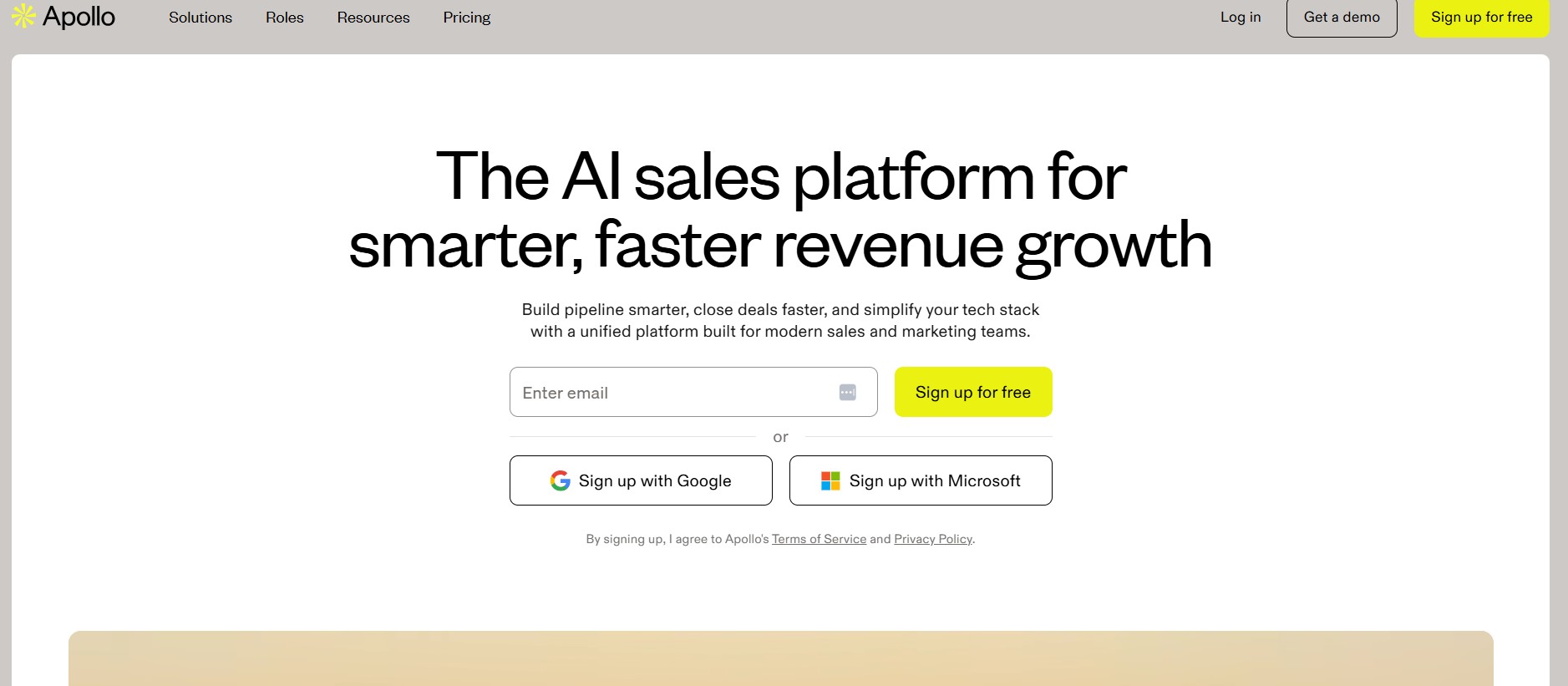
Apollo is the tool most small teams reach for first when they want contact data and email sequencing without managing two separate subscriptions. On paper, that logic holds. In practice, the credit system is where the advertised price starts to blur.
The Basic plan is $49/month on annual billing, or $59/month on monthly billing. That gives you 1,000 monthly credits and access to Apollo’s 275M+ contact database with CRM integrations for HubSpot and Salesforce. For a team doing light to moderate prospecting, 1,000 credits is workable. For a team running 500+ new contacts per month, those credits are gone by week two.
What it actually does at the base price:
- Contact database: 275M+ contacts with filters for industry, headcount, revenue, and job title
- Email sequencing: Automated sequences with follow-ups and basic analytics
- CRM integration: Bidirectional sync with HubSpot and Salesforce on the Basic plan
- Meeting scheduling: Built-in scheduler to remove the back-and-forth on booking
- LinkedIn steps: Manual LinkedIn tasks in sequences (not automated LinkedIn sending)
Who it is best for: Teams that need contact data and email outreach in one place and want to avoid paying separately for a database like ZoomInfo or Lusha. If the choice is between Apollo at $49/month and two separate tools at $30/month each, Apollo often wins on simplicity.
What it does not do: Do not expect automated LinkedIn outreach. Apollo’s LinkedIn steps are manual reminders, not actual automation. Bounce rates on email can run 15 to 20% on some segments, which means the warmup investment matters. Teams doing over 2,000 contacts per month will realistically need the $79/month Professional plan once credit consumption is calculated honestly.
Pricing: Basic at $49/month (annual) or $59/month (monthly). The free plan is genuinely functional for individual testing, with 10,000 email credits per month (capped at about 250 emails per day) and access to the full contact database.
Honest Verdict
Apollo earns its place at the top of the email-first budget category. The contact database alone would cost $30 to $50/month elsewhere. The catch is the credit math. Run the numbers for your actual prospecting volume before assuming the Basic plan holds. Most active 3-person teams hit the Professional tier within 60 days.
3. Instantly.ai: Best for Email Volume at Low Cost
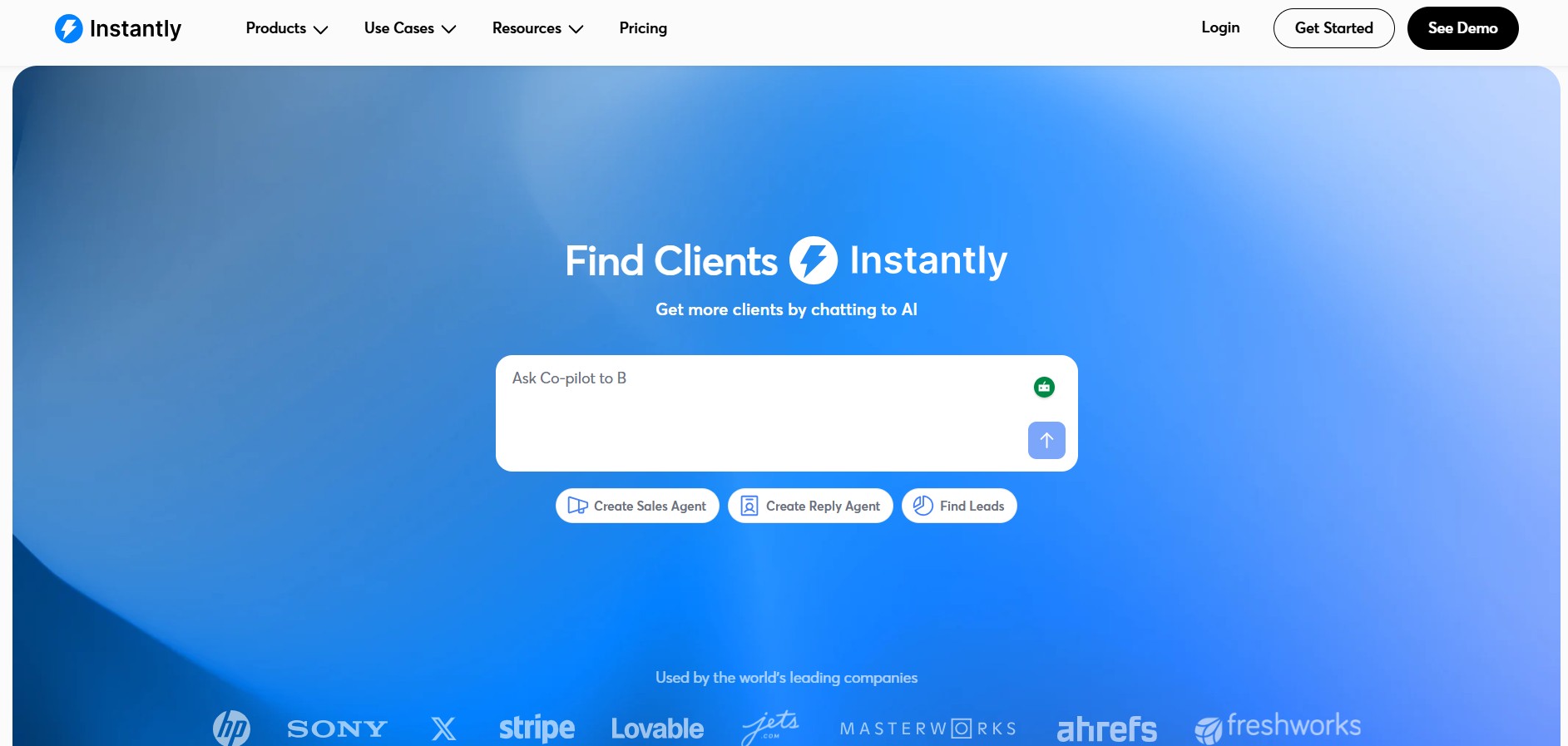
Instantly built its reputation on one feature: unlimited sending accounts. For teams that have figured out cold email and want to scale volume without paying per inbox, that is genuinely valuable. The Growth plan starts at $37.60/month on annual billing, which is the most affordable email outreach option on this list.
What it actually does at the base price:
- Unlimited email accounts: No cap on sending inboxes per campaign, with automatic inbox rotation
- Built-in warmup: Warming network included, so you do not need a separate $50/month warmup tool
- AI Copilot: Available on the Growth plan, though the more advanced AI sequence writer is locked behind the Hypergrowth tier
- Campaign management: Sequences, follow-ups, A/B testing at higher tiers
- B2B database: Exists as a separate Instantly Credits subscription, not bundled with the Outreach plan
Who it is best for: Teams that already have a list and want to run cold email at real volume without worrying about per-inbox costs. Agencies that manage email outreach for multiple clients at a flat rate.
What it does not do: LinkedIn is not here. The lead database is a separate product with its own pricing. If the plan is to use Instantly for both finding contacts and emailing them, budget $30 to $75/month more for the Credits subscription. The full stack (Outreach + Leads + CRM) can reach $180 to $241/month, which is a significant jump from the $37 starting point.
Pricing: Growth plan at $37.60/month (annual) or approximately $47/month (monthly). Monthly billing rate stays within the $49 threshold.
Honest Verdict
For pure email volume at low cost, Instantly is hard to beat. The unlimited inbox feature and bundled warmup cover two of the three hidden costs mentioned earlier. The gap is the database. If the list is already built, this is one of the strongest budget plays on the market.
4. Saleshandy: The Most Affordable Email Sequence Tool
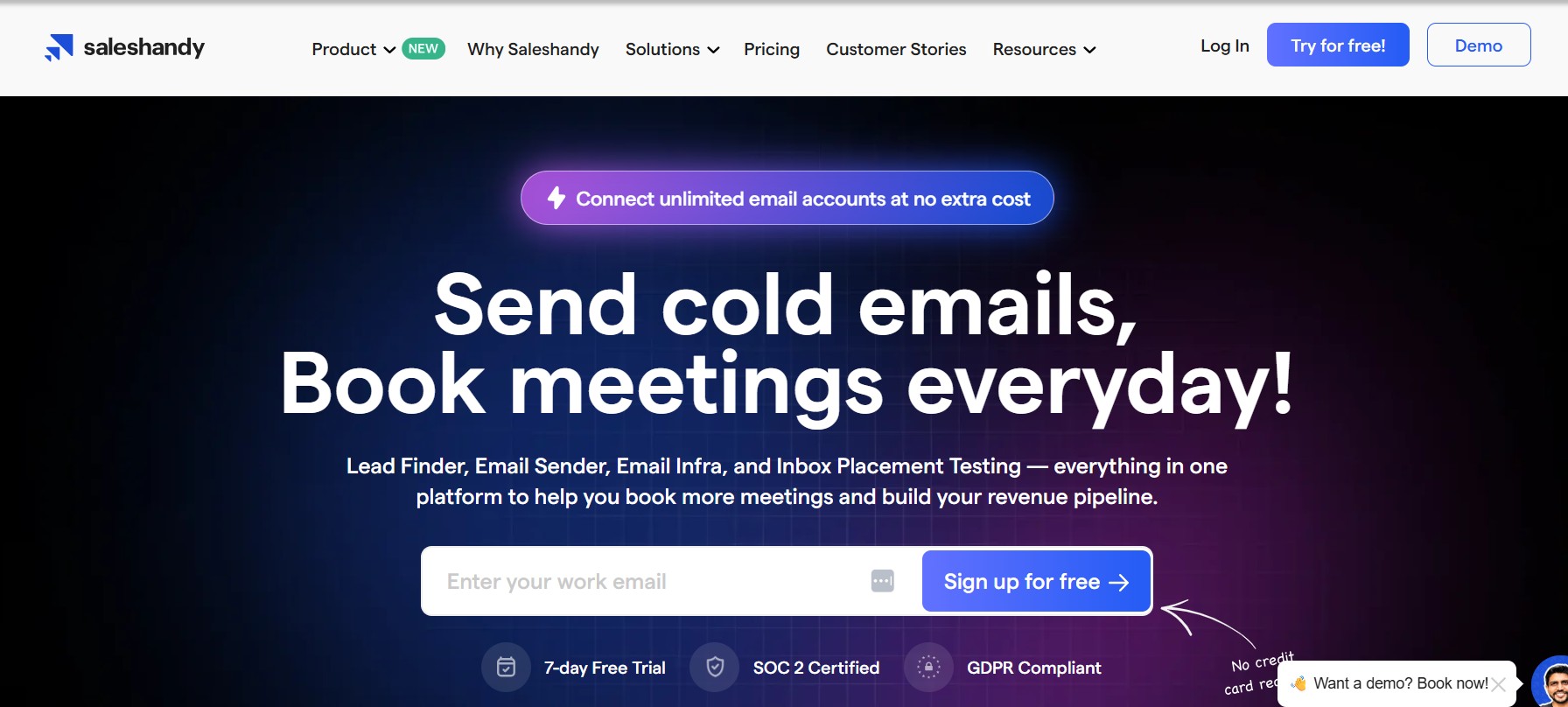
Saleshandy does not try to be everything. It is an email sequencing tool that starts at $25/month for 2,000 prospects. That is it. The pricing is transparent, the tool is not confusing, and it does what it promises.
What it actually does at the base price:
- Email sequences: Multi-step sequences with automated follow-ups and conditional sending
- Sender rotation: Multiple email accounts per campaign on all plans, reducing per-inbox send volume
- Basic analytics: Open rates, click rates, reply rates, and bounce tracking
- Unibox: Unified inbox for managing replies across senders
- CRM integration: Available, though depth varies by plan
Who it is best for: Teams or individual contributors that already have a contact list and need clean, reliable email automation without a complicated setup. It pairs well with a standalone data tool. Hunter at $34/month for contact finding plus Saleshandy at $25/month for sequencing is a two-tool stack that covers email outreach end to end for $59/month total.
What it does not do: No LinkedIn, no contact database, no AI beyond basic writing assistance. This is an email sender with good sequence logic. If the pitch is that Saleshandy will be the only tool needed, that only holds if the list-building problem is already solved elsewhere.
Pricing: Outreach Starter at $25/month for 2,000 prospects contacted per month. Scales to $74/month for 10,000 prospects.
Honest Verdict
Saleshandy wins on simplicity and price transparency. No credit traps, no gated CRM sync, no warmup upsell. It is a good choice for small teams that want predictable costs and do not need LinkedIn outreach.
5. Snov.io: The Budget Multichannel Option With a Built-In Database
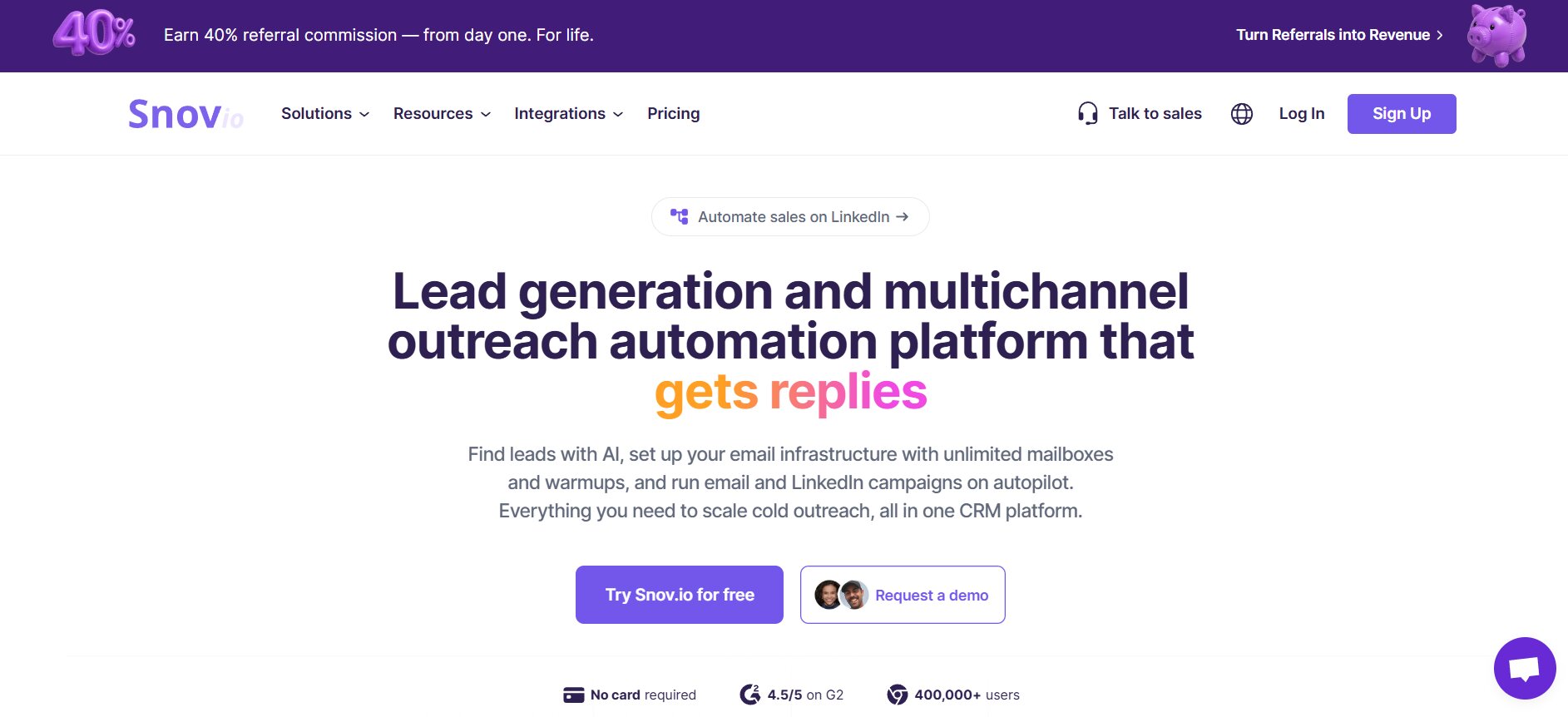
Snov.io tries to solve the tool sprawl problem that plagues small teams. Email finder, email verifier, drip campaigns, lightweight CRM, and email warmup in one subscription. The Starter plan runs $39/month. For a solo operator juggling Apollo for data and Instantly for sending and Mailreach for warmup, that consolidation has real value.
What it actually does at the base price:
- Email finder + verifier: Find and verify contacts via domain search or LinkedIn Chrome extension; credits shared across both actions
- Drip campaigns: Drag-and-drop sequence builder with unlimited senders, follow-ups, and campaigns
- Email warmup: Included in all plans, which alone saves $50 to $100/month compared to tools that require a separate warmup service
- Lightweight CRM: Automated lead management with status tracking and follow-up reminders
- LinkedIn automation: Available, but it costs an additional $69/month per LinkedIn account as a separate add-on
Who it is best for: Solo founders and early-stage teams that want to find contacts, verify them, and email them from one place without paying for three separate subscriptions. The fact that warmup is bundled is meaningful. Most competing tools do not include it at this price.
What it does not do: The Starter plan gives 1,000 credits per month. Finding 500 emails and verifying them separately consumes nearly all of them. A team of 3 SDRs burns through the Starter credits in days. Real multichannel (LinkedIn + email) requires the $69/month LinkedIn add-on per account, which pushes total cost well above $49 and makes the all-in-one value proposition less compelling.
Pricing: Starter at $39/month (or $29.25/month on annual billing) for 1,000 credits and 5,000 email recipients per month.
Honest Verdict
Snov.io works well for individual operators who want one bill and genuinely can function on 1,000 credits per month. The warmup inclusion is a real money saver. The credit ceiling and LinkedIn add-on cost are the two places where the all-in-one story breaks down for growing teams.
6. SmartReach.io: AI Email Sequences at the Lowest Credible Price
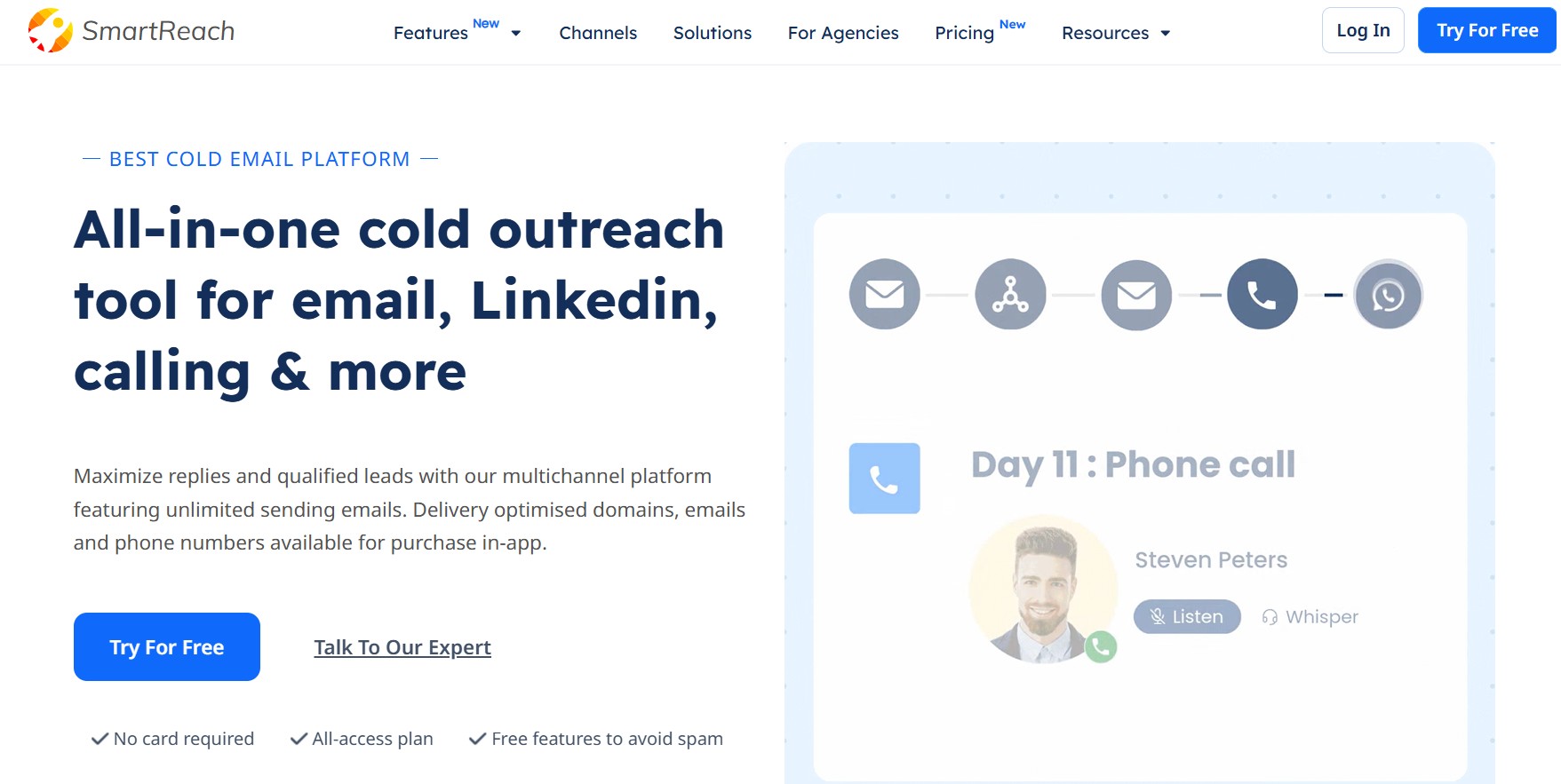
SmartReach starts at $29/month for 1,000 prospects contacted per month. That is the cheapest functional email outreach tool on this list with AI sequence writing included at the base tier. The G2 rating sits at 4.6/5 across 56 reviews, with users consistently noting the onboarding quality and ease of use.
What it actually does at the base price:
- AI sequence generation: Multi-step email sequences with AI-written copy and dynamic Spintax for variation
- Reply management: Auto-pause sequences on reply, basic inbox management
- Lead enrichment: Some enrichment capability at the base tier
- Multichannel steps: Email, LinkedIn tasks, WhatsApp, and calls are listed as channels. LinkedIn depth at the $29 tier is shallow. Treat this as an email tool with task reminders for other channels, not true multichannel automation.
- CRM integrations: Connects to major CRMs, though depth scales with higher plans
Who it is best for: Solo SDRs or individual founders running email-first outreach who want AI help writing sequences without paying $60+ per month. If the ask is “help me write and send better cold emails for less than $30/month,” SmartReach answers it.
What it does not do: The 1,000 prospect limit at $29/month is genuinely restrictive for any team doing meaningful volume. Scaling to 5,000 prospects per month costs $59/month. The LinkedIn functionality at the base plan is task-based, not automated. Do not expect this to replace a dedicated LinkedIn tool.
Pricing: Email Outreach Starter at $29/month for 1,000 prospects. The next tier for 5,000 prospects runs $59/month.
Honest Verdict
SmartReach delivers the basics well at a price that genuinely fits tight budgets. The AI writing assistance at $29/month is a meaningful feature, not a checkbox. The volume ceiling is the main constraint. Good for individual contributors, limiting for even a small team.
7. Lemlist: Best for Creative Email Personalization Under $49
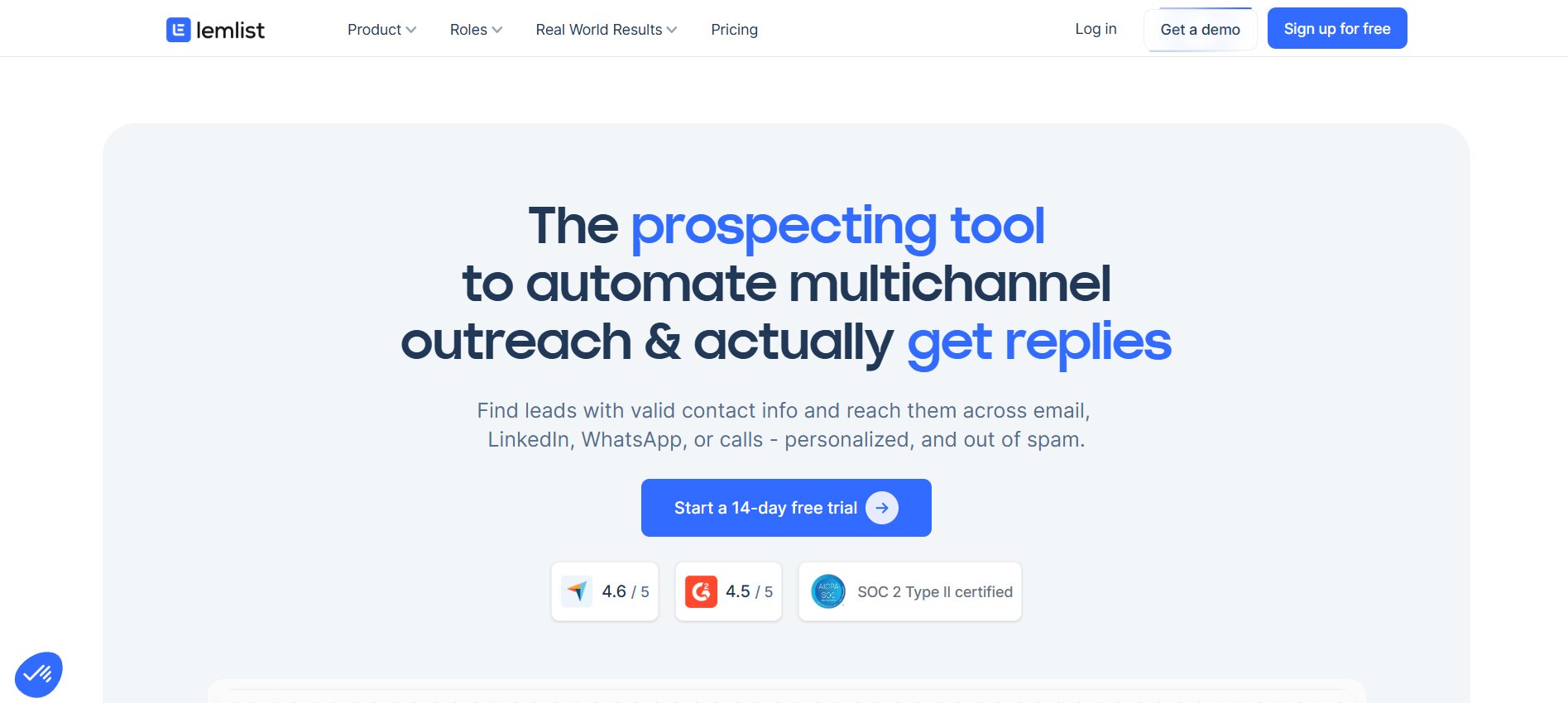
Lemlist made its name on personalized images and video in cold email. The idea is that a cold email with a screenshot of the prospect’s LinkedIn profile dropped into a custom graphic lands differently than a text-only message. The data supports this: personalized visual outreach drives meaningfully higher reply rates on email campaigns.
The Email Starter plan runs $39/month. That covers email sequences with image and video personalization, built-in warmup (Lemwarm), inbox rotation, and basic analytics. At this tier, it is email only.
What it actually does at the base price:
- Personalized images and video: Custom graphics with prospect-specific variables inserted automatically
- Lemwarm: Built-in email warmup, which removes the separate warmup tool cost
- Inbox rotation: Multiple sending accounts per campaign
- Email sequences: Multi-step sequences with conditional logic at higher tiers
- 450M+ contact database: Accessible on all plans, though enrichment credits have limits
Who it is best for: Email-first teams where visual personalization is the differentiator. If the ICP is crowded with competitors running identical text-only cold email sequences, Lemlist’s image personalization creates a pattern interrupt that generic tools cannot replicate at this price.
What it does not do: LinkedIn automation is not on the $39 Email Starter plan. That requires the Multichannel Expert plan at $109/month. The per-user pricing also stings at team scale. A 3-person team on the Email Starter pays $117/month, not $39/month. The $39 rate is per user.
Pricing: Email Starter at $39/month per user. The jump to Multichannel Expert (LinkedIn included) is $109/month per user.
Honest Verdict
Lemlist earns the $39 for solo operators running email personalization. For a team, the per-user model erodes the budget-friendly positioning fast. And anyone expecting LinkedIn automation at this price point will be disappointed.
8. We-Connect: Cloud-Based LinkedIn Automation for Small Teams
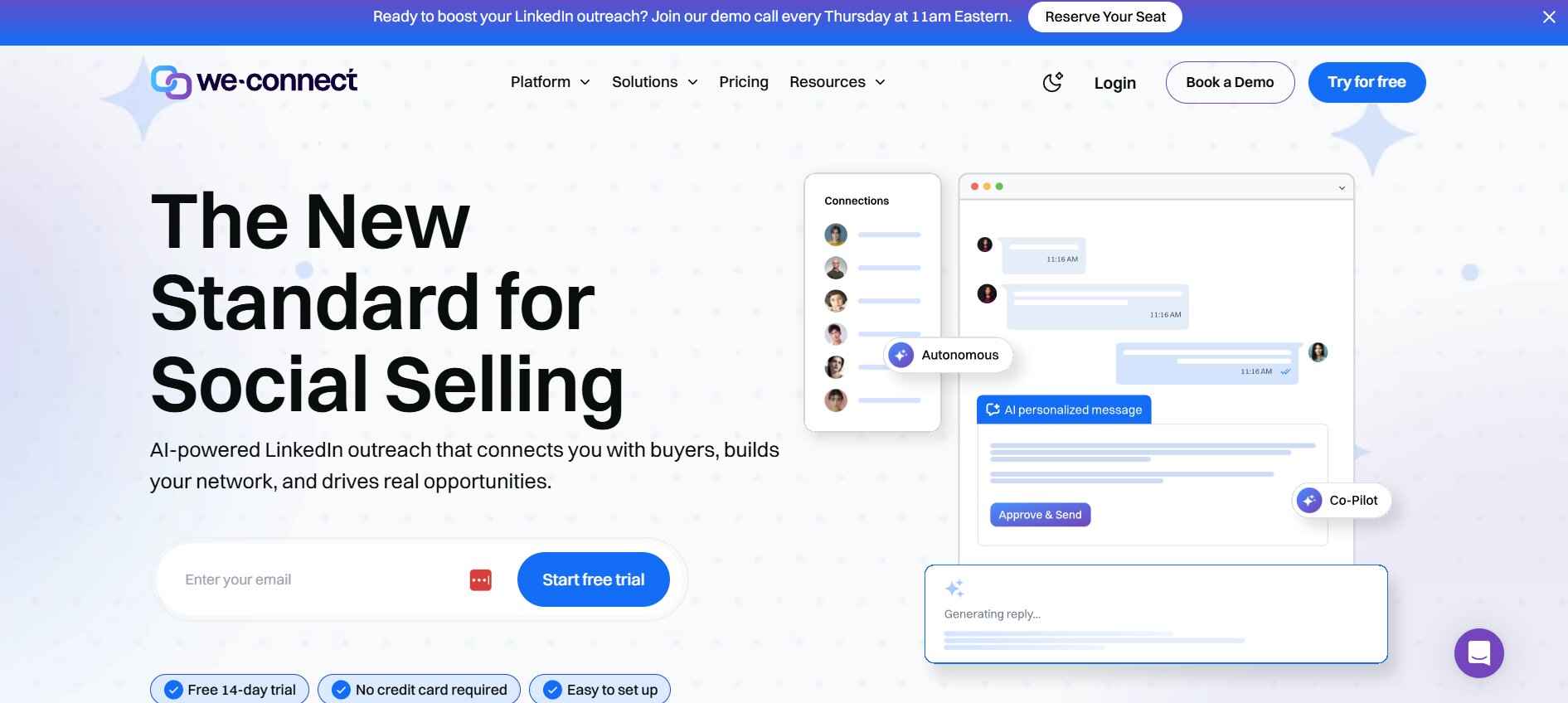
We-Connect sits at $49/month and does one thing: LinkedIn automation, running in the cloud. No browser extension required, which matters more than it sounds. Browser extension-based LinkedIn tools stop working when the laptop is closed. Cloud-based tools run continuously, which means sequences do not pause unexpectedly and daily limits are enforced consistently rather than only when a device is online.
What it actually does at the base price:
- Cloud-based execution: Campaigns run 24/7 without a browser open, with dedicated IPs per account
- Connection requests and messaging: Automated sequences with follow-up steps
- Team features: Multiple users on one account with basic team-level visibility
- Basic analytics: Connection acceptance rates, reply rates, campaign-level reporting
- LinkedIn compliance: Enforced daily limits that stay within safe thresholds
Who it is best for: Small sales teams of 2 to 5 people who want LinkedIn automation with team visibility at a flat price. At $49/month for the whole team (not per user), the economics are straightforward and honest.
What it does not do: The sequence logic is simpler than premium LinkedIn tools like HeyReach or Expandi. There is no AI writing assistance. Analytics are basic. If the ask is sophisticated multi-step conditional sequences or deep campaign analytics, We-Connect is not the right choice. It is reliable, not feature-rich.
Pricing: $49/month flat, not per user. That is what makes it competitive for small teams.
Honest Verdict
At $49/month for the team rather than per seat, We-Connect is one of the honest budget tools on this list. The simplicity is a feature, not a limitation, for teams that just need LinkedIn connection and follow-up to run without manual management.
9. Octopus CRM: The Cheapest LinkedIn Automation That Actually Works
Octopus CRM runs between $9.99 and $24.99/month. That is the most affordable LinkedIn automation on this list by a significant margin. It handles bulk connection requests, automated messaging, profile visits, endorsements, and sequential follow-ups. The built-in dashboard shows profile performance metrics over time, including how activity changes connect to profile views and search appearances.
What it actually does at the base price:
- Bulk LinkedIn actions: Connection requests, messages, profile visits, and endorsements at scale
- Sequential follow-ups: Automated message chains after connection acceptance
- Profile analytics: Activity tracking against LinkedIn profile performance metrics
- Basic CRM: Contact tagging, segmentation, and basic pipeline tracking built in
- Sales Navigator compatibility: Works with standard LinkedIn and Sales Navigator searches
Who it is best for: Individual founders or solo sales reps testing LinkedIn outreach for the first time before committing to a more expensive tool. At $9.99 to $24.99/month, the cost of being wrong is very low.
What it does not do: Octopus CRM is not cloud-based on all plans. Some functionality depends on the browser extension being active. For a team, the lack of shared account management creates friction. The tool is built for individual use, and that shows in the feature set and interface.
Pricing: Basic plan at $9.99/month. Pro at $14.99/month. Advanced at $21.99/month. Unlimited at $24.99/month. All plans stay well under the $49 threshold.
Honest Verdict
Octopus CRM is the best entry point for someone who has never run LinkedIn automation and wants to test the motion before paying $49 to $100/month for a more capable tool. The analytics dashboard is a genuinely useful feedback loop for improving outreach over time. Not a long-term team solution, but a solid starting point.
10. Meet Alfred: Multichannel at $49 (With Important Caveats)
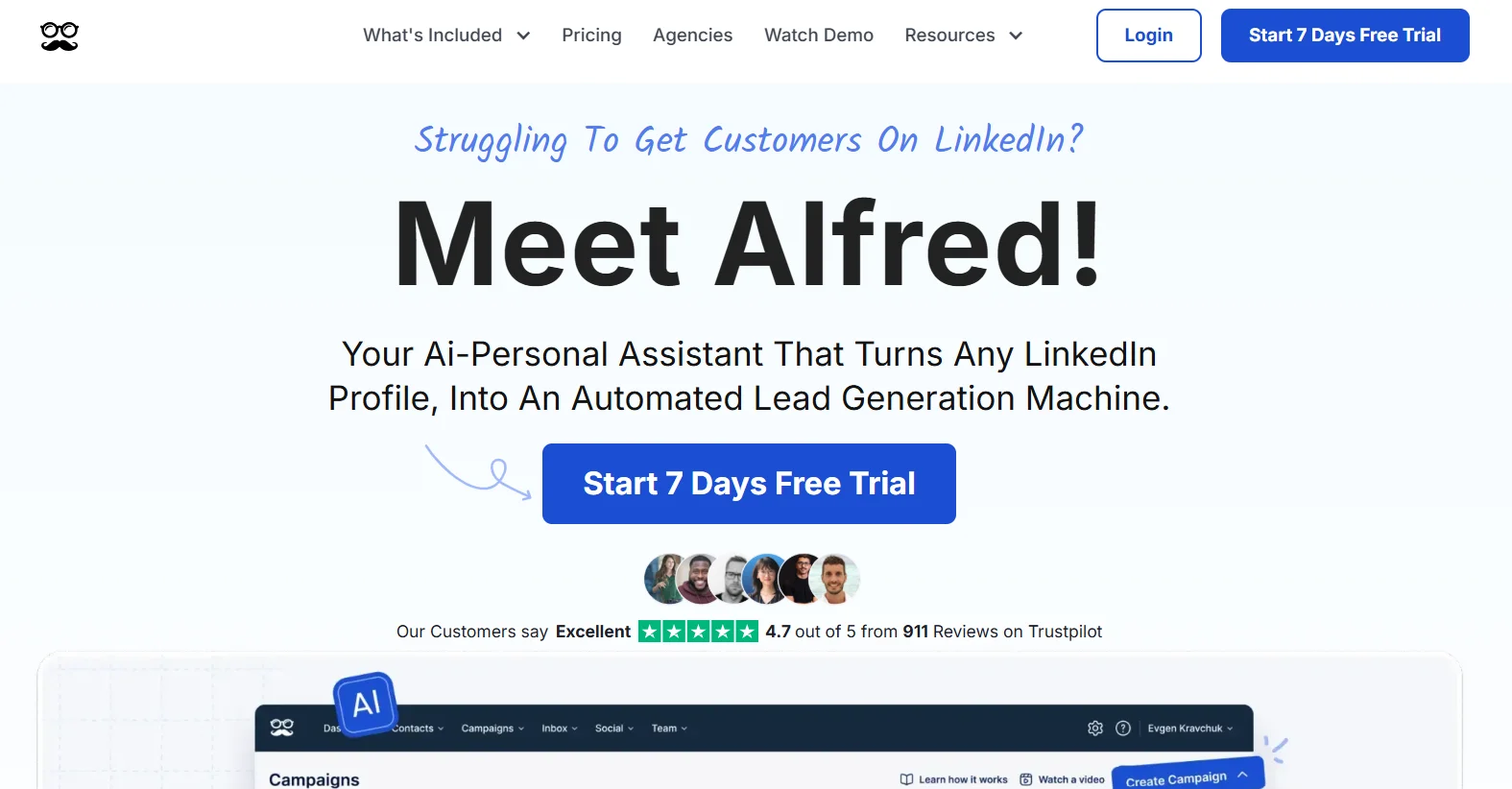
Meet Alfred is the cheapest way to run LinkedIn, email, and X (Twitter) outreach from a single platform. The Pro plan at $49/month (annual billing only) covers all three channels. If true multichannel at this price point is the goal, no other tool on this list gets there.
What it actually does at the base price:
- LinkedIn + Email + X: Automated sequences across all three channels from one dashboard
- Campaign builder: Visual sequence builder with cross-channel steps
- CRM integration: Basic integrations with major CRMs
- Analytics: Campaign-level reporting across channels
Who it is best for: Teams testing multichannel outreach on minimal budget who can tolerate occasional platform instability. The $49 monthly equivalent (annual commitment required) makes it a low-cost experiment, not a production-grade stack.
What it does not do: Meet Alfred’s G2 rating is 3.4/5 from 34 reviews. That is a real signal. Multiple users report bugs, reliability issues, and limited campaign depth at the base plan (capped at 3 campaigns on Basic). For a team running serious outbound, those limitations add friction that more expensive tools eliminate.
Pricing: Pro plan at $49/month billed annually. Monthly billing pushes the cost higher and the annual commitment is a meaningful trade-off.
Honest Verdict
Meet Alfred works as a proof-of-concept for multichannel outreach on a budget. It is not where a team should build their primary outreach motion. The 3.4/5 rating reflects real reliability concerns that show up at scale. Use it to test whether multichannel moves your metrics, then upgrade to something more stable once the channel mix is validated.
11. Reply.io: Email Outreach at the $49 Entry Point
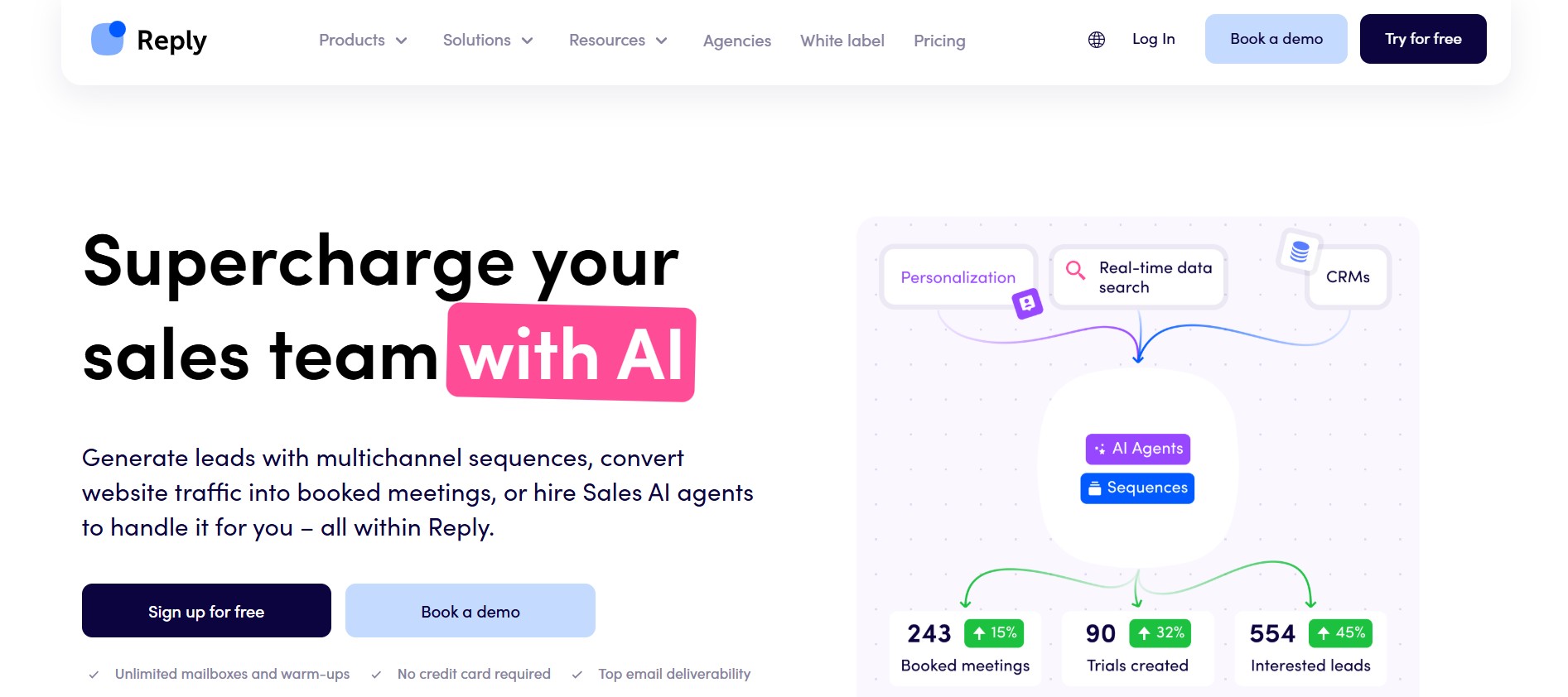
Reply.io is a capable sales engagement platform with a genuinely powerful AI SDR called Jason. The base email outreach plan starts at $49/month per user. That covers email sequences, basic automation, and access to the platform’s core sequence builder.
What it actually does at the base price:
- Email sequences: Multi-step outreach with conditional follow-ups
- Basic analytics: Open, click, and reply tracking
- Integrations: CRM sync with HubSpot, Salesforce, and Pipedrive
- Reply handling: Inbox management and response categorization
Who it is best for: Individual contributors starting with email outreach who might scale to Reply’s broader platform later. The tool’s full value (Jason AI SDR, multichannel sequences, LinkedIn automation, phone dialer) lives behind significantly higher-priced plans. The $49 tier is a functional entry point, not a complete product.
What it does not do: At $49 per user per month, a 3-person team pays $147/month. Jason AI, which is Reply’s most interesting feature, is an add-on that costs beyond the base plan. LinkedIn automation and calling require higher tiers. The per-user pricing model is the main structural issue for small teams.
Pricing: Basic email plan at $49/month per user. Monthly billing available. Team scaling gets expensive quickly.
Honest Verdict
Reply.io is a solid email tool that becomes expensive fast for small teams. The Jason AI SDR is worth evaluating if the budget scales, but at the $49 base tier, the tool is email sequencing with good integration support, nothing more.
12. Hunter.io: The Best Email Finder + Basic Outreach Combo
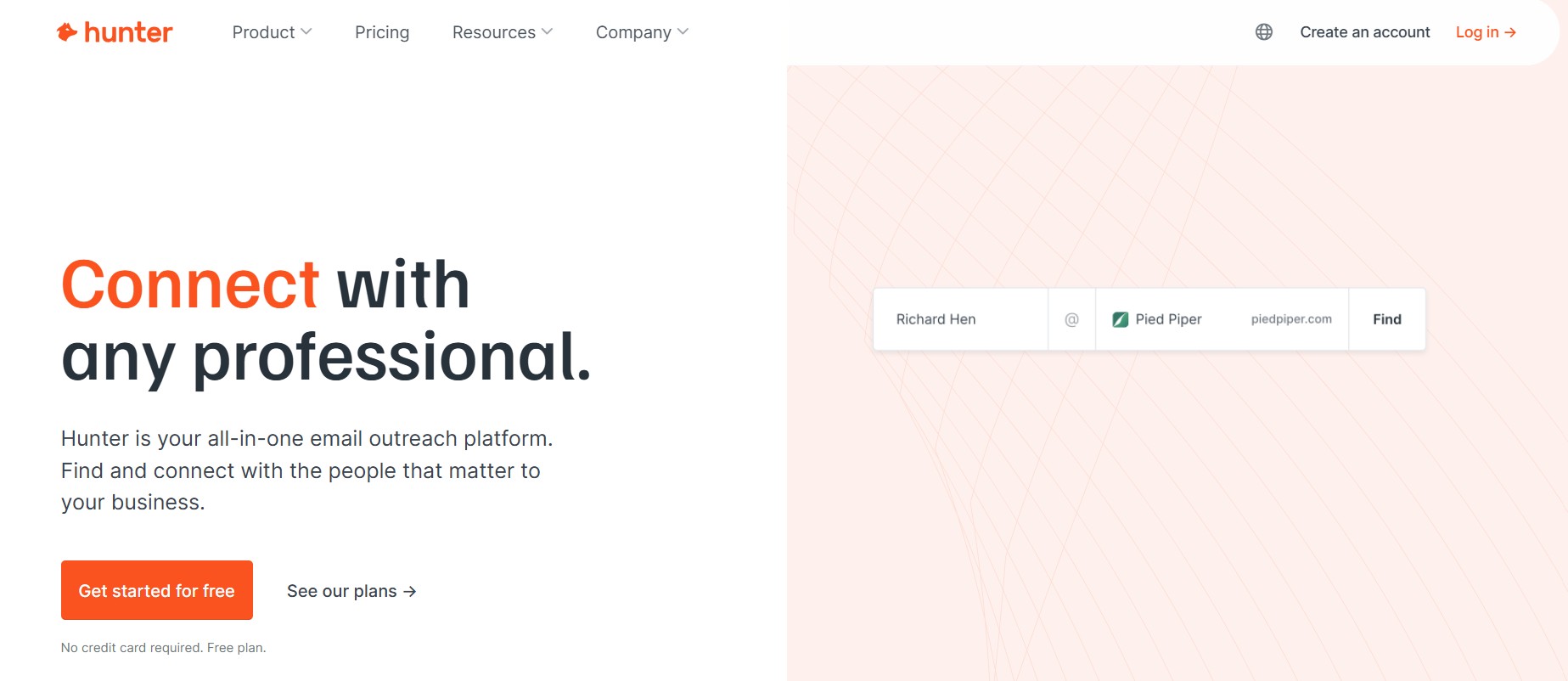
Hunter.io is not a full sales engagement platform. It is the best email finder on the market paired with a basic drip campaign builder. The Starter plan at $34/month gives 500 email searches per month, unlimited email verification, and simple outreach sequences.
What it actually does at the base price:
- Email finder: Domain search to find contacts at any company; Chrome extension for LinkedIn scraping
- Email verifier: Verification against SMTP records and catch-all detection before sending
- Drip campaigns: Simple automated email sequences with follow-ups
- CRM integrations: Connects to HubSpot, Salesforce, and Pipedrive
- Team collaboration: Shared workspace for small teams
Who it is best for: Teams that need reliable contact data and simple email follow-up without platform complexity. Hunter pairs well with Saleshandy. Hunter at $34/month for finding and verifying contacts, Saleshandy at $25/month for sequencing, equals a complete email outreach stack for $59/month total. That is the two-tool stack that often beats a bloated all-in-one at three times the price.
What it does not do: No LinkedIn automation, no AI personalization, no advanced sequence logic. Hunter is honest about what it is. The campaign builder is simple enough that teams doing more than basic follow-up sequences will hit its limits.
Pricing: Free plan with 25 monthly searches. Starter at $34/month for 500 searches and unlimited verifications.
Honest Verdict
Hunter is the reliable workhorse for email contact finding at a budget price. The two-tool stack with Saleshandy is one of the most underrated moves for a small team. Clean contacts plus a solid sequencer beats a bloated all-in-one every time.
How to Choose the Right Tool for Your Small Team (Without Regretting It in 90 Days)
The mistake most teams make is evaluating tools by feature count. The tool with the longest list of bullet points wins the comparison spreadsheet and then gets abandoned after 45 days because the team does not use half of what is on that list.
Start With Your Primary Channel: LinkedIn vs Email vs Both
Pick a channel first. Then pick a tool. Most tools are meaningfully better at one channel than the other, and trying to run both through a tool that is weak on one of them is a waste of setup time.
- LinkedIn first: Dealsflow (AI conversation handling), We-Connect (reliable automation for teams), Octopus CRM (cheapest entry point for testing)
- Email first: Instantly.ai (volume and unlimited inboxes), Saleshandy (simplest and cheapest), Lemlist (personalization with images and video), SmartReach.io (AI writing at the lowest price)
- True multichannel: Snov.io (email + lightweight LinkedIn, all-in-one), Apollo.io (database + email + manual LinkedIn steps), Meet Alfred (all three channels, quality caveats noted)
Calculate Your Real Monthly Cost Before Signing Up
Use this formula before committing to anything:
- Tool base price + data source cost (if no built-in database) + warmup tool cost (if not included natively) + (number of users minus 1, multiplied by per-seat fee)
Example for a 3-person team evaluating Lemlist Email Starter: $39/month per user becomes $117/month. Add $0 for warmup (Lemwarm is included). Add $30 to $40/month for a contact database if not using a separate tool. Real cost: $147 to $157/month, not $39/month.
Same calculation for Dealsflow Starter Pilot: $49/month flat. One LinkedIn account, Arlo AI included, no per-seat multiplication, warmup built in. Real cost: $49/month.
The Five Questions to Ask Before Committing to Any Tool
- Does it run on the cloud, or does the browser need to stay open for campaigns to run?
- What happens when LinkedIn’s daily limits are reached? Does the tool handle this automatically or does the account get flagged?
- Is the CRM integration bidirectional, or does data only sync one direction?
- Can the subscription be cancelled monthly, or is the advertised price an annual commitment divided by 12?
- What does “AI” actually do at this price point? Write the first message? Handle replies? Or just swap in a first name?
The Two-Tool Stack That Beats One Overpriced Platform
For some small teams, two focused tools at $25 to $35 each outperform one all-in-one at $79. The two-tool stack that works for email-first teams: Hunter ($34/month) for finding and verifying contacts, plus Saleshandy ($25/month) for sequencing. Total: $59/month. No credit traps, no warmup upsell, no locked features.
The all-in-one wins when the team genuinely uses both the data and the outreach features at volume, and when switching between tools creates enough friction to slow the workflow. For teams running 200 to 500 new contacts per month, the two-tool stack usually wins on cost and simplicity.
What “AI” Actually Means at the $49 Price Point in 2026
Every tool on this list mentions AI somewhere in the marketing. That word covers an enormous range of actual capability, and at the budget tier, the gap between what AI sounds like and what it does is significant.
There are three real tiers of AI in outreach tools in 2026:
Tier 1: AI writing assistance. The tool generates a subject line, fills in a first name, or suggests email copy based on a template. This is what most budget tools mean when they say “AI-powered outreach.” It is useful. It is also a feature that every tool at $29 to $49/month has in some form. It is not a differentiator.
Tier 2: AI sequencing logic. The tool uses conditional if/then logic based on behavior: if the prospect opened the email but did not reply, send this follow-up. If they clicked a link, trigger a different sequence. This is available in a subset of budget tools, including Lemlist and SmartReach at higher tiers. More useful than Tier 1 because it adapts outreach to actual prospect behavior rather than just personalizing the opening line.
Tier 3: AI conversation handling. The tool reads an actual reply from a prospect, understands the context, generates a response that moves the conversation forward, handles objections, and books the call. This is rare at any price. Dealsflow’s Arlo AI operates here. The difference is measurable: most tools hand reply handling back to the rep, which means booked meetings depend on rep capacity and response time. When AI handles replies autonomously, pipeline generation decouples from headcount.
When a tool at $29/month claims AI personalization, it is almost certainly Tier 1. When evaluating any tool on this list, ask specifically what happens when a prospect replies. If the answer is “we send you a notification,” that is Tier 1 AI. If the answer is “our AI reads the reply and continues the conversation,” that is Tier 3. Most tools are not Tier 3.
The Hidden Costs That Blow Your Budget (Even When the Tool Is Under $49)
This is the practical part that most roundup articles skip. The tool is $39/month. The actual monthly bill three months later is $120. Here is how that gap happens.
- Email warmup tools: Not included in Apollo, Reply.io, or Saleshandy at the base tier. Standalone warmup services (Mailreach, Warmbox, Instantly Warmup) run $50 to $100/month. That is often more than the outreach tool itself.
- Data credits: Apollo burns through 1,000 credits fast for an active SDR. Snov.io’s 1,000-credit Starter plan can be consumed in a week by a team of three. Scaling credits means upgrading plans.
- Per-user fees: Lemlist, Reply.io, and Saleshandy all charge per user. A team of 3 pays 3x the advertised rate. We-Connect and Dealsflow’s Starter Pilot do not have this problem.
- CRM sync gating: Some tools restrict bidirectional CRM integration to higher tiers. Running sequences without CRM sync creates data debt. Reps lose context. Managers lose visibility. RevOps spends hours reconciling records.
- LinkedIn account risk: A restricted or banned LinkedIn account is not a tool cost. But it is a real business cost. Cheap tools that use browser extensions and do not enforce safe daily limits create this risk. Cloud-based tools with hard safety limits eliminate it. That difference has a dollar value, especially for accounts with years of network equity built up.
| Tool | Warmup Included | Database Included | Per-Seat or Flat | CRM Sync at Base | LinkedIn Safe Limits |
|---|---|---|---|---|---|
| Dealsflow | Yes (auto warmup) | No (LinkedIn prospecting via AI research) | Flat ($59/1 account) | No native CRM sync | Yes (cloud-based, hard limits) |
| Apollo.io | No | Yes (1,000 credits) | Per-seat | Yes (HubSpot/Salesforce) | Manual LinkedIn steps only |
| Instantly.ai | Yes | No (separate subscription) | Flat per plan | Limited at base | N/A (email only) |
| Saleshandy | No | No | Per-seat | Yes | N/A (email only) |
| Snov.io | Yes | Yes (1,000 credits) | Per plan (unlimited seats) | Yes | LinkedIn add-on: $69/account |
| SmartReach.io | No | No | Per-seat | Yes | Task-based only |
| Lemlist | Yes (Lemwarm) | Yes (limited credits) | Per-seat | Yes | LinkedIn at $109/user tier only |
| We-Connect | N/A (LinkedIn only) | No | Flat team rate | Basic | Yes (cloud-based) |
| Octopus CRM | N/A (LinkedIn only) | No | Per-seat | Basic | Partial (extension-dependent) |
| Meet Alfred | No | No | Per-seat (annual) | Basic | Limited reliability |
| Reply.io | No | No | Per-seat | Yes | LinkedIn at higher tiers |
| Hunter.io | N/A (no sequences) | Email finding only | Per plan | Yes | N/A |
Conclusion
The core mistake in buying a sales outreach tool is optimizing for features that look good in a comparison table rather than for the workflow the team will actually run. A tool with 40 features that the team uses 4 of is worse than a tool with 10 features the team uses 10 of.
For a small team under $49/month, the decision comes down to channel and honesty about volume. Email-first teams with a list already built should look at Instantly or Saleshandy. Teams that need contact data bundled in should look at Apollo on annual billing or Snov.io for a genuine all-in-one. Teams running LinkedIn outreach and tired of losing pipeline at the reply stage should look at Dealsflow, because Arlo AI handling the post-reply conversation is the one thing on this list that genuinely removes a human bottleneck rather than just automating the sending.
The move is not to buy the most expensive tool in the budget. It is to start the free trial on the tool that matches the primary channel, run it for 30 days, and measure connection acceptance rate and reply-to-meeting conversion before switching to annual billing. Every tool here offers a free trial. There is no reason to commit before the numbers make the decision obvious.
Frequently Asked Questions
What is the best sales outreach tool for a team of 2 to 3 people on a tight budget?
It depends on the primary channel. For LinkedIn outreach, Dealsflow at $49/month covers one account with full AI conversation handling. For email, Instantly.ai at $37/month or Saleshandy at $25/month are the most cost-effective options. For teams that need both, Apollo at $49/month per user on annual billing provides contact data plus email sequencing, though per-seat pricing adds up quickly on a team.
Can a team run LinkedIn and email outreach from a single tool under $49/month?
Genuinely, nope. The tools that claim full multichannel at this price either gate LinkedIn behind a higher tier (Lemlist, Reply.io), add LinkedIn as an expensive add-on (Snov.io at $69/month extra per account), or have quality issues that show up in user reviews (Meet Alfred at 3.4/5 on G2). The honest answer for most small teams is to pick the primary channel, run it well, and add the second channel once the first is producing consistent pipeline.
What is the difference between a LinkedIn automation tool and a sales engagement platform?
A LinkedIn automation tool handles connection requests, follow-up messages, and basic sequence logic on LinkedIn specifically. A sales engagement platform covers multiple channels (email, LinkedIn, phone, SMS) with CRM integration, analytics, and workflow management across a sales team. LinkedIn tools like Dealsflow and We-Connect are purpose-built for LinkedIn and do it better than platforms that treat LinkedIn as one of many channels. Sales engagement platforms like Apollo and Reply.io sacrifice channel depth for breadth.
Is Apollo.io’s free plan actually usable?
Yes, for individual testing. The free plan gives access to the full 275M+ contact database, basic search filters, 10,000 email credits per month (capped at roughly 250 emails per day), and 2 active sequences. It does not include CRM integration, advanced filters, or more than 5 mobile credits per month. For a solo founder validating an ICP before committing to a paid plan, the free tier is genuinely functional. For a team doing real outbound volume, it hits its limits quickly.
What happens if LinkedIn detects automation on an account?
LinkedIn can restrict or ban accounts it detects as running automation. The risk varies by tool type and usage patterns. Browser extension tools that run when the browser is open are more detectable than cloud-based tools that mimic human-like timing with randomized delays. Tools like Dealsflow and We-Connect use cloud-based execution with hard daily limits specifically to stay within LinkedIn’s safety thresholds. The safest behavior is staying under 20 to 30 connection requests per day, using cloud-based tools, and avoiding actions that spike suddenly after a period of inactivity.
How many LinkedIn connection requests can be safely sent per day in 2026?
The generally accepted safe range is 15 to 25 connection requests per day for a standard LinkedIn account, with higher volumes possible on accounts with strong profile scores and established network activity. Sales Navigator accounts tend to have more headroom. Tools with automated daily limits manage this without manual adjustment. Accounts that blast 50 to 100 requests per day are the ones that get flagged.
Do budget outreach tools include email warmup, or is it a separate cost?
It varies significantly. Instantly.ai and Lemlist include warmup natively. Snov.io includes warmup on all plans. Apollo.io, Saleshandy, Reply.io, and SmartReach.io do not include warmup, which means adding a separate warmup service at $50 to $100/month. Always check whether warmup is bundled before finalizing the true cost of an email tool.
What does “AI personalization” actually mean at a $49/month price point?
At most budget tools, AI personalization means the tool generates a subject line suggestion, inserts a first name or company name, or suggests email copy based on a template. This is Tier 1 AI. More advanced tools use AI to adapt sequence logic based on prospect behavior (Tier 2). The rarest and most valuable form is AI that reads actual replies, handles objections, and books meetings autonomously (Tier 3). Dealsflow’s Arlo AI is the only tool on this list operating at Tier 3 at or near the $49 price point.
Is per-user pricing or flat-rate pricing better for a small team?
Flat-rate pricing almost always wins for small teams. A $49/month flat tool costs the same whether 2 or 5 people use it. A $39/month per-user tool costs $78 for 2 people and $195 for 5. Dealsflow’s Starter Pilot and We-Connect’s team plan use flat-rate pricing. Lemlist, Reply.io, Saleshandy, and SmartReach.io charge per seat. When evaluating any tool, check whether the price shown is per user or per account.
What is the difference between cloud-based LinkedIn automation and browser extension automation?
Browser extension tools require the Chrome browser to be open and active on a computer for campaigns to run. Close the laptop, campaigns pause. Cloud-based tools run on external servers continuously, with dedicated IPs assigned to each account. Cloud-based tools are more reliable, harder to detect because they mimic device-level behavior, and do not depend on a specific computer being online. For a small team where campaigns need to run during off-hours, cloud-based is the meaningful choice.