


Wiza does one thing well: it pulls verified emails from LinkedIn profiles and Sales Navigator searches. For a lot of teams, that was enough a couple of years ago. You’d run a search, export the list, drop it into your outreach tool, and go. Clean, simple, fast. The problem is that “clean, simple, fast” doesn’t mean accurate. Wiza’s email verification rates have slipped noticeably as LinkedIn has tightened its data access. Bounce rates that used to sit at 5% are hitting 12% to 18% on some lists. That kills deliverability. Once your domain starts accumulating bounces, you’re not just losing replies, you’re losing inbox placement across your entire email program.
And that’s before you get to the bigger issue: Wiza only does emails. It doesn’t enrich phone numbers. It doesn’t pull company data, tech stack, funding rounds, or hiring signals. It doesn’t connect to your CRM with any real depth. So what happens is you end up with Wiza for emails, Apollo or ZoomInfo for company data, Hunter for verification, and three different Zapier workflows trying to stitch it all together. That’s not a stack, that’s a mess. Sales teams waste hours every week on data hygiene that a better tool would handle automatically.
The market has genuinely moved past what Wiza offers. The best lead enrichment tools in 2026 are doing real-time verification, multi-source data triangulation, phone number enrichment, intent data layering, and CRM sync that actually works without breaking every time Salesforce updates an API. If you’re evaluating Wiza alternatives, the gap between what Wiza does and what the top tools do is wide enough that switching isn’t just an upgrade, it’s a different category of capability. This list covers the 10 best options, starting with the one that does the most complete job of what modern prospecting actually demands.
List of top 10 Wiza Alternatives
If you’re looking for alternatives to Wiza, you’re likely searching for a tool that can help you find verified B2B contact information, streamline lead generation, improve prospecting efforts, or integrate more effectively with your existing sales workflow. While Wiza is widely known for converting LinkedIn Sales Navigator searches into verified email lists, it may not be the ideal solution for every business due to pricing, data coverage, feature limitations, or specific workflow requirements.
Fortunately, several powerful alternatives offer comparable—or even superior—capabilities for sales teams, recruiters, marketers, and business development professionals. Below is a detailed look at the top 10 Wiza alternatives available today.
Dealsflow
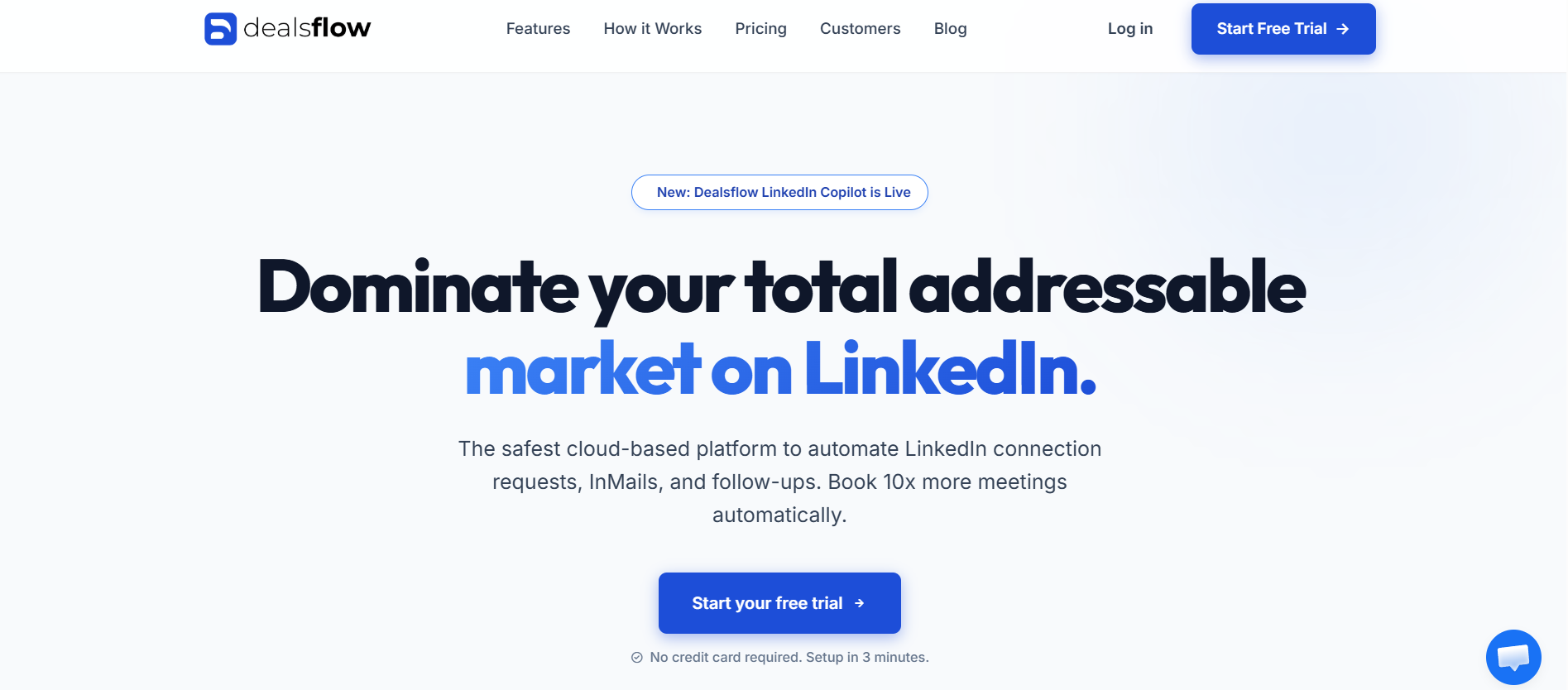
Wiza hands you a list of emails and stops there. Dealsflow doesn’t stop there. That’s the core difference, and it matters a lot more than it sounds when you’re actually running prospecting campaigns at scale.
What Dealsflow Covers That Wiza Doesn’t
Dealsflow is a cloud-based sales engagement platform with lead enrichment built into the core workflow, not bolted on as an afterthought. You’re not buying enrichment as a separate credit pack or connecting it through a third-party integration. The enrichment layer sits inside the same system where you build campaigns, manage sequences, and track replies.
When you bring a lead into Dealsflow, the platform pulls verified email addresses, direct dial phone numbers, LinkedIn profile data, company size, industry, technology stack, and recent company signals like funding announcements or hiring surges. All in one place. Compare that to Wiza, which gives you an email (sometimes verified, sometimes not) and a name. The data depth difference is significant for anyone doing account-based prospecting where context drives personalization.
The email verification in Dealsflow uses real-time multi-source checking, not a static database lookup. That distinction matters because B2B email data decays at roughly 22% per year. A database that was accurate 18 months ago has a meaningful chunk of stale records. Real-time verification catches role changes, domain switches, and departures that static databases miss. Bounce rates on Dealsflow-enriched lists consistently run below 5%, which is the threshold that keeps your sending domain healthy.
Dealsflow’s Prospecting Workflow
The prospecting workflow in Dealsflow is built for SDR teams who don’t want to touch five different tools before they can send an email. You import leads from LinkedIn Sales Navigator, Apollo, CSV, or directly from Dealsflow’s own lead database, enrich them inside the platform, segment by whatever criteria matter to your ICP (industry, headcount, tech stack, funding stage), and drop them straight into a LinkedIn + email sequence without exporting anything.
That last part is where Dealsflow separates from pure enrichment tools. It’s not just telling you who to contact. It’s the system you contact them through. The AI personalization layer writes opening lines based on the enriched data, so instead of “Hi [First Name], I noticed you work at [Company],” you get openers that reference a specific signal from the prospect’s profile or company news. Reply rates on that kind of personalization run 3x to 4x higher than generic templates.
Dealsflow for Teams and Agencies
For teams, Dealsflow handles multi-seat management with proper role controls and shared campaign libraries. For agencies managing outreach across multiple clients, the account isolation features mean one client’s data and campaigns don’t bleed into another’s. That’s a basic operational requirement for agencies that a lot of tools claim to support and then handle poorly in practice.
The CRM sync in Dealsflow covers HubSpot, Salesforce, and Pipedrive with two-way sync, meaning activity logged in Dealsflow shows up in your CRM and CRM updates reflect back in Dealsflow. Not one-way export via CSV, actual bidirectional sync. For sales managers who live in the CRM, this is the difference between a tool the team actually uses and one that creates a parallel data silo.
Pros:
- All-in-one: enrichment, outreach, and CRM sync in one platform
- Real-time email verification with sub-5% bounce rates
- AI personalization built into the sequence layer
- Multi-channel: LinkedIn + email in one workflow
- Strong agency and team features with proper account isolation
- Adaptive sending limits that protect LinkedIn account health
Cons:
- More platform than a solo user doing 50 contacts/month needs
- Pricing is mid-market, not budget
- Learning curve on the campaign builder for new users
Pricing: Starts from $79/month. Enterprise and agency plans available on request.
Apollo.io
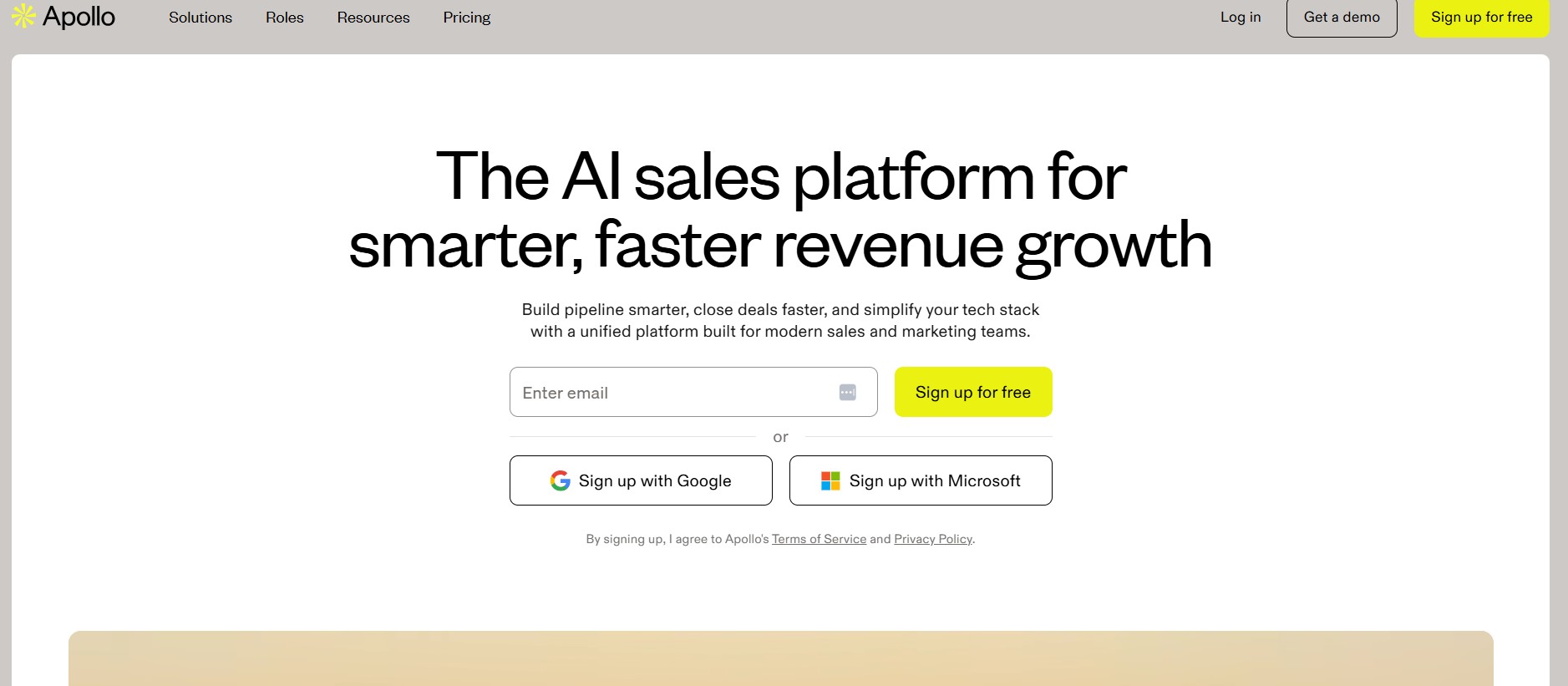
Apollo is the most obvious Wiza alternative and probably the most used prospecting database in the B2B space right now. The database covers 275 million contacts across 60 million companies, with emails, direct dials, LinkedIn URLs, and company firmographics. The search filters are deep: you can slice by job title, seniority, department, company revenue, employee count, technology used, funding stage, and more.
What Apollo does well is volume. If your prospecting strategy is broad outreach to a large ICP, Apollo’s database gives you more raw material than almost anything else at the price point. The built-in sequencing tool handles email outreach, and the Chrome extension pulls data from LinkedIn profiles on the fly.
Where Apollo falls short is data freshness on direct dials and email accuracy at the edges of the database. Contacts at fast-moving companies, startups, and roles with high turnover tend to have stale data. The bounce rates on Apollo lists vary a lot depending on the segment. For Fortune 1000 companies and established industries, accuracy is solid. For startup-heavy ICPs or niche verticals, verify before you send.
Pros:
- Largest database in this category at 275M+ contacts
- Strong search filters for precise ICP targeting
- Built-in email sequencing
- Generous free plan for individual users
- Chrome extension for LinkedIn enrichment
Cons:
- Data accuracy drops in high-turnover or startup-heavy segments
- Direct dial accuracy is inconsistent compared to email accuracy
- The platform has a lot of features; takes time to learn properly
Pricing: Free plan available. Paid plans start at $49/month per user. Team plans from $99/month per user.
Hunter.io
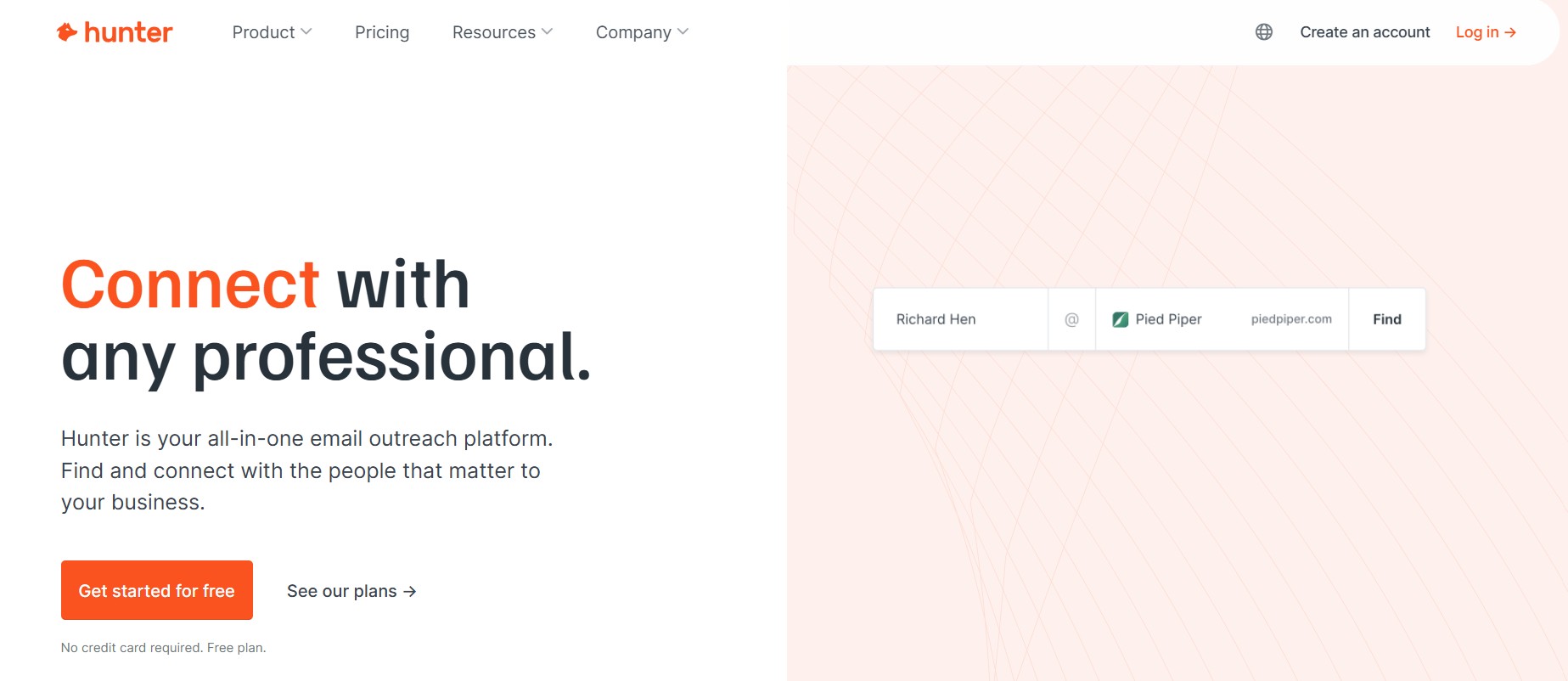
Hunter is a single-purpose tool that does email finding and verification exceptionally well. You give it a domain, it shows you the email pattern the company uses and surfaces every address it can find associated with that domain. You give it a name and domain, it generates and verifies the likely email. Simple, reliable, fast.
Hunter’s verification engine is one of the more accurate in the market for its core use case. Bounce rates on Hunter-verified emails are consistently low, which is why it’s become the default verification step for teams that source leads from other tools. The Google Sheets and HubSpot integrations are clean and actually work without constant maintenance.
The limitation is scope. Hunter doesn’t do phone numbers, doesn’t do company data beyond what’s associated with a domain, doesn’t do LinkedIn enrichment, and doesn’t have an outreach layer. It’s a precision tool for a specific job. If that job is all you need, Hunter at $49/month for 500 searches is genuinely good value. If you need more than email, you need a different tool or Hunter plus something else.
Pros:
- Best-in-class for domain-based email finding
- High verification accuracy with low bounce rates
- Clean integrations with Google Sheets, HubSpot, Salesforce
- Simple UI with no learning curve
- Reliable API for teams building custom workflows
Cons:
- No phone number enrichment
- No company data or intent signals
- No outreach features
- Volume caps on lower tiers feel tight for active prospecting
Pricing: Free plan (25 searches/month). Starter at $49/month (500 searches). Growth at $149/month (5,000 searches).
Lusha
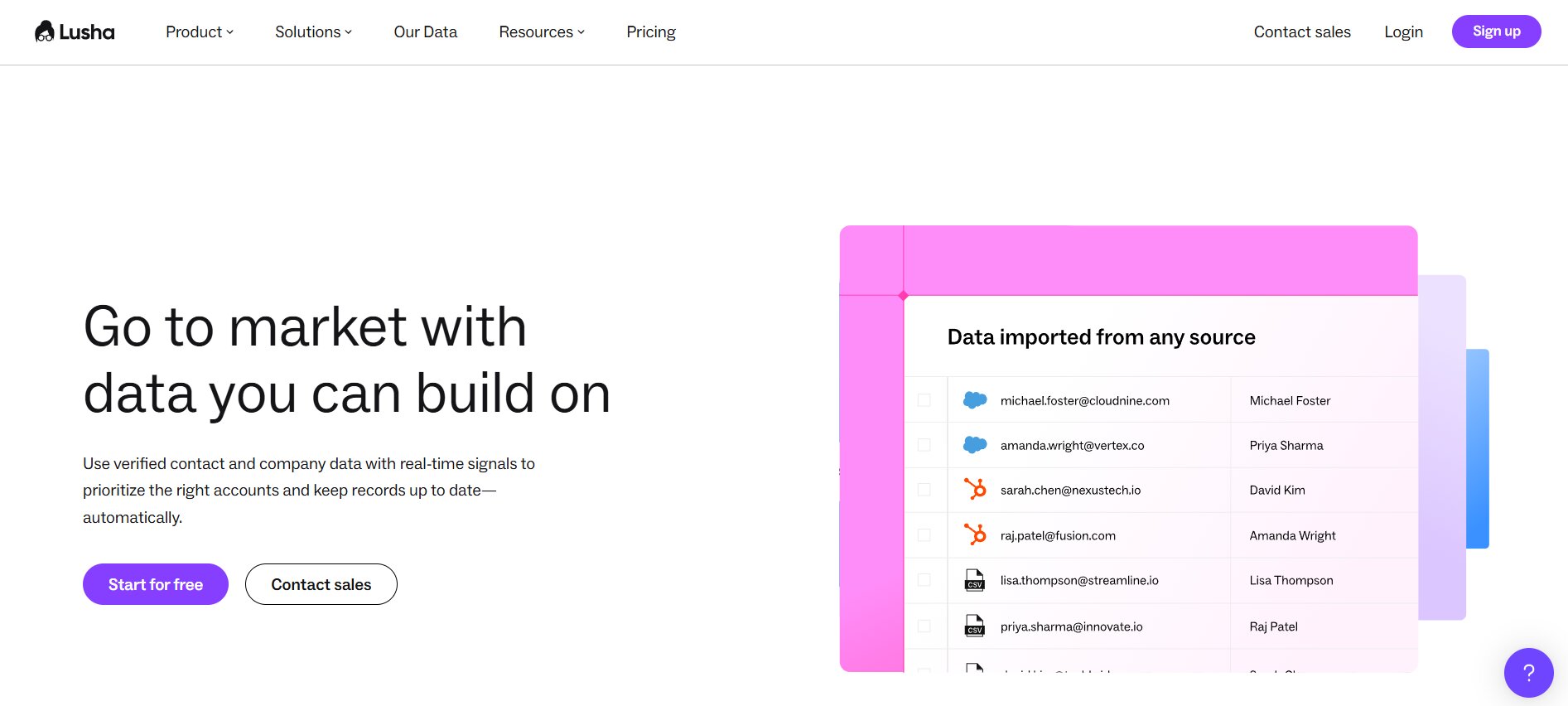
Lusha built its name on phone number data, specifically direct dials and mobile numbers for B2B contacts. That’s still where it’s strongest. If your sales process involves cold calling and you need accurate mobile numbers for decision-makers, Lusha’s accuracy on direct dials is better than Apollo’s and better than most tools in this category.
The browser extension pulls contact data from LinkedIn profiles, company websites, and Salesforce records, which makes it fast to use in a workflow where you’re researching prospects one at a time. The CRM integrations are solid: Salesforce, HubSpot, Pipedrive, and Dynamics all sync without major issues.
The problem with Lusha is that the database size is smaller than Apollo’s, the email accuracy is not as strong as the phone accuracy, and the pricing at scale gets expensive fast. Credits burn through quickly on larger teams, and the per-credit model makes it hard to predict monthly costs. Good for teams where phone outreach is primary. Less compelling if email is your main channel.
Pros:
- Strong direct dial and mobile number accuracy
- Fast browser extension for LinkedIn and website enrichment
- Solid CRM integrations including Salesforce and Dynamics
- GDPR and CCPA compliant data sourcing
Cons:
- Credit-based pricing gets expensive at volume
- Smaller database than Apollo
- Email accuracy lags behind phone accuracy
- No outreach or sequencing features
Pricing: Free plan (5 credits/month). Pro at $49/month (40 credits). Premium at $79/month (80 credits). Scale plans custom.
Kaspr
Kaspr is a European-focused enrichment tool with strong phone number data for EMEA markets. If your prospecting targets companies in the UK, Germany, France, or the Benelux region, Kaspr’s coverage in those markets is noticeably better than US-centric tools like Apollo or ZoomInfo. The LinkedIn Chrome extension is clean, the UI is simple, and the integration with LinkedIn Sales Navigator is seamless.
The phone number accuracy for European contacts is Kaspr’s headline feature, and it delivers. Getting accurate mobile numbers for mid-level managers and directors at European companies is genuinely hard with most tools. Kaspr handles it better than most.
Outside Europe, Kaspr’s coverage thins out significantly. If your ICP is North America, Kaspr is probably not the right primary tool. The database coverage just isn’t there at the same quality level. Use it as a specialized layer for European campaigns, not as your main enrichment tool for global prospecting.
Pros:
- Best European phone number coverage in this category
- Clean LinkedIn integration and browser extension
- Simple credit-based model that’s easy to understand
- Good for GDPR-compliant data sourcing in EU markets
Cons:
- Coverage drops significantly outside Europe
- No outreach or sequencing features
- Limited company data and firmographic depth
- Smaller overall database than Apollo or ZoomInfo
Pricing: Free plan available. Individual plans from €30/month. Team plans from €45/seat/month.
Snov.io
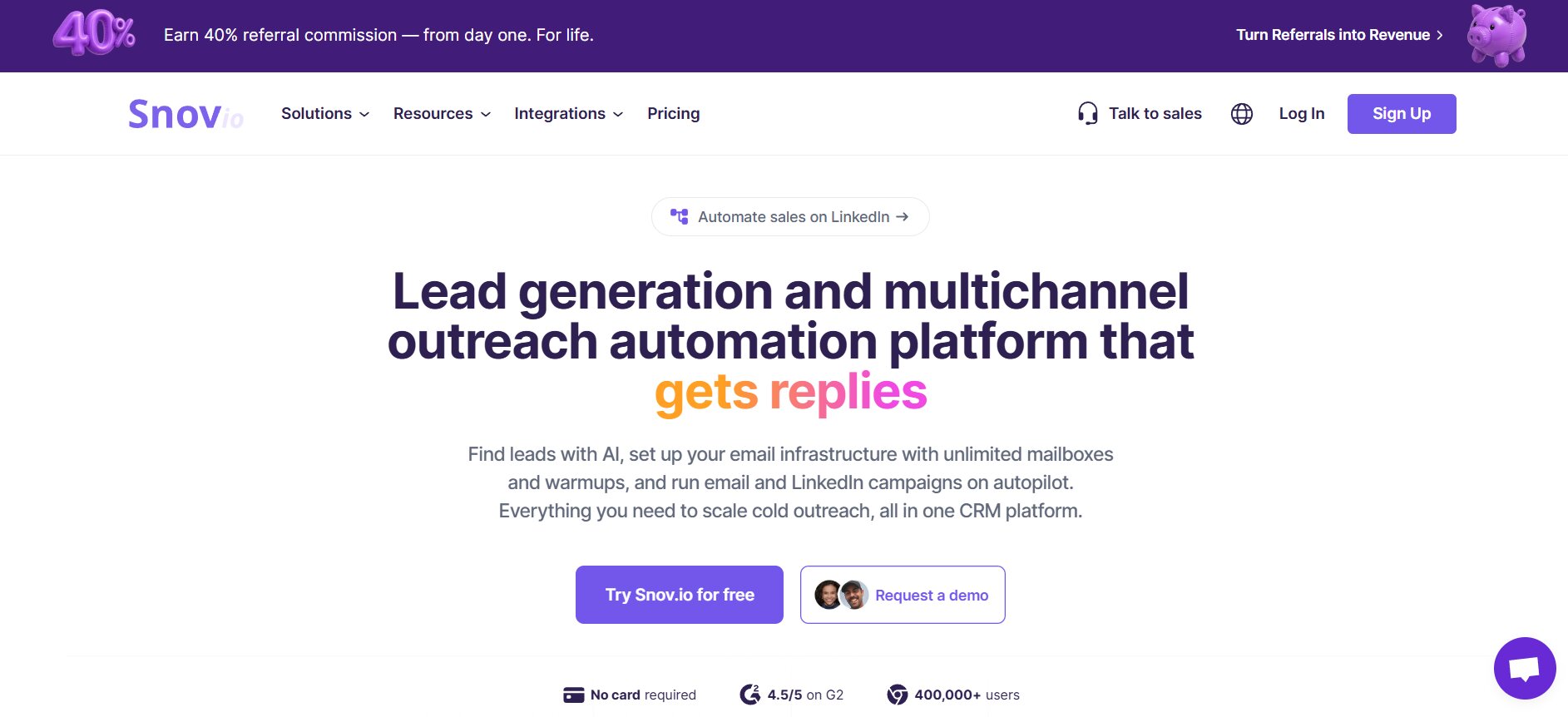
Snov.io is a full prospecting platform that combines email finding, verification, drip campaigns, and a lightweight CRM in one tool. The price point is accessible, which makes it popular with early-stage startups and small sales teams that need to do everything without a large tool budget.
The email finder pulls from a database of 75 million+ contacts and the domain search works well for finding contacts at specific companies. The email verifier is solid, not best-in-class but reliable enough that bounce rates stay manageable. The drip campaign builder covers basic multi-step email sequences with open and click tracking.
Where Snov.io shows its limits is at scale and depth. The database is smaller than Apollo’s. The enrichment doesn’t cover phone numbers or tech stack data. The sequencing features are basic compared to dedicated outreach platforms. It’s a good entry-level tool for teams that need everything in one place and don’t yet need enterprise-grade depth.
Pros:
- All-in-one: finding, verification, and drip campaigns
- Accessible pricing for small teams and startups
- Chrome extension for LinkedIn and website enrichment
- Simple UI with low learning curve
Cons:
- Smaller database than Apollo or ZoomInfo
- No phone number enrichment
- Basic sequencing compared to dedicated outreach tools
- Data depth limited on company signals and intent data
Pricing: Free plan (50 credits/month). Starter at $39/month. Pro at $99/month. Managed Service plans custom.
ZoomInfo
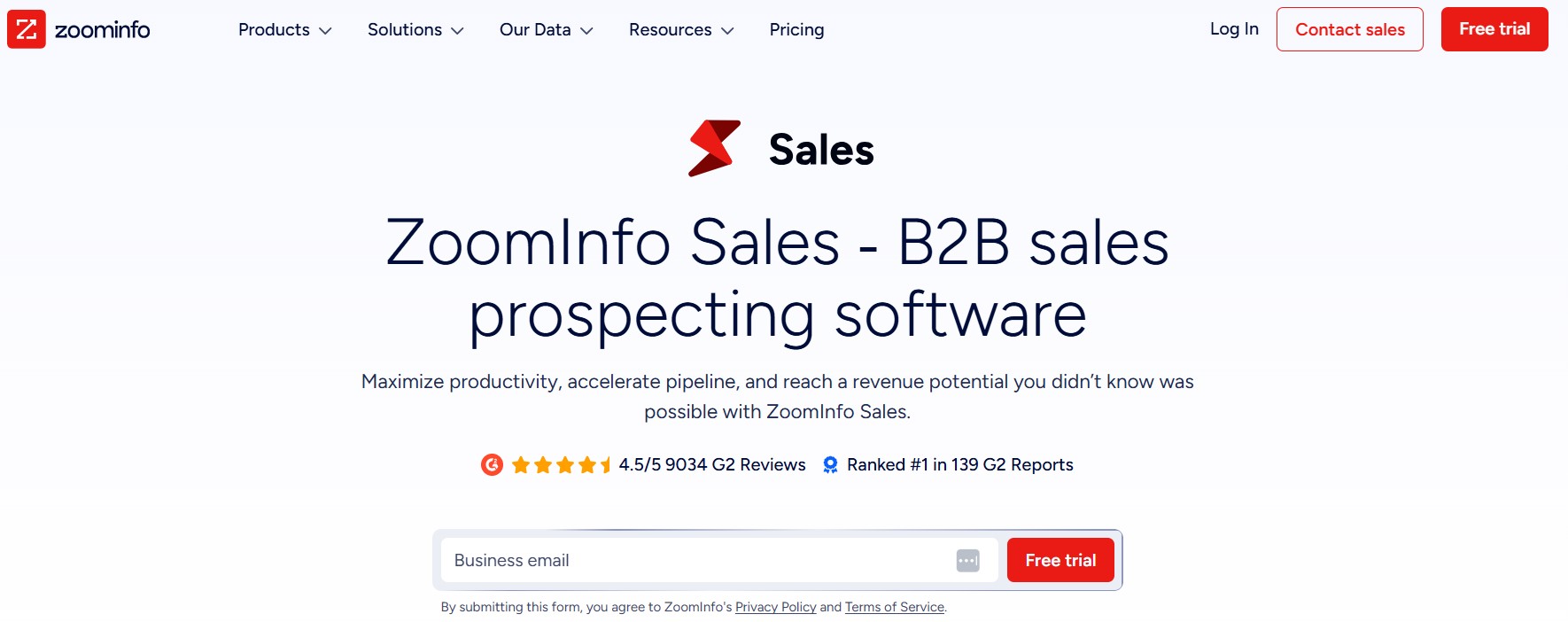
ZoomInfo is the enterprise standard for B2B data. The database covers 321 million professional profiles with deep firmographic data, org chart data, direct dials, intent signals, and technographic information. If you need the most complete picture of a target account, ZoomInfo’s data depth is unmatched by anything else on this list.
The intent data layer is genuinely useful. ZoomInfo tracks when companies are actively researching topics relevant to your product category, which lets you prioritize outreach to accounts that are in-market right now rather than cold prospecting everything equally. Combine that with the org chart data that shows reporting structures, and you can build very precise account-based outreach strategies.
The problem with ZoomInfo is the price. Contracts typically start at $15,000 per year and go up significantly for team licenses. That’s not a tool you evaluate casually. For mid-market and enterprise sales teams with serious budget, ZoomInfo’s data depth justifies the cost. For anyone else, the tools above this on the list get you 80% of the value at 10% of the price.
Pros:
- Largest and most comprehensive B2B database available
- Intent data for in-market account prioritization
- Org chart data for multi-threaded account strategies
- Deep technographic and firmographic coverage
- Strong integrations with enterprise CRM and MAP tools
Cons:
- Pricing starts around $15,000/year, often much higher
- Contracts are annual with limited flexibility
- Overkill for small teams or simple prospecting use cases
- Implementation and onboarding takes time
Pricing: Custom contracts. Typically $15,000 to $50,000+/year depending on seats and data packages.
Clearbit (now Breeze Intelligence by HubSpot)
Clearbit was acquired by HubSpot in late 2023 and rebranded as Breeze Intelligence. If you’re a HubSpot shop, the integration is now native and the enrichment data flows directly into your HubSpot records without any middleware. That’s the main reason to consider it: if HubSpot is your CRM, Breeze Intelligence is the path of least resistance for enrichment.
The data covers 200 million+ contacts with emails, job titles, LinkedIn URLs, company data, and technographics. The real-time enrichment on form submissions is particularly useful: when a lead fills out a form on your website, Breeze Intelligence automatically enriches the record with company data before it hits your CRM. That speeds up lead routing and scoring without any manual work.
Outside of HubSpot, Clearbit/Breeze is less compelling. The API is available but the native value is in the HubSpot integration. Phone number data is not a strength. And the pricing has become less transparent since the acquisition, with credits bundled into HubSpot plans in ways that aren’t always clear upfront.
Pros:
- Native HubSpot integration with real-time enrichment
- Form enrichment for inbound lead workflows
- Strong company data and technographic coverage
- Good for HubSpot-centric teams with no extra tools needed
Cons:
- Best value only if you’re already on HubSpot
- Phone number data is weak
- Pricing transparency has decreased post-acquisition
- Less useful for outbound-focused teams
Pricing: Bundled with HubSpot plans. Breeze Intelligence credits start from $45/month for 100 credits outside of included bundles.
Seamless.ai
Seamless.ai claims real-time data search rather than pulling from a static database. The pitch is that every time you search, it’s actively crawling the web for current contact information rather than returning cached results. Whether that claim is fully accurate is debated in the sales community, but the data freshness is noticeably better than pure database tools for some contact types.
The platform covers emails and direct dials, integrates with Salesforce and HubSpot, and has a LinkedIn extension that pulls data while you browse. The UI is straightforward and the onboarding is faster than enterprise tools.
The accuracy complaints about Seamless.ai are real though. Bounce rates reported by users in sales communities consistently run higher than they do with Hunter or Apollo’s verified data. The direct dial accuracy has similar complaints. For the price (free plan available, paid from $147/month for individual), the accuracy-to-cost ratio isn’t great compared to Apollo or Dealsflow.
Pros:
- Real-time search approach rather than static database
- Covers both emails and direct dials
- Integrations with Salesforce, HubSpot, and LinkedIn
- Free plan available for testing
Cons:
- Accuracy complaints are widespread and consistent
- Bounce rates higher than better-verified alternatives
- Pricing for paid plans is on the higher side for individual users
- Customer support reputation is mixed
Pricing: Free plan available. Basic at $147/month. Pro at $99/month (annual). Enterprise custom.
Cognism
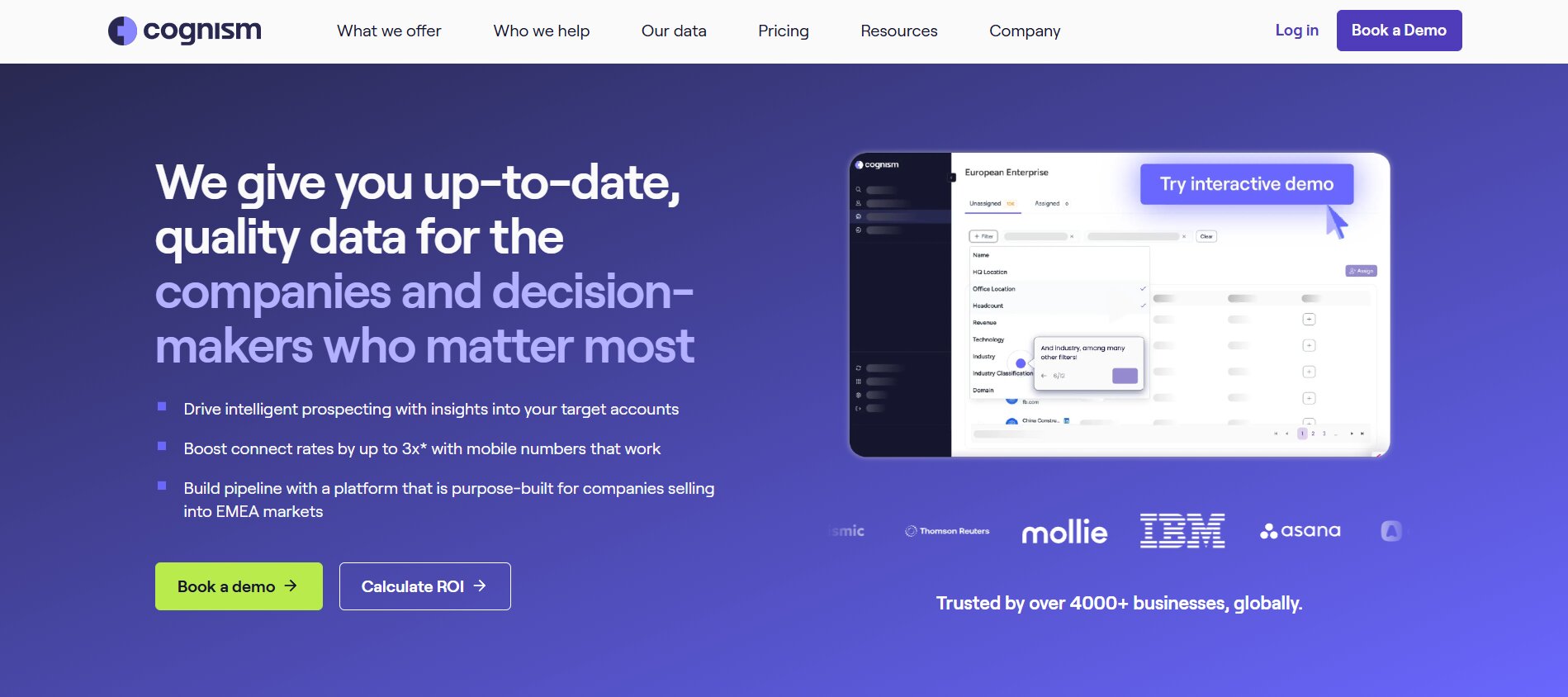
Cognism is the strongest phone-verified data tool for B2B prospecting in European and global markets. The key differentiator is that Cognism phone-verifies a significant portion of its mobile numbers through human calling, not just algorithmic checks. That’s a different and more expensive process, which is why Cognism’s accuracy on direct dials is the best in the category for many markets.
The platform is GDPR-compliant by design, which matters a lot for teams selling into Europe. Data is checked against do-not-call lists across multiple countries before it’s made available. That’s not a feature you can retrofit onto a US-built tool with weak compliance history.
The pricing is enterprise and the contract structure reflects that. Cognism is not the right tool if you’re a small team or if phone outreach isn’t a primary channel. But for enterprise teams doing cold calling into European markets with serious compliance requirements, nothing else on this list matches Cognism’s combination of data accuracy and compliance infrastructure.
Pros:
- Phone-verified mobile numbers with best-in-class accuracy
- GDPR and do-not-call compliance built into the data layer
- Strong European and global coverage
- Integrates with Salesforce, HubSpot, Outreach, and Salesloft
Cons:
- Enterprise pricing with annual contracts
- No self-serve pricing transparency; everything is demo-gated
- Overkill for email-focused or small-team use cases
- Onboarding requires sales process; not plug-and-play
Pricing: Custom contracts. Typically positioned at mid-market to enterprise budgets, estimated $15,000+ annually for team licenses.
How to Choose the Right Wiza Alternative
The right tool depends on three things: what data you actually need, what volume you’re running at, and whether you want enrichment as a standalone step or built into your outreach workflow.
If Email Accuracy Is Your Main Problem
If Wiza is failing you mostly on bounce rates and email verification quality, Hunter is the fastest fix. It’s the best pure email verifier in the market. Apollo is a close second with a larger database. Neither solves your whole prospecting workflow, but if the specific pain is email accuracy, both address it directly at reasonable cost.
If You Need Phone Numbers
Wiza doesn’t do phones at all. If you need direct dials or mobiles, you’re looking at Lusha for North American contacts, Kaspr for European contacts, or Cognism if you need verified mobile numbers at enterprise scale. Apollo covers phones too but accuracy varies more than the specialized tools.
If You Want to Stop Managing Multiple Tools
This is where Dealsflow, Apollo, or Snov.io become the real answer. All three combine enrichment with outreach in one platform, which eliminates the export/import/verify/re-import cycle that wastes hours every week. Dealsflow does the most complete job of this for teams doing LinkedIn + email outreach. Apollo is stronger for pure database access and high-volume email. Snov.io is the right pick for small teams with tight budgets.
Quick Comparison Table
| Tool | Email Enrichment | Phone Numbers | Outreach Built-In | Best Market | Starting Price |
|---|---|---|---|---|---|
| Dealsflow | Yes (real-time) | Yes | Yes (LinkedIn + Email) | Global | $79/month |
| Apollo.io | Yes | Yes (variable) | Yes (email) | North America | Free / $49/month |
| Hunter.io | Yes (best-in-class) | No | No | Global | Free / $49/month |
| Lusha | Yes | Yes (strong) | No | North America | Free / $49/month |
| Kaspr | Yes | Yes (EU strong) | No | Europe | Free / €30/month |
| Snov.io | Yes | No | Yes (email) | Global | Free / $39/month |
| ZoomInfo | Yes | Yes | Yes | Enterprise | $15,000+/year |
| Breeze Intelligence | Yes | Limited | No | HubSpot users | $45/month |
| Seamless.ai | Yes | Yes | No | North America | Free / $147/month |
| Cognism | Yes | Yes (verified) | No | Europe/Global | Custom |
What to Check Before Switching From Wiza
Three things will catch you if you skip them.
First, test bounce rates before you scale. Take 200 contacts from your new tool, run them through a separate verifier like NeverBounce or ZeroBounce, and see what comes back. If more than 8% flag as risky or invalid, your data quality isn’t good enough for cold email. Fix this before you launch campaigns, not after your domain reputation takes a hit.
Second, map your CRM sync before you migrate. Most tools say they integrate with Salesforce and HubSpot. That’s true in the same way most cars “have navigation.” The quality varies enormously. Test the actual sync with 50 records, check that activities log correctly, check that field mapping works without manual fixes, and check what happens when a record already exists. Edge cases in CRM sync are where integrations fall apart.
Third, check credit structures against your actual usage. A lot of tools price per credit where one credit equals one contact enrichment. At low volumes that seems fine. At 2,000 contacts per month, credits burn fast and the cost looks very different from the headline price. Always calculate your expected monthly spend at real usage volume, not the package that looks good in a landing page comparison table.
Conclusion
Wiza got a lot of teams started with LinkedIn prospecting data. It’s simple, it’s quick, and for basic email finding from Sales Navigator searches it does its job. But the bar for what “does its job” means in 2026 is higher than it was when Wiza was new. Better accuracy, richer data, phone numbers, intent signals, outreach built in, CRM sync that doesn’t break, these aren’t premium features anymore. They’re the baseline for a tool worth paying for.
Dealsflow covers the most ground for teams doing serious LinkedIn outreach with enrichment and personalization as part of the same workflow. Apollo is the right database for volume-focused email prospecting. Hunter is the right verification layer if accuracy is your only gap. And if phone-verified numbers for European markets are what you need, Cognism is the answer regardless of price.
Pick the tool that matches your actual bottleneck, not the one with the most features on a comparison page. The best Wiza alternative is the one that fixes the specific thing that’s slowing your pipeline down.
Frequently Asked Questions
What is the most accurate Wiza alternative for email verification?
Hunter.io has the strongest email verification accuracy for domain-based finding. For database-sourced emails at scale, Dealsflow’s real-time verification consistently delivers bounce rates below 5%. Apollo is reliable for established company contacts but accuracy drops for startups and high-turnover roles. If email accuracy is your primary concern, running any list through NeverBounce or ZeroBounce as a final check before sending is worth the extra step regardless of which tool you use.
Do any Wiza alternatives include phone number enrichment?
Yes, several. Lusha is strong for North American direct dials and mobile numbers. Kaspr covers European markets well, especially UK, Germany, and France. Cognism provides phone-verified mobiles for global and European contacts at enterprise scale. Apollo includes phone numbers but accuracy is inconsistent compared to specialized tools. Dealsflow covers phone numbers alongside email enrichment in the same platform. Wiza itself does not offer phone number enrichment at all.
Is Apollo a good replacement for Wiza?
For most teams, yes. Apollo’s database is larger, the data is more complete, and the built-in sequencing covers basic email outreach without a separate tool. The free plan is generous enough to test real data quality before paying. The main gap versus Wiza’s specific strength is the LinkedIn Sales Navigator integration, which Apollo handles through a Chrome extension rather than a native sync. For teams that source most leads from Sales Navigator searches, Wiza’s direct export is cleaner, but Apollo’s overall data depth makes up for it.
How do I avoid high bounce rates when switching from Wiza?
Three steps. First, choose a tool that uses real-time verification rather than a static database lookup, Dealsflow and Hunter both do this. Second, run new lists through a dedicated email verifier like NeverBounce before your first send, even if your enrichment tool claims verification. Third, warm up sending volume slowly on any new domain or after a tool switch. Sending 1,000 emails on day one when your domain has been quiet is a deliverability risk regardless of data quality. Build up over two to three weeks.
What is the best Wiza alternative for small teams on a tight budget?
Snov.io is the most complete option at low cost, covering email finding, verification, and drip sequences from $39/month. Apollo’s free plan covers 10,000 email credits per month which handles a lot of prospecting for a solo user or small team. Hunter’s free plan at 25 searches per month is enough for light use. For teams doing fewer than 200 contacts per month, starting with Apollo’s free tier and adding Hunter for verification covers most of what Wiza offers at zero cost.
Does Dealsflow replace Wiza entirely?
For teams doing LinkedIn prospecting with email outreach, yes. Dealsflow enriches contacts with emails, phone numbers, and company data, runs the enriched leads through LinkedIn and email sequences in the same platform, and syncs everything back to your CRM. That replaces Wiza’s email finding function and adds the outreach and CRM layers that Wiza never covered. The only scenario where Wiza might still make sense alongside Dealsflow is if you specifically need the raw Sales Navigator CSV export format for another workflow, but for most teams Dealsflow handles the full job.
Is ZoomInfo worth the price compared to Wiza alternatives?
For enterprise sales teams with 10+ reps, active outbound programs, and complex account-based strategies, ZoomInfo’s intent data and org chart depth justify the cost. For anyone else, the answer is probably no. Apollo covers 85% of what ZoomInfo does for under $100/month per user. Cognism covers phone-verified mobile data for European markets at a lower price than ZoomInfo. The tools on this list that start under $100/month are the right starting point unless you have specific enterprise requirements that only ZoomInfo meets.
How does Cognism compare to Lusha for phone number data?
Cognism phone-verifies its numbers through actual human calling, which gives it higher accuracy on mobile numbers, especially in European markets. Lusha relies more on algorithmic verification, which is faster but less accurate. For North American contacts, the gap between them narrows. For European contacts, Cognism’s accuracy advantage is significant. Cognism is also purpose-built for GDPR compliance in a way Lusha is not, which matters for teams selling into EU markets with real compliance requirements.
Can I use multiple Wiza alternatives together?
Yeah, a lot of teams do. A common stack is Apollo for database sourcing and initial email finding, Hunter for final verification before sending, and Lusha or Kaspr for phone numbers on priority accounts. The downside is managing credits across multiple tools and syncing data between them. That’s exactly the workflow problem Dealsflow and other all-in-one platforms are designed to eliminate. If you’re already managing three tools to do what one should do, that’s a signal to re-evaluate whether an integrated platform saves more in time than it costs in price.
What should I look for in a Wiza alternative if I’m focused on LinkedIn prospecting?
Four things: native Sales Navigator integration, real-time email verification rather than database lookup, LinkedIn connection and message automation built in or available, and CRM sync that handles two-way data flow without manual CSV exports. Dealsflow covers all four. Apollo covers the first two and email sequencing. Most pure enrichment tools cover one or two. If LinkedIn is your primary sourcing channel, the tool you pick should make the LinkedIn-to-outreach workflow as short as possible, ideally without leaving the platform at all.
How long does it take to switch from Wiza to a new tool?
For a solo user, a basic switch to Apollo or Hunter takes under a day. Connect your CRM, install the browser extension, run a test export of 50 contacts, verify the data quality, and you’re operational. For teams with existing sequences, CRM field mapping, and multiple users, plan for one to two weeks to do it properly. Map your current field structure before migrating, test CRM sync with a small batch before going live, and brief the team on the new workflow before switching everyone over simultaneously. The migration itself isn’t complex; the part that takes time is making sure nothing in your existing pipeline gets dropped in the transition.