


Most SDR teams run four to six tools just to fill their pipeline. A data provider to find contacts, a sequencing tool to reach them, a LinkedIn automation tool to add a social layer, a CRM to track everything, and something else to hold it all together when the Zapier connection breaks at 11pm the night before a big campaign goes live. That is the reality for most B2B outbound teams right now.
The real debate in 2026 is not which of the best sales prospecting tools has the best database. It is whether stitching point solutions together still makes sense when all-in-one platforms have genuinely closed the capability gap. And the answer is: it depends on where your team’s biggest constraint actually is. This article gives you both a tool guide and a decision framework, so by the time you reach the comparison table, you know which category you are buying from, not just which product name sounds familiar.
What Are Sales Prospecting Tools
Sales prospecting tools help sales teams find, qualify, and initiate contact with potential buyers. In 2026, that definition covers a lot of ground. It includes contact databases that surface verified emails and phone numbers, platforms that automate outreach sequences across email and LinkedIn, tools that score accounts based on buying intent signals, and AI systems that can hold a full sales conversation from first touch to booked meeting without a human in the loop.
The category splintered because no single tool could originally do all of that well. When ZoomInfo raised $35 million in 2018 and built the first serious enterprise-grade B2B database, it did one thing with real depth: data. When Outreach and Salesloft emerged as sales engagement platforms, they did one thing well: sequence management and rep coaching. LinkedIn Sales Navigator gave account executives native access to relationship data that no third-party tool could replicate. Each tool solved a specific problem better than anything else at the time, which is why sales teams built stacks of them.
Then two things happened. First, the integration layer between those tools started breaking under its own weight. Reps spending 72% of their day on admin tasks, not selling, is not just a motivational problem. It is a direct result of tools that do not talk to each other cleanly. Data lives in three places and matches in none of them. Sequences launch against contacts that CRM already marked as closed-lost six months ago. Someone exports a list, cleans it manually, uploads it to the sequencer, and then discovers the email domain changed.
Second, all-in-one platforms got genuinely good. Apollo crossed 210 million contacts while also building a sequencer and a dialer that most SMB teams do not need more than. Dealsflow built an AI engine that handles objections and books meetings from a LinkedIn conversation without a rep touching it. The capability gap that justified running five separate tools has narrowed considerably for most team sizes.
The result is a market split into two legitimate camps, each with a real use case, and a buyer who needs to know which camp fits their situation before they start evaluating features.
All-in-One vs Point Solutions: How to Think About the Decision
This section matters more than the tool list. If you skip straight to the product comparisons without running your situation through this framework first, you will end up buying based on demo quality rather than fit.
What All-in-One Platforms Do Well
All-in-one platforms consolidate data sourcing, outreach execution, and pipeline tracking into a single product. The practical benefits are specific.
- One data model means one version of truth. When your contact database, your outreach history, and your pipeline tracker all live in the same system, a rep can see that a prospect replied to a LinkedIn message three weeks ago before picking up the phone. That context does not exist when a sequencer syncs to a CRM via Zapier on a 15-minute delay.
- Total cost of ownership is lower at scale. A team of five running Apollo, a separate CRM, and LinkedIn Sales Navigator is paying for three products. A team running Dealsflow for LinkedIn outreach and pipeline management, or HubSpot Sales Hub for the full funnel, is paying for one. The math compounds as the team grows.
- Onboarding a new rep takes hours, not weeks. When a rep learns one tool, they learn the workflow. When they need to learn five tools to run one outreach sequence, adoption is the first thing that falls apart, and adoption failure is the most common reason prospecting tools fail.
- Best for: Lean teams, lead generation agencies managing outreach across multiple client accounts, founders running their own outbound, and SDR teams that want to spend time on conversations, not configuration.
Where Point Solutions Still Win
There are situations where a specialized tool genuinely outperforms anything in an all-in-one platform’s feature set. These are not marketing claims. They are specific capability gaps.
- Data accuracy for specific geographies. Cognism’s Diamond Data is human-verified mobile numbers for the European market. No all-in-one platform currently matches that for phone outreach into GDPR-regulated countries. If your team’s primary motion is cold calling into Germany, France, or the UK, the verified number hit rate difference is material.
- Compliance requirements in regulated industries. Healthcare and financial services buyers often require SOC 2 certification, specific data residency rules, and documented GDPR/CCPA controls that some all-in-one platforms cannot provide at the same level as specialized data vendors.
- LinkedIn-native relationship data. LinkedIn Sales Navigator pulls data directly from LinkedIn’s graph in real time. Job changes, promotions, shared connections, and InMail history are native to the platform. Third-party tools that scrape or access LinkedIn data through unofficial means are always one policy change away from breaking.
- Intent data depth. Platforms like 6sense monitor dark funnel behavior, meaning which companies are visiting competitor websites, researching category terms, or attending relevant webinars, before they ever raise their hand. That signal type requires dedicated infrastructure that most all-in-one tools offer only as a surface-level feature.
- Best for: Enterprise teams with a dedicated RevOps function, companies selling into heavily regulated verticals, teams with a specific channel bet (cold calling into Europe, for example), and organizations already running a mature CRM that just needs a data or engagement layer added on top.
The Hidden Cost of Tool Sprawl
This is the part that rarely shows up in vendor comparisons because no vendor has an incentive to talk about it.
When a sales team runs three or more point solutions, the cost is not just the combined subscription price. There is an operational overhead that compounds month over month.
- Zapier integrations break, and they break at the worst time. When a campaign launches with stale data because the enrichment tool did not sync to the sequencer overnight, the cost is not the broken workflow. It is the 200 cold emails that went out with wrong titles or companies that had already rebranded.
- Data quality degrades the moment it touches multiple systems. Contact records get duplicated, enriched differently by each tool, and updated inconsistently. A rep calling a phone number that one tool verified and another tool marked as disconnected is not a data problem. It is a stack architecture problem.
- Onboarding friction compounds as teams grow. Every new hire needs to learn the sequencer, the data tool, the CRM, and whatever browser extension sits on top of LinkedIn. That is two to three weeks of productive capacity per rep just learning infrastructure.
- Real benchmark: Research from Nimble citing McKinsey data shows sales reps spend only 28% of their day actually selling. The rest goes to administrative tasks, manual data entry, and navigating a broken stack. That number has not improved despite years of “sales productivity” tooling because most of that tooling added complexity without removing it.
The List of Best Sales Prospecting Tools in 2026
All-in-one does not mean average at everything. The platforms below have closed the quality gap with specialists while offering a single workflow from discovery to booked call. Each one has a genuine use case. None of them is the right answer for every team.
1. Dealsflow

Best for: Lead generation agencies, SDR teams, and founders who want LinkedIn outreach, pipeline management, and AI conversation handling in one platform, without Zapier holding it together.
Dealsflow is built around a specific insight: most LinkedIn automation tools stop working the moment a prospect replies. They send the connection request, the follow-up sequence, maybe one InMail, and then the response lands in your inbox and a human has to take over. For solo founders and small SDR teams, that handoff point is where most booked meetings get lost. The rep is in three other conversations, the reply goes cold, and the tool that was supposed to save time just created a different kind of manual work.
Dealsflow’s Arlo AI engine handles the full post-reply conversation. When a prospect replies with a question, an objection, or even a “who is this?” message, Arlo responds, handles the objection, and moves the conversation toward a booked call without a human in the loop. That is the core differentiator, not a sequence builder with slightly better UI, but an AI that keeps working after the first reply.
Key features:
- Arlo AI Engine: Runs full conversations end-to-end after a prospect replies, including objection handling and meeting booking
- Multi-Account Management: Up to 50 LinkedIn accounts managed from one dashboard, which is directly relevant for agencies running outreach for multiple clients simultaneously
- Campaign Builder: Automated sequence creation for connection requests and follow-up messaging
- Prospect CRM: Lead import with AI warmth scoring that categorizes contacts as Hot, Warm, Neutral, or Cold based on engagement signals
- Analytics: Full-funnel reporting from connection request sent to meeting booked, so you can see where drop-off happens, not just overall conversion
- Account Safety: Automated LinkedIn warmup, randomized daily limits, and compliance controls designed to keep accounts within LinkedIn’s terms of service
Standout use case: An agency running outreach for 15 clients cannot afford to log into 15 separate tools every morning and manually respond to replies across all of them. Dealsflow’s multi-account dashboard and Arlo AI handle that entire layer of work. The agency’s job becomes reviewing what booked, not managing what replied.
Pricing: Visit dealsflow.co/pricing for current plan details. Dealsflow includes built-in pipeline management, which removes the need for a separate top-of-funnel CRM for most teams at the SMB and agency level.
Honest limitation: Dealsflow is built for LinkedIn-first outreach with email as a supporting channel. It is not the right tool if your primary motion is high-volume cold calling, or if you need a contact database that covers channels beyond LinkedIn and email.
2. Apollo.io
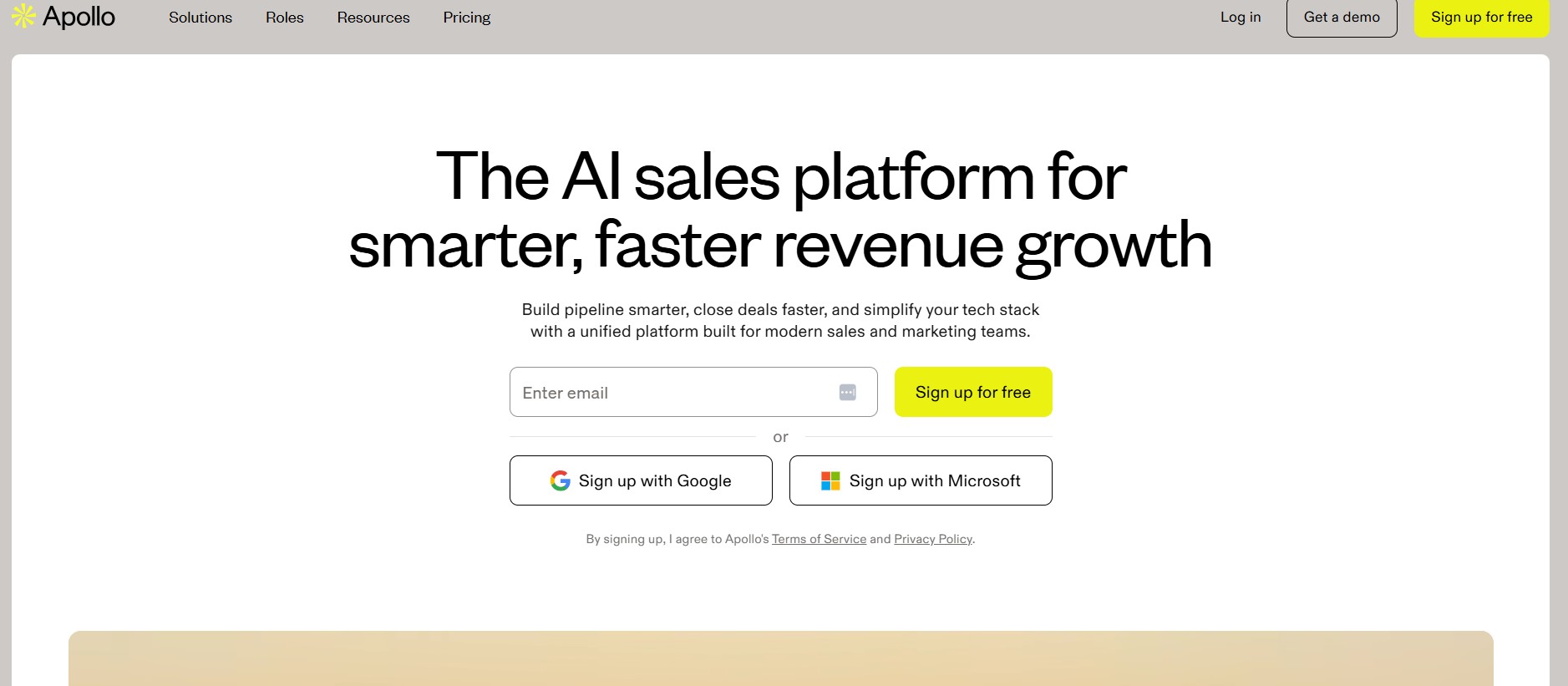
Best for: SMB to mid-market teams that want a B2B contact database and email sequencing in one product without paying ZoomInfo pricing.
Apollo combines a 210 million contact database with built-in email sequencing, a calling dialer, CRM integrations, and analytics. For an outbound team that would otherwise need to buy a data tool and a sequencing tool separately, Apollo’s value is straightforward: one login, one credit model, one integration to your CRM.
Key features:
- Contact and company search with Chrome extension for capturing prospects directly from LinkedIn
- Email sequencing with automation for multi-touch campaigns across email and calls
- Built-in dialer with voicemail drops and call analytics
- CRM integrations with Salesforce and HubSpot
- Firmographic and technographic search filters for building targeted lists
- A free plan with limited monthly credits for teams testing the platform before committing
Honest limitation: Apollo operates on a credit model, and heavy usage burns through credits faster than most buyers expect. Data accuracy, while solid for US-based contacts, occasionally lags behind more specialized data vendors for verified phone numbers and European market coverage. Users planning high-volume campaigns should monitor credit consumption closely before committing to a plan tier.
Pricing: Free plan available with limited credits. Paid plans start at $49 per user per month for the Basic tier, with higher tiers unlocking more credits, advanced features, and better CRM integration depth.
3. HubSpot Sales Hub
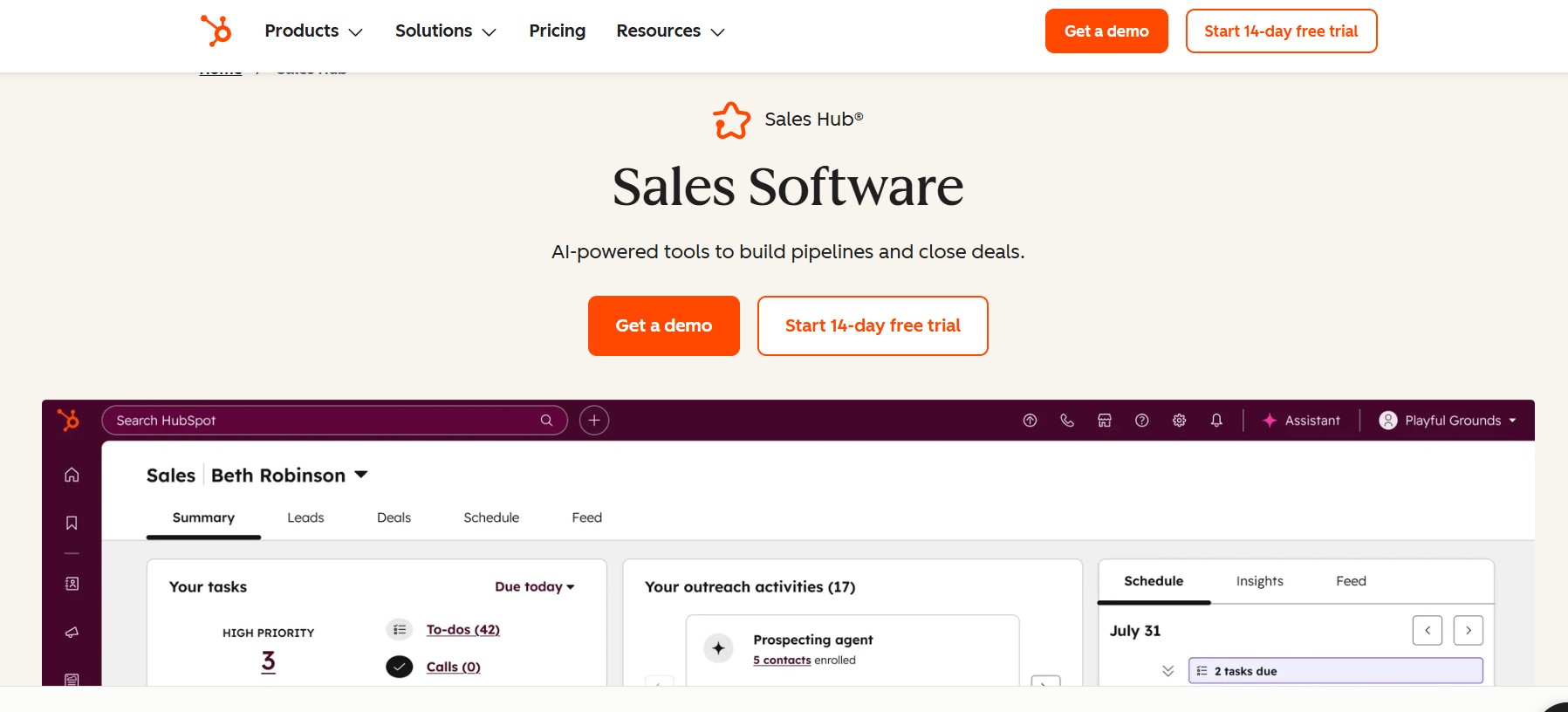
Best for: Teams already operating within the HubSpot ecosystem who want CRM, sequencing, meeting scheduling, and pipeline management without switching platforms.
HubSpot Sales Hub is not primarily a prospecting tool in the same sense as Apollo or ZoomInfo. Its strength is the pipeline management and relationship tracking layer that sits after initial contact has been made. For teams using HubSpot CRM as their system of record, Sales Hub adds email tracking, sequences, meeting booking links, and deal management on top of the CRM data that already lives there.
Key features:
- Email tracking with open and click notifications
- Sequences for automated multi-step email follow-up
- Meeting scheduling with calendar sync
- Deal pipeline management with customizable stages
- Call recording and transcription on higher tiers
- Reporting on rep activity and pipeline health
Honest limitation: HubSpot’s contact database for outbound prospecting is limited compared to dedicated data tools like ZoomInfo or Cognism. Teams using HubSpot Sales Hub for outbound prospecting typically still need a separate data source to build their lists. Pricing also increases significantly as team size grows and feature requirements expand past the basic tier.
Pricing: HubSpot CRM is free. Sales Hub paid tiers start at $15 per user per month for Starter, with Professional and Enterprise tiers significantly higher and required for advanced automation and reporting features.
4. Salesloft
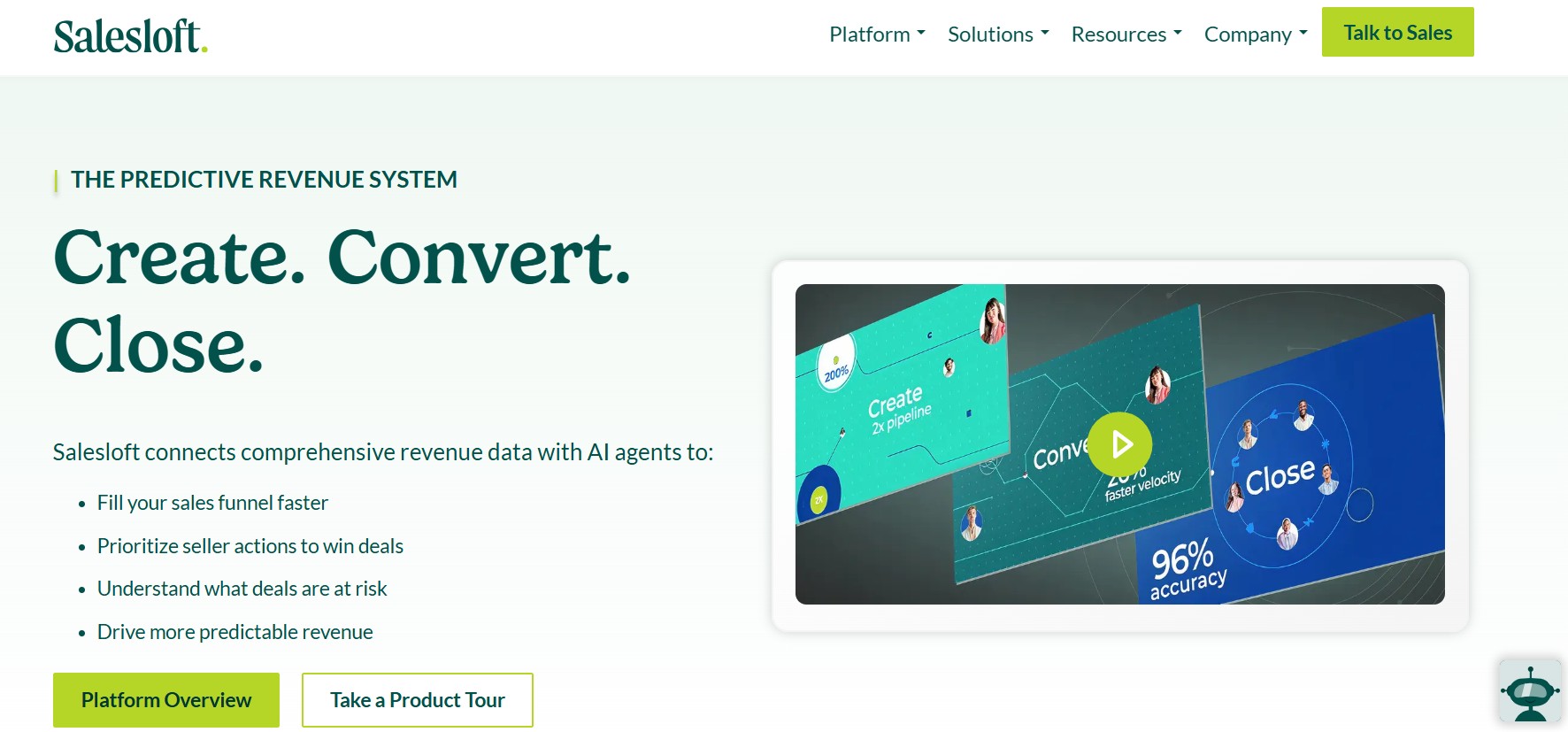
Best for: Mid-market and enterprise sales teams running structured, multi-channel outreach playbooks that require manager visibility, rep coaching, and deal intelligence in a single platform.
Salesloft combines cadence management, conversation intelligence, and deal tracking into one platform. Its core differentiator from simpler sequencing tools is the analytics layer: managers can see which cadences are driving replies, which call talk tracks are converting, and which deals are at risk based on engagement signals. That coaching infrastructure is not relevant for a team of two, but it is genuinely useful for a VP of Sales managing 20 reps who need consistency and visibility.
Key features:
- Cadence management for multi-step, multi-channel sequences covering email, phone, and LinkedIn tasks
- Conversation intelligence that analyzes call recordings and surfaces coaching insights
- Deal management with pipeline tracking and deal health scoring
- Revenue forecasting based on engagement signals
- Manager dashboards showing rep activity, sequence performance, and outcome metrics
- Integration with Salesforce and other CRM systems
Honest limitation: Salesloft’s pricing reflects its enterprise positioning. For teams under 10 reps that do not need the coaching and forecasting layer, it is more infrastructure than the workflow demands. Smaller teams typically get equivalent sequencing capability from Apollo or a dedicated tool at a lower cost.
Pricing: Custom pricing. Requires a demo to get specific numbers.
The Best Point Solutions for Sales Prospecting in 2026
Point solutions still lead when your team has a specific, non-negotiable requirement that all-in-one platforms trade away for simplicity. The tools below each own a distinct capability that generalist platforms have not yet matched at the same depth.
5. ZoomInfo Sales
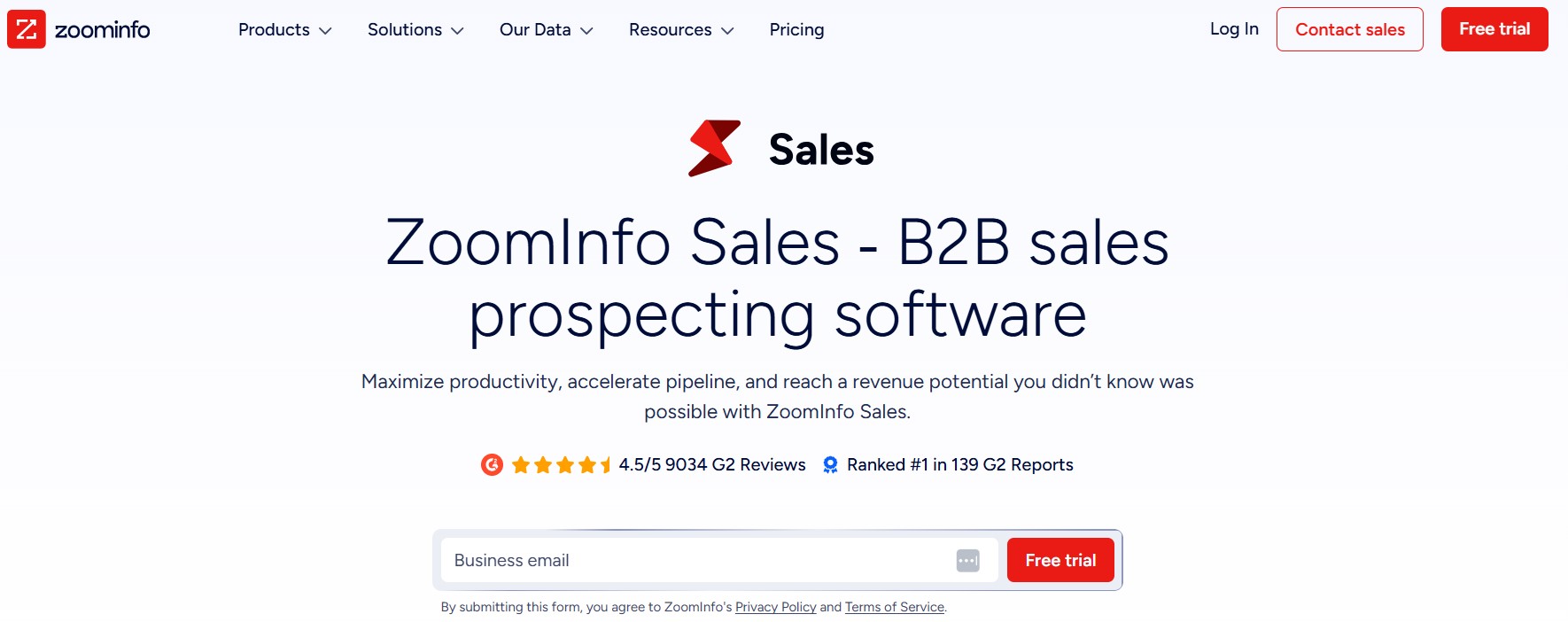
Category: Data intelligence platform
Best for: Enterprise teams that need the broadest, most accurate B2B contact database available, combined with intent data and organizational intelligence.
ZoomInfo is the most widely used B2B data platform in enterprise sales, and its moat is data depth. Beyond contact records, ZoomInfo provides organizational charts, technographic data showing what software a company uses, and a proprietary intent data engine that monitors digital behavior across the web to identify when a company is actively researching a category.
Key features:
- 210 million B2B contact records with ongoing verification
- Copilot AI that recommends optimal engagement strategies and generates personalized messaging suggestions
- Proprietary intent data engine monitoring buyer research activity
- Organizational charts for understanding decision-making structures within target accounts
- Technographic data showing installed technology stack at target companies
- Integration with major CRMs including Salesforce, HubSpot, and Microsoft Dynamics
Real-world result: According to ZoomInfo’s Customer Impact Report, Apricorn’s Business Development Manager cut outreach preparation time from two hours to 20 minutes per campaign, saving five hours per week while increasing response rates after implementing ZoomInfo.
Honest limitation: ZoomInfo’s pricing is built for enterprise budgets. It is cost-prohibitive for teams under 15 to 20 reps in most cases. Intent data accuracy also varies by industry, and teams in niche verticals may find the signal volume too thin to act on consistently.
Pricing: Custom enterprise pricing. Requires a demo. Not publicly listed.
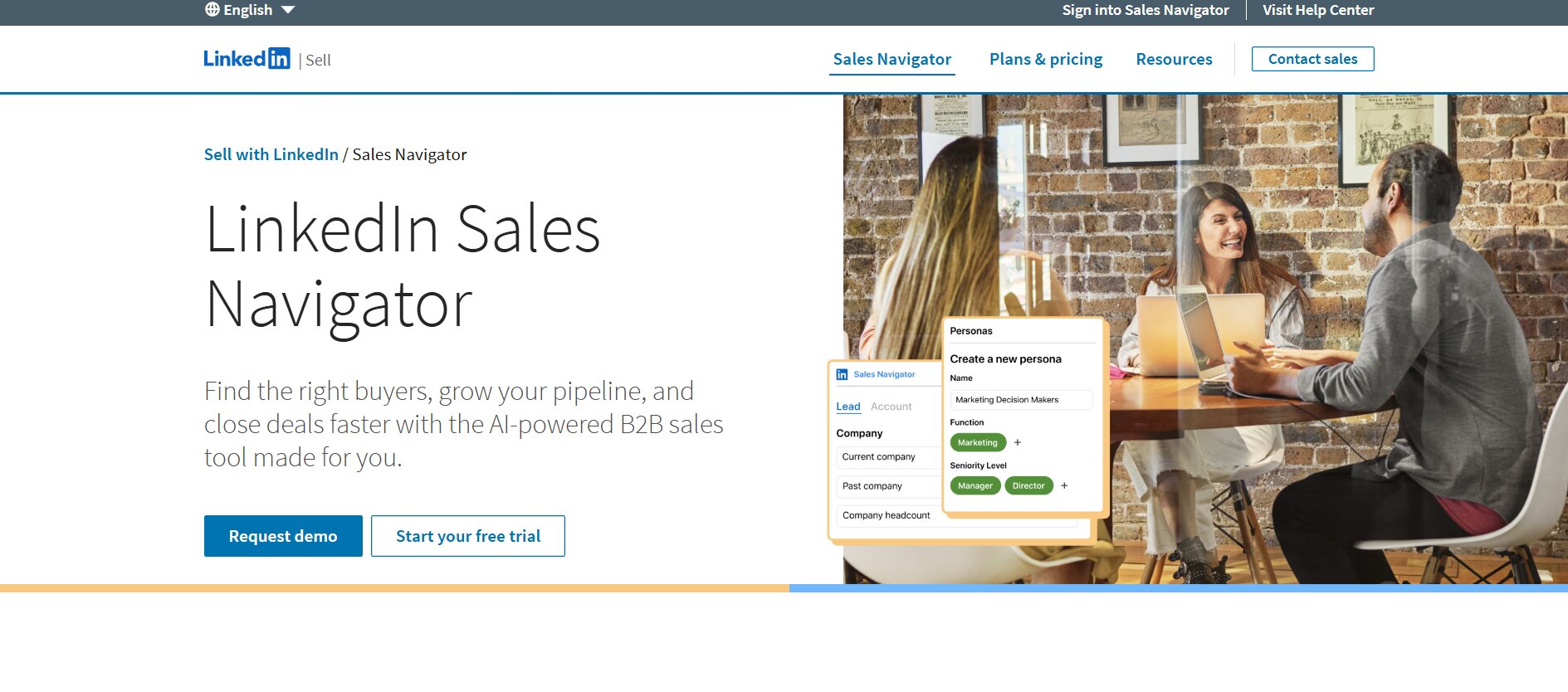
6. LinkedIn Sales Navigator
Category: Social selling and LinkedIn-native prospecting
Best for: Account executives and relationship-driven sellers whose target buyers are active on LinkedIn and where the quality of the first connection matters as much as the volume of contacts reached.
LinkedIn Sales Navigator is the only prospecting tool in this list that accesses data directly from its source. Every other tool that claims LinkedIn data is either scraping it, pulling it through unofficial APIs, or working from a database last refreshed weeks ago. Sales Navigator gets the data in real time because it is LinkedIn’s own product.
Key features:
- Advanced boolean search across LinkedIn’s full professional network of over one billion members
- Lead and account lists with saved searches that alert you when new matches appear
- Real-time alerts on job changes, company news, and prospect engagement activity
- InMail messaging to reach prospects outside your first-degree network
- TeamLink, which shows which of your first-degree connections knows a target prospect, for warm introduction paths
- Integration with CRMs and sales engagement platforms through official LinkedIn APIs
Why it still matters in 2026: Job change data from Sales Navigator is meaningfully more current than what any third-party tool provides. A prospect who moved from a target account to a new company last week is still showing as employed at the old company in most data tools. Sales Navigator surfaces that change in real time, which changes whether you reach out, what you say, and which account you attach the contact to.
Honest limitation: Sales Navigator’s native outreach features are limited. InMail is one channel. Connection request messaging exists, but volume caps and personalization controls are basic. Teams using Sales Navigator for prospecting typically pair it with a LinkedIn automation tool or outreach platform to execute campaigns at scale.
Pricing: Core plan starts at approximately $99 per user per month. Advanced and Advanced Plus tiers are higher and include CRM sync and additional team features. Annual billing provides a discount over monthly.
7. Cognism
Category: Data accuracy and compliance-first B2B data
Best for: Sales teams prospecting into European markets, teams in regulated industries, and any team whose primary outreach channel is cold calling rather than email.
Cognism’s differentiation is phone-verified mobile numbers. Most B2B databases use automated processes to source and verify contact information, which produces usable but imperfect data. Cognism’s Diamond Data product uses human verification for mobile numbers specifically, which produces meaningfully higher connect rates on calls compared to auto-scraped data.
Key features:
- Business emails and direct mobile phone numbers with human verification for Diamond Data contacts
- GDPR and CCPA compliance documentation and data processing agreements built into the platform
- Sales trigger events that surface signals like funding rounds, hiring activity, and leadership changes at target accounts
- Integration with Bombora intent data so you can see which companies are actively researching relevant topics
- CRM integrations including Salesforce, HubSpot, and Outreach
Why the phone verification matters: A verified mobile number connect rate can be 40 to 60% higher than a direct dial sourced from automated scraping, according to Cognism’s published benchmarks. For a team running 100 cold calls per day, that difference in connect rate translates directly to more conversations per rep, per day.
Honest limitation: Cognism’s coverage in North American markets is less deep than ZoomInfo’s, and the platform is priced for teams that specifically need its compliance and phone-verification strengths. Teams primarily doing email outreach in North America will typically find ZoomInfo or Apollo more cost-effective.
Pricing: Custom pricing. Requires a demo. Not publicly listed.
8. 6sense
Category: Intent data and account-based marketing (ABM) platform
Best for: Sales and marketing teams that want to know which accounts are in-market right now, before those accounts have raised their hand.
6sense works on a specific premise: most B2B buyers are 70% through their decision-making process before they contact a vendor. The research, the competitor comparisons, the pricing page visits, happen anonymously across the web. 6sense tracks that anonymous activity, maps it back to company-level buying signals, and tells your sales team which accounts are actively researching your category today.
Key features:
- Predictive account scoring based on intent signals from across the web, including competitor site visits and category research
- AI-powered lead prioritization that ranks accounts by likelihood to buy and estimated position in the buying journey
- Account engagement mapping showing which stakeholders at a target account have been active and on which channels
- Integration with CRMs, marketing automation platforms, and sales engagement tools
- Buyer journey analytics showing how account intent changes over time
Honest limitation: 6sense is expensive and delivers its best value to teams that already have a working outbound motion and need to prioritize it better, not to teams still figuring out their ICP or outreach process. It also requires integration with other execution tools. 6sense identifies who to call. It does not make the call or send the message.
Pricing: Custom enterprise pricing. Requires a demo. Not publicly listed.
9. Clay
Category: Data enrichment and GTM research automation
Best for: Sales operations and growth teams that want to build highly personalized outbound at scale by pulling from multiple data sources simultaneously and automating the research layer.
Clay sits at the intersection of data enrichment and workflow automation. Rather than accessing a single database, Clay runs a waterfall enrichment process across more than 50 data sources simultaneously, taking the best available data from each one for a given contact or company. It also uses AI to research prospects and generate personalized outreach context based on what it finds, such as a recent funding round, a new job posting, or a published article.
Key features:
- Waterfall enrichment pulling from 50+ data sources including Apollo, Clearbit, LinkedIn, and others
- AI research automation that surfaces personalized context for each prospect based on real signals
- Natural-language targeting that lets operators describe their ideal customer in plain English and generate a matching list
- Integration with sequencing and CRM tools for pushing enriched contacts into the outreach workflow
- Custom workflow builder for building complex enrichment and routing logic without code
Honest limitation: Clay has a real learning curve. Teams without a dedicated sales operations or growth engineering resource often find the setup time exceeds their initial expectations. It is not a plug-and-play tool. The payoff is substantial for teams that invest in it properly, but teams that need something running in 48 hours should look elsewhere.
Pricing: Credit-based model. Starter plans begin at $149 per month. Higher tiers unlock more credits and advanced features. Enterprise pricing is available for large volume needs.
10. LeadIQ
Category: Contact capture and SDR workflow efficiency
Best for: SDR teams that spend significant time prospecting directly on LinkedIn and need a faster way to capture, verify, and sync contacts to their CRM without manual data entry.
LeadIQ’s core use case is simple and specific: when an SDR finds a prospect on LinkedIn, LeadIQ captures the verified contact information in one click, syncs it directly to the CRM, and generates an AI-drafted email opener personalized to that prospect’s profile. The tool eliminates the copy-paste workflow that costs SDR teams hours per week.
Key features:
- One-click contact capture from LinkedIn profiles with email and phone verification
- AI-generated email personalization based on prospect profile data and recent activity
- CRM sync to Salesforce, HubSpot, Salesloft, and Outreach
- Job change tracking that alerts you when a contact moves to a new company
- Prospecting lists with duplicate detection to prevent reaching out to existing customers or contacts already in sequence
Real-world result: According to a published testimonial from a Sales Development Manager at a B2B technology company, LeadIQ eliminated the copy-paste prospecting workflow and saved SDRs more than two hours per day. AI email generation provided starting points for personalization without requiring reps to write from scratch.
Honest limitation: LeadIQ is a capture and enrichment tool, not a sequencing tool. It fits into a stack as the “top of funnel data layer” but requires a separate tool for outreach execution. Teams looking for a single platform to handle both prospecting and outreach will need to pair it with a sequencer.
Pricing: Free plan available with limited monthly credits. Paid plans start at $39 per user per month for the Essential tier.
11. Seamless.AI
Category: High-volume list building and contact sourcing
Best for: Outbound teams running high-volume cold outreach that need a large volume of verified direct dials and emails sourced quickly, without the manual work of individual contact research.
Seamless.AI uses real-time search to find contact information rather than pulling from a static database. When a rep searches for a contact, Seamless.AI crawls the web at that moment to source and verify the data. The Autopilot feature can run this process automatically, generating lists that meet a defined criteria without requiring a rep to search contact by contact.
Key features:
- Real-time contact search with email and direct dial sourcing
- Autopilot for automated list generation based on defined ICP criteria
- Buyer intent data to prioritize accounts showing active interest in relevant categories
- Pitch Intelligence for researching prospects before outreach
- Chrome extension for capturing contacts from LinkedIn and company websites
- CRM integrations for pushing contact records directly into Salesforce, HubSpot, and others
Honest limitation: The quality-at-volume trade-off is real. Seamless.AI’s real-time sourcing model produces variable accuracy at high volumes. Teams running thousands of contacts through the platform regularly report a mix of highly accurate and stale or incorrect records. Bounce rate monitoring on email campaigns is particularly important when using high-volume list-building tools. Seamless.AI’s credit-based pricing also makes total cost somewhat unpredictable for teams without well-defined monthly volume needs.
Pricing: Credit-based system. Custom pricing on request. Free credits available to start.
How to Build Your 2026 Prospecting Stack (Without Paying the Fragmentation Tax)
The tool list above is only useful if you have a framework for deciding which tools belong in your specific stack. This section gives you that framework.
Start With Your Primary Channel, Not Your Primary Problem
The most common mistake in building a prospecting stack is starting with the problem that feels most urgent, usually something like “our data quality is terrible” or “our reps aren’t doing enough outreach.” Both of those might be true, but neither tells you which tool to buy first.
Start with your primary outreach channel and find the tool that handles it best natively.
- If LinkedIn is your primary channel, your first investment is a tool built specifically for LinkedIn outreach. Dealsflow, with its native multi-account management and Arlo AI for handling replies, covers both the execution layer and the pipeline management layer for LinkedIn-first teams. LinkedIn Sales Navigator is the complement for account research and relationship data.
- If cold email is your primary channel, Apollo or a combination of a data tool and a dedicated email sequencer covers the core workflow. Add verification tools if bounce rates exceed 5%.
- If cold calling is primary, data accuracy is your first investment. Cognism for European markets. ZoomInfo for North American coverage with intent data on top.
Every tool addition after the first one should solve a specific, measurable gap in what the first tool cannot do. Not “this other tool also looks useful.” A specific gap.
The Minimum Viable Stack vs The Full Stack
For most teams under 10 reps, a minimum viable stack is two to three tools maximum.
Minimum viable stack options by motion:
- LinkedIn-first outbound: Dealsflow handles outreach, pipeline management, and AI conversation handling. LinkedIn Sales Navigator for account and prospect research. Two tools total.
- Email-first outbound: Apollo for data and sequencing. Your CRM for deal management. Two tools total.
- Cold calling-first outbound: Cognism or ZoomInfo for data. A lightweight sequencer for call logging and follow-up. Your CRM. Three tools total.
Full stack for teams at scale:
- Data layer: ZoomInfo or Cognism for verified contact data
- Execution layer: Dealsflow for LinkedIn + email, or Salesloft for full multi-channel sequence management
- CRM: HubSpot or Salesforce as the system of record
- Intent overlay: 6sense for account prioritization based on buying signals
The rule of thumb is to add a tool only when you can name the specific outcome you expect it to unlock that your current tool cannot deliver. Vague reasoning like “it will help us do better personalization” is not a buying criterion. “Our current tool does not verify phone numbers for the EMEA market, which is causing a 60% no-answer rate on calls” is a buying criterion.
The Compliance Checklist Before You Buy
Sales teams selling into regulated industries or across international markets often discover compliance gaps after they have already sent their first campaign. Run this checklist before signing any contract.
- GDPR and CCPA coverage: Does the vendor have data processing agreements available? Are European contact records compliant with GDPR’s legitimate interest or consent requirements? Cognism is particularly strong here. Many US-based data tools are not.
- LinkedIn terms of service alignment: Cloud-based LinkedIn automation tools like Dealsflow operate through LinkedIn’s interface with safety controls built in, including dedicated IP addresses, randomized action timing, and daily limits that stay within LinkedIn’s behavioral thresholds. Browser extension-based tools that inject into the LinkedIn interface carry meaningfully higher account risk, especially as LinkedIn’s detection systems have become more sophisticated over the past two years.
- Data retention and deletion policies: Can you delete a contact record from the vendor’s system on request? GDPR’s right to erasure applies to data held by your vendors, not just your own database.
- SOC 2 certification: Enterprise buyers in healthcare, financial services, and legal sectors typically require SOC 2 Type II certification as a baseline for any SaaS vendor handling customer or prospect data. Verify this before your procurement team asks for it and delays the deal.
Sales Prospecting Tools Comparison Table
| Tool | Category | Best For | Starting Price | LinkedIn Native | AI Features | Free Trial |
|---|---|---|---|---|---|---|
| Dealsflow | All-in-One (LinkedIn + Pipeline) | Agencies, SDR teams, founders | $59/user/month | Yes (core channel) | Arlo AI full conversation handling | Yes |
| Apollo.io | All-in-One (Data + Sequencing) | SMB to mid-market email outbound | $49/user/month | Via Chrome extension | AI email writer, scoring | Yes (free plan) |
| HubSpot Sales Hub | All-in-One (CRM + Engagement) | HubSpot ecosystem users | $15/user/month | Via tasks | AI email assistant | Yes (free CRM) |
| Salesloft | All-in-One (Enterprise Engagement) | Mid-market and enterprise SDR teams | Custom | Via tasks | Conversation intelligence, AI coaching | Demo only |
| ZoomInfo Sales | Point Solution (Data Intelligence) | Enterprise data and intent | Custom | Via integration | Copilot AI, intent engine | Demo only |
| LinkedIn Sales Navigator | Point Solution (Social Selling) | Relationship-driven B2B selling | ~$99/user/month | Native | Smart links, buyer intent alerts | Limited trial |
| Cognism | Point Solution (Data Compliance) | European markets, cold calling | Custom | Via integration | Intent signals, trigger events | Demo only |
| 6sense | Point Solution (Intent + ABM) | Account prioritization and ABM | Custom | Via integration | Predictive scoring, journey mapping | Demo only |
| Clay | Point Solution (Data Enrichment) | Ops-heavy personalized outbound | $149/month | Via enrichment | AI research automation | Yes |
| LeadIQ | Point Solution (Contact Capture) | SDR LinkedIn prospecting workflow | $39/user/month | Yes (Chrome extension) | AI email personalization | Yes (free plan) |
| Seamless.AI | Point Solution (List Building) | High-volume contact sourcing | Custom | Yes (Chrome extension) | Autopilot, intent data | Yes (free credits) |
Conclusion
The all-in-one versus point solution debate comes down to one question: where is your team’s biggest constraint right now? If it is tool management, admin overhead, and reps spending more time in dashboards than in conversations, consolidating onto a platform that handles your primary channel end-to-end is the right move. If it is a specific capability ceiling that no all-in-one platform can match at the level your workflow requires, a point solution is the justified addition.
Most teams reading this are not yet at the scale where they need six tools. They are at the stage where two good tools, set up properly and actually adopted by the team, will outperform a sophisticated stack that nobody uses consistently.
Start with your primary outreach channel. Find the tool that handles it best natively. Measure what it unlocks over 60 days. Then decide what to add next based on a specific gap, not a feature comparison chart.
If LinkedIn is your channel and you want a platform that handles the outreach, the conversation after the first reply, and the pipeline tracking without stitching three tools together, Dealsflow is worth a serious look. The Arlo AI engine is the only thing in this category that keeps working after a prospect replies, which is the moment most teams lose the meeting they already earned.
Frequently Asked Questions
What is the difference between all-in-one sales prospecting tools and point solutions?
All-in-one sales prospecting tools combine multiple functions, typically contact data, outreach sequencing, and pipeline management, into a single platform with one shared data model. Point solutions specialize in one function and do it at a deeper level than most all-in-one tools. The practical difference is that all-in-one tools reduce administrative overhead and integration complexity, while point solutions offer superior capability in their specific area. The right choice depends on whether your team’s biggest constraint is tool management friction or a specific capability gap that only a specialist product can fill.
Which sales prospecting tool has the most accurate B2B data?
Cognism’s Diamond Data product is widely regarded as the most accurate for human-verified mobile phone numbers, particularly for European markets. ZoomInfo has the broadest coverage for North American contacts with strong verification processes. For email accuracy specifically, tools that run real-time verification, such as Seamless.AI or Hunter.io, reduce bounce rates at the point of contact sourcing. The most important step before committing to any data provider is to request a sample of contacts from your specific ICP and target geography and run them through an independent email verification tool to measure actual deliverability before signing a contract.
Can sales prospecting tools integrate with Salesforce and HubSpot?
Most major prospecting tools offer native integrations with both Salesforce and HubSpot. The more important question is whether the integration is bidirectional and whether it runs natively or through a middleware tool like Zapier. Native integrations push and pull data in real time and do not break when Zapier has an outage. Middleware integrations are faster to set up but introduce a dependency that fails at unpredictable times. Before buying, ask specifically whether the CRM sync is native, what data fields sync bidirectionally, and what happens to records created in the prospecting tool if the CRM integration goes down.
What is intent data and do I actually need it?
Intent data refers to behavioral signals that indicate a company is actively researching a purchase category. This includes visiting competitor websites, searching relevant terms, downloading category content, and attending industry webinars. Platforms like 6sense and ZoomInfo collect this data and use it to surface accounts showing buying behavior before they contact any vendor directly. Whether you need it depends on your ICP and team size. For enterprise teams with long sales cycles and large deal values, intent data is worth the investment because prioritizing 20 high-intent accounts over 200 low-intent ones changes how reps spend their time. For teams running high-volume outbound to SMB accounts, the signal volume is often too thin to be actionable, and a well-built ICP filter in a data tool produces equivalent targeting at lower cost.
How do AI prospecting tools differ from traditional contact databases?
Traditional contact databases provide a static record: a name, email, phone number, job title, and company. AI prospecting tools add a layer on top of that data. Some, like Clay, automate the research process, pulling recent signals from multiple sources to build context before outreach. Others, like Dealsflow’s Arlo AI, handle the conversation layer, responding to replies and managing objections without human involvement. The shift from “database access” to “AI-assisted or AI-automated workflow” is the most significant change in the prospecting tool category over the past two years, and it is still accelerating. The gap between a lookup tool and an autonomous prospecting agent is wider in 2026 than it has ever been.
Is LinkedIn automation safe in 2026?
LinkedIn automation is safe when done using cloud-based tools with proper safety architecture. LinkedIn’s detection systems have become significantly more sophisticated since 2023. Browser extension-based tools that inject directly into the LinkedIn interface carry higher account risk because they interact with LinkedIn in ways that are easier for LinkedIn to detect and flag. Cloud-based platforms like Dealsflow operate through dedicated IP addresses with randomized action timing, automated daily limits that stay within LinkedIn’s behavioral thresholds, and built-in warmup sequences for new accounts. The risk is not LinkedIn automation itself. The risk is poor safety architecture. Before using any LinkedIn automation tool, verify that it is cloud-based rather than browser-based, that it uses dedicated IPs per account, and that daily action limits are configurable and set conservatively.
How much do sales prospecting tools cost in 2026?
Pricing ranges from free tiers to six-figure annual enterprise contracts. Apollo offers a functional free plan with monthly credit limits. LinkedIn Sales Navigator Core starts at approximately $99 per user per month. Midmarket all-in-one tools like Apollo paid tiers start at $49 per user per month. Enterprise platforms including ZoomInfo, Cognism, Salesloft, and 6sense require a demo before pricing is disclosed, and annual contracts in the $20,000 to $100,000 range are common at team scale. The hidden costs in credit-based models are worth attention. Apollo, Seamless.AI, and similar tools price per contact credit, and teams running high-volume campaigns often exceed their plan’s credit limit within two weeks of the billing cycle, triggering either overage charges or a forced upgrade.
What is the best sales prospecting tool for small teams or solo founders?
For a solo founder or a team of one to three people running LinkedIn-first outbound, Dealsflow’s combination of campaign automation, Arlo AI for handling replies, and built-in pipeline management covers the full workflow without requiring additional tools. For email-first outbound, Apollo’s free plan is a functional starting point that covers basic list building and sequencing. The most important thing for a small team is to avoid buying tools for problems you do not yet have. Start with the minimum tool that covers your primary outreach channel. Add a second tool only when you can identify a specific gap the first tool cannot close.
How do I measure ROI on a prospecting tool?
The most useful metrics are booked calls per account per month, pipeline generated per rep per month, and time saved on prospecting tasks compared to a baseline. These metrics connect directly to revenue rather than activity. Vanity metrics like connection acceptance rate or email open rate are useful for diagnosing sequence problems but should not be the primary ROI measurement. A tool that doubles your connection acceptance rate but does not increase booked calls is solving the wrong problem. Set your baseline measurement before the tool goes live so you have a real comparison point rather than a before-and-after estimate reconstructed from memory.
What happens to my LinkedIn account if I use automation tools incorrectly?
LinkedIn account restrictions range from a temporary action block, usually 24 to 72 hours, to a permanent ban for repeated or severe violations. The most common triggers are sending connection requests too quickly in a short window, using automation tools that LinkedIn’s systems detect as non-human behavior, and running the same generic message to hundreds of contacts in a short period. Using a cloud-based tool with proper daily limits and action randomization significantly reduces this risk. Staying within a conservative connection request volume of 20 to 30 per day for new accounts and 50 to 80 per day for warmed accounts is the generally accepted safe range in 2026, though these thresholds shift as LinkedIn updates its detection systems.
How often should I clean my prospecting database?
Outbound-heavy teams should plan for a full database review at minimum quarterly. B2B contact data decays at an estimated 22.5% annually, meaning nearly one in four contact records becomes inaccurate within a year due to job changes, company restructuring, and email domain changes. Teams relying heavily on phone outreach should verify numbers before each campaign rather than relying on a quarterly clean. The most cost-effective approach for inbound-enriched teams is to automate hygiene at the point of entry, running new contacts through an enrichment and verification waterfall the moment they enter the system, rather than doing batch cleanup after bad data has already been acted on.
What is the difference between a sales engagement platform and a CRM?
A sales engagement platform handles the outreach layer: building sequences, automating follow-up, tracking open and reply rates, and managing the interactions that happen before a prospect becomes a qualified opportunity. A CRM manages the relationship after that initial contact, storing deal history, tracking pipeline stages, logging calls and meetings, and forecasting revenue. In practice, the line between the two has blurred as platforms like HubSpot and Salesloft have expanded into each other’s territory. Most teams still need both, but where they overlap depends on which platform you treat as the system of record. The CRM should always be the single source of truth for deal status. The engagement platform should always be the place where outreach sequences are built and measured.