


Most people trying LinkedIn automation hit the same wall. They sign up for We-Connect, run it for a few weeks, get decent results, and then either get their account restricted or realize the tool just does not do enough for what they need. That is not a knock on We-Connect specifically. It is a solid tool. But solid does not always mean right for your use case, your budget, or the volume you are trying to hit.
LinkedIn outreach in 2026 is different from what it was three years ago. The platform is actively throttling connection requests, flagging suspicious behavior patterns, and accounts are getting flagged faster than they used to. So the tool you pick matters way more than it did before. You need something that mimics human behavior properly, gives you real campaign controls, and ideally helps you do more than just blast connection requests.
That is where We-Connect alternatives come in. There are actually some really good options out there, and a few of them blow We-Connect out of the water on specific use cases, whether that is inbox management, multichannel sequences, team collaboration, or sheer send volume. This article breaks down 10 of the best tools available right now. Not a random list of SaaS products, but a real comparison based on what actually matters for LinkedIn outreach: safety limits, reply tracking, campaign logic, pricing, and how much manual work you still end up doing. Dealsflow leads the list for good reason, but the rest are genuinely worth knowing depending on where you are in your outreach operation.
The Best We-Connect Alternative for Multichannel LinkedIn Outreach
While We-Connect is a capable LinkedIn automation platform, modern B2B prospecting increasingly requires more than LinkedIn alone. Buyers rarely respond after a single touchpoint, and relying on one channel can limit your outreach results. Today’s highest-performing sales teams combine LinkedIn messages, emails, follow-ups, and AI-driven engagement into a unified prospecting strategy.
If your goal is to create consistent conversations across multiple channels rather than simply automate LinkedIn activities, you may eventually outgrow We-Connect’s capabilities.
Dealsflow
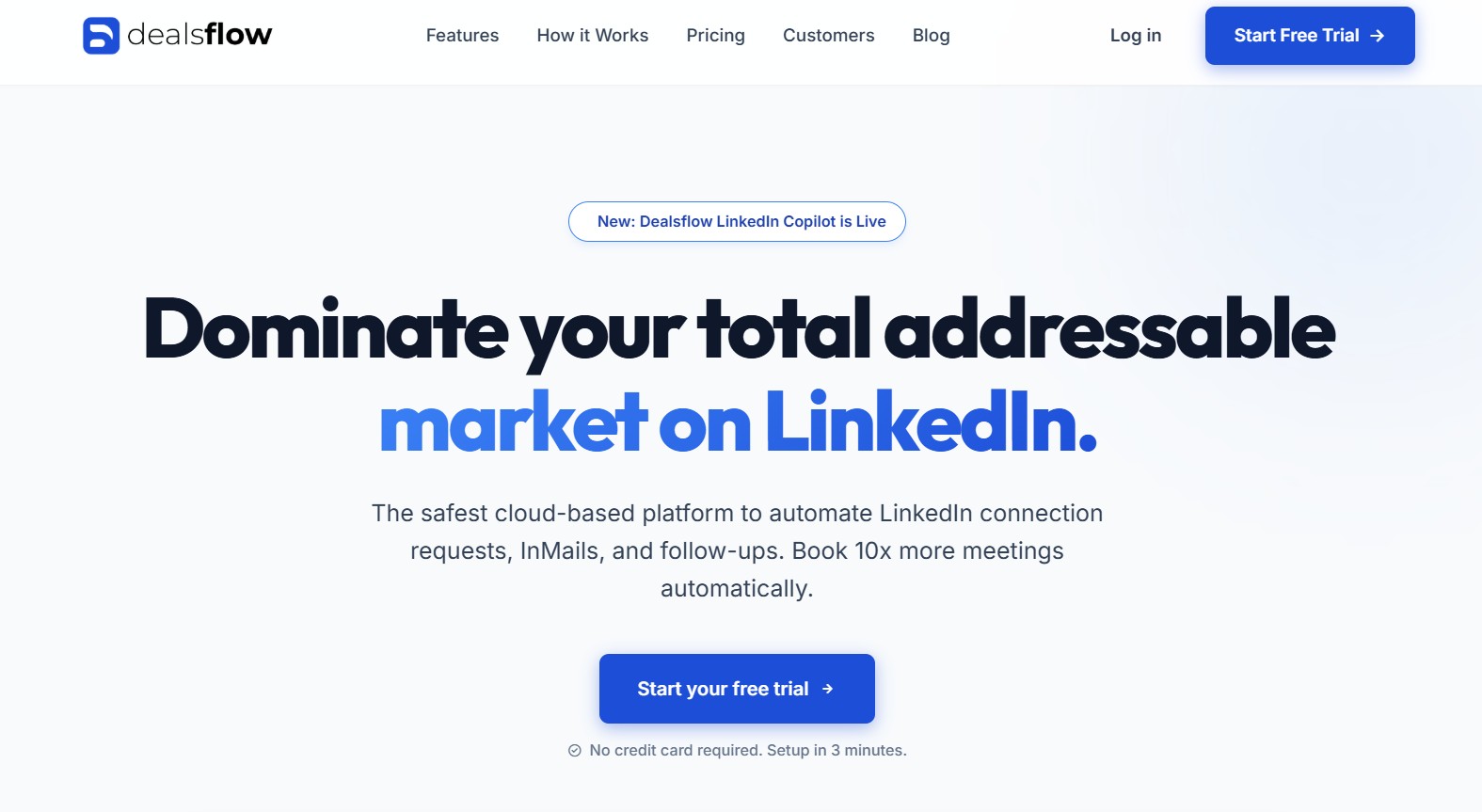
Dealsflow is the one most people in serious B2B outreach have been moving toward. It handles LinkedIn automation, but what makes it different is that it does not stop there. You get LinkedIn, email, and CRM integration working together in a single workflow. That matters a lot if your sales process is longer than a single LinkedIn message.
The platform is cloud-based, which means it runs without a Chrome extension, and your account stays active even when your laptop is off. That alone is a meaningful safety advantage over browser-based tools like Dux-Soup or older versions of Expandi.
Why Dealsflow Works Better for Teams
Most LinkedIn tools are built around the assumption of one user, one inbox, one campaign. Dealsflow is built for teams from the ground up. You can assign conversations to reps, see which prospects are in which stage, and run parallel campaigns without everything collapsing into one chaotic inbox. If you have a team of three or more doing outreach, this changes how much time you spend managing rather than selling.
The sequence builder is genuinely good. You can set up if/then branches, so if someone replies to your first message, they move into a different track instead of getting your follow-up anyway. That kind of logic should be standard in 2026 and honestly is not in a lot of tools.
Campaign Safety and Send Limits
Dealsflow keeps send volumes conservative by default, which is smart. LinkedIn’s algorithm watches for behavior that looks automated, and the main signals are speed and volume. Dealsflow spaces actions randomly, pauses during off-hours, and lets you set custom sending windows. You are not going to accidentally torch your account because you forgot to cap something.
Dealsflow Pros and Cons
| Feature | Details |
|---|---|
| Outreach Channels | LinkedIn + Email (multichannel) |
| Deployment | Cloud-based |
| Team Features | Yes, full team inbox and assignment |
| CRM Integration | Native and Zapier |
| Campaign Logic | If/then branching sequences |
| Starting Price | From $49/month |
Pros:
- Multichannel from day one, LinkedIn and email in one place
- Built for teams with shared inbox and assignment features
- Smart send limits that protect your LinkedIn account
- Branching campaign logic, not just linear drip sequences
- Clean, fast interface without much setup friction
Cons:
- Slightly higher starting price than single-channel tools
- Learning curve if you have never used multichannel automation before
- Some integrations require Zapier rather than being native
Expandi
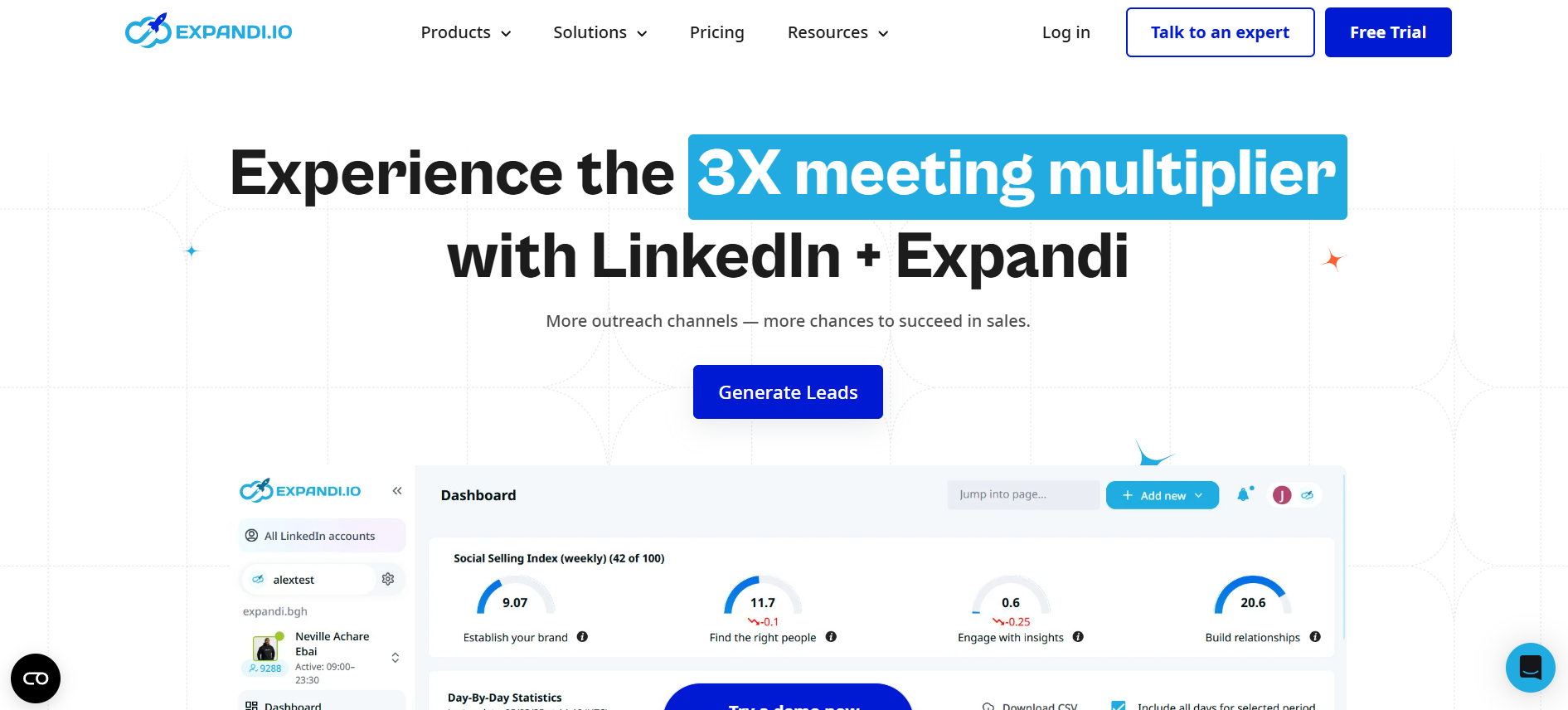
Expandi has been around long enough to have a real track record, which counts for something in a space full of tools that pop up and disappear. It runs in the cloud, handles LinkedIn outreach with solid sequence controls, and has smart limits built in that keep your account from tripping LinkedIn’s detection systems.
How Expandi Handles LinkedIn Safety
The random delays, humanized send windows, and daily limits are all there out of the box. Expandi also lets you set a custom “working hours” window so it only sends during normal business hours in your target timezone. That small detail actually reduces flags quite a bit compared to tools that send around the clock.
Campaign Builder and Sequences
You get conditional sequences here too. If someone views your profile but does not accept, Expandi can follow up with a message or an InMail automatically. That kind of trigger-based behavior is what separates automation that converts from automation that just runs. The visual builder is clean enough that you do not need a manual to use it.
Expandi Pros and Cons
| Feature | Details |
|---|---|
| Outreach Channels | LinkedIn (with some email integration) |
| Deployment | Cloud-based |
| Team Features | Yes, basic team management |
| CRM Integration | Zapier, HubSpot, others |
| Campaign Logic | Conditional sequences, trigger-based |
| Starting Price | From $99/month |
Pros:
- Strong reputation for account safety over time
- Conditional sequences with profile view and InMail triggers
- Good timezone-based send window controls
- Reasonable team management for smaller teams
- Reliable uptime and cloud performance
Cons:
- $99/month is on the higher side for solo users
- Email functionality is more limited compared to pure email tools
- Interface can feel slightly dated compared to newer tools
Dripify
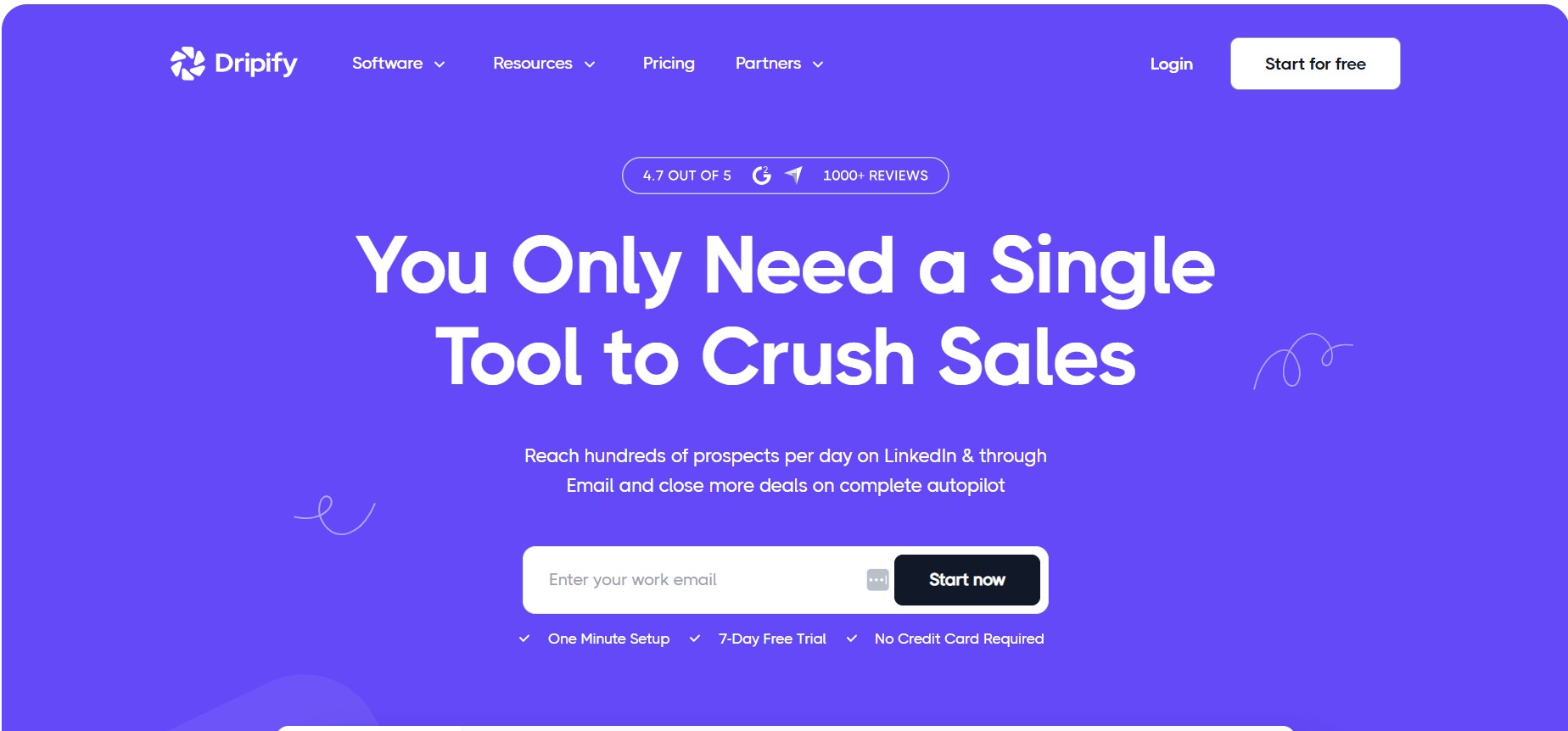
Dripify is what you pick when you want LinkedIn automation without a steep setup process. It is honestly one of the easiest tools to get running. You connect your LinkedIn, build a sequence, and launch. The dashboard is clean, the reporting is straightforward, and it does not try to be everything at once.
Dripify Sequence Logic
The sequence builder in Dripify works on a drag-and-drop model. You pick actions like “connect,” “message,” “follow,” “view profile,” and arrange them with delays between each. You can add conditions, but they are simpler than what you get in Dealsflow or Expandi. For most solo outreach use cases, that is fine. You do not always need complexity.
Dripify’s A/B Testing Feature
One thing Dripify does that a lot of similar tools skip is A/B testing at the message level. You can run two versions of a connection note or follow-up message and see which one gets better reply rates. That is a feature that actually improves your outreach over time rather than just running it.
Dripify Pros and Con
| Feature | Details |
|---|---|
| Outreach Channels | |
| Deployment | Cloud-based |
| Team Features | Yes, multi-seat plans |
| CRM Integration | Zapier, HubSpot |
| Campaign Logic | Drag-and-drop, basic conditions |
| Starting Price | From $39/month |
Pros:
- Easiest onboarding of any tool on this list
- A/B testing at message level built in
- Clean reporting without dashboard clutter
- Competitive pricing for solo users
- Good LinkedIn safety record
Cons:
- Less conditional logic than Dealsflow or Expandi
- Limited multichannel capability
- Team features cost significantly more on higher plans
Salesflow
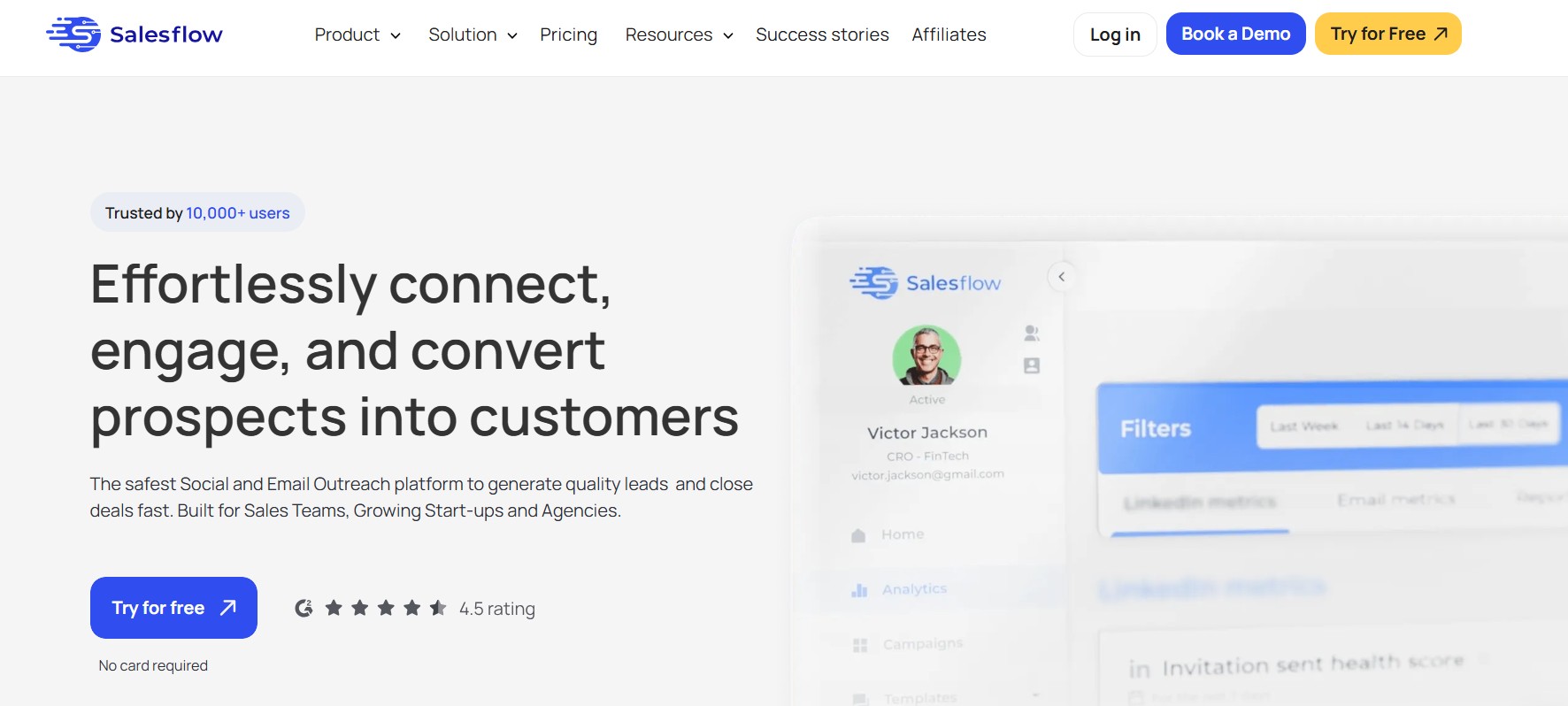
Salesflow is explicitly built for teams. Not the “you can add a second seat” kind of team feature, but actual account management, team inbox, campaign assignment, and performance tracking across reps. If you are running a sales team of five or more people doing LinkedIn outreach, this is worth a serious look.
Team Inbox and Rep Performance Tracking
The shared inbox in Salesflow is genuinely useful. You can see all conversations across the team, assign prospects to specific reps, leave internal notes, and track who is responding and who is not. For managers, that visibility is hard to get otherwise. Most LinkedIn tools give you zero insight into what your reps are actually saying.
LinkedIn Automation Safety at Scale
Running five or more LinkedIn accounts on automation simultaneously raises the detection risk. Salesflow manages this by running each account through its own dedicated IP address, which is a meaningful safety measure. Each account looks like its own unique user rather than five accounts sharing a single server.
Salesflow Pros and Cons
| Feature | Details |
|---|---|
| Outreach Channels | LinkedIn + Email |
| Deployment | Cloud-based |
| Team Features | Full team inbox, rep assignment, performance tracking |
| CRM Integration | Salesforce, HubSpot, Pipedrive |
| Campaign Logic | Sequences with team routing |
| Starting Price | From $99/month per seat |
Pros:
- Built specifically for sales teams, not retrofitted
- Dedicated IP per LinkedIn account improves account safety
- CRM integrations are deep and reliable
- Team inbox with internal notes and rep assignment
- Performance reporting across the whole team
Cons:
- Per-seat pricing makes it expensive for large teams
- Overkill for solo users or small freelancer setups
- Onboarding requires some time to set up team structure properly
Apollo.io
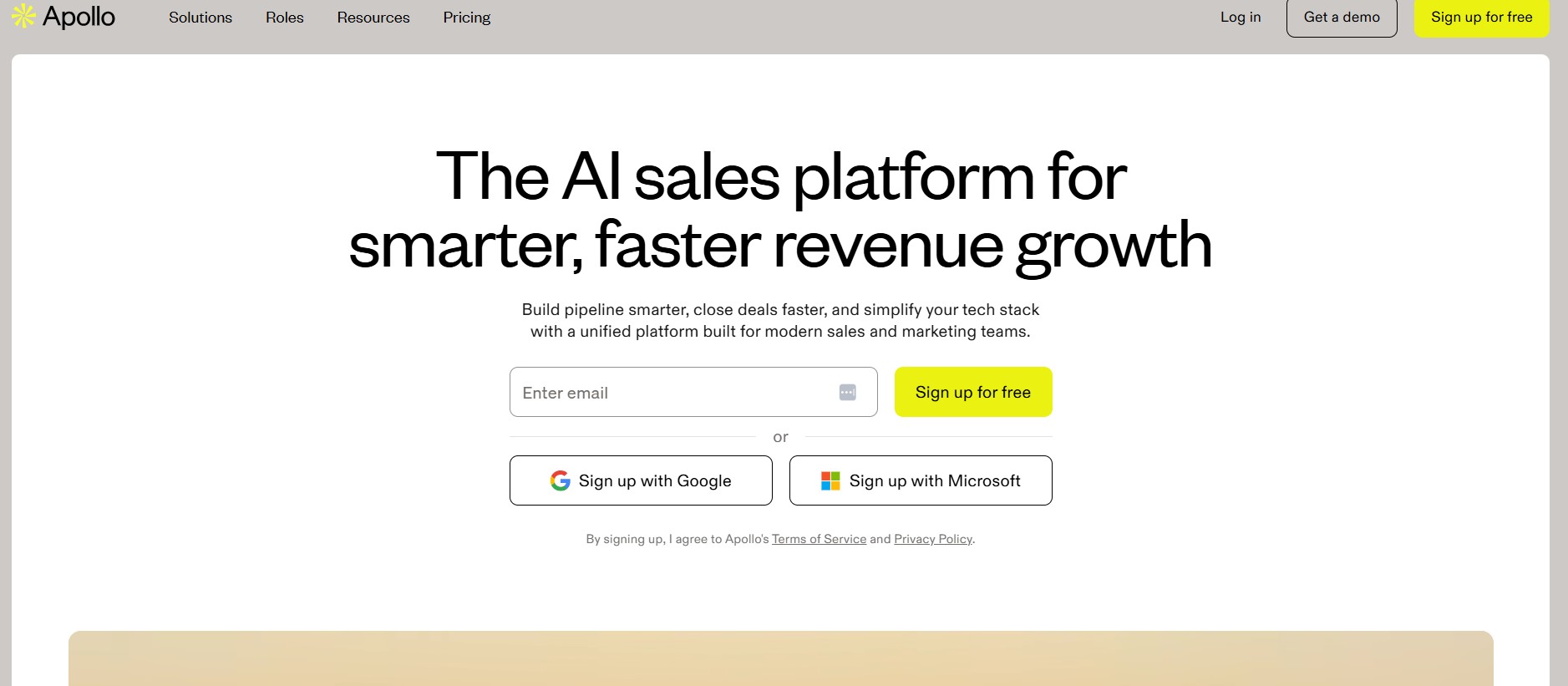
Apollo.io is not just a LinkedIn automation tool. It is a full prospecting platform with a database of over 275 million contacts built in. That changes the whole equation. Instead of finding leads somewhere else, exporting a CSV, and importing it into your outreach tool, Apollo lets you find the lead and contact them from the same place. That is a workflow advantage that adds up fast when you are doing volume outreach.
Most outreach tools assume you already have your list. Apollo builds the list for you. You can filter by job title, company size, industry, tech stack, location, and seniority level, and then drop those contacts directly into a sequence without ever leaving the platform. For teams doing cold outreach at scale, that alone is worth the switch.
Apollo’s LinkedIn Outreach and Sequencing
Apollo’s sequences support LinkedIn connection requests, LinkedIn messages, emails, phone calls, and manual tasks all in one flow. You build a single sequence and it handles every channel in order. If someone replies on email, you can pause the LinkedIn steps automatically. That kind of cross-channel logic is what separates real sales automation from just scheduling messages.
The LinkedIn steps inside Apollo require the Chrome extension, which is worth knowing. It is not fully cloud-based for LinkedIn actions the way Dealsflow or Expandi are. That adds a small layer of detection risk, but Apollo’s send limits are conservative enough that most users do not hit issues if they follow the recommended daily caps.
Apollo’s Data Enrichment Advantage
Here is something most LinkedIn tools completely ignore. Apollo enriches contact records automatically. You get verified work emails, direct dial phone numbers, company revenue data, and technographic information alongside your LinkedIn profile data. If you are doing outreach that goes beyond just LinkedIn messages, like following up via email or handing warm leads to a sales rep, that enriched data is genuinely useful.
The email verification is real too. Apollo marks emails as verified, risky, or unverifiable before you send. That keeps bounce rates low and protects your sending domain reputation, which matters if you are running email sequences alongside LinkedIn.
Apollo Pros and Cons
| Feature | Details |
|---|---|
| Outreach Channels | LinkedIn + Email + Phone |
| Deployment | Cloud-based (LinkedIn via Chrome extension) |
| Team Features | Yes, full team workspace |
| CRM Integration | Salesforce, HubSpot, Pipedrive, native |
| Campaign Logic | Multichannel sequences with cross-channel conditions |
| Starting Price | Free plan available, paid from $49/month |
Pros:
- Built-in database of 275 million+ contacts, no separate prospecting tool needed
- Multichannel sequences covering LinkedIn, email, and phone in one flow
- Email verification before sending protects domain reputation
- Contact enrichment with verified emails and direct dials
- Generous free plan to test before committing
- Deep native CRM integrations with Salesforce and HubSpot
Cons:
- LinkedIn automation runs via Chrome extension, not fully cloud-based
- Database contact quality varies by region and industry
- Can feel overwhelming for users who just want simple LinkedIn outreach
- Some advanced features like AI-assisted writing are locked behind higher plans
- Credit-based system for contact data exports can get confusing
Lemlist
These two often get bundled together because they share part of a name and come from related ecosystems. But they do different things. Worth knowing both.
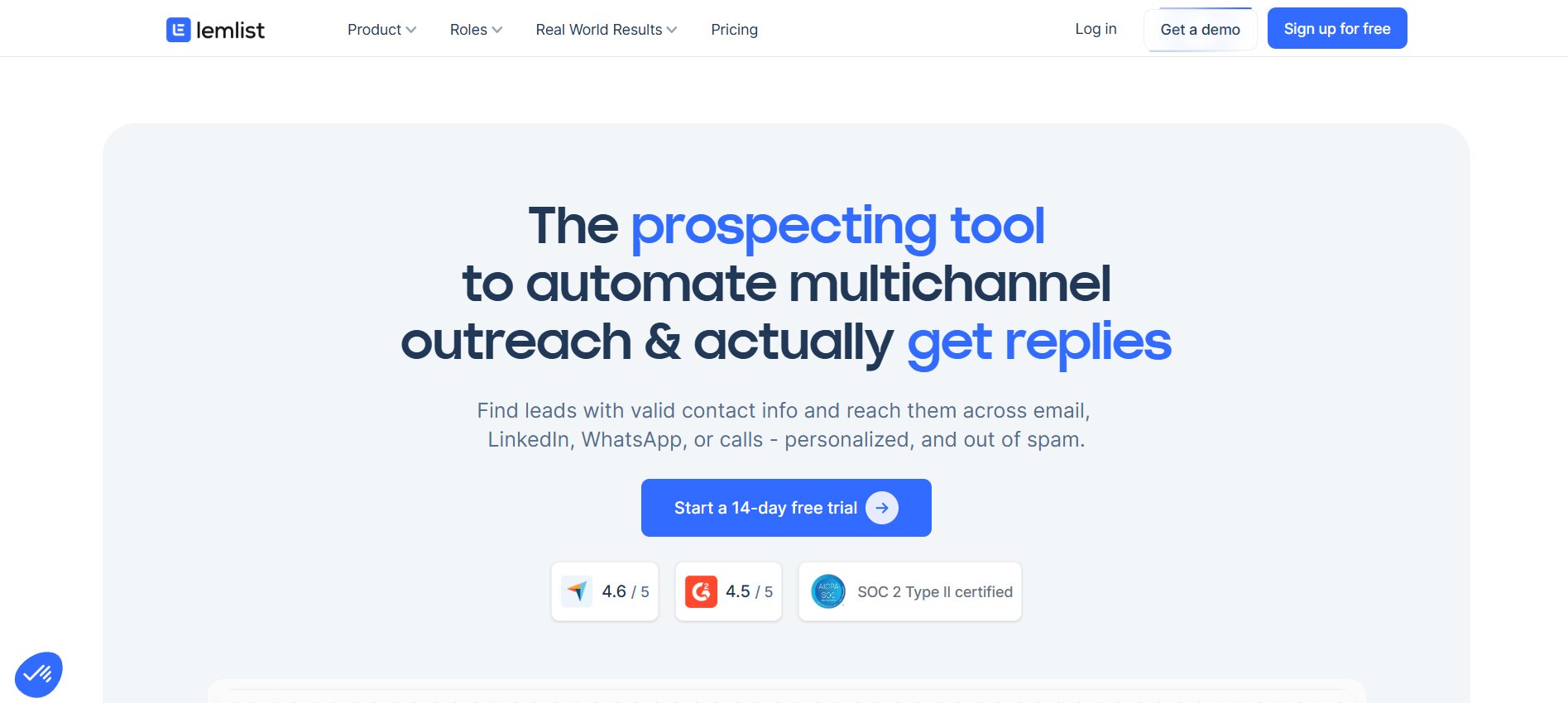
Lemlist for Multichannel Sequences
Lemlist started as an email outreach tool and added LinkedIn automation later. That history shows in the product. The email side is excellent. Personalization tokens, dynamic images in emails, custom landing pages per prospect. The LinkedIn side is good but slightly behind the best pure-LinkedIn tools. If your outreach is 70% email and 30% LinkedIn, Lemlist is probably your best pick on this whole list.
Lemlist Pros and Cons
| Feature | Details |
|---|---|
| Outreach Channels | Email + LinkedIn |
| Deployment | Cloud-based |
| Team Features | Yes |
| CRM Integration | HubSpot, Salesforce, Pipedrive |
| Campaign Logic | Multichannel sequences with dynamic personalization |
| Starting Price | From $59/month |
Pros:
- Best email personalization of any tool here
- Strong multichannel sequences
- Dynamic images and custom landing pages
- Good team collaboration features
- Solid CRM integrations
Cons:
- LinkedIn automation less mature than pure-LinkedIn tools
- Dynamic image feature has a learning curve
- Pricing adds up quickly with team seats
PhantomBuster
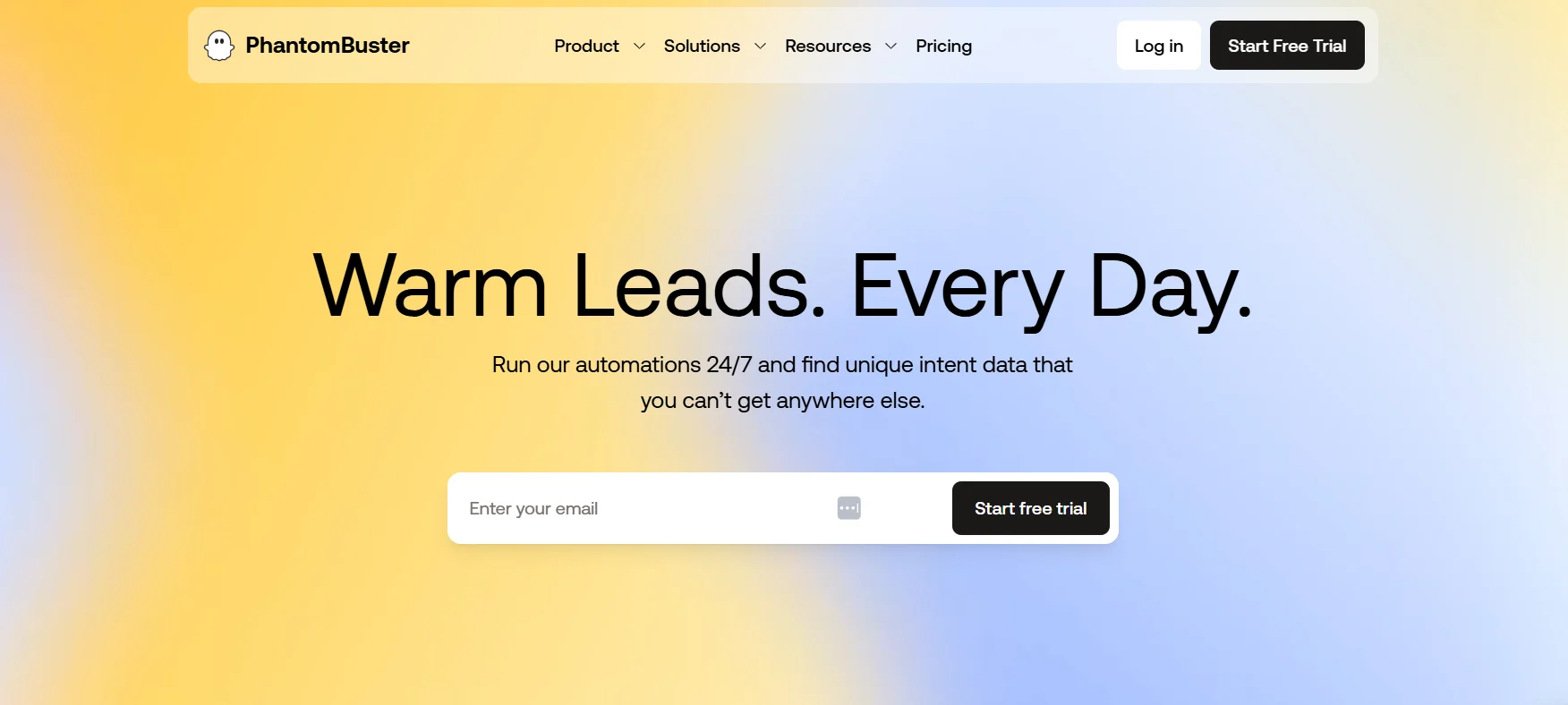
PhantomBuster is not a LinkedIn tool specifically. It is a data extraction and automation platform that happens to have LinkedIn “Phantoms” (automations) as some of its most popular use cases. If you can handle a bit of setup, it gives you more control than any purpose-built LinkedIn tool.
What PhantomBuster Actually Does
You can scrape LinkedIn search results, auto-connect based on criteria, send messages, extract email addresses from profiles, and chain multiple Phantoms together into workflows. The profile scraper plus email extractor plus outreach sequence combo is genuinely powerful if you are willing to build it.
When PhantomBuster Makes Sense (and When It Does Not)
Nope, this is not for everyone. If you want to click a button and run campaigns, PhantomBuster will frustrate you. The setup requires understanding how LinkedIn’s structure works and how to chain automations correctly. But if you are technical and want maximum flexibility, nothing else comes close at this price point.
PhantomBuster Pros and Cons
| Feature | Details |
|---|---|
| Outreach Channels | LinkedIn, Twitter, others |
| Deployment | Cloud-based |
| Team Features | Basic |
| CRM Integration | Via Zapier |
| Campaign Logic | Custom via Phantom chaining |
| Starting Price | From $56/month |
Pros:
- Extremely flexible, build almost any workflow
- Can scrape LinkedIn data and email addresses
- Works across multiple platforms, not just LinkedIn
- Reasonable pricing for what it does
- Active community with pre-built Phantom templates
Cons:
- Significant setup time required
- Not beginner-friendly
- LinkedIn limits Phantom activity like any other automation
- Support can be slow for troubleshooting custom setups
Dux-Soup
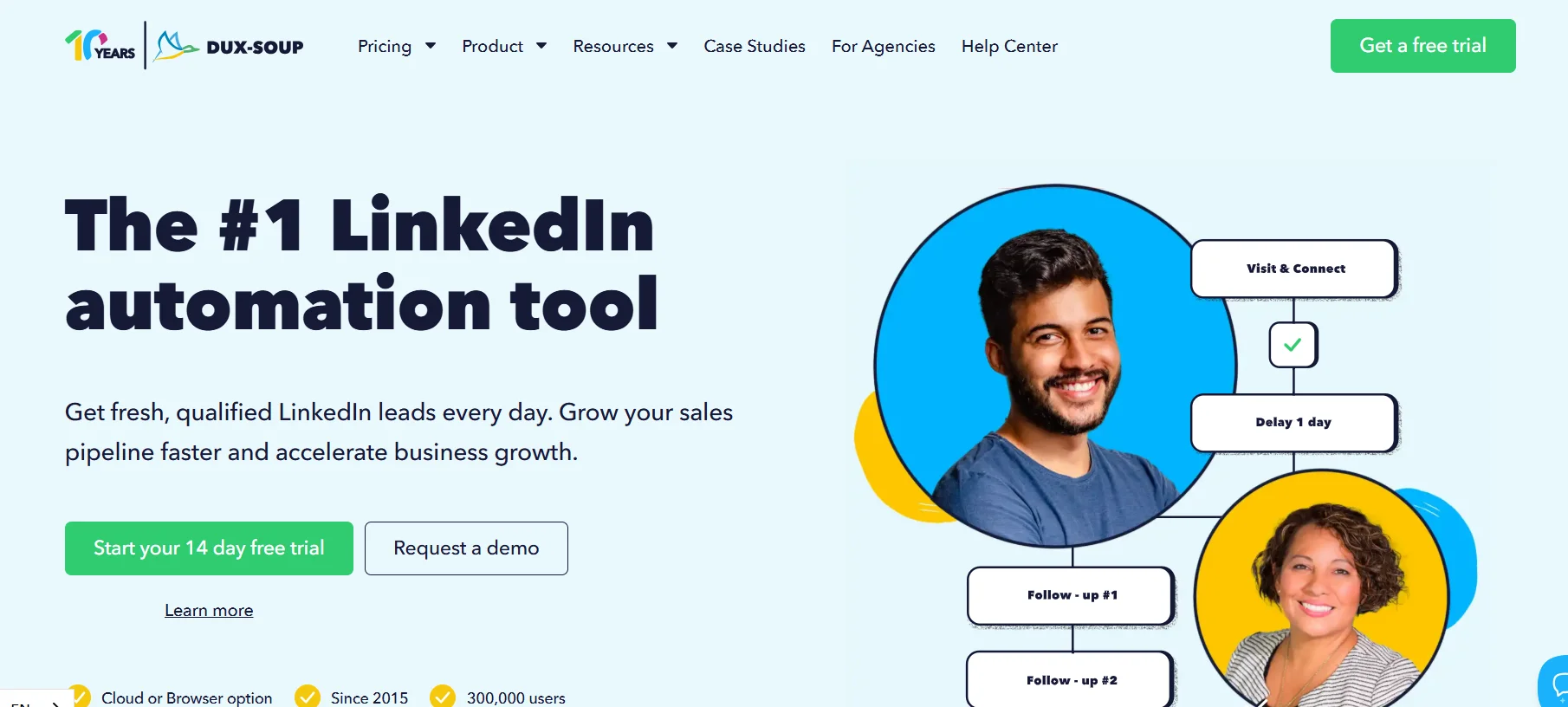
Dux-Soup has been around longer than most tools on this list. It is a Chrome extension, which is its biggest limitation in 2026. Browser-based tools need your browser open and running, and they are easier for LinkedIn to detect compared to cloud tools. That said, Dux-Soup has a Turbo plan that operates via a connector app and is less browser-dependent than the basic version.
Who Still Uses Dux-Soup in 2026
Honestly, mostly people who have been using it for years and have not switched. That is not a bad reason. Familiarity with a tool matters, and if your account has been safe on Dux-Soup for two years, there is a real argument for not messing with it. New users would be better served by most other tools on this list.
Dux-Soup Pros and Cons
| Feature | Details |
|---|---|
| Outreach Channels | |
| Deployment | Browser extension (Turbo plan has cloud component) |
| Team Features | Basic via Turbo plan |
| CRM Integration | HubSpot, Pipedrive, via Zapier |
| Campaign Logic | Basic sequences |
| Starting Price | From $14.99/month |
Pros:
- Cheapest entry point of any tool here
- Long track record with a stable user base
- Turbo plan adds CRM integration and team features
- Good for simple, low-volume outreach
Cons:
- Browser-based is a real safety disadvantage in 2026
- Not built for teams doing volume outreach
- Sequencing logic is limited compared to modern tools
- LinkedIn detection risk is higher than cloud alternatives
MeetAlfred
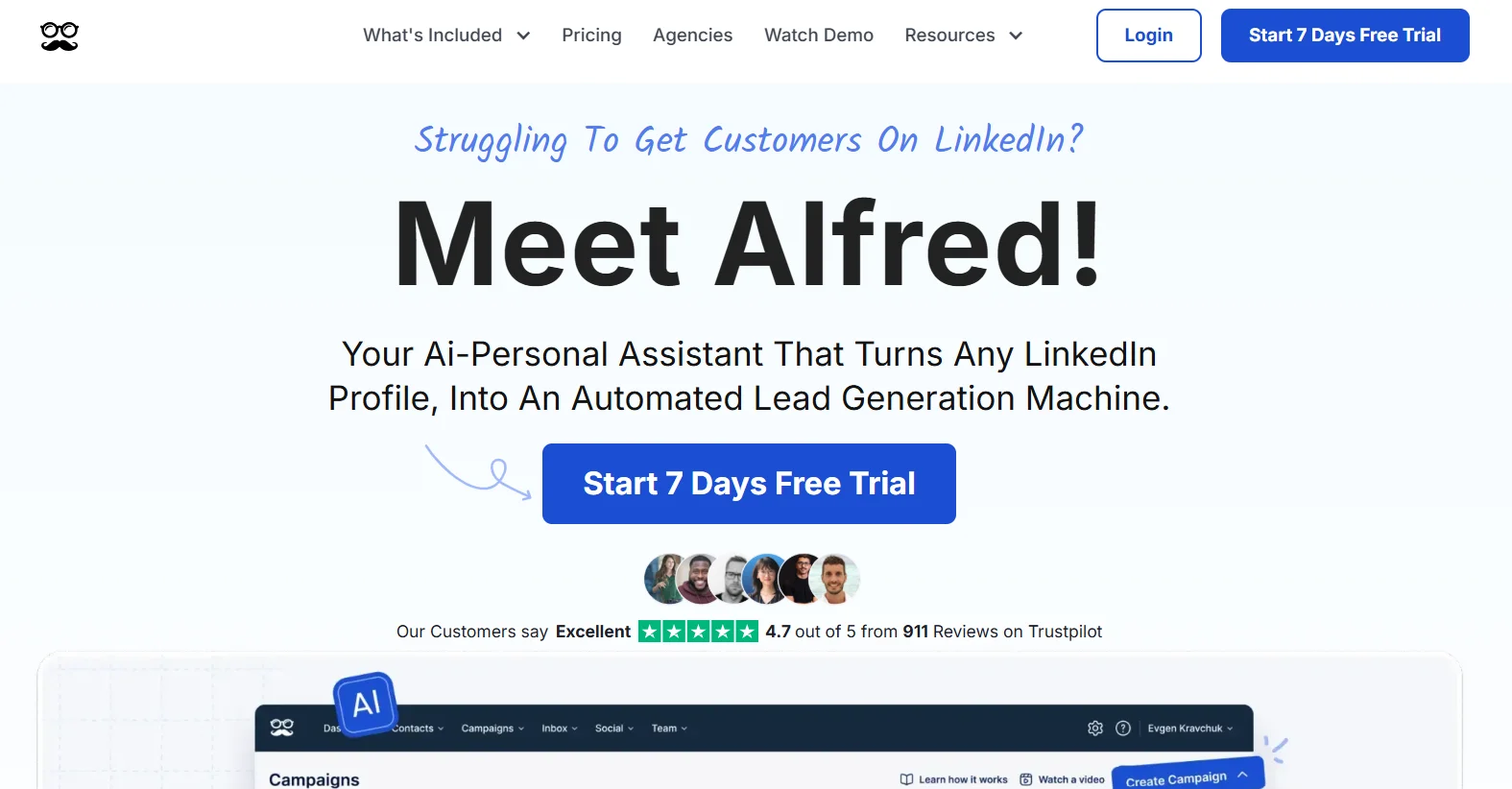
MeetAlfred runs campaigns across LinkedIn, email, and Twitter from one dashboard. The multichannel angle is similar to Dealsflow and Lemlist, but MeetAlfred has a slightly different campaign structure that some users prefer. You build “campaigns” that move prospects through a defined set of touchpoints, and the tool handles the delays and sends automatically.
MeetAlfred Team Features
The team features are decent. You get a shared campaign library, which means your best-performing sequences can be shared across reps without rebuilding them. That is a time saver that is easy to overlook until you have spent three hours rebuilding the same sequence five times.
MeetAlfred Pros and Cons
| Feature | Details |
|---|---|
| Outreach Channels | LinkedIn + Email + Twitter |
| Deployment | Cloud-based |
| Team Features | Yes, shared campaign library |
| CRM Integration | HubSpot, Salesforce via Zapier |
| Campaign Logic | Drip sequences, multichannel |
| Starting Price | From $49/month |
Pros:
- Three-channel outreach in one tool
- Shared campaign library saves team setup time
- Straightforward pricing
- Good LinkedIn safety record
- Clean interface
Cons:
- Twitter outreach is less useful for most B2B use cases
- Campaign logic less sophisticated than Dealsflow or Expandi
- Some users report slower customer support response times
Closely
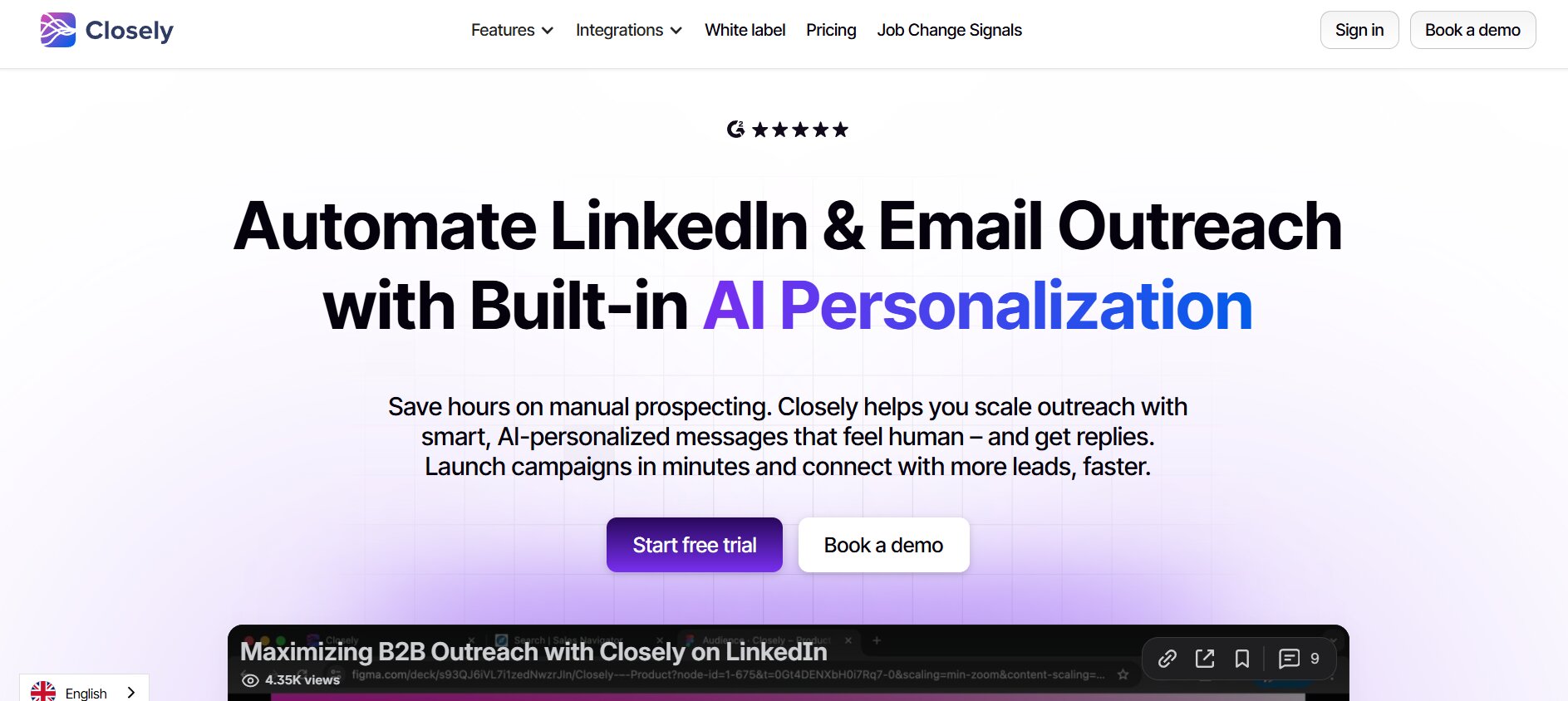
Closely is one of the newer tools on this list and honestly one of the most price-competitive for what it offers. You get LinkedIn automation, email sequences, a built-in inbox, and basic CRM functionality without paying enterprise prices. For freelancers and small teams who need multichannel outreach without a $100+/month bill, Closely is worth a serious look.
Closely’s Built-in CRM
Most LinkedIn tools make you connect to an external CRM via Zapier or a native integration. Closely has a lightweight CRM built right in. You can track deal stages, log notes, and manage your pipeline without leaving the platform. It is not going to replace Salesforce, but for smaller operations it reduces the number of tools you are paying for.
Closely Pros and Cons
| Feature | Details |
|---|---|
| Outreach Channels | LinkedIn + Email |
| Deployment | Cloud-based |
| Team Features | Yes |
| CRM Integration | Built-in lightweight CRM |
| Campaign Logic | Sequences with if/then conditions |
| Starting Price | From $29/month |
Pros:
- Most affordable multichannel tool on this list
- Built-in CRM reduces need for external tools
- If/then campaign logic at this price is rare
- Clean interface, fast to set up
- Good for freelancers and small teams
Cons:
- Built-in CRM is limited for complex sales processes
- Smaller user base means fewer community resources and templates
- Reporting is basic compared to older, more established tools
How to Choose Between These We-Connect Alternatives
Here is the honest version of the decision. Most people overthink this. You do not need the most features. You need the right features for your setup.
Match the Tool to Your Use Case
Solo founder doing 20-30 outreach messages a day? Dripify or Closely. You do not need team features or agency dashboards. You need something fast, affordable, and safe.
Running a team of three to five sales reps? Dealsflow or Salesflow. The shared inbox alone is worth the price difference. You will spend more time selling and less time figuring out who replied to what.
Agency managing multiple client accounts? Zopto or Salesflow. Both have multi-account management built in. PhantomBuster if your team has the technical skills to run it.
Need email and LinkedIn in one tool? Dealsflow, Lemlist, or MeetAlfred. All three do it. Dealsflow is the most balanced. Lemlist has the best email personalization. MeetAlfred is the most affordable of the three.
The Safety Question Nobody Talks About Enough
Look, all these tools carry some risk. LinkedIn does not want you automating connection requests at scale. The difference between a tool that damages your account and one that does not comes down to three things: daily send limits, randomized action timing, and cloud vs. browser deployment.
The best tools on this list cap you at 50-100 connection requests per day, randomize the delay between actions so it does not look like a bot, and run from the cloud so LinkedIn cannot detect the extension pattern. Pay attention to those three things more than any feature list.
Quick Comparison Table: We-Connect Alternatives Side by Side
| Tool | Channels | Team Features | Starting Price | Safety Level | Best For |
|---|---|---|---|---|---|
| Dealsflow | LinkedIn + Email | Yes | $49/month | High | Teams, multichannel |
| Expandi | Yes | $99/month | High | Account-based campaigns | |
| Dripify | Yes | $39/month | High | Beginners, solo users | |
| Salesflow | LinkedIn + Email | Full team | $99/seat | High | Sales teams |
| Zopto | Agency | $197/month | High | Agencies, Sales Nav users | |
| Lemlist | Email + LinkedIn | Yes | $59/month | Medium-High | Email-first outreach |
| PhantomBuster | LinkedIn + others | Basic | $56/month | Medium | Developers, custom workflows |
| Dux-Soup | Basic | $14.99/month | Medium | Budget, existing users | |
| MeetAlfred | LinkedIn + Email + Twitter | Yes | $49/month | High | Multichannel drip |
| Closely | LinkedIn + Email | Yes | $29/month | High | Budget multichannel |
Conclusion
We-Connect does its job. But the space has moved on, and there are tools now that do more, protect your account better, and fit team workflows in ways We-Connect does not. If you are picking a tool from scratch today, Dealsflow is where most serious B2B operators are landing, especially if you are combining LinkedIn with email outreach. For solo users on a budget, Dripify and Closely give you a lot for the price. For agencies, Zopto with Sales Navigator is hard to beat.
Whatever you pick, do not ignore the safety settings. The best campaign in the world does not matter if your LinkedIn account gets restricted in week two. Keep sends under 80 per day, use a cloud tool, and let the tool run during business hours only. That combination alone puts you ahead of most people running automation.
Frequently Asked Questions
What is the main reason people look for We-Connect alternatives?
Most people start looking for We-Connect alternatives because they need features We-Connect does not offer, primarily multichannel outreach (combining LinkedIn with email), more advanced if/then campaign logic, or proper team inbox management. Some also switch after noticing account safety issues or wanting better CRM integration.
Is LinkedIn automation legal?
LinkedIn’s Terms of Service prohibit automated behavior, but the tools themselves are legal software products. The risk is account restriction, not legal action. That said, LinkedIn has become more aggressive about detecting and flagging automation in recent years, which is why choosing a tool with proper safety limits matters more than it used to.
How many LinkedIn connection requests can you safely send per day?
Most LinkedIn automation professionals recommend staying under 80-100 connection requests per day, with most tools defaulting to 50 or fewer. Sending more than that in a short window significantly increases the risk of your account getting restricted or flagged.
Do any of these We-Connect alternatives work without LinkedIn Premium or Sales Navigator?
Yes, most of them do. Dealsflow, Dripify, Expandi, MeetAlfred, Closely, Lemlist, and Dux-Soup all work with free LinkedIn accounts and standard LinkedIn. Zopto is the main exception, it requires LinkedIn Premium or Sales Navigator because it builds on those targeting features.
What is the difference between cloud-based and browser-based LinkedIn automation?
Cloud-based tools run on remote servers and do not require your browser or computer to be active. Browser-based tools run as Chrome extensions and need your browser open to operate. Cloud tools are generally safer because they are harder for LinkedIn to detect as automation patterns, while browser extensions share identifiable behavior that LinkedIn’s systems have learned to recognize.
Can you use multiple LinkedIn accounts on these tools?
Some tools like Salesflow, Zopto, and PhantomBuster support running multiple LinkedIn accounts simultaneously, which is useful for agencies and teams. Most single-user tools are licensed per LinkedIn account. Running multiple accounts from the same IP without proper management can increase detection risk.
Which We-Connect alternative has the best free trial?
Dripify and Closely both offer free trials with actual functionality rather than just demo access. Expandi and MeetAlfred offer limited trial periods. Most tools in this space are subscription-based and do not offer free tiers, so trial periods are worth using fully before committing.
Is Dealsflow better than We-Connect for cold outreach?
For most use cases in 2026, yes. Dealsflow handles both LinkedIn and email in a single workflow, has better if/then branching logic, and the team inbox makes managing replies significantly easier. For pure simple LinkedIn automation with no team and no email, We-Connect may actually be simpler to use, but you give up quite a bit in return.
How do these tools handle LinkedIn’s connection request limits?
All the tools listed here include built-in daily send limits and randomized action timing. The limits are either set by the tool as defaults or configurable by the user. Most recommend staying under 80 connection requests per day. Tools like Expandi and Dealsflow also let you set custom sending hours to avoid off-hours activity that looks suspicious to LinkedIn.
What happens if LinkedIn detects that you are using automation?
LinkedIn’s typical response starts with restricting your ability to send connection requests, often for 30 days. Repeated violations can lead to permanent account suspension. This is why tools with realistic send limits and human-like timing patterns are so important. The goal is to look exactly like a human doing normal LinkedIn activity, just consistently.
Do these tools work with LinkedIn Sales Navigator advanced filters?
Zopto has the deepest Sales Navigator integration and is built specifically around it. Expandi and Salesflow also work well with Sales Navigator searches. Most tools accept a LinkedIn Sales Navigator search URL as a source list for campaign leads, so you can apply all of Sales Navigator’s advanced filters before feeding contacts into your automation sequence.