


Let’s be honest about something most LinkedIn automation articles won’t tell you upfront.
Dux-Soup isn’t a bad tool. It was genuinely innovative when it launched in 2016, and for a long time it was the go-to starting point for anyone who wanted to automate LinkedIn outreach without spending a fortune. Thousands of sales teams, recruiters, and founders built their entire prospecting workflows around it.
But LinkedIn in 2026 is a fundamentally different platform than it was in 2016. The algorithm is smarter. The detection systems are more sophisticated. The consequences of getting flagged — temporary restrictions, permanent bans, destroyed sender reputation — are more severe. And the tools that have emerged in the last few years have left Dux-Soup’s browser-based architecture looking increasingly dated.
If you’re reading this, you’re probably in one of three situations. Either your account got flagged or restricted while running Dux-Soup campaigns and you need a safer option. Or you’ve outgrown what Dux-Soup can do and need more powerful sequence logic. Or you’re evaluating LinkedIn automation tools from scratch and want to know whether Dux-Soup is even worth starting with in 2026.
Whichever situation applies, this guide gives you a complete answer. Eight carefully evaluated Dux-Soup alternatives — covering safety architecture, feature depth, pricing, and ideal use case — so you can make a genuinely informed decision before committing to any tool.
No fluff. No vendor sponsorships. Just an honest, detailed breakdown.
Why People Are Looking for Dux-Soup Alternatives in 2026
Before jumping into the alternatives, it’s worth understanding precisely why Dux-Soup is losing ground — because the reasons matter when evaluating what to look for in a replacement.
Dux-Soup is a browser extension. It runs inside your Chrome or Edge browser and automates LinkedIn actions by literally operating within your browser session — the same way you would manually. This architecture was clever in 2016. In 2026, it’s a liability.
Here’s why:
LinkedIn can detect browser extension behavior. LinkedIn’s detection systems have grown significantly more sophisticated. They monitor behavioral patterns — timing between actions, scroll behavior, click patterns — and browser extensions produce patterns that don’t match how real humans use the platform. Cloud-based tools, by contrast, operate from separate servers and are designed specifically to mimic human-like behavior in ways that are harder to detect.
Your campaigns stop when your computer stops. Because Dux-Soup runs inside your browser, it only operates while your computer is on and your browser is open. If your laptop goes to sleep, your internet drops, or you close Chrome, your campaigns pause. Cloud-based tools run 24/7 from dedicated servers regardless of what your computer is doing.
No dedicated IP addresses. Dux-Soup doesn’t assign dedicated IP addresses to LinkedIn accounts. This means LinkedIn can see that automation activity is coming from your personal IP — and if you’re managing multiple accounts, from the same IP for all of them. This is one of the clearest detection signals available to LinkedIn’s systems.
Feature limitations. Beyond the safety issues, Dux-Soup’s feature set simply hasn’t kept pace with modern alternatives. Sequence logic is linear with limited steps. Analytics are basic. Multi-account management is clunky. The UI feels like it was designed in 2017 because, largely, it was.
Here’s how Dux-Soup stacks up architecturally against modern cloud-based tools:
| Feature | Dux-Soup | Modern Cloud-Based Alternatives |
|---|---|---|
| Architecture | Browser extension | Cloud-based |
| LinkedIn safety | Medium-high risk | Lower risk |
| Runs without your computer | ❌ | ✅ |
| Dedicated IP per account | ❌ | ✅ |
| Conditional sequence logic | ❌ | ✅ (most tools) |
| Multi-account management | Basic | Advanced |
| Analytics depth | Basic | Advanced |
| UI quality | Dated | Modern |
| Native CRM integrations | Limited | Zapier + native options |
| Starting price | ~$14.99/month | $30–$99/month |
The price difference is real — cloud-based tools generally cost more than Dux-Soup. But when you factor in the cost of a LinkedIn account restriction, the lost pipeline, and the time spent recovering — the price gap looks very different.
What to Look for Before You Switch
Not all LinkedIn automation tools are created equal, and switching from Dux-Soup to the wrong alternative doesn’t solve the problem — it just creates a different one. Before evaluating any tool, run it against these criteria:
| Criteria | Why It Matters |
|---|---|
| Cloud-based vs. browser extension | Cloud = safer, runs 24/7, dedicated IPs |
| Daily action limits | Protects your account from LinkedIn detection |
| Sequence depth and logic | More steps and conditional branching = better results |
| Multi-account management | Critical for agencies and growing teams |
| Native CRM integrations | Reduces Zapier dependency and workflow complexity |
| LinkedIn scraper | Build prospect lists without manual work |
| Analytics and reporting | Data to optimize campaigns over time |
| UI and ease of use | Faster onboarding, less configuration time |
| Pricing per seat | Total cost for your team size matters |
| Customer support quality | Essential when campaigns break or accounts flag |
| Free trial availability | Test before committing financially |
The single most important criterion when moving away from Dux-Soup is the first one: cloud-based architecture. This one change — from browser extension to cloud-based operation — is the biggest safety upgrade you can make to your LinkedIn outreach stack, regardless of which specific tool you choose.
With that framework established, here are the eight best options available in 2026.
The Best Dux-Soup Alternatives You Should Know About in 2026
Each tool below has been evaluated against the criteria above. The list covers a range of use cases — from solo founders to enterprise sales teams, from technical power users to complete beginners. Read through the ones most relevant to your situation before making a decision.
1. Dealsflow
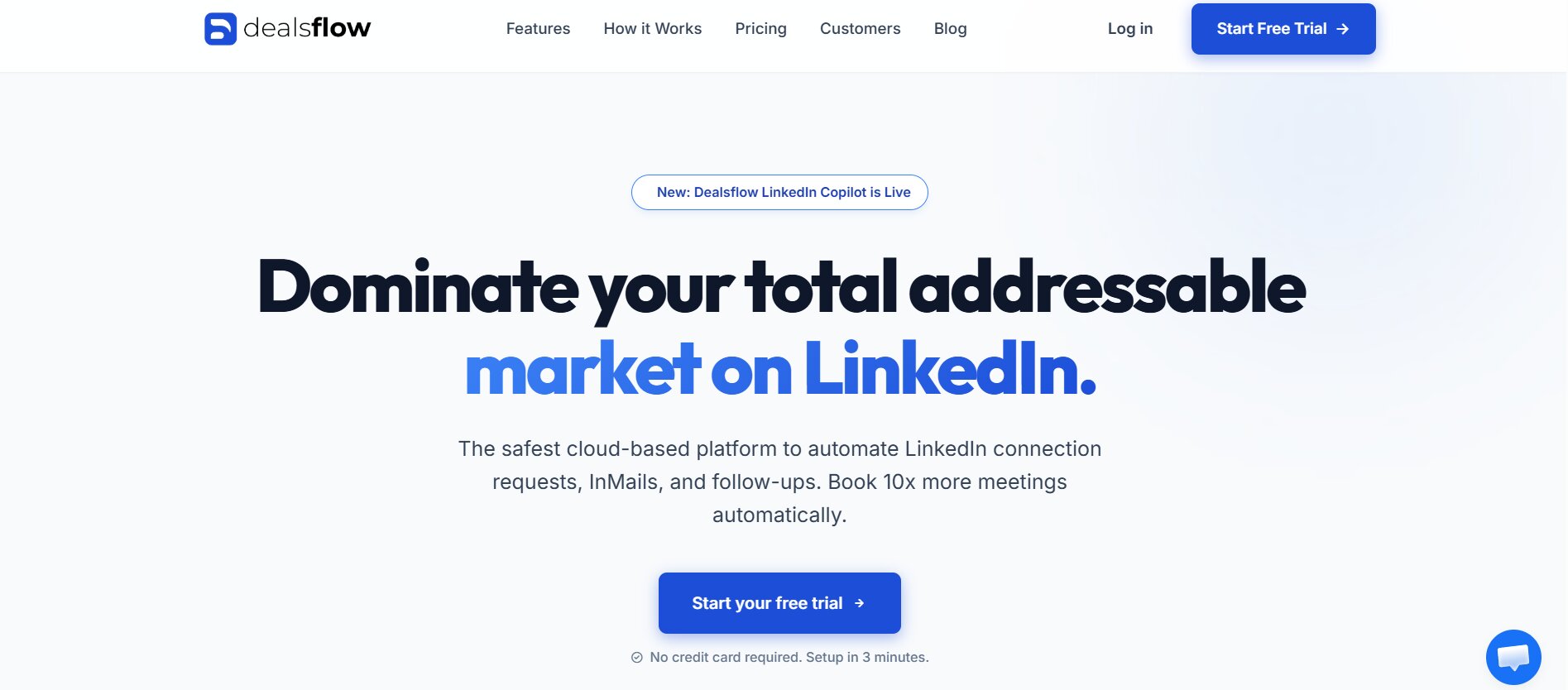
If you’re looking for one tool that combines safety, power, ease of use, and genuine B2B functionality in a single platform — Dealsflow deserves serious attention as the top pick on this list.
Dealsflow is a cloud-based LinkedIn automation and sales engagement platform built specifically for B2B outreach at scale. Unlike many tools in this category that started as simple connection senders and bolted on features over time, Dealsflow was architected from the ground up as a complete outreach system — and it shows in how coherently the features fit together.
What makes Dealsflow stand out
The platform combines LinkedIn automation with a built-in CRM, meaning you don’t need to sync data to an external tool just to track your pipeline. Prospect records are enriched automatically, conversations are logged, and deal stages are updated as prospects move through your sequences. For teams who’ve been running Dux-Soup alongside a separate CRM and losing data in the gaps between them, this integration is a meaningful operational upgrade.
Dealsflow’s sequence builder supports multi-step LinkedIn campaigns with smarter logic than most tools at this price point. You can build sequences that incorporate profile views, connection requests, personalized messages, follow-ups, and InMail — with timing controls and behavioral triggers that adapt based on how prospects respond.
Key features breakdown
| Feature | Details |
|---|---|
| Architecture | Cloud-based |
| Sequence builder | Multi-step with behavioral triggers |
| Built-in CRM | ✅ Full pipeline management |
| LinkedIn scraper | ✅ |
| Multi-account management | ✅ |
| Analytics dashboard | Advanced — campaign and team level |
| Native integrations | CRM built-in + Zapier for external tools |
| Email outreach | ✅ Combined LinkedIn + email sequences |
| Team collaboration | ✅ Shared inbox, deal assignment |
| Dedicated IP per account | ✅ |
Quick reference
| Category | Details |
|---|---|
| Best For | B2B sales teams, founders, SDRs |
| Architecture | Cloud-based |
| Sequence Logic | Multi-step + behavioral triggers |
| Multi-account | ✅ |
| Built-in CRM | ✅ |
| Free Trial | Available |
| Safety Rating | ⭐⭐⭐⭐⭐ |
Pros
- Built-in CRM eliminates the need for a separate pipeline tool
- Cloud-based with dedicated IPs — strong safety architecture
- Combined LinkedIn and email sequences in one platform
- Team collaboration features built into the core product
- Clean, modern UI that doesn’t require a week of onboarding
Cons
- More feature-rich than solo users might need
- Pricing reflects the broader feature set — not the cheapest option on this list
B2B sales teams and founders who want a single platform that handles LinkedIn automation, email outreach, and pipeline management without stitching together multiple tools. If you’re currently using Dux-Soup plus a CRM plus a separate email tool, Dealsflow consolidates all three into one coherent system.
2. Expandi
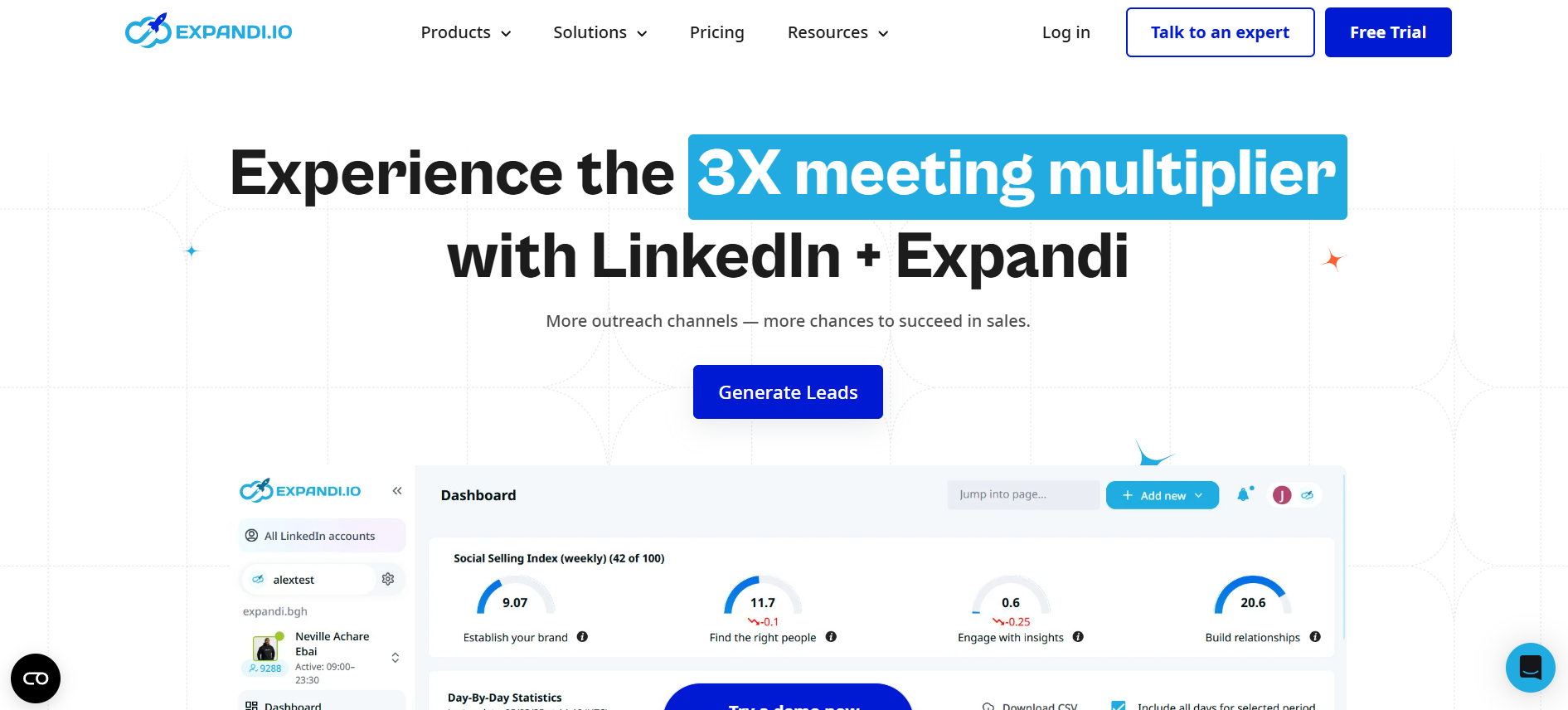
For users who’ve specifically outgrown Dux-Soup’s linear sequence limitations and need genuine conditional logic in their outreach flows, Expandi is the most powerful purpose-built LinkedIn automation tool available in 2026.
Expandi is cloud-based, has a strong safety record, and supports if/then branching within sequences — meaning your outreach can actually adapt based on how prospects behave. If a prospect views your profile but doesn’t accept your connection request, they go down one path. If they accept but don’t reply to your first message, they go down another. This kind of behavioral routing is the difference between a rigid sequence and a genuinely intelligent outreach system.
Key features
| Feature | Details |
|---|---|
| Architecture | Cloud-based |
| Conditional sequence logic | ✅ Full if/then branching |
| LinkedIn + email combined | ✅ |
| Smart inbox | ✅ |
| A/B testing | ✅ |
| Campaign analytics | Advanced |
| Dedicated IP per account | ✅ |
| Multi-account | ✅ |
Quick reference
| Category | Details |
|---|---|
| Best For | Advanced SDRs, growth hackers |
| Sequence Logic | ✅ Conditional branching |
| Pricing | ~$99/month per account |
| Free Trial | 7 days |
| Safety Rating | ⭐⭐⭐⭐⭐ |
Pros: Most sophisticated sequence logic in the category, native A/B testing, strong safety record, active user community with shared campaign templates
Cons: Higher price point than most alternatives, steeper learning curve — new users typically need 2–3 hours to get comfortable with the interface
Best for: Power users and growth-focused sales teams who need behavior-triggered outreach automation and have outgrown every linear-sequence tool they’ve tried
3. Dripify
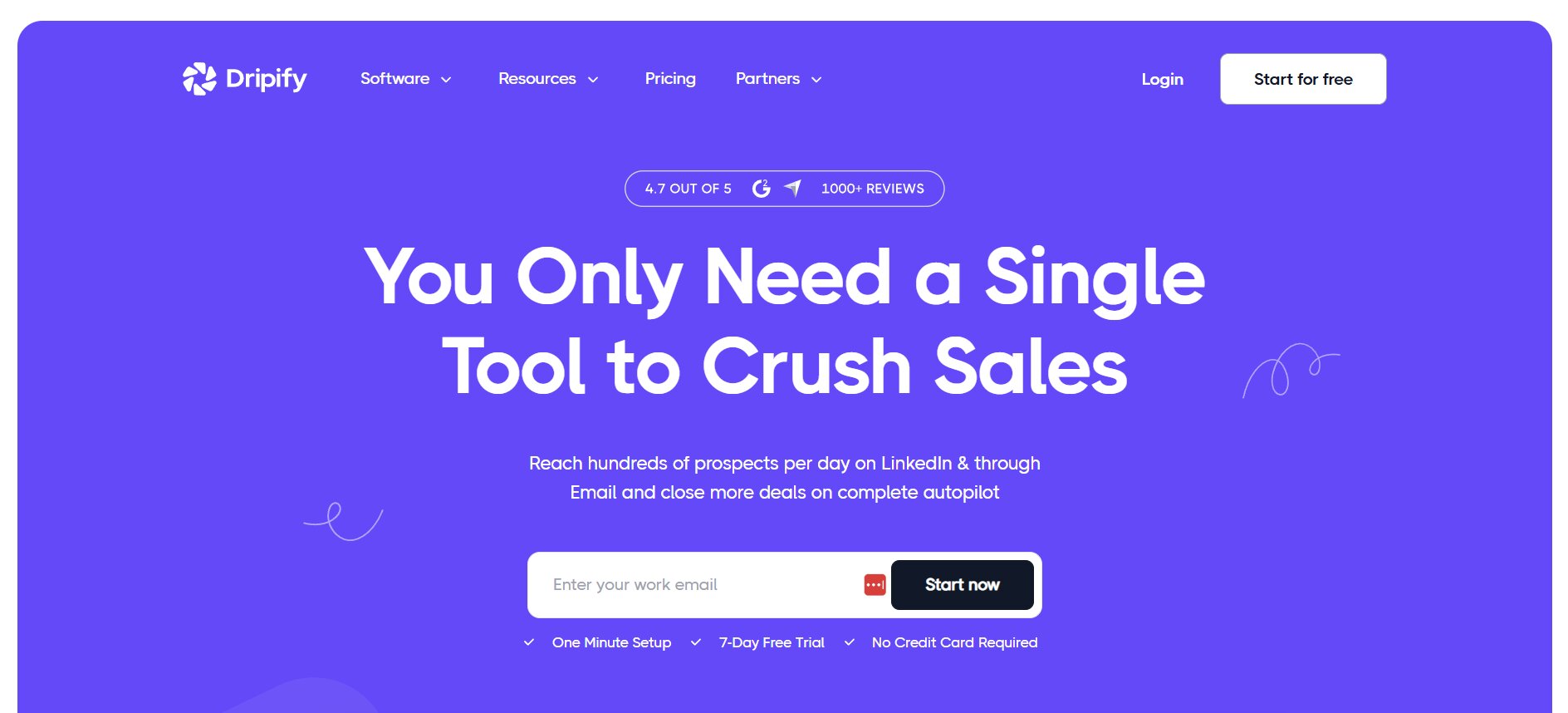
If the main thing driving your search for Dux-Soup alternatives is frustration with Dux-Soup’s dated interface and clunky campaign management — Dripify will feel like a significant breath of fresh air.
Dripify is a cloud-based LinkedIn automation platform with what is genuinely the best-designed user interface in this category. The campaign builder is visual and drag-and-drop. The analytics dashboard is clean and immediately readable. New users can go from signup to running their first campaign in under an hour — without reading a single documentation page.
Beyond aesthetics, Dripify covers the core LinkedIn outreach workflow effectively. Multi-step sequences, a built-in LinkedIn scraper, a unified inbox, and solid campaign analytics give you everything you need to run professional outreach operations as a solo user or small team.
Key features
| Feature | Details |
|---|---|
| Architecture | Cloud-based |
| Campaign builder | Visual drag-and-drop |
| LinkedIn scraper | ✅ All plans |
| Unified inbox | ✅ With labels and notes |
| Analytics | Campaign + team level (Advanced) |
| Conditional logic | ❌ Linear sequences only |
| Multi-account | ✅ Advanced plan |
| Zapier integration | ✅ Pro and Advanced |
Quick reference
| Category | Details |
|---|---|
| Best For | Solo founders, small sales teams |
| Sequence Logic | Linear only |
| Pricing | $39–$79/month/user (annual) |
| Free Trial | 7 days |
| Safety Rating | ⭐⭐⭐⭐⭐ |
Pros: Best UI in the category by a significant margin, fast onboarding, solid analytics, competitive pricing for solo users, cloud-based safety
Cons: No conditional sequence logic, most CRM integrations require Zapier, Basic plan is too limited for real outreach volume
Best for: Founders and individual SDRs making their first move away from browser-based tools who want something polished, reliable, and easy to use from day one
4. Waalaxy
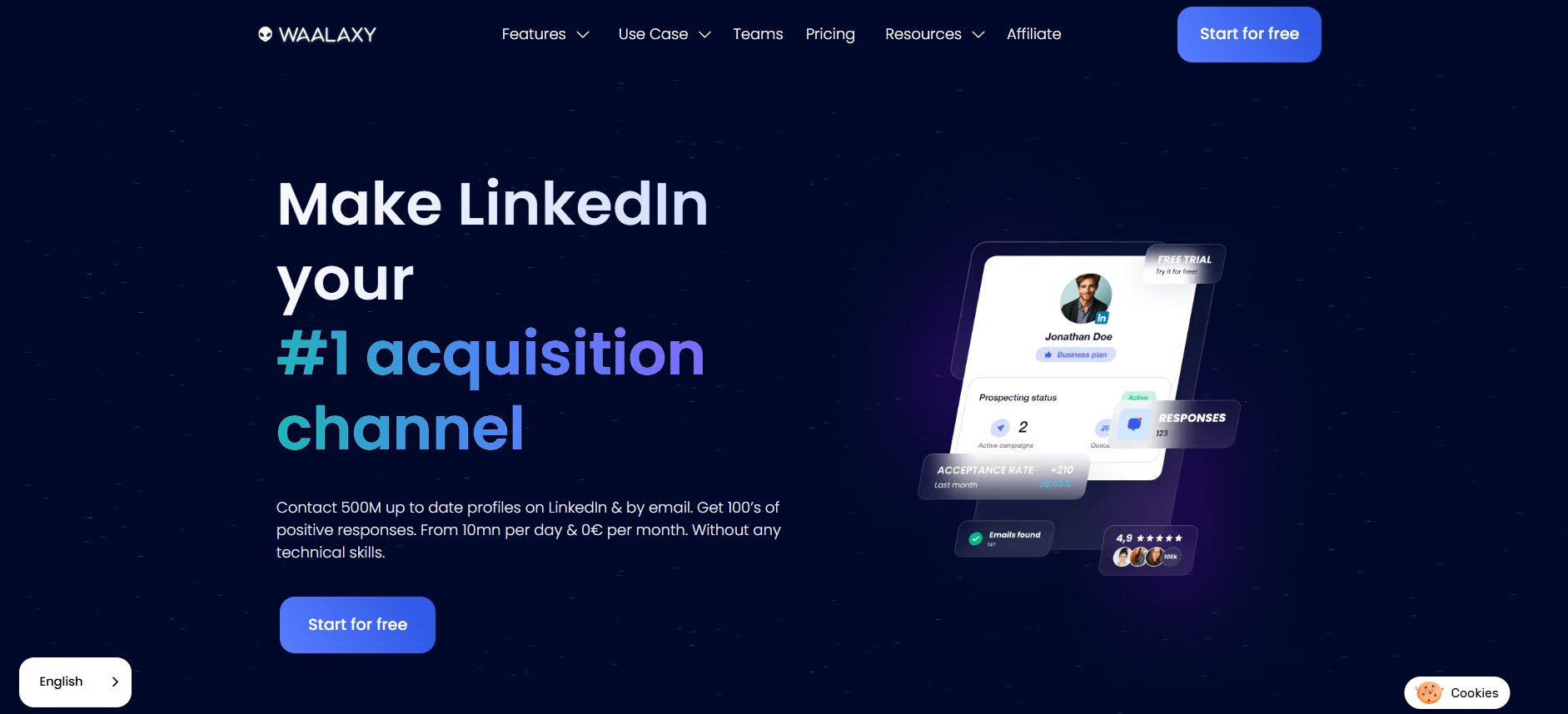
For solo users, early-stage founders, or anyone who wants to test cloud-based LinkedIn automation before committing significant budget — Waalaxy is the most accessible entry point on this list.
Waalaxy is a cloud-based LinkedIn and email outreach tool with a free plan that actually provides meaningful functionality — not just a stripped-down demo. The paid plans are among the most affordable in the category, and the interface is designed specifically for users who aren’t technical and don’t want to spend hours configuring a tool before it works.
What Waalaxy trades for its simplicity and affordability is depth. Analytics are limited compared to Expandi or Dripify. Sequence customization is shallow. Multi-account management is basic. But for a user who just needs to send targeted connection requests and follow-up messages reliably without risking their LinkedIn account — Waalaxy does that job well at a price point that’s hard to argue with.
Key features
| Feature | Details |
|---|---|
| Architecture | Cloud-based |
| Free plan | ✅ Limited monthly invitations |
| LinkedIn + email sequences | ✅ |
| Sequence builder | Simple — no technical knowledge needed |
| CRM integrations | Via Zapier |
| Analytics | Basic |
| Multi-account | Limited |
Quick reference
| Category | Details |
|---|---|
| Best For | Beginners, budget-conscious users |
| Sequence Logic | Linear |
| Pricing | Free plan; paid from ~$30/month |
| Free Trial | Free plan (no time limit) |
| Safety Rating | ⭐⭐⭐⭐ |
Pros: Free plan with real functionality, easiest onboarding experience in the category, cloud-based safety, combined LinkedIn and email sequences at low cost
Cons: Shallow analytics, limited sequence customization, not built for high-volume or team use cases
Solo users and early-stage founders who want a cloud-based upgrade from Dux-Soup without a significant financial commitment — especially those who are new to LinkedIn automation entirely
5. Lemlist
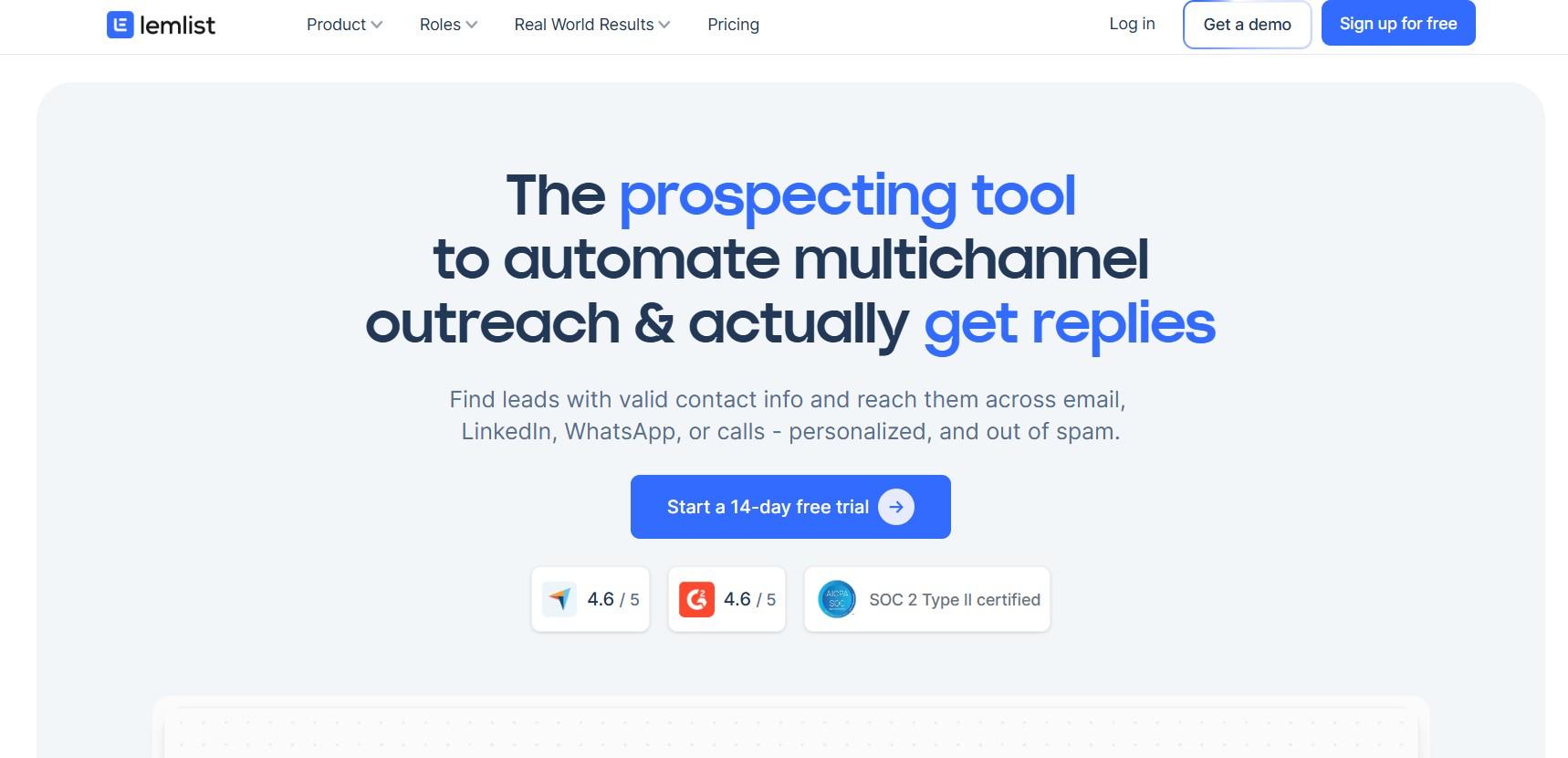
Most of the tools on this list are purpose-built for LinkedIn. Lemlist is different. It’s a multichannel sales engagement platform that combines email, LinkedIn, and cold calling in a single outreach sequence — making it the right choice for teams who don’t want to treat LinkedIn as an isolated channel.
The core insight behind Lemlist is that modern B2B buyers don’t live on one platform. A prospect might ignore your LinkedIn connection request, open your email, and respond to a follow-up LinkedIn message three days later. Lemlist lets you build sequences that move across those channels automatically — with personalization features that go well beyond what most LinkedIn-only tools support.
Lemlist’s email capabilities are its strongest suit — it pioneered personalized image and video thumbnail insertion in cold emails. The LinkedIn automation features are functional but less mature than dedicated LinkedIn tools. If LinkedIn is your primary channel, Lemlist might not be the best fit. If LinkedIn is one of three channels you’re working simultaneously, it’s hard to beat.
Key features
| Feature | Details |
|---|---|
| Architecture | Cloud-based |
| Multichannel sequences | ✅ Email + LinkedIn + calling |
| Conditional logic | ✅ |
| Email personalization | Advanced (custom images, video thumbnails) |
| LinkedIn automation steps | ✅ (within email sequences) |
| Analytics | Campaign-level multichannel reporting |
| CRM integrations | HubSpot, Salesforce, Pipedrive |
| Multi-account | ✅ |
Quick reference
| Category | Details |
|---|---|
| Best For | Multichannel outreach teams |
| Sequence Logic | ✅ Conditional + multichannel |
| Pricing | From ~$59/month/user |
| Free Trial | 14 days |
| Safety Rating | ⭐⭐⭐⭐ |
Pros: Best multichannel sequence builder available, advanced email personalization, strong CRM integrations, conditional logic across channels
Cons: LinkedIn automation features less mature than dedicated LinkedIn tools, email-first product focus means LinkedIn sometimes feels like an add-on
Sales teams running coordinated email and LinkedIn outreach who want both channels managed in one platform rather than two separate tools
6. Phantombuster
Phantombuster occupies a unique position in this category. It’s not a LinkedIn automation tool in the traditional sense — it’s an API-first automation platform that supports LinkedIn alongside dozens of other platforms, giving technically sophisticated users a level of flexibility that no purpose-built LinkedIn tool can match.
Where other tools give you a pre-built sequence workflow, Phantombuster gives you building blocks — individual automation “Phantoms” that each perform a specific action, which you chain together into custom workflows. There’s a Phantom for scraping LinkedIn search results, another for sending connection requests, another for extracting email addresses from profiles, another for automating LinkedIn post engagement. You combine them however your use case requires.
This power comes with a significant caveat: Phantombuster is not a beginner’s tool. Configuring it properly requires comfort with APIs, JSON configuration, and workflow logic. Users who try to use it without that technical foundation typically get frustrated quickly and either misconfigure campaigns (creating safety risks) or abandon the tool entirely.
Key features
| Feature | Details |
|---|---|
| Architecture | Cloud-based |
| Automation scope | LinkedIn + 20+ other platforms |
| Individual Phantoms | 100+ available automations |
| API access | ✅ Full API for custom workflows |
| LinkedIn scraper | ✅ Advanced |
| Sequence logic | Custom (requires configuration) |
| Zapier + Make integration | ✅ |
| Multi-account | ✅ |
Quick reference
| Category | Details |
|---|---|
| Best For | Developers, technical growth teams |
| Sequence Logic | Custom |
| Pricing | From ~$56/month |
| Free Trial | 14 days |
| Safety Rating | ⭐⭐⭐⭐ |
Pros: Maximum flexibility across LinkedIn and other platforms, powerful scraping capabilities, developer-friendly API, supports automation far beyond what any LinkedIn-specific tool offers
Cons: Steep learning curve makes it inaccessible to non-technical users, requires careful configuration to avoid LinkedIn detection, no guided campaign templates for beginners
Developers and technically sophisticated growth teams who need custom automation workflows that go beyond LinkedIn — and have the technical capability to configure and maintain them
7. Zopto
For sales teams whose LinkedIn outreach needs to stay tightly synchronized with an existing CRM workflow — particularly HubSpot or Salesforce users — Zopto offers the strongest native integration story on this list.
Zopto is a cloud-based LinkedIn automation platform built with enterprise sales teams in mind. While its UI isn’t as polished as Dripify and its sequence logic isn’t as advanced as Expandi, it covers a specific use case exceptionally well: getting LinkedIn outreach data into your CRM automatically, without relying on Zapier as middleware.
For teams where CRM hygiene is non-negotiable — where every prospect interaction needs to be logged, every deal stage needs to be updated, and every rep’s activity needs to be tracked in one place — Zopto’s native HubSpot and Salesforce integrations eliminate a significant operational headache.
Key features
| Feature | Details |
|---|---|
| Architecture | Cloud-based |
| Native CRM integration | HubSpot + Salesforce (native) |
| Team performance dashboard | ✅ |
| LinkedIn sequences | Multi-step |
| Analytics | Team-level reporting |
| LinkedIn profile targeting | Advanced filters |
| Multi-account | ✅ |
| Dedicated IP per account | ✅ |
Quick reference
| Category | Details |
|---|---|
| Best For | Sales teams with CRM-first workflows |
| Sequence Logic | Linear + some conditional |
| Pricing | From ~$197/month |
| Free Trial | Demo available |
| Safety Rating | ⭐⭐⭐⭐ |
Pros: Strongest native CRM integration in this category, solid team reporting dashboard, cloud-based safety, good LinkedIn targeting filters
Cons: Significantly higher price point than most alternatives, UI less polished than Dripify or Expandi, minimum commitment may be a barrier for smaller teams
Mid-market and enterprise sales teams already deeply invested in HubSpot or Salesforce who need LinkedIn automation that syncs natively without custom Zapier workflows
8. We-Connect
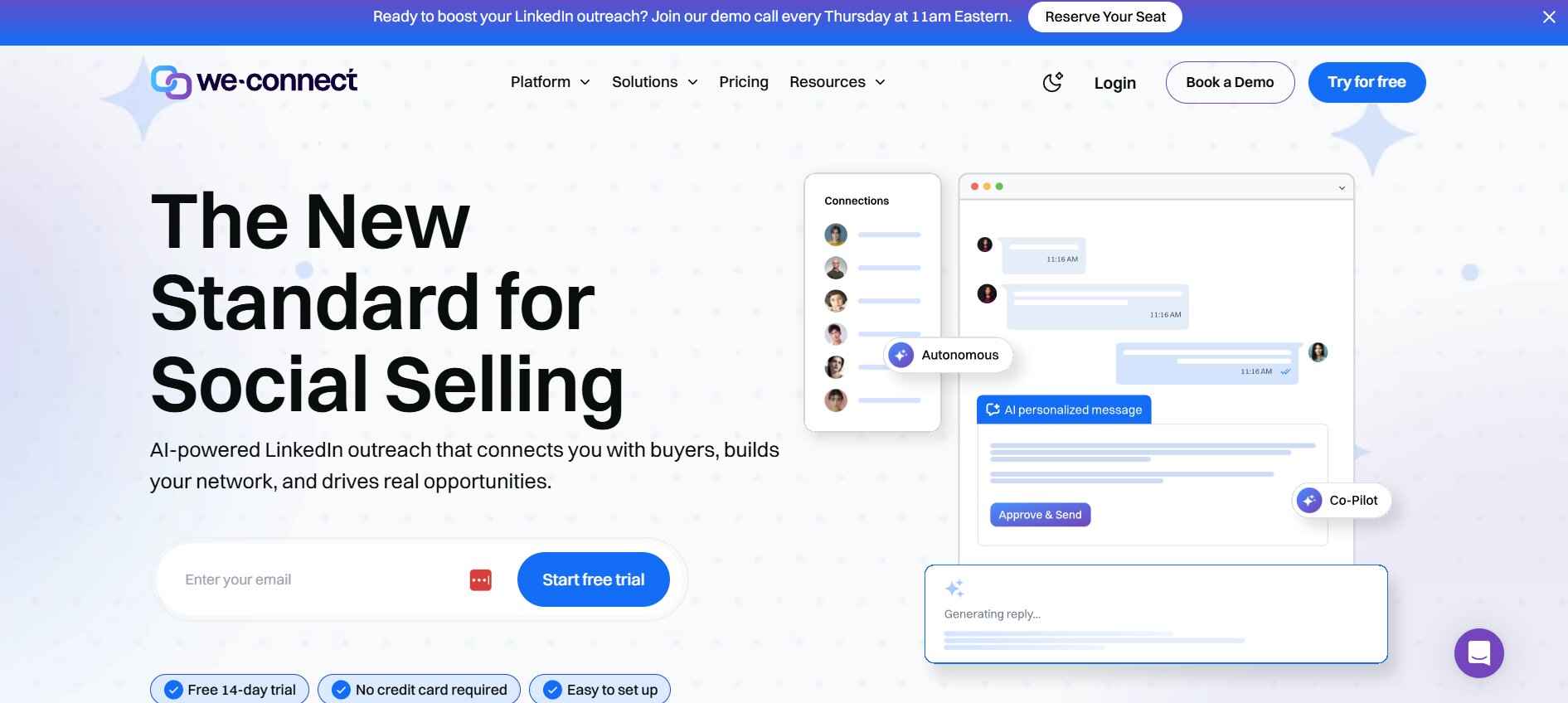
We-Connect closes this list as the tool that most cleanly solves the core problem most Dux-Soup users actually have: they want something safer, something cloud-based, and something that doesn’t overcomplicate what is fundamentally a straightforward outreach workflow.
We-Connect is a cloud-based LinkedIn automation platform focused on safety and simplicity. It doesn’t have Expandi’s conditional logic or Dealsflow’s built-in CRM. What it does have is a clean, functional sequence builder, smart reply detection that automatically pauses campaigns when a prospect responds, dedicated IP addresses per account, and pricing that makes it accessible for small teams.
The smart reply detection feature deserves specific mention because it directly addresses one of Dux-Soup’s biggest operational weaknesses. When a prospect replies to your message mid-sequence, We-Connect automatically removes them from the active campaign flow — meaning they won’t receive the next automated follow-up while a real conversation is happening. Dux-Soup requires you to manage this manually.
Key features
| Feature | Details |
|---|---|
| Architecture | Cloud-based |
| Smart reply detection | ✅ Auto-pauses on reply |
| Multi-step sequences | ✅ |
| Analytics dashboard | Campaign-level reporting |
| Team seat management | ✅ |
| Dedicated IP per account | ✅ |
| LinkedIn scraper | ✅ |
| CRM integrations | Via Zapier |
Quick reference
| Category | Details |
|---|---|
| Best For | Small teams, safety-first users |
| Sequence Logic | Linear + smart reply detection |
| Pricing | From ~$49/month/user |
| Free Trial | 14 days |
| Safety Rating | ⭐⭐⭐⭐⭐ |
Pros: Smart reply detection prevents awkward automated follow-ups during live conversations, strong safety architecture, affordable pricing for small teams, straightforward onboarding
Cons: Limited integration options beyond Zapier, analytics less detailed than Expandi or Dripify, sequence logic won’t satisfy power users
Small sales teams and solo users who want a reliable, cloud-based upgrade from Dux-Soup without the complexity or cost of more feature-heavy alternatives
All 8 Dux-Soup Alternatives at a Glance
Now that you’ve seen each tool in detail, here’s the complete comparison in one place:
| Tool | Architecture | Best For | Conditional Logic | Built-in CRM | Multi-Account | Starting Price | Free Trial | Safety |
|---|---|---|---|---|---|---|---|---|
| Dealsflow | Cloud | B2B teams, founders | ✅ | ✅ | ✅ | Custom | ✅ | ⭐⭐⭐⭐⭐ |
| Expandi | Cloud | Advanced users | ✅ | ❌ | ✅ | ~$99/mo | 7 days | ⭐⭐⭐⭐⭐ |
| Dripify | Cloud | Solo/small teams | ❌ | ❌ | ✅ | ~$39/mo | 7 days | ⭐⭐⭐⭐⭐ |
| Waalaxy | Cloud | Beginners/budget | ❌ | ❌ | Limited | Free plan | Free | ⭐⭐⭐⭐ |
| Lemlist | Cloud | Multichannel teams | ✅ | ❌ | ✅ | ~$59/mo | 14 days | ⭐⭐⭐⭐ |
| Phantombuster | Cloud | Technical users | Custom | ❌ | ✅ | ~$56/mo | 14 days | ⭐⭐⭐⭐ |
| Zopto | Cloud | CRM-focused teams | Limited | ❌ | ✅ | ~$197/mo | Demo | ⭐⭐⭐⭐ |
| We-Connect | Cloud | Simple safe outreach | ❌ | ❌ | ✅ | ~$49/mo | 14 days | ⭐⭐⭐⭐⭐ |
| Dux-Soup | Browser ext. | Basic automation | ❌ | ❌ | Basic | ~$14.99/mo | 14 days | ⭐⭐⭐ |
The pattern is clear: every cloud-based tool on this list offers a meaningfully safer architecture than Dux-Soup’s browser extension model. The right choice from within that group comes down to your specific workflow requirements, team size, and budget.
How to Choose the Right Tool for Your Situation
With eight options evaluated, here’s a straightforward decision guide based on real use cases:
| Your Situation | Best Choice | Core Reason |
|---|---|---|
| B2B team wanting all-in-one platform | Dealsflow | Built-in CRM + LinkedIn + email in one system |
| Need conditional sequence logic | Expandi | Most advanced branching logic available |
| Want the best UI and fast setup | Dripify | Cleanest interface, fastest onboarding |
| Early-stage, tight budget | Waalaxy | Free plan, cloud-based, zero risk to start |
| Running email + LinkedIn together | Lemlist | Best multichannel sequence builder |
| Technical user, custom workflows | Phantombuster | Maximum flexibility across platforms |
| Team deeply invested in HubSpot/Salesforce | Zopto | Strongest native CRM sync |
| Small team, simplicity + safety priority | We-Connect | Smart reply detection, affordable |
One principle worth holding onto as you evaluate: the best tool is the one that matches your actual workflow — not the one with the most features or the best-looking dashboard. A tool you configure properly and use consistently will always outperform a more powerful tool that sits half-set-up because it was too complex to get right.
Every tool on this list offers a free trial. Use it. Build a real campaign, scrape a real prospect list, connect it to your real CRM if relevant. You’ll know within a week whether the tool fits your workflow before you’ve committed any budget.
Conclusion
Dux-Soup served its purpose. For many users, it was the introduction to LinkedIn automation and a genuine productivity improvement in its time. But browser-based architecture carries risks in 2026 that simply didn’t exist when the tool was built — and the gap between what Dux-Soup offers and what modern cloud-based tools offer has grown wide enough that the switch is no longer optional for serious outreach operations.
Every tool on this list is a meaningful safety upgrade. Here’s the final ranking:
| Rank | Tool | Best For |
|---|---|---|
| 🥇 1 | Dealsflow | Best all-in-one B2B sales platform |
| 🥈 2 | Expandi | Most powerful sequence logic |
| 🥉 3 | Dripify | Best UI and ease of use |
| 4 | We-Connect | Best safety and simplicity combo |
| 5 | Lemlist | Best for multichannel outreach |
| 6 | Waalaxy | Best for beginners and tight budgets |
| 7 | Phantombuster | Best for technical custom workflows |
| 8 | Zopto | Best for CRM-integrated enterprise teams |
The right starting point depends entirely on your situation. If you’re a B2B team looking for one platform that handles LinkedIn automation, email outreach, and pipeline management without external integrations — start with Dealsflow. If you’re a solo founder who wants the simplest possible upgrade from Dux-Soup — start with Dripify or Waalaxy. If you need conditional sequence logic — go straight to Expandi.
What matters most is making the move from browser-based to cloud-based. That single architectural change will do more for your LinkedIn account safety than any other decision you make about your outreach stack.
Frequently Asked Questions
1. Is Dux-Soup safe to use in 2026?
Dux-Soup carries higher detection risk than cloud-based tools because it operates as a browser extension inside your active session. LinkedIn’s detection systems have improved significantly and browser-based automation patterns are increasingly flagged. It’s not guaranteed to get your account banned, but the risk is meaningfully higher than cloud-based alternatives.
2. Why are people switching from Dux-Soup?
The three most common reasons are account restrictions from LinkedIn’s improved detection systems, frustration with limited sequence logic and dated UI, and the operational inconvenience of campaigns pausing whenever their computer goes offline or the browser closes.
3. What is the cheapest Dux-Soup alternative available?
Waalaxy offers a free plan with limited monthly connection invitations — making it the most accessible entry point with zero financial commitment. Among paid tools, Dripify’s Basic plan at $39/month (annual billing) is the most affordable full-featured option.
4. Which alternative is the safest for LinkedIn accounts?
Dealsflow, Expandi, Dripify, and We-Connect all receive top safety ratings because they are cloud-based, assign dedicated IP addresses per LinkedIn account, and enforce daily activity limits that mimic human behavior patterns. All four are significantly safer architecturally than Dux-Soup.
5. Can these tools work with a free LinkedIn account?
Yes — all tools on this list work with LinkedIn Free accounts. However, pairing any automation tool with LinkedIn Sales Navigator significantly improves targeting precision, expands your searchable prospect pool, and reduces the risk of hitting LinkedIn’s commercial use limits on free accounts.