


The landscape of sales outreach tools has evolved dramatically over the past few years. As businesses increasingly rely on automation to streamline their sales processes, the demand for robust, feature-rich platforms has never been higher. When it comes to finding the right solution for your sales team, it’s crucial to understand not just what’s available, but how each option compares to alternatives like Klenty and what unique value they bring to the table.
In 2026, sales teams are looking beyond basic email outreach. They need comprehensive platforms that integrate seamlessly with their existing tech stack, provide intelligent automation, offer advanced analytics, and deliver genuine results without breaking the bank. Whether you’re a startup looking to scale your sales efforts or an enterprise seeking more sophisticated automation capabilities, this guide will walk you through some of the most compelling klenty alternatives available today.
What is Klenty?
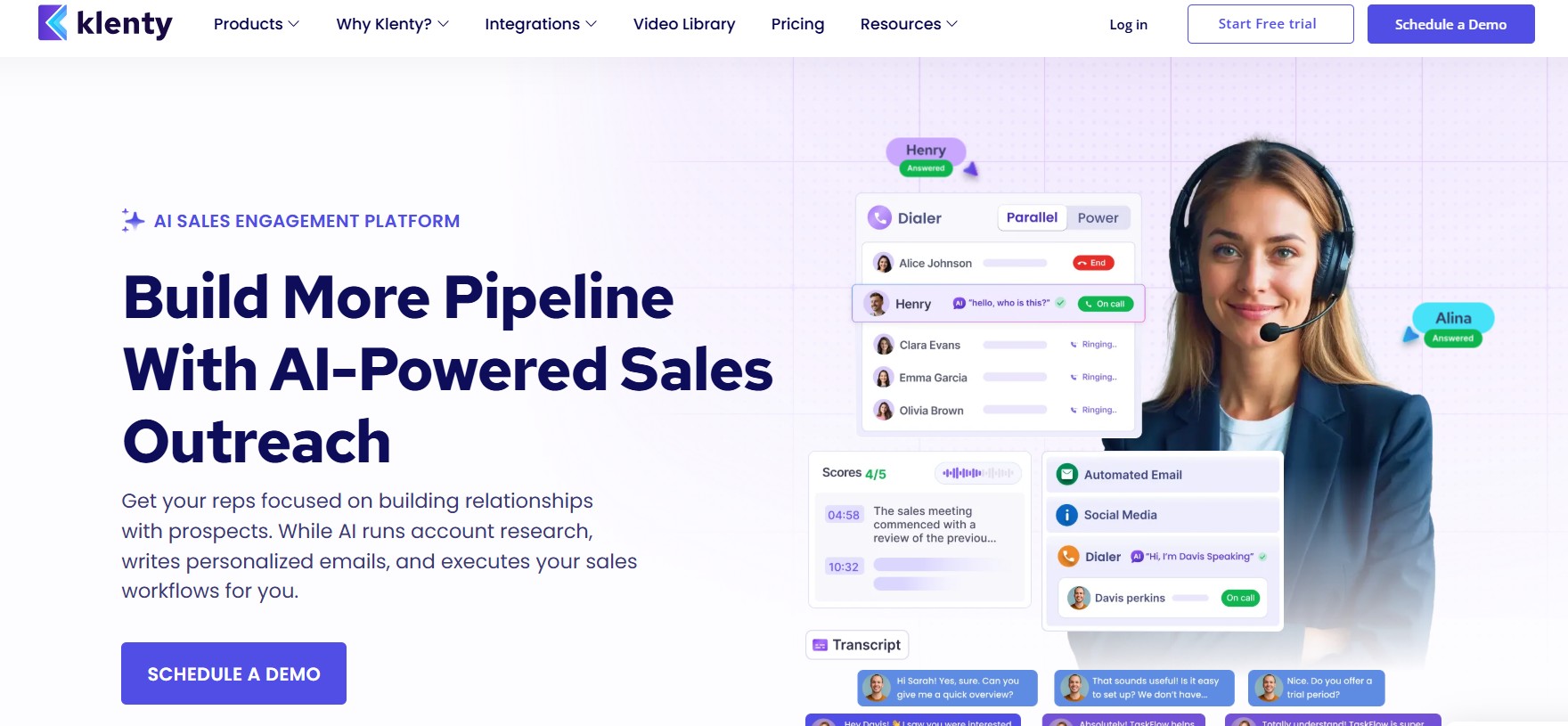
Klenty is a sales engagement platform built for B2B sales teams who want to automate and personalize their outreach at scale — without losing the human touch that actually closes deals.
At its core, Klenty helps SDRs, AEs, and sales managers:
- Build and execute multi-channel outreach cadences across email, phone, LinkedIn, and SMS — all from a single platform
- Personalize outreach at scale using dynamic fields, liquid templates, and intent-based triggers that make every message feel one-to-one
- Automate follow-ups so no prospect falls through the cracks, whether it’s the second touchpoint or the twelfth
- Integrate seamlessly with leading CRMs like Salesforce, HubSpot, Pipedrive, and Zoho — keeping your pipeline data clean and synchronized in real time
What makes Klenty different from a generic email tool is its focus on sales-specific workflows. It’s not built for marketing blasts — it’s built for the kind of deliberate, researched, relationship-driven outreach that B2B sales actually requires.
Sales teams use Klenty to reduce the manual grunt work of prospecting, increase the consistency of their follow-up, and ultimately spend more time doing what moves deals forward — having real conversations with the right people at the right time.
In short: Klenty takes the busywork out of sales outreach so your team can focus on selling.
What is the Need for Sales Outreach Tools
Before we dive into specific platforms, let’s establish why sales outreach tools matter in the modern business environment. Traditional sales methods—cold calling, generic emails, and scattered follow-ups—simply don’t cut it anymore. Today’s buyers expect personalized, timely communication that respects their time and demonstrates genuine understanding of their needs.
Sales outreach tools serve several critical functions:
- Automation of repetitive tasks: Send personalized emails at scale without losing the human touch
- Multi-channel engagement: Reach prospects across email, LinkedIn, and other channels from a single platform
- Advanced tracking and analytics: Understand what’s working and what isn’t with detailed performance metrics
- CRM integration: Keep all prospect data synchronized across your sales stack
- Lead enrichment: Access detailed prospect information to personalize outreach
- Workflow optimization: Create sophisticated sequences and workflows that nurture leads automatically
As we explore klenty alternatives in this article, keep these core needs in mind. Different platforms excel in different areas, and the best choice for your organization depends on your specific requirements, budget, and sales methodology.
6 Best Klenty Alternatives in 2026 for Sales Outreach
Sales outreach has evolved significantly in recent years. While Klenty has been a popular choice for automating email campaigns and managing prospect engagement, many sales teams in 2026 are exploring more advanced, flexible, and safer alternatives. The growing demand for multichannel outreach, LinkedIn automation, AI personalization, and deliverability optimization has led to the rise of several powerful tools that outperform traditional platforms.
If you’re looking for better scalability, improved automation capabilities, or safer LinkedIn prospecting, here are six of the best Klenty alternatives you should consider in 2026:
1. Dealsflow
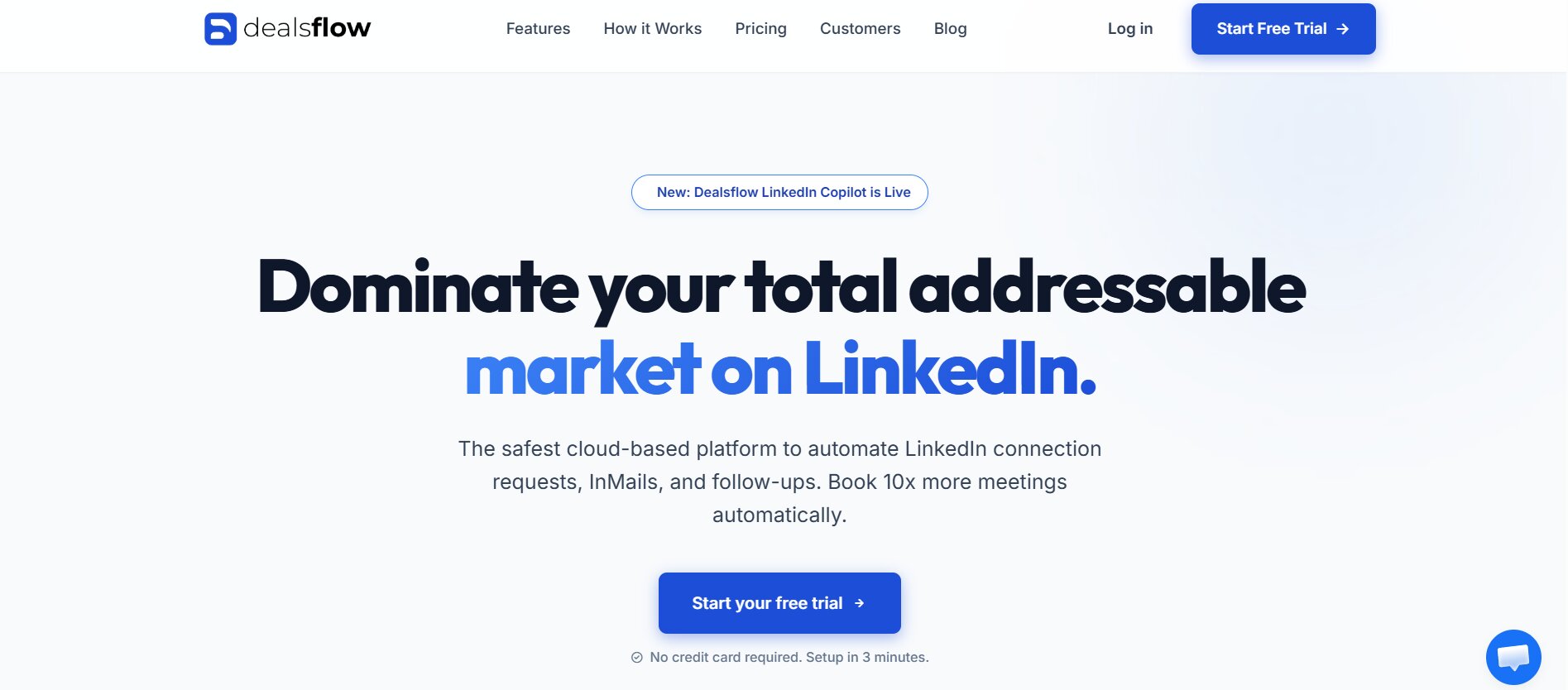
Dealsflow has emerged as one of the most sophisticated and comprehensive klenty alternatives available in 2026. It represents a shift toward intelligent, context-aware sales automation that goes far beyond simple email sending and template management.
The Philosophy Behind Dealsflow
Dealsflow was built on a fundamental principle: that sales automation should enhance human connection, not replace it. The platform recognizes that modern prospects are sophisticated; they can spot generic, mass-sent emails from a mile away. Therefore, Dealsflow’s architecture is designed around creating authentically personalized communication at scale.
The platform’s creators understood that the best sales reps do three things exceptionally well: they personalize every communication, they follow up consistently, and they continuously refine their approach based on results. Dealsflow’s entire feature set is designed to amplify these behaviors through intelligent automation.
Advanced Multi-Channel Architecture
Unlike many klenty alternatives that primarily focus on email, Dealsflow’s multi-channel capabilities represent a complete reimagining of how sales teams should approach prospect engagement.
Email Outreach with Warmup and Deliverability: Dealsflow doesn’t just send emails—it manages your sender reputation intelligently. The platform gradually warms up new email addresses or domains before deploying them for outreach campaigns. This means you won’t accidentally tank your deliverability by sending thousands of emails from a cold domain.
The platform maintains detailed sender reputation metrics, monitoring bounce rates, complaint rates, and spam trap hits. If it detects a domain is being flagged too often, it can automatically rotate to alternative sending domains to preserve your reputation. For sales teams doing significant outreach volume, this is invaluable.
LinkedIn Automation: Dealsflow integrates deeply with LinkedIn, allowing you to automate connection requests, follow-ups on accepted connections, and message sequences. However, importantly, it does this in a way that respects LinkedIn’s terms of service. The automation is designed to look natural and authentic—it spaces out actions appropriately and varies behavior to avoid triggering LinkedIn’s anti-bot detection.
You can create sequences that combine email and LinkedIn touches. For example: send an email, wait 2 days, send a LinkedIn connection request, wait 3 days, then send a LinkedIn message once connected. This multi-touch approach significantly increases the probability of engagement.
SMS and WhatsApp Integration: Modern sales teams need to reach prospects on the channels where they’re most responsive. Dealsflow includes SMS and WhatsApp capabilities, allowing you to send personalized text messages as part of your outreach sequence.
This is particularly powerful for time-sensitive outreach or for following up with prospects who have previously engaged. Research shows SMS has a 98% open rate within minutes—significantly higher than email. By incorporating SMS strategically into your sequences, you can dramatically improve response rates.
Phone Dialing Integration: While not a built-in calling feature, Dealsflow integrates with platforms like Aircall and RingCentral, allowing you to log calls directly from the platform and have call recordings automatically attached to prospect records.
Intelligent Personalization Engine
What truly sets Dealsflow apart among klenty alternatives is its approach to personalization. The platform doesn’t just support personalization; it actively encourages and facilitates it through several sophisticated features.
Dynamic Content Blocks: Create email templates with dynamic blocks that pull information from your CRM. But here’s where it gets sophisticated: you can set conditional logic around these blocks. For example: “If the prospect works in the healthcare industry, include this paragraph. If they work in tech, include a different paragraph.”
This approach allows you to create a single email template that effectively becomes hundreds of different emails, each perfectly tailored to the recipient’s specific context.
Company Intelligence Integration: Dealsflow integrates with data providers like Hunter.io and RocketReach to automatically enrich your prospects with recent company news, funding information, personnel changes, and other relevant data. This intelligence is then available for personalization.
Imagine your template references “I saw that your company just raised Series B funding—congratulations!” or “I noticed you recently added three new team members in the sales department.” These personalized touches dramatically increase engagement because they demonstrate genuine research.
Behavioral Personalization: Dealsflow tracks how prospects engage with your outreach. When a prospect opens an email, clicks a link, or visits your website, Dealsflow notes this. You can then use this engagement data to trigger different follow-ups or adjust your messaging.
For example, if a prospect opens your email three times but never clicks any links, you might follow up with a different angle. If they click through to a specific page on your website, you might reference that in your next message. This level of behavioral response would be impossible to manage manually but becomes elegant with Dealsflow’s automation.
A/B Testing at Scale: Rather than asking you to guess at the best subject lines or email copy, Dealsflow enables sophisticated A/B testing. You can create multiple variations of emails and have the platform test them against each other, automatically increasing send volume to the winning variations.
Importantly, this testing is smart—it uses statistical analysis to reach conclusions quickly rather than requiring months of data. This means you can optimize your campaigns continuously and see real improvements week over week.
Workflow and Sequence Management
The workflows you can build in Dealsflow are remarkably sophisticated, yet the interface remains usable for non-technical users.
Multi-Step Sequences with Branching Logic: Create sequences that aren’t linear. A prospect might follow one path if they engage with your initial email, a different path if they don’t. Within a single sequence, you might have dozens of different paths based on different engagement triggers.
For example:
- Send initial email to everyone
- Wait 3 days
- IF they opened the email: Send follow-up email A
- IF they didn’t open: Send follow-up email B with different subject line
- Wait 5 days
- IF they clicked a link: Trigger task for sales rep to call them
- IF they didn’t click: Send LinkedIn message instead
This kind of sophisticated workflow automation means you’re not sending the same follow-up to someone who engaged as to someone who ignored you. Each prospect gets the right message at the right time based on their actual behavior.
Condition-Based Triggers: Beyond time-based triggers, you can set up condition-based triggers. Sequences can pause, skip steps, or branch based on CRM field values, engagement history, or company data. This means your automation adapts to each prospect’s unique situation.
Lead Scoring Within Workflows: Dealsflow can automatically calculate lead scores based on engagement and CRM data, then use these scores to trigger different actions. A high-scoring lead might be routed directly to a sales rep for a call, while a low-scoring lead might receive additional nurture emails.
CRM Integration and Data Synchronization
Dealsflow integrates with all major CRMs—Salesforce, HubSpot, Pipedrive, Close, and others—with remarkably deep integration.
Two-Way Data Sync: When a prospect engages with your outreach in Dealsflow, that information flows back to your CRM automatically. New prospects created in Dealsflow can automatically create contacts in your CRM. Changes made in either system stay synchronized.
This eliminates one of the biggest pain points in sales teams: having to manually update CRM records with outreach results. Reps stay focused on selling, not data entry.
Custom Field Mapping: Every CRM has different field structures and naming conventions. Dealsflow allows you to map fields from your CRM to match its system, ensuring all data flows correctly regardless of your CRM’s specific setup.
Pipeline Integration: Dealsflow can read deal stages from your CRM and adjust outreach accordingly. You might want to stop outreach to prospects already in your pipeline, or adjust your messaging based on their current deal stage. Dealsflow makes this easy.
Analytics and Performance Intelligence
The analytics capabilities in Dealsflow go far beyond simple open and click rates. The platform is designed to help you understand not just what happened, but why it happened and what you should do about it.
Campaign Performance Dashboard: At a glance, see metrics like overall response rate, average response time, cost per response, and conversion rate. These metrics help you understand the true business impact of your outreach, not just vanity metrics.
Segment Analysis: Break down performance by segment. How do your responses differ when you send to enterprise vs. mid-market companies? What about by industry? By company size? By title? Dealsflow’s analytics let you slice and dice your data to find patterns.
Optimal Send Time Analysis: Rather than guessing when to send emails, Dealsflow analyzes your historical data to identify when your specific audience opens emails most frequently. You can then use these insights to automatically schedule sends for optimal times.
Competitor Mentions and Intent Signals: Dealsflow integrates with intent data providers, surfacing signals about prospects who are actively researching solutions or buying from competitors. You can then trigger outreach at the moment when prospects are most likely to be receptive.
Engagement Velocity Tracking: Monitor how quickly prospects are engaging with your outreach. Are they opening emails faster than last month? Are click-through rates declining? Dealsflow surfaces these trends so you can catch problems early.
Pricing Structure and ROI Analysis
Dealsflow uses a different pricing model than many klenty alternatives. Rather than charging per user or per contact, Dealsflow charges based on the value delivered and the scale of your outreach.
Most organizations find that the investment in Dealsflow pays for itself within 30-60 days, primarily through:
- Increased response rates: Average response rate improvement of 35-50% compared to generic outreach
- Reduced time per lead: Automation eliminates manual follow-up work, freeing reps to sell
- Faster sales cycles: More consistent, intelligent follow-up accelerates the buying process
- Higher conversion rates: Better-qualified, more engaged leads convert at higher rates
A typical sales team of 5 reps doing outreach can often eliminate the need for an additional SDR hire by implementing Dealsflow—meaning the platform can pay for itself by reducing headcount or accelerating revenue generation with existing headcount.
2. HubSpot
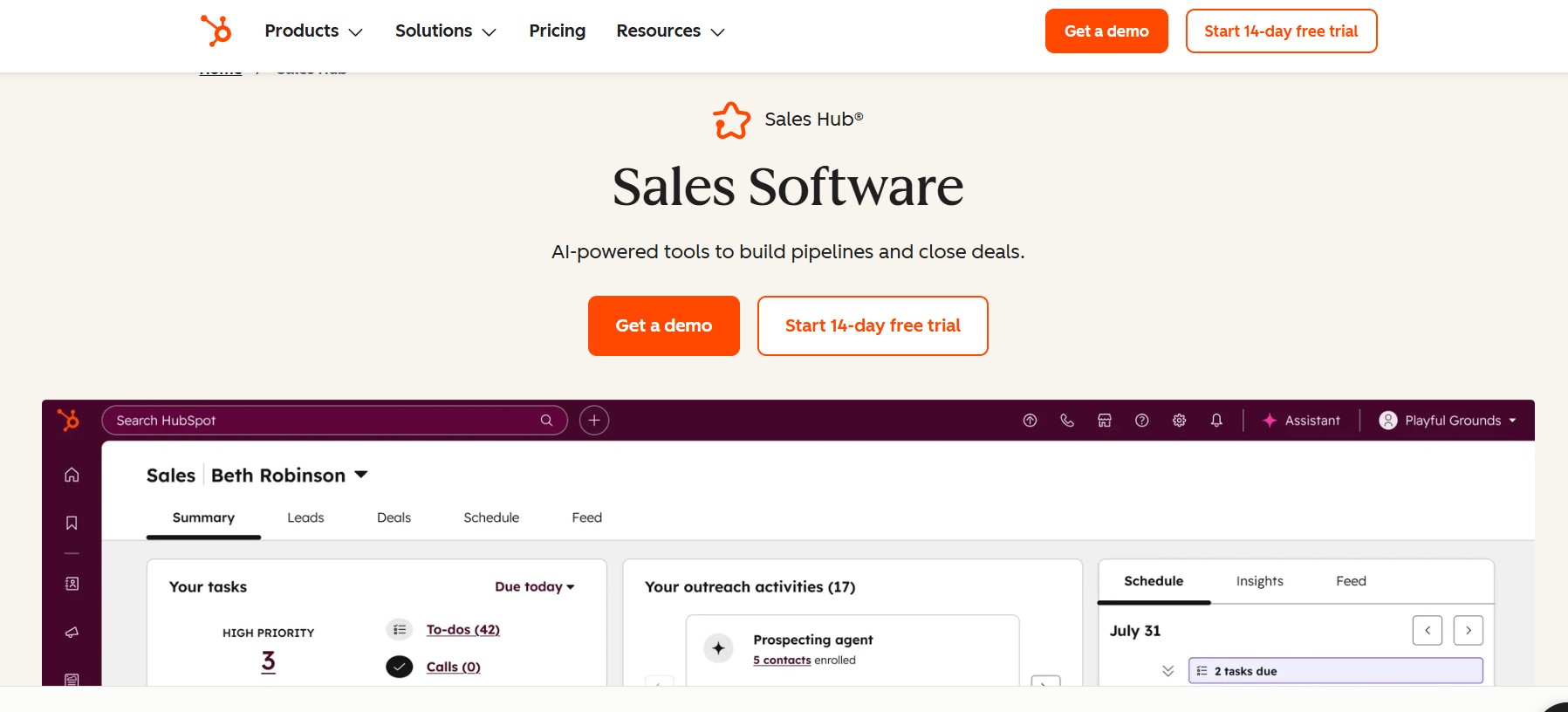
HubSpot Sales Hub represents a fundamentally different approach to the sales outreach conversation compared to specialized klenty alternatives. Rather than being a point solution focused specifically on outreach, it’s a comprehensive CRM platform with integrated sales automation, email marketing, reporting, and more.
What is HubSpot’s Broader Philosophy
HubSpot’s philosophy centers on “inbound sales”—the idea that when you create genuine value and make it easy for prospects to engage with you, they naturally gravitate toward your solution. This shapes everything about HubSpot Sales Hub.
The platform isn’t designed to maximize outreach volume or craft the most sophisticated sequences. Instead, it’s designed to help sales teams be more efficient, better organized, and more customer-centric in their approach to selling.
Core CRM Foundation
At its heart, HubSpot Sales Hub is a CRM. Every feature is built on top of a clean, organized contact database designed to be the single source of truth for your sales organization.
Contact and Company Records: HubSpot maintains detailed contact records with unlimited custom fields. You can track everything from job title and company to custom fields specific to your business. Company records aggregate information about all contacts from the same organization, giving you a 360-degree view of your accounts.
The interface for managing contacts is remarkably clean and intuitive. Unlike some CRMs that feel cluttered or require extensive configuration, HubSpot out of the box provides a great user experience.
Activity Tracking: Every interaction is logged automatically. When you send an email through HubSpot, make a call logged in HubSpot, or send a LinkedIn message recorded in HubSpot, the activity appears on the contact record. This creates an automatic audit trail of the entire relationship history.
Conversation Timeline: Rather than a list of activities, HubSpot displays a conversation timeline that shows your entire communication history with a prospect in a single, easy-to-read view. This is particularly valuable for ensuring context isn’t lost when multiple team members interact with the same prospect.
Collaboration Tools: Built into the contact record are tools for team collaboration. You can add tasks for yourself or other team members, set reminders, and even mention teammates to notify them of important interactions.
Email Automation Capabilities
While not as advanced as specialized klenty alternatives focused purely on email outreach, HubSpot’s email capabilities are solid and well-integrated with the rest of the platform.
Email Sequences: Create automated email sequences that trigger based on conditions or schedules. Unlike some tools that require complex conditional logic, HubSpot’s sequence builder is straightforward—even non-technical users can build multi-step sequences.
You can set enrollment triggers like “contact added to list” or “contact property equals X.” Once enrolled, contacts receive emails according to your defined schedule. Each contact only receives the sequence once, preventing duplicate sends.
Email Open and Click Tracking: Track when contacts open your emails and which links they click. This engagement data flows back into HubSpot, where you can use it to trigger additional actions or sales activities.
Smart Send Time: HubSpot can identify the optimal send time for each recipient based on their historical email engagement patterns. This personalization to individual behavior is a nice touch that many teams don’t take advantage of.
Email Templates and Libraries: A library of email templates helps teams start campaigns faster. Templates can be customized per campaign, and teams can build their own template library to maintain brand consistency.
Integration with Email Providers: HubSpot integrates with Gmail and Outlook, allowing you to send and track emails from your regular email client while keeping HubSpot updated on all activity. This removes friction for reps who prefer to work from their email.
Sales Workflow Automation
Beyond email sequences, HubSpot’s workflow automation capabilities enable you to automate numerous sales tasks.
Workflow Automation Engine: HubSpot’s workflow engine can automatically execute actions based on defined triggers and conditions. For example:
- Automatically create a task when a contact reaches a certain lead score
- Send an SMS message when a contact visits a particular page on your website
- Update a property based on engagement metrics
- Send internal notifications to appropriate sales reps
- Enroll contacts in specific sequences based on company characteristics
- Create records, log activities, and modify properties
This level of automation means that routine administrative work gets eliminated, freeing up reps to focus on high-value selling activities.
Lead Scoring Integration: HubSpot includes built-in lead scoring that evaluates contacts based on firmographic data (company size, industry, location) and behavioral data (email opens, website visits, page engagement). You can customize scoring rules to match your specific ideal customer profile.
Leads with high scores can automatically trigger notifications to relevant sales reps, ensuring hot leads get immediate attention.
Sales Activities Automation: Create tasks automatically based on various conditions. For example, if a contact hasn’t engaged with your email in 10 days, automatically create a task for a sales rep to make a call. This ensures consistent follow-up without relying on reps to remember.
Pipeline and Deal Management
While many klenty alternatives focus on the outreach and prospecting side of sales, HubSpot Sales Hub is equally strong on the pipeline management side.
Deal Tracking: Create deals in HubSpot to track potential sales. Each deal has a stage, reflecting where it is in your sales process. The interface provides a kanban-style board where you can see all deals and easily drag them between stages as they progress.
Deal Records and Custom Fields: Each deal can contain unlimited information—total value, decision timeline, key stakeholders, competitive situation, etc. Custom fields allow you to track information specific to your business.
Deal Activity Timeline: Similar to contact records, deal records maintain a timeline of all activities—emails, calls, meetings, proposals sent, etc. This ensures the entire sales team understands the status and history of each opportunity.
Deal Probability and Forecasting: HubSpot can calculate deal probability based on the stage and other factors. Sales managers can generate pipeline forecasts that show expected revenue based on current opportunities and historical conversion rates.
Pipeline Visibility Dashboard: Managers get a clear view of the entire pipeline—how many deals are in each stage, their average value, how long they typically stay in each stage, and where bottlenecks might exist.
Reporting and Analytics
HubSpot’s reporting capabilities provide visibility into sales performance from multiple angles.
Sales Dashboard: Pre-built dashboards show key metrics like deals created, deals closed, pipeline value, win rate, and sales cycle length. These dashboards update in real-time, giving managers always-current visibility into team performance.
Custom Reports: Build custom reports focusing on whatever metrics matter most to your business. Want to know the average sales cycle length by product? The win rate by industry? Custom reports can answer these questions.
Email Performance Reports: Track email engagement at multiple levels—by campaign, by individual, and by recipient. Understand what’s working and what isn’t across your email outreach.
Forecasting Tools: Sales managers can leverage historical data to forecast future revenue. By analyzing conversion rates at each pipeline stage and current pipeline composition, HubSpot estimates expected revenue for specific periods.
Integration Ecosystem
HubSpot integrates with hundreds of third-party applications, making it a central hub in most tech stacks.
CRM Integrations: Connect HubSpot to other systems—Stripe for payment info, Calendly for meeting scheduling, Slack for team notifications, and countless others.
Lead Source Integrations: Connect lead sources so prospects automatically flow into HubSpot. Whether leads come from your website, forms, or other sources, they’re automatically organized in HubSpot.
Communication Integrations: Connect phone systems, SMS providers, video conferencing tools, and more so all communication is logged in HubSpot.
Pricing and Cost Considerations
HubSpot Sales Hub pricing varies by edition, with the Starter plan starting around $50/month, Professional around $500/month, and Enterprise at $1,200+/month. These prices include CRM, email automation, basic reporting, and integration capabilities.
The platform’s value proposition is strongest for teams that benefit from the all-in-one approach. If you’re already using HubSpot for marketing, adding Sales Hub provides synergy and unified data that’s valuable. If you’re starting fresh and evaluating CRMs, HubSpot is a strong contender for mid-market companies.
When HubSpot Sales Hub Makes Sense
HubSpot Sales Hub is ideal for:
- Companies new to sales automation looking for an accessible, all-in-one solution
- Teams already using HubSpot Marketing or wanting to consolidate vendors
- Mid-market companies wanting a clean, user-friendly CRM
- Sales teams that prioritize pipeline management and forecasting
HubSpot is less ideal if:
- You need highly sophisticated email automation and outreach capabilities
- You’re doing very high-volume outreach and need advanced deliverability management
- You need highly specialized features like multi-threading or conversation intelligence
- You’re deeply committed to a different CRM and just need outreach tools
3. Outreach
Outreach occupies a different tier than many klenty alternatives. It’s specifically designed for enterprise and mid-market companies with complex sales processes, large deal values, and multiple stakeholders involved in buying decisions. This positioning shapes every aspect of the platform.
The Enterprise Sales Challenge
Outreach was born from a fundamental insight: traditional sales tools and CRMs weren’t designed for modern, complex B2B sales. When you’re selling to large enterprises, you’re not dealing with one decision-maker. You’re managing relationships with multiple stakeholders at different levels of the organization—executive sponsors, economic buyers, technical buyers, users, and influencers.
Each of these people has different information needs, different concerns, and different communication preferences. Traditional sales processes that treat each account as a single opportunity miss the complexity of what’s actually happening.
Multi-Threading: The Core Differentiator
Outreach’s defining feature is sophisticated multi-threading—the ability to manage and track multiple relationships within a single account simultaneously.
Multiple Contact Tracking: Within a single account record, track multiple contacts and manage independent relationships with each. Each contact has their own engagement history, communication preferences, and progress through your sales process.
Role-Based Engagement: Outreach recognizes different stakeholder roles—executives, procurement, IT, end users, etc. You can create role-specific engagement strategies. Your message to an IT director about security capabilities is completely different from your message to a procurement manager about pricing and terms.
Stakeholder Mapping: Visually map out the stakeholder landscape for each account. See who the key decision-makers are, their titles, their roles, and how they relate to each other. This creates transparency around who matters most and where you should focus energy.
Coordinated Multi-Touch: Create sequences that coordinate touches across multiple stakeholders. You might send one message to the technical buyer, a different message to the economic buyer, and a third to the executive sponsor—all synchronized to reinforce and support each other.
For example, you might send a technical deep-dive email to the CTO while simultaneously sending a business case document to the CFO and a high-level overview to the VP of Sales. When combined, these touches create a powerful narrative supporting your solution.
Account-Level Engagement Scoring: Rather than just scoring individual contacts, Outreach scores accounts based on overall engagement. You get a clear view of account health and buying momentum—is this account heating up or cooling down?
Opportunity Management and Pipeline Intelligence
Outreach provides sophisticated opportunity management designed for complex sales.
Opportunity Records: Create detailed opportunity records for each potential deal. Unlike many klenty alternatives that treat this functionality as secondary, Outreach’s opportunity management is a first-class feature.
Stakeholder Association: Associate multiple contacts with each opportunity, showing the relationship between different people in your buying committee. Understand who’s championing your solution, who might be a blocker, and who you haven’t yet engaged.
Deal Intelligence: Outreach integrates with intent data, news sources, and other intelligence providers. You can see signals about what’s happening at your target accounts—funding announcements, executive changes, partnership announcements, technology acquisitions, etc.
Imagine knowing that your target account just announced a new CMO, has begun a digital transformation initiative, or recently funded their marketing department. This intelligence allows you to time your outreach perfectly and reference relevant triggers in your communications.
Conversation Intelligence: Outreach records, transcribes, and analyzes sales calls. The platform can identify key moments in conversations—when objections were raised, when the prospect expressed interest, when next steps were discussed. This intelligence helps coaches identify what works and what doesn’t in your sales conversations.
Win/Loss Analysis: When deals close (won or lost), Outreach analyzes the factors that contributed to the outcome. You can see patterns like “accounts with 5+ stakeholders engaged have a 65% win rate, while accounts with only 1-2 stakeholders engaged have a 25% win rate.” These insights inform your strategy going forward.
Advanced Communication Management
Outreach’s communication capabilities are extensive and designed to support complex sales.
Email Templates with Dynamic Content: Create sophisticated email templates that pull information from multiple data sources. Rather than simple field insertion, you can use logic, conditional statements, and external data to create highly personalized messages.
Email Sequences with Advanced Logic: Build sequences with complex branching logic that makes decisions based on prospect engagement, CRM data, calendar information, and more.
Call Integration: Outreach includes built-in calling capabilities with automatic dialing, click-to-call functionality, and voicemail detection. This removes friction from phone-based outreach.
Conversation Recording: Automatically record sales calls with automatic transcription. Transcripts are searchable, allowing you to find specific moments in conversations or understand how certain topics were discussed.
Voicemail Automation: Rather than leaving generic voicemails, you can create personalized voicemail drops that play to prospects while you’re on the line. This enables efficient prospecting while still sounding natural and personal.
Coaching and Team Enablement
Outreach recognizes that the best sales teams continuously learn and improve. The platform includes extensive coaching capabilities.
Call Recording and Coaching: Record calls, transcribe them, and coaches can tag moments and leave coaching comments. Sales reps can review calls from other team members to learn from top performers.
Email Analysis: Analyze email sequences to identify which messages, subject lines, and approaches work best. Coaches can highlight good examples and help struggling reps improve their approach.
Performance Analytics: Detailed analytics show how each rep is performing against peers. You can identify which reps excel at prospecting, which are best at moving deals forward, and where to focus coaching efforts.
Content and Best Practice Sharing: Create libraries of best-practice content—email templates, call scripts, objection handling approaches—that are proven to work. This helps newer reps learn from your organization’s collective sales intelligence.
Pipeline Management at Scale
For managers overseeing multiple reps and complex pipelines, Outreach provides the visibility and tools needed.
Pipeline Dashboard: See all opportunities across your organization with filters for specific reps, teams, or stages. Understand pipeline composition, velocity, and forecasting.
Opportunity Health Scoring: Outreach calculates health scores for each opportunity based on engagement metrics and other factors. This helps identify at-risk deals that need attention or momentum builders that might close sooner than expected.
Forecast Accuracy Tools: Outreach helps sales managers improve forecast accuracy by analyzing historical patterns and warning about risky deals.
Team Performance Benchmarking: Compare performance across reps and teams. See who’s generating the most pipeline, closing at the highest rates, and maintaining the healthiest pipelines.
Integration Capabilities
Outreach integrates with all major CRMs and many other sales tools, but with a twist—Outreach often becomes the system of record for engagement.
CRM Integration: Deep integration with Salesforce, HubSpot, Pipedrive, and others. Data flows bidirectionally, with engagement data captured in Outreach flowing back to your CRM.
Calendar Integration: Outreach integrates with calendars, allowing it to see when meetings are scheduled. This intelligence can inform when to send follow-up emails or reach out to other stakeholders.
Intent and Enrichment Data: Integrate with data providers like 6sense, Demandbase, and others to bring account and contact intelligence directly into Outreach.
Pricing and ROI Considerations
Outreach is an enterprise-tier tool with pricing to match. Most implementations start at $1,000+/month and scale significantly based on usage. For large organizations, annual contracts often run $10,000-$50,000+/year.
The ROI calculation differs from consumer-oriented tools. Rather than improving individual rep productivity, Outreach is designed to improve deal success rates, shorten sales cycles, and increase average contract value in complex sales. A 5% improvement in win rate or 10% reduction in sales cycle length pays for the platform many times over for large deals.
When to Choose Outreach
Outreach makes the most sense if:
- You sell to enterprises with large deal values
- Multiple stakeholders are involved in buying decisions
- Your sales cycle is complex and relatively long
- You need sophisticated conversation intelligence and coaching capabilities
- Your team has the sophistication to leverage advanced features
Outreach is likely overkill if:
- You sell to small businesses or SMBs
- Your sales process is straightforward
- You don’t have resources to fully implement and leverage the platform
- You’re budget-constrained and need a more economical solution
4. Lemlist
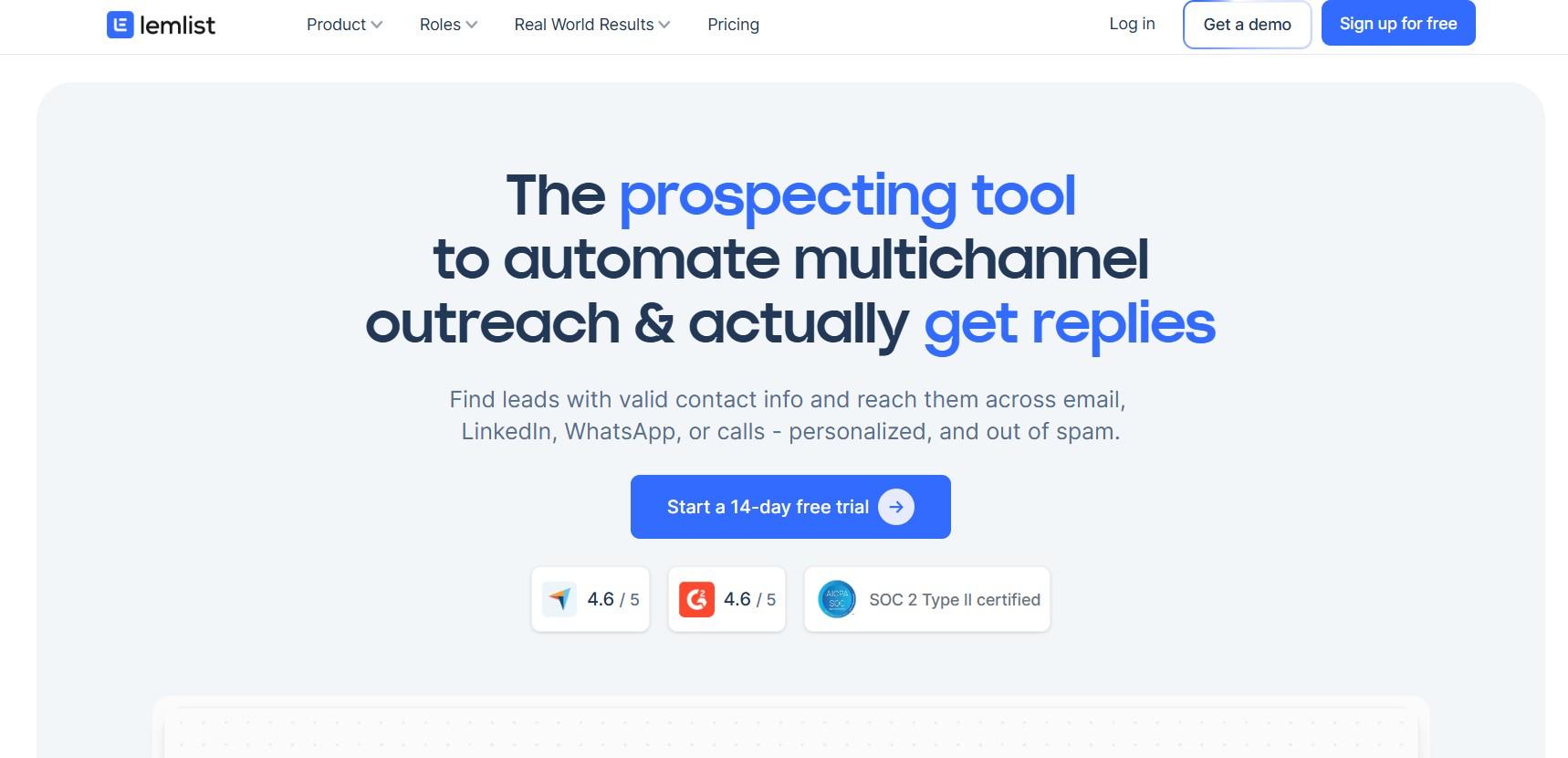
Lemlist has carved out a unique niche among klenty alternatives by focusing intensely on one specific challenge: standing out in crowded inboxes through creative, memorable personalization.
The Core Philosophy
Lemlist’s creators understood that for many sales teams, the core problem isn’t sending emails—it’s getting those emails noticed, opened, and replied to. In an average inbox receiving dozens of sales emails daily, generic messages get deleted instantly. Lemlist’s entire platform is designed around the principle that creativity and personalization drive engagement.
The platform isn’t trying to be everything to everyone. It’s specifically designed for outbound B2B sales teams that compete on creativity and that understand the value of standing out.
Visual Personalization: Lemlist’s Signature Feature
At the heart of Lemlist is technology that enables you to create visually personalized emails—something most outreach platforms don’t support.
Personalized Images: Create images that are unique to each prospect. These aren’t static images with names dropped in—they’re fully rendered, high-quality images created dynamically for each recipient.
Imagine an email where the hero image is a custom graphic showing the prospect’s company name and logo, personalized data about their company, or an industry-specific message. These images can’t be ignored—they immediately communicate that this email was created specifically for this person, not blasted out to thousands.
GIF Personalization: Add animated GIFs to emails where the content is personalized to each recipient. You might show:
- Data specific to the prospect’s company
- A personalized message with their name
- Industry statistics relevant to their sector
- Timeline graphics showing key events in their industry
These GIFs dramatically increase open rates because they create visual interest and the recipient immediately perceives the email as personalized.
Dynamic Custom Emojis: Add custom-drawn emojis that you’ve created yourself, adding personality and creativity to emails without making them feel unprofessional.
Personalized Landing Pages
Beyond emails, Lemlist enables you to create personalized follow-up landing pages that feel custom-built for each prospect.
Variable Landing Pages: Create a landing page template that dynamically inserts prospect-specific information. When a prospect clicks from your email and lands on your page, they see:
- Their company name and logo
- Information relevant to their industry
- References to their company’s specific challenges
- Personalized messaging addressing their role or situation
This personalization creates a seamless experience from email to landing page and dramatically increases conversion rates.
Conditional Content Blocks: Show different content blocks based on prospect attributes. A prospect from the healthcare industry sees healthcare-relevant content. A prospect from a tech company sees tech-relevant content.
Tracking and Intelligence: Lemlist tracks which elements of your landing pages convert best. You can see which messaging, which calls-to-action, and which value propositions resonate most with different segments.
Campaign and Sequence Management
While personalization is Lemlist’s signature feature, it also provides solid campaign and sequence management capabilities.
Email Sequences: Create multi-step email sequences with timing, conditional branching, and personalization. The interface is intuitive, allowing non-technical users to build sophisticated campaigns.
List Management and Segmentation: Upload prospect lists and segment them by attributes. You can create different campaigns for different segments, ensuring each group gets messaging relevant to them.
Personalization Fields and Variables: Insert prospect information into emails dynamically. But more importantly, create conditional logic around these fields. Show different content based on company size, industry, title, or custom data points.
A/B Testing: Test different subject lines, email body copy, and sending times. Lemlist’s testing helps you identify what works best for your audience and automatically increases sends to winning variations.
Smart Send Time: Analyze historical engagement data to identify optimal send times for each recipient. You can schedule emails to arrive at each prospect’s most likely open time.
Integration and Data Management
Lemlist integrates with the tools you’re likely already using, making it easy to incorporate into your existing workflows.
CRM Integration: Connect to Salesforce, HubSpot, Pipedrive, and others. Two-way sync ensures campaign results flow back into your CRM while CRM data flows into Lemlist for personalization.
Lead Database Connection: Integrate with lead sources and databases. When you add leads to Lemlist from your CRM or other sources, all data is available for personalization.
Gmail and Outlook Integration: Send emails through Lemlist while using Gmail or Outlook as your email client. This integration removes friction for team members who prefer their email provider.
Slack Notifications: Receive Slack notifications when key events happen—when a prospect opens an email, clicks a link, or replies to your message.
Design Tools and Templates
Lemlist includes design capabilities that democratize creative email and landing page design.
Email Template Library: A library of professionally designed email templates provides starting points. These templates are designed to look great while supporting personalization.
Drag-and-Drop Email Builder: Design emails without requiring HTML knowledge. The builder is intuitive and supports all of Lemlist’s personalization features.
Landing Page Designer: Similarly, create landing pages with a visual builder. You don’t need design or web development skills—the interface is accessible to marketing and sales professionals.
Brand Compliance: Ensure all emails and landing pages follow your brand guidelines. Lock colors, fonts, and logos to maintain consistency while allowing flexibility in content and layout.
Analytics and Performance Insights
Lemlist provides analytics focused on the metrics that matter for outbound sales.
Campaign Performance Dashboard: See open rates, click rates, reply rates, and response time. But importantly, you see these metrics broken down by campaign, recipient segment, and even by individual elements (which subject line, which image, which CTA).
Engagement Tracking: Track engagement at multiple levels—how many people opened, clicked, replied, or visited your landing page. Understand which messages resonated and which fell flat.
Replay Functionality: Lemlist’s replay feature shows exactly what happened with each prospect—when they opened, what they clicked, how long they spent on your landing page, etc. This insight helps you understand recipient behavior.
Segment Analysis: Break down performance by segment. How are healthcare prospects responding versus tech prospects? Enterprise versus SMB? This analysis reveals which segments respond best to your messaging.
Community and Content Resources
Lemlist has built a strong community of users and provides substantial educational resources.
Content Library: Access templates, email copy examples, and best practice guides created by the Lemlist team and community members.
Community Forum: Connect with other Lemlist users, share strategies, ask questions, and learn from others’ experiences.
Webinars and Workshops: Regular educational content helps you maximize the platform and stay current on best practices in outbound sales.
Pricing Structure
Lemlist uses a straightforward pricing model based on contact limits. Starter plans begin around $29/month and scale up based on the number of contacts you want to manage. Professional plans with advanced features and higher contact limits start around $99/month.
One thing Lemlist is transparent about: this is a specialized tool for outbound sales. If your team isn’t doing outbound email campaigns, Lemlist isn’t the right tool. But if you are doing outbound sales, the ROI from higher response rates often justifies the investment quickly.
When Lemlist is the Right Choice
Lemlist makes sense if:
- Your sales strategy emphasizes outbound prospecting
- You believe personalization and creativity drive engagement
- You want to stand out in recipients’ inboxes
- You have the creative capacity to leverage Lemlist’s unique features
- You’re willing to invest time in campaign design and optimization
Lemlist is less ideal if:
- You need multi-channel outreach beyond email
- You require sophisticated pipeline management features
- You prefer simpler, more hands-off automation
- Your sales process focuses on inbound leads rather than outbound prospecting
5. Instantly
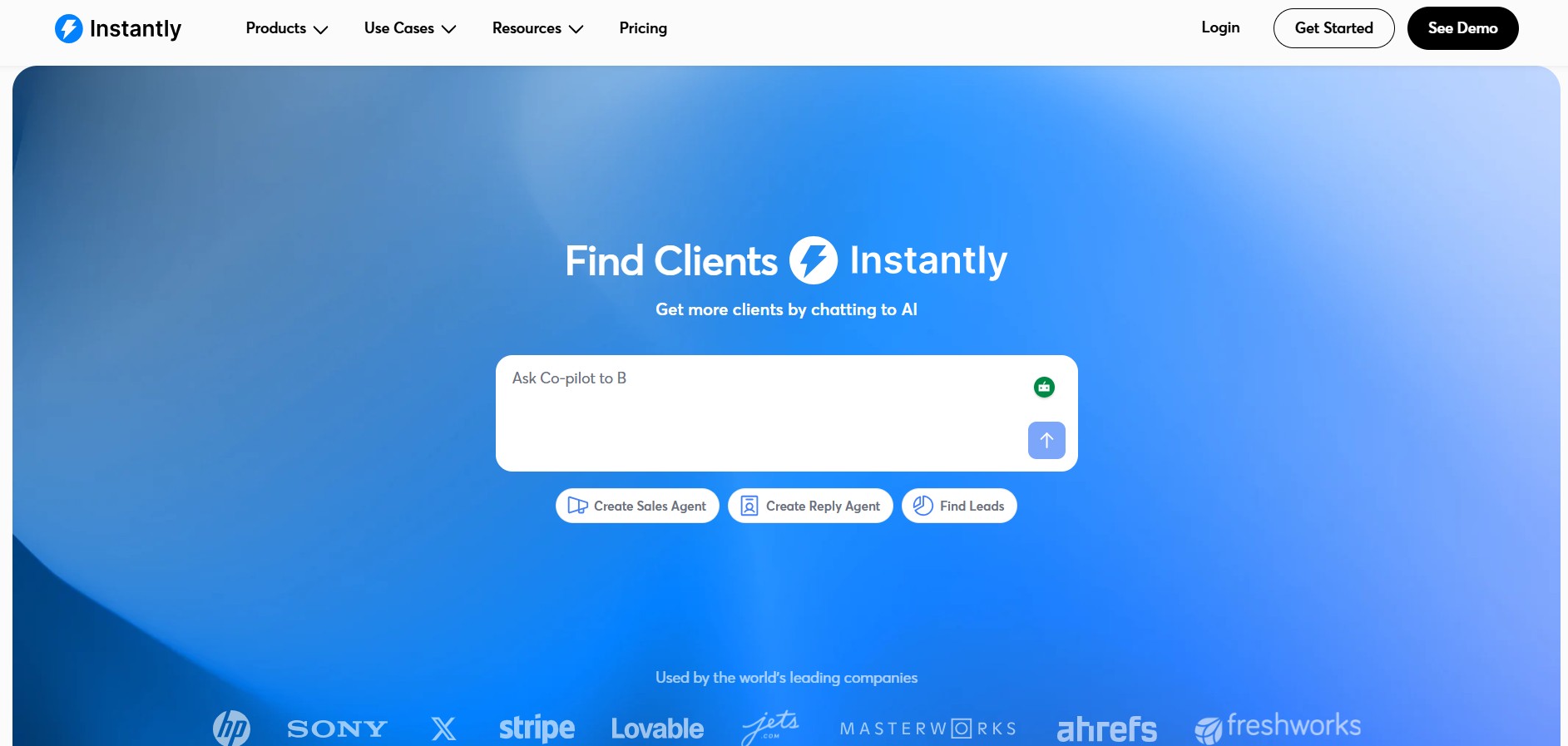
Instantly represents a different approach to sales outreach than most klenty alternatives. It’s specifically designed for teams that need to reach large numbers of prospects efficiently while maintaining excellent deliverability and inbox placement.
The Warm Email Innovation
Instantly’s core innovation is its “warm email” technology. The problem it solves is fundamental: if you send thousands of emails from your main domain, email providers will notice and may flag your domain as suspicious. Your deliverability suffers, emails end up in spam, and your carefully crafted campaigns fail to reach recipients.
Instantly’s solution is elegant: distribute your sends across multiple verified, aged domains that have legitimate sending history. This makes your sends look like they’re coming from different senders rather than one massive batch campaign.
This approach dramatically improves inbox placement. Instead of having 30% of your emails land in spam (a common problem for high-volume senders), Instantly’s technology typically achieves 85-95% inbox placement rates.
Domain and Sending Infrastructure
Understanding Instantly’s infrastructure is key to understanding why it works.
Multiple Sending Domains: Rather than everything coming from one domain, Instantly distributes sends across a network of domains. Your campaign goes to 50 prospects, but those emails appear to come from different sending addresses rather than one bulk send.
Domain Rotation: The system automatically rotates which sending domain is used, ensuring no single domain gets overused. This creates natural send patterns that don’t trigger anti-spam systems.
Warm-up Process: New domains in Instantly’s network go through a systematic warm-up process. They start by sending small volumes of emails, then gradually increase volume. This mimics the natural growth pattern of a legitimate sender, helping avoid spam filters.
SPF, DKIM, and DMARC Compliance: Every sending domain is properly configured with authentication protocols. This is crucial—properly authenticated emails are much less likely to be flagged as suspicious.
Lead Database and List Building
Instantly includes a substantial built-in lead database, which is valuable for teams doing high-volume prospecting.
Contact Database: Access to millions of B2B contacts with verified email addresses. You can search by company, industry, title, geography, and other attributes to build targeted prospect lists.
Data Verification: Unlike some lead databases with questionable data quality, Instantly invests heavily in verification. Email addresses are regularly validated, and fake/inactive addresses are removed.
Frequent Updates: The database is continuously updated with new contacts and information changes. This means prospect titles, company affiliations, and contact information stay current.
Integration with External Lists: You can also upload your own prospect lists, enriching them with additional data from Instantly’s database. This is valuable if you have proprietary lists that need enhancement.
Email Campaign and Sequence Features
Beyond the infrastructure, Instantly provides solid email campaign capabilities.
Campaign Builder: Create email campaigns with a straightforward interface. Set up your email, upload your prospect list, and configure timing and frequency.
Email Personalization: Insert prospect data—name, company, title, etc.—into emails dynamically. While not as sophisticated as some klenty alternatives, personalization is solid and covers the essentials.
Subject Line AI: Instantly uses AI to suggest subject lines based on your email content and industry best practices. These suggestions help optimize for opens.
A/B Testing: Test different subject lines, email body copy, and even sending times. The platform automatically optimizes toward winners.
Campaign Scheduling: Decide when to send campaigns and at what frequency. You can spread sends over days or weeks to maintain natural patterns.
Follow-Up Sequences
Managing follow-ups is crucial for high-volume outreach—single emails rarely generate responses.
Automated Follow-Ups: Create follow-up sequences automatically sent to people who didn’t respond to your initial email. You can specify timing and create multiple follow-up steps.
Conditional Sequences: Create different follow-up sequences based on engagement. People who opened your email might get a different follow-up than those who didn’t.
Stop Conditions: Set rules for when to stop following up. For example, stop follow-ups if someone replies, visits your website, or if a certain amount of time has passed.
Lead Enrichment and Intelligence
Instantly provides tools to enhance your prospect data and extract intelligence from your campaigns.
Real-Time Verification: As emails are sent, Instantly verifies email addresses in real-time. Invalid addresses are identified and can be removed from your list before they impact deliverability.
Engagement Tracking: Track opens, clicks, and replies at the individual level. Understand which prospects engaged and how.
Smart Follow-Ups: Based on engagement, the platform can recommend when to follow up with specific prospects. If someone opened your first email but didn’t click through, a different follow-up angle might work better.
Lead Scoring: Instantly can score leads based on engagement. People who opened and clicked your emails score higher than those who ignored them. Reps can prioritize their outreach efforts accordingly.
Analytics and Reporting
Instantly provides analytics focused on the metrics that matter for high-volume campaigns.
Campaign Performance Dashboard: See results across all your campaigns—total emails sent, open rate, click rate, reply rate. The dashboard updates in real-time so you can see results as they come in.
Per-Campaign Metrics: Break down performance by campaign. Compare open rates across different email variations, different prospect segments, or different time periods.
List Health Metrics: Monitor the health of your prospect list. How many emails are bouncing? How many are going to spam? These metrics are crucial for understanding and maintaining deliverability.
Segment Performance: Filter results by any segment in your data. How are prospects from your target industry responding? What about by company size or title?
AI-Powered Content Assistance
Instantly includes AI features to help generate email content.
Email Copy Generation: Provide the platform with brief information about your value proposition, and it can suggest email copy. While you’ll want to personalize and refine the content, this jumpstarts the process.
Subject Line Suggestions: AI suggests subject lines based on your industry, target audience, and email content.
Best Practice Recommendations: The platform analyzes your campaigns and suggests improvements. Maybe your open rate is below average for your industry—the system might suggest adjusting your subject line approach.
Integration Capabilities
Instantly integrates with key tools in a sales stack.
CRM Integration: Connect to Salesforce, HubSpot, Pipedrive, and others. Campaign results flow back to your CRM, and you can pull prospect lists from your CRM into Instantly.
Slack Integration: Get notifications in Slack when campaign results reach certain thresholds—maybe when you get 5 new replies or when open rate exceeds a target.
Webhook Integration: For advanced integrations, use webhooks to connect Instantly with custom systems.
Pricing Structure
Instantly uses a usage-based pricing model. You pay based on the number of emails you send. Plans start around $25/month for small volumes and scale based on sending volume. For teams sending 50,000+ emails per month, custom pricing applies.
The platform is particularly cost-effective for high-volume outreach teams. The cost per email is lower than many klenty alternatives, making it economical for large campaigns.
When Instantly Makes Sense
Instantly is ideal if:
- You’re doing high-volume outreach (10,000+ emails per campaign)
- Email deliverability is critical to your success
- You need built-in access to prospect lists
- You want the most cost-effective solution for high-volume campaigns
- Your primary focus is email outreach (you don’t need multi-channel)
Instantly is less suitable if:
- You need sophisticated multi-channel outreach
- Advanced personalization and customization are priorities
- You require deep CRM integration beyond basic data flow
- You’re doing lower-volume, highly targeted outreach where personalization matters more than scale
6. Apollo.io
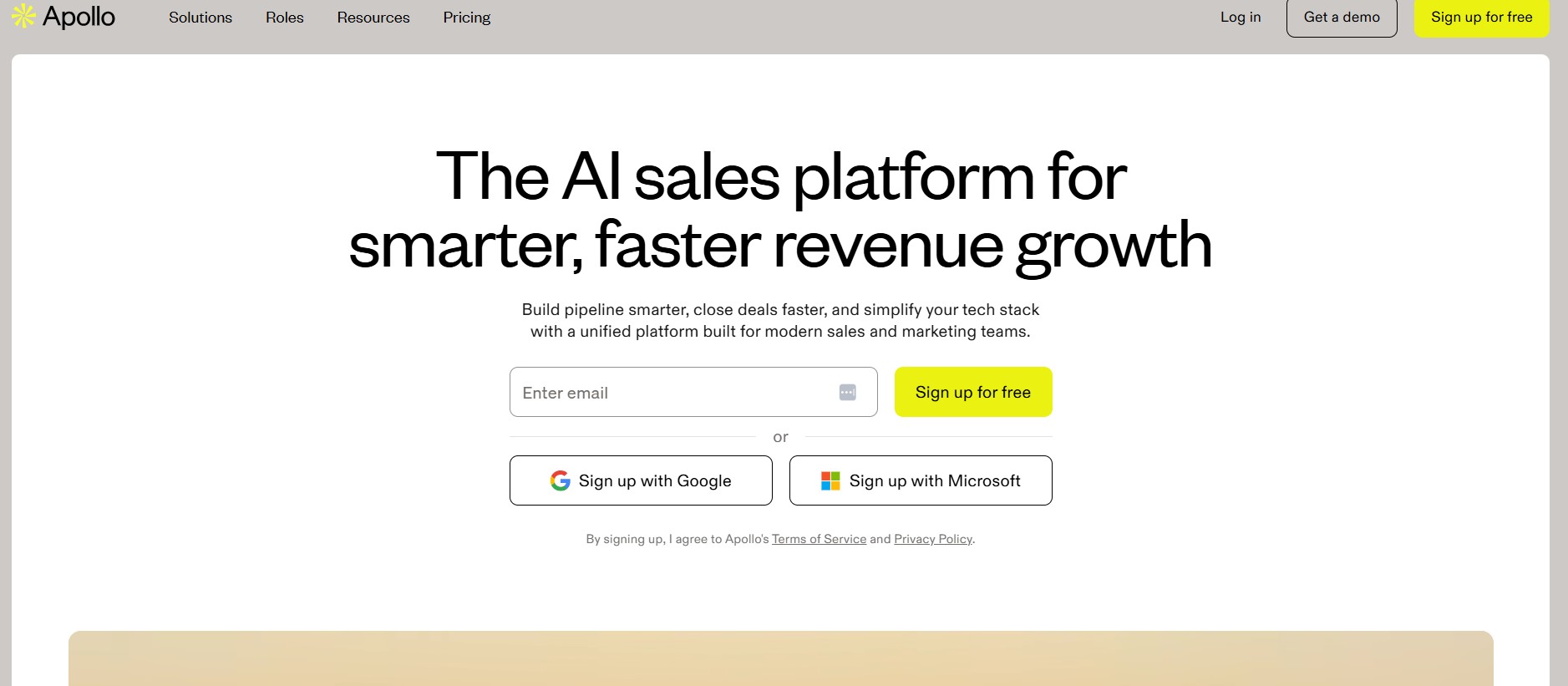
Apollo.io has positioned itself as an all-in-one sales solution, combining multiple functions that other companies require separate tools for. This comprehensive approach makes it one of the most compelling klenty alternatives for teams looking to consolidate vendors.
The All-in-One Philosophy
Apollo.io’s core philosophy is simple: sales teams need leads, tools to reach them, a CRM to track them, and dialing capabilities to call them. Rather than requiring integration between multiple platforms, Apollo.io combines all of this into a single platform.
This approach has several advantages: unified data that doesn’t require syncing between systems, a single user interface to learn, and consolidated pricing. It also has a potential disadvantage: you might need to compromise on features compared to best-of-breed specialists.
Comprehensive Lead Database
Apollo.io’s lead database is one of its strongest features, with millions of B2B contacts and company information.
Global Contact Coverage: Apollo.io claims coverage of over 250 million professional contacts with verified email addresses. The database spans multiple geographies and industries.
Company Information: Beyond individual contacts, Apollo.io maintains detailed company records including company size, revenue, funding status, technology stack, and more.
Account Intelligence: Research specific target companies and see all verified contacts there, along with technology and organizational information.
Data Verification: Email addresses are verified through multiple methods—mailbox verification, engagement validation, and regular list cleaning.
Continuous Updates: The database is constantly updated with new information. When someone changes jobs or companies, Apollo.io’s system identifies and updates this information.
Lead Search and Segmentation
Finding the right prospects is easier in Apollo.io than in many klenty alternatives.
Advanced Search Filters: Search for prospects by company, title, industry, company size, revenue, technologies used, and dozens of other attributes. Build highly targeted lists.
Boolean Search: For advanced users, Apollo.io supports Boolean search syntax, allowing complex queries combining multiple conditions.
List Building: Combine search results into prospect lists. Save lists for future reference or for campaign launches.
Account Targeting: Target specific companies you want to sell into. View all decision-makers and influencers at those accounts.
Email Campaign Capabilities
Apollo.io provides solid email campaign and outreach features.
Campaign Builder: Create email campaigns with a visual builder. Set up sequences, automation, and follow-ups.
Email Personalization: Insert prospect and company data into emails. Personalization is good, though not as advanced as specialized alternatives.
Email Sequences: Build multi-step sequences with timing, conditions, and branches. Different prospects can follow different paths based on engagement.
A/B Testing: Test subject lines, email body variations, and send times. Apollo.io automatically optimizes toward winning variations.
Smart Scheduling: The platform identifies optimal send times for each prospect and can schedule sends accordingly.
Built-In CRM Functionality
Unlike many outreach tools that require external CRM integration, Apollo.io includes CRM features.
Contact Management: Store unlimited contacts with custom fields. Track all historical interactions with each contact.
Account Organization: Group contacts by account/company. See all relationships within an organization you’re selling into.
Deal Tracking: Create deals to track opportunities. Set deal values, stages, and timelines. A simple pipeline view shows all active deals and their status.
Activity Logging: All activities—emails, calls, meetings—are logged to contact and deal records automatically.
Custom Fields: Create custom fields specific to your business to track information important to your sales process.
Built-In Calling Capabilities
Apollo.io includes dialing capabilities, reducing the need for separate phone systems.
Click-to-Call: From Apollo.io, click on a prospect to call them immediately. The call is logged to their record.
Call Recording: Calls are automatically recorded and stored in the prospect’s record.
Voicemail: Leave voicemail messages directly through Apollo.io. While not as sophisticated as some specialized solutions, it handles basic needs.
Call History: Access a complete history of all calls with each prospect, including recording and timing.
Sales Automation and Workflows
Beyond email sequences, Apollo.io offers workflow automation.
Activity-Based Workflows: Create workflows that trigger based on prospect engagement. When someone opens your email or clicks a link, automated actions can follow.
Lead Scoring: Automatically score leads based on engagement and firmographic data. High-scoring leads can trigger notifications to relevant reps.
Task Automation: Create tasks automatically. When a prospect reaches a certain score or a specific condition is met, automatically create a follow-up task.
CRM Updates: Workflows can automatically update CRM fields, move deals between stages, or create new records.
AI-Powered Features
Apollo.io includes AI capabilities to assist with various tasks.
Email Assistant: AI helps generate email subject lines and body copy based on your industry and target audience. While you’ll want to personalize the output, this jumpstarts the writing process.
Profile Enrichment: AI analyzes public information about prospects and recommends the most relevant and valuable information to include in your outreach.
Next Steps Recommendations: Based on engagement history and interaction patterns, Apollo.io recommends next steps—maybe it’s time to call, send a different type of follow-up, or pause and try again later.
Reporting and Analytics
Apollo.io provides visibility into campaign and sales performance.
Campaign Performance Dashboard: See metrics across all campaigns—emails sent, open rate, click rate, reply rate.
Conversion Tracking: Track which campaigns and approaches generate the most conversions. Understand what’s working so you can do more of it.
Pipeline Analytics: Understand your pipeline composition, conversion rates at different stages, and sales velocity.
Team Performance: Managers can see performance metrics for individual team members—how many emails they’re sending, their response rates, how many calls they’re making.
Ease of Use and Interface
Apollo.io is known for having an intuitive, user-friendly interface. Getting started is straightforward, and the learning curve is relatively shallow compared to some enterprise tools.
- Dashboard: The main dashboard gives you a quick view of your activity, results, and upcoming tasks
- Navigation: Intuitive navigation between leads, accounts, campaigns, and deals
- Mobile App: Access Apollo.io on the go with a mobile application
- Onboarding: The onboarding process is streamlined, getting you productive quickly
Integration Ecosystem
While Apollo.io is comprehensive, it still integrates with other important tools.
CRM Integration: Though it has built-in CRM, Apollo.io can integrate with external CRMs for teams already committed to Salesforce, HubSpot, or Pipedrive.
Communication Tools: Integrates with Gmail and Outlook, allowing you to send and track emails from your email client while keeping Apollo logged.
Calendar Integration: Connect to Google Calendar or Outlook Calendar. Apollo.io can see when meetings are scheduled with prospects.
Slack: Receive notifications in Slack about important events—new replies, meeting reminders, etc.
Pricing Structure
Apollo.io uses a straightforward pricing model with different tiers based on features and usage.
- Starter Plan: Around $50-100/month, includes basic email, lead database access, and CRM
- Professional Plan: Around $250-350/month, adds more advanced features and higher email volume limits
- Unlimited Plan: Around $500-750/month, includes unlimited emails and all features
The all-in-one model often means Apollo.io is more cost-effective than using multiple specialized tools. You’re consolidating what might have been $400-600/month across multiple tools into a single Apollo.io subscription.
When Apollo.io is the Right Choice
Apollo.io makes sense if:
- You want an all-in-one platform and prefer vendor consolidation
- You need access to a comprehensive lead database
- You want calling capabilities integrated into your sales tools
- You prefer straightforward, easy-to-learn platforms
- You’re cost-conscious and comparing consolidated vs. specialized tools
- You’re looking for the fastest time-to-first-campaign
Apollo.io is less ideal if:
- You need industry-leading features in specific areas (email personalization, conversation intelligence, etc.)
- You’re heavily committed to a specific CRM and need deep integrations
- You have very specific, complex workflow requirements
- You require multi-channel outreach beyond email and phone
Comparison Table
| Feature | Dealsflow | HubSpot Sales Hub | Outreach | Lemlist | Instantly | Apollo.io |
|---|---|---|---|---|---|---|
| Email Automation | Excellent | Very Good | Excellent | Excellent | Very Good | Excellent |
| Multi-Channel Support | SMS, LinkedIn, WhatsApp, Email | Email, Phone | Email, Phone, SMS | Email, Phone | ||
| Lead Database | Yes | Limited | No (integration) | No (integration) | Yes | Yes |
| CRM Integration | Seamless | Built-in | Excellent | Very Good | Very Good | Built-in |
| Personalization Level | Advanced | Good | Advanced | Exceptional | Good | Advanced |
| Multi-Threading | Yes | No | Yes | No | No | Limited |
| AI Capabilities | Advanced | Moderate | Advanced | Moderate | Good | Advanced |
| Call Recording | No | Limited | Yes | No | No | Yes |
| Best For | Comprehensive automation | All-in-one solution | Enterprise complex sales | Creative outreach | High-volume campaigns | All-in-one flexibility |
| Typical Price Range | $$$$ | $$$$ | $$$$+ | $$$ | $$ | $$$ |
Key Factors to Consider When Choosing Your Alternative
Sales Team Size and Structure
The size of your sales team significantly impacts which platform makes the most sense. Smaller teams (1-10 people) might prefer simpler, more affordable tools like Instantly or Apollo.io. Mid-sized teams (10-50 people) might gravitate toward Dealsflow or HubSpot for their balance of features and ease of use. Large enterprises managing complex sales might justify the investment in Outreach’s sophisticated capabilities.
Sales Process Complexity
Consider how many people are typically involved in your buying process. If you’re selling to small businesses where a single decision-maker controls the purchase, multi-threading capabilities matter less. For complex B2B sales with multiple stakeholders, Outreach or Dealsflow’s advanced features become more critical.
Integration Requirements
Evaluate your existing tech stack carefully. If you’re already invested in HubSpot, it might make sense to expand within that ecosystem. If you use Salesforce, Pipedrive, or another CRM, ensure any platform you choose integrates well with it.
Outreach Volume
How many prospects are you contacting monthly? If you’re doing high-volume outreach (10,000+ emails), Instantly or Apollo’s built-in databases might be valuable. If you’re doing more targeted, smaller-scale outreach, personalization might matter more than volume capacity.
Budget Constraints
Sales tools range from under $100/month to $10,000+/month for enterprise solutions. Understand your budget and calculate ROI carefully. A tool that costs $500/month but increases your team’s productivity by 30% will pay for itself many times over.
Specific Needs
Do you need calling capabilities? Multi-channel support? Advanced analytics? AI-powered content generation? Make a list of must-haves versus nice-to-haves and evaluate each platform against it.
Common Use Cases for Sales Outreach Tools
Use Case 1: Rapid Sales Team Scaling
Scenario: Your company is growing quickly, and you need to scale your sales team without proportionally increasing headcount.
Solution: Dealsflow or Apollo.io would be excellent choices here. Both platforms can dramatically increase the productivity of each sales rep, allowing you to reach more prospects with the same team size. The automation handles routine follow-ups, while reps focus on conversations and closing.
Use Case 2: High-Volume, Efficient Outreach
Scenario: You run a lead generation or appointment-setting business where volume is critical and margins are thin.
Solution: Instantly’s warm email technology and Apollo.io’s lead database make them ideal for this scenario. Both are optimized for sending large numbers of emails efficiently while maintaining deliverability.
Use Case 3: Creative, Personalized Campaigns
Scenario: Your target market is highly selective and receives many cold outreach emails. You need to stand out through creativity and personalization.
Solution: Lemlist’s visual personalization features make it perfect for this use case. Standing out in crowded inboxes often means being creative—and Lemlist’s GIF personalization and custom landing pages are specifically designed for this.
Use Case 4: Complex Enterprise Sales
Scenario: You’re selling to large enterprises with long sales cycles and multiple stakeholders involved in decisions.
Solution: Outreach’s multi-threading and opportunity management features are built for this complexity. The ability to manage multiple relationships within an account and track detailed pipeline metrics becomes essential.
Use Case 5: Starting Your Sales Automation Journey
Scenario: Your company is new to sales automation and needs something intuitive that doesn’t require extensive training or customization.
Solution: Apollo.io or HubSpot Sales Hub are both relatively easy to learn and implement. They offer good feature sets without overwhelming complexity, making them ideal starting points.
Implementation and Getting Started
Pre-Implementation Planning
Before selecting and implementing any sales outreach tool, spend time on these planning activities:
Define Your Process: Document your current sales process, noting where automation could add value. What tasks take up the most time? What steps are most error-prone?
Audit Your Data: Clean and organize your existing prospect and customer data. Most implementation issues stem from poor data quality. Ensure email addresses are correct, names are accurate, and company information is current.
Identify Integrations: List the systems you’ll need to integrate with. Confirm that your chosen platform supports all critical integrations.
Set Success Metrics: Define what success looks like. Are you measuring response rate improvements? Sales cycle reduction? Cost per qualified lead? Set baseline metrics before implementation.
Implementation Steps
- Tool Selection and Signup: Choose your platform and set up initial accounts.
- Connect Your CRM: Integrate your primary CRM to ensure data flow is bidirectional.
- Import Contact Lists: Load your existing prospects and leads into the platform.
- Set Up Basic Workflows: Start with simple email sequences before building complex multi-step campaigns.
- Training: Ensure your team understands how to use the platform effectively.
- Pilot Campaign: Run a small test campaign before full rollout to identify any issues.
- Scale and Optimize: Once you’re confident in the platform, scale campaigns and continuously optimize based on performance data.
Common Pitfalls to Avoid
Overcomplication: Don’t build complex workflows before mastering the basics. Start simple and add complexity as you go.
Neglecting Personalization: Even with automation, personalization matters. Don’t send completely generic emails just because you can send at scale.
Ignoring Analytics: Many teams set up tools and then don’t track performance. Use the analytics to understand what’s working and optimize accordingly.
Poor Data Hygiene: Garbage in, garbage out. Maintain high data quality or your campaigns will suffer.
Unrealistic Expectations: Sales tools improve efficiency and results, but they’re not magic. Set realistic expectations for response rates and conversion.
Conclusion
Choosing the right klenty alternatives for your sales team is a significant decision that will impact your ability to reach prospects, close deals, and scale your business. The six platforms reviewed in this guide represent some of the most capable options available in 2026, each with particular strengths.
Dealsflow stands out as the most comprehensive choice for teams seeking intelligent automation paired with genuine control and personalization. Its multi-channel capabilities, advanced AI, and focus on actual results make it an excellent primary choice for most organizations.
HubSpot Sales Hub remains the best option if you want an integrated, all-in-one solution that combines sales automation with CRM and broader marketing capabilities.
Outreach is the clear winner for enterprise organizations with complex, multi-threaded sales processes.
Lemlist excels for teams that compete on creativity and personalization, particularly in crowded markets.
Instantly is ideal for high-volume, efficiency-focused outreach operations.
Apollo.io offers the best all-in-one value, combining leads, automation, and CRM in an accessible package.
The ideal platform for your organization depends on your team size, sales complexity, budget, and specific use cases. Whatever you choose, remember that the tool is only as effective as your strategy behind it. Invest time in planning, implement thoughtfully, and continuously optimize based on data.
The goal isn’t to find the perfect tool—it’s to find the right tool for your business that enables your team to sell more effectively and efficiently. With so many capable options available in 2026, you’re sure to find a solution that drives real results for your sales organization.
Frequently Asked Questions
Q: What’s the typical ROI timeline for implementing a sales outreach tool?
A: Most teams see measurable improvements within 2-4 weeks, with significant ROI evident within the first quarter. This often comes from higher response rates, better pipeline visibility, and team productivity improvements.
Q: How do sales outreach tools differ from email marketing platforms?
A: Sales outreach tools are designed for 1-to-1 personalized communication in small batches, while email marketing platforms handle mass broadcasting to large audiences. Sales tools offer more sophisticated personalization and tracking capabilities designed for individual relationships.
Q: Can I use these tools with a shared team inbox?
A: Most modern sales tools integrate with shared inboxes, but some work better than others. Dealsflow and Apollo.io both handle team inbox scenarios well. Confirm this capability with your shortlisted tools.
Q: What’s the difference between email outreach and multi-channel outreach?
A: Email outreach is limited to email communication. Multi-channel outreach lets you reach prospects via email, LinkedIn, SMS, WhatsApp, and other channels—often from a single platform. Multi-channel outreach typically generates higher response rates.
Q: How important is lead enrichment for sales outreach?
A: Very important. Enriched data allows for meaningful personalization. Tools with built-in lead databases or enrichment capabilities (like Dealsflow and Apollo.io) make this easier than tools requiring external data sources.
Q: Can I switch between tools later if I’m unhappy?
A: Yes, most tools allow data export, though switching does involve some migration work. This is why starting with a tool that has good integration capabilities is wise—it makes future transitions easier if needed.
Q: What’s the typical learning curve for these platforms?
A: Most modern platforms are designed for usability. Tools like Apollo.io and HubSpot are quick to learn (1-2 weeks for basic proficiency). More complex platforms like Outreach or Dealsflow might take 4-6 weeks for full mastery, but you can be productive within days.
Q: Do these tools help with compliance (CAN-SPAM, GDPR)?
A: Most reputable tools include compliance features and documentation. However, compliance ultimately remains your responsibility. Ensure your chosen tool supports the regulations you need to follow.
Q: Can I use these tools for different types of outreach (B2B, B2C, recruitment)?
A: Most are designed primarily for B2B sales. Some (like Apollo.io) work well for recruitment. If you have specific vertical requirements, confirm the platform is suitable for your industry.
Q: What’s the difference between sequence and workflow in sales tools?
A: A sequence is typically a fixed series of steps (emails at specific intervals). A workflow is more dynamic, with conditional branching—different prospects follow different paths based on their behavior.