


Finding the right LinkedIn outreach tool in 2026 feels a lot like shopping for a new laptop. Every option looks impressive on the spec sheet. Every vendor promises the best performance. And somehow, after hours of research, you still aren’t sure which one actually fits your workflow.
If you’ve been using Salesflow and something isn’t clicking — maybe the pricing has become harder to justify, maybe you’ve hit a ceiling on what the sequences can do, or maybe you’ve had one too many account scares — you’re not alone. Salesflow has a legitimate user base and genuine strengths, but it also has well-documented gaps that push users toward alternatives every single month.
This guide is built for those users.
We evaluated nine Salesflow alternatives across the same set of criteria — LinkedIn outreach capability, sequence depth, safety architecture, team features, integrations, pricing, and ease of use. The result is an honest, detailed breakdown that tells you not just what each tool does, but which specific situations each one is best suited for.
No sponsored rankings. No vague feature lists. Just a clear, practical guide to help you find the right tool for your outreach workflow in 2026.
Let’s start with why Salesflow users start looking elsewhere in the first place.
Why Look for Salesflow Alternatives in 2026?
Before getting into the alternatives, it’s worth being specific about what’s actually driving users away from Salesflow. Because the right alternative depends heavily on which of Salesflow’s limitations is causing the most friction in your workflow.
Pricing That Scales Painfully
Salesflow’s per-seat pricing model works reasonably well for individual users. But as teams grow, the cost compounds quickly — and the features unlocked at higher price points don’t always justify the jump. Many sales teams find themselves paying enterprise-level prices for a tool that still has mid-market feature depth.
Sequence Logic That Doesn’t Keep Up
Modern LinkedIn outreach isn’t just about sending connection requests and follow-up messages. It’s about building intelligent sequences that adapt based on how prospects behave — did they accept your connection? Did they open your message? Did they visit your profile after your first touchpoint? Salesflow’s sequence logic is largely linear, which means it can’t route prospects down different paths based on these behavioral signals.
Safety and Account Protection Concerns
LinkedIn’s detection systems in 2026 are significantly more sophisticated than they were even two years ago. Users running high-volume campaigns on tools without robust safety architecture — dedicated IPs, intelligent daily limits, human-behavior simulation — are taking on real account risk. Safety features on Salesflow have not kept pace with what modern cloud-native tools offer.
Analytics That Don’t Go Deep Enough
Data-driven sales teams need more than open rates and reply counts. They need campaign-level A/B testing, rep-level performance tracking, sequence step analytics, and actionable insights that tell them specifically what to change. Salesflow’s analytics give you enough to know campaigns are running — not enough to systematically optimize them.
Support That Varies Too Much
Multiple user reviews cite inconsistent support quality — quick responses on some tickets, days of silence on others. For sales teams running active outreach campaigns where a technical issue can mean a week of lost pipeline, inconsistent support is a meaningful operational risk.
Here’s how the gaps stack up:
| Pain Point | Salesflow Reality | What Better Alternatives Offer |
|---|---|---|
| Pricing model | Per-seat, scales quickly | More flexible tier structures |
| Sequence logic | Linear, limited branching | Conditional if/then logic |
| Account safety | Moderate protection | Dedicated IPs + smart limits |
| Analytics depth | Basic to moderate | Advanced + A/B testing |
| Multichannel | Primarily LinkedIn | LinkedIn + email combined |
| Support consistency | Variable | Consistent across plans |
| CRM integration | Zapier-dependent | Native integrations available |
| UI modernity | Functional but dated | Modern, intuitive interfaces |
How We Evaluated These Tools
Before presenting any recommendations, here’s the methodology used to evaluate each tool — because a recommendation is only as useful as the framework behind it.
Each tool was evaluated against nine criteria:
| Evaluation Criteria | What We Measured |
|---|---|
| LinkedIn outreach capability | Sequence depth, action types, campaign management |
| Safety architecture | Cloud vs. browser, IP management, daily limits |
| Sequence logic | Linear vs. conditional, behavioral triggers |
| Team collaboration | Multi-user features, shared inbox, rep tracking |
| Analytics and reporting | Campaign data, A/B testing, performance insights |
| CRM and tool integrations | Native connections vs. Zapier dependency |
| UI and onboarding | Time to first campaign, learning curve |
| Pricing vs. value | Cost relative to feature depth at each tier |
| Customer support | Response quality, availability, documentation |
Each tool was signed up for using a free trial. Real LinkedIn outreach campaigns were built and run. Sequence builders, analytics dashboards, inbox management, and integration workflows were all tested hands-on. The reviews below reflect actual use — not vendor-provided feature sheets.
The Best Salesflow Alternatives Worth Switching To in 2026
Nine tools. Nine different answers to the same problem. Here’s what each one actually delivers.
1. Dealsflow
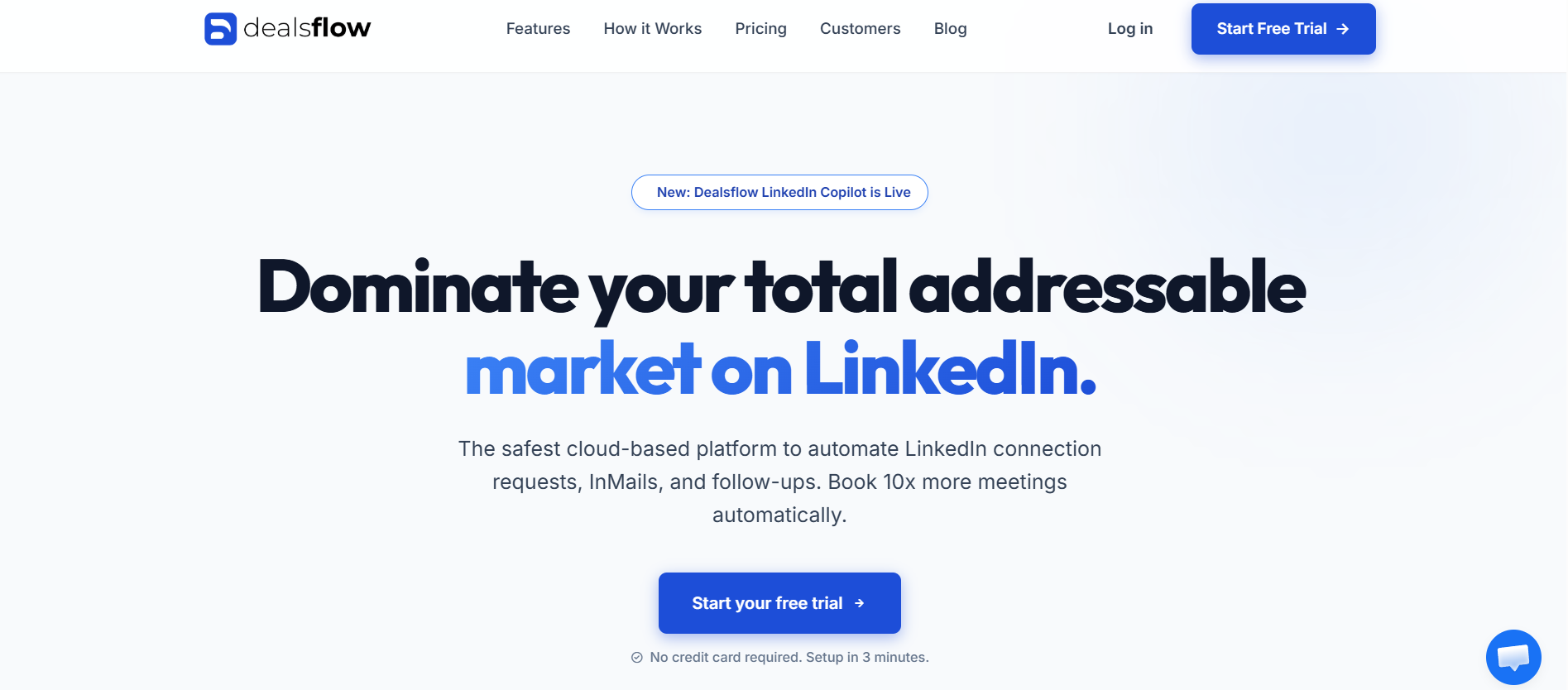
If there’s one tool on this list that addresses the most common reason people leave Salesflow — the frustration of stitching together LinkedIn automation, email outreach, and CRM management across three separate tools — it’s Dealsflow.
Dealsflow is a cloud-based B2B sales engagement platform built around a simple but powerful idea: your outreach tool and your pipeline tool should be the same thing. Instead of syncing data between LinkedIn automation software, an email sequencer, and a CRM through Zapier workflows that break regularly, Dealsflow handles all three natively in one coherent platform.
What makes Dealsflow stand out from Salesflow:
The most immediate difference is the built-in CRM. Every prospect who enters a Dealsflow campaign is automatically tracked as a deal. Connection accepted? Deal stage updates. Message replied to? Activity logged. Call booked? Pipeline updated. None of this requires manual data entry or external integration setup. For teams who’ve been losing data in the gaps between Salesflow and their CRM, this is a transformative operational change.
The sequence builder supports genuine behavioral logic — not just linear follow-up chains. You can build campaigns that treat a prospect differently based on whether they accepted your connection request, whether they opened your message, or whether they visited your profile after your first touchpoint. This kind of adaptive outreach is what modern LinkedIn selling actually requires.
Full feature breakdown:
| Feature | Dealsflow | Salesflow |
|---|---|---|
| Architecture | Cloud-based | Cloud-based |
| Built-in CRM | ✅ Full pipeline management | ❌ |
| LinkedIn automation | ✅ Multi-step sequences | ✅ |
| Email outreach | ✅ Combined sequences | Limited |
| Behavioral sequence logic | ✅ | ❌ Linear only |
| LinkedIn scraper | ✅ | Limited |
| Team collaboration | ✅ Shared inbox + deal assignment | Basic |
| Dedicated IP per account | ✅ | Limited |
| Analytics | Advanced — campaign + team | Moderate |
| Native CRM integration | ✅ Built-in | Zapier-dependent |
Quick reference:
| Category | Details |
|---|---|
| Best For | B2B sales teams, founders, SDR teams |
| Architecture | Cloud-based |
| Sequence Logic | Multi-step + behavioral triggers |
| Built-in CRM | ✅ |
| Multi-account | ✅ |
| Free Trial | Available |
| Safety Rating | ⭐⭐⭐⭐⭐ |
Pros:
- Built-in CRM eliminates the need for a separate pipeline management tool entirely
- Behavioral sequence logic adapts campaigns based on real prospect actions
- Combined LinkedIn and email outreach in coordinated sequences
- Team collaboration features including shared inbox and deal assignment
- Cloud-based with dedicated IPs — strong safety architecture
- Modern, clean interface with logical workflow design
Cons:
- More feature-rich than solo users running simple campaigns might need
- Pricing reflects the broader feature set — not the lowest-cost option on this list
- Full value requires onboarding the team properly, which takes initial time investment
Best for: B2B sales teams and founders who are currently using Salesflow alongside a separate CRM and email tool, and want to consolidate all three into one platform that keeps prospect data, outreach activity, and pipeline management synchronized automatically.
2. Dripify
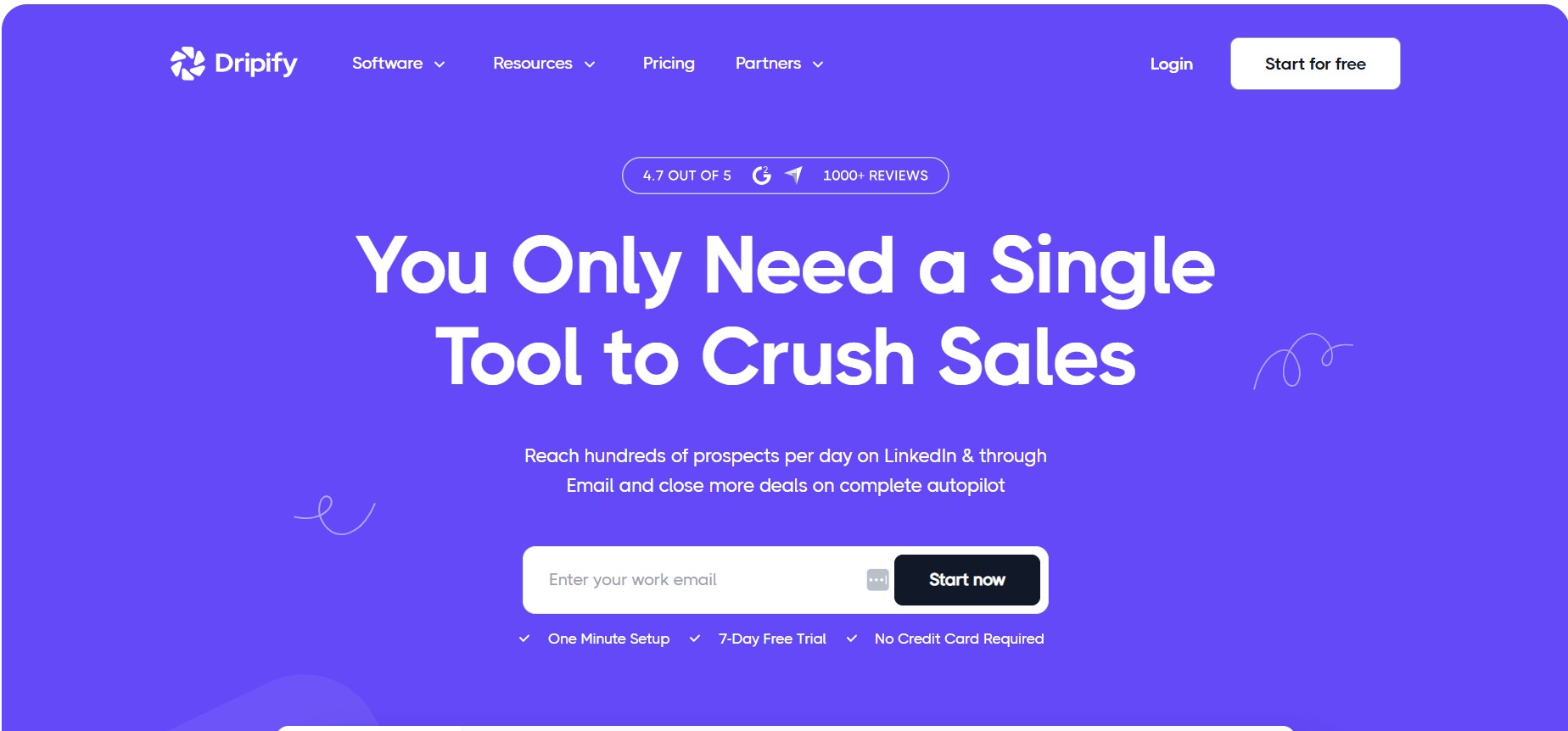
For teams whose primary outreach channel is LinkedIn — and who want the most polished, user-friendly tool available for running coordinated team campaigns — Dripify is the natural choice.
What immediately sets Dripify apart from Salesflow is the user interface. The visual drag-and-drop campaign builder is the best-designed in this category, full stop. Where Salesflow’s campaign setup requires navigating multiple configuration screens, Dripify lets you build a complete multi-step sequence visually in minutes. New team members can be onboarded and running their first campaigns within hours of getting access.
Beyond aesthetics, Dripify’s team management features on the Advanced plan give sales managers genuine visibility into rep performance — individual activity metrics, campaign-level analytics broken down by team member, and a shared inbox where conversations can be labeled, noted, and tracked across the team.
Feature comparison — Dripify vs. Salesflow
| Feature | Dripify | Salesflow |
|---|---|---|
| Visual campaign builder | ✅ Drag-and-drop | Basic interface |
| LinkedIn scraper | ✅ All plans | Limited |
| Team management | ✅ Advanced plan | Basic |
| Unified inbox | ✅ Labels + notes + history | Basic |
| Analytics | Advanced + team-level | Moderate |
| Conditional sequence logic | ❌ Linear only | Limited |
| Cloud-based | ✅ | ✅ |
| Dedicated IP per account | ✅ | Limited |
| CRM integration | Zapier + webhooks | Zapier-dependent |
| Pricing | $39–$79/user/month | Higher per seat |
Sequence steps available in Dripify
| Step Type | Purpose |
|---|---|
| Profile view | Warmup before connection request |
| Follow | Second micro-touch before connecting |
| Connection request | With or without personalized note |
| Message (post-connection) | First outreach message |
| Follow-up messages | Timed series with custom delays |
| Skill endorsement | Reciprocity trigger mid-sequence |
| Like post | Engagement signal |
| InMail | Reach non-connections |
Quick reference:
| Category | Details |
|---|---|
| Best For | Solo founders, small-to-mid sales teams |
| Sequence Logic | Linear only — no conditional |
| Pricing | $39–$79/user/month (annual) |
| Free Trial | 7 days, no credit card |
| Safety Rating | ⭐⭐⭐⭐⭐ |
Pros
- Best UI and campaign builder design in the LinkedIn automation category
- Fastest onboarding — campaigns live within hours of signup
- LinkedIn scraper included on all plans
- Team analytics let managers track individual rep performance
- Cloud-based with dedicated IP addresses per account
- Competitive annual pricing for teams
Cons
- No conditional sequence logic — all campaigns are linear
- Most CRM integrations require Zapier as middleware
- Basic plan too restrictive for real outreach volume
- No native email outreach — LinkedIn only
- Mobile experience is poor
Pricing breakdown
| Plan | Monthly Price | Annual Price | Best For |
|---|---|---|---|
| Basic | $59/user | $39/user | Testing only — too limited for real use |
| Pro | $79/user | $59/user | Solo users and individual SDRs |
| Advanced | $99/user | $79/user | Teams needing management features |
Best for: Sales teams of 2–10 people running coordinated LinkedIn outreach who want the best-designed tool in the category and can work within linear sequence logic.
3. Skylead
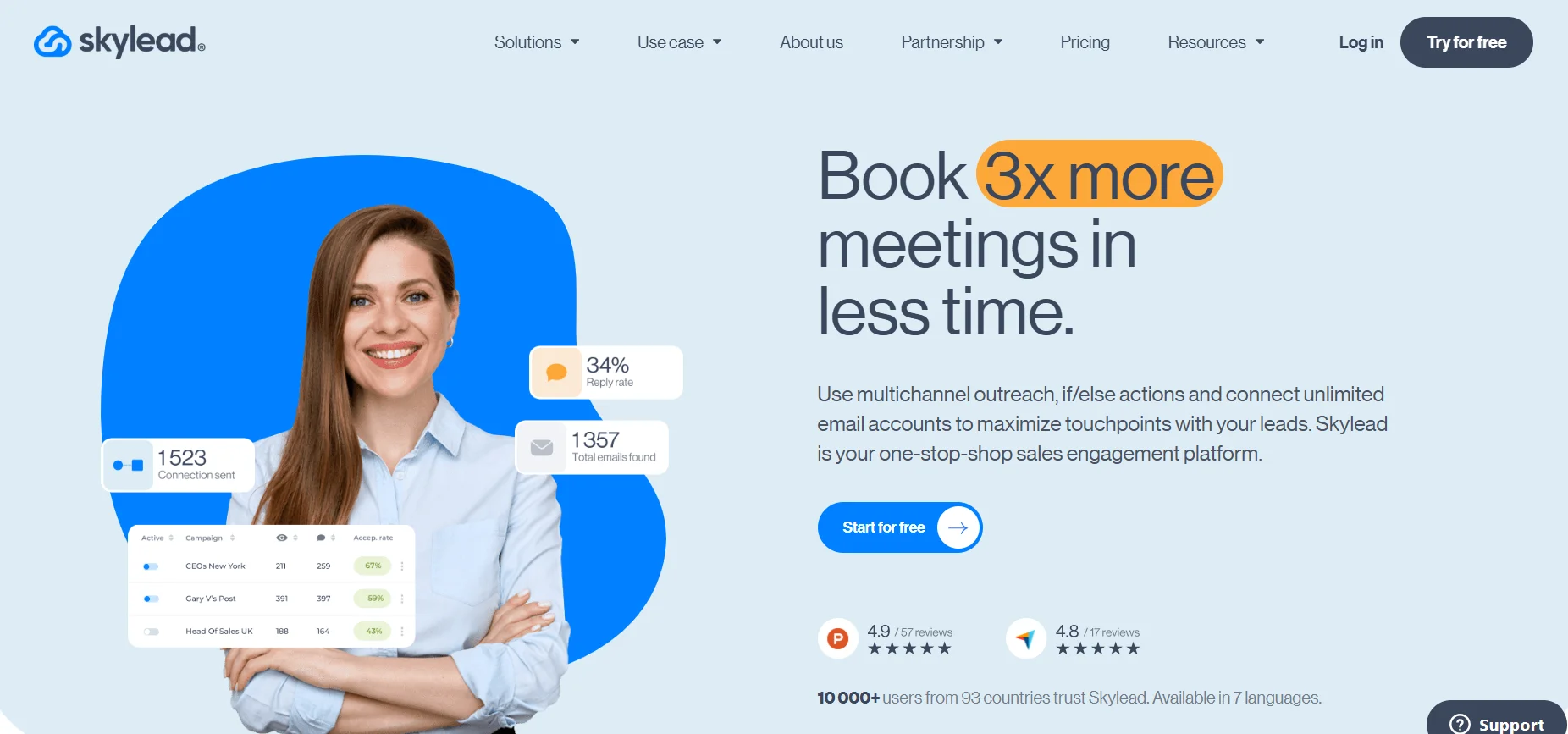
Skylead earns its spot on this list by solving two specific problems that frustrate Salesflow users particularly: the inability to visualize campaign logic as a flowchart, and inbox management that falls apart at high reply volumes.
The Skylead campaign builder is genuinely different from every other tool on this list. Instead of building sequences as a linear list of steps, you build them as a visual flowchart — seeing exactly how prospects will move through your campaign based on their behavior. Accepted the connection request? They go this way. Didn’t accept after 5 days? They go that way. Replied to message one? They exit the sequence automatically. The visual logic makes complex campaigns understandable and manageable in a way that text-based sequence builders simply don’t.
The smart inbox is Skylead’s other standout feature. With advanced filtering, conversation labeling, profile data visible alongside messages, and the ability to manage both LinkedIn and email conversations in one place, it handles the reply side of outreach in a way that most tools neglect.
Feature comparison — Skylead vs. Salesflow:
| Feature | Skylead | Salesflow |
|---|---|---|
| Visual campaign builder | ✅ Flowchart-style | ❌ |
| Conditional if/then logic | ✅ | ❌ |
| Smart unified inbox | ✅ Advanced filtering | Basic |
| LinkedIn + email combined | ✅ | Limited |
| Image + GIF personalization | ✅ | ❌ |
| LinkedIn scraper | ✅ | Limited |
| Analytics | Advanced | Moderate |
| Cloud-based | ✅ | ✅ |
| Multi-account | ✅ | ✅ |
| Dedicated IP | ✅ | Limited |
What a Skylead smart sequence looks like:
| Condition | Action | Next Step |
|---|---|---|
| Connection accepted | Send message 1 | Wait 3 days |
| Message 1 opened, no reply | Send follow-up | Wait 4 days |
| Message 1 replied | Exit sequence | Move to manual follow-up |
| Connection not accepted after 7 days | Send InMail | Wait 5 days |
| InMail not replied | Like recent post | Wait 3 days |
| Post liked, no action | Final follow-up | End sequence |
Quick reference:
| Category | Details |
|---|---|
| Best For | Teams needing visual flow control + inbox management |
| Sequence Logic | ✅ Full conditional branching |
| Pricing | From ~$100/user/month |
| Free Trial | Available |
| Safety Rating | ⭐⭐⭐⭐⭐ |
Pros:
- Visual flowchart campaign builder makes complex logic easy to understand
- Full conditional if/then branching — sequences adapt to prospect behavior
- Best smart inbox in this comparison — handles high reply volumes efficiently
- Image and GIF personalization adds creative dimension to LinkedIn messages
- Combined LinkedIn and email in one visual flow
- Strong campaign analytics
Cons:
- Higher price point than Dripify for comparable LinkedIn-only use cases
- Visual builder has a learning curve for users accustomed to linear sequence tools
- Image personalization requires additional setup time to use effectively
- Not the right fit for teams primarily focused on email with LinkedIn as a secondary channel
Pricing:
| Plan | Price | Best For |
|---|---|---|
| All-in-one | ~$100/user/month | Individual users and teams |
| Agency | Custom pricing | Multi-account, client management |
Best for: Sales teams and founders who’ve outgrown linear sequence tools and want visual control over complex campaign logic, combined with a robust inbox for managing replies at volume.
4. Expandi
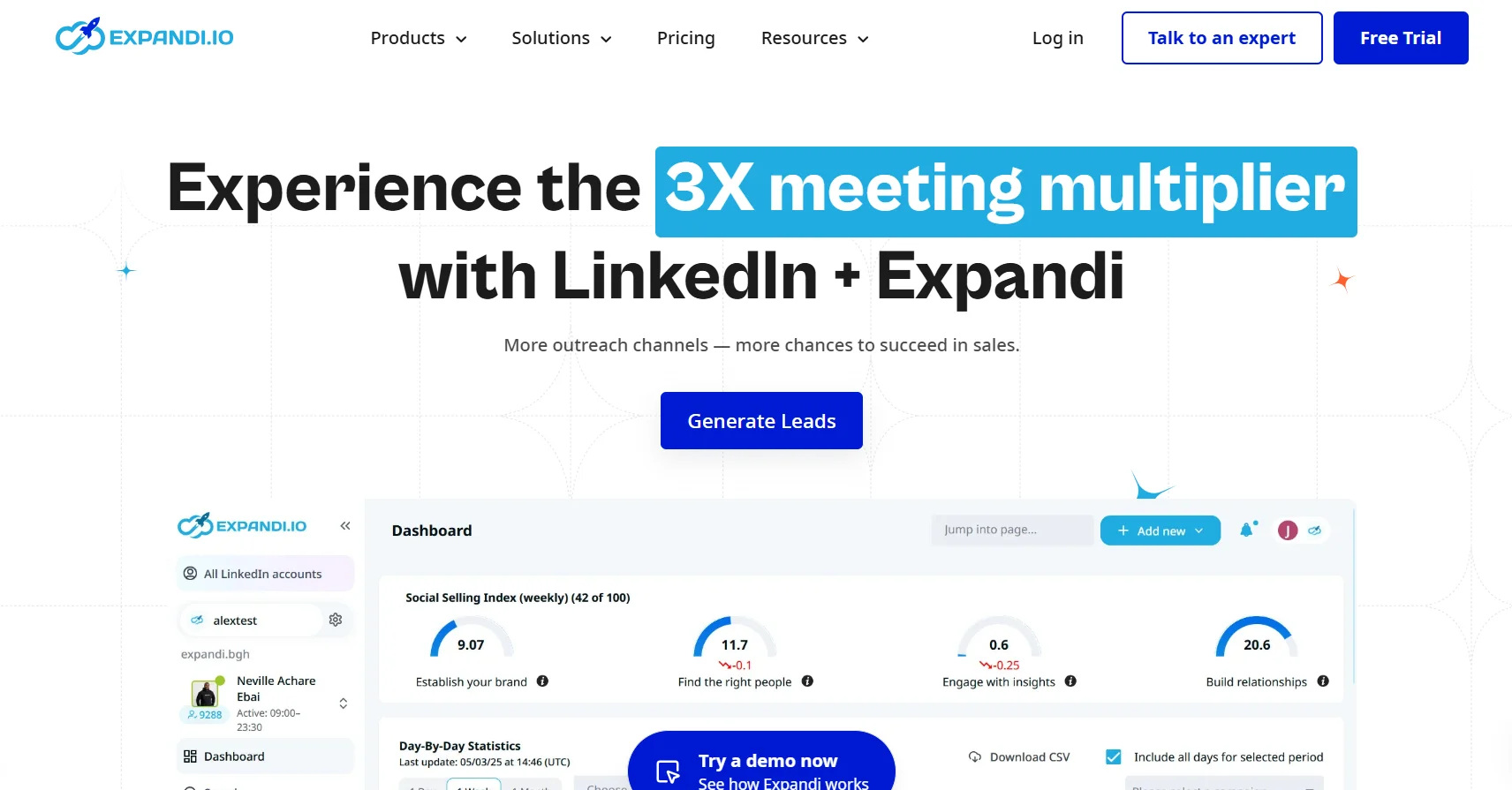
For users who’ve specifically hit the ceiling on Salesflow’s sequence capabilities and need genuine conditional automation — where the tool makes intelligent decisions based on how each prospect behaves — Expandi is the most powerful purpose-built LinkedIn automation tool available.
Expandi’s if/then branching goes deeper than most tools. You can build sequences where every decision point triggers a different path — creating outreach that genuinely adapts to each individual prospect’s behavior rather than marching everyone through the same linear steps regardless of how they respond.
Add native A/B testing — compare two different connection request notes, two different opening messages, two different follow-up timings — and you have a tool built for sales teams who treat outreach as an optimization problem with measurable variables, not just a volume game.
Feature comparison — Expandi vs. Salesflow:
| Feature | Expandi | Salesflow |
|---|---|---|
| Conditional sequence logic | ✅ Full if/then | ❌ |
| A/B testing | ✅ Native | ❌ |
| LinkedIn + email combined | ✅ | Limited |
| Smart inbox | ✅ | Basic |
| Dedicated IP per account | ✅ | Limited |
| Analytics | Advanced | Moderate |
| Multi-account | ✅ | ✅ |
| Cloud-based | ✅ | ✅ |
Quick reference:
| Category | Details |
|---|---|
| Best For | Advanced SDRs, growth-focused teams |
| Sequence Logic | ✅ Full conditional branching |
| Pricing | ~$99/month per account |
| Free Trial | 7 days |
| Safety Rating | ⭐⭐⭐⭐⭐ |
Pros: Most sophisticated sequence logic in the category, native A/B testing, dedicated IP per account, strong safety record, active community with shared campaign templates
Cons: Higher price point than simpler alternatives, steeper learning curve — new users need 2–3 hours to get comfortable with the interface, complex features can overwhelm users who don’t need them
Best for: Power users and growth-focused sales teams who need behavior-triggered outreach and want to systematically optimize campaigns through A/B testing.
5. Lemlist
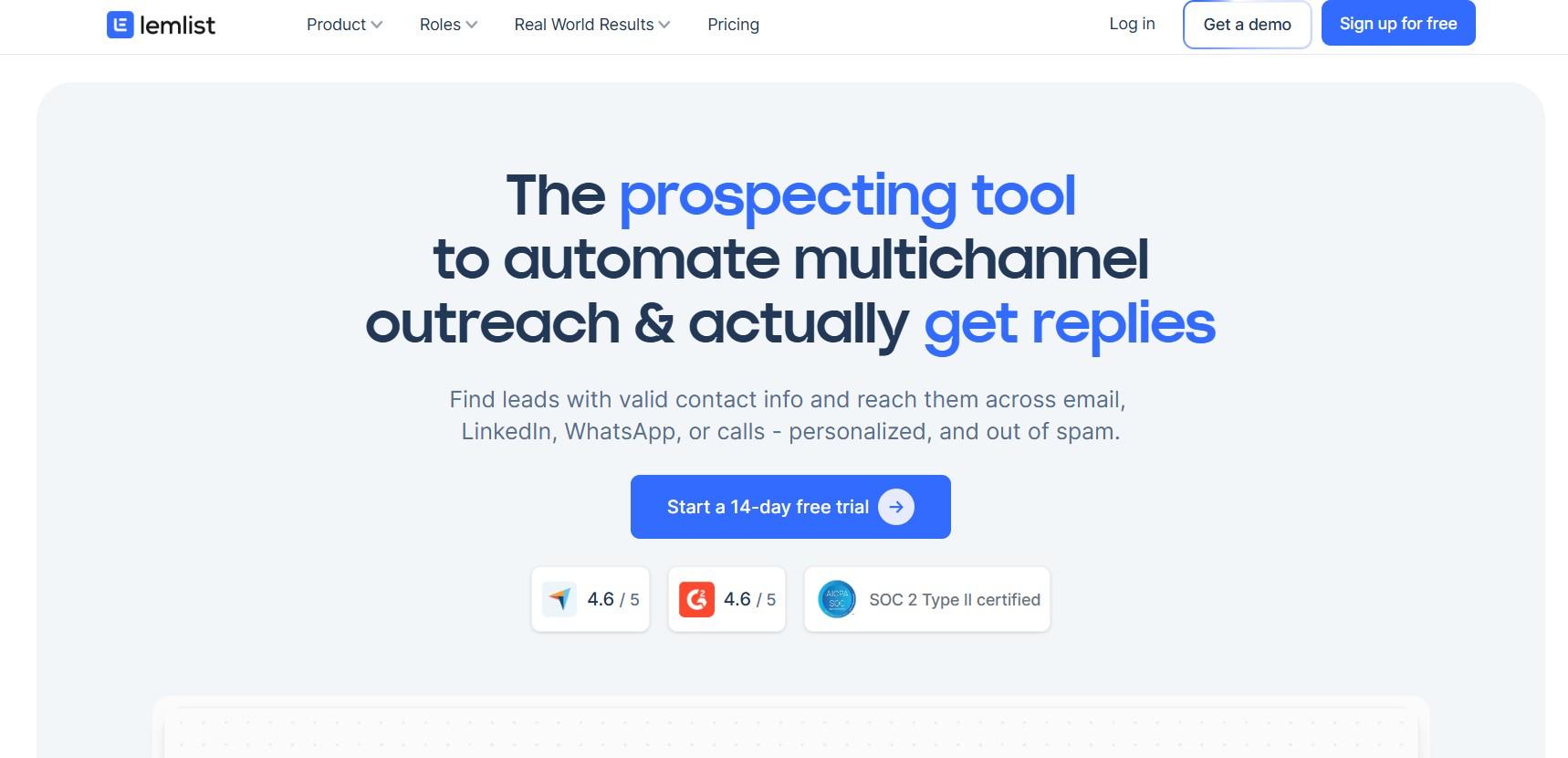
Lemlist takes a fundamentally different approach to the problem that most tools on this list are solving. Rather than building the best possible LinkedIn-only tool, Lemlist builds the best possible multichannel outreach sequence — one where LinkedIn is an important touchpoint within a broader coordinated campaign that also includes email and cold calling.
If your outreach strategy is genuinely multichannel — where a prospect might receive a LinkedIn connection request on Monday, a personalized email on Wednesday, a LinkedIn follow-up message on Friday, and a call attempt the following week — Lemlist is built for exactly that workflow.
Feature comparison — Lemlist vs. Salesflow:
| Feature | Lemlist | Salesflow |
|---|---|---|
| Multichannel sequences | ✅ Email + LinkedIn + call | LinkedIn-primary |
| Conditional logic | ✅ | ❌ |
| Email personalization | ✅ Advanced (images, video) | Basic |
| LinkedIn automation | ✅ Within sequences | ✅ |
| Mailbox warm-up | ✅ Built-in | ❌ |
| CRM integrations | Native HubSpot + Salesforce | Zapier-dependent |
| Analytics | Multichannel campaign reporting | Moderate |
| Cloud-based | ✅ | ✅ |
Quick reference:
| Category | Details |
|---|---|
| Best For | Multichannel sales teams |
| Sequence Logic | ✅ Conditional + multichannel |
| Pricing | From ~$59/user/month |
| Free Trial | 14 days |
| Safety Rating | ⭐⭐⭐⭐ |
Pros: Best multichannel sequence builder, advanced email personalization with custom images and video thumbnails, strong native CRM integrations, built-in mailbox warm-up, conditional logic across channels
Cons: LinkedIn automation features less mature than dedicated LinkedIn tools, email-first product focus means LinkedIn sometimes feels like an add-on rather than a core feature
Best for: Sales teams running coordinated email and LinkedIn outreach who want both channels managed in one platform, and who value email deliverability and personalization as much as LinkedIn reach.
6. Waalaxy
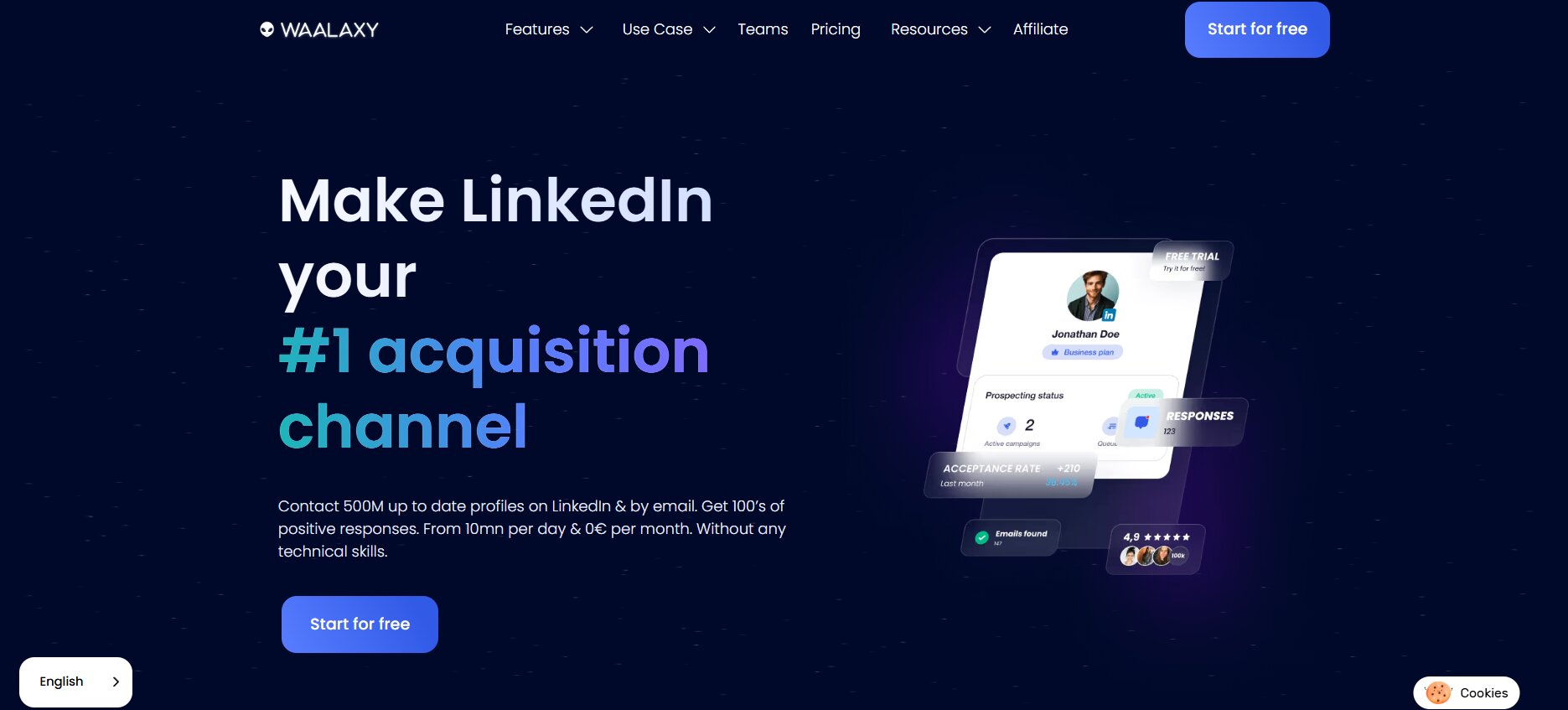
Not every team needs enterprise-grade automation. Not every user has the budget for $99/month tools. Waalaxy exists for exactly those situations — a cloud-based LinkedIn and email outreach tool that provides genuine functionality at a price point that’s accessible to almost everyone.
The free plan is real. Not a stripped-down demo that forces you to upgrade within three days. Actual functionality — including a meaningful number of monthly connection invitations — available indefinitely. For early-stage founders or solo users testing whether LinkedIn automation belongs in their workflow at all, the free plan removes all financial risk from the experiment.
Feature comparison — Waalaxy vs. Salesflow:
| Feature | Waalaxy | Salesflow |
|---|---|---|
| Free plan | ✅ Real functionality | ❌ |
| LinkedIn + email combined | ✅ | Limited |
| Cloud-based | ✅ | ✅ |
| Sequence builder | Simple, visual | Moderate |
| Analytics | Basic | Moderate |
| CRM integrations | Via Zapier | Zapier-dependent |
| Multi-account | Limited | ✅ |
| Conditional logic | ❌ | ❌ |
| Pricing | Free to ~$30+/month | Higher |
Quick reference:
| Category | Details |
|---|---|
| Best For | Beginners, budget-conscious users, early-stage founders |
| Sequence Logic | Linear |
| Pricing | Free plan; paid from ~$30/month |
| Free Trial | Free plan (no time limit) |
| Safety Rating | ⭐⭐⭐⭐ |
Pros: Free plan with genuine usability, easiest onboarding in this entire comparison, cloud-based safety, combined LinkedIn and email at very low cost, no credit card required to start
Cons: Shallow analytics, limited sequence customization, not built for high-volume team outreach, multi-account management is basic
Best for: Solo users and early-stage founders who want a cloud-based Salesflow alternative without a significant financial commitment — particularly those new to LinkedIn automation entirely.
7. We-Connect
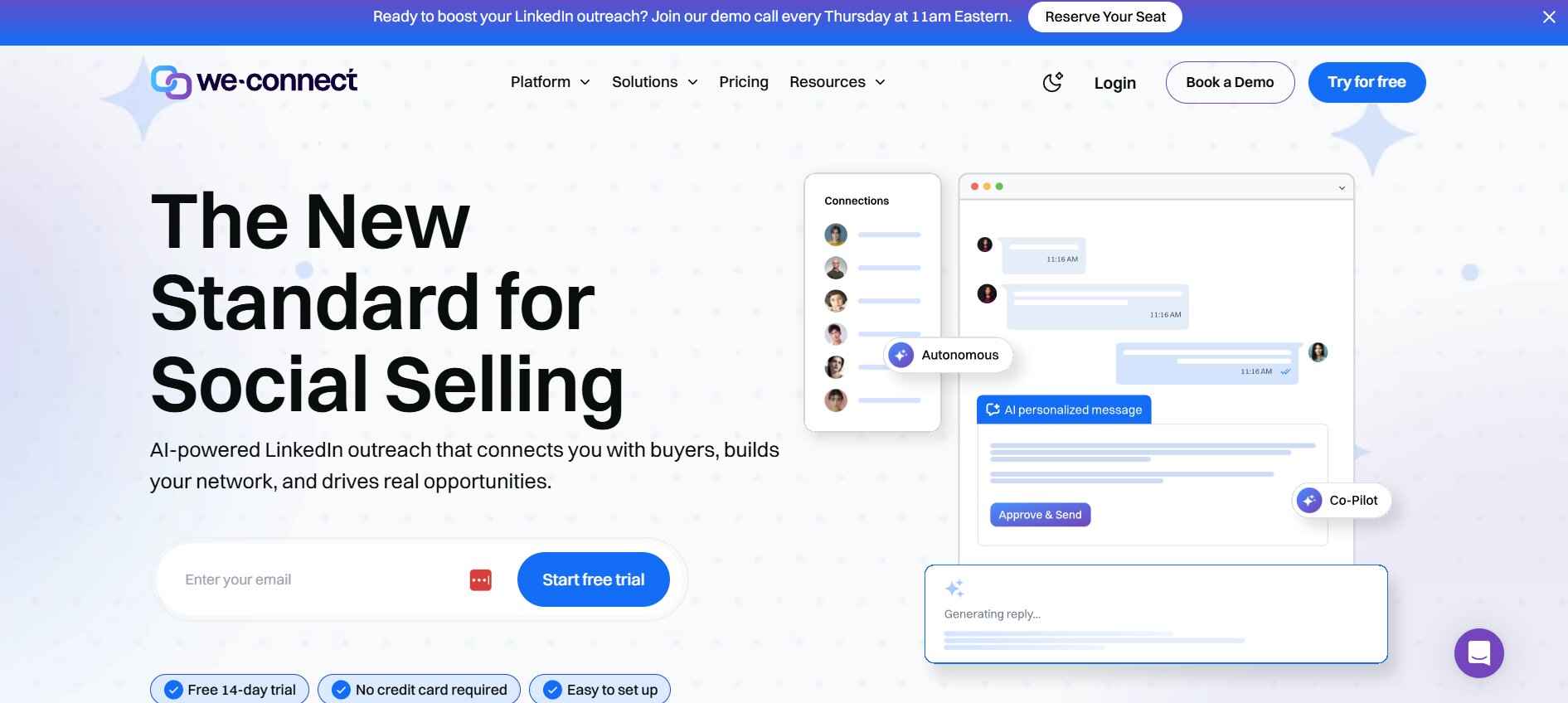
We-Connect solves a specific and common problem: users who’ve experienced account scares with Salesflow and want a tool that prioritizes safety above everything else, without sacrificing the basic outreach functionality they rely on.
The standout feature is smart reply detection. When a prospect replies to your message mid-sequence, We-Connect automatically pauses their campaign — meaning they won’t receive your next automated follow-up while a real conversation is happening. This sounds like a basic feature. Surprisingly few tools implement it reliably. Salesflow does not handle this automatically, which means users running active campaigns regularly send automated follow-ups to prospects who’ve already replied — one of the fastest ways to damage a relationship you’ve worked to build.
Feature comparison — We-Connect vs. Salesflow:
| Feature | We-Connect | Salesflow |
|---|---|---|
| Smart reply detection | ✅ Auto-pauses on reply | ❌ Manual |
| Cloud-based | ✅ | ✅ |
| Dedicated IP per account | ✅ | Limited |
| Multi-step sequences | ✅ | ✅ |
| Team management | ✅ | Basic |
| LinkedIn scraper | ✅ | Limited |
| Analytics | Campaign-level | Moderate |
| CRM integrations | Via Zapier | Zapier-dependent |
| Pricing | From ~$49/user/month | Higher |
Quick reference:
| Category | Details |
|---|---|
| Best For | Safety-first users, small teams |
| Sequence Logic | Linear + smart reply detection |
| Pricing | From ~$49/user/month |
| Free Trial | 14 days |
| Safety Rating | ⭐⭐⭐⭐⭐ |
Pros: Smart reply detection prevents automated messages during live conversations, strong safety architecture with dedicated IPs, affordable for small teams, straightforward onboarding, reliable campaign execution
Cons: Limited integration options beyond Zapier, analytics less detailed than Expandi or Dripify, sequence logic won’t satisfy power users needing conditional branching
Best for: Small sales teams and solo users who’ve experienced account issues with Salesflow and want a straightforward, reliable, cloud-based replacement with strong safety features.
8. Zopto — Best for Sales Teams With CRM-First Workflows
For sales teams where LinkedIn outreach data needs to flow automatically into HubSpot or Salesforce — without Zapier middleware, without manual exports, without data getting lost in the sync — Zopto offers the strongest native CRM integration story on this list.
Zopto is built for enterprise-adjacent sales teams who treat their CRM as the source of truth for all prospect activity. Every LinkedIn connection accepted, every message sent, every reply received — all of it lands in the CRM automatically, properly attributed, and ready for the next step in the sales process.
Feature comparison — Zopto vs. Salesflow:
| Feature | Zopto | Salesflow |
|---|---|---|
| Native HubSpot integration | ✅ | ❌ Zapier only |
| Native Salesforce integration | ✅ | ❌ Zapier only |
| Team performance dashboard | ✅ Advanced | Basic |
| LinkedIn sequences | Multi-step | Multi-step |
| Cloud-based | ✅ | ✅ |
| Dedicated IP per account | ✅ | Limited |
| Analytics | Team-level reporting | Moderate |
| Multi-account | ✅ | ✅ |
| Starting price | ~$197/month | Lower |
Quick reference:
| Category | Details |
|---|---|
| Best For | Mid-market sales teams in HubSpot or Salesforce |
| Sequence Logic | Linear + some conditional |
| Pricing | From ~$197/month |
| Free Trial | Demo available |
| Safety Rating | ⭐⭐⭐⭐ |
Pros: Strongest native CRM integration on this list, solid team performance reporting, dedicated IPs, advanced LinkedIn targeting filters, cloud-based safety
Cons: Significantly higher price point than most alternatives, UI less polished than Dripify or Expandi, minimum commitment may be a barrier for smaller teams
Best for: Mid-market sales teams already deeply invested in HubSpot or Salesforce who need LinkedIn outreach data to sync natively without custom Zapier workflows.
9. Phantombuster
Phantombuster is a different kind of tool — one that deserves a spot on this list not because it’s a direct Salesflow replacement, but because a meaningful segment of Salesflow users have outreach needs that go beyond what any purpose-built LinkedIn tool can handle.
Phantombuster is an API-first automation platform supporting LinkedIn alongside 20+ other platforms. Instead of a pre-built sequence workflow, it gives you modular automation “Phantoms” — individual building blocks that you chain together into completely custom workflows. The flexibility is unmatched. The learning curve is steep.
Feature comparison — Phantombuster vs. Salesflow:
| Feature | Phantombuster | Salesflow |
|---|---|---|
| Cloud-based | ✅ | ✅ |
| Multi-platform automation | ✅ 20+ platforms | LinkedIn-focused |
| LinkedIn scraper | ✅ Advanced | Limited |
| Custom workflow logic | ✅ API-first | ❌ |
| Zapier + Make integration | ✅ | Limited |
| Multi-account | ✅ | ✅ |
| Pre-built templates | ✅ 100+ Phantoms | Limited |
| Technical requirement | High | Low-moderate |
| Pricing | From ~$56/month | Higher |
Quick reference:
| Category | Details |
|---|---|
| Best For | Developers, technical growth teams |
| Sequence Logic | Custom — requires configuration |
| Pricing | From ~$56/month |
| Free Trial | 14 days |
| Safety Rating | ⭐⭐⭐⭐ |
Pros: Maximum flexibility across LinkedIn and other platforms, powerful scraping capabilities, developer-friendly API, supports automation workflows that go far beyond what LinkedIn-specific tools offer, modular building block approach
Cons: Steep learning curve makes it inaccessible to non-technical users, requires careful configuration to avoid LinkedIn detection, no guided sequence templates for beginners, support assumes technical knowledge
Best for: Developers and technically sophisticated growth teams who need custom automation workflows across multiple platforms — and have the technical capability to configure and maintain them properly.
All 9 Salesflow Alternatives at a Glance
| Tool | Architecture | Conditional Logic | Built-in CRM | Email Outreach | Multi-Account | Starting Price | Safety |
|---|---|---|---|---|---|---|---|
| Dealsflow | Cloud | ✅ | ✅ | ✅ | ✅ | Custom | ⭐⭐⭐⭐⭐ |
| Dripify | Cloud | ❌ | ❌ | ❌ | ✅ | $39/mo | ⭐⭐⭐⭐⭐ |
| Skylead | Cloud | ✅ | ❌ | ✅ | ✅ | $100/mo | ⭐⭐⭐⭐⭐ |
| Expandi | Cloud | ✅ | ❌ | ✅ | ✅ | $99/mo | ⭐⭐⭐⭐⭐ |
| Lemlist | Cloud | ✅ | ❌ | ✅ | ✅ | $59/mo | ⭐⭐⭐⭐ |
| Waalaxy | Cloud | ❌ | ❌ | ✅ | Limited | Free/$30+ | ⭐⭐⭐⭐ |
| We-Connect | Cloud | ❌ | ❌ | ❌ | ✅ | $49/mo | ⭐⭐⭐⭐⭐ |
| Zopto | Cloud | Limited | ❌ | ❌ | ✅ | $197/mo | ⭐⭐⭐⭐ |
| Phantombuster | Cloud | Custom | ❌ | Limited | ✅ | $56/mo | ⭐⭐⭐⭐ |
| Salesflow | Cloud | ❌ | ❌ | Limited | ✅ | Higher | ⭐⭐⭐ |
Not Sure Which Tool to Pick? Find Your Match
If you’ve read through all nine tools and still aren’t certain which fits your situation, work through these three questions:
Question 1: Is LinkedIn your only outreach channel, or one of several?
- LinkedIn only → Dripify, We-Connect, or Dealsflow
- LinkedIn + email combined → Skylead, Expandi, Lemlist, or Dealsflow
- Multiple platforms beyond LinkedIn → Phantombuster
Question 2: Are you running outreach solo or as part of a team?
- Solo user, tight budget → Waalaxy or Dripify Pro
- Small team (2–5 people) → Dripify Advanced or We-Connect
- Growing B2B team → Dealsflow or Skylead
- Enterprise with CRM dependency → Zopto or Dealsflow
Question 3: How sophisticated does your sequence logic need to be?
- Linear sequences are fine → Dripify or We-Connect
- Need conditional branching → Expandi or Skylead
- Need AI-assisted personalization + behavioral logic → Dealsflow
- Need completely custom logic → Phantombuster
Decision table:
| Your Situation | Best Choice | Core Reason |
|---|---|---|
| All-in-one with built-in CRM | Dealsflow | LinkedIn + email + CRM in one platform |
| Best LinkedIn UI for teams | Dripify Advanced | Cleanest interface + team features |
| Visual flows + inbox control | Skylead | Flowchart builder + smart inbox |
| Most advanced sequence logic | Expandi | Deepest conditional branching + A/B testing |
| Email + LinkedIn multichannel | Lemlist | Best multichannel sequence tool |
| Beginner with tight budget | Waalaxy | Free plan, simple, cloud-safe |
| Safety + simplicity priority | We-Connect | Smart reply detection + affordable |
| CRM-native team (HubSpot/SFDC) | Zopto | Strongest native CRM sync |
| Technical custom workflows | Phantombuster | API-first maximum flexibility |
Conclusion
After testing all nine tools against real LinkedIn outreach workflows, the conclusion is straightforward: every tool on this list is a meaningful improvement over Salesflow in at least one significant dimension. The question is which dimension matters most for your specific situation.
Final rankings:
| Rank | Tool | Why |
|---|---|---|
| 🥇 1 | Dealsflow | Most complete all-in-one B2B outreach platform |
| 🥈 2 | Skylead | Best visual sequence logic + inbox management |
| 🥉 3 | Expandi | Most powerful conditional automation |
| 4 | Dripify | Best UI and team LinkedIn campaigns |
| 5 | Lemlist | Best for multichannel outreach |
| 6 | We-Connect | Best for safety-first simplicity |
| 7 | Waalaxy | Best for beginners and budget users |
| 8 | Zopto | Best for CRM-integrated enterprise teams |
| 9 | Phantombuster | Best for technical custom workflows |
The most important thing to take away from this guide: start with a free trial. Every tool here offers one. Build a real campaign, connect it to your actual CRM if relevant, run it against real prospects for a week. You’ll know within that first week whether the tool fits your workflow better than any feature comparison chart will tell you.
The right outreach tool doesn’t just save time. It changes the quality of conversations you’re having with prospects — and that’s what ultimately moves pipeline.
Frequently Asked Questions
What is Salesflow and why do people look for alternatives?
Salesflow is a cloud-based LinkedIn automation platform for B2B sales outreach. Users typically look for alternatives due to pricing that scales quickly for teams, limited sequence logic that doesn’t support conditional branching, analytics that lack depth for data-driven optimization, and safety features that lag behind more modern cloud-native tools.
Which Salesflow alternative is best for small teams?
Dripify is the strongest choice for small teams of 2–5 people. The Advanced plan provides team management features, individual rep analytics, and a shared inbox — all within a platform that new team members can learn in hours rather than days.
Does Skylead support conditional sequence logic?
Yes. Skylead’s smart sequence builder supports full if/then conditional branching — meaning campaigns can route prospects down different paths based on whether they accepted a connection request, replied to a message, or took no action after a specific number of days.
Which of these tools is safest for LinkedIn accounts?
Dealsflow, Dripify, Expandi, Skylead, and We-Connect all receive top safety ratings. All five are cloud-based, assign dedicated IP addresses per LinkedIn account, and enforce daily activity limits designed to mimic human behavior. This architecture is significantly safer than browser-based tools.
Can these tools work with a free LinkedIn account?
Yes — all tools on this list work with LinkedIn Free accounts. However, pairing any automation tool with LinkedIn Sales Navigator significantly improves targeting precision and expands the searchable prospect pool, making campaigns more efficient at every volume level.
What is the cheapest Salesflow alternative?
Waalaxy offers a free plan with real functionality — no credit card required and no time limit. Among paid tools, Dripify’s Basic plan at $39/month on annual billing is the most affordable entry point with full campaign capability.