


Skylead is a decent tool. $100/seat flat rate, smart if/else sequence logic, unlimited email accounts, free email warm-up, a built-in email finder. For a solo SDR or a small team running LinkedIn and email from a single platform, that package makes sense. The conditional branching alone — where a sequence routes differently depending on whether a prospect accepts your connection or ignores it — is the most advanced in its price range.
So why are people looking for alternatives?
A few reasons that keep coming up in 2026. One, the pricing has no entry point. There’s one plan at $100/seat, which means a 5-person team is looking at $500/month before they’ve sent a single message. Two, Skylead gets consistent complaints about bugs and unreliable reporting in user reviews across G2 and Capterra. Three, it has limited CRM integrations compared to what most mid-market sales stacks actually need. And four — this is the big one — it stops when someone replies. You set up a sequence, a prospect writes back, and from that point you’re on your own. Manual follow-up, manual objection handling, manual booking. At volume, that’s a real bottleneck.
That last problem is where most LinkedIn outreach tools have the same gap, not just Skylead. But one tool on this list actually closes it, and that changes the math on what “best for outreach” even means in 2026.
This list covers 10 tools that each solve a different version of the “Skylead isn’t quite right” problem. Pick based on what your actual bottleneck is, not based on whose marketing copy landed first.
What Skylead Gets Right (and Where It Falls Short)
Skylead’s smart sequences are the standout feature and worth saying out loud before listing what’s wrong. Unlike a linear campaign where every prospect goes through the same steps in the same order, Skylead uses if/else logic. If a prospect accepts your connection request, the sequence routes to a personalized message. If they don’t accept within a set window, the sequence tries an InMail or falls back to email instead. That conditional branching reduces the spam-like repetition of hitting someone with the same channel repeatedly, and teams that have compared linear vs. smart sequences report meaningful lift in response rates.
The other things Skylead does well: unlimited email accounts at no extra cost, 100,000 emails/month per account, free and unlimited email warm-up (which tools like Lemwarm charge separately for), and a built-in email finder and verifier. At $100/seat all-in, you’re not paying à la carte for those features. That’s a legitimate value argument.
Where it falls short:
- One price tier only. No entry plan, no way to start lean. $100/seat is what you pay whether you’re a solo founder or a 10-person team.
- Reported reliability issues. Recurring user complaints about buggy behavior and inaccurate campaign reporting show up consistently in 2026 reviews, which makes it harder to trust your data.
- Limited CRM integrations. Skylead integrates with LinkedIn Sales Navigator and Zapier, but native HubSpot or Salesforce connections aren’t there the way they are with tools like HeyReach or La Growth Machine.
- No post-reply AI. Skylead automates outreach. It does not automate the conversation after someone replies. That gap is where deals get lost.
How We Evaluated These Tools
The tools on this list were evaluated on five things: multichannel capability (LinkedIn and email as a baseline), pricing transparency and value at team scale, account safety track record in 2026, AI feature depth, and CRM integration quality. User reviews from G2, Capterra, and Trustpilot were cross-referenced where available. No tool is here because of marketing spend.
Dealsflow is on this list because it sits in a category none of the other nine tools occupy — conversation AI that runs the full funnel after a connection is made, not just the sequence steps before a reply.
Quick Comparison Table
| Tool | Channels | Starting Price | Best For |
|---|---|---|---|
| Dealsflow | LinkedIn + AI reply | $49/mo (annual) | Agencies, SDR teams needing full-funnel AI |
| Lemlist | LinkedIn + Email + Phone | ~$59/mo | Email-heavy multichannel with personalization |
| HeyReach | $79/mo | Agencies running 10+ LinkedIn accounts | |
| La Growth Machine | LinkedIn + Email + Twitter | ~€50/identity/mo | True 3-channel sequences |
| Expandi | LinkedIn + Email | $99/mo | Safety-first single-account automation |
| Dripify | LinkedIn + Email | $24/mo | Beginners; clean visual drip builder |
| Waalaxy | LinkedIn + Email | Free / €19/mo | Solo users and budget-conscious teams |
| SalesRobot | LinkedIn + Email | $79/mo | AI message personalization at volume |
| Meet Alfred | LinkedIn + Email + Twitter | $29/mo | Solo marketers wanting built-in CRM |
| Phantombuster | LinkedIn + Web scraping | $59/mo | Data extraction and custom workflow builders |
The 10 Best Skylead Alternatives in 2026
1. Dealsflow — Best for Teams That Need AI to Handle the Full Conversation

Most LinkedIn outreach tools solve the same problem: automate the first few touches so you’re not manually sending connection requests and follow-up messages. Skylead does that. HeyReach does that. Dripify does that. What none of them do is handle what happens after someone actually replies to you.
That’s the gap Dealsflow fills, and it’s a bigger gap than most teams realize until they’re running volume. When you’re sending 800+ messages a day across multiple LinkedIn accounts and 63 people respond, someone has to handle those 63 conversations. Manually. At scale, that’s a part-time job.
Dealsflow’s Arlo AI doesn’t stop at the first message. It reads replies, understands what the prospect said, handles objections, answers questions, and books a calendar invite — all in your voice, without a human in the loop. The example on their homepage puts it plainly: a prospect says “Interesting, but we already have an outreach tool. What makes this different?” and Arlo responds, addresses the specific objection, and moves toward booking a call. That’s not a template. That’s an AI reading the conversation and responding to what’s actually there.
Key features:
- Arlo AI handles post-reply conversations autonomously — objection handling, follow-up, and booking
- AI warmth scoring tags every lead as Hot, Warm, Neutral, or Cold so you prioritize the right conversations
- Multi-account dashboard manages up to 50 LinkedIn accounts from one place
- Built-in warmup and safety limits are handled automatically — you don’t have to configure them
- Full-funnel pipeline view from connection request to booked call
- Per-client reporting and flat-rate pricing, which is why agencies use it
- Lead import via LinkedIn search URLs, post commenters, or CSV
Pricing. Three plans, billed annually: Starter Pilot at $49/month (1 LinkedIn account), Scaling Pilot at $129/month (5 LinkedIn accounts), and Agency Pilot at $299/month (20 LinkedIn accounts). Monthly pricing is $59, $149, and $349 respectively. 14-day free trial with no credit card required. At $299/month for 20 accounts, the per-account math is significantly better than Skylead’s $100/seat.
Who it’s for. Agencies running outreach for multiple clients who can’t afford to have a human managing every inbox. SDR teams where reply volume has outgrown manual handling. Founders running their own LinkedIn outreach who want booked calls without spending three hours a day on conversations.
Where it’s limited. Dealsflow is LinkedIn-focused. It’s not a 3-channel tool that also runs cold email sequences or Twitter outreach natively. If email is your primary channel and LinkedIn is secondary, layering in a dedicated cold email tool alongside Dealsflow makes sense.
2. Lemlist — Best for Email-Led Multichannel with Creative Personalization
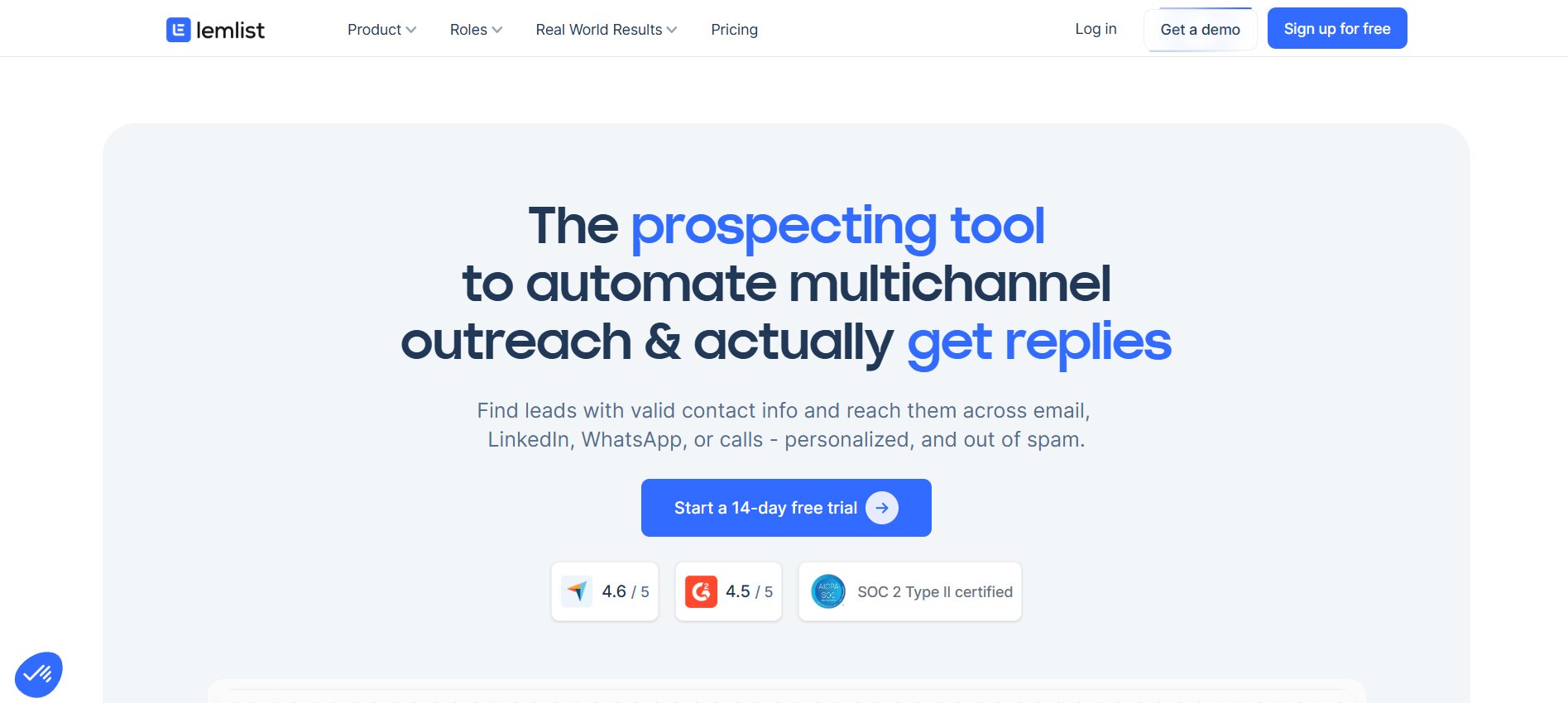
Lemlist built its reputation on email outreach and grew from there. The thing that makes it stand out from the rest of the list is dynamic image and video personalization inside emails — you can drop a prospect’s website screenshot, logo, or LinkedIn profile picture directly into the email body, which no other tool on this list does natively. That’s not a gimmick. Personalized images get higher open rates and reply rates than text-only emails, and doing it at scale without manual editing is genuinely useful.
LinkedIn automation is available on Lemlist, but it’s gated behind the higher-priced plan. On the Email Pro plan, you get email only. To access LinkedIn connection requests, messages, and profile visits as part of a sequence, you need the Multichannel Expert plan. So if multichannel from day one matters, that’s where your starting price lands.
Key features:
- Dynamic image and video personalization in email — pulls in prospect-specific visuals automatically
- LinkedIn + email + phone calls across a single sequence on the Expert plan
- Lemwarm built in for email warm-up and deliverability
- Conditional campaign logic — not quite Skylead’s level of branching, but functional
- Large template library with pre-built sequences for common outreach scenarios
- Native B2B database for contact enrichment, which reduces reliance on third-party tools
Pricing. Email Pro at approximately $59/month per seat. Multichannel Expert at approximately $99/month per seat. Per-seat pricing makes it more expensive than Dealsflow or HeyReach at team scale.
Who it’s for. Teams where email is the lead outreach channel and LinkedIn is secondary. Companies that invest heavily in email personalization and want dynamic visuals as a differentiator. Content-driven outreach where a prospect’s website screenshot in the email body creates a relevant hook.
Where it’s limited. LinkedIn actions require the $99/month plan. At 5 seats, that’s $495/month for true multichannel. Per-seat pricing compounds fast. Also, the email finder and verifier credit limits are restrictive on lower plans — you get 1,000 verified emails on the highest plan, and additional credits cost $1 for every 5 verified emails, which adds up.
3. HeyReach — Best for Agencies Managing Multiple LinkedIn Accounts
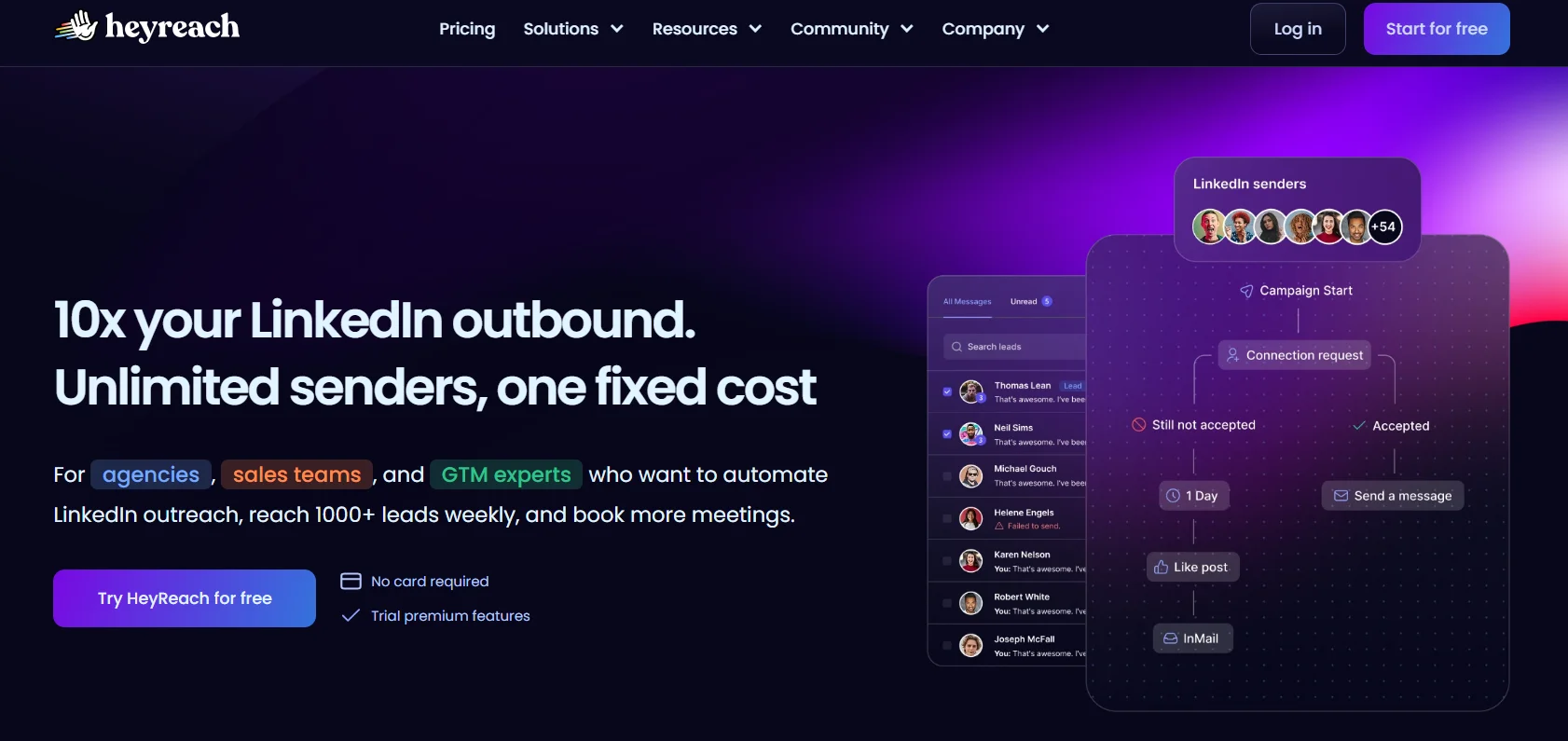
HeyReach is built around one specific problem that most LinkedIn tools handle badly: running outreach from multiple LinkedIn accounts simultaneously. With Skylead or Expandi, you pay per seat and run one account per seat. That’s manageable for small teams but gets expensive and complicated fast for agencies running 10, 20, or 50 client accounts.
HeyReach’s model is different. You can rotate multiple LinkedIn sender profiles within a single campaign — meaning outreach from a single campaign runs across multiple accounts simultaneously, distributing the volume so no single account is sending at unsafe rates. The flat-fee pricing makes this materially cheaper at scale. Five accounts on HeyReach at $179/month works out to about $36 per account. Five accounts on Skylead is $500/month.
Key features:
- Multi-sender rotation within a single campaign across multiple LinkedIn accounts
- Unified inbox across all accounts — one place to see and manage all conversations
- Native HubSpot and Salesforce integrations
- Centralized analytics dashboard across all accounts
- Email capability through integrations with other tools
Pricing. Entry at approximately $79/month; $179/month for 5 accounts, which works out to roughly $36 per account. For agencies managing 10+ accounts, HeyReach’s pricing is significantly more efficient than per-seat tools.
Who it’s for. Agencies running LinkedIn outreach for multiple clients. Sales teams with multiple SDRs where each rep needs a LinkedIn account. Any setup where managing multiple LinkedIn accounts from one interface is the actual need.
Where it’s limited. HeyReach is LinkedIn-first. Email is not native in the same way as Skylead — you’ll need to connect a separate email outreach tool for full multichannel sequences. That extra tool and integration adds cost and operational overhead.
4. La Growth Machine — Best for True 3-Channel Sequences (LinkedIn + Email + Twitter)
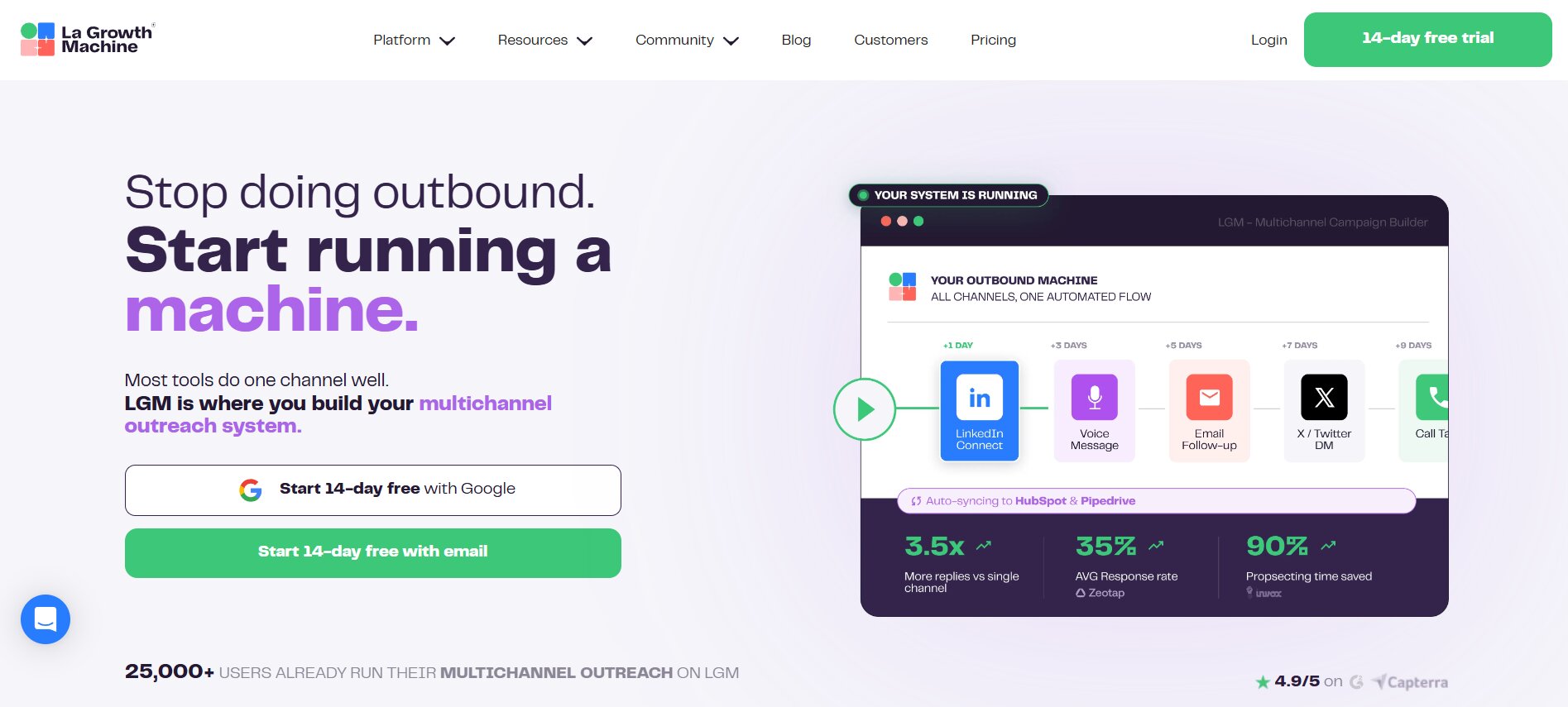
La Growth Machine is the only tool on this list that runs LinkedIn, email, and Twitter natively in a single sequence. Not via Zapier. Not via a CSV handoff between two platforms. One sequence builder, three channels, no duct tape.
That matters more than it sounds. When you’re running outreach across two or three platforms and using separate tools for each, you’re solving a data sync problem every day. Which prospects did what on which channel? How do you avoid messaging someone on LinkedIn who already replied to your email? LGM handles this natively because all three channels live in the same workflow.
It also includes built-in waterfall contact enrichment, voice message AI for LinkedIn, and LinkedIn Intents — which are engagement signals that let you target people who’ve been active on LinkedIn recently. For teams that want to reduce the number of tools in their stack, LGM covers the data layer and the outreach layer together.
Key features:
- LinkedIn + email + Twitter/X in one native sequence builder — no external integrations required
- Waterfall contact enrichment built in (no need for a separate enrichment tool)
- Voice Messages AI for LinkedIn outreach
- LinkedIn Intents — targeting based on recent platform engagement signals
- Social Warming feature to increase profile visibility before outreach
- EU entity with a strong GDPR compliance track record
Pricing. Approximately €50/identity/month on the Basic plan, scaling with the number of identities. More expensive per user than most alternatives once team size grows.
Who it’s for. B2B teams that actively use Twitter alongside LinkedIn and email as real outreach channels. Companies that want to reduce multi-tool stack complexity. EU-based teams where GDPR compliance is a procurement requirement.
Where it’s limited. Per-identity pricing gets costly for larger teams. A 5-person outbound team on LGM Basic runs around €300/month. The setup is also more complex than beginner-friendly tools like Dripify or Waalaxy, so there’s a ramp-up period before you’re getting full value.
5. Expandi — Best for Safety-First Single-Account LinkedIn Automation
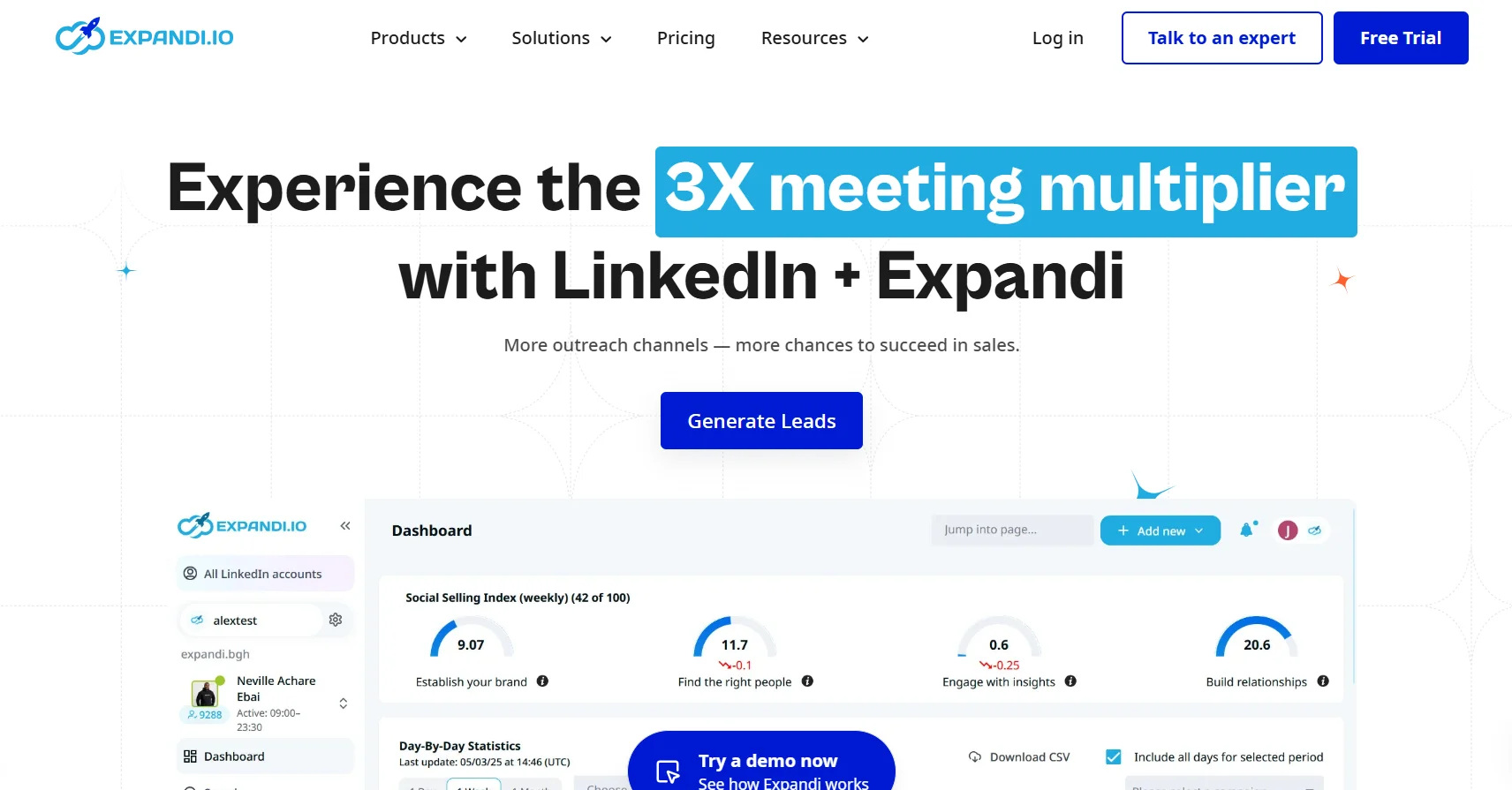
Expandi has one of the best account-safety track records in this category. Independent 90-day tests cited in 2026 reviews showed zero LinkedIn account restrictions across active campaigns — which is not something most tools can claim. The reason isn’t magic. Expandi enforces safe daily limits whether you want it to or not, runs cloud-based so the automation doesn’t depend on your browser being open, and uses dedicated proxies to avoid detection patterns.
The LinkedIn feature set is deeper here than most. Image and GIF personalization in LinkedIn messages (not just email), webhook integrations for CRM syncing, and advanced targeting options make it the most LinkedIn-specific tool on the list. Email was added as a secondary channel, but the core product is LinkedIn.
Key features:
- Cloud-based operation — runs when your laptop is closed
- Image and GIF personalization inside LinkedIn messages
- Webhook integrations for CRM sync without Zapier middleware
- Enforced safe daily limits that reduce account restriction risk
- Email outreach added as a secondary channel
- Dedicated proxies per account
Pricing. $99/month per account. No volume discounts on the standard plan.
Who it’s for. Single-account power users who want the deepest LinkedIn-specific feature set and prioritize account safety above everything else. Enterprise reps running one high-stakes LinkedIn account where a ban would be a real business problem.
Where it’s limited. $99/account makes it the most expensive per-account option on this list. A 5-rep team on Expandi is $495/month, which is the same as Skylead but without Skylead’s unlimited email account capability. Reports of a complex interface also come up for new users, so onboarding takes longer than with Dripify or Waalaxy.
6. Dripify — Best Visual Drip Builder for Beginners and Budget Teams
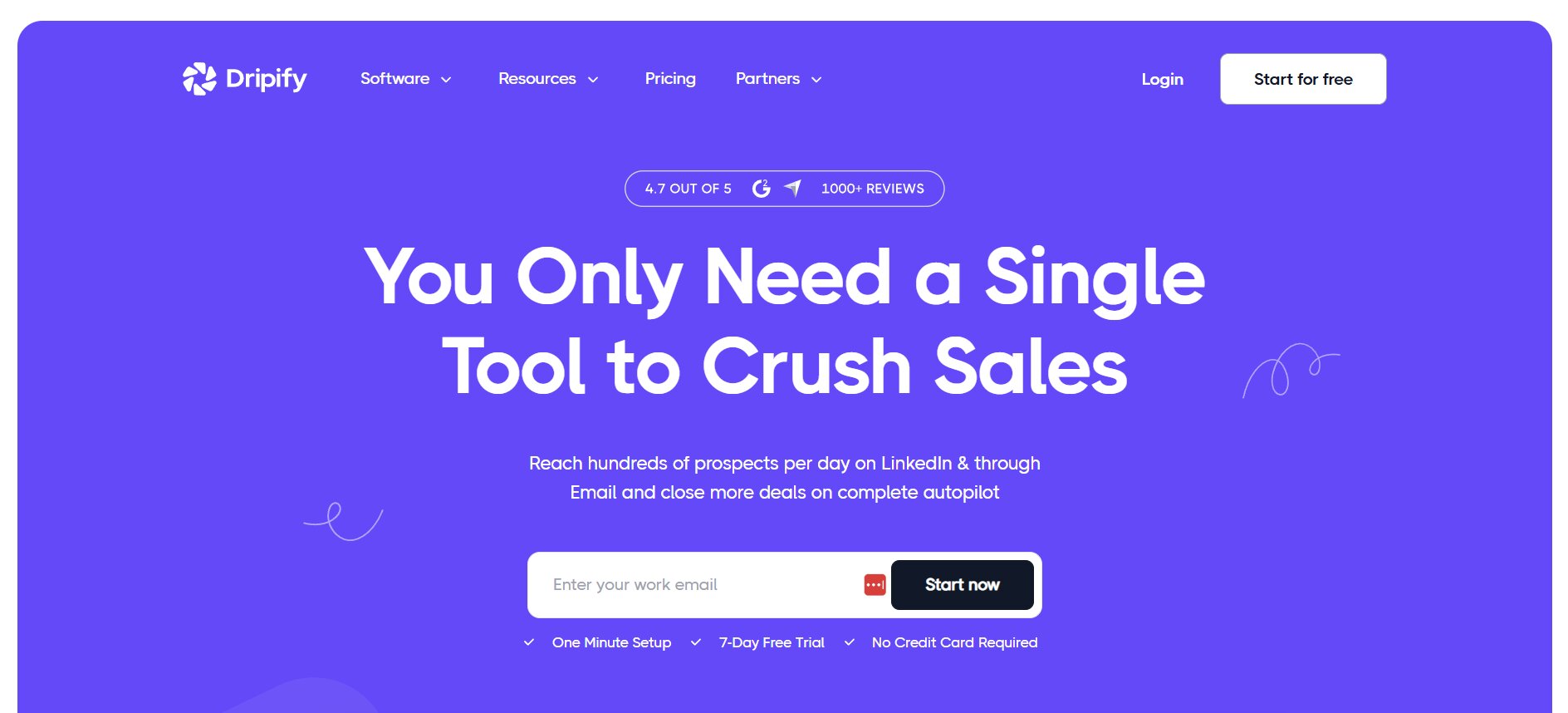
If Skylead’s $100/seat is the thing that’s stopping a newer team from getting started with LinkedIn automation, Dripify is the answer. It’s the most accessible tool on this list for someone building their first automated campaign. The drag-and-drop sequence builder is genuinely intuitive — first-time users can build and launch a campaign within an hour of signing up, which you can’t say about Skylead or Expandi.
The tool handles LinkedIn automation well. Email integration is available on the Advanced plan. The analytics are clean and easy to read. It’s not the most powerful tool on this list — there’s no conditional if/then branching at Skylead’s level, and the email features are locked to the higher plan — but it does exactly what it says it does, reliably and without a steep learning curve.
Key features:
- Visual drag-and-drop campaign builder — sequence is built by selecting actions and adding time delays between steps
- Personalization variables for LinkedIn messages and email
- Email automation on the Advanced plan
- Zapier and HubSpot integration
- Clean analytics dashboard showing acceptance and reply rates
- Cloud-based, so campaigns run without your browser open
Pricing. From $24/month per account billed annually at entry level. Advanced plan at $79/month with full email and team features. Monthly pricing is slightly higher.
Who it’s for. Solo reps and small teams new to LinkedIn automation who want to run their first campaigns without a complicated setup. Teams that want LinkedIn outreach running at a price well below Skylead’s $100 flat rate.
Where it’s limited. Full team features and email automation are gated to the $79/month Advanced plan. The conditional sequence logic is less sophisticated than Skylead’s smart sequences. Not built for agency-scale multi-account management — that’s HeyReach’s territory.
7. Waalaxy — Best for Solo Users on a Tight Budget
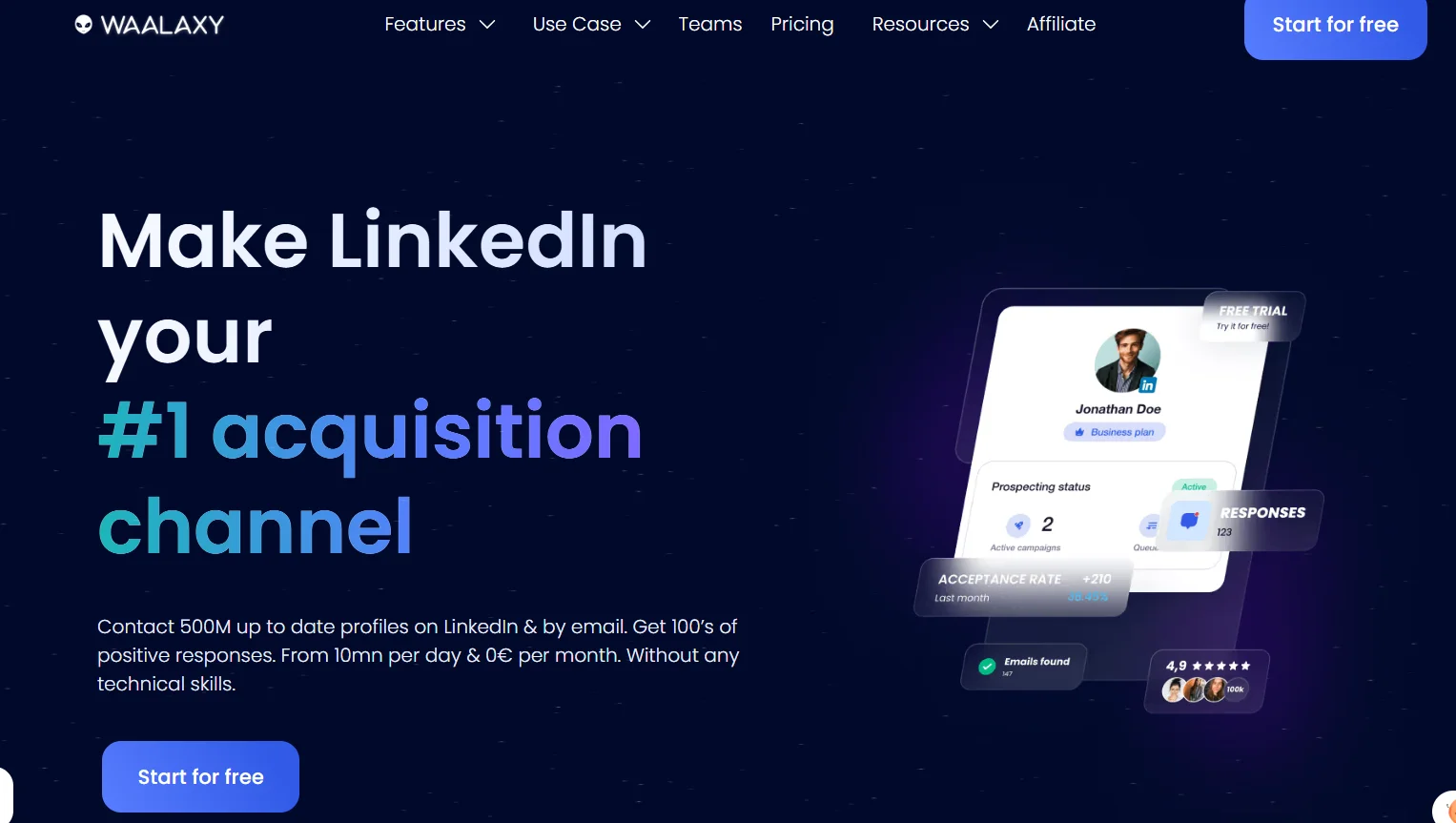
Waalaxy is the most accessible entry point on this list, full stop. There’s an actual free plan with 80 LinkedIn invitations per month and 25 email finder credits. That’s not a trial — it’s a permanent free tier. For solopreneurs or founders testing whether LinkedIn outreach is worth investing in before spending money on a tool, Waalaxy lets you validate the channel at zero cost.
The paid plans add more invitation volume, email sequences, and more email finder credits. The Business plan at €69/month covers both LinkedIn and email with 500 email finder credits included. The pre-built sequence template library has 99+ options for common use cases — SaaS demos, agency intros, partnership outreach — so you can launch a campaign in under 10 minutes without building from scratch.
One thing to know before committing: Waalaxy runs as a Chrome extension. That means sequences depend on an active browser session. If your browser closes or your computer goes to sleep, the automation pauses. For solo users running moderate volume, that’s fine. For teams that need campaigns running reliably 24/7, that’s a real constraint.
Key features:
- Free plan with 80 LinkedIn invitations per month — no trial period, permanent
- 99+ pre-built sequence templates for common outreach scenarios
- LinkedIn + email sequences on Business plan
- Built-in email finder credits included in paid plans
- Simple, beginner-friendly campaign builder with quick setup
- Safety limits built in to stay within LinkedIn’s activity guidelines
Pricing. Free tier available. Paid plans from €19/month (Pro, 300 invitations) up to €69/month (Business, LinkedIn + email sequences + 500 finder credits). Extra email finder credits cost €30–40/month on top if you exceed limits.
Who it’s for. Solopreneurs, freelancers, and early-stage teams that want LinkedIn plus email outreach without enterprise pricing. The best starting point for anyone who wants to test the channel before committing to a $50-100/month tool.
Where it’s limited. Chrome extension dependency is a real operational constraint — campaigns pause when the browser closes, which means less reliability than cloud-based tools. No conditional if/then branching. No image personalization. Teams that outgrow the free plan quickly will find that the paid tiers still hit volume ceilings that cloud-based tools don’t have. Cloud reliability requirements point toward Dripify or HeyReach instead.
8. SalesRobot — Best for AI Message Personalization at Volume
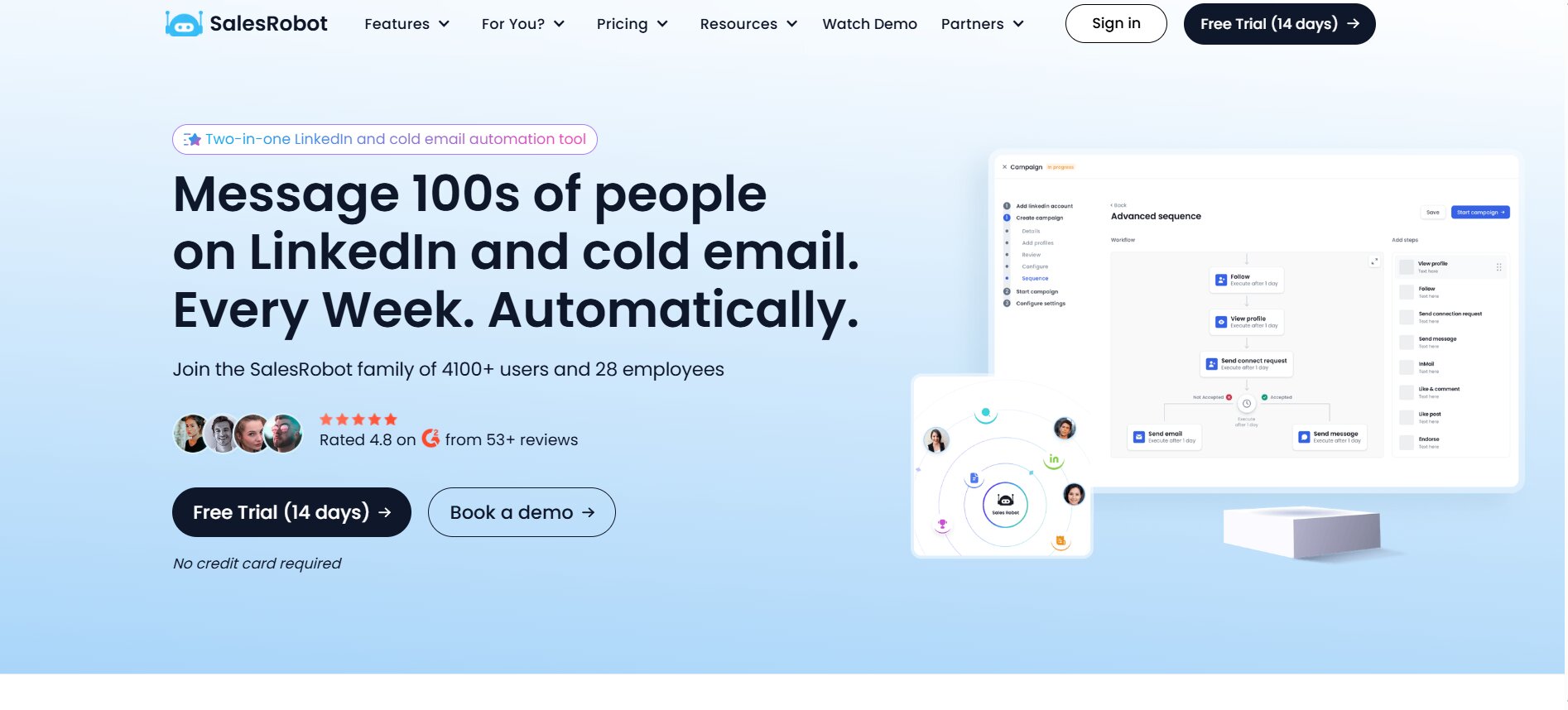
SalesRobot’s main claim is AI-personalized messaging. Rather than using static templates with variable fields, it generates messages based on a prospect’s LinkedIn profile, recent activity, and company context. The idea is that outreach sounds less like a broadcast and more like someone who actually looked at the prospect’s profile before reaching out.
It also claims some features that aren’t common in this category: voice note clones for LinkedIn (sending audio messages that sound like you), AI-generated video messages, and smart commenting on LinkedIn posts as a warming tactic before a connection request. On account safety, SalesRobot uses residential IP protection rather than datacenter proxies, which is a more human-looking signal to LinkedIn’s detection systems.
That said, the reviews are genuinely mixed. Third-party testing in 2026 has flagged reliability issues, and the actual all-in cost gets complicated quickly once you’re adding email accounts, credits, and taxes on top of the base plan — real-world spend has come out significantly higher than the headline price in independent tests.
Key features:
- AI-generated message personalization per prospect based on LinkedIn profile and activity
- Voice note clones for LinkedIn outreach
- Smart commenting on prospects’ LinkedIn posts as a pre-outreach warming tactic
- Residential IP protection for account safety
- LinkedIn + email outreach from a single dashboard
Pricing. From $79/month. Actual cost increases with email account additions, credits, and taxes — one documented independent test put real-world spend at approximately $399 across three LinkedIn accounts over several weeks.
Who it’s for. SDRs who want AI-generated message copy rather than static templates, and who are running enough volume to make personalization at scale worthwhile. Teams comfortable evaluating a tool independently and monitoring reliability closely.
Where it’s limited. Reliability complaints appear consistently in 2026 reviews from multiple sources. The pricing model is less transparent than flat-rate tools — the gap between the base price and actual spend can be significant. Worth reading recent user reviews carefully before committing.
9. Meet Alfred — Best for Solo Marketers Wanting LinkedIn, Email, and Twitter in One Place
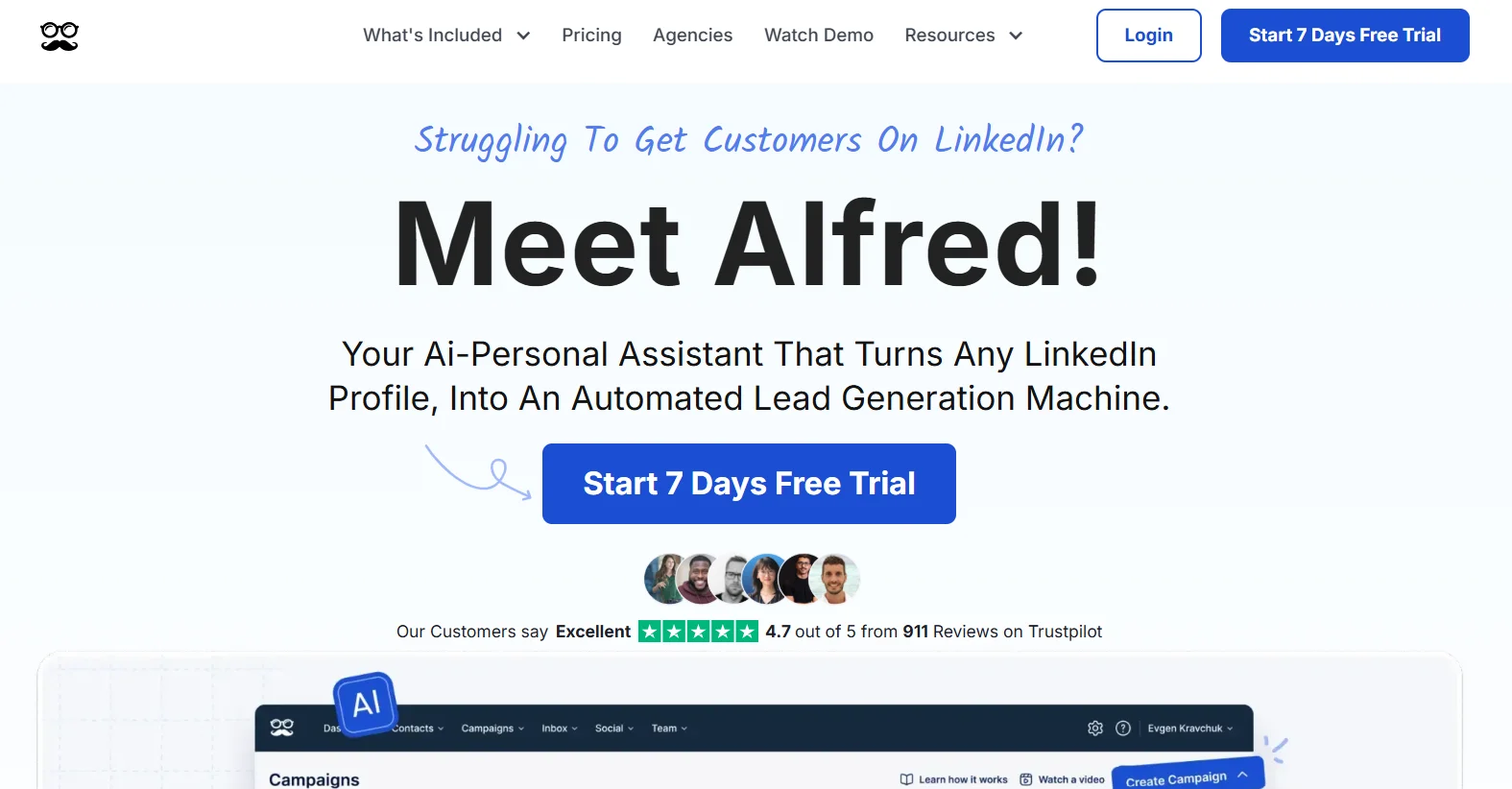
Meet Alfred covers LinkedIn, email, and Twitter in a single platform at the lowest sticker price on this list. At $29/month billed annually, it’s the cheapest way to get three outreach channels running under one roof. It also includes a built-in CRM, which removes the need for a separate integration for smaller operations where a full HubSpot or Salesforce setup is overkill.
It’s designed more for individual marketers than for multi-seat sales teams or agencies. The sequence builder supports multi-step logic, and the built-in CRM lets you track contacts and conversations without exporting to another tool.
Key features:
- LinkedIn + email + Twitter/X multichannel from one platform
- Built-in CRM for contact and conversation tracking
- Sequence builder with multi-step logic across channels
- Entry-level pricing that makes three-channel outreach accessible for individuals
Pricing. From $29/month billed annually. Monthly pricing is higher.
Who it’s for. Solo marketers or founders who want three outreach channels covered at a low monthly cost and don’t need enterprise team features or deep CRM integrations. Small operations where the built-in CRM is sufficient.
Where it’s limited. Not built for agency-scale or team use cases with multiple users, complex reporting, or per-client account management. User reviews around reliability have been historically inconsistent — worth checking recent feedback on G2 before committing. Better suited for lower-volume, individual outreach than for high-volume SDR teams running hundreds of messages per day.
10. Phantombuster — Best for Data Extraction and Custom Outreach Workflows
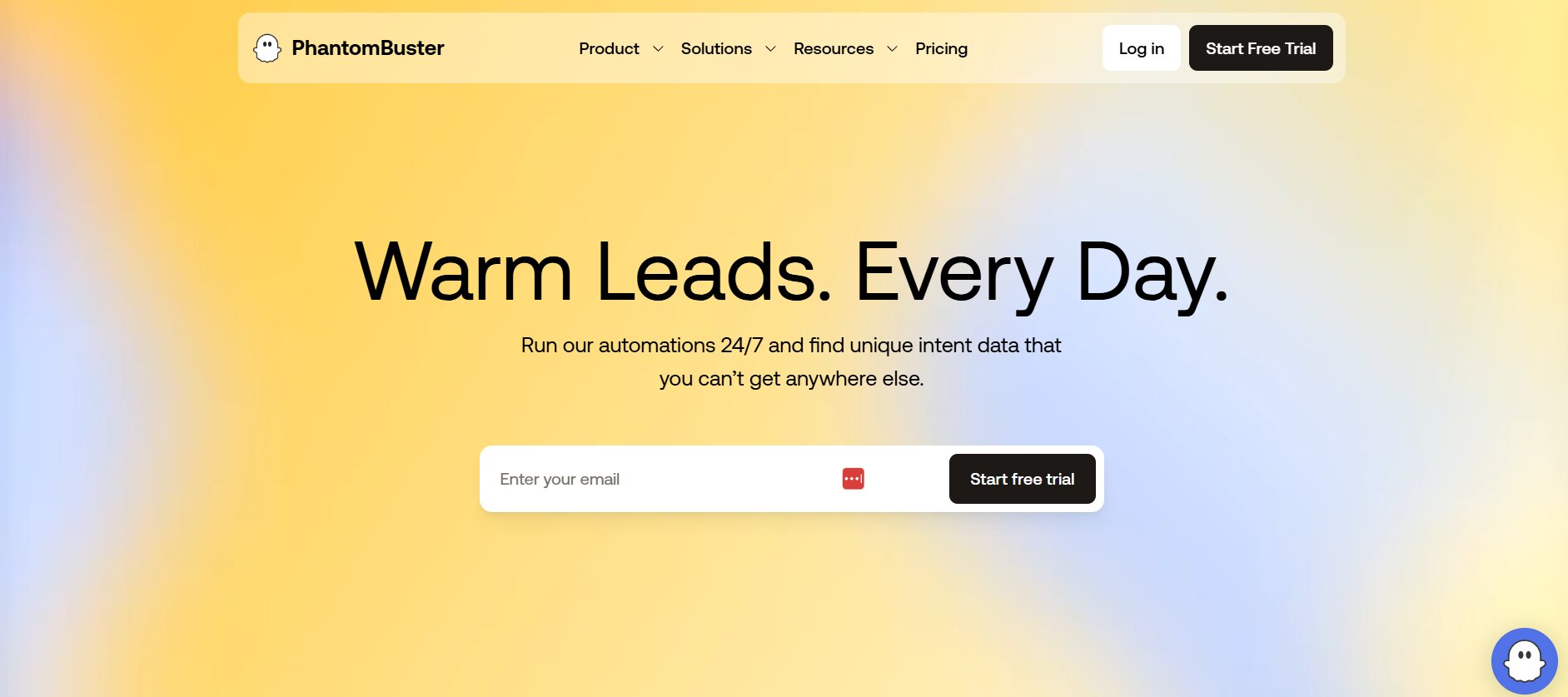
Phantombuster is a different category of tool from every other option on this list. It’s not a sequencer. It’s a data automation platform that scrapes LinkedIn data and feeds it into whatever outreach tool you’re actually using. The use case is building a custom prospecting workflow that none of the packaged tools can replicate out of the box.
The practical application: scrape the list of people who commented on a competitor’s LinkedIn post, enrich those contacts with email addresses, and push them into Lemlist or Dealsflow for sequencing. Or pull everyone who attended a LinkedIn event in your space, filter by job title, and build a targeted list. Those tasks are Phantombuster’s native territory, and no sequencer on this list does data extraction at that level.
It runs more than 200 pre-built “Phantoms” — scripts for common scraping tasks — and is API-driven, which means it integrates with Zapier, Make, and any other automation layer in your stack.
Key features:
- LinkedIn data extraction at scale — profile info, connection lists, post commenters, event attendees, group members
- 200+ pre-built Phantoms for common scraping and automation tasks
- API-driven with native Zapier and Make integrations
- Cloud-based execution
- Can also run basic LinkedIn outreach actions, though most teams use it for data, not sequencing
Pricing. $59/month (Starter) up to $439/month (Team), depending on execution time and number of Phantoms running simultaneously.
Who it’s for. RevOps teams, growth engineers, and technically comfortable SDRs who want to build custom prospecting workflows that standard tools can’t cover. The right person for Phantombuster knows what they want to scrape and has a plan for what happens to that data afterward.
Where it’s limited. Not a turnkey outreach tool. There’s no campaign builder, no inbox, no sequence logic. It requires comfort with workflow building and usually works as part of a multi-tool stack, not as a standalone platform. If you want one tool that does everything, this isn’t it.
How to Choose the Right Skylead Alternative
The simplest way to pick from this list is to name the actual bottleneck in your outreach process, not the feature list you think you want.
If the problem is that campaigns fire, people reply, and your team can’t keep up with the conversation volume — that’s not a sequencing problem, it’s a post-reply problem. Dealsflow with Arlo AI is the only tool on this list that solves that specific issue. Everything else automates the front end of outreach and leaves you handling conversations manually.
If you’re an agency managing outreach for 10 or more clients across multiple LinkedIn accounts, the pricing math alone points to HeyReach. At roughly $36/account on their 5-account plan, it’s significantly cheaper than paying $100/seat on Skylead or $99/account on Expandi. The multi-sender rotation also lets you run volume safely across accounts in a way no per-seat tool is designed for.
If email is your primary outreach channel and LinkedIn is secondary, Lemlist’s personalization depth and Lemwarm deliverability tooling make more sense than any LinkedIn-first tool. The dynamic image personalization is a real differentiator for email-heavy teams that send high volumes of cold outreach.
If you need all three channels — LinkedIn, email, and Twitter — natively in one sequence without stitching tools together via Zapier, La Growth Machine is the only real option. No other tool on this list runs Twitter natively inside a sequence.
If LinkedIn account safety is your top priority — maybe because you’ve had restrictions before or you’re running a high-value account you can’t afford to lose — Expandi has the strongest documented safety track record for single-account use in 2026.
If you’re a solo user or early-stage team and budget is the constraint right now, start with Waalaxy’s free plan or Dripify’s $24/month entry tier. Both give you enough to run real campaigns and figure out whether the channel works for you before spending more.
If you want to build custom data workflows that go beyond what any standard sequencer can do — scraping post commenters, event attendees, or company employee lists and feeding that data into a separate outreach tool — Phantombuster belongs in your stack. Just know it’s the data layer, not the sequencing layer.
Final Verdict
Skylead is a real product that does real things. The smart sequence logic is genuinely the most advanced conditional branching in its price range, and the flat-rate all-in pricing makes the feature set accessible without paying à la carte for email warm-up or an email finder separately. For a solo SDR running LinkedIn and email with complex campaign logic, it’s a defensible choice.
But “defensible” and “best for your situation” aren’t the same thing. The $100 flat rate with no entry plan makes it hard to start lean. The reliability complaints are real and persistent enough to show up across multiple review platforms in 2026. The CRM integration gaps matter if your sales stack runs on HubSpot or Salesforce natively. And the post-reply gap — where every tool including Skylead leaves you on your own the moment a prospect responds — is where most teams are actually losing time and deals.
The tools on this list each close a specific version of those gaps. HeyReach on pricing at agency scale. Lemlist on email personalization depth. LGM on true three-channel native sequences. Dealsflow on post-reply conversation AI. The switch worth making is the one that solves the problem you actually have, not the one with the most impressive feature grid.
FAQs
Is there a free Skylead alternative?
Yes. Waalaxy has a permanent free plan with 80 LinkedIn invitations per month and basic prospecting features. Phantombuster also has a limited free tier for scraping tasks.
What’s the best Skylead alternative for agencies?
HeyReach for multi-account LinkedIn management at scale — the flat-fee pricing makes it considerably more cost-efficient than per-seat tools when you’re managing 10 or more accounts. Dealsflow for agencies that also need AI to handle post-reply conversations and want per-client reporting built in.
Does any Skylead alternative have AI that handles replies?
Dealsflow’s Arlo AI is the only tool in this category that autonomously continues the conversation after a connection accepts — handling objections, answering questions, and booking the calendar invite without a human in the loop.
Is Skylead better than Lemlist?
Depends on your channel mix. Skylead is stronger for LinkedIn-first outreach with conditional if/then sequence logic. Lemlist is stronger when email is the primary channel and personalization depth — dynamic images, video, custom landing pages — is what drives your reply rates.
Which Skylead alternative has the best LinkedIn account safety?
Expandi consistently shows the strongest single-account safety track record in third-party 2026 testing. HeyReach distributes volume across multiple accounts, which also reduces per-account risk significantly at agency scale.
What’s cheaper than Skylead but still covers LinkedIn and email?
Dripify from $24/month, Waalaxy from €19/month, and Meet Alfred from $29/month all cover both channels at well below Skylead’s $100/seat price point.